







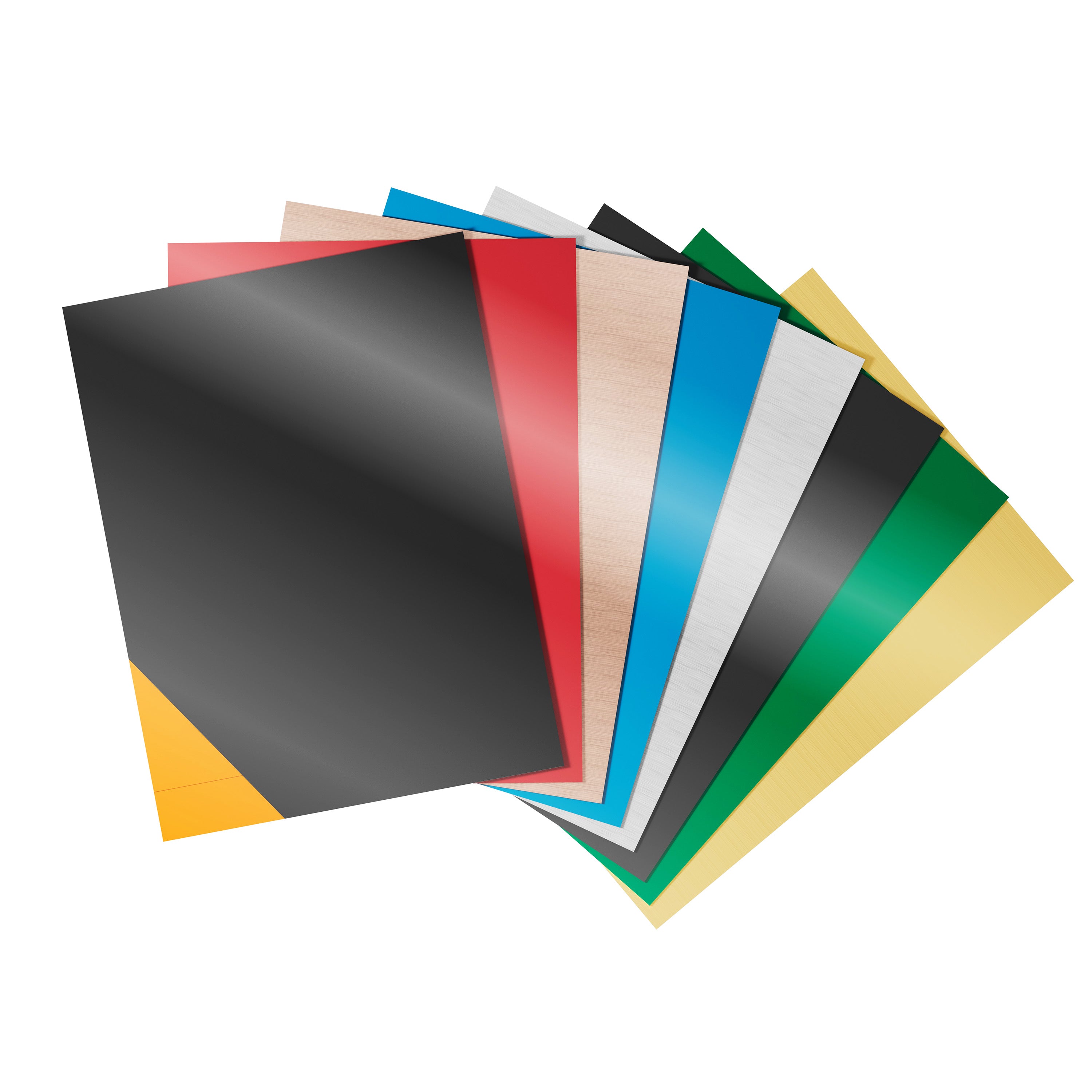

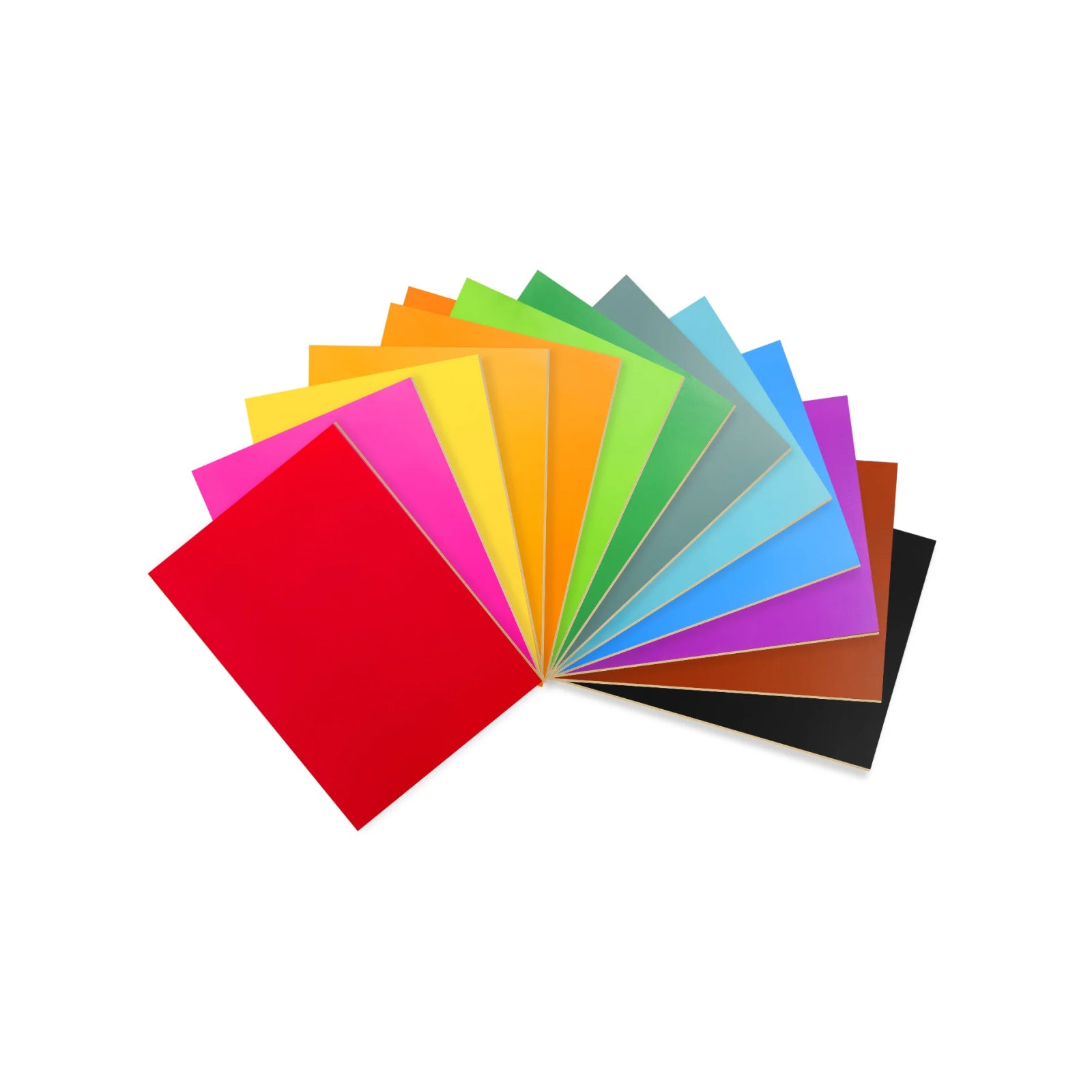
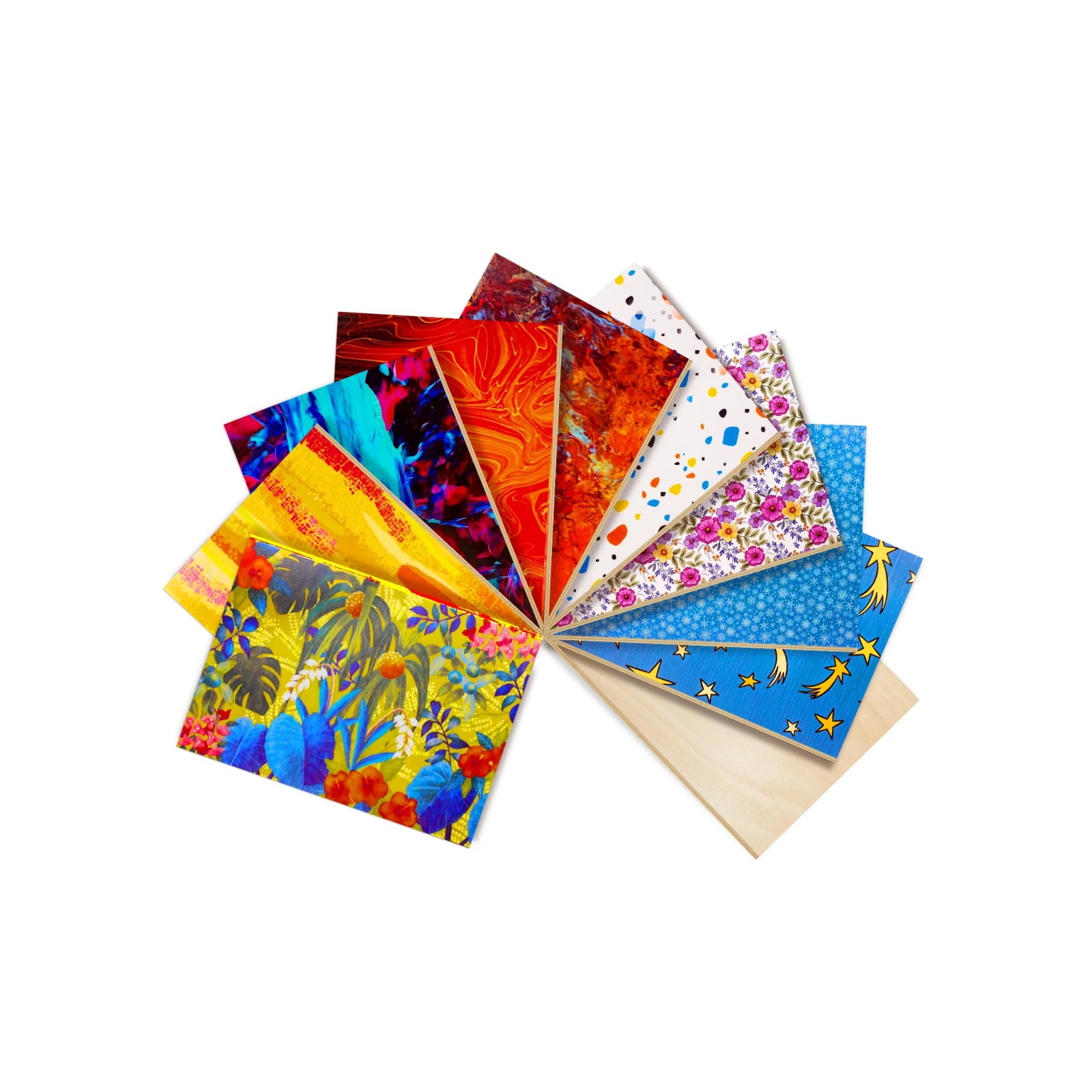


A 50W fiber laser engraver is built to mark, anneal, and deep engrave metal fast. It can also cut thin metal under the right setup, but it's generally not positioned as a sheet-metal cutter. That one distinction decides whether this class of machine fits your shop.
This guide covers what a 50W fiber laser engraver can do on each material, how it compares with 20W and 30W models, and what to check before you buy. We also compare three 50W-class machines side by side. Every product spec below comes from the maker's own product page at the time of writing.
Short answer: a 50W fiber laser engraver is designed for fast metal marking, dark annealing, and deep engraving on materials such as stainless steel, aluminum, and brass. It can process thin metal under specific conditions, but cutting thickness depends on the machine's optics and settings. For wood and clear acrylic, a diode or CO2 laser is generally more suitable.
What Is a 50W Fiber Laser Engraver?
A fiber laser generates light inside an optical fiber doped with a rare-earth element such as ytterbium. Most fiber lasers emit around 1064nm, a wavelength that metals absorb well. That's why fiber is the industry standard for precise metal work.
Most desktop fiber markers don't drag a laser head across the work like a gantry machine does. They steer the beam with a pair of fast galvo mirrors instead. The makers we checked list maximum marking speeds of 10,000 to 15,000 mm/s.
Speed reality check. That number is how fast the mirrors can move the beam. It isn't how fast a part gets finished. Real throughput depends on line spacing, pulse frequency, pass count, and how hard the material is.
Four laser types cover most workshop jobs:
- Standard (Q-switched) fiber, about 1064nm: stainless steel, aluminum, brass, copper, gold, silver, and some hard plastics.
- MOPA fiber: MOPA fiber lasers allow more flexible pulse-width control than typical Q-switched fiber sources. This can help achieve certain stainless-steel color effects and high-contrast marks on anodized aluminum, depending on the laser source, material, and processing parameters. Our MOPA vs fiber laser guide explains the difference.
- Diode (450nm): wood, plywood, leather, and dark opaque acrylic.
- CO2 (10,600nm): clear acrylic, glass, stone, and thicker wood.

Note: This chart shows typical results. Diode lasers can lightly mark some metals but can't engrave them deeply. CO2 lasers can't mark bare metal without a coating or spray. Fiber lasers are less effective on wood, leather, and clear materials. Sources: Trotec and Thunder Laser.
What Can a 50W Fiber Laser Engraver Do?
Surface marking, deep engraving, and cutting are three different jobs. A 50 watt fiber laser handles the first two well and the third only in limited cases.
Surface marking and annealing. On stainless steel, the laser heats the surface just enough to oxidize it, which leaves a dark annealed mark without removing material. On anodized aluminum, it strips the dyed layer to leave a crisp, high-contrast logo.
Deep relief engraving. Repeated passes vaporize metal layer by layer. The result is a tactile 3D relief, useful for brass stamps, coin blanks, and jewelry dies.
Thin metal cutting. With a short focal lens, assist gas, and multiple passes, a 50W fiber source can cut thin sheet. Maximum thickness and edge quality vary with the optics and the metal. If your main job is cutting plate, a dedicated cutting system is usually a better fit.

Illustrative image. Actual results vary with material, power, and settings.
| Material | Typical job | Fiber laser result | What to know |
|---|---|---|---|
| Stainless steel | Marking, annealing, deep relief | Excellent | Color effects depend on the laser source, material, and settings, and MOPA gives more pulse control. Cutting depends on optics and passes. |
| Anodized aluminum | High-contrast marking | Excellent | The laser removes the dyed layer cleanly. |
| Raw aluminum | Etching, panels | Good | It reflects more light than anodized metal. Tune speed and frequency. |
| Brass and copper | Stamps, coin blanks, relief | Good | Both reflect light and conduct heat well. Keep focus tight. |
| Gold and silver | Hallmarks, charms, pendants | Good | Hold the piece firmly and test on a scrap of the same alloy. |
| Wood and plywood | Signs, boxes | Limited | Fiber can scorch the surface but won't cut it. Diode or CO2 does this better. |
| Black acrylic | Badges, name tags | Limited | Pigment decides how it absorbs. Diode or CO2 is the safer route. |
| Clear acrylic | Displays | Not suited | 1064nm light mostly passes through it. Use CO2. |
Glass and crystal call for a different wavelength, usually UV or CO2. Our guide on UV lasers and metal covers where UV fits.
20W vs. 30W vs. 50W Fiber Laser: Which Power Do You Need?
Higher power generally allows faster material removal and deeper engraving in fewer passes, although the final result also depends on the laser source, optics, material, and processing settings. A 20W and a 50W fiber laser can both mark stainless steel. The 50W generally reaches a given depth in fewer passes.
Choose 20W if you mostly do shallow marking: serial numbers, small logos, and light jewelry work. Deep relief on a 20W machine takes many more passes.
Choose 30W if you run a general shop and want a middle ground. It handles shallow relief at a moderate pace.
Choose 50W if you sell deep engraving or run batches. Fewer passes per part add up over a production run. Shorter cycle times are the main reason to pay for more power.
Price usually rises with power, and more power means more heat and fumes to manage. If you're weighing MOPA as well, our 60W vs 100W MOPA fiber laser comparison covers the next step up.
50W Desktop Fiber Laser Engravers Compared
Here are three 50W-class desktop machines, using the specs each maker lists. We left prices out because they change often.
| WeCreat Lumos 50W 3-in-1 | OMTech Galvo 50W Autofocus | GWEIKE G2 MAX 50W | |
|---|---|---|---|
| Fiber laser | 50W | 50W, 1064nm | 50W, 1064nm |
| Other laser modules | 10W diode + 3W infrared | None listed | None listed |
| Max fiber marking speed | 15,000 mm/s | 10,000 mm/s | 15,000 mm/s |
| Marking field | 116 × 116mm (520 × 116mm with slide extension) | 150 × 150mm | 150 × 150mm |
| Focus | Auto or manual | One-click autofocus | Simple focusing with electric lift |
| Positioning | 50MP camera preview | Not listed | Live project preview |
| Non-metals | Diode module cuts up to 8mm basswood and 6mm black acrylic (maker-rated) | Lists wood, leather, plastics, and stone | Lists plastic, acrylic, leather, and rock |
| Maker-rated cutting | 3mm stainless steel, maker-stated (see below) | Not listed | Not specified |
| Laser class | Not listed | Class 4 | Not listed (page cites CE and FDA) |
| Best fit | Mixed-material small studios | Metal-focused marking | Compact, enclosed fiber marking |
Figures come from each maker's product page, October 2026. "Not listed" means it isn't stated on the page we reviewed, which doesn't mean the machine lacks it. Check the current page before you buy. Competitor figures come from each maker's official product page.
OMTech Galvo 50W Autofocus: A straightforward fiber marker with one-click autofocus and a 150 × 150mm field. The maker lists it as Class 4 and includes safety goggles in the package. It has the lowest top marking speed of the three, and the page doesn't list a camera.
GWEIKE G2 MAX 50W: A compact unit with a 150 × 150mm field, a 15,000 mm/s top speed, and a fully enclosed shell. The page cites CE and FDA certifications but doesn't state a laser class, and neither one is the same thing as a class rating. It lists no cutting capacity, and the only cut shown is a 0.5mm brass test.
WeCreat Lumos 50W 3-in-1: It adds a diode module and an infrared module to the fiber source, so one machine can handle metal, wood, and some plastics. The trade-off is a smaller base field than the other two: 116 × 116mm.
The manufacturer states that the Lumos 50W can cut stainless steel up to 3mm under specified conditions. Actual results depend on material grade, setup, and processing parameters. Don't treat it as a general-purpose sheet-metal cutting rating.
What to Look for in a 50 Watt Fiber Laser Marking Machine
1. Lens and work area. The focal lens sets both your marking field and your energy density. A smaller field concentrates the beam for deeper engraving. A larger one covers wider parts but spreads the energy thinner. If most of your work is deep engraving on small parts, favor the smaller field. If you batch larger pieces, accept the wider field and plan for more passes.
2. Alignment and focus. Red-dot framing works, but you place each part by eye. A camera lets you preview artwork directly on the workpiece, which cuts waste on small or batch jobs. Autofocus saves time when part heights change.
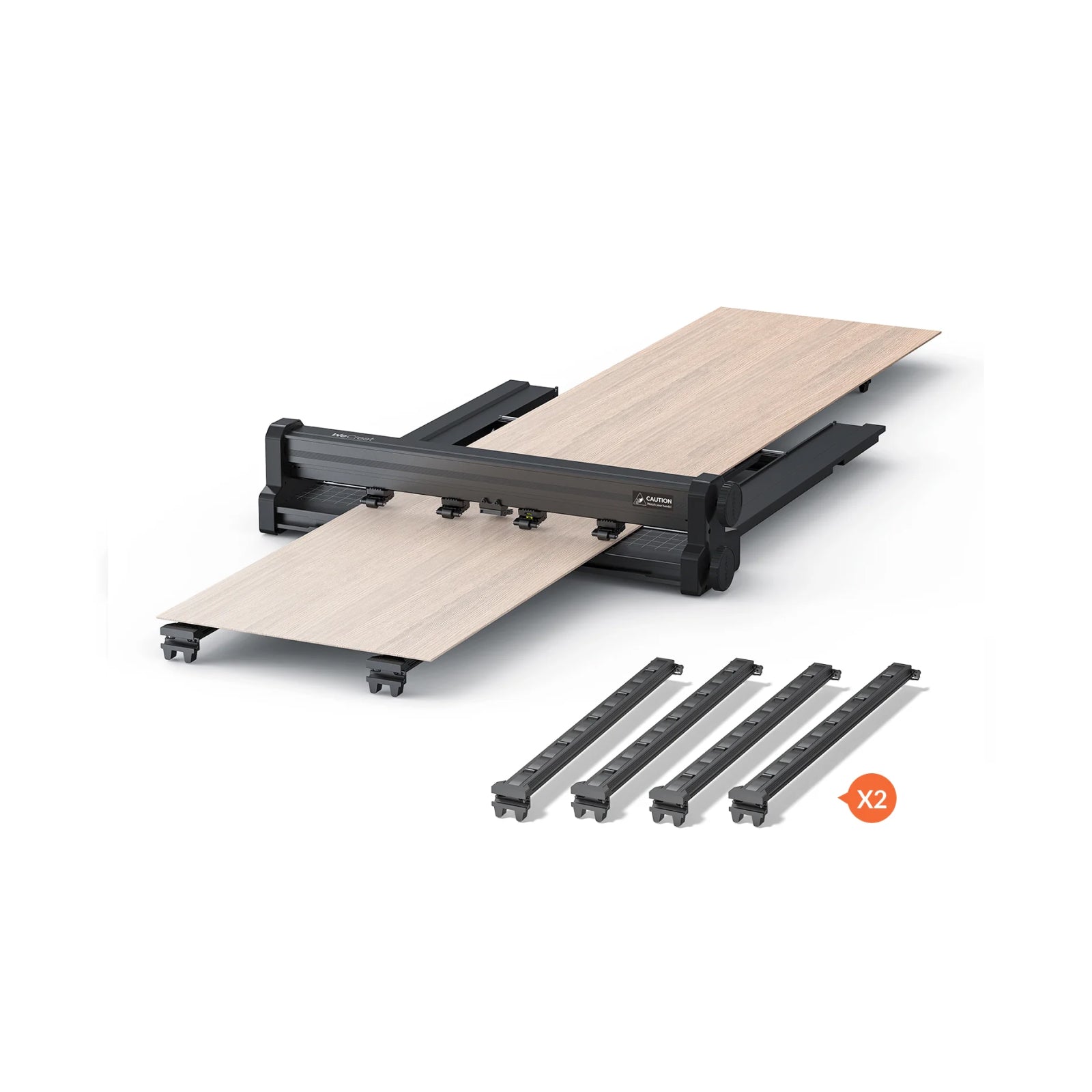
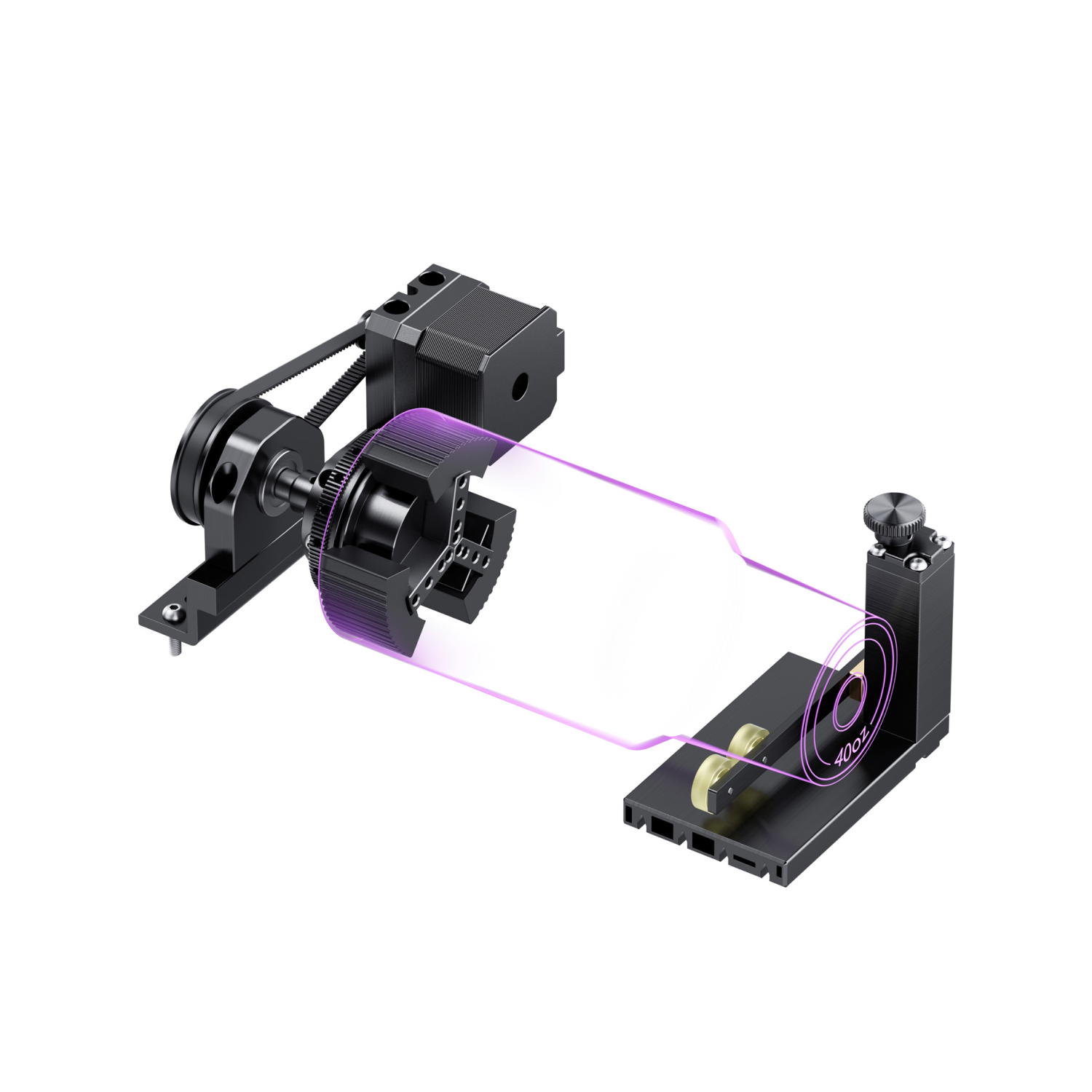
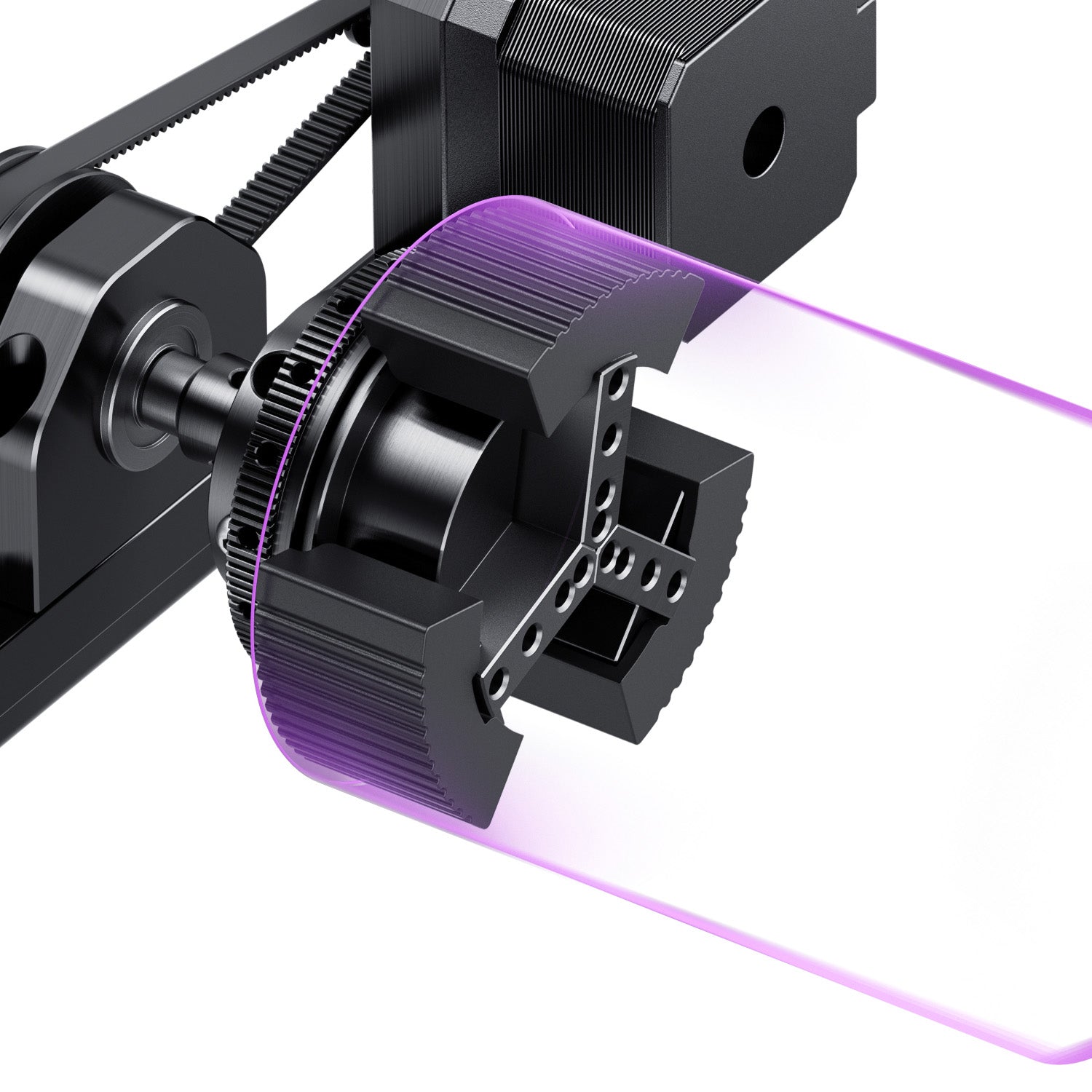
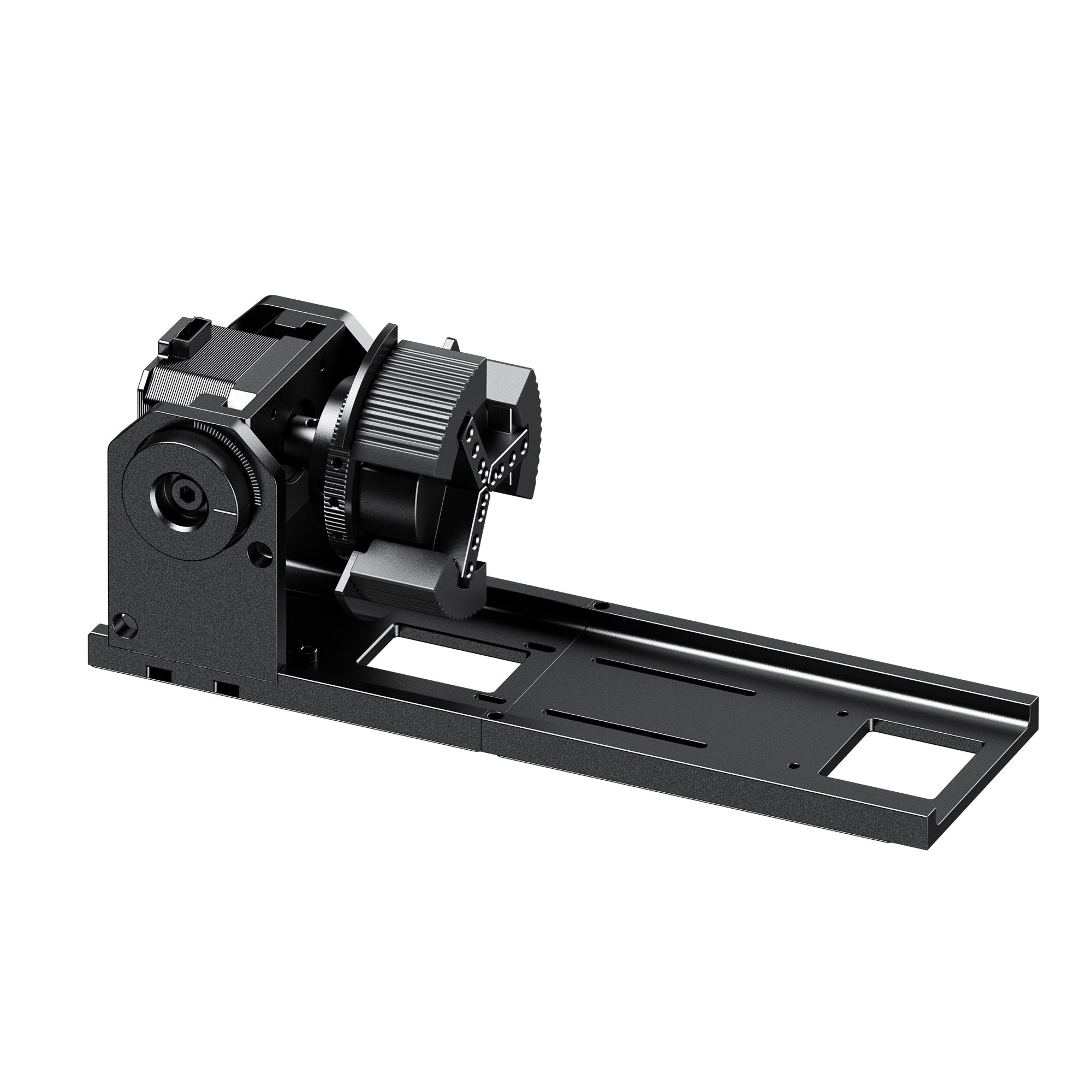
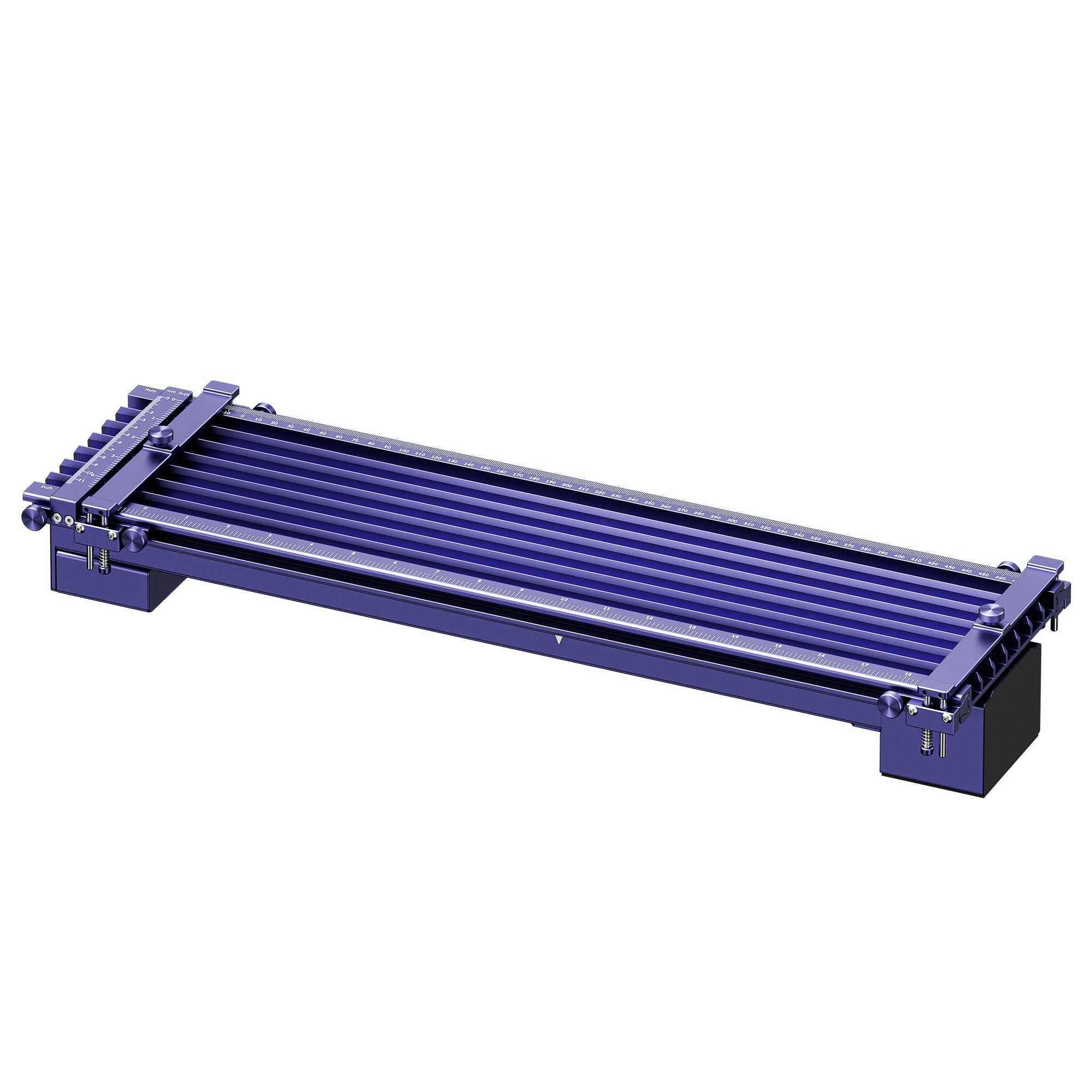
3. Accessories. A slide extension lengthens the work axis for long stock. A rotary handles cylinders such as tumblers, rings, and bangles. Check the maximum diameter before you buy one.
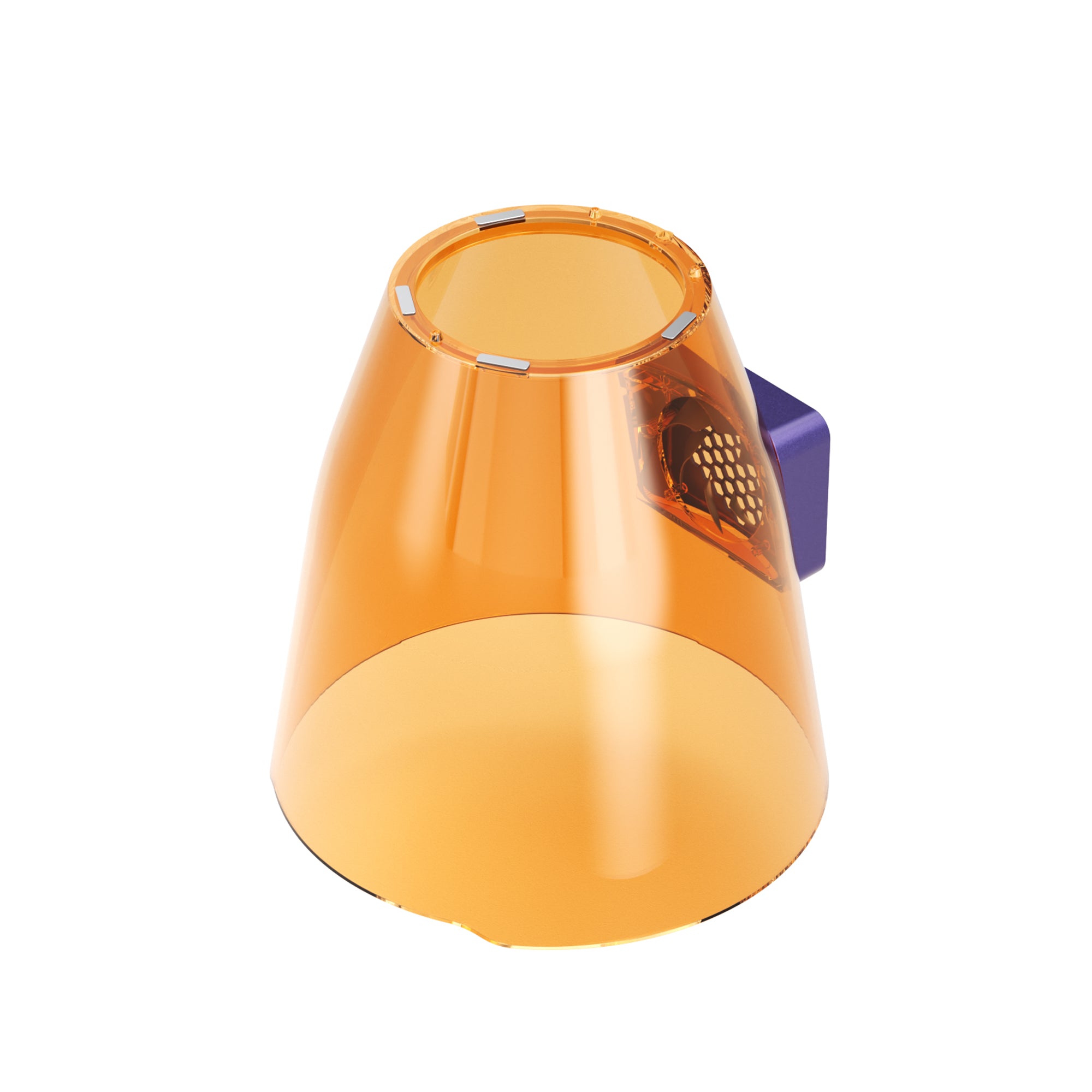
4. Laser class and eyewear. Open fiber lasers are generally Class 4. They need wavelength-rated goggles and a controlled work area. Enclosed designs with interlocks can lower beam exposure during normal use. The actual class depends on the certification or test documents for that model, so ask the maker for them. Some pages don't state a class. The U.S. FDA publishes its laser product requirements if you want to check a claim.
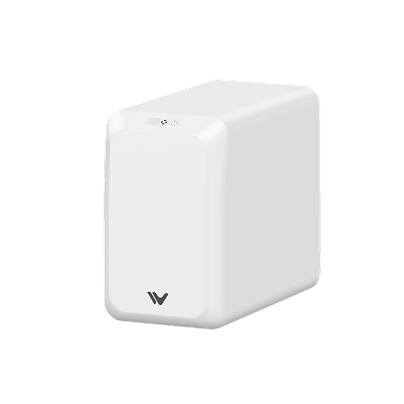
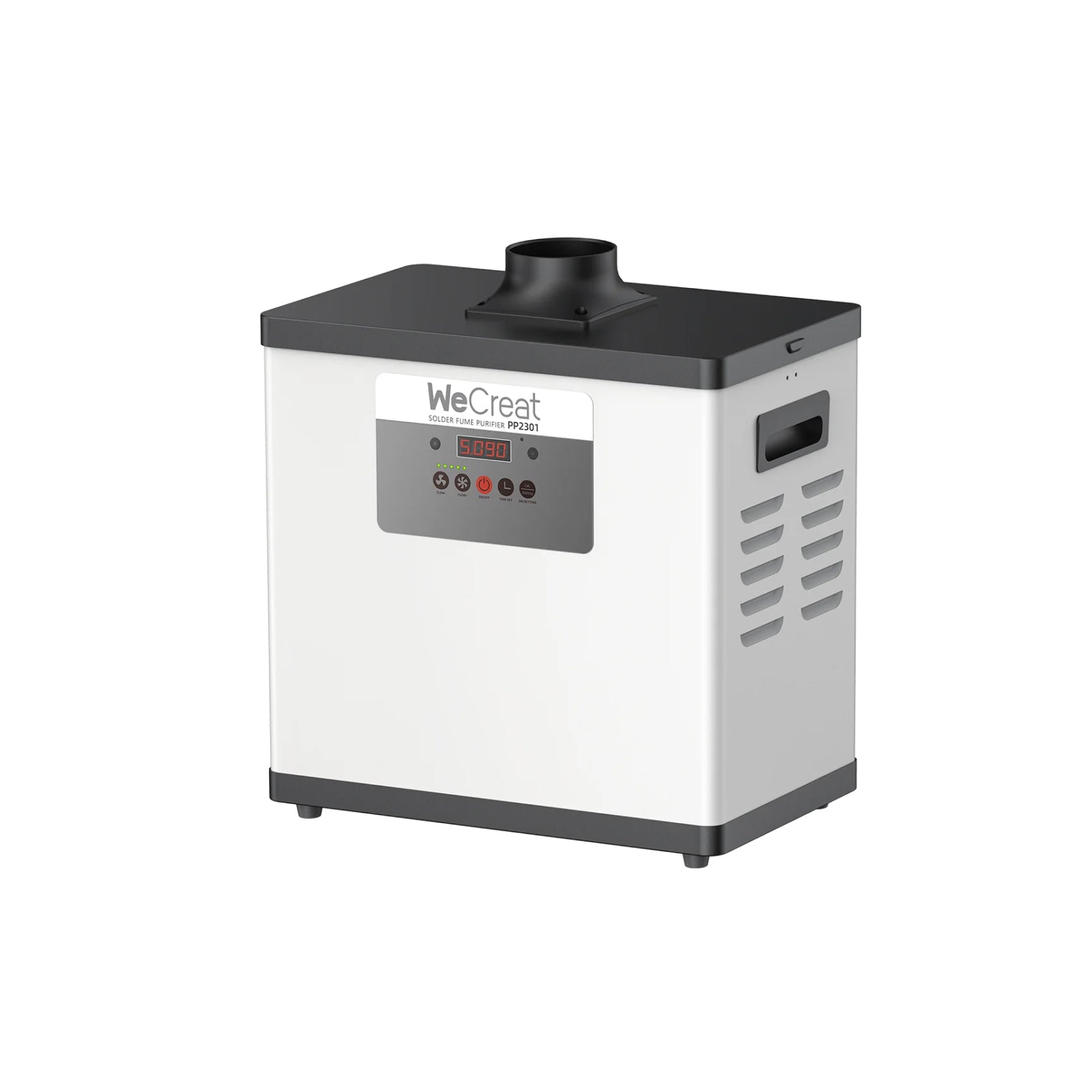
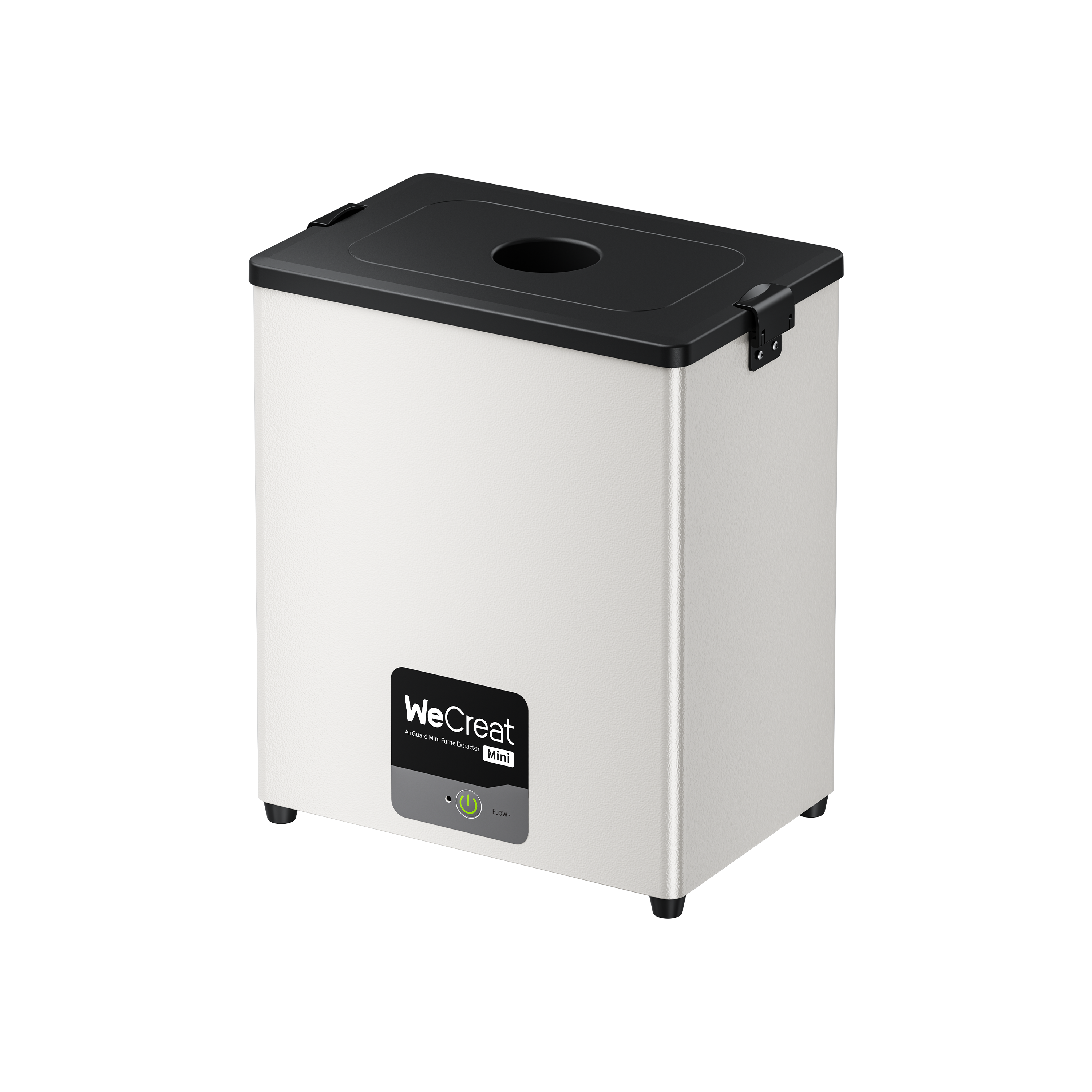
5. Fume extraction. Vaporized metal, anodized coatings, and plastics all release particles you shouldn't breathe. An enclosure keeps the beam in. It doesn't clean the air, so you need both an enclosure and a fume extractor.
An enclosure also doesn't solve every safety risk. Fumes, fire risk, interlock design, and the machine's laser class each need separate attention.

Illustrative diagram. Actual machine design and extraction setup vary by model.
Before You Buy: Test With Your Own Samples
Spec sheets show what a machine can do in the maker's test. Your jobs may differ. Before you order, ask the maker or a reseller to run a sample, or check the return policy so you can test it yourself. Bring:
- Your material: the actual alloy, finish, or coating you'll mark, not a similar one.
- Your artwork: your real fonts, logo, and line weights, including the smallest detail you need.
- Your target depth: note how many passes and minutes it takes to reach it.
- Your batch layout: time a run of ten parts, not one.
Example Use Cases for a 50W Laser Engraver
These are illustrative scenarios, not test results or customer case studies.
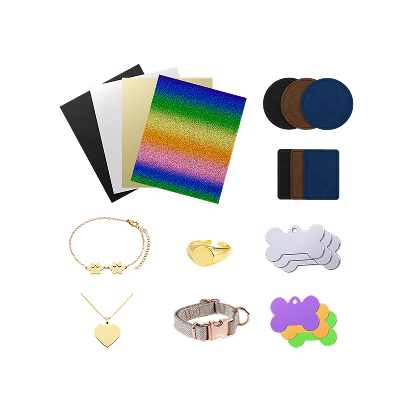
Custom jewelry and precious metals. Think hallmarks and deep relief on rings, coin blanks, and pendants. You want a 50W source for clean removal, a rotary for rings, and a camera to place text on small pieces.
Batch tagging and promotional items. Think stainless tags, anodized aluminum cards, and coated tumblers. Look for a high marking speed, a slide extension for longer runs, and software that handles batch layout, such as LightBurn.
A mixed-material studio. Think a metal flask packed in an engraved wood box with leather trim. A multi-laser machine covers metal and organic materials without a second system.
Is the WeCreat Lumos 50W Fiber 3-in-1 Right for Your Business?
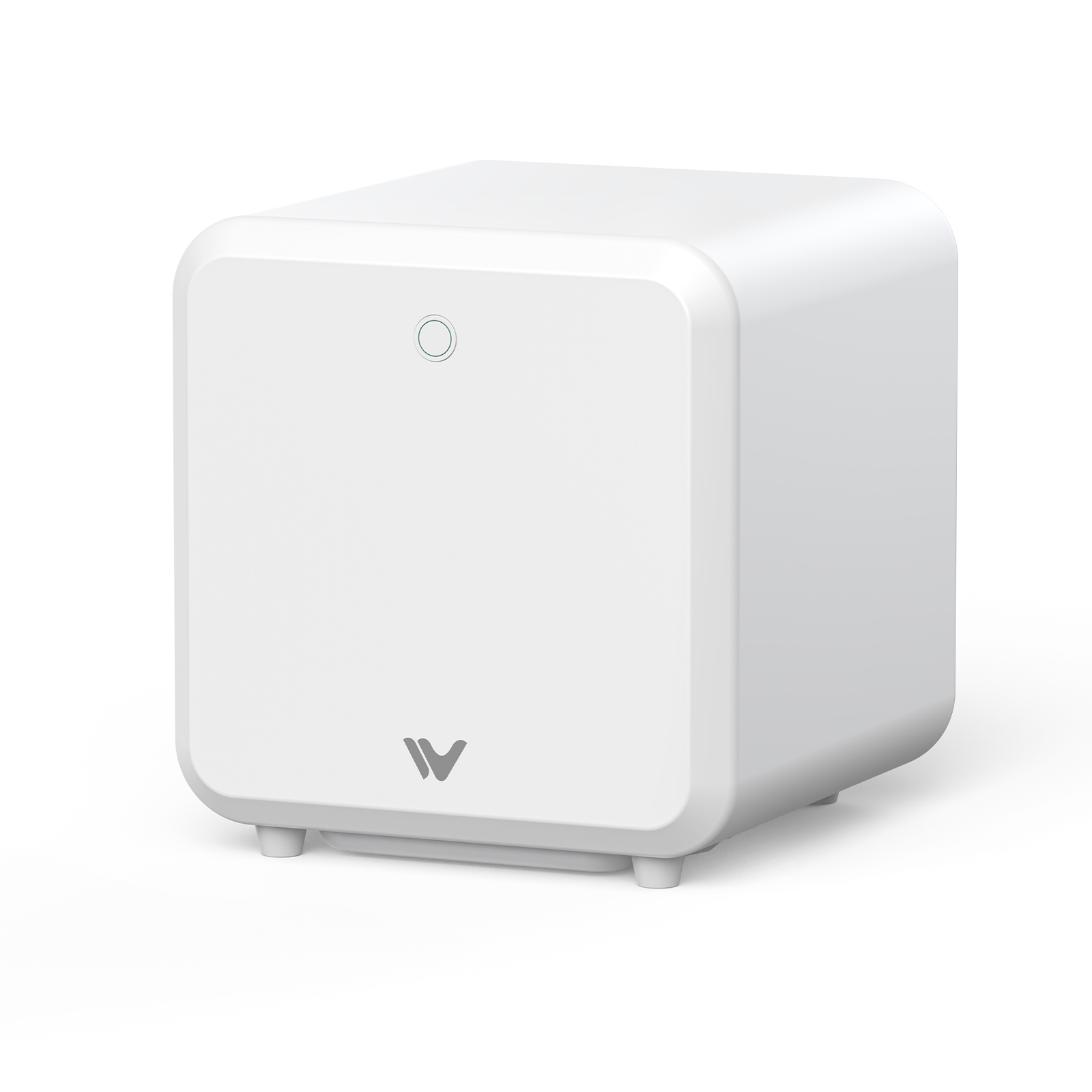
If you only make steel tags or heavy industrial parts, a dedicated single-source fiber engraver is simpler. If you want to widen your catalog, we built the Lumos 50W as a desktop platform with three laser sources.
 |
|
- 50W fiber module: high-speed marking, dark annealing, and deep relief engraving. The 3mm stainless figure is manufacturer-stated and condition-dependent, as noted above.
- 10W diode module: adds wood (rated to cut up to 8mm basswood), leather, and compatible dark acrylic (rated to cut up to 6mm black acrylic).
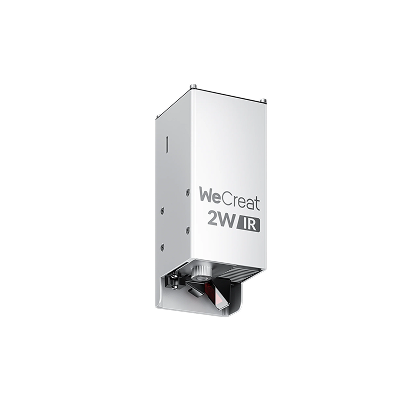
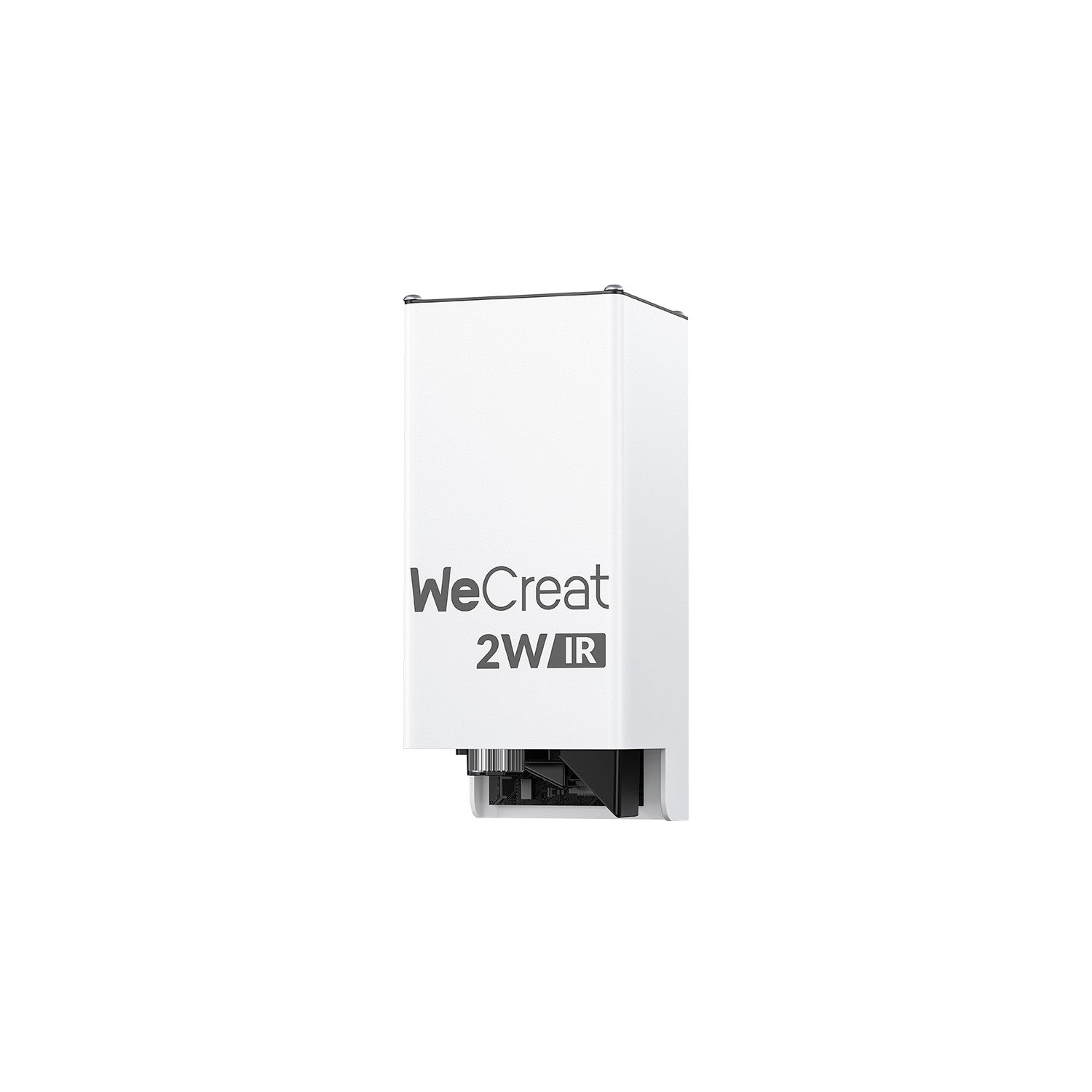
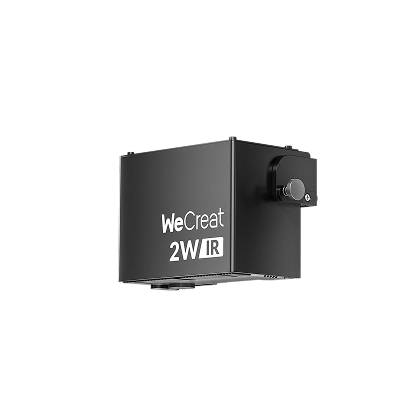
- 3W infrared module: a 0.01mm spot for fine-detail marking.
It also takes a rotary for cylinders from 3 to 100mm in diameter, with a 40oz tumbler as the usual example, and runs on WeCreat MakeIt or LightBurn.
Where it falls short. The base field is smaller than the 150 × 150mm fields on the other two machines, so long parts need the slide extension. The fiber module cuts thin stainless but isn't positioned as a plate cutter. And fiber light isn't suited to cutting wood, so wood jobs run on the diode module. Pick it if you want one desktop machine for metal and non-metal jobs. Pick a dedicated fiber unit if you only work in metal and want the larger field.
Why one machine instead of two? Start with your order mix. A studio that engraves metal nameplates, wood presentation boxes, and leather trim can run all three jobs on one desktop machine. That means one machine to house and one workflow to learn. A shop that marks only metal all day, needs a larger field, or runs a dedicated production line is usually better served by a dedicated fiber unit. We haven't priced the two setups against each other, so compare them against your own orders before you decide.
Accessories That Expand Your 50W Laser Engraving Business
Slide extension. The base working area is 116 × 116mm. With the slide extension it grows to 520 × 116mm, which suits long metal pieces and multi-part batch layouts along one axis. The width stays at 116mm.
Rotary. The rotary handles cylinders from 3 to 100mm in diameter, with a 40oz tumbler as the usual example. Use it for tumblers, bangles, and other round pieces. Check your piece's diameter against that range first.
Camera alignment. The 50MP camera lets you preview artwork on the workpiece. It helps most on small items, where placing text by eye wastes parts, and on batches, where you lay out many pieces at once.
Conclusion
A 50W fiber laser engraver makes sense when speed and depth matter: production tags, deep relief, and detailed metal marking. It isn't positioned as a plate cutter. It also doesn't replace a diode or CO2 laser for wood and clear acrylic. Match the machine to your materials first, then to the power. Then check each maker's page for the numbers your jobs depend on.
50W Fiber Laser Engraver FAQs
Q1. Can a 50W fiber laser cut metal?
Thin sheet, yes, in the right setup. It's built mainly for marking, annealing, and deep engraving. Cutting thickness and edge quality depend on the lens, assist gas, number of passes, and the metal itself. The Lumos 50W maker states up to 3mm stainless steel under specified conditions.
Q2. What's the difference between a standard fiber laser and a MOPA fiber laser?
Typical Q-switched fiber lasers offer limited pulse-width adjustment. MOPA fiber lasers allow much more flexible pulse-width control. That can help with certain stainless-steel color effects and high-contrast marks on anodized aluminum, but results depend on the laser source, the material, and your settings.
Q3. What's the difference between a 50W fiber laser and a 50W diode laser?
They work on different materials. A fiber laser at about 1064nm marks and engraves metal. A diode laser at 450nm works on wood, leather, and dark acrylic. Matching wattage doesn't mean matching ability.
Q4. Can I process wood or clear acrylic with a 50W fiber laser?
Not well. A fiber laser can scorch wood's surface but won't cut it, and 1064nm light mostly passes through clear acrylic. Use a diode laser for wood and dark acrylic, and a CO2 laser for clear acrylic.
Q5. Is an enclosed laser machine safe for a home studio?
An enclosure with interlocks reduces the chance of beam exposure during normal use, and the actual laser class depends on that model's certification documents. It doesn't remove fire risk or the fumes from metal and coatings. Keep a fume extractor running, never leave a job unattended, and follow the maker's safety guidance.
Q6. Is a 50W fiber laser worth it for a small business?
It depends on your orders. It pays off when you sell deep engraving, run batches where cycle time matters, or work mostly in metal. If your jobs are shallow marks on a few pieces a week, a lower-wattage machine may be enough. Look at order volume, the depth you need, the materials you handle, and your budget before you decide.