










If you're comparing a 60W vs 100W MOPA fiber laser, the right choice depends less on the wattage itself and more on how you plan to use the machine.
MOPA fiber lasers give you something a conventional Q-switched fiber laser can't: much greater control over pulse width and frequency. A conventional Q-switched fiber laser typically operates with a fixed or far less flexible pulse-width configuration, while MOPA sources provide significantly more control. MOPA sources can offer a much wider pulse-width range — with some models spanning roughly 2ns to 500ns, depending on the source — alongside a tunable pulse frequency range.
But once you've decided on MOPA, a new question shows up. 60W or 100W?

Here's the honest answer: more watts doesn't automatically mean better results across the board. Both power levels are highly capable for color marking, fine-detail engraving, and coin engraving. Where they actually diverge is speed, material removal, and large-area production work. Here's how to tell which one fits your shop.
60W vs 100W MOPA Fiber Laser: At a Glance
|
|
60W MOPA |
100W MOPA |
|
Surface marking |
Excellent |
Excellent |
|
Color marking |
Excellent |
Excellent |
|
Fine detail |
Excellent |
Excellent |
|
Jewelry |
Excellent |
Excellent |
|
Coin engraving |
Excellent |
Excellent |
|
Deep engraving |
Very good |
Excellent |
|
Material removal |
Very good |
Excellent |
|
Large-area production |
Good |
Better |
|
Batch production |
Good |
Better |
|
Initial cost |
Lower |
Higher |
|
Best fit |
Makers, small business, detailed work |
Production, deep engraving, high throughput |
Here's the short version. 60W leans toward precision, versatility, and value. 100W leans toward speed, depth, and production throughput. (MOPA, by the way, stands for Master Oscillator Power Amplifier — if you want the full breakdown of how the technology works, we cover it in our guide on what a MOPA laser engraver is.)
Key Differences Between 60W and 100W MOPA
Power control. Both 60W and 100W units offer fine, adjustable power control through percentage-based settings in software such as LightBurn or EZCAD, depending on the controller and machine configuration. The practical difference isn't which one adjusts "more precisely" — it's that 100W gives you more available output headroom for high-material-removal applications.
Wattage isn't the only factor that matters. Laser power is just one part of the equation. When comparing 60W and 100W, also look at the laser source, pulse-width range, frequency range, beam quality, marking lens, spot size, scanner, and controller. A well-configured 60W system can outperform a poorly matched 100W system on certain jobs. A 100W system earns its keep when the workflow calls for high-speed material removal, deep engraving, or large-field marking.
Deep Metal Engraving: How 60W and 100W Compare
More available power gives 100W an edge in material removal speed — that part's straightforward. Under comparable engraving conditions, a 100W MOPA can remove material significantly faster than a 60W model, which makes it better suited to deep engraving and high-volume removal work.
That speed advantage also matters for heat management — not because higher power inherently reduces heat, but because 100W lets you use fewer passes or faster processing speeds to hit the same removal depth, which can sometimes reduce cumulative heat buildup compared to running many slower passes at lower power.
In 2.5D engraving specifically, this plays out as a roughing-versus-finishing distinction. In practice, a higher-power system can be used for roughing, while finishing passes prioritize surface quality and detail.
Color Marking: Does Wattage Actually Matter?
MOPA fiber laser color engraving on stainless steel and titanium comes down to controlling a microscopic oxide layer, and that control depends on pulse width, frequency, speed, power, hatch spacing, material, surface finish, and focal position working together — not on wattage alone.
60W is already well suited to low-energy surface marking, while 100W provides additional power headroom when speed matters. 100W is just as capable of producing excellent color results, but its extra power is more valuable for high-speed processing than for expanding the available color range. If color marking is your main use case, 60W is more than sufficient, and you're unlikely to feel limited by it.
Can I Engrave Coins with a 60W MOPA Fiber Laser?
Yes — a 60W MOPA is more than capable of engraving coins. It's a strong configuration for challenge coins, custom coins, and 2.5D relief work. It can handle typical coin materials such as stainless steel, brass, copper, and precious metals when the parameters are dialed in correctly for each material.
60W is well suited to detailed relief work where surface finish and fine features matter — a good fit for one-off or small-batch collector pieces where the artwork itself is the selling point.
100W cuts cycle time per coin meaningfully, since higher available power speeds up the roughing stage. For bulk orders — fundraiser coins, corporate runs, hundreds of units — that adds up over a production day.
Pro tip: after engraving, a cleaning pass followed by mechanical polishing can help refine the surface. For brass pieces, a suitable patina can then be applied for additional contrast.
Which MOPA Fiber Laser Is Better for Your Business?
Choose 60W if you:
Focus on fine detailed work — jewelry, custom coins, decorative logos, titanium color marking, black marking on aluminum, tools and hardware.
Want plenty of power for detailed work without paying for more output than you actually need.
Run a boutique custom shop, or a laser business that's still scaling up.
Choose 100W if you:
Need high-throughput production runs or heavy industrial depth marking — molds, serialized tags, automotive components.
Work with larger marking fields, where a higher-power source can provide additional energy headroom to maintain processing speed as the field size increases.
Prioritize speed and job completion time for large batches over squeezing out marginal detail gains.
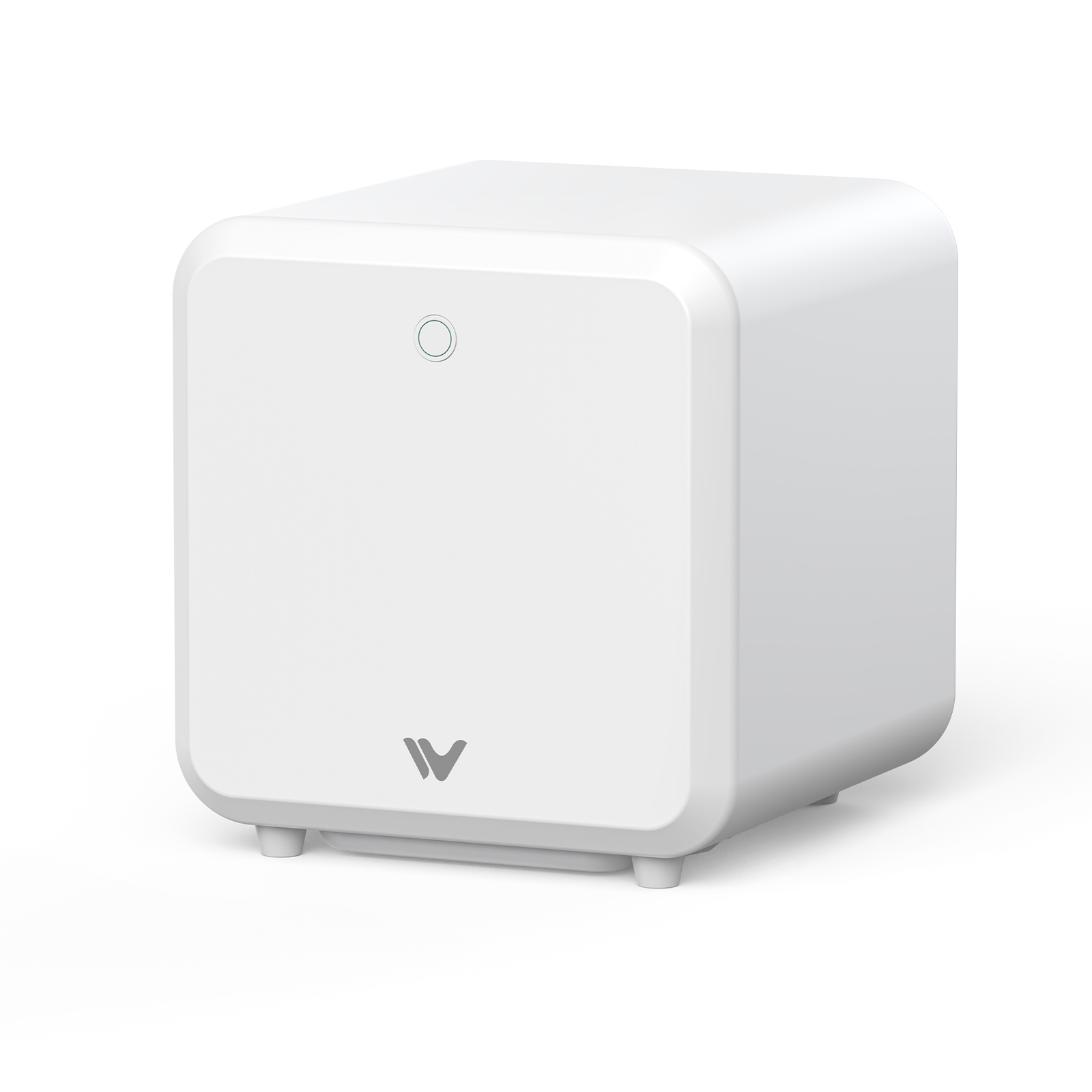
If you'd rather not commit to one power tier upfront, some systems — like WeCreat Lumos Ultra — offer both 60W and 100W MOPA configurations, alongside a 6W UV laser for materials like glass and crystal that MOPA can't mark directly. That's a practical option if your shop's needs span more than one category above.

Conclusion
For most makers and small businesses, 60W MOPA offers the best balance of precision, versatility, and cost. If your workflow centers on deep engraving, large-area processing, or high-volume production, 100W provides the additional power and throughput you need.
Neither one is the "better" laser. They're just built for different jobs — and once you know which job you're actually doing, the choice usually makes itself.
For shops that want the flexibility to choose between 60W and 100W — plus UV capability for non-metal materials — the WeCreat Lumos Ultra is worth a look.
60W vs 100W MOPA Fiber Laser FAQs
Q1. Is a 100W MOPA laser better for beginners than a 60W?
Not necessarily. A 60W MOPA can be a practical starting point for beginners because it provides ample capability for color marking, detailed engraving, and general metal work without the additional cost of a 100W system.
Q2. Can both 60W and 100W lasers run LightBurn software?
Yes. Modern MOPA fiber laser engravers with standard controllers support full software control in LightBurn, regardless of wattage.
Q3. How does pulse frequency affect color marking on metal?
Pulse frequency, measured in kHz, works together with pulse width, power, speed, and hatch settings to influence how heat is delivered to the material surface. Fine control over these parameters is what helps create the oxide layers behind vibrant, repeatable color.