










Laser Engravers & Cutters
Built for Every Maker
WeCreat laser engravers and cutters for beginners to small businesses. Diode, fiber, UV, and MOPA models — cut and engrave wood, acrylic, metal, leather, and more.
Filters

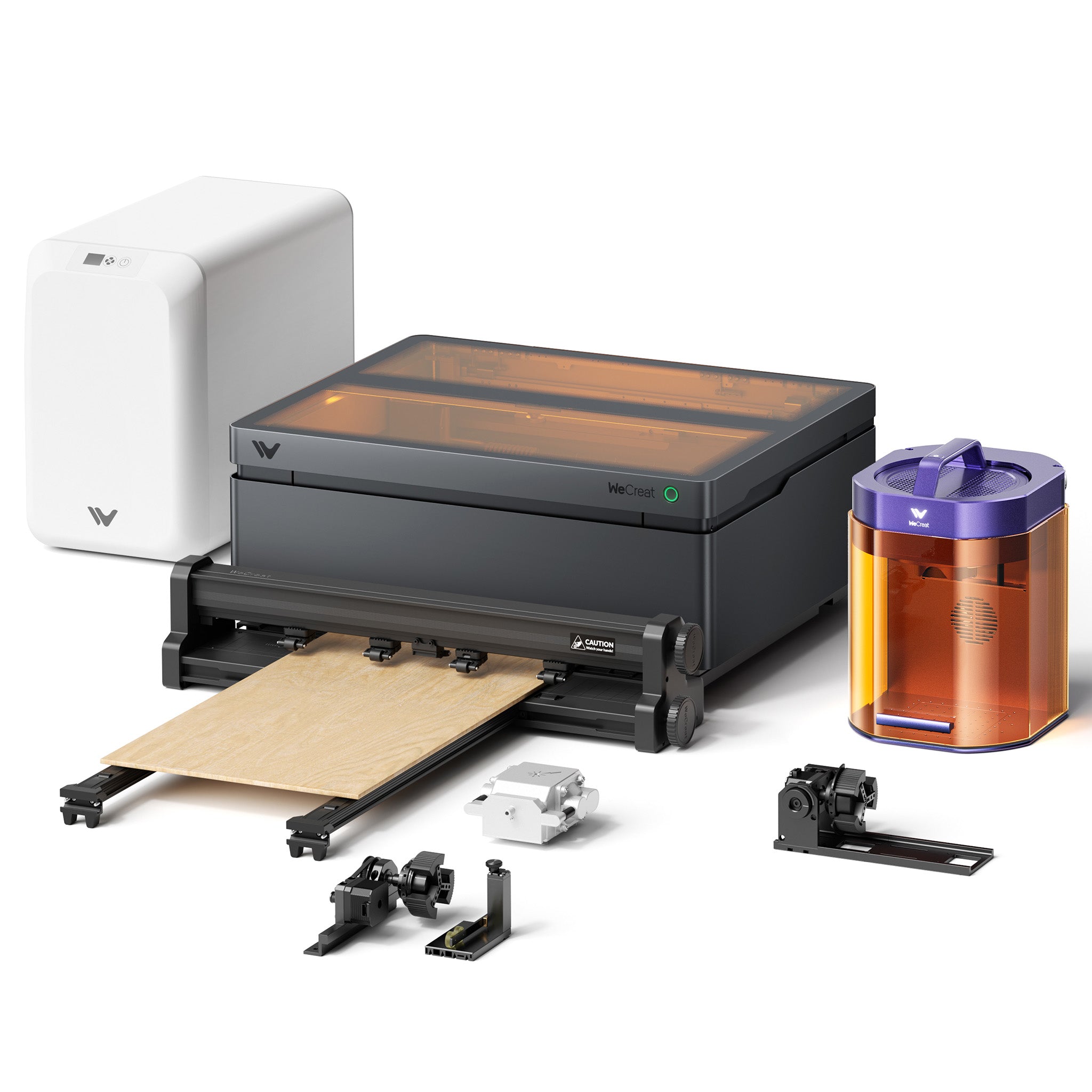
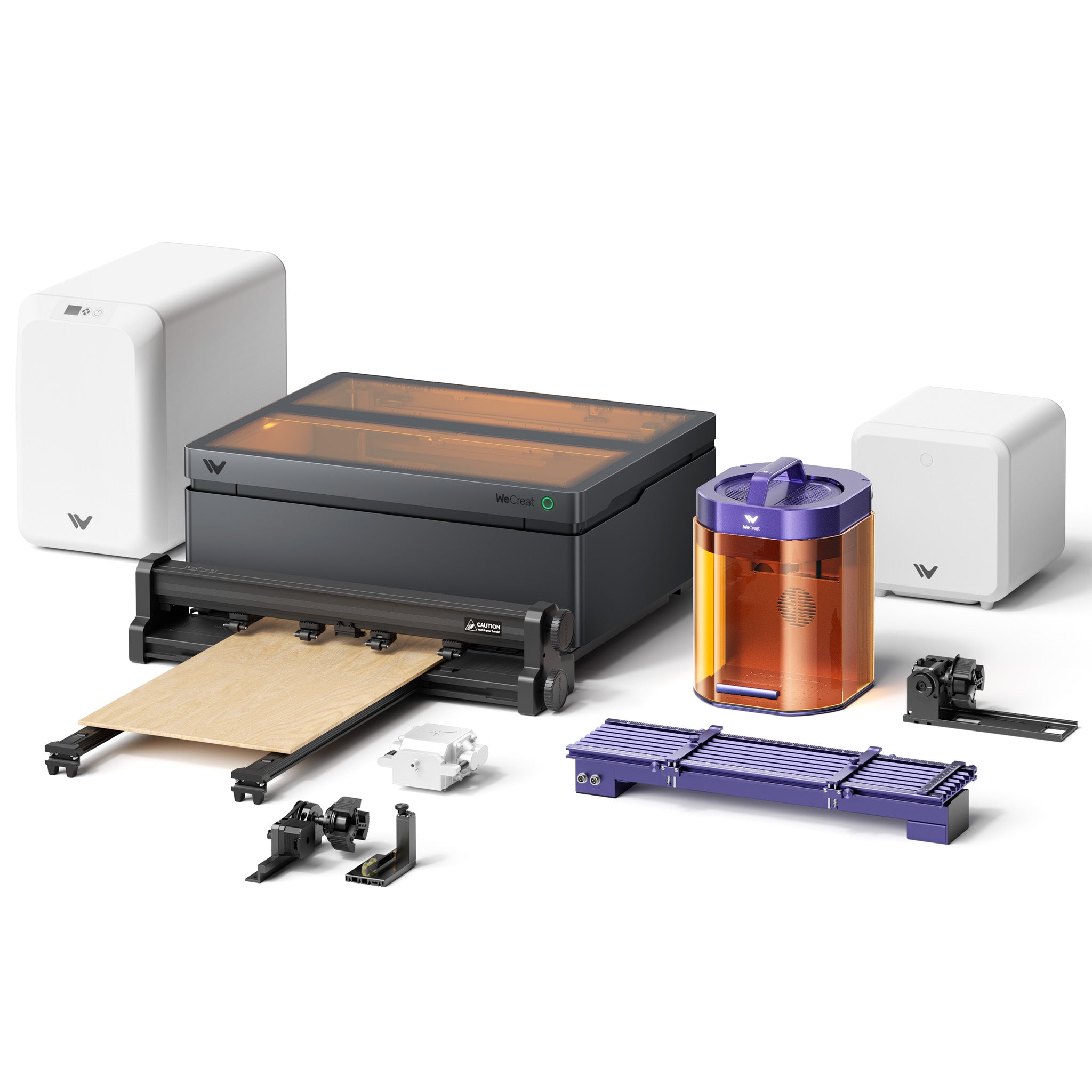
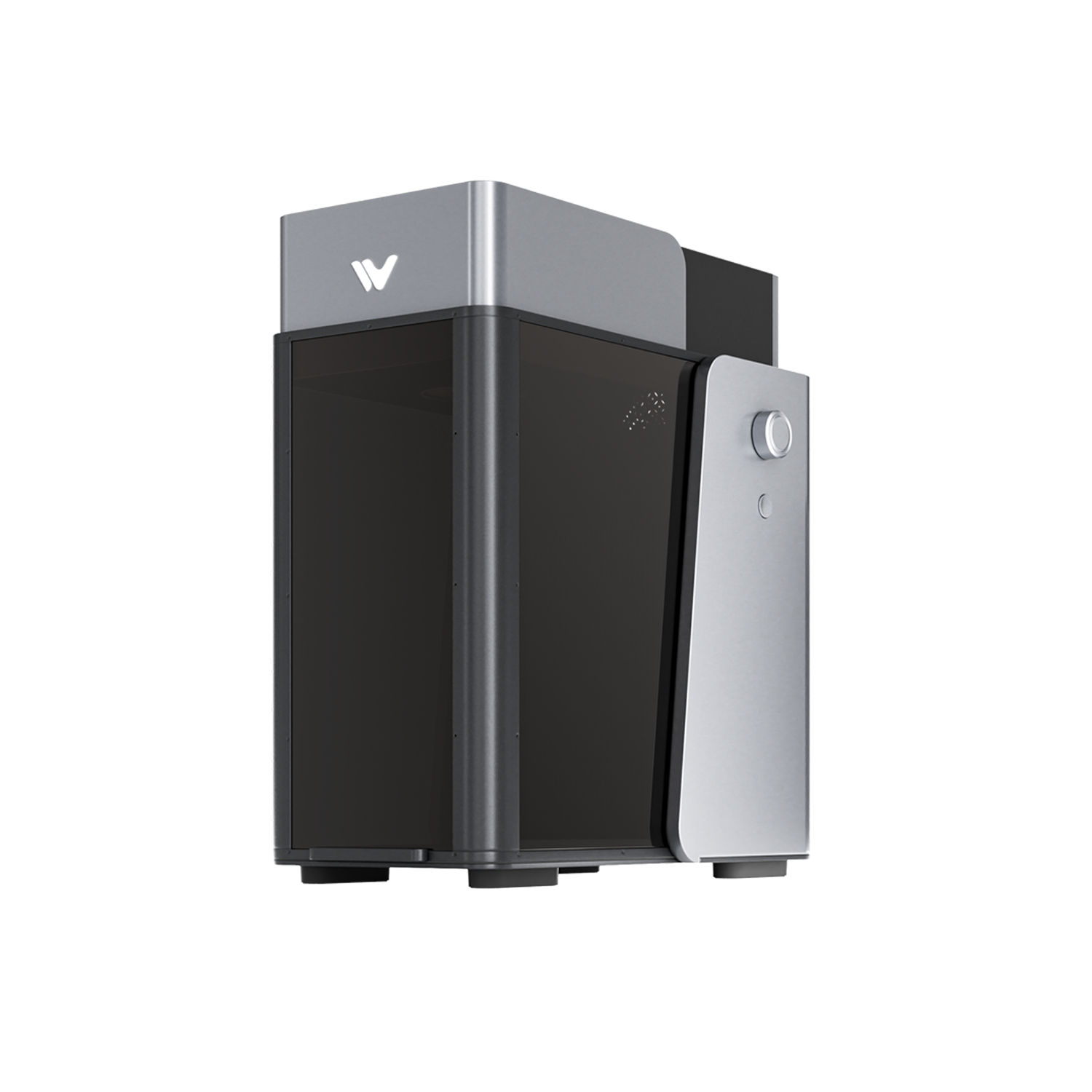
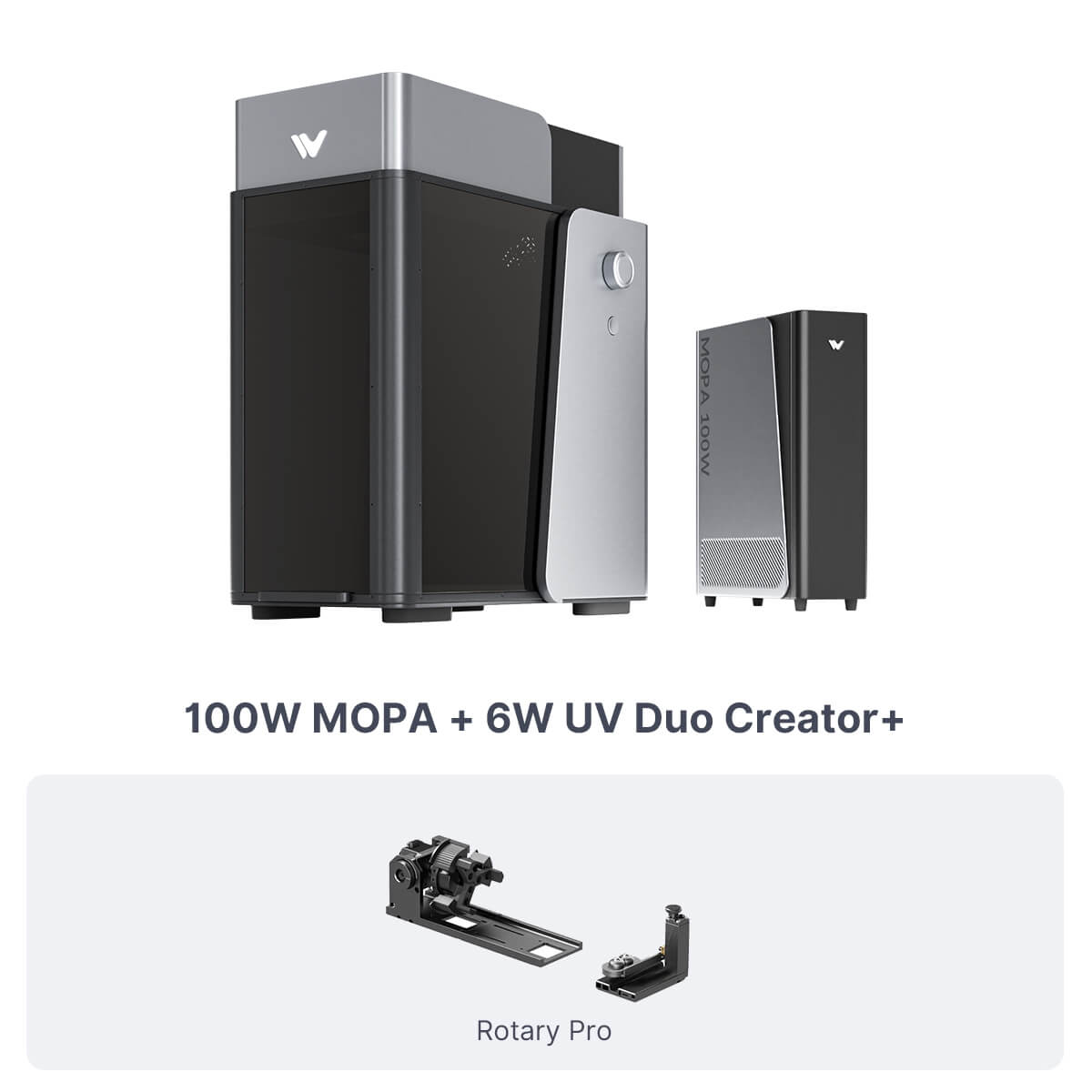


Start Exploring


Frequently Asked Questions
Which WeCreat laser engraver should I choose?
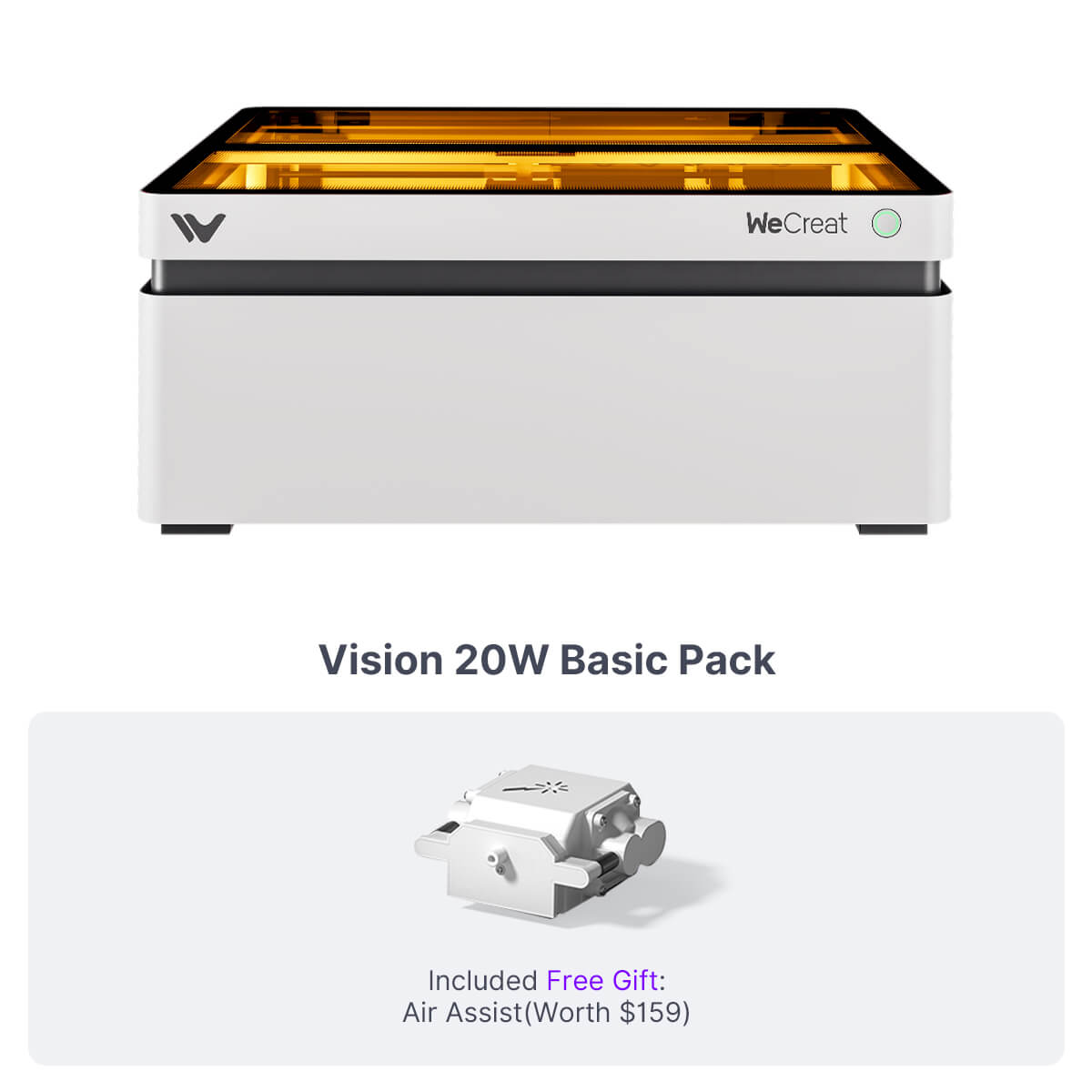
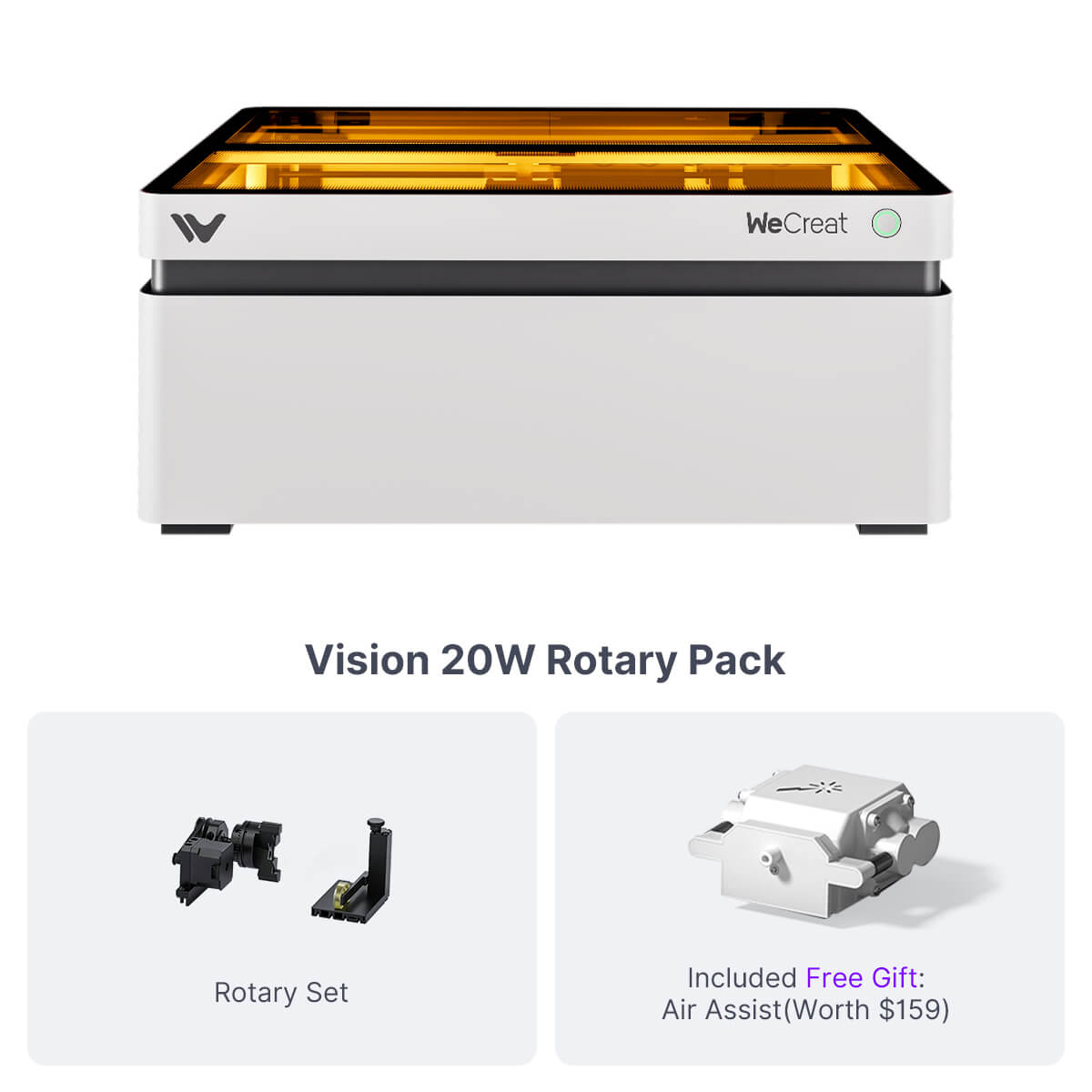
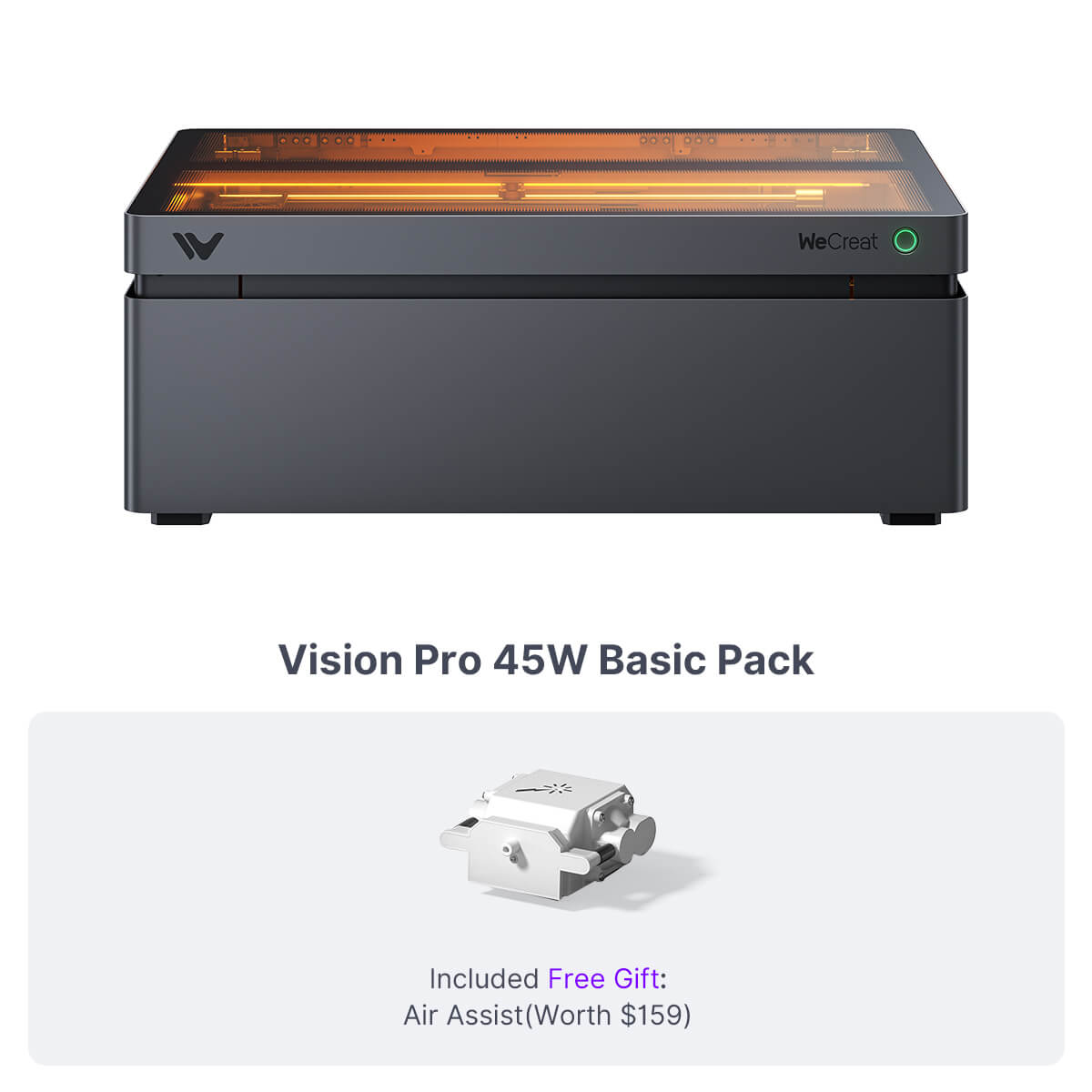
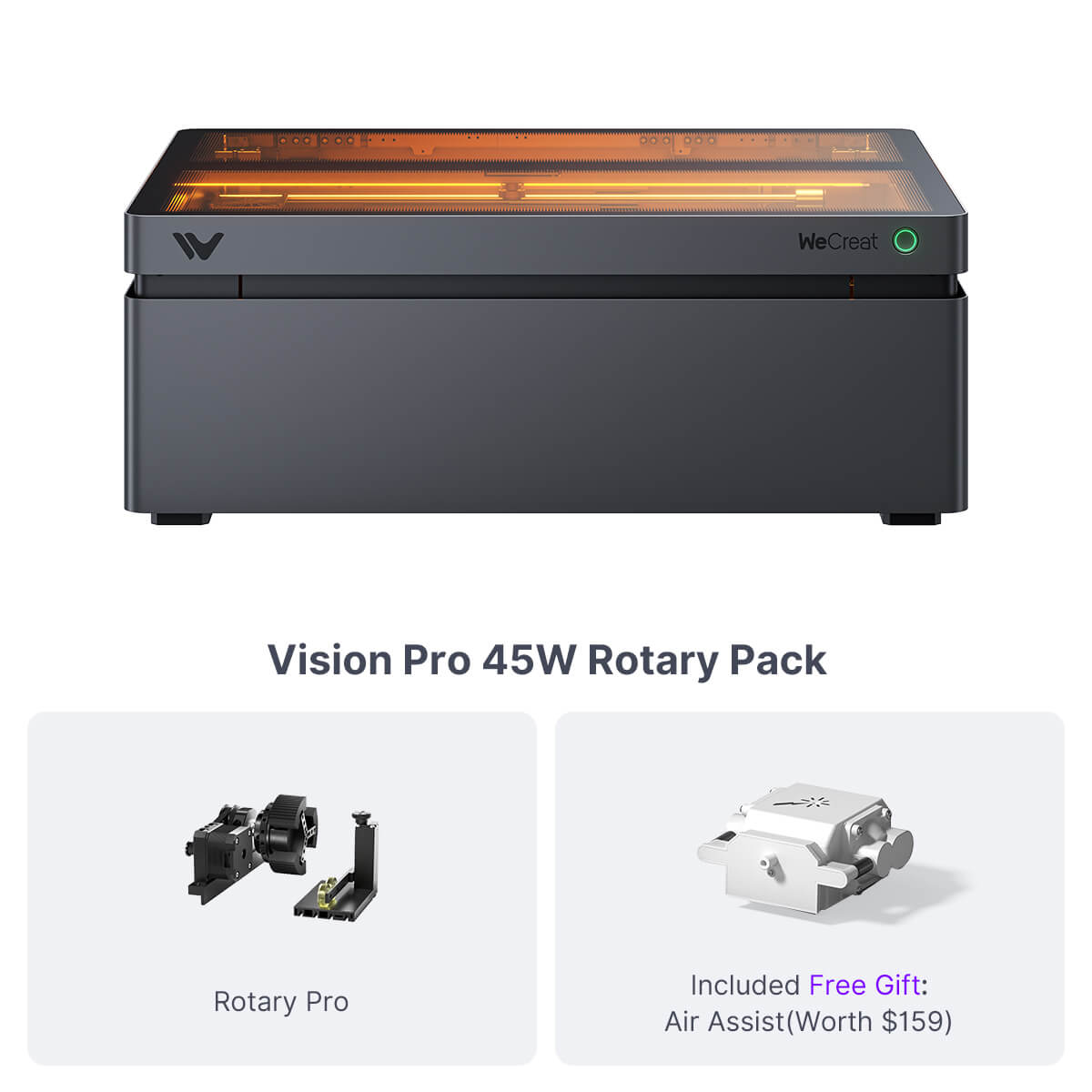
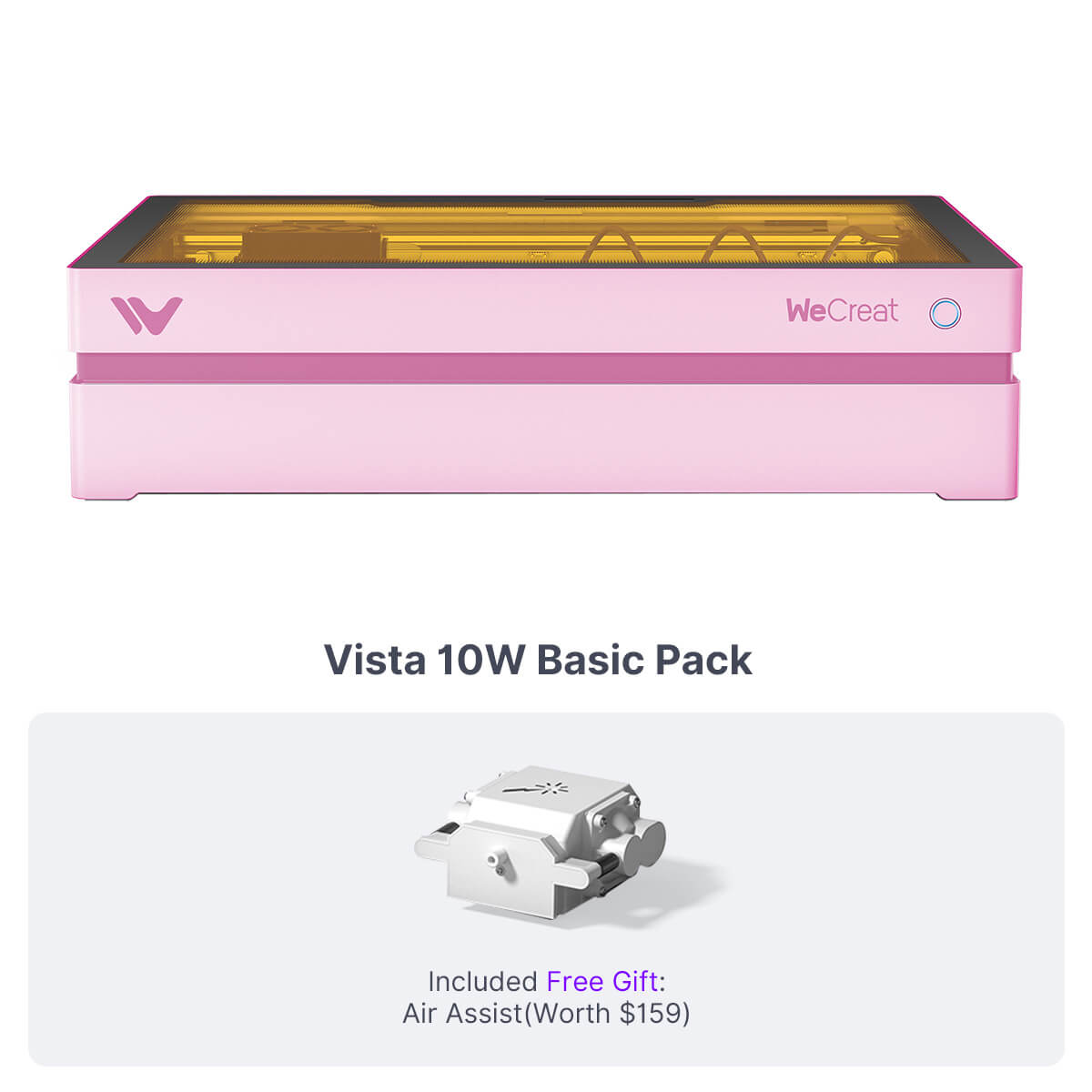
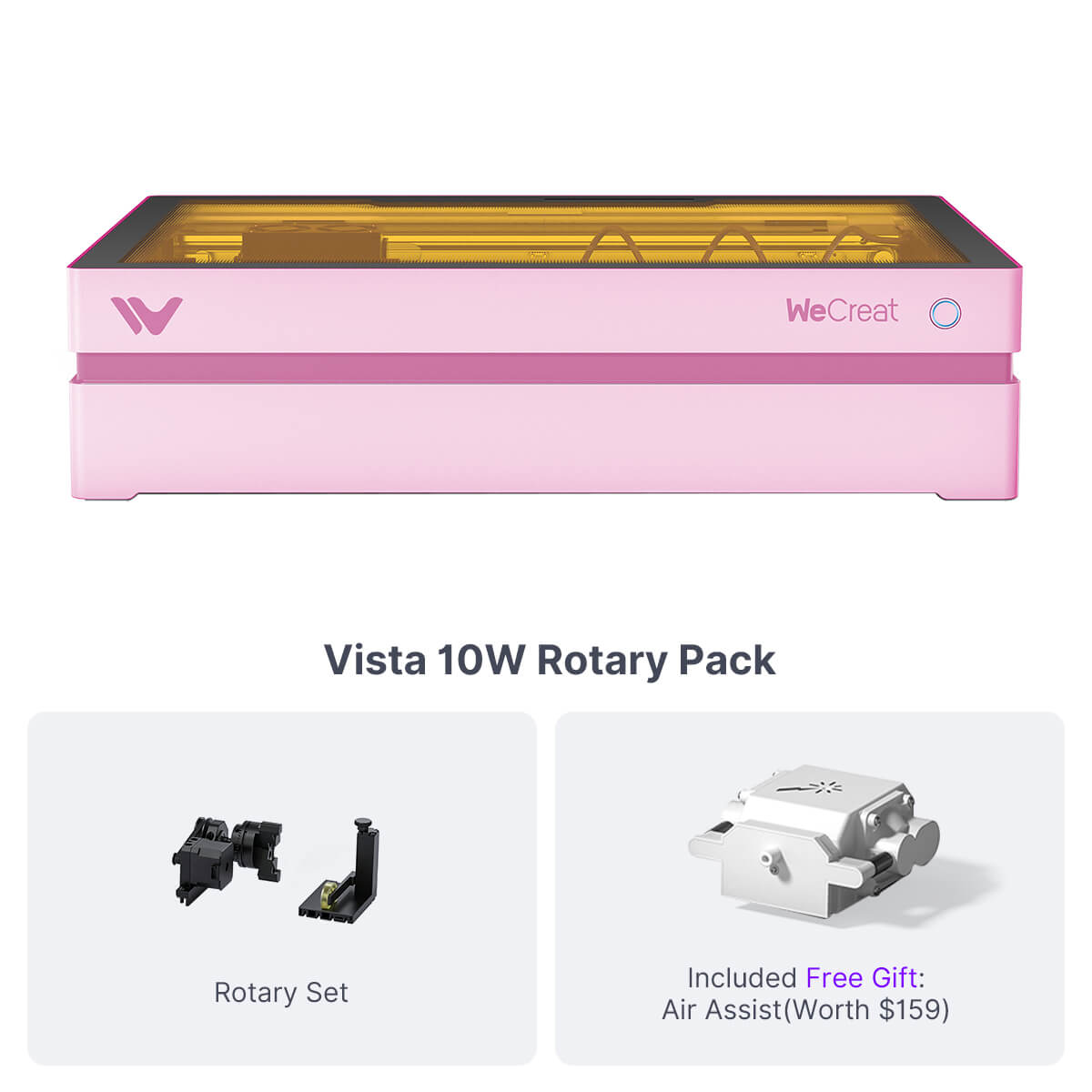
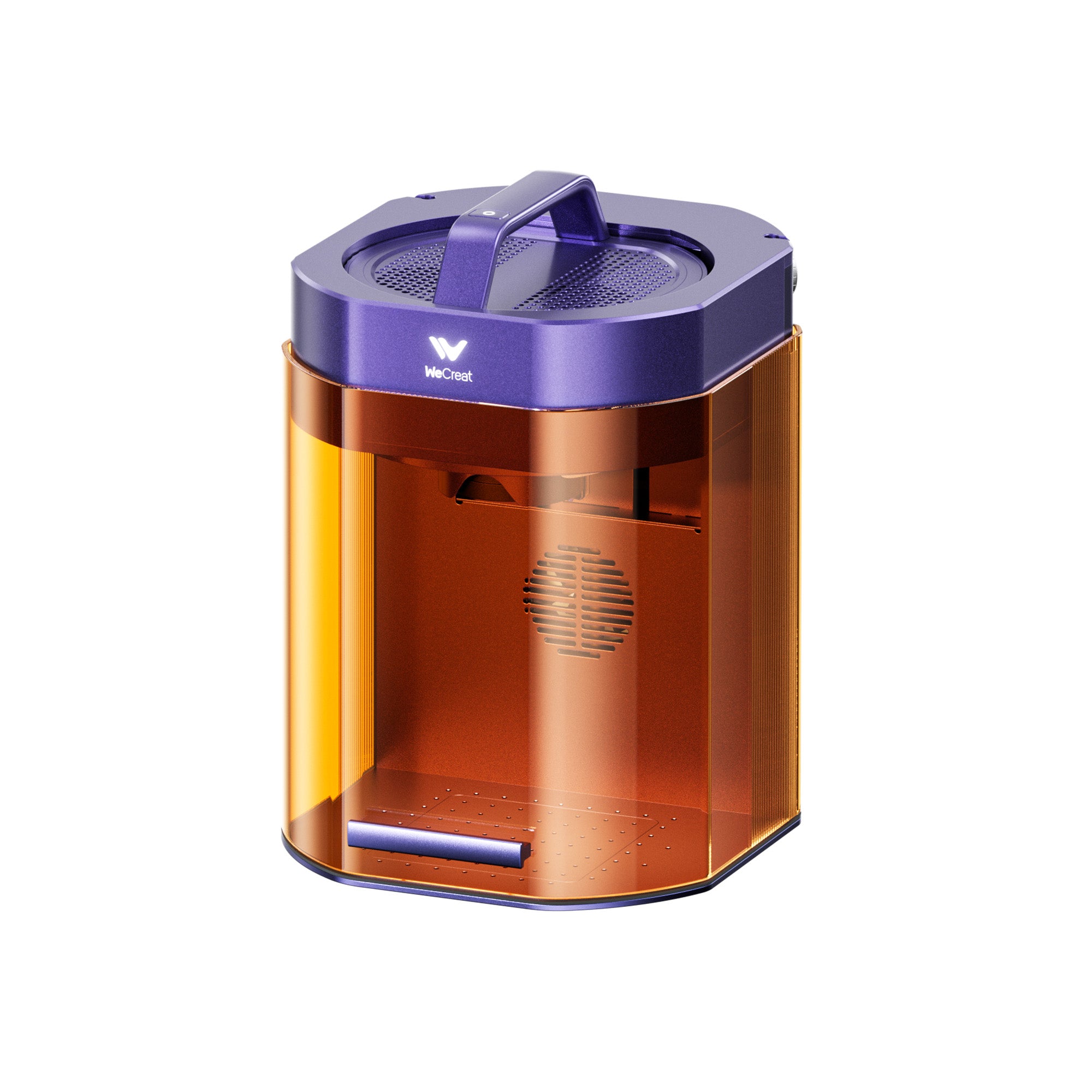
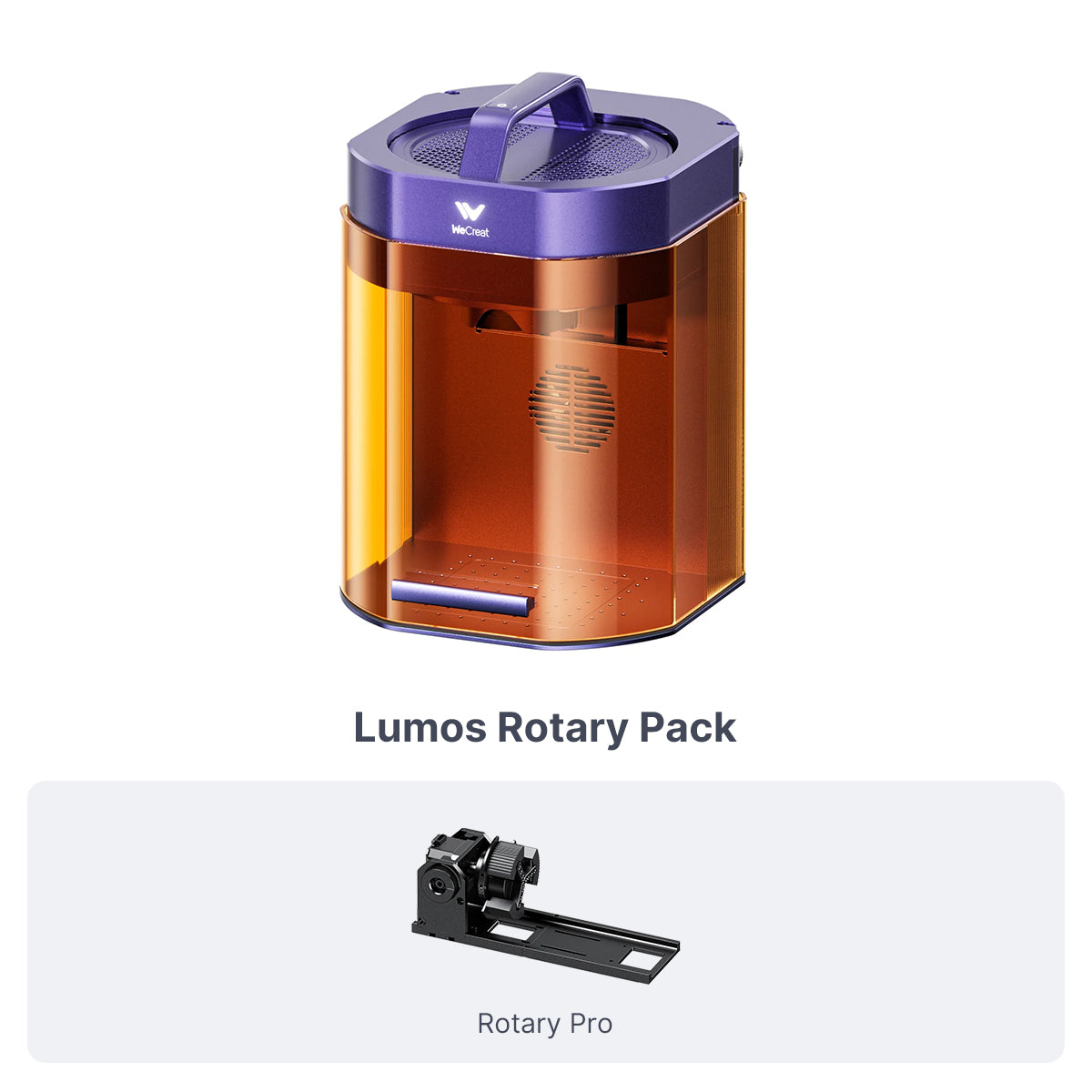
It depends on your budget, workspace, and what you want to make. The Vista 10W is the most affordable entry point for crafters and beginners; the Vision 20W is the sweet-spot all-rounder for DIY and side hustles; the Vision Pro 45W is built for small businesses and higher-volume production; and the portable Lumos and Lumos Flex are designed for on-the-go work and color marking on metal. Not sure yet? Use our Help Me Choose tool to compare every WeCreat laser side by side.
What's the difference between diode, infrared (IR), and fiber lasers?
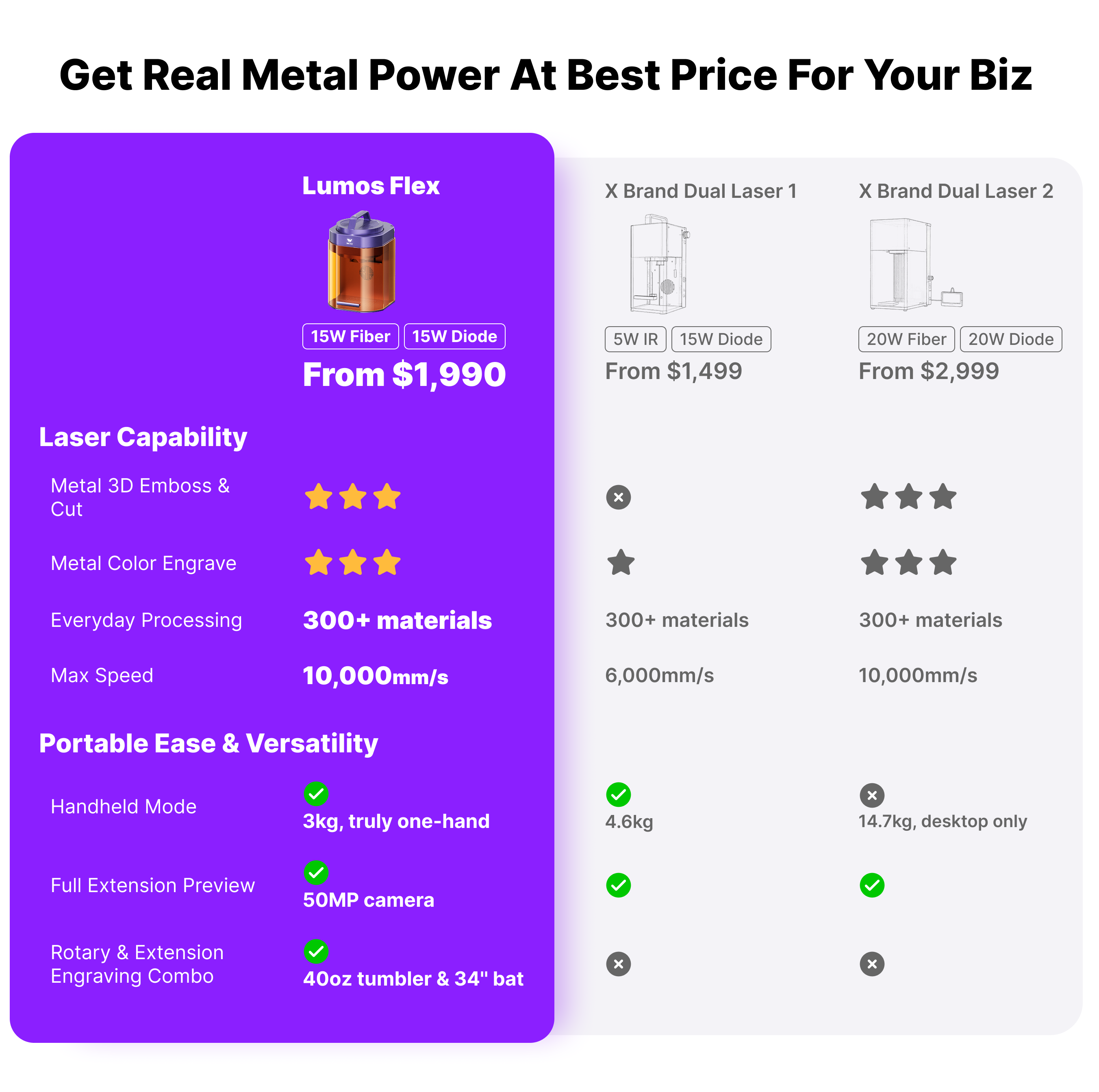
Each laser type is suited to different materials. Diode (blue-light) lasers are ideal for cutting and engraving wood, leather, paper, and opaque acrylic. Infrared (IR) and fiber lasers (1064nm) are made for marking and engraving metals such as stainless steel, brass, aluminum, gold, and silver. WeCreat's Lumos pairs a 3W IR laser with a 10W diode, and the Lumos Flex combines a 15W fiber laser with a diode laser, so a single dual-laser machine can handle both organic materials and metal.
Can a WeCreat laser engrave and cut metal?
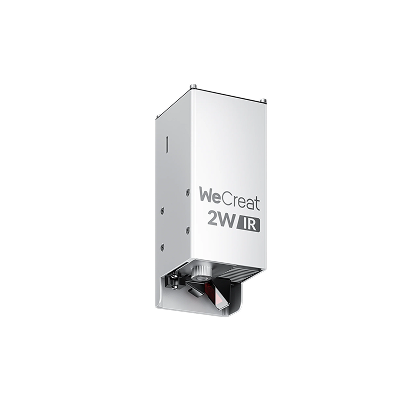
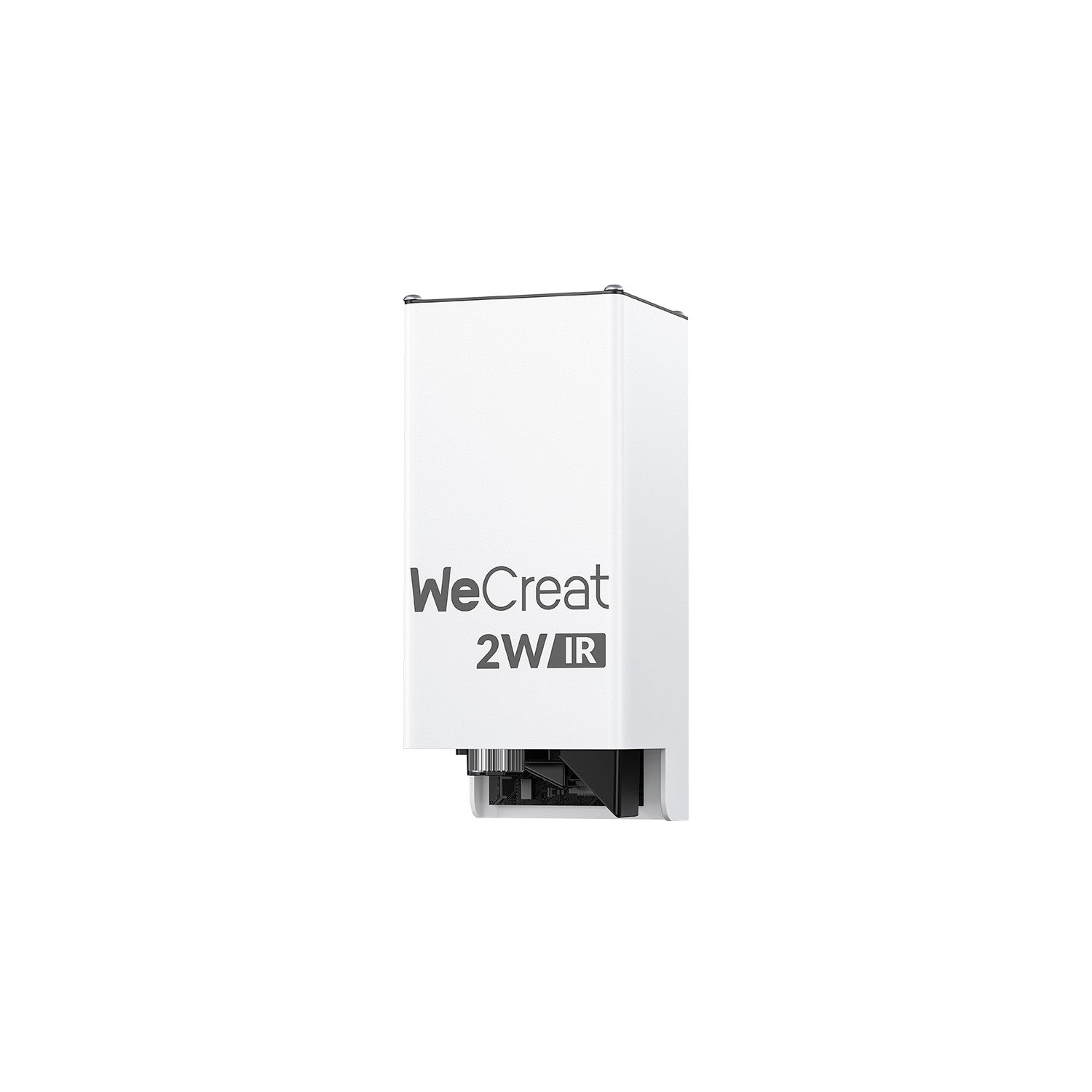
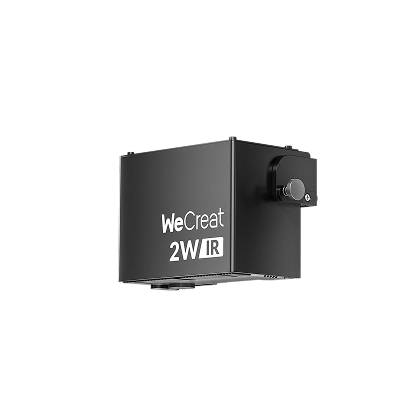
Yes for engraving and marking — but it depends on the laser type. To engrave or mark metal you need an infrared or fiber laser: the optional 2W IR laser module (an add-on for Vision Pro, Vision, and Vista), the Lumos (3W IR), or the Lumos Flex (15W fiber). A diode laser on its own can mark coated, painted, or anodized metal but cannot engrave bare metal. None of these desktop lasers cut through solid metal — fiber lasers like the Lumos Flex can cut only very thin metal sheet.
Can WeCreat lasers cut clear or colored acrylic?
WeCreat diode lasers can cut and engrave opaque, dark, and many colored acrylics, but they cannot cut clear or transparent acrylic — blue diode light passes straight through clear material instead of being absorbed. This is a physical limitation of all diode lasers, not specific to WeCreat; cutting clear acrylic requires a CO2 laser. For clear acrylic projects, choose dark/cast acrylic, paint or mask the surface, or pick a material from our laser-safe acrylic range.
Are WeCreat lasers good for beginners?
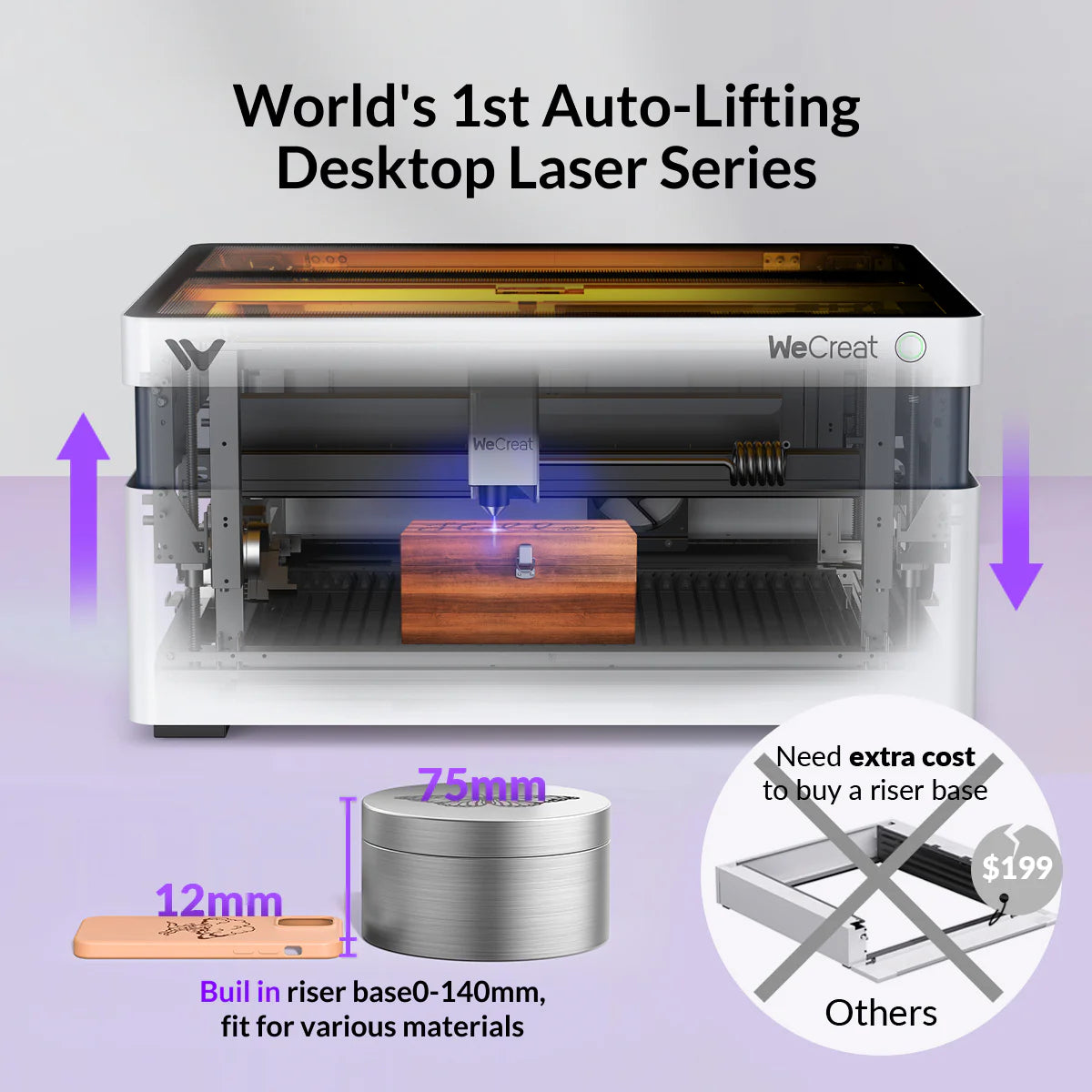
Yes — WeCreat laser engravers are designed to be beginner-friendly. Every machine is fully enclosed (FDA Class 1) for safe home use and features auto-focus, auto-lifting, and a built-in HD camera so you can place your design accurately without manual measuring. The Vista and Vision are the most popular starting points for first-time users, and WeCreat's MakeIt software includes a one-click material library with preset settings for hundreds of materials.
Does WeCreat work with LightBurn?
Yes. All WeCreat laser engravers are compatible with LightBurn, the popular third-party laser software, and they also ship with WeCreat's own free MakeIt software. MakeIt is built for ease of use with its QuickView material library, while LightBurn gives experienced users advanced design and control. You can start with MakeIt and move to LightBurn as your skills grow.