










How thick can a fiber laser cut? It depends on laser power, the metal, the cutting setup, and the edge quality you need. Industrial fiber laser cutters handle much thicker plate than most desktop machines, which are mainly used for marking and engraving. The limit also changes from metal to metal, so a figure for one metal doesn't carry over to another. The chart below gives industrial context, and the sections after it show how to judge cutting limits for your own projects.
Fiber Laser Cutting Thickness Chart
| Laser power | Mild steel | Stainless steel | Aluminum | Brass | Copper |
|---|---|---|---|---|---|
| 3 kW (Amada ENSIS-3015AJe) | 25 mm | 15 mm | 12 mm | 8 mm | 6 mm |
| 6 kW (Amada ENSIS-3015AJe) | 25 mm | 25 mm | 25 mm | 15 mm | 12 mm |
| 10 kW (Mazak OPTIPLEX 3015 FIBER III) | 1 in (about 25 mm) | 1.25 in (about 32 mm) | 1.25 in (about 32 mm) | Not listed | Not listed |
| 12 kW (Amada ENSIS-3015AJe) | 25 mm | 25 mm | 25 mm | 18 mm | 12 mm |
| 24 kW (TRUMPF TruFiber 24001) | 1.5 in (about 38 mm) | 1.5 in (about 38 mm) | 1.5 in (about 38 mm) | 0.5 in (about 13 mm) | 0.6 in (about 15 mm) |
Reference values from industrial machines. Desktop and portable fiber lasers run at far lower power, so don't read these figures as their limits. The 3, 6, and 12 kW rows are the maximum thicknesses on Amada's ENSIS-3015AJe page, which says the maximum depends on material quality and environmental conditions. The 10 kW row comes from The Fabricator's buyers' guide listing for the Mazak OPTIPLEX 3015 FIBER III. The 24 kW row is the listed maximum on TRUMPF's TruFiber 24001 page. None of the pages state the assist gas. These are manufacturer specifications, not independent tests, so the rows aren't a like-for-like comparison.
The chart shows that listed cutting thickness varies with both power and material. At 3 kW, Amada lists 15 mm for stainless steel but only 8 mm for brass, and brass stays below stainless at every power in its table. Amada's 25 mm figures stop there for this model, which looks like the machine's rated maximum, not a physical limit of fiber lasers. These numbers belong to the machines cited, not to every fiber laser.

Illustrative image. Not a result from a specific machine.
What Determines Fiber Laser Cutting Thickness?
If you're asking how thick a fiber laser can cut, wattage is only part of the answer. Three other things matter just as much.
Laser Power and Machine Configuration
Power matters, but it doesn't set the limit alone. A 50W source has about one-sixtieth the power of the smallest machine in the chart (3 kW). Beam quality, focus, optics, and the cutting head also decide how much power does useful work in the cut, and industrial systems are built around that job. Many desktop and portable fiber lasers are scanner-based. They move a small spot very fast across a surface, which suits marking and engraving better than deep cutting. So portable fiber laser cutting thickness is usually far below industrial figures. Check how the manufacturer defines "cutting" for your exact model.
Material Properties
Reflectivity, thermal conductivity, alloy, and thickness all change the result. Highly reflective metals can send light back toward the laser, which is one reason industrial systems add protective measures (an older Laser Focus World article covers this). Metals that conduct heat well can pull energy away from the cut, so the same power does less.
Cutting Method and Edge Quality
Industrial sheet-metal cutting generally uses dedicated cutting optics, the right assist gas, and tuned parameters. Some desktop systems can run multiple passes. That may separate thin sheet, but it doesn't guarantee success, or sensible cycle times, on thicker metal. Not every desktop fiber laser offers the same vector-cutting workflow, pulse controls, or assist-gas setup. Confirm what your machine supports before you copy settings from a forum post.
How Thick Can a Fiber Laser Cut Stainless Steel, Brass, and Aluminum?
Can a Fiber Laser Cut Stainless Steel?
Yes, with the right system. Fiber lasers are widely used on stainless steel in industry, and the chart shows how far the range stretches at kilowatt power. On a compact machine, the better question is whether the beam actually separated the part and whether the edge is acceptable.
Check that the part drops free or lifts out without prying, look at the back side for full penetration, and inspect the edge for burrs, discoloration, and heat marks. Cutting through isn't the same as getting a usable edge, and a maximum rating doesn't promise one.
Can a Fiber Laser Cut Brass?
Fiber laser technology can process brass in suitable configurations, but brass asks more of the system than steel does. It's reflective, it conducts heat, and the alloy matters. Copper is a different case. TRUMPF lists 0.6 in for copper and 0.5 in for brass on the same 24 kW machine, so the two shouldn't share one limit.
Not every engraving-oriented desktop fiber laser is designed for efficient sheet cutting. For a desktop machine, look for a brass-specific limit with test conditions, or ask for a sample cut before you build a job around it.
Can a Fiber Laser Cut Aluminum?
Yes, but it depends on the system and the alloy. Aluminum conducts heat quickly and reflects light, and surface finish changes the result. For scale, the chart lists 12 mm at 3 kW.
Keep marking and cutting apart. Marking aluminum is a surface job, and a through-cut is a different one. For sheet-metal fabrication, a dedicated industrial system is usually the better fit.
What to Confirm Before You Buy a Desktop Fiber Laser for Cutting
- A stated cutting thickness for your specific metal, not just "metal," and which laser module it applies to
- The number of passes and the time it takes
- Whether the machine supports an assist gas, and which one
- A sample cut on your material and grade
- Your edge-quality requirements, such as burrs and heat marks
- Work area against your part size
- Laser class, eye protection, and ventilation requirements
Desktop Fiber Laser vs. Industrial Metal Laser Cutter
A desktop fiber laser and a metal laser cutting machine solve different problems. In this guide, "desktop" (sometimes sold as "portable") means a compact machine you can move yourself, set up on a desk, and usually run from a standard outlet. Many are scanner-based engravers rather than sheet-metal cutters. An industrial metal laser cutter is a fixed production system with a cutting head, assist gas, and a large bed.
| Consideration | Desktop (portable) fiber laser | Industrial fiber laser cutting system |
|---|---|---|
| Size and placement | Compact, can be moved and set up on a desk or workbench | Large and fixed, installed in a workshop or factory |
| Power and utilities | Usually a standard outlet, check the machine's rated input | Typically needs dedicated power, cooling, and an assist-gas supply |
| How the beam works | Often a scanner that moves a small spot very fast, suited to marking and engraving | A dedicated cutting head with assist gas, tuned for through-cutting |
| Work area | Compact, model-dependent | Typically a larger cutting bed |
| Cutting thickness | Depends on the model and material, and is usually thin sheet | Depends on laser power, machine, and material, up to plate |
| Throughput | Application- and setup-dependent | Often optimized for sustained cutting |
| Typically used by | Jewelry makers, crafters, and small shops that mostly mark and engrave | Fabrication shops and manufacturers cutting sheet or plate daily |
| Best buying criterion | Verified capability for your actual projects | Cutting capacity, throughput, and production needs |
A desktop machine gives up thickness, speed, and sustained throughput. In return, it fits a small space, can go to a market or a customer's site, and doesn't need an industrial setup. If you need a laser that cuts metal at production speed, you need an industrial system. If you mark, engrave, and occasionally cut thin metal, a desktop machine can be enough. Cutting thickness is the wrong number to chase on its own.
If your work is mostly marking, our guide on whether a UV laser can engrave metal explains where other laser types fit. If your part sizes, thickness, edge quality, and daily output don't match a machine's documented capability, look at an industrial system.
Tips for Better Cutting Results
A careful process gets the most out of a machine, but settings can't push it past its physical limits.
1. Set focus correctly. Follow the manufacturer's focusing and calibration procedure.
2. Test one variable at a time. Change one setting per run and write down the results instead of trusting generic settings.
3. Judge the cut, not just the breakthrough. Use the through-cut and edge checks above, and repeat across several parts before you trust a setting.
4. Follow safety requirements. Use the guarding, ventilation, and fume extraction your machine calls for, and handle metal parts with care.
50W Fiber Laser Cutting Metal: Is the WeCreat Lumos 50W Right for Your Projects?

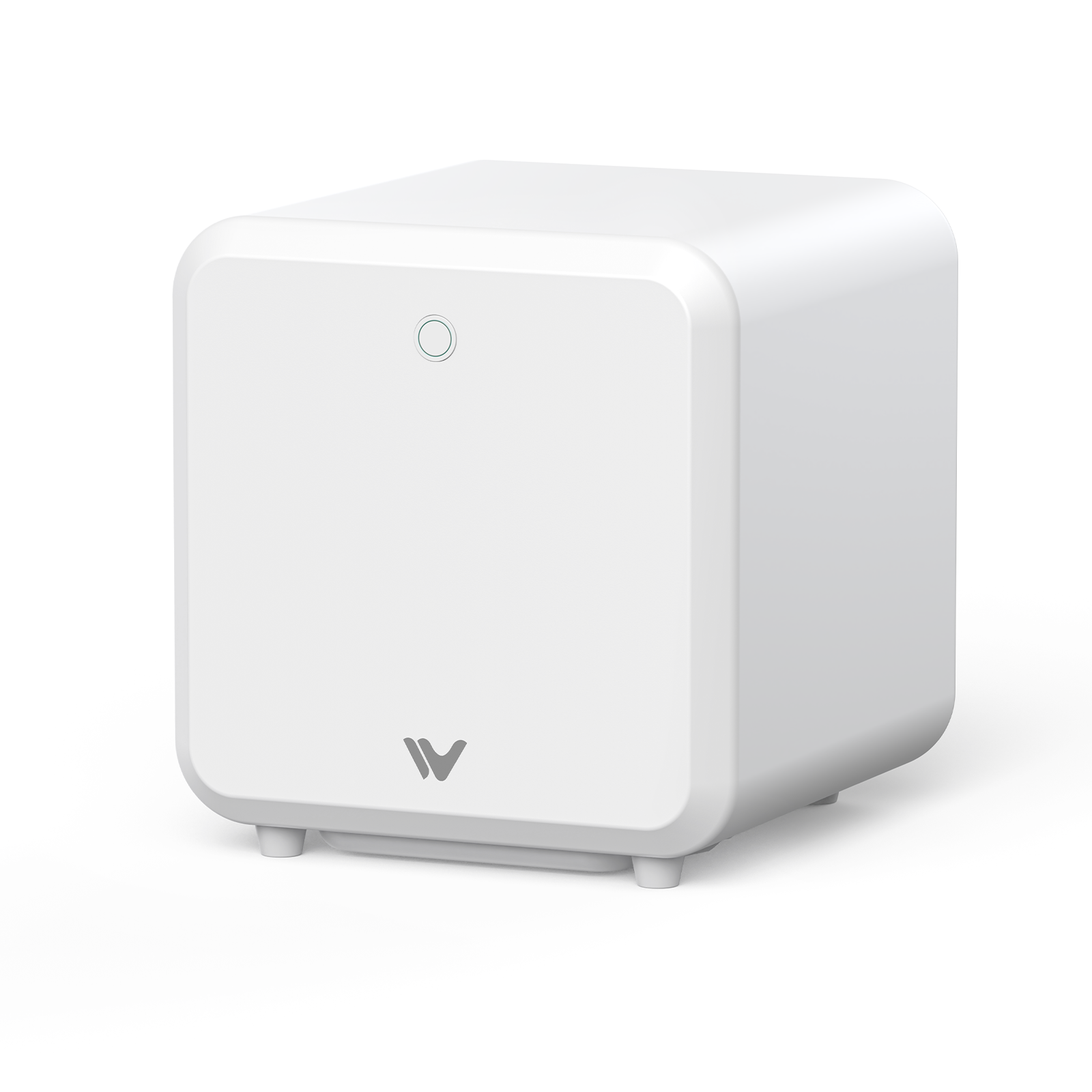
If your work sits on the desktop side of the comparison above, here's how our own 50W machine fits. Our Lumos 50W is a portable multi-laser, not an industrial-grade metal cutting system. Its 50W fiber module runs in desktop mode. Handheld mode applies only to the diode and IR module. You can move it and set it up on a desk, but there's no production cutting bed. The work area is 116 × 116 mm, or 520 × 116 mm with the slide extension. Its listed maximum speed of 15,000 mm/s doesn't tell you how fast it cuts, and the camera and autofocus help with placement without adding cutting thickness.
On cutting, the comparison table on our product page lists the Lumos 50W's metal cutting as 3 mm brass. Keep these notes in mind:
- It's a manufacturer-stated figure from our product page, not a test result from this guide.
- The page doesn't state the number of passes, the cutting time, the assist gas, the brass alloy, or the edge quality it applies to.
- It applies to brass only. It isn't a figure for stainless steel, aluminum, or other metals.
- It isn't comparable to the industrial reference values in the chart above, which come from much higher-power industrial machines.
- Check the current specifications on the product page, and ask for a sample cut on your material before you plan a job around it.
Here's where it fits, and where an industrial system fits better:
- Mostly metal marking and personalized engraving: This is what a portable multi-laser is built for. Look at marking quality and your workflow.
- Occasional thin-metal cutting: Confirm that your exact material and thickness fall within the machine's official capability, and ask for a sample cut on your material.
- Sustained cutting of thicker plate or steady batch production: That's industrial territory. A dedicated cutting system is the better tool.
 |
|
Ready to find the right laser for your metalworking projects? Compare your material, thickness, part size, and edge-quality expectations against the official specifications, and read our 50W fiber laser engraver guide for what this power level can and can't do.
Fiber Laser Cutting Thickness FAQs
Q1. How thick can a fiber laser cut?
From a fraction of a millimeter on small desktop machines to several centimeters on industrial systems. See the chart for reference values.
Q2. How thick can a 50W fiber laser cut stainless steel?
This guide doesn't establish a verified stainless steel cutting thickness for the Lumos 50W. The product comparison table lists a cutting specification of 3 mm brass, and that figure shouldn't be applied to stainless steel. For your specific stainless steel grade and thickness, check the latest manufacturer specifications and request a sample cut before relying on a particular result.
Q3. Can a desktop fiber laser cut thick sheet metal?
Don't assume so. For thick plate, production speed, or repeatability, look at an industrial system.
Q4. Can a fiber laser cut brass and aluminum?
Yes, on suitable systems, but the achievable thickness depends on the alloy, the configuration, and the cutting conditions.
Q5. What's the difference between laser cutting and deep metal engraving?
Cutting separates the material through its full thickness. Engraving removes or changes material to leave a surface mark or recess, and even deep engraving isn't a through-cut.
Q6. Should I choose a desktop or industrial fiber laser for metal cutting?
Decide on material, thickness, part size, cut quality, throughput, and budget, not wattage alone. Mostly marking and engraving points to desktop. Daily sheet-metal cutting points to industrial.