










Try engraving clear acrylic with a CO₂ laser and you'll usually get a melted, cloudy edge instead of a clean line. Try glass with a diode laser and you risk cracking the piece. Heat is the problem both times. These materials just don't like it.
UV lasers work differently. At 355nm, the light is absorbed efficiently by the material's surface and produces very little heat buildup — much less than a longer-wavelength diode or CO₂ laser. That's why UV works so well on glass, crystal, clear acrylic, and heat-sensitive plastics, where even a little extra heat leaves a mark.
People in the industry often call UV a "cold laser." That's shorthand, not a literal claim — it still produces some heat, just far less than other laser types. That smaller heat effect is what allows the fine, clean detail UV is known for.
The harder question is which machine to buy. Some UV lasers are single-source units built just for cold marking. Others pair UV with a MOPA fiber laser, adding metal capability in the same machine. Speed, safety, and budget all matter too. Here's how five current options compare, based on manufacturer-published specs.
5 Best UV Laser Engravers in 2026: At a Glance
| Model | UV Power | Max Speed | Work Area | Enclosure | Best For |
|---|---|---|---|---|---|
| WeCreat Lumos Ultra | 6W (+ optional 60W/100W MOPA) | Up to 16,000 mm/s | 210×210mm | Enclosed | UV + metal in one machine |
| xTool F2 Ultra UV | 5W | Up to 15,000 mm/s | Dual-lens, switchable field | Class 1 Enclosed | UV-only, camera automation |
| ComMarker Omni X | 6W / 12W | Up to 10,000 mm/s | 150×150mm (up to 266% with slide) | Class 1 Enclosed | Precision & safety automation |
| Cloudray UV Pro Series | 5W / 10W / 15W | Up to 15,000 mm/s | 200×200mm (2D) | Semi-enclosed, water-cooled | Continuous industrial production |
| Monport 6W UV Galvo | 6W / 10W | Up to 10,000–15,000 mm/s | 150×150mm | Class 4, open/semi-enclosed | Lowest entry price in this comparison |
Specs reflect current manufacturer listings as of this writing and are worth double-checking before purchase — pricing and configurations change.
Essential Buying Criteria for Desktop UV Laser Marking Systems
1. Wavelength (355nm DPSS UV).
This is why UV lasers exist as a category. The short wavelength is absorbed efficiently by many materials, which keeps heat buildup low compared to a longer-wavelength diode or CO₂ beam. That's what makes marking glass and clear acrylic possible without much visible damage.
2. Galvo scanning vs. gantry movement.
Galvo systems steer the beam with mirrors instead of moving the whole head across the material. That's usually why high-end UV units can hit 10,000–16,000 mm/s. For batch work, that speed adds up fast over a full day. One note: a machine's rated top speed is often measured under ideal conditions. Real-world speed on detailed engraving tends to run slower.
3. Wattage breakdown (5W, 6W, 10W, 12W, 15W).
UV wattage doesn't work quite like you'd expect. More watts mostly buys you more speed and more cutting depth, not necessarily "more power" the way that word gets used for diode lasers. Spot size and marking quality depend just as much on the optics and focus as on the wattage number.
4. Is a 10W+ UV laser better than 5W or 6W?
Not always — it depends on the job. A 5–6W UV laser is plenty for engraving, glass and crystal detail, acrylic marking, and personalized gifts. That covers most hobbyist and small-shop work. Going up to 10W or higher mostly helps with faster production, deeper cuts on thicker material, and light cutting jobs — cases where speed or depth is the limit, not detail quality.
5. Safety and workplace fit.
This varies more across these five machines than you'd think. A Class 1 fully enclosed system — the WeCreat Lumos Ultra, xTool F2 Ultra UV, or ComMarker Omni X — keeps the beam contained, so you don't need safety goggles during normal use. Open or semi-enclosed Class 4 systems, like the Monport 6W UV, need the operator to wear proper laser goggles and manage the light exposure themselves. That's a real cost and workflow difference, even if the sticker price looks smaller upfront.
Enclosure class is a useful shortcut, but it's not the whole safety picture. Also check the interlocks, how easy the emergency stop is to reach, the viewing window's certification, and the exhaust setup. Two Class 1 machines can still differ a lot in how well they're built around these details.
Deep Dive Reviews: The Best UV Laser Engravers of 2026
Here's a closer look at each pick, starting with the most versatile option.
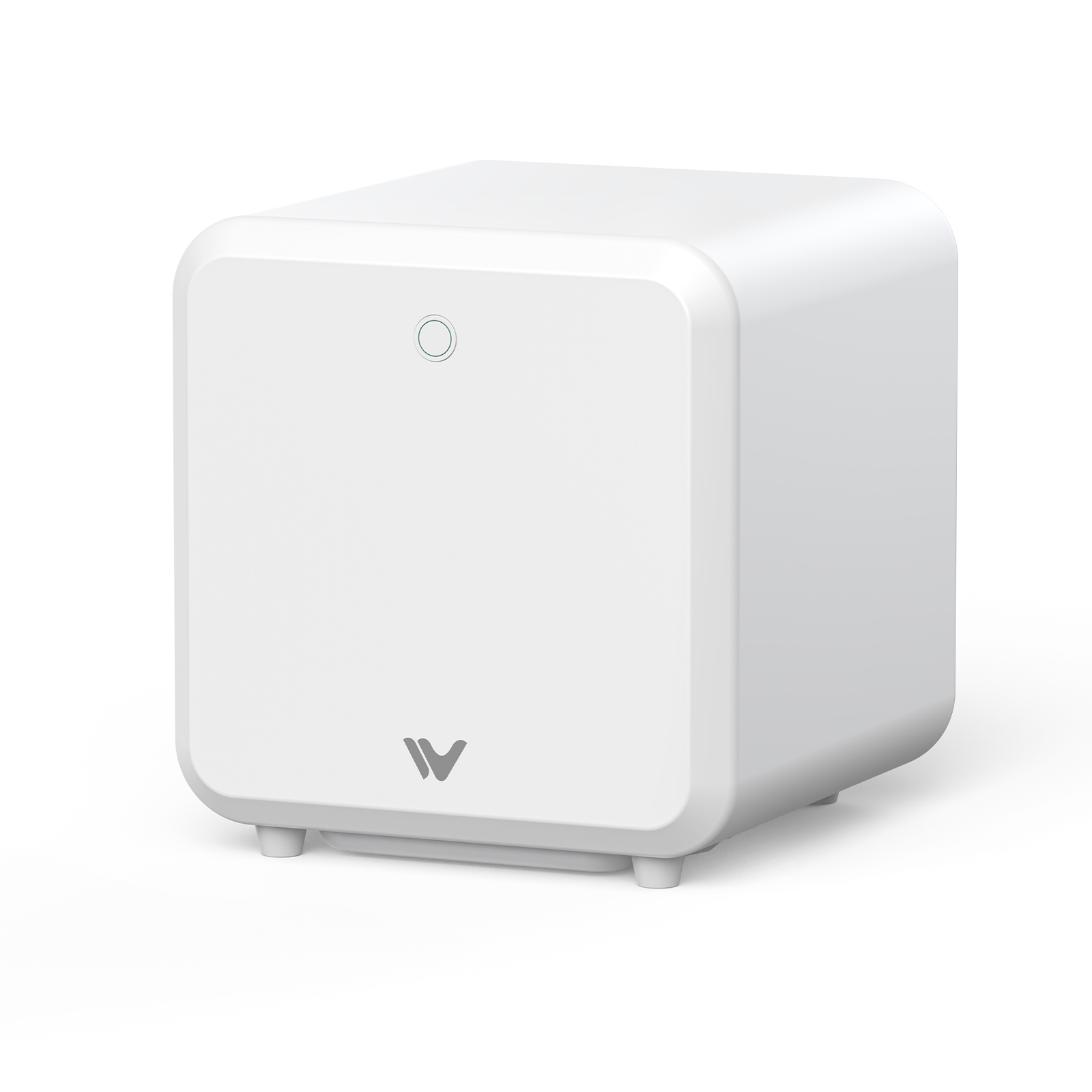
1. WeCreat Lumos Ultra 6W UV & MOPA Dual Laser Engraver — Best Overall & Most Versatile

|
|
|
✓ Pros
Dual-laser versatility, strong camera-guided positioning, handles both cold marking and deep metal in one machine. |
✗ Cons
The MOPA module is a separate add-on cost — price climbs fast once you build a full metal-capable bundle. |
The idea behind the Lumos Ultra is simple: instead of running one machine for glass and plastics and a second machine for metal, both live in one desktop unit. The 6W 355nm UV source handles cold precision work. An optional 60W or 100W MOPA fiber laser module takes over for deep metal engraving and color marking.
On specs, it's rated up to 16,000 mm/s and supports five UV engraving modes, from surface marking to true 3D subsurface crystal work, with a 0.0019mm UV laser spot size. Metal cutting depth scales with the module: UV alone cuts up to 0.6mm stainless steel, the 60W MOPA module reaches 2mm, and the 100W module reaches 3mm. Camera-based positioning and auto-focus round out the setup.
Why it wins: it's the best mix of UV capability, material range, camera-guided automation, and room to grow — you're not stuck with UV-only if your work later moves into metal. That said, if you only need UV and don't work with metal, the xTool F2 Ultra UV below may be the better fit for your budget.
WeCreat Lumos Ultra: the most versatile pick for shops that need both UV and metal capability.
2. xTool F2 Ultra UV 5W — Best UV-Only Laser
 |
|
|
✓ Pros
Fast camera-guided alignment, strong speed, fully enclosed for Class 1 safety. |
✗ Cons
No metal engraving path on this model without buying a separate machine. |
The F2 Ultra UV is a fixed desktop Galvo unit built for speed and easy alignment. It's rated up to 15,000 mm/s and uses dual 48MP cameras for auto-focus and positioning, with roughly 0.2mm camera positioning accuracy. That's a different number from its laser spot size or engraving resolution, which run much finer (down to roughly 0.001mm vector-fitting resolution). It also supports 3D subsurface crystal engraving.
The trade-off is scope. This is a single 355nm UV source, so deep metal etching or color engraving needs separate equipment. xTool sells a related dual-laser model (F2 Ultra, with MOPA and diode) for that, but the UV-only variant reviewed here doesn't include it.
xTool F2 Ultra UV: the most approachable choice for shops that only need UV.
3. ComMarker Omni X UV Laser Engraver — Best Precision & Safety Features
 |
|
|
✓ Pros
LiDAR-guided autofocus, strong safety engineering (Class 1, cover sensor, emergency stop), wide material compatibility per manufacturer specs. |
✗ Cons
Starting price is close to other premium picks here, not a true budget option — check current bundle pricing, since base units and accessory bundles vary a lot. |
The Omni X sits at a similar price to the other premium picks here, but it leads with safety and autofocus, not material range. It uses LiDAR to auto-focus, and manufacturer specs list a laser spot size around 0.0019mm and a separate XY positioning accuracy around 0.001mm — two different numbers worth keeping apart. It's fully Class 1 enclosed, with a smart cover sensor that stops the machine if the lid opens mid-job. It's rated up to 10,000 mm/s and comes in 6W and 12W versions, with the 12W adding cutting capability.
ComMarker Omni X: the pick for shops that prioritize autofocus precision and enclosed safety.
4. Cloudray UV Pro Series 5-in-1 (5W / 10W / 15W) — Best Industrial Water-Cooled Marking System
 |
|
|
✓ Pros
Power scalability, built for sustained industrial use, water cooling keeps temperatures stable over long runs. |
✗ Cons
The footprint, water-cooling upkeep, and price make it overkill for a small studio or hobbyist. |
This one is built for continuous duty, not desktop crafting. Power options scale from 5W up to 15W UV, and water cooling supports long run times that air-cooled desktop units can't match. It supports five engraving modes — surface, inner plane, 3D crystal, 2.5D relief, and deep engraving — with a top marking speed up to 15,000 mm/s and claimed positioning accuracy around ±0.1μm.
Pricing starts around $4,999 for the 5W configuration and climbs a lot at higher wattages. It's priced and built for industrial use, not hobby work.
Cloudray UV Pro Series: built for factories, not desktops.
5. Monport 6W UV Galvo Laser Engraver — Best Budget UV Laser
 |
|
|
✓ Pros
Lowest price in this group, water chiller included, works with LightBurn. |
✗ Cons
The Class 4 open design needs safety goggles and more care from the operator; manual focus takes more setup time than camera-guided machines. |
At roughly $2,719 for the 6W configuration, the Monport is the cheapest option here by a clear margin. It's rated up to 10,000 mm/s (the 10W version hits 15,000 mm/s), comes with a water chiller included, and can engrave inside transparent materials like glass, crystal, and acrylic.
The trade-off for that price shows up in safety and workflow. It's a Class 4 open/semi-enclosed system, so the operator needs proper laser safety goggles instead of relying on a full enclosure. Focus is manual, not camera-guided.
Monport 6W UV: the lowest-cost entry into UV laser marking.
Material Compatibility Guide: What Can You Engrave with a UV Laser?
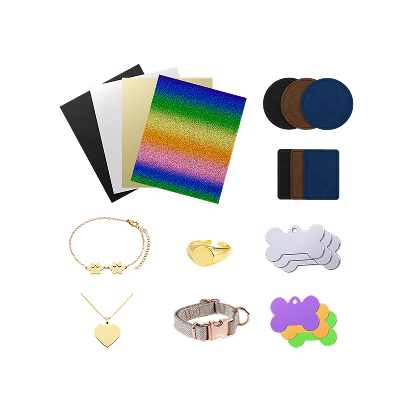
Glass and crystal: UV avoids the thermal cracking that ruins delicate pieces. Champagne flutes, perfume bottles, and 3D subsurface glass blocks are common UV projects for exactly this reason — traditional heat-based engraving struggles with them.
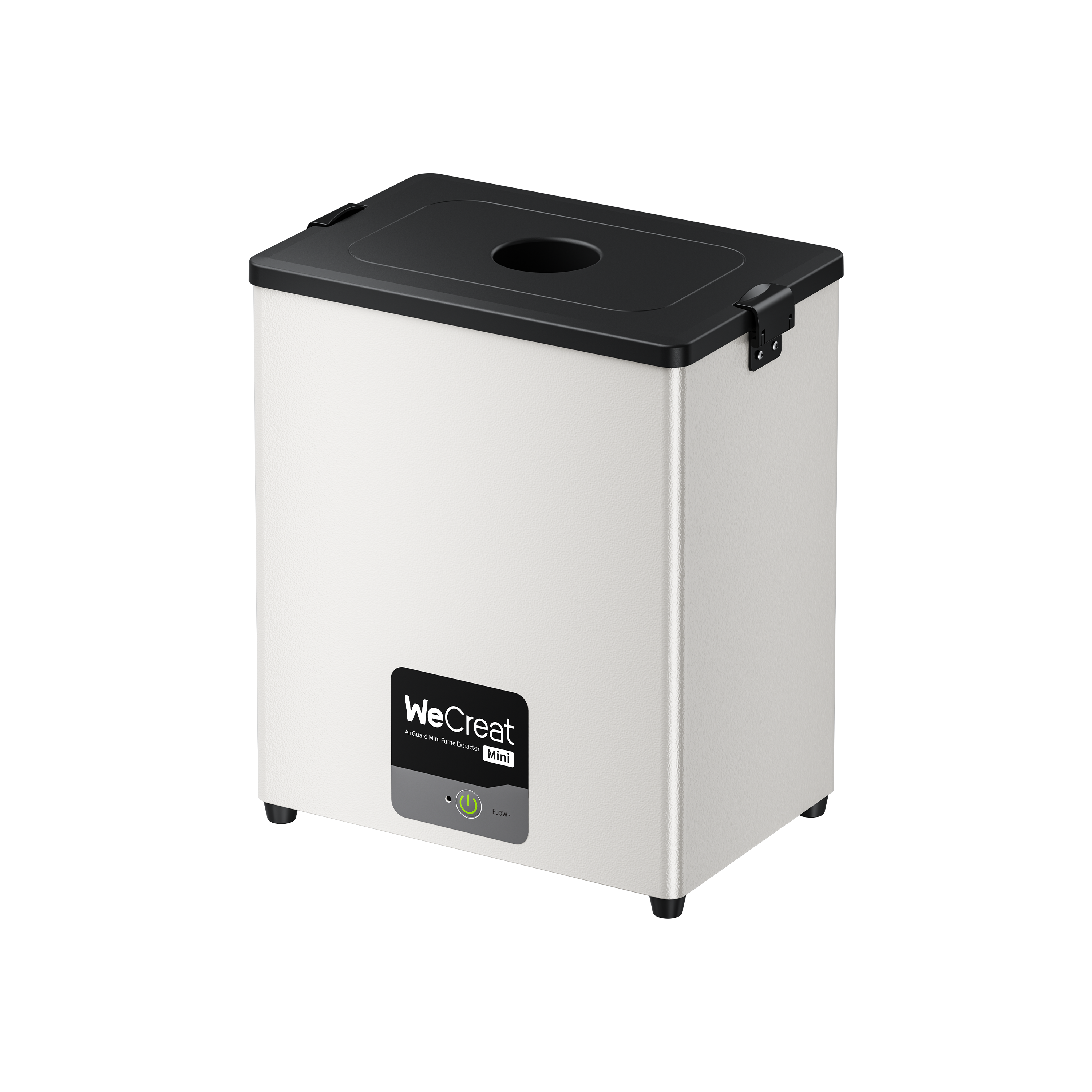
Plastics and silicone: ABS, PVC, PET, PC, cable jacketing, phone cases — UV cuts down on melting and charring compared with heat-based marking on many plastics. That said, material choice and proper fume extraction still matter. Not every plastic reacts the same way, and some can still release fumes worth venting away from the work area.
Acrylic, clear and colored: UV can mark directly on clear acrylic, which is what makes edge-lit signage possible. A diode or CO₂ laser on the same clear acrylic tends to cloud or melt the surface instead.
Metals and coated surfaces: UV can do light surface marking and even limited cutting on some metals — the machines here range from 0.6mm stainless steel (UV alone) up to a few millimeters when paired with a MOPA fiber module. The right tool depends on the job. Light marking or logos on metal are within UV's own reach. Deep engraving needs more raw energy than UV usually delivers. And vivid, repeatable color marking on stainless steel is where MOPA fiber lasers clearly beat UV. A dual-source UV + MOPA system is worth it when your shop needs a mix of these jobs — not because UV+MOPA is automatically the right tool for every metal task.
Here's roughly how UV compares to other common laser types by material, based on the typical strengths of each technology:
| Material | UV Laser | Diode | CO₂ | Fiber/MOPA |
|---|---|---|---|---|
| Clear Glass | ★★★★★ | ★★ | ★★★ | ★ |
| Crystal | ★★★★★ | ★ | ★★ | ★ |
| Clear Acrylic | ★★★★★ | ★★ | ★★★ | ★ |
| Stainless Steel | ★★ | ★ | ★ | ★★★★★ |
| Wood | ★★ | ★★★★★ | ★★★★★ | ★ |
| Leather | ★★ | ★★★★★ | ★★★★ | ★ |
This is a general guide based on each laser type's typical strengths, not a substitute for testing your specific material and machine combination.
Buyer's Guide: Single-Source UV vs. Dual-Source (UV + MOPA)
If your shop's work is only glass, plastic, and acrylic, a single-source UV unit is simpler and often cheaper for a similar feature set. Light metal marking or logo work is already within reach of UV alone, so that alone isn't a reason to go dual-source. A dual-source UV + MOPA system starts to make sense specifically when your shop needs deep metal engraving or vivid color marking on stainless steel — work that asks for more than UV can deliver on its own, where fiber/MOPA has a real edge. In that case, one machine beats running two separate ones with separate budgets and bench space.
Speed matters too. Galvo scanning in the 15,000–16,000 mm/s range on higher-end units is a real jump over slower systems, especially for batch orders rather than one-off pieces. Just remember: rated top speed and real working speed for fine detail aren't the same number.
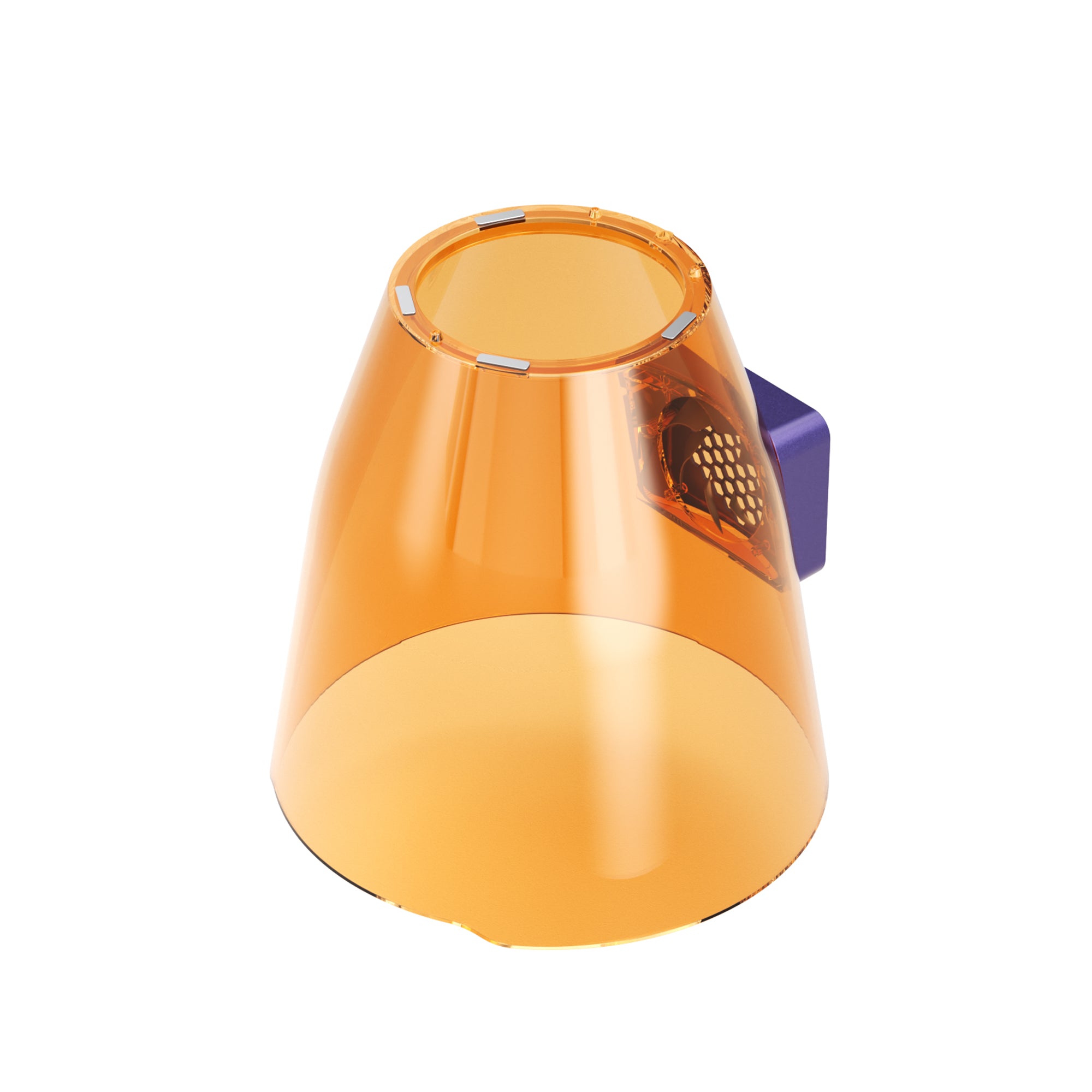
Don't skip enclosure and exhaust planning either. UV light reflection and vaporized plastic particles are real concerns indoors. A Class 1 enclosure (WeCreat, xTool, ComMarker) handles most of that for you. Class 4 open-frame units (Monport) leave more of that job to the operator — proper eyewear, proper ventilation.
Conclusion & Recommendation
The right pick depends on what you need. Tightest budget — the Monport 6W UV wins here, as long as you're fine with its Class 4 open design and manual focus. Running an industrial line around the clock — the Cloudray UV Pro Series fits that duty cycle. Want hands-off autofocus and strong safety — the ComMarker Omni X leads there. Fast camera-guided setup for glass and fine detail — the xTool F2 Ultra UV is a strong fit.
For shops that want the widest range without buying multiple machines — glass, clear acrylic, plastics, and metal color engraving in one footprint — the WeCreat Lumos Ultra is the strongest all-around pick for 2026.
Before you buy, request sample cuts or test your target materials whenever possible — spec sheets only tell part of the story.
Which UV laser should you buy?
- Choose WeCreat Lumos Ultra if: you want UV and metal in one machine, and want room to grow into MOPA later.
- Choose xTool F2 Ultra UV if: you only need UV work and want camera-guided automation and speed.
- Choose ComMarker Omni X if: autofocus precision and a fully enclosed safety setup matter most.
- Choose Cloudray UV Pro Series if: you're running continuous commercial production and need power to scale.
- Choose Monport 6W UV if: price matters more than enclosure class and auto-focus.
5 Best UV Laser Engravers FAQs
Q1. Can a UV laser cut wood or thick acrylic?
Not really, and it's not built for that. UV lasers are made for surface marking and fine ablation, not heavy structural cutting. For cutting wood or thick acrylic, a CO₂ or diode laser is the better tool for the job.
Q2. Why choose a UV laser over a standard diode laser for glass or clear materials?
It comes down to absorption. Diode laser light mostly passes straight through clear glass and acrylic without interacting with the surface. UV wavelengths get absorbed instead, which is what makes marking possible on these materials in the first place.
Q3. What maintenance does a desktop UV laser marking system need?
Routine lens cleaning to keep mark quality consistent, cooling loop maintenance if the system is water-cooled, and general dust management around the work area. None of it is heavy, but skipping it tends to show up as lower mark quality over time.