










Say a client messages you on Monday. They want 50 black metal business cards with a white logo and a QR code that has to scan. They need them by Friday. The artwork takes ten minutes. The harder questions come after that. Which laser will actually mark these blanks? Will the contrast hold on anodized aluminum or brushed stainless? Is the coating safe to burn? And once you count blanks, packaging, and your own time, does a $3 card make any money?
If you're engraving business cards for clients or for your own shop, this guide answers those questions in that order. You'll pick the laser and the blank, follow a safe workflow, test your own settings, and work out what an order really costs. It doesn't hand you "magic" settings, because those change with every machine and blank.
Short answer: You can make laser engraved metal business cards from pre-cut metal blanks and a laser that suits the card's material and finish. Fiber lasers mark many bare metals. Infrared and diode lasers can mark some coated or anodized surfaces. The right choice depends on what you want: a high-contrast logo, a light surface mark, deeper engraving, or color effects.

Layout concept for a black anodized aluminum card. Real contrast depends on the laser source, the material grade, and parameter testing.
What Laser Engraver Do You Need for Metal Business Cards?
The laser source matters more than the wattage number. It decides which blanks you can mark and how the mark looks. The table summarizes the main laser options for laser engraving business card projects.
| Laser source | Suits | Limits |
| Fiber | Bare metal marking, deeper engraving, batches | Contrast and depth depend on power, pulse settings, and focus |
| MOPA fiber | Fine marking on bare metals. Color effects on some stainless steel and titanium | Color is sensitive to pulse width, frequency, and focus. It doesn't repeat on every alloy |
| Infrared (IR) | Light marks on anodized aluminum and some coated metals | Not meant for deep engraving on bare steel |
| Diode | May strip some dark paint or anodized coatings | Removing a coating isn't engraving the metal underneath. It usually can't cut deep into bare metal |
If you plan to sell laser marking business cards in stainless steel, fiber or MOPA fiber is the more suitable choice. For anodized aluminum cards, fiber works well, and IR or diode can work on some blanks.
Choosing the Right Metal Business Card Blanks
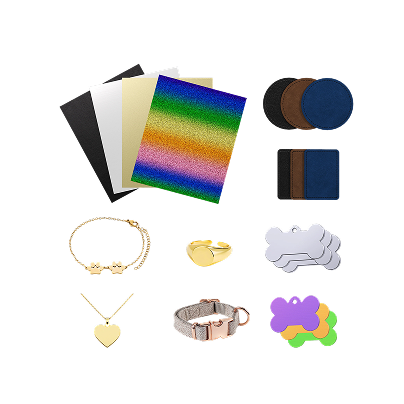
Buy pre-cut blanks. Making the card shape yourself is slow, and good blanks already have clean edges. The two main types are aluminum business cards and stainless business cards.

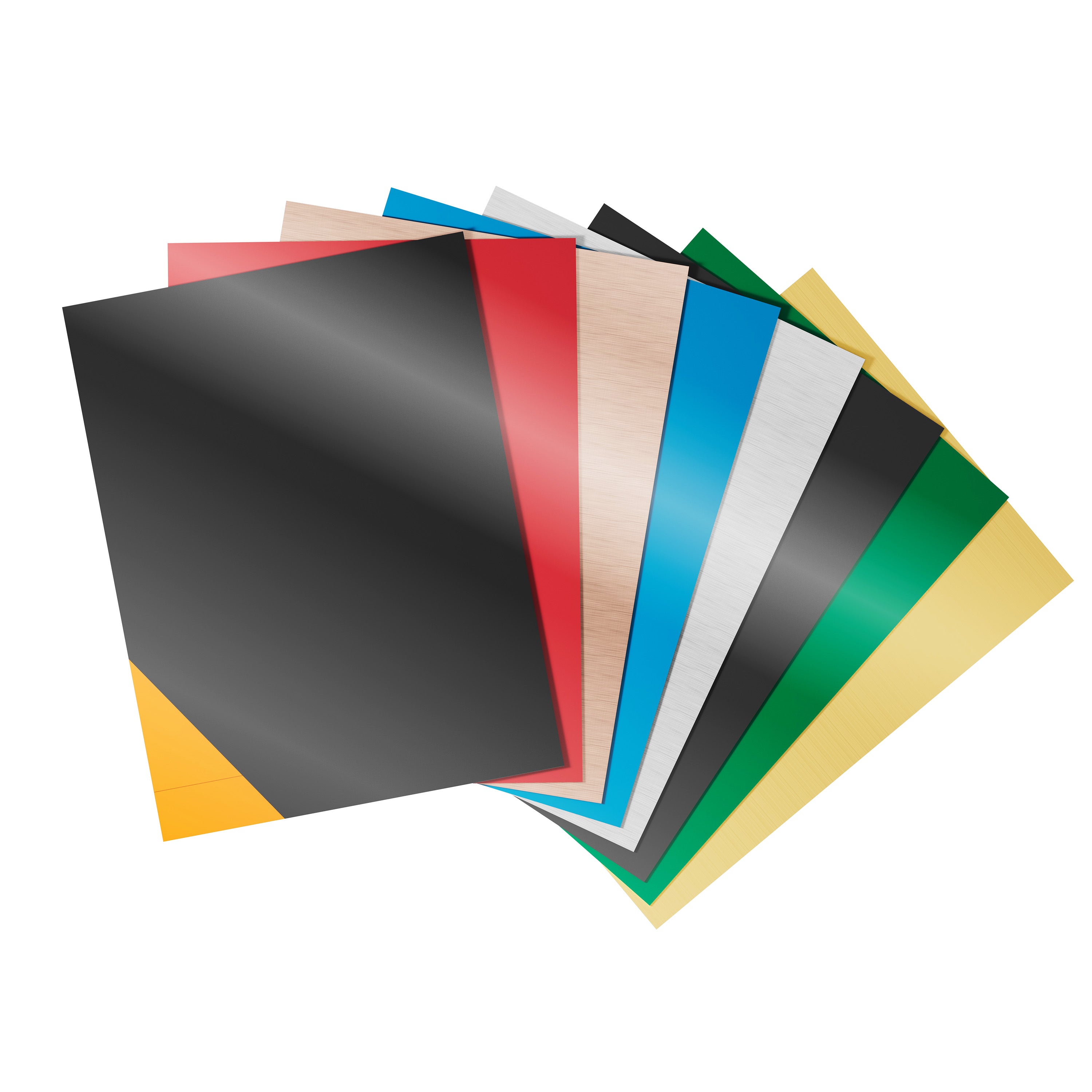
Anodized Aluminum Blanks
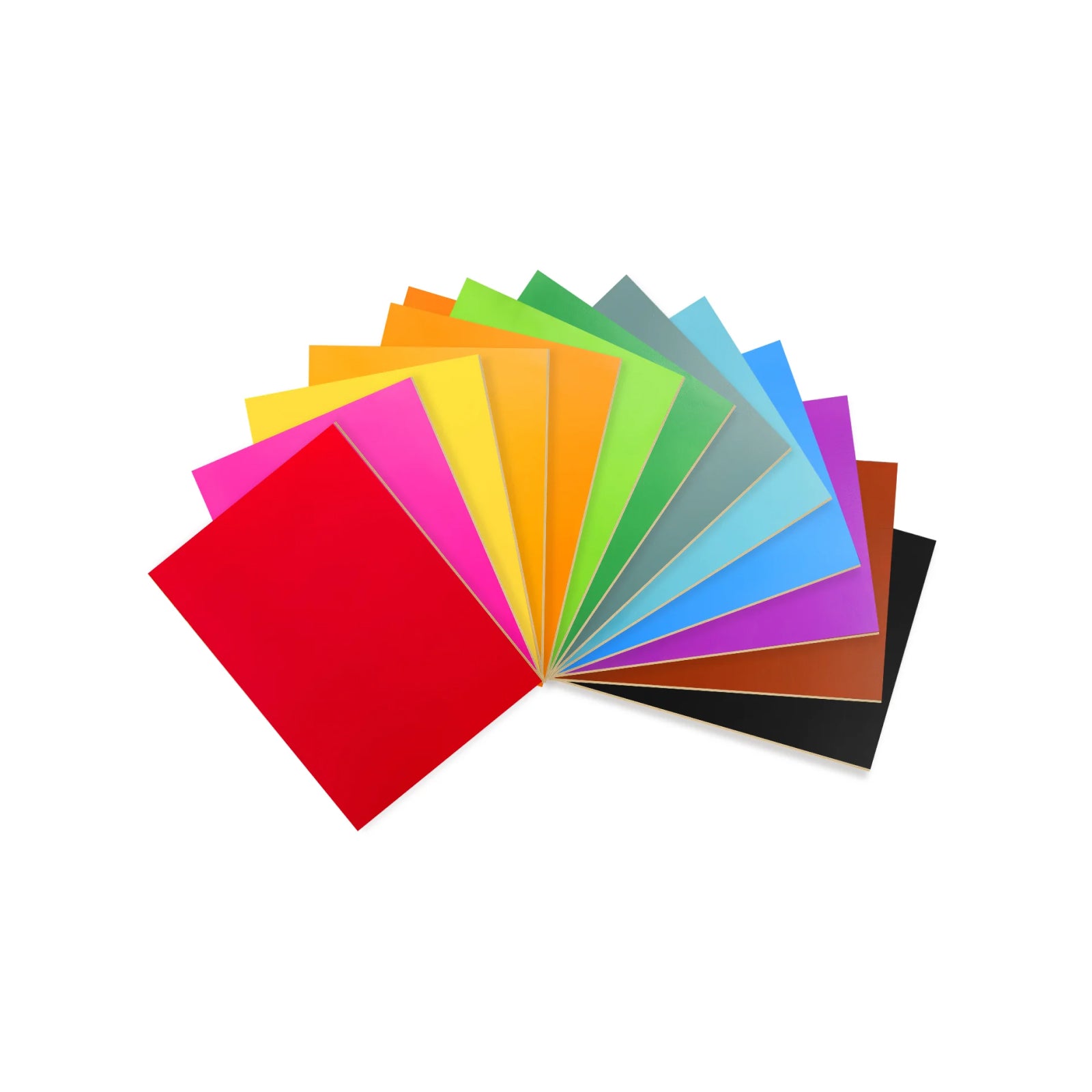
These are light and come in many colors, including black, gold, and red. The laser removes the thin anodized layer and exposes bare aluminum underneath. On black cards, that gives strong contrast, which helps with QR codes. JPT describes the same white-on-black result with fiber lasers.
Stainless Steel Blanks
Stainless feels heavier and wears well. A fiber or MOPA laser can leave a dark annealed mark or a shallow engraving. Color marking on stainless is possible with MOPA, but it's the hardest finish to repeat. Our guide to laser engraving with color covers it in more detail.
Size and Thickness Checklist
A standard card is about 3.5 × 2 inches (89 × 51 mm). Suppliers differ, though. Listings for blanks run from roughly 0.2 mm to 1 mm thick, and corner radius and coating thickness vary too. Measure a real sample before you build a jig. Thin cards can also warp if you put too much heat into one spot.
How to Laser Engrave Metal Business Cards Step by Step
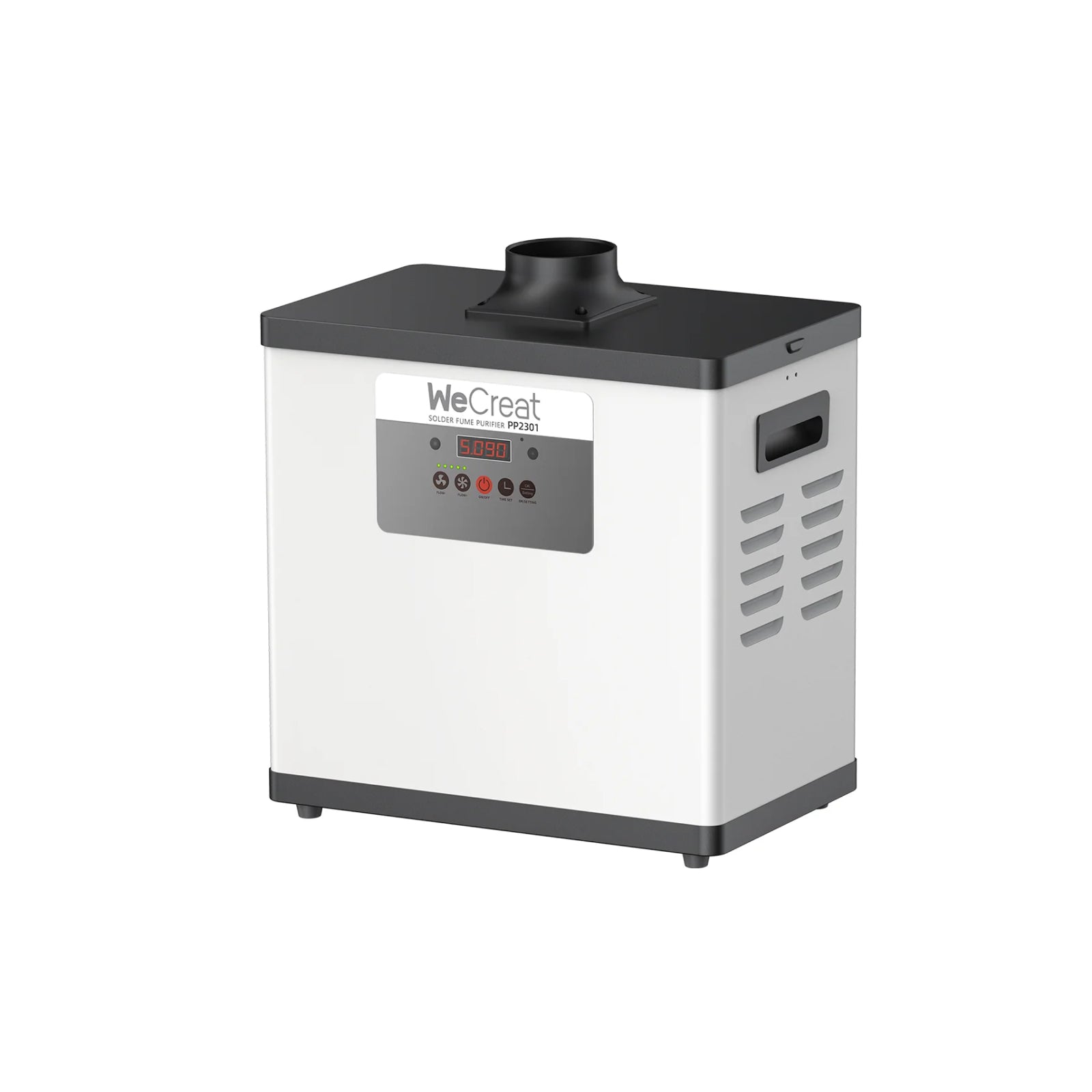
Safety first. Never laser a blank if you don't know its coating. PVC and unknown chemical coatings can release toxic fumes. Run active extraction for every job. WeCreat's support page on venting smoke and fumes is a good starting point.
1. Check the material and coating. Ask the supplier what the metal is and what's on it. If they can't say, don't run it.
2. Set up extraction. Use a fume extractor or a vented exhaust. Coating particles and dust need to leave the work area.
3. Prepare the artwork. Convert text to outlines. Check line widths. Use a high-contrast vector file.
4. Clean and focus. Clean the card with isopropyl alcohol and a lint-free cloth, if that suits the blank's finish. Let it dry completely first, because isopropyl alcohol is flammable. Then set the focus for your machine.
5. Test on spare cards. Run a power, speed, and frequency grid on blanks you can waste. Pick the settings with the best contrast.
6. Run the batch. Load the cards into a jig, frame the job in software, engrave, then wipe off residue. Scan every QR code before you pack the order.
Sizing, Jig Layout, and Batch Production
Engraving one card is easy. Producing 50 that all match is harder, and that's where a jig helps. A jig is a plate with pockets that hold each blank in the same spot. Make each pocket just big enough for a card. Position and focus height then stay the same across the batch. That's the main reason batches of laser engraved metal business cards come out consistent.
Choose a jig material that's approved for your laser setup. If you 3D print one, check that the material suits the laser environment. Keep the beam away from the jig, because plastic can melt or give off fumes. Never use PVC, and follow your machine's enclosure and eye-protection guidance.

In your laser software, set up an array grid that matches the pocket spacing. Measure the spacing on the finished jig, not on the drawing. A small offset error repeats on every card.
Work area limits how many cards you can run at once. These are estimates from the listed work areas, not test results, and jig walls take up space. A 116 × 116 mm area (Lumos Flex or Lumos 50W) fits about two cards. With the 520 × 116 mm slide extension, it fits up to ten.
Laser Design Rules for Clean Engraving and QR Codes
Small marks on a thin card leave little room for error. These rules help a laser etched business card stay readable.

- Type size and line width. As a starting point, try text around 5 pt or larger and vector lines around 0.1 mm or thicker. These aren't universal limits. Readability depends on the font, the laser spot size, the material finish, and your test results.
- QR complexity. Use a short link. A short link makes a simpler code with bigger squares.
- Quiet zone. Leave clear space around the QR code. Don't let text or borders touch it.
- Scan test. Don't judge a code by eye. Scan it with several phones, in different light. Test the final code at its actual engraved size, after cleaning the card, under ordinary indoor lighting, before you approve the batch.
If a QR code fails on your blank, make it larger before you change anything else.
How to Test and Calibrate Your Laser Settings
Build a test grid on spare cards. Change power along one axis and speed along the other. Then repeat the grid at two or three frequencies. On a MOPA machine, add pulse width as well. Mark each square with its values so you can read them back later.
Use these as starting directions, not fixed recipes:
- Anodized aluminum. You want to lift the coating cleanly. Start at moderate speed and low to medium power, and stop before the mark burns into the aluminum.
- Stainless steel (annealing). A dark annealed mark comes from heating the surface, not removing it. Start gently and add heat in small steps. Stop when the mark is dark but the surface is still flat.
Log every test. This table is easy to copy.
| Test ID | Blank and finish | Machine | Power (%) | Speed (mm/s) | Frequency / pulse | Result to look for |
| Sample #1 | Black anodized aluminum | Your model | Record | Record | Record (kHz) | Clean bright base metal, sharp edges, QR scans |
| Sample #2 | 304 brushed stainless steel | Your model | Record | Record | Record (kHz / ns) | Dark annealed mark, flat surface, no heat warp |
Can You Laser Cut Metal Business Cards at Home?
Mostly no. Desktop diode, IR, and marking fiber lasers are built for surface work. A few models list thin-sheet cutting under specific conditions, but cutting a card shape from metal sheet usually needs an industrial fiber cutter with assist gas. Our fiber laser cutting thickness guide shows the gap.
For most small shops, buying pre-cut blanks with smooth, chamfered edges is more practical than making laser cut metal business cards yourself. It's usually cheaper and faster, and the edges are cleaner.
Cost Structure and Order Margin
Here's a simple, illustrative model for one 50-card order of a custom metal business card. It isn't an industry benchmark, and every figure is an assumption.
The $45 hourly rate is an illustrative shop rate. The 20 minutes covers hands-on layout, loading, and checking only. Machine runtime isn't itemized separately. Swap in your own supplier and shop costs.
| Item | Assumption | 50-card order |
| Blank cards | $0.35 each | $17.50 |
| Packaging | $0.20 per card (pouch or box) | $10.00 |
| Labor and setup | About 20 minutes of hands-on time, at an illustrative $45 per hour | $15.00 |
| Platform fees and shipping | Estimate | $12.00 |
| Direct costs | Sum of the above | $54.50 |
| Revenue | $3.00 per card | $150.00 |
| Order contribution | Revenue minus direct costs | $95.50 (about 64%) |
That's contribution, not profit. It leaves out machine cost, tax, marketing, design time, and failed cards.
Prices move it quickly. Say blanks rise to $0.60 and you scrap 10%, so you use 55 blanks. Direct costs climb to about $70.00. Contribution drops to about $80.00, or 53%. In this example, a higher blank price moves the result more than the scrap rate does, though both affect your margin. Check what local printers charge for metal cards before you set your own price. For more on running the business side, see our guide to starting a laser engraver business and our picks for Etsy sellers.
Recommended Setup for Your Business
These suggestions follow the official product specs. None of the product pages mention business cards, so they describe fit for metal marking, not a card-specific feature. The right pick depends on whether cards are your main product or one item in a wider custom shop.
| If you… | Consider | Why |
| Mainly make cards, or are starting small | Lumos Flex | 15W fiber plus 15W diode. The page lists color marking on stainless, with results varying by material |
| Sell cards alongside other custom gifts | Lumos 50W | 50W fiber plus 10W diode and 3W IR in one machine |
For many shallow, detail-focused card jobs, a lower-power fiber laser may be enough. The right choice still depends on the blank, the finish you want, and your volume.
The Lumos 50W makes sense when cards are only part of the shop. Many small businesses that sell metal cards also sell engraved metal gifts, tags, and wood or leather pieces. Fiber handles the metal. The diode handles wood and leather. That's one machine for the whole line, without a second purchase. The higher fiber power may also help with deeper metal engraving, but that depends on the material and settings, so test it on your own work.
The WeCreat Lumos 50W is positioned as a portable multi-laser for small businesses. It's built for shops where metal cards sit alongside other custom gifts, whether you work at a bench or at an event.
Whichever you pick, run the testing grid first. Also read our 50W fiber laser engraver guide for what higher power does and doesn't change.
Frequently Asked Questions
Q1. Can you laser engrave metal business cards with a diode laser?
Sometimes. A diode laser may remove or mark certain dark coatings, depending on the laser and the blank. It generally isn't the right choice for directly engraving bare stainless steel or brass.
Q2. What laser is best for engraving stainless steel business cards?
A fiber laser is the usual choice. A MOPA fiber adds pulse control, which helps with dark annealed marks and some color effects. Read our MOPA laser explainer if you're deciding.
Q3. Can you laser engrave both sides of a metal business card?
Yes. Use a jig that holds the card in the same spot after you flip it, then re-register the job in your software before you run the second side.
Q4. Do laser engraved business cards made of metal scratch or fade?
Marks made into the surface are generally more durable than printed ink. On anodized aluminum, the exposed bare metal doesn't fade like ink, but hard scratching can still damage the finish around it. We haven't published our own durability tests, so check a sample before you promise anything to a customer.
Q5. Where can you buy blank metal business cards?
Online marketplaces and laser supply shops sell them in bulk. Ask for the exact size, thickness, material, and coating before you order.