










Selling laser-engraved products on Etsy can start with a single personalized tumbler or wooden sign, but choosing the wrong machine can limit your growth before your shop even takes off.
The best laser engraver depends on what you sell, how many orders you handle, and whether you're building a hobby shop or a real business. This guide walks through the top picks for 2026, matched to the stage your shop is actually at right now.
Quick Comparison: Best Laser Engravers for Etsy Sellers
|
Rank |
Laser Engraver |
Best For |
Approx. Investment |
Why Etsy Sellers Should Consider It |
|
#1 |
WeCreat Vision Pro |
Best Overall Etsy Laser Engraver |
$$$ |
Best balance of automated workflow, safety, and room to grow |
|
#2 |
WeCreat Vision |
Best Beginner Laser for Etsy Sellers |
$$ |
Beginner-friendly setup with a clear upgrade path |
|
#3 |
xTool S1 |
Best Alternative Diode Laser |
$$ |
Mature ecosystem and strong material flexibility |
|
#4 |
OMTech Polar Lite |
Best CO2 Upgrade for Scaling Shops |
$$$ |
Built-in cooling and faster processing for serious production |
|
#5 |
Glowforge Pro |
Best Premium Beginner-Friendly Laser |
$$$$ |
Simple cloud-based workflow and a large creator community |
(Specs and pricing based on published manufacturer information and independent reviews as of 2026; confirm current pricing before purchasing.)
What Etsy Sellers Should Look For in a Laser Engraver
Before comparing specific machines, it helps to know what actually separates a good fit from a frustrating one.
The biggest cost on Etsy usually isn't the machine — it's wasted material and reworked orders from a design landing in the wrong spot. Precision and camera alignment matter here more than most sellers expect going in. A reliable camera preview cuts down on that waste and makes repeatable results possible order after order.
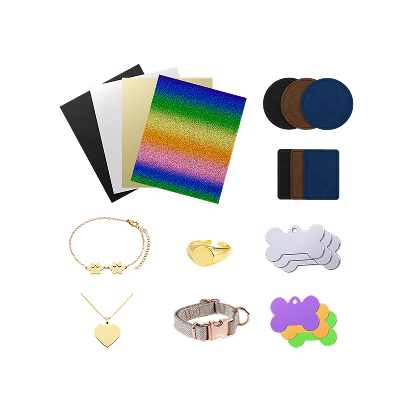
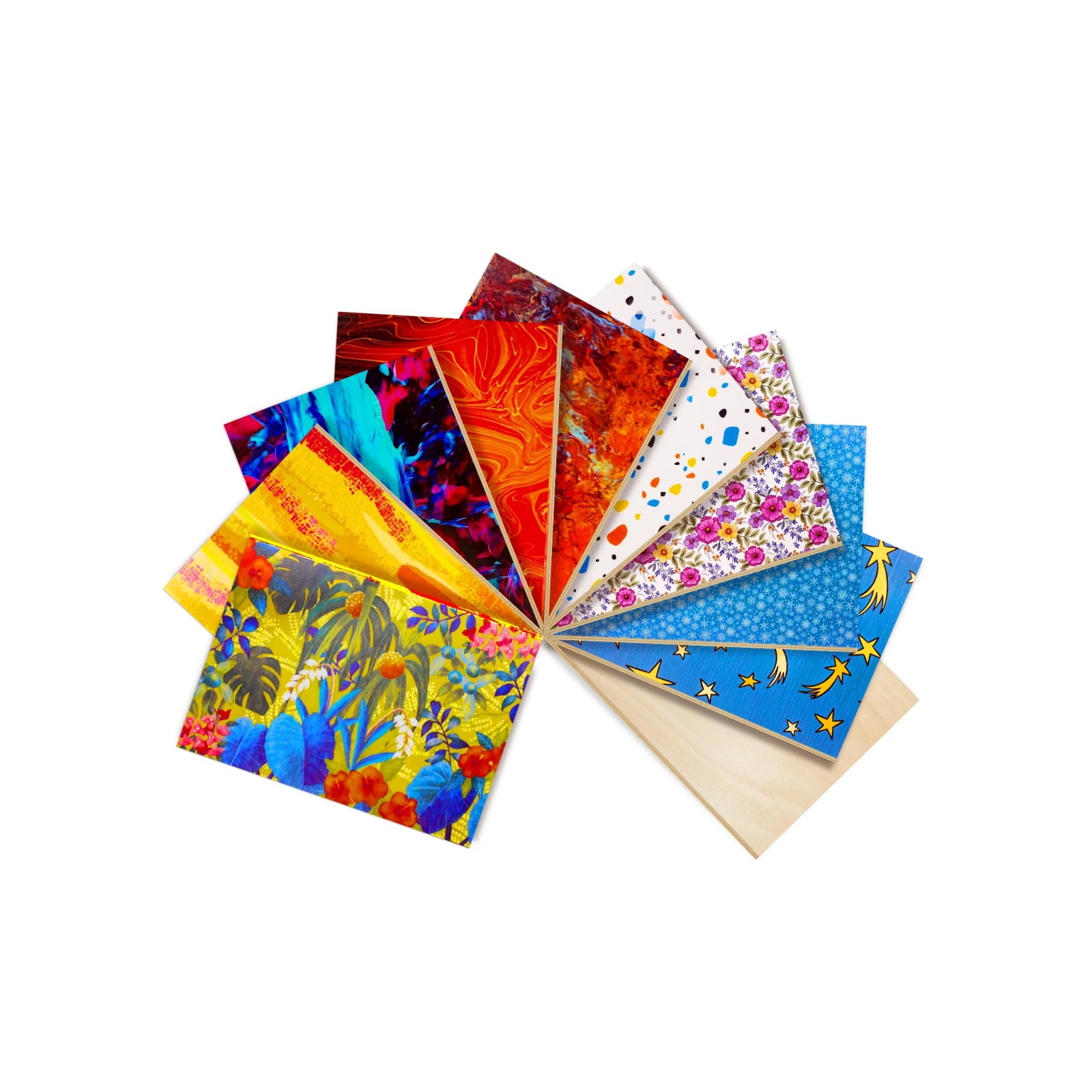
Material versatility is the next thing worth checking. Wood, leather, and most opaque acrylics cover the bulk of Etsy bestsellers, and metal capability — usually via a separate laser module — opens up jewelry and drinkware, both genuinely higher-margin categories worth having access to.
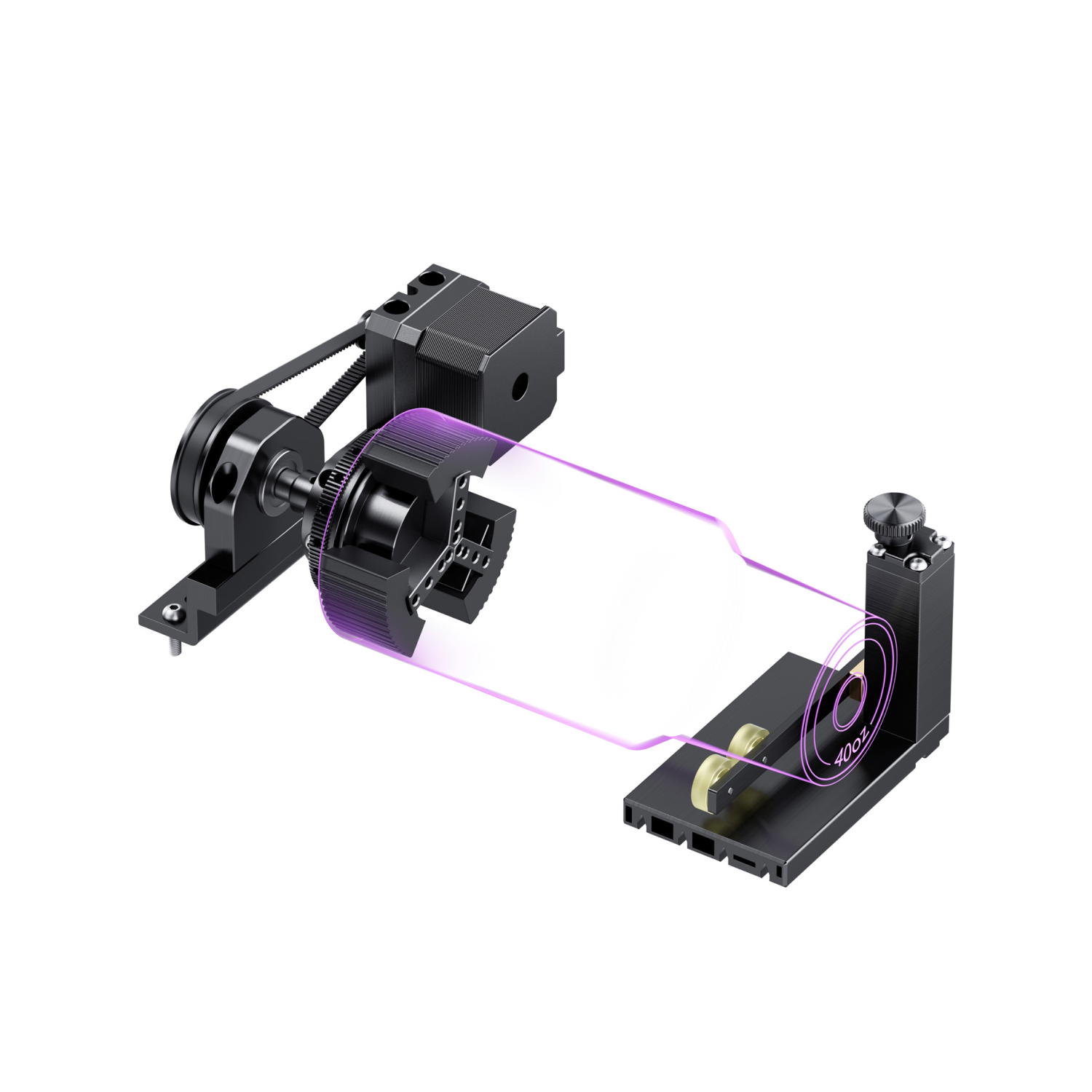
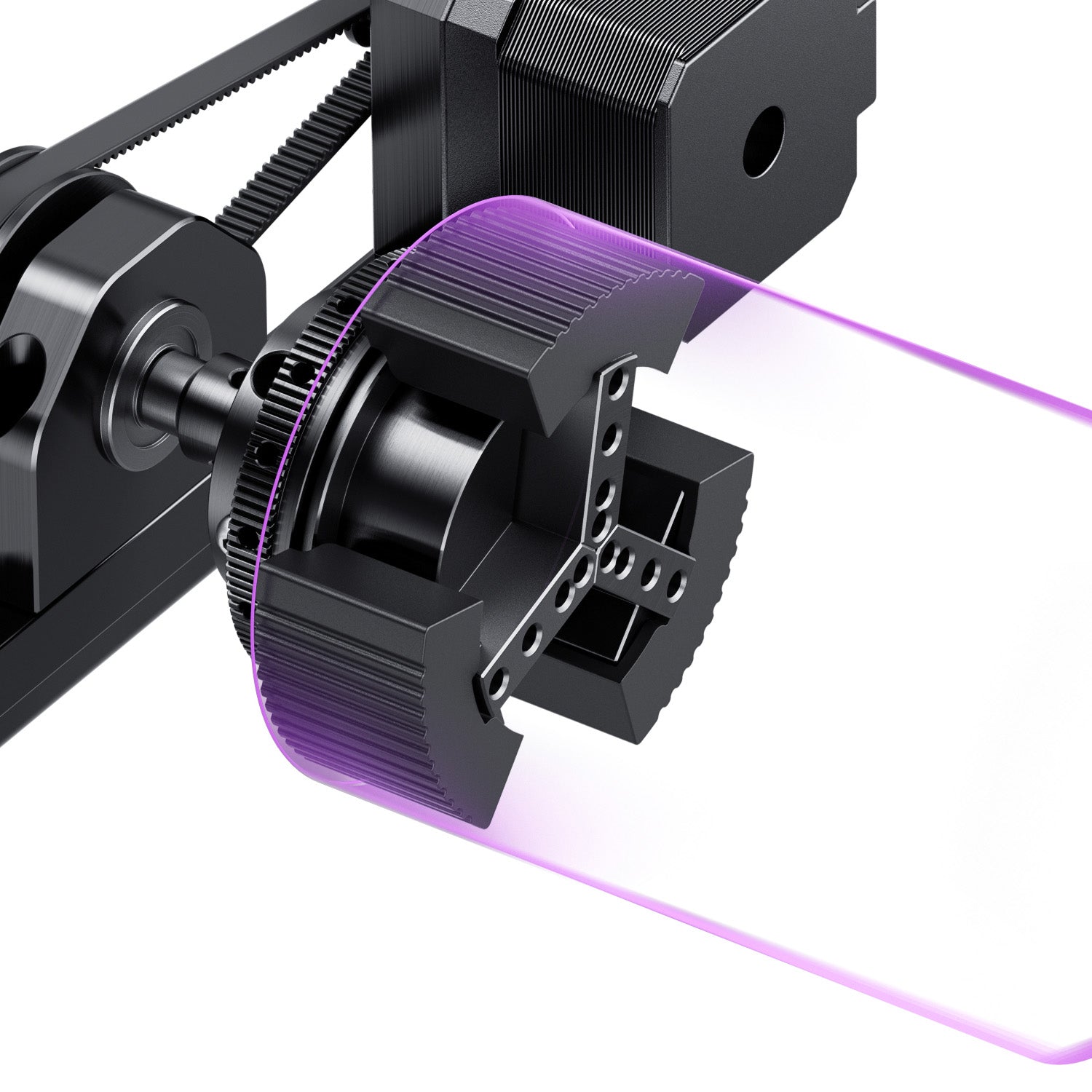
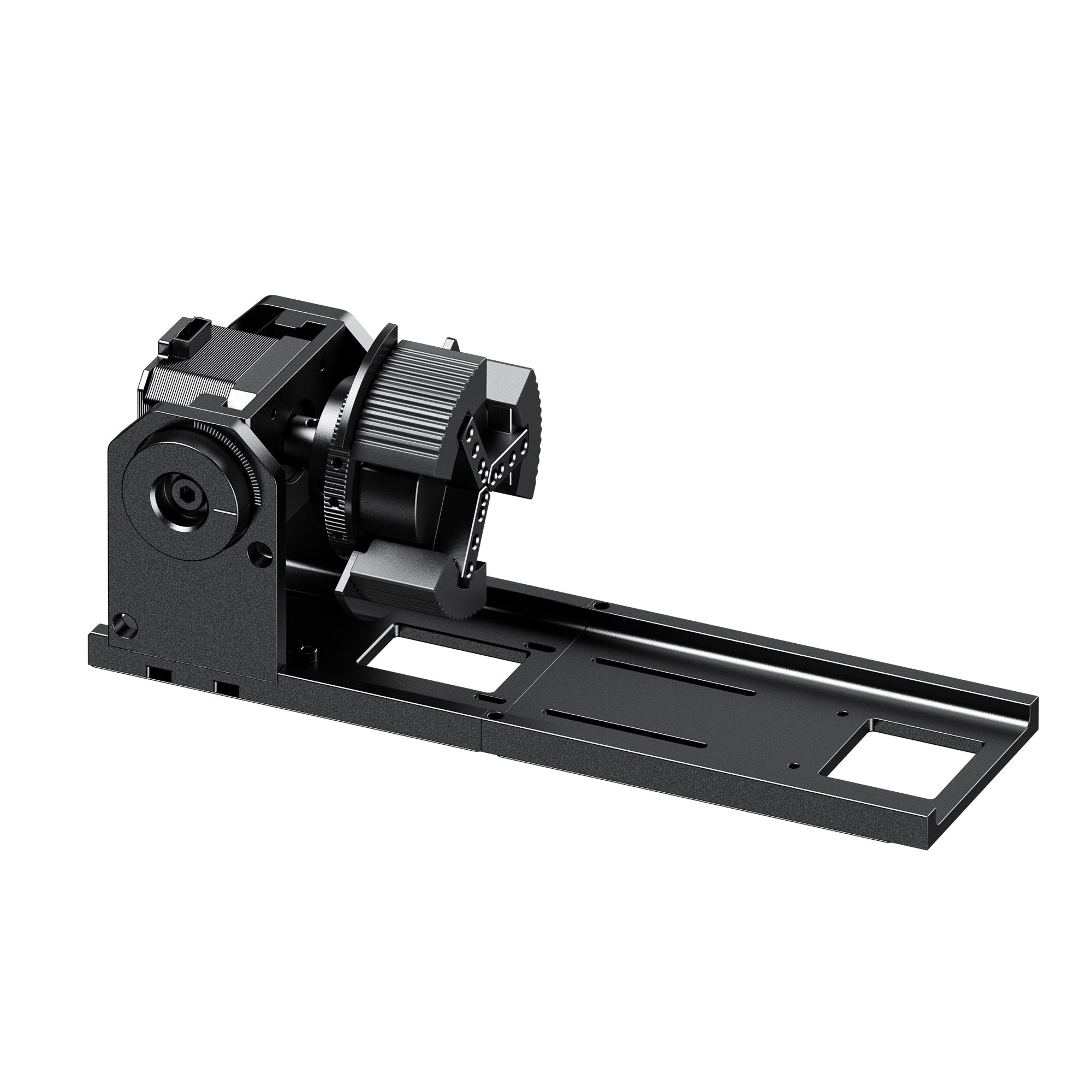
Then there's rotary and tumbler capability. Custom drinkware is consistently one of Etsy's highest-margin categories, but only if your rotary setup doesn't eat up your production time. Slow, fiddly rotary setups are one of the most common bottlenecks for growing shops.
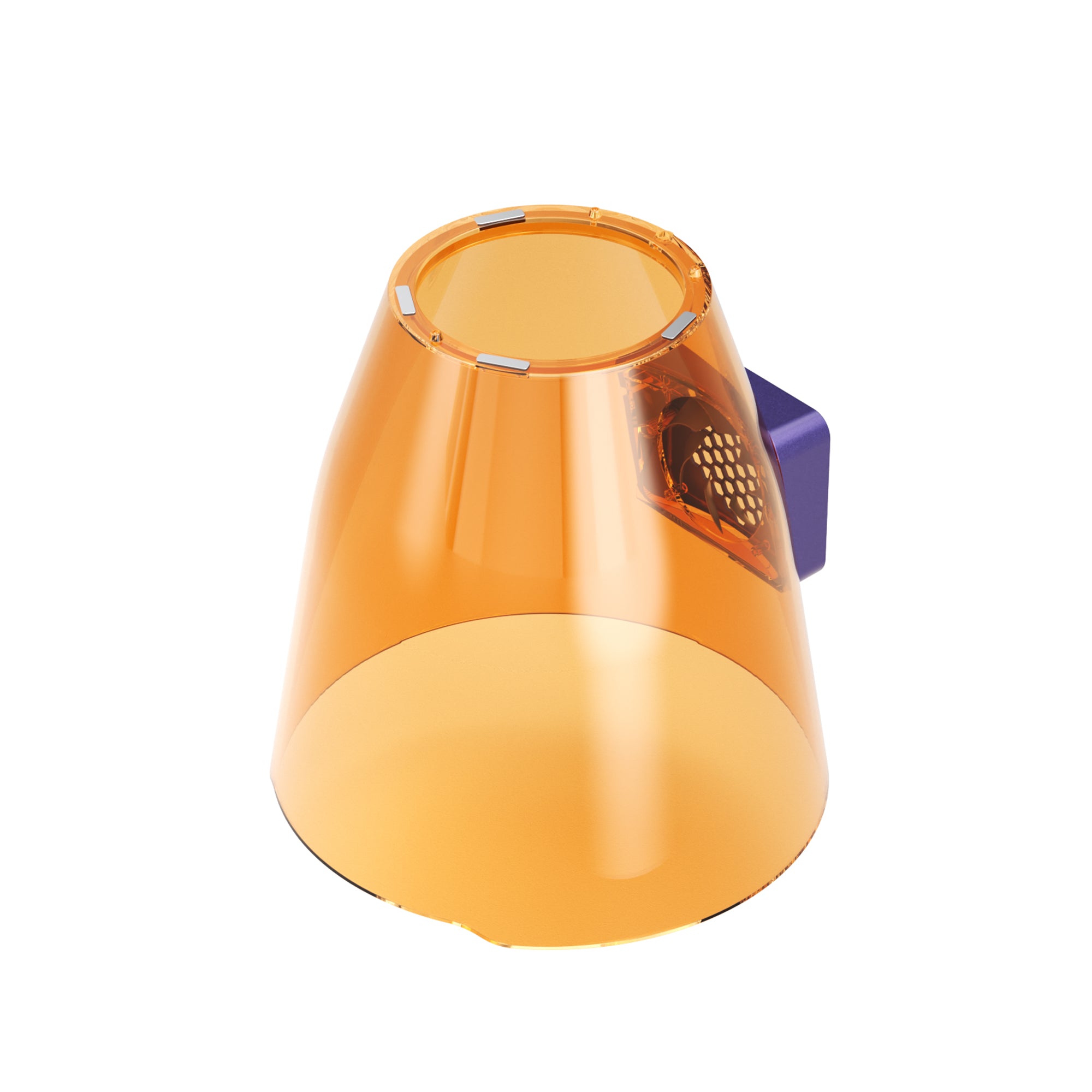
And safety, which ties into how the machine actually fits your workspace. Most Etsy sellers aren't running a factory — they're working out of a home office, garage, or small studio. An enclosed design and a genuinely clean, low-maintenance workflow matter more here than they would in an industrial setting.
Why Enclosed Lasers Are Better for Many Etsy Sellers
This is worth calling out on its own, since it's easy to underrate until you're actually running a machine daily. An enclosed design isn't just a safety checkbox — it changes how workable the laser is as part of a home business day to day:
Home workspace compatibility: A fully enclosed housing contains smoke, sparks, and light exposure, which matters a lot more in a spare bedroom or garage than it would in a dedicated industrial space.
Easier daily operation: Less time spent on ventilation setup, eye protection logistics, or clearing the room before every job means more time actually producing.
Less setup friction: Enclosed machines tend to pair with more automated workflows (camera alignment, auto-lifting) since the whole system is designed around consistent, repeatable operation rather than one-off industrial jobs.
A safer daily environment: For sellers working solo, or with family or pets nearby, this isn't a minor detail — it's part of what makes running a laser business out of a home space sustainable long-term.

Best Laser Engravers for Etsy Sellers
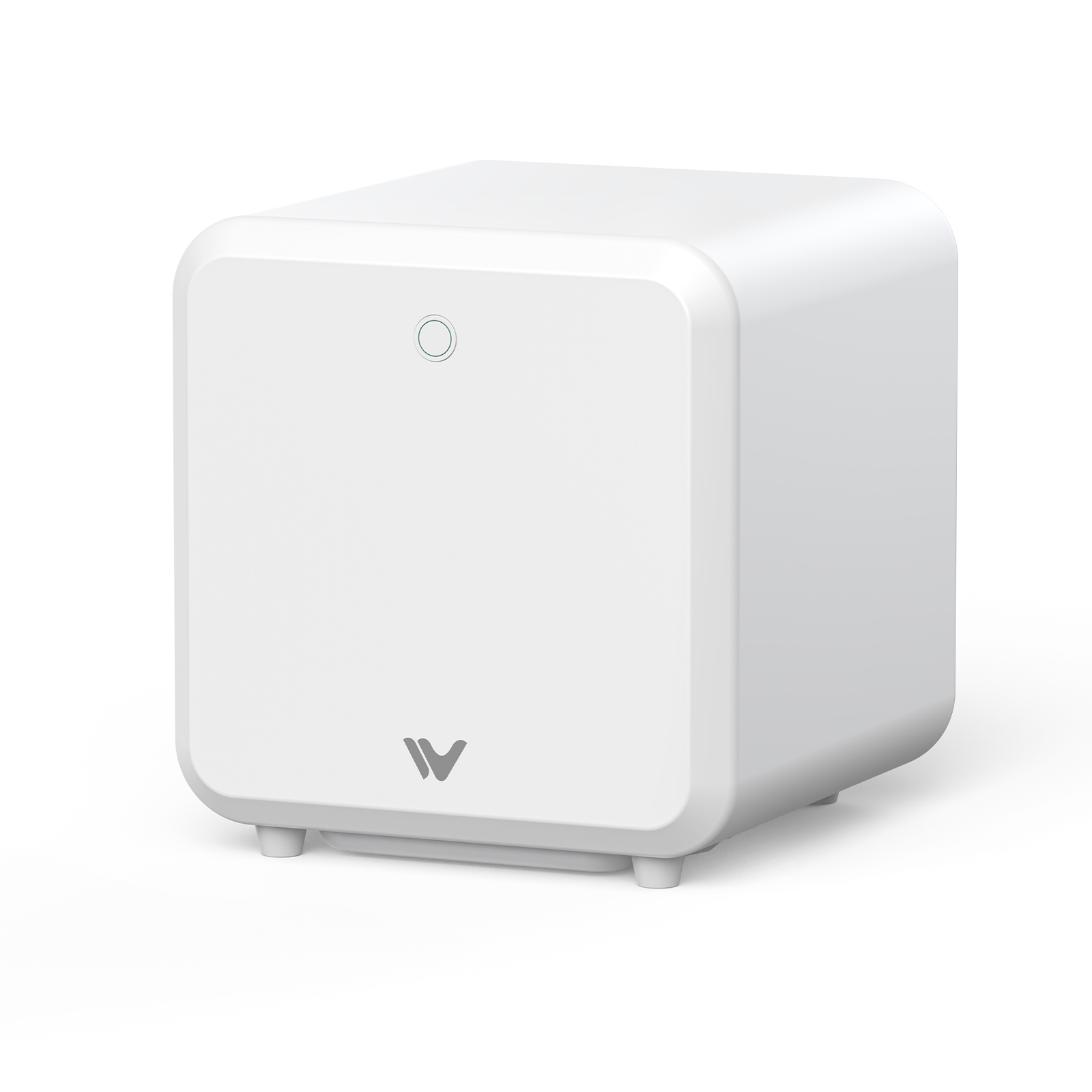
#1. WeCreat Vision Pro — Best Overall Etsy Laser Engraver
The Vision Pro earns the top spot not because of a power spec, but because of what often drives Etsy profitability: fewer failed products, and a workflow built for a home business rather than a factory floor.
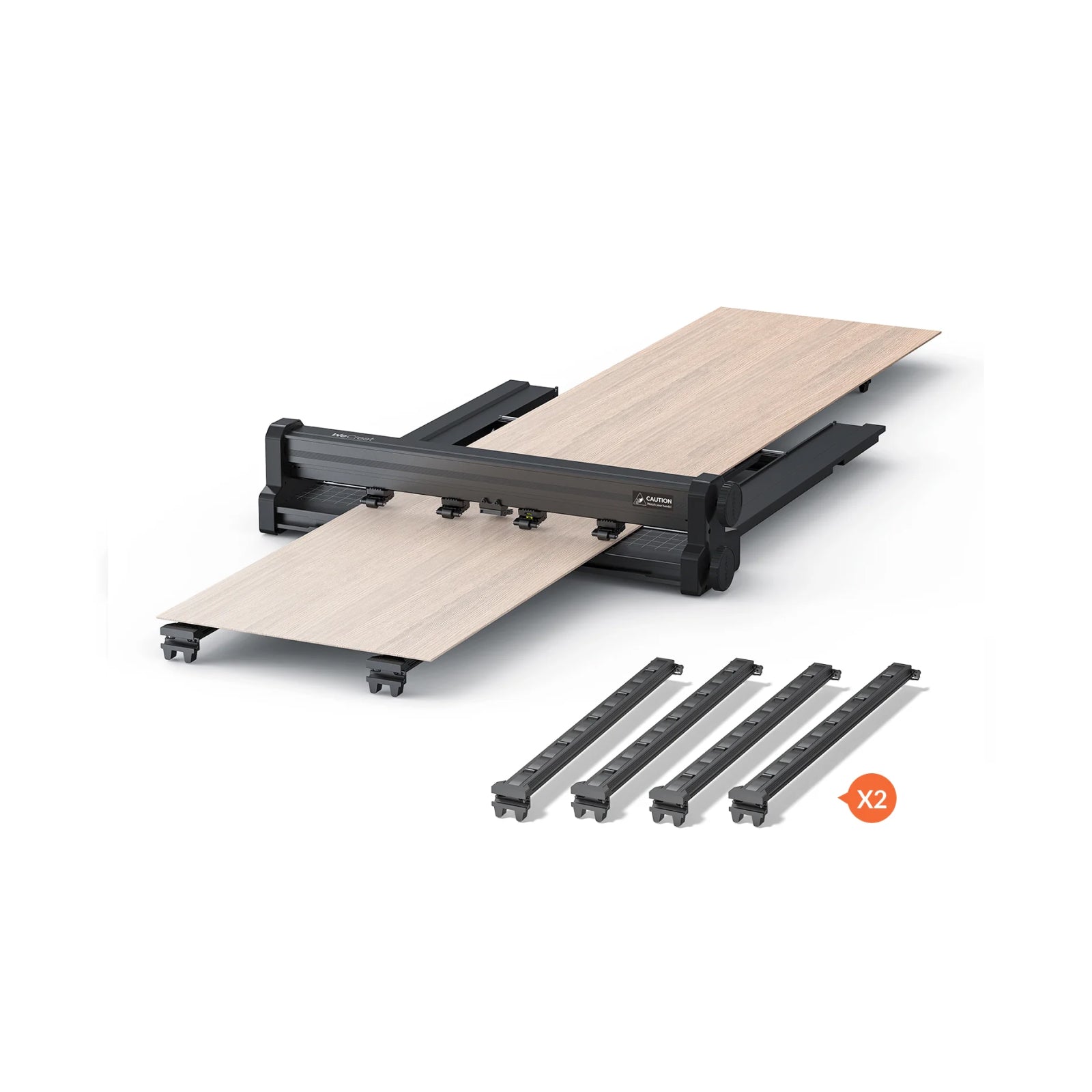
Its camera-guided positioning and automated height adjustment (0–140mm auto-lifting) take manual guesswork out of the process, which can help reduce the material waste and rework that eat into margins more than most sellers realize. It's also built around a fully enclosed, Class 1 safe design — a real consideration if your "shop" is a spare bedroom or garage rather than a dedicated workshop. And because it's positioned at the top of WeCreat's mainstream lineup, it's a machine you can grow into rather than outgrow within a few months of scaling up.
Best for: sellers who are serious about growing past a side hustle and want a machine that won't need replacing as order volume climbs.

#2. WeCreat Vision — Best Beginner Laser for Etsy Sellers
The Vision isn't competing with the Vision Pro for the same customer — it's the entry point that leads into it. If you're launching your first Etsy laser shop or still testing whether this is a side hustle or something bigger, the Vision gives you the same core automated workflow (camera alignment, auto-lifting) at a lower upfront cost.
Best for: first-time sellers and side-hustlers who want a dependable first machine without over-investing before they know their product-market fit.

#3. xTool S1 — Best Alternative Diode Laser
Worth including here because a lot of Etsy sellers compare WeCreat directly against xTool before buying, and the S1 is a genuinely capable machine. It's backed by a strong ecosystem, a large maker community, and a wide range of accessories.
Some users may prefer a more automated workflow compared with machines featuring built-in lifting and camera-assisted positioning — the S1 uses a manual TwinPoint positioning system rather than a live camera preview, which some sellers adapt to quickly and others find adds a small amount of setup time to each job.
Best for: sellers who want to compare ecosystems directly, or who are already invested in xTool accessories.

#4. OMTech Polar Lite — Best CO2 Upgrade for Scaling Etsy Shops
This one isn't a starting point — it's where to look once your order volume justifies stepping up to CO2. The Polar Lite's 55W tube, built-in water cooling, and 500mm/s speed make it a meaningfully faster option for acrylic signage, wedding décor, and bulk production runs than a diode-based machine. (CO2 laser specs and pricing change fairly often across model refreshes — confirm current tube wattage and speed on OMTech's site before buying.)
Best for: shops that have outgrown diode-laser production speed and are ready to invest in dedicated CO2 capability for higher-volume runs.

#5. Glowforge Pro — Best Premium Beginner-Friendly Laser
Glowforge built its reputation on the simplest possible workflow — a cloud-based app, automatic material recognition, and a strong creator community with thousands of pre-made designs. It's a genuinely easy machine to pick up, particularly for sellers who don't want to spend time researching laser settings.
The tradeoffs are real, though: it requires an internet connection to operate at all, and it doesn't support LightBurn, which limits how much manual control power users can get.
Best for: sellers who value the simplest possible day-one experience over deep technical control, and who don't mind working within Glowforge's closed software ecosystem.

WeCreat Vision vs Vision Pro: Which One Fits Your Etsy Shop?
Since two WeCreat machines top this list, it's worth clearing up the difference right away before diving into the full picks:
|
|
WeCreat Vision |
WeCreat Vision Pro |
|
Best for |
New Etsy sellers |
Growing shops |
|
Main products |
Small gifts, tumblers |
Signs, décor, batch jobs |
|
Workflow |
Easy, straightforward |
More production-focused |
|
Upgrade need |
Solid starting point |
Built for longer-term investment |
Best Complete Etsy Starter Setup: Vision Pro + Lumos Combo
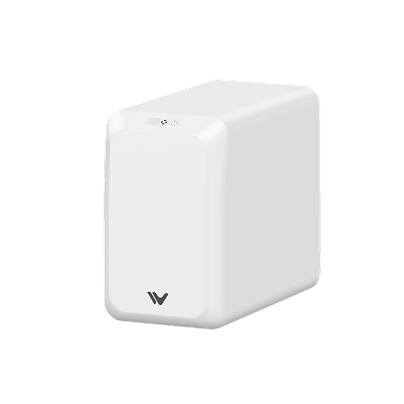
For sellers who want to launch multiple product categories from day one, a Vision Pro + Lumos combination provides a production-focused primary machine plus a compact tool for personalization work and on-the-go engraving — the Vision Pro handles your core catalog, while the Lumos extends into smaller, more portable jobs. It's a pairing most single-machine competitors can't really offer: one laser built for volume, one built for flexibility.

Choose Based on Your Etsy Business Stage
If you're not yet sure laser engraving will become a real business, start with the WeCreat Vision. Focus on straightforward, high-margin items — tumblers, small gifts, ornaments — before investing further. Call this Stage 1: you're testing, not scaling yet.
Once you're fulfilling orders consistently and taking on bigger projects — signs, wedding décor, personalized product lines — that's Stage 2, and the WeCreat Vision Pro's automated workflow starts paying for itself in time saved per order.
And if you're running at high volume and diode-laser speed itself has become the bottleneck, you've reached Stage 3. That's the point to look at a CO2 upgrade like the OMTech Polar Lite for faster, higher-throughput runs.
Best Laser Engraver by Etsy Product Category
|
Etsy Product |
Recommended Machine |
Also Worth Considering |
|
Tumblers |
WeCreat Lumos / Vision |
xTool S1 (with rotary attachment) |
|
Wedding Signs |
WeCreat Vision Pro |
Glowforge Pro (large pass-through signage) |
|
Wood Decor |
WeCreat Vision Pro |
OMTech Polar Lite (CO2 for fine detail on wood) |
|
Leather Goods |
WeCreat Vision |
xTool S1 (strong diode performance on leather) |
|
Acrylic Products (dark/opaque only) |
WeCreat Vision Pro |
Glowforge Pro (CO2 handles clear and light-colored acrylic more directly) |
|
Jewelry & Metal Accessories |
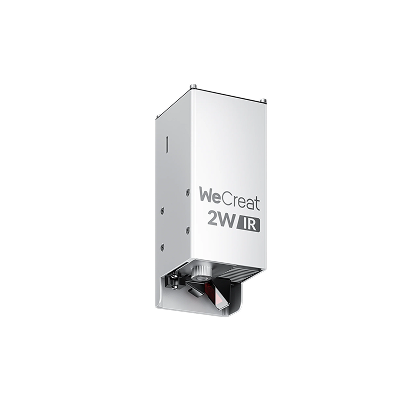
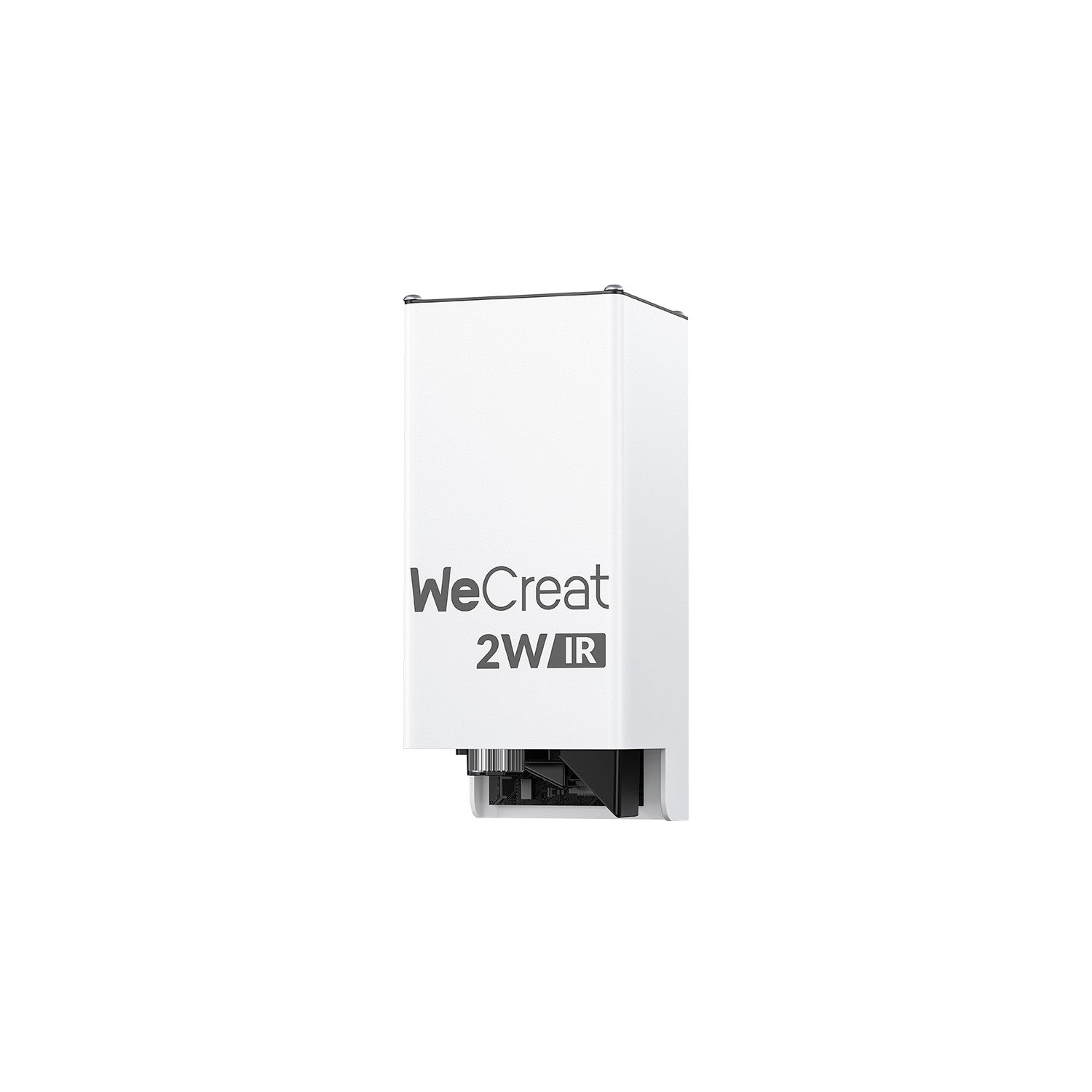
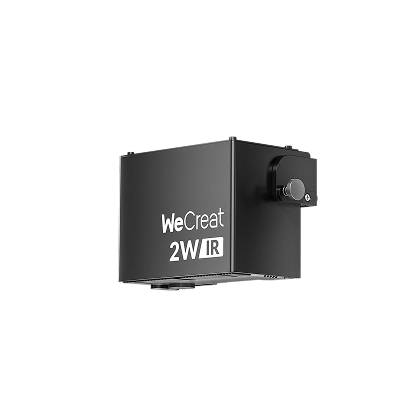
WeCreat Vision + IR module (for marking small metal items) |
A dedicated fiber laser, if you're doing high-volume fine metalwork specifically |
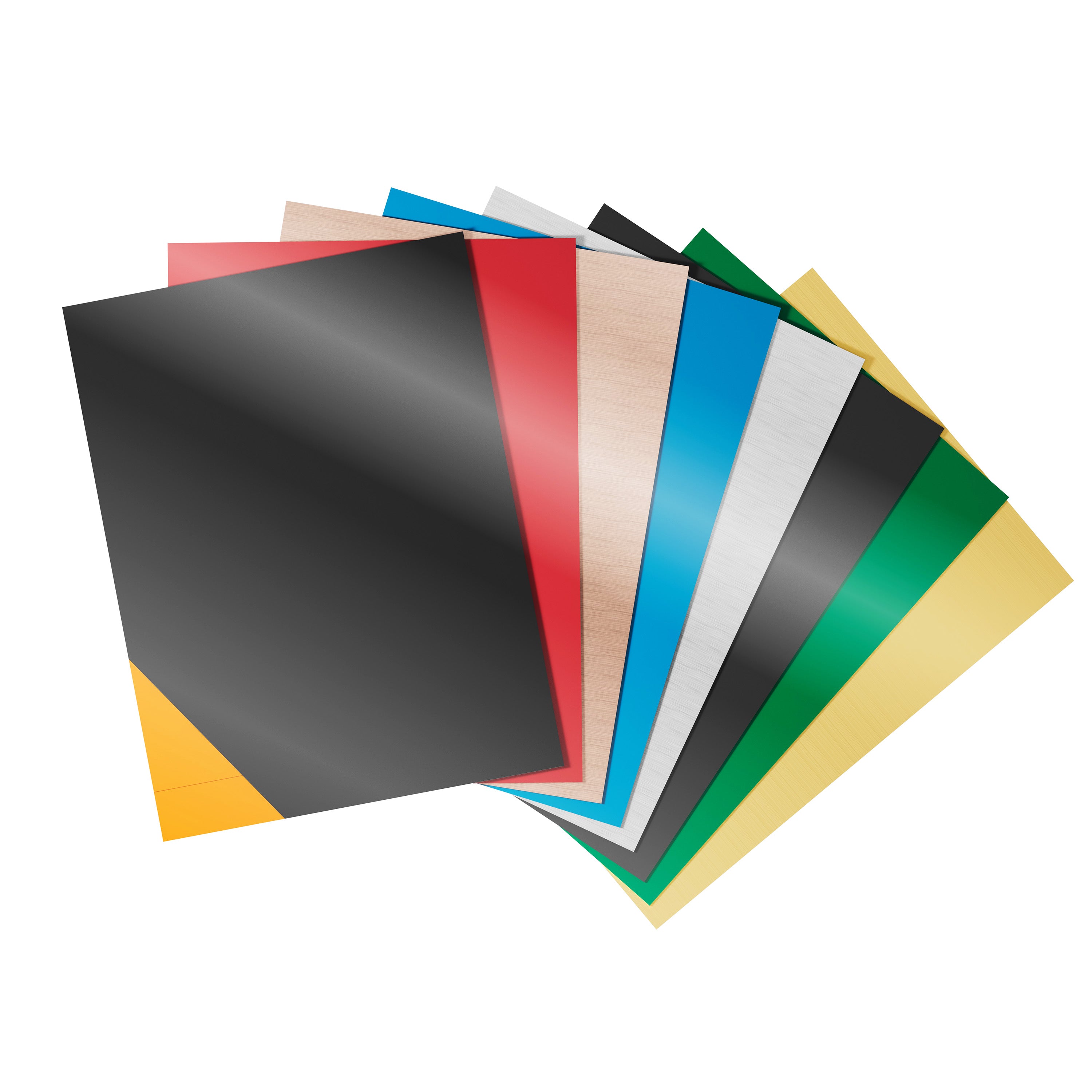
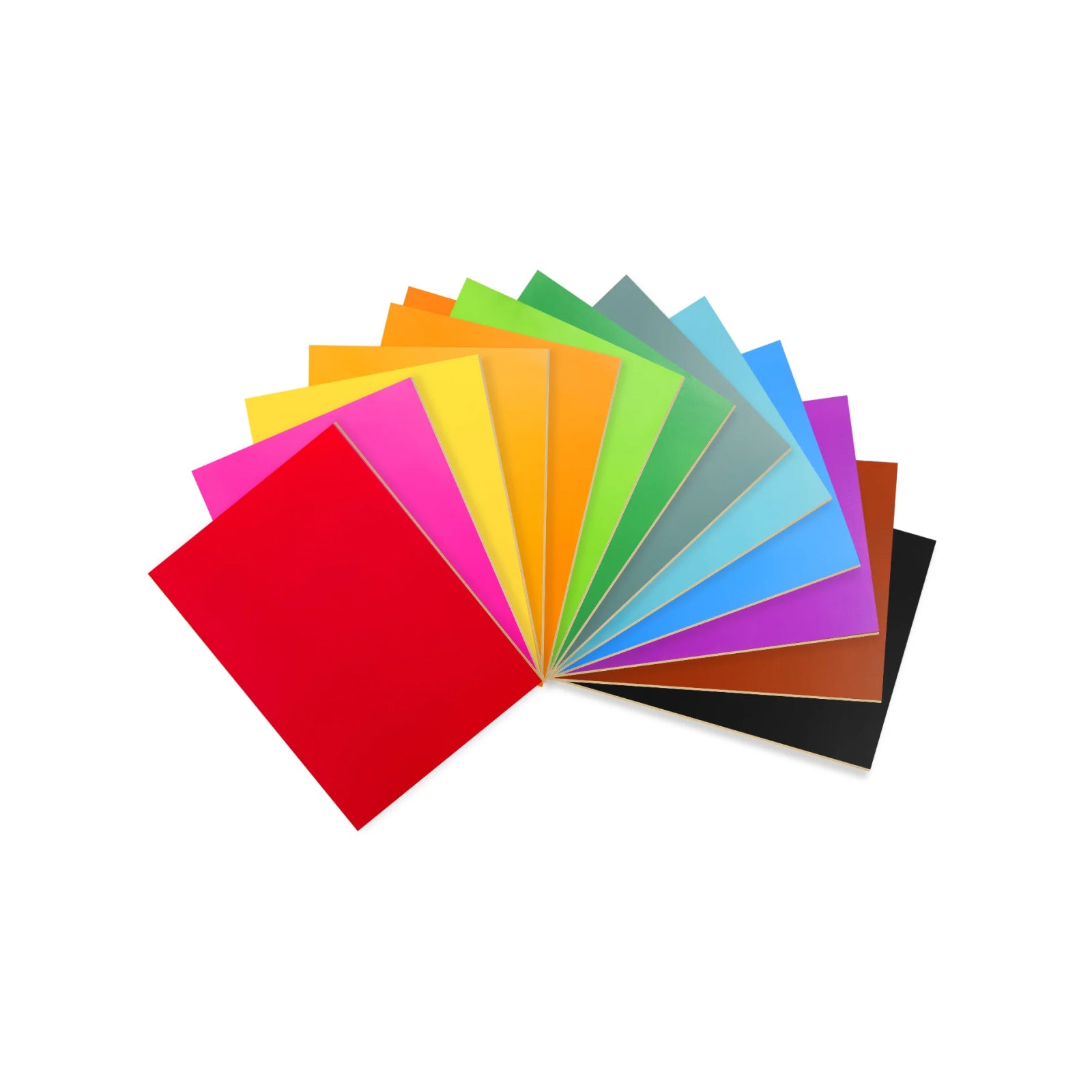
A quick note on acrylic: the Vision Pro's diode laser can cut and engrave dark or opaque cast acrylics (black, dark red, green, yellow) cleanly, but it can't cut clear, transparent, translucent, or light colors like blue or pink — diode lasers pass right through those materials rather than being absorbed. If your product line leans toward clear or pastel acrylic pieces, a CO2 machine is the more direct fit for that specific material.
A quick note on that last row: diode + IR combinations (like the Vision with an infrared module) cover most jewelry-adjacent Etsy work — engraving and marking on metal blanks, charms, and small components. If your shop is moving toward serious metal cutting rather than just marking, that's a different category of machine entirely, and worth researching separately rather than assuming any diode-based setup will get you there.
Launch Your Etsy Laser Business in 30 Days
Buying the machine is step one — here's a realistic path from unboxing to your first sales.
Choose your niche.
Trying to make everything at once spreads your material testing, marketing, and design time too thin early on. Pick one or two categories — custom wedding favors or engraved tumblers, for example — and get genuinely good at them before expanding.
Master your design workflow.
WeCreat MakeIt covers most day-to-day needs out of the box, and both the Vision and Vision Pro are LightBurn compatible if you want more advanced vector control later. Free tools like Canva or basic SVG editors round out the workflow without extra software cost.
Calculate your actual profit margins.
Factor in raw material cost, laser run time, Etsy listing and transaction fees, and packaging — not just the sale price. A lot of new sellers underprice simply because they never ran this math up front.
Optimize your Etsy SEO.
Title tags and listing keywords should match how buyers actually search — "personalized tumbler for mom" converts differently than "custom laser engraved cup," even for the same product. Test both and watch which listings actually get clicks.
Final Thoughts
There isn't a single "best" laser engraver for every Etsy seller — there's a best fit for the stage your shop is at right now. Start with what matches your current order volume and product mix, not where you hope to be in a year. You can always scale up once the demand is actually there.
Frequently Asked Questions
Q1. What is the best budget laser engraver for Etsy sellers?
For sellers who want the lowest-risk entry into an Etsy laser business, the WeCreat Vision offers the best balance of affordability, automation, and room to grow — rather than the cheapest possible option, it's the one that avoids paying twice by needing an upgrade within a few months.
Q2. Do I need a rotary attachment to sell tumblers on Etsy?
Some form of rotary or cylindrical-engraving support, yes. Both the WeCreat Vision and Vision Pro support rotary attachments for drinkware — the right choice mostly comes down to your overall order volume rather than the tumbler category specifically.
Q3. How much can I realistically earn selling laser-engraved items on Etsy?
This varies enormously by niche, pricing, and time invested, so there's no single honest number to quote. Drinkware and personalized gifts tend to carry strong margins relative to material cost, but success still depends on design quality, listing SEO, and consistent fulfillment — the equipment is one part of the equation, not the whole thing.
Q4. When should I upgrade from a Vision to a Vision Pro, or beyond?
If you're consistently fulfilling higher order volumes, taking on bigger signage or décor projects, or losing time to manual adjustments during batch jobs, that's the signal to step up to the Vision Pro. A further move to a CO2 machine like the OMTech Polar Lite makes sense once diode-laser speed itself becomes the bottleneck.
Q5. Is a diode laser enough for an Etsy business?
For most Etsy categories — wood, leather, coated metal, and acrylic engraving — yes, a diode laser covers the vast majority of bestselling product types. CO2 becomes worth considering once you're scaling up volume or working with materials (like uncoated clear acrylic) that diode lasers handle less directly.
Q6. Should I buy a laser engraver before choosing my Etsy niche?
Generally, no. It's a common early mistake to buy equipment first and figure out the product line afterward. Validating demand for a specific niche — even with a small test batch made on borrowed equipment or a local makerspace — before committing to a machine purchase reduces the risk of buying capability you don't actually need yet.