










The custom products market has exploded — personalized tumblers, branded merch, engraved gifts, one-off signage. If you're deciding where to put your equipment budget, you've probably run into two machines that sound similar but do different jobs: UV printers and laser engravers.
Here's the basic split. A UV printer sprays full-color ink onto a surface and cures it instantly with UV light. That's an additive process. A laser engraver physically changes the material — etching, marking, or cutting it — using focused light. No ink involved. That's a subtractive process. Same word "UV" in both names. Completely different machines.

One note before we go further. "Laser engraver" covers diode, CO₂, fiber, and UV laser systems, and each one behaves differently. For this comparison, UV laser engravers are the closest match to UV printers, so that's where we'll spend most of our time on the laser side. Also worth flagging: some people search "UV laser printer" when they actually mean a UV laser engraver. Different technology. This guide covers the engraving side.
What Is Laser Engraving?
A laser engraver uses a focused beam to burn, vaporize, or chemically alter material. That creates permanent texture, depth, or contrast. Depending on power and laser type, it can mark, engrave, or cut all the way through.
✓ Pros
|
✗ Cons
|
What Is UV Printing?
UV printing is a digital, non-contact process. It sprays ink onto a surface and cures it instantly with UV light. It supports full-color images — gradients, textures, white ink — and doesn't physically alter the material underneath.
✓ Pros
|
✗ Cons
|
Where UV Lasers Fit: Not Quite Either Category
Here's something that trips people up constantly: a UV printer and a UV laser engraver are not the same machine, even though the name overlaps. A UV laser is a laser engraver — subtractive, no ink. But it uses a shorter 355nm wavelength that interacts with material through a chemical reaction, not just heat. That's why people call UV lasers "cold" lasers. It's also what lets them do something heat-based lasers and UV printers both struggle with: engraving inside solid glass and crystal without cracking it.
If you've been searching "UV printer" but what you actually want is a machine that etches glass or crystal without ink, you want a UV laser engraver.
How They Perform on Different Materials
Wood
Laser engraving on wood burns away the top layer. That gives you natural contrast and depth. Softer woods like pine engrave fast but char more. Denser woods like maple hold finer detail but need more power. Color stays limited to the wood's natural burn shade, so matching tone across different grain patterns can be tricky.
UV printing puts colored ink right on the wood surface instead of burning it. That keeps the natural texture visible while adding bright, consistent color. If your product needs both texture and color, some makers print first for clean alignment, then cut. Others cut first, then print. Either order can work depending on the project.
Acrylic
Laser engraving on acrylic creates a frosted, semi-opaque finish. It's strong for backlit signage and clean line art, though the process makes fine dust and can melt edges if it's not dialed in. A laser also cuts acrylic cleanly, with flame-polished edges on cast acrylic.
UV printing on acrylic applies ink directly, no heat involved, so the material's shape and clarity stay unchanged. Layered ink can even build a raised texture. But UV printing can't cut the material — for a shaped acrylic piece, you'd still need a laser or another cutting method.
Metal
A standard heat-based laser generally can't engrave bare, uncoated metal without a marking agent. It mostly works by removing a coating to reveal the metal underneath, giving a clean but single-tone result. A MOPA fiber laser is the exception. With tunable pulse control, it can produce genuine multi-color marking directly on stainless steel and titanium through controlled oxide-layer formation — something a standard laser can't do.
UV printing can apply full-color graphics directly onto coated or treated metal surfaces, often with a white ink underlayer. Durability then depends heavily on the coating quality and ink type — a different durability profile than a physically engraved mark.
Glass and Crystal
This is where the three technologies split the most. A heat-based laser engraves glass by creating a frosted, cracked-surface effect. It looks clean on flat glass, but gets less predictable on thin or curved pieces, and the result stays surface-level only.
UV printing puts a layer of ink on the glass surface, so you can print crisp text, images, or white-ink designs without risking breakage. Some UV printers struggle with reflective or glossy glass and mirrors, since reflected UV light can cure ink inside the print head and cause clogs — worth checking a specific printer's glass and mirror handling before assuming it works.
UV lasers do something neither of the other two can: subsurface engraving inside a solid crystal or glass block. The design appears suspended in the material, without touching its polished outer surface. Take a wedding crystal keepsake as an example. A UV printer could print a photo on the crystal's surface. A UV laser instead engraves the image inside the block entirely. Same occasion, genuinely different product.
UV Printer vs Laser Engraver: Feature Comparison
| Feature | UV Printer | CO₂ Laser | MOPA/Fiber Laser | UV Laser |
|---|---|---|---|---|
| Color output | Full color, CMYK + white | No (burn/etch only) | Limited color on metal | No (photochemical mark, not color ink) |
| Cutting ability | No | Yes (wood, acrylic, leather) | No (marking/engraving only) | Limited, material-dependent |
| Glass/crystal subsurface engraving | No | No | No | Yes |
| Metal color marking | Yes (via ink) | No | Yes (via oxide-layer control) | No |
| Heat-affected zone | None (no heat process) | High | High | Minimal |
| Fumes/smoke | Low VOC, some odor during curing | Significant — needs ventilation | Minimal | Minimal |
| Typical strength | Full-color graphics on many surfaces | Cutting and engraving non-metals | Metal engraving, cutting, and color | Glass, crystal, and delicate materials |
UV Printing vs Laser Engraving: Should You Combine Both?
For some businesses, the honest answer isn't "pick one." It's using a UV printer and a laser engraver together, since they solve different problems instead of competing on the same one. One common workflow: print first for clean color alignment, then cut or engrave around it. Another: cut or engrave the shape first, then print branding or artwork onto the finished piece. Which order makes sense depends on your project and how forgiving your material is.
That said, a UV laser engraver isn't a substitute for a dedicated UV inkjet printer if full-color, photo-realistic graphics on flat merchandise is your core product line. That's still printer territory — no laser, UV or otherwise, deposits color ink. Where a UV laser earns its place is different: glass and crystal subsurface work, plus, when paired with a MOPA module, genuine metal engraving, cutting, and color marking. All without the ink system maintenance a printer needs.
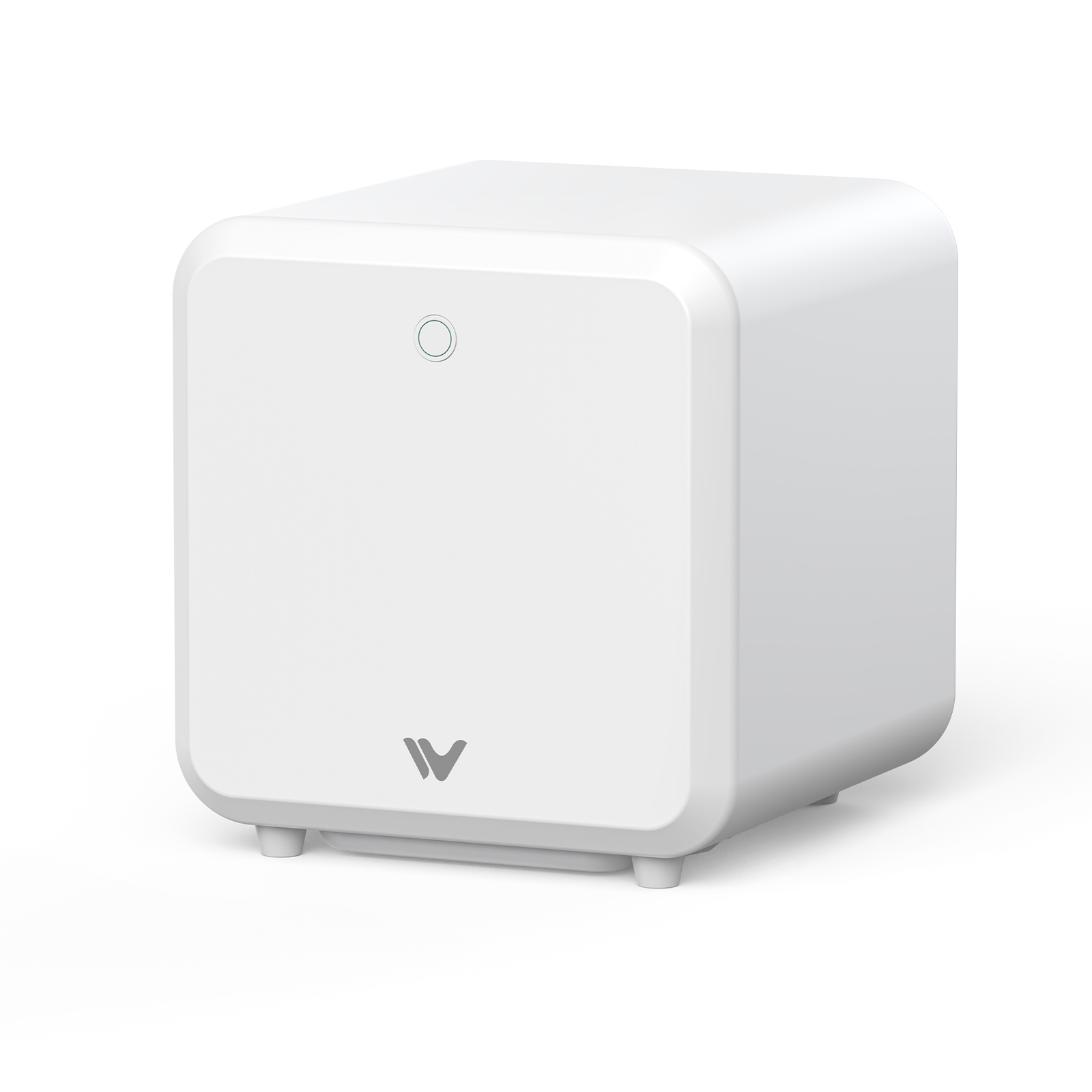
The WeCreat Lumos Ultra is built around exactly that combination: a 6W UV laser for glass, crystal, and delicate plastics, paired with an optional 60W or 100W MOPA fiber module for metal engraving, cutting, and color marking. It won't replace a UV printer for full-color flat graphics. But for a shop whose product line leans toward glass, crystal, and metal customization, it provides broader material coverage than a standard laser engraver setup. Learn more about UV laser engraving for glass and crystal with the WeCreat Lumos Ultra.

Quick Reference: Which Technology Fits Which Product?
| Product | Best Fit |
|---|---|
| Acrylic photo frame with full-color print | UV Printer |
| Crystal award or keepsake with internal design | UV Laser Engraver |
| Color-marked stainless steel tumbler | MOPA/Fiber Laser |
| Full-color phone case | UV Printer |
| Engraved wooden gift box | CO₂ or Diode Laser |
| Frosted glass surface design | UV Printer or Laser (surface only) |
This isn't exhaustive, but it's a fast way to check which category your product actually falls into before you commit to equipment.
Summary
The better question usually isn't "which one wins." It's which job you're actually trying to do. Full-color, photo-realistic graphic output points you toward a UV printer. Structural depth, permanence, and material cutting point you toward a laser engraver. And if your product line runs through glass, crystal, or metal specifically, a UV laser engraver — potentially paired with a MOPA module — covers ground that neither a standard printer nor a standard laser reaches alone.
Frequently Asked Questions
Q1. Can a UV printer engrave materials?
No. A UV printer only deposits ink onto a surface — it can't physically remove material or create engraved depth. For that, you need a laser engraver.
Q2. Is UV laser engraving better than UV printing on glass?
It depends on the goal. UV printing is better for full-color surface graphics on glass. UV laser engraving is better for permanent frosted surface marks and, uniquely, true subsurface crystal engraving that UV printing can't replicate.
Q3. What is better for glass: UV printer or UV laser?
For decorative color graphics on the glass surface, UV printing is generally the better fit. For permanent engraving, frosting effects, or crystal subsurface designs where the artwork appears inside the material, UV laser engraving is the better choice — it's a capability UV printing doesn't have at all.
Q4. Which is better for a small customization business?
If your products depend on full-color artwork, a UV printer is generally the more direct tool. If you're focused on permanent, durable marking across wood, metal, and glass — including materials that punish heat, like crystal — a laser engraver, and specifically a UV laser for glass and crystal work, is usually the more versatile choice.
Q5. Can a UV printer replace a laser engraver?
No — they solve different problems. A UV printer adds color to a surface. A laser engraver permanently modifies the material itself. Many customization businesses eventually use both, depending on their product mix.