










If you've ever watched a laser crack a wine glass or scorch the edges of a delicate crystal piece, you've run into the exact problem UV laser engraving was built to solve. Traditional diode and CO2 lasers rely on heat, and heat is precisely what glass, crystal, and heat-sensitive plastics can't tolerate.
A UV laser engraver takes a fundamentally different approach — often called "cold marking." Instead of relying on heat to melt or burn a surface, UV lasers use short-wavelength light energy to create extremely precise marks with minimal thermal damage. That distinction is why UV laser engraving has become the go-to choice for creators working with materials that traditional lasers tend to damage.
This guide walks through what a UV laser engraver actually is, how it compares to other laser types, what materials it opens up, and what to look for when choosing a machine.

What Is a UV Laser Engraver?
A UV laser engraver is a machine that uses a 355nm ultraviolet laser to mark, etch, or cut materials through light energy rather than heat. Because it works through what's called a photochemical reaction rather than a thermal one, it's often described as "cold processing" — the laser breaks down a material's surface at a molecular level instead of melting or burning through it.
That's a meaningful difference from the diode, CO2, and fiber lasers most people start out with, which is exactly why UV lasers exist as their own category rather than just another wattage option.
How Does UV Laser Engraving Work?
Here's the science in plain terms: a UV laser engraving machine directs short-wavelength light at a material's surface with enough energy to break its chemical bonds directly, rather than melting or burning through it with heat the way a thermal laser does.
Because there's minimal heat buildup radiating into the surrounding material, UV laser engravers significantly reduce the risk of micro-cracks in glass and crystal, and largely avoid the charring and discoloration that heat-based lasers leave on wood, leather, or plastic edges. The result is also sharp precision — the cold marking process doesn't create the small halo of thermal spread that softens fine detail on a thermal laser.
UV Laser vs Diode vs CO2 vs Fiber Laser
Before deciding whether UV is the right tool for you, it helps to see how it stacks up against the laser types most creators already know:
|
Material |
UV |
Diode |
CO2 |
Fiber |
|
Glass |
Excellent |
Not suitable |
Fair |
Not suitable |
|
Crystal |
Excellent |
Not suitable |
Not suitable |
Not suitable |
|
Wood |
Fair |
Excellent |
Excellent |
Not suitable |
|
Plastic |
Excellent |
Weak |
Fair |
Weak |
|
Metal color marking |
Weak |
Not suitable |
Not suitable |
Excellent (MOPA) |
|
Fine detail |
Excellent |
Good |
Good |
Very Good |
The takeaway here matters more than any single row: UV isn't a "better" laser — it's a different laser, built for a different set of materials. It doesn't replace a diode or CO2 machine for everyday wood cutting, and it's not the first choice for deep or richly colored metal work either. Where it wins decisively is glass, crystal, and heat-sensitive materials that other laser types genuinely struggle with.
What Can You Engrave With a UV Laser?
Glass
Glass is where a UV laser engraver for glass earns its reputation. Thermal lasers routinely crack or frost glass unpredictably because localized heat expands the material faster than it can dissipate — UV's cold-marking approach sidesteps that risk almost entirely, which is why UV laser for glass engraving has become a preferred choice for many creators working with this material category.
Crystal
Beyond surface marking, UV laser crystal engraving can go a step further with genuine internal 3D engraving — etching points of light literally inside a solid block of crystal, visible only when the piece catches light, alongside surface frost effects for a more traditional etched look. A practical tip for avoiding fractures: keep your pass count and power conservative on your first few test pieces per crystal batch, since density and clarity can vary even within the same supplier's stock.
Plastic
UV laser engraving plastics is one of the technology's strongest, if under-discussed, use cases. Heat-sensitive plastics that would melt, warp, or discolor under a diode or CO2 laser hold up well under UV's cold-processing approach, making it a reliable option for branded components, packaging prototypes, and delicate plastic gift items.
Metal
UV lasers can mark many metals — but the type of marking matters. UV excels at fine, low-heat surface marking on small or reflective metal components, like serial numbers, data codes, or delicate logos where you want zero heat-affected zone and maximum precision. What UV isn't built for is deep engraving or the vivid, saturated color effects you see on stainless steel tumblers or titanium jewelry — that's squarely MOPA fiber laser territory, achieved through controlling a metal's oxidation layer rather than UV's photochemical marking process. Think of it as precision versus color and depth: UV for fine, understated marks; MOPA for bold, high-contrast, or colorful metal work.
Jewelry
Fine jewelry work — small logos, serial numbers, and delicate components — is a genuine UV strength, thanks to its precision and minimal heat impact on small, often heat-sensitive settings and stones.
How to Choose the Best UV Laser Engraver
Not every UV machine is built the same way, and the right choice depends heavily on what you're actually planning to make. Here's what's worth checking before you buy the best UV laser engraver for your workshop:
|
Feature |
Why It Matters |
|
Wavelength (355nm standard) |
Confirms genuine cold-processing capability rather than a diode laser marketed loosely as "UV-adjacent" |
|
Wattage |
Higher wattage generally means faster processing, though most craft and small-business work doesn't need industrial-tier power |
|
Enclosure safety |
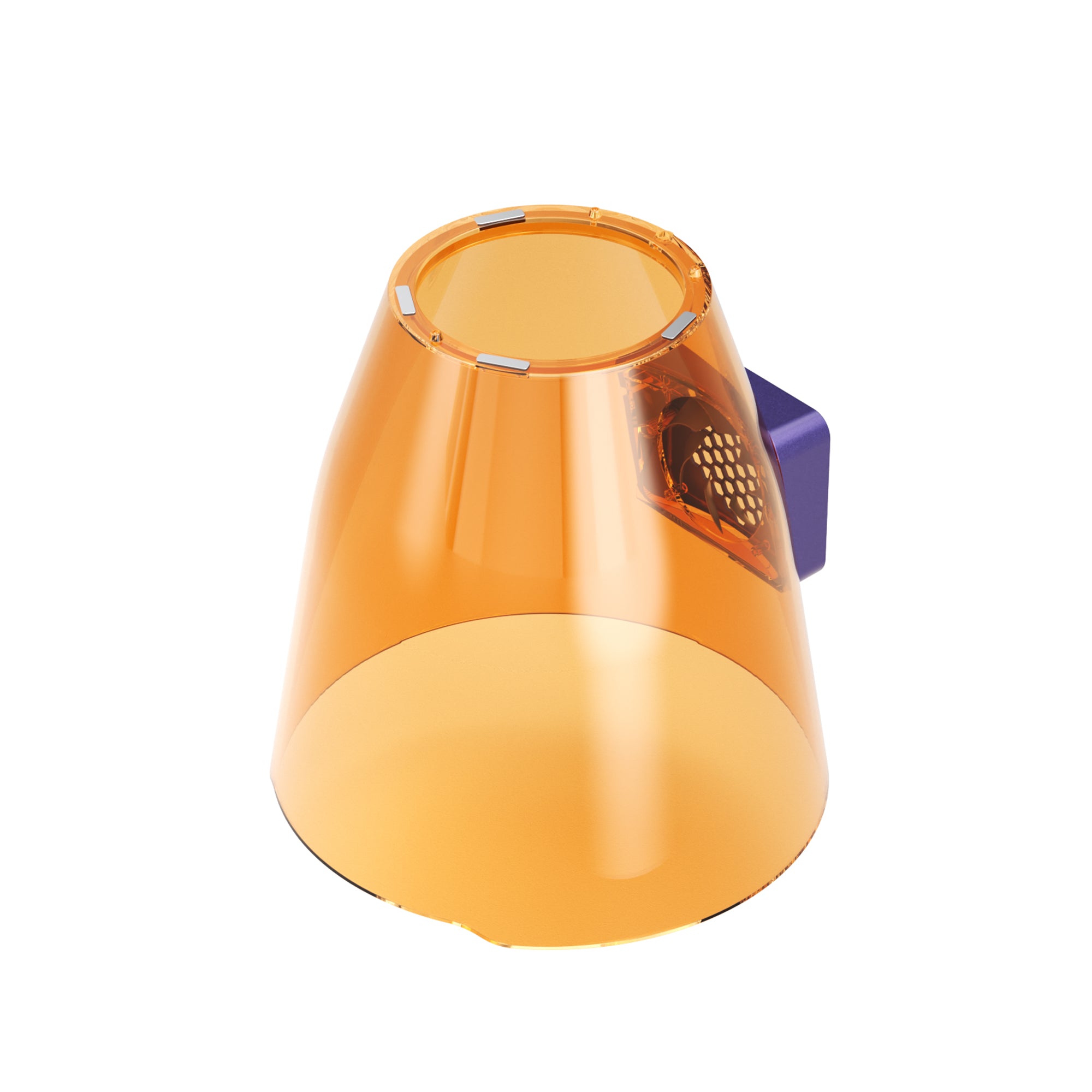
An FDA Class 1 enclosure matters for home studios and shared workspaces, not just factory floors |
|
Camera alignment |
Reduces wasted material on delicate, higher-cost items like crystal and glass blanks |
|
Dual-laser versatility |
Pairing UV with a MOPA module covers both cold-processing materials and vivid metal color work in one system |
If your work spans both delicate materials and metal color engraving, a dual-laser platform avoids the cost and floor space of running two separate machines — but if you're purely working with glass, crystal, and heat-sensitive materials, a UV-only best UV laser engraving machine may be all you need.
Meet WeCreat Lumos Ultra
If both delicate materials and vivid metal color work are part of your product plan, that's where a combined UV MOPA laser system becomes worth considering, rather than choosing one laser type and running into a wall later. Pairing two separate laser sources in one machine — UV for glass, crystal, plastics, and fine detail work, MOPA for metal cutting, deep engraving, and color marking — avoids owning, maintaining, and switching between two completely separate machines. For a deeper technical breakdown of how these two laser sources work together, see our full UV MOPA laser guide.
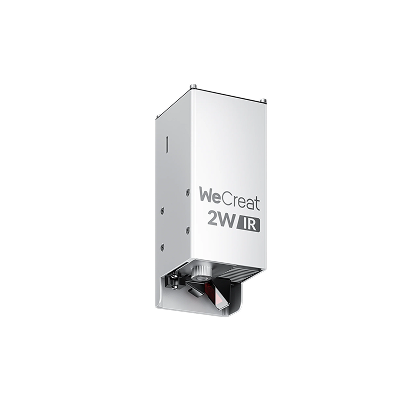
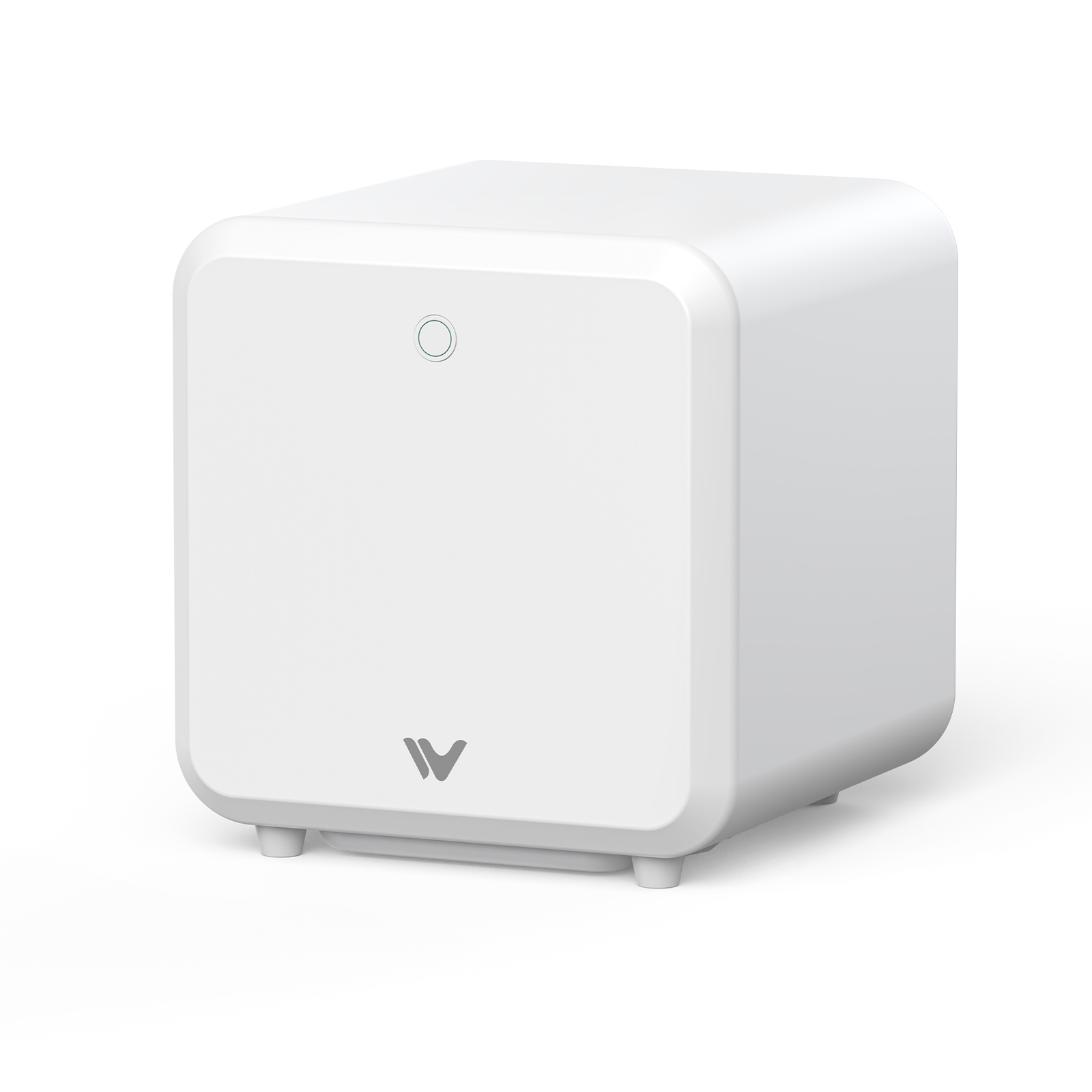
The WeCreat Lumos Ultra pairs a 6W UV laser with an optional 60W or 100W MOPA module in a single system — built specifically for creators and small businesses who want to move beyond single-material engraving.
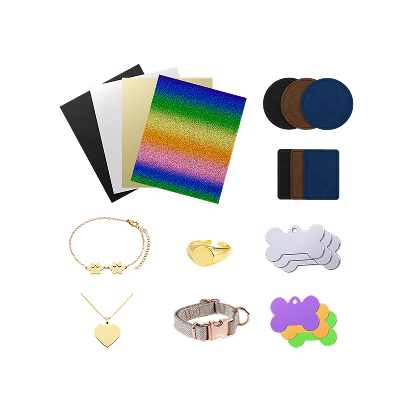
Why creators choose it: Before a combined system like this, the typical setup looked like diode for wood and leather, fiber for metal, and UV for glass and plastic — three separate machines, three separate learning curves. Lumos Ultra combines UV and MOPA capabilities in one platform, opening up crystal awards, glass gifts, acrylic products, jewelry marking, and stainless steel color engraving from a single machine and workflow.
Specs worth knowing:
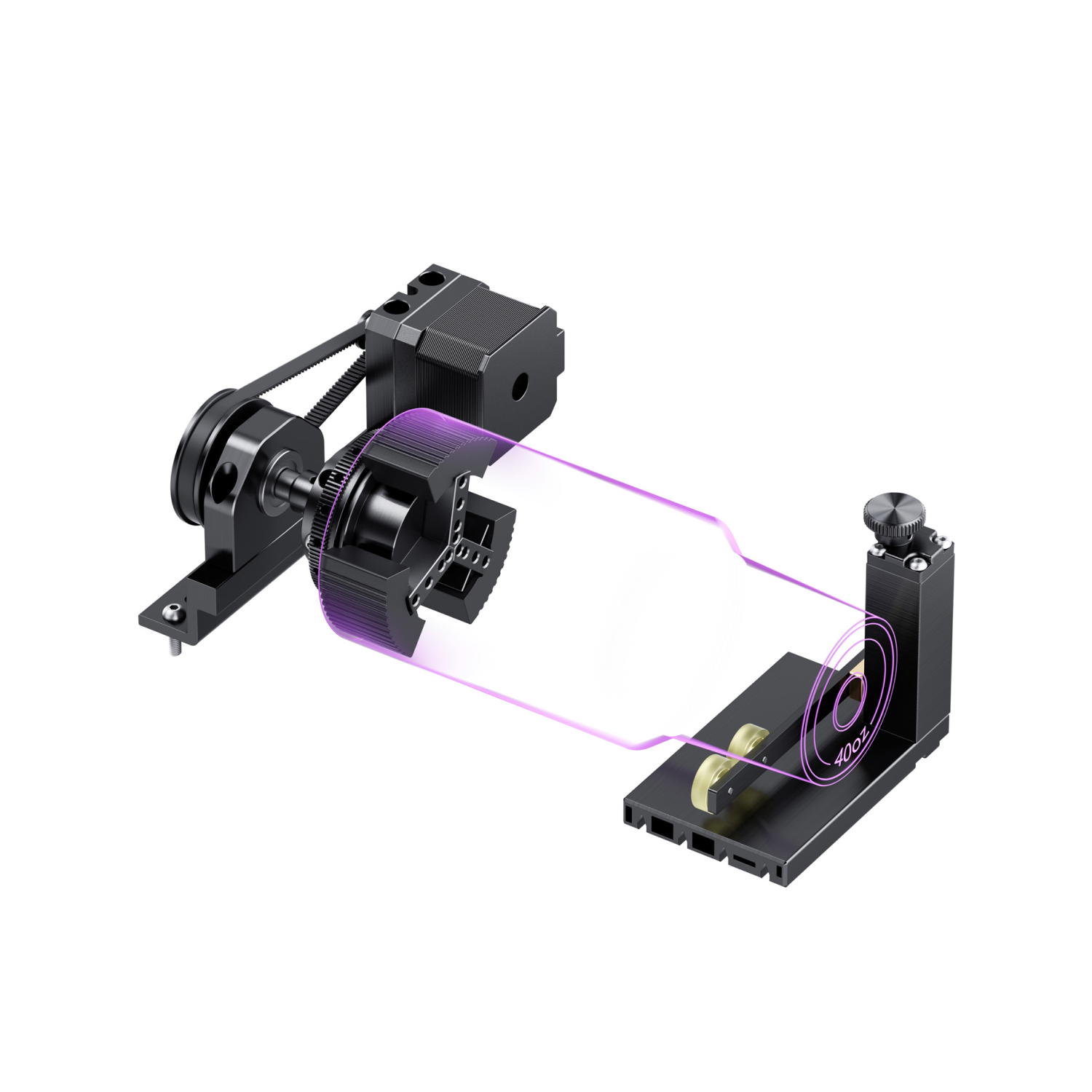
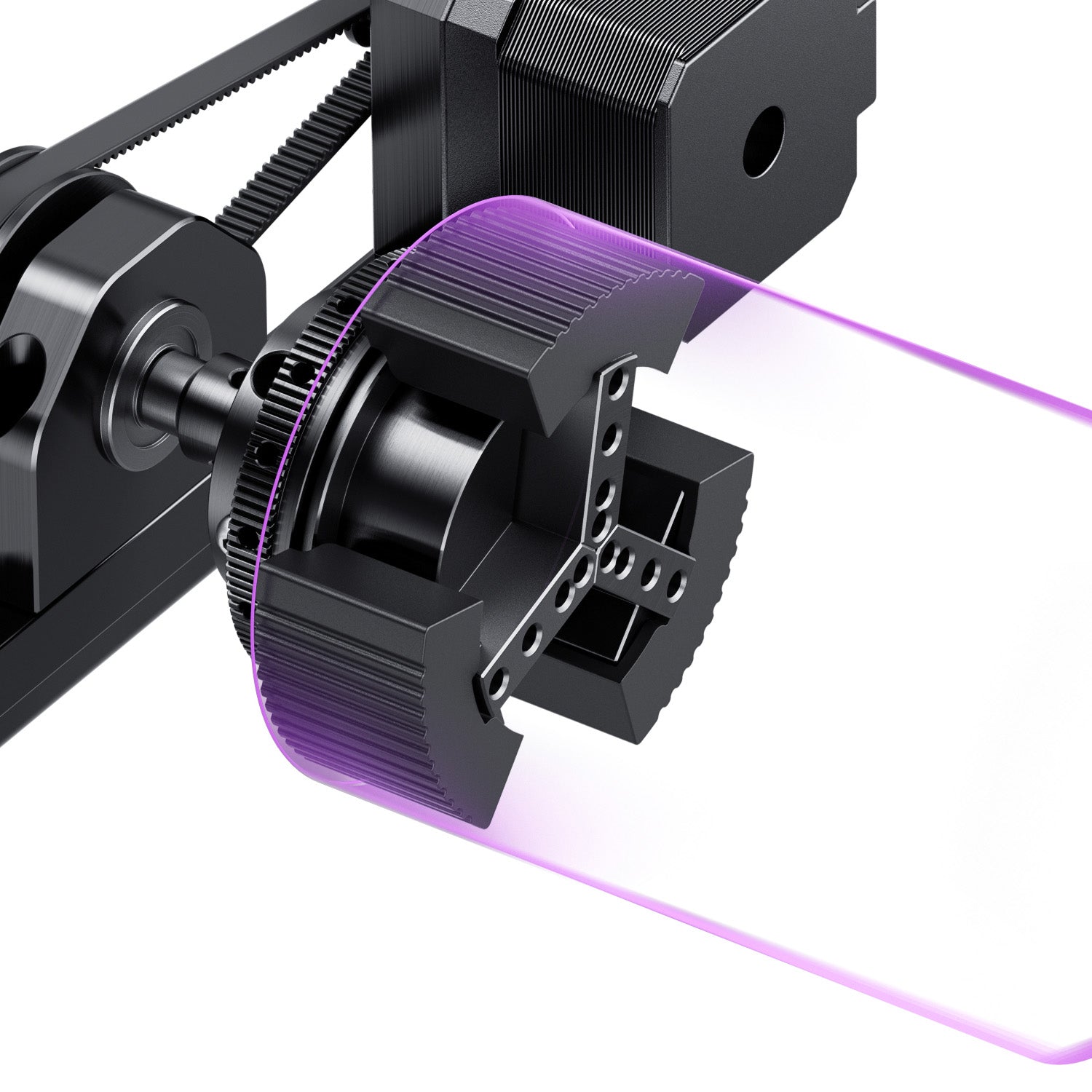
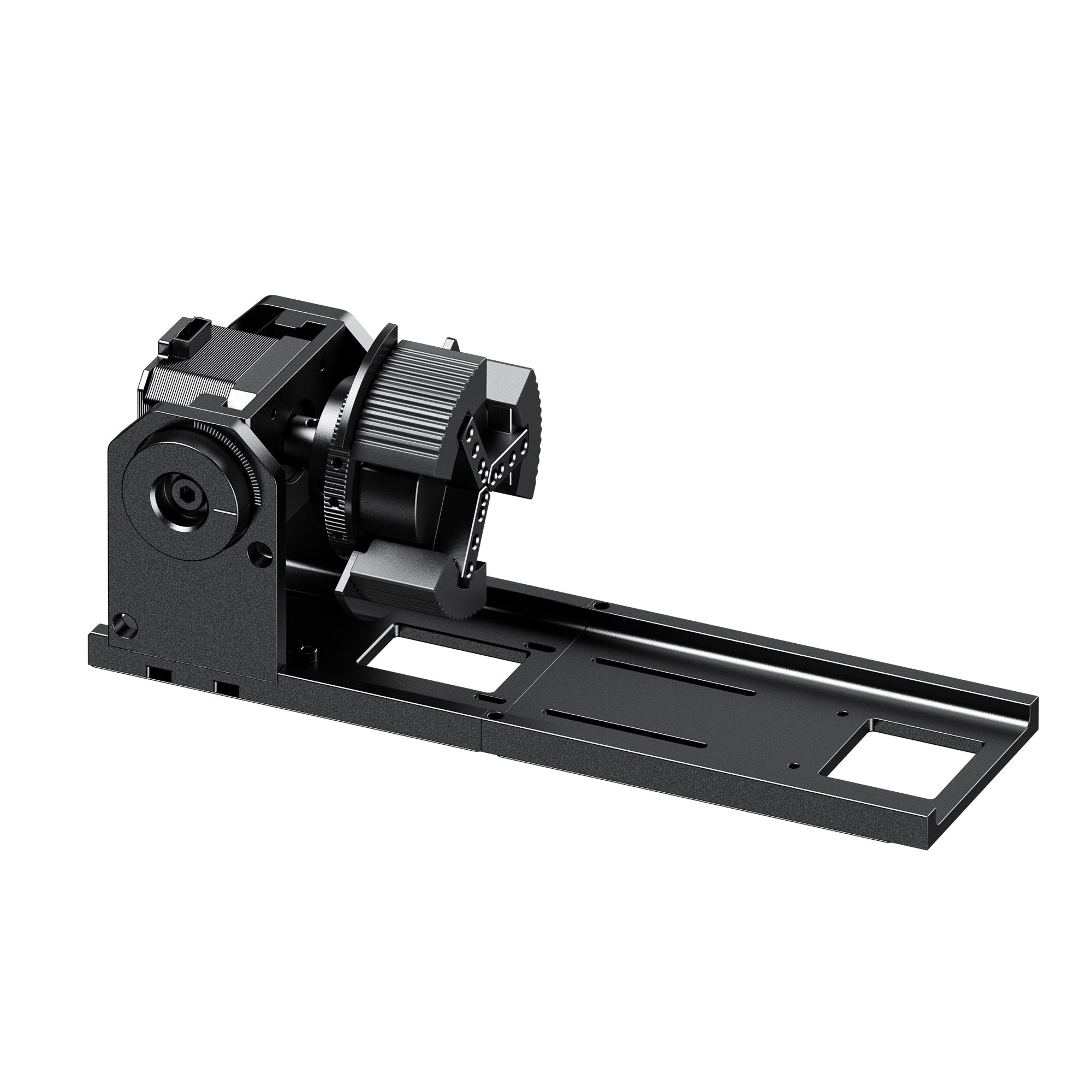
Configuration options: the lineup starts with a UV-only package and scales up to bundles that add the 60W or 100W MOPA module plus a rotary attachment, so it's worth checking which configuration actually matches your material mix before ordering.
Precision: a UV spot size of 0.0019mm for fine detail work, paired with camera-guided positioning and autofocus to cut down on wasted material.
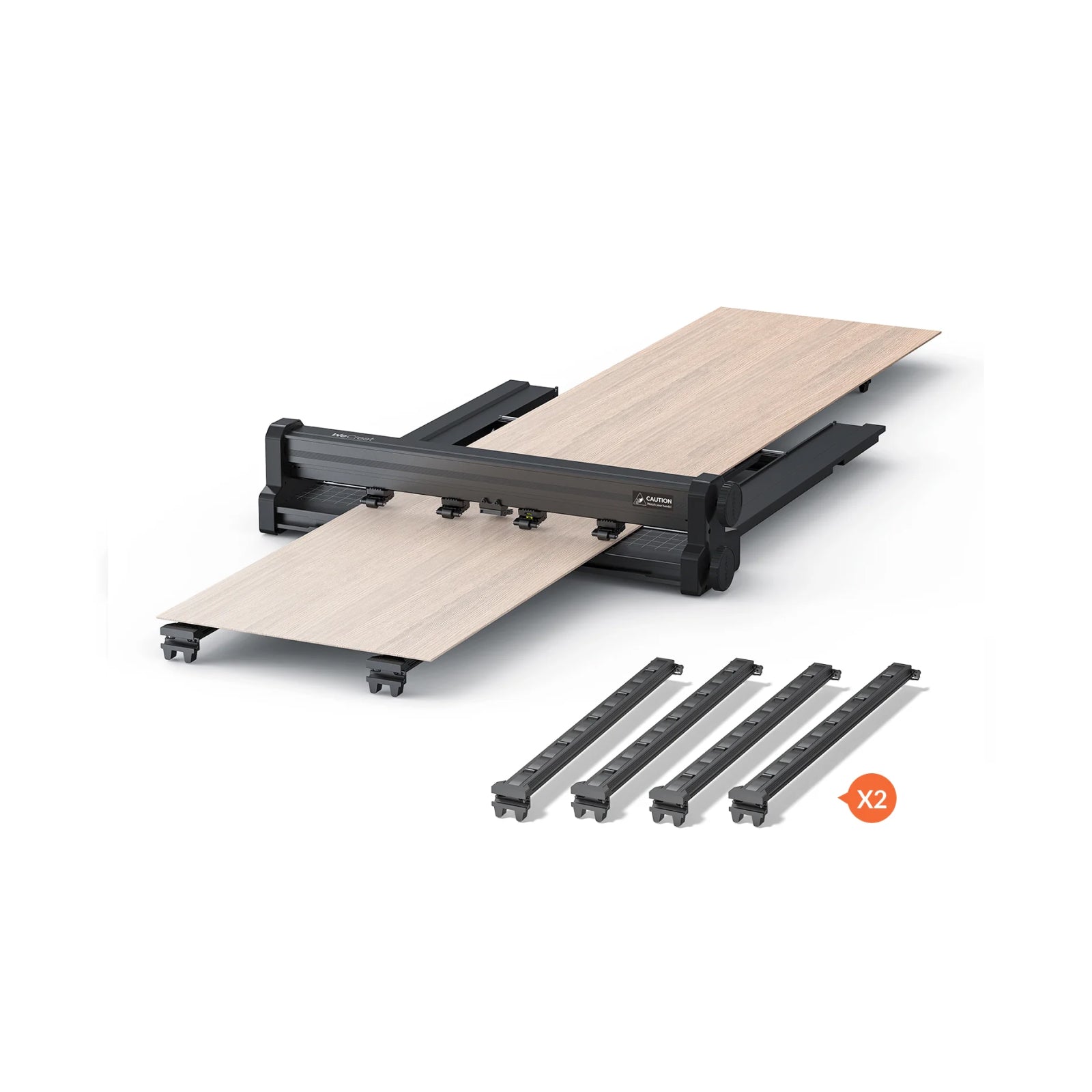
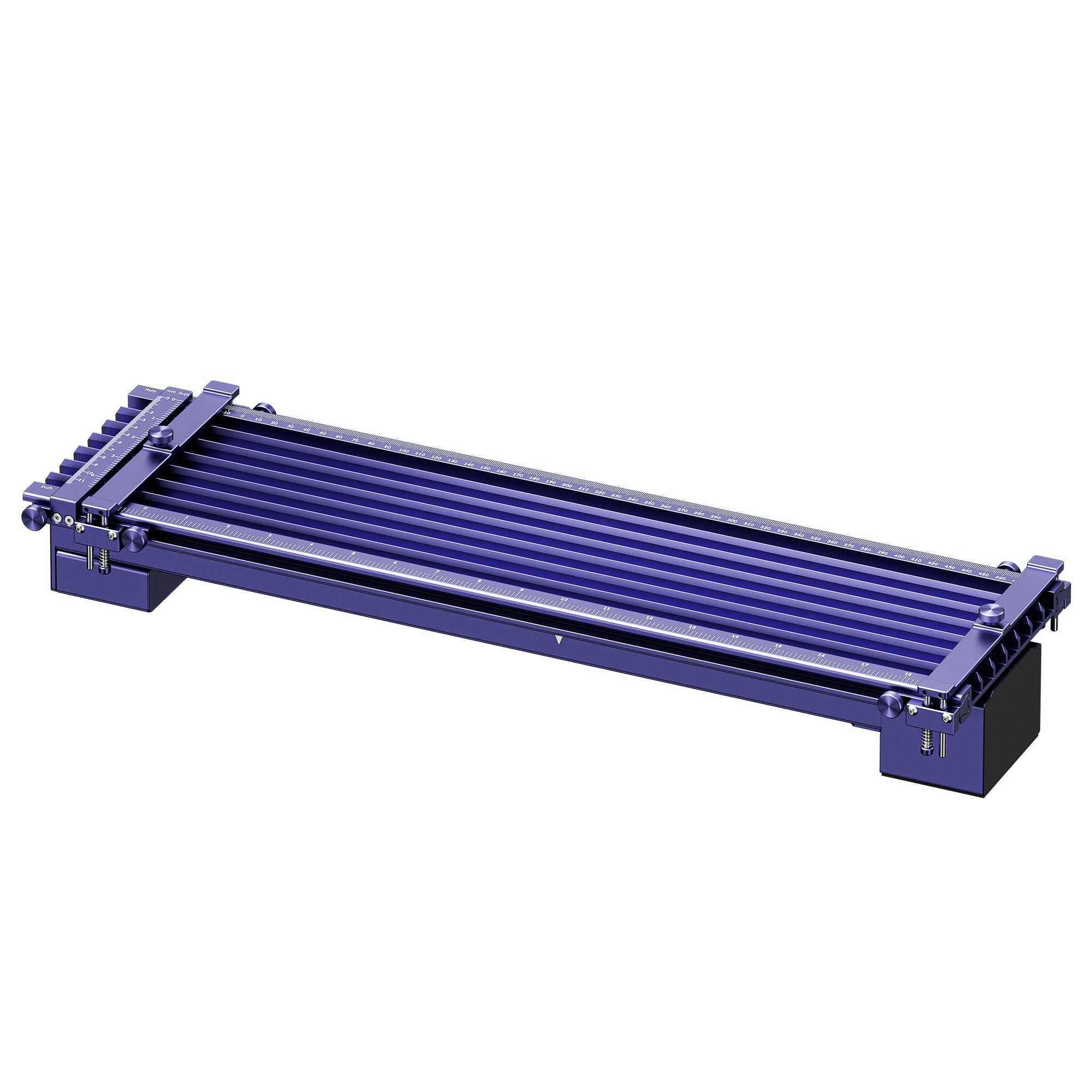
Workspace: a 210 × 210mm standard work area, with a smaller 70 × 70mm zone specifically for internal crystal engraving, plus optional slide extension and conveyor accessories for larger or batch work.
Software: compatible with WeCreat MakeIt and LightBurn, so you're not locked into a single workflow as your skills grow.

Products you can realistically make with Lumos Ultra (mapped to the machine's verified processes):
|
Product |
Laser Used |
Based On |
|
Engraved crystal awards & trophies |
UV |
Glass & crystal surface/inner engraving |
|
Frosted glass photo or keepsake panels |
UV |
Glass surface engraving |
|
Color-engraved stainless steel tumblers |
MOPA |
Color engraving on stainless steel |
|
Raised-texture metal medallions or pet ID tags |
MOPA (or UV at shallower depth) |
3D metal embossing |
|
Cut stainless steel keychains or thin metal pendants |
MOPA |
Metal cutting (up to 2mm on 60W, 3mm on 100W) |

Is a UV Laser Engraver Worth It?
The real value of a UV laser isn't raw power — it's that it unlocks products you simply couldn't make before with a diode or CO2 machine alone. That framing matters more than any spec sheet: the question isn't "is this a strong laser," it's "does this open up a product category my business currently can't touch."
It depends entirely on what you make. If your product line is mostly wood signs, leather goods, or everyday cutting projects, a diode or CO2 machine will likely serve you better and cost less. A UV laser earns its place once your work starts running into materials that heat-based lasers genuinely struggle with — glass, crystal, heat-sensitive plastics, and fine detail work where thermal spread would blur the result.
A UV laser is ideal for:
Etsy sellers creating premium, higher-margin gift items
Jewelry makers doing fine detail and delicate component marking
Crystal award and trophy businesses
Custom drinkware brands expanding into glass or crystal pieces
Electronics and product marking where heat damage isn't an option
If you see yourself in that list, a UV laser is likely solving a real gap in your current lineup rather than adding capability you won't use.
Best Practices & Troubleshooting Common Issues
Focus and focal length.
Even a cold laser needs a precise focal distance to perform well. Auto-lifting beds and HD camera alignment take most of the manual guesswork out of hitting that focus consistently, especially across differently sized crystal or glass blanks.
Safety first.
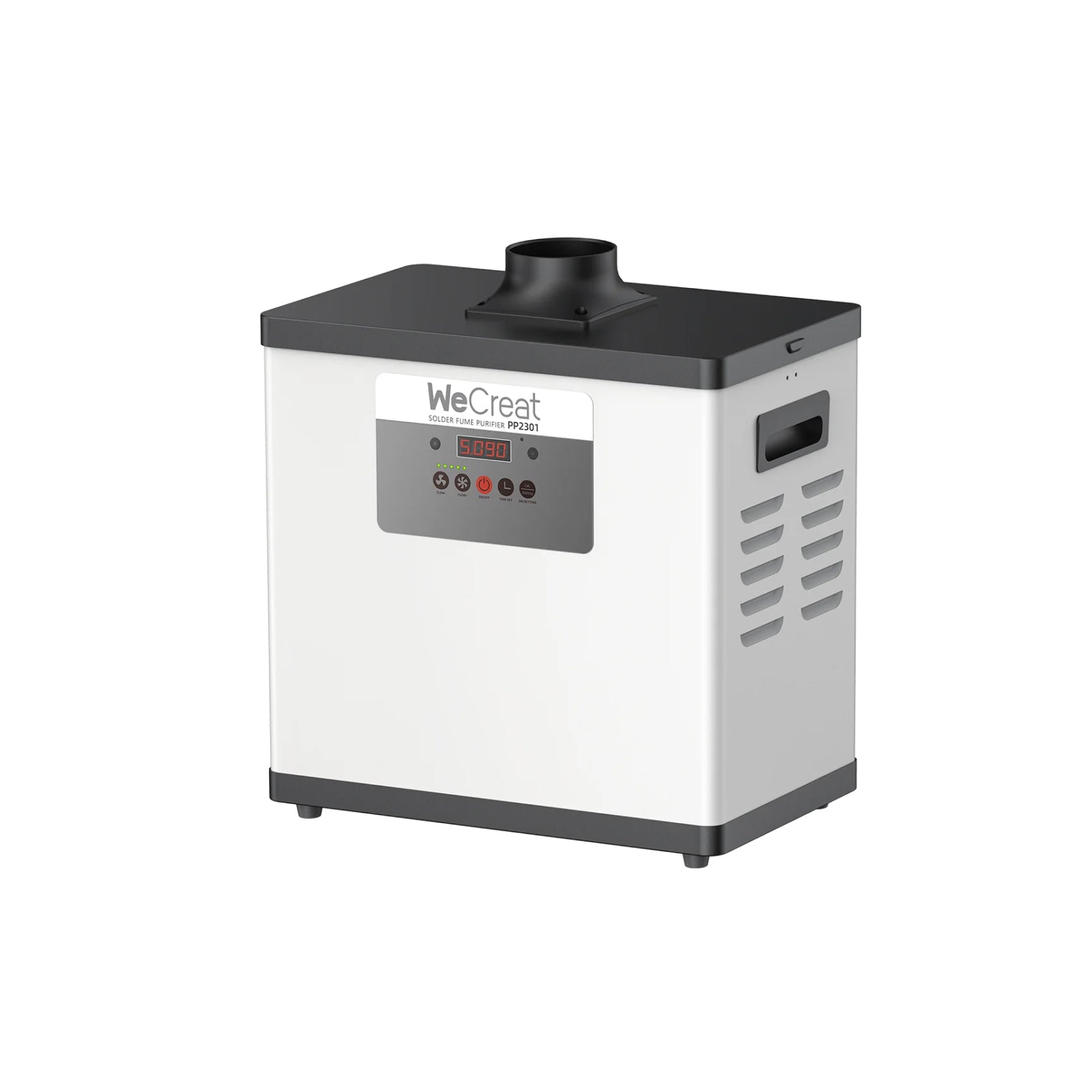
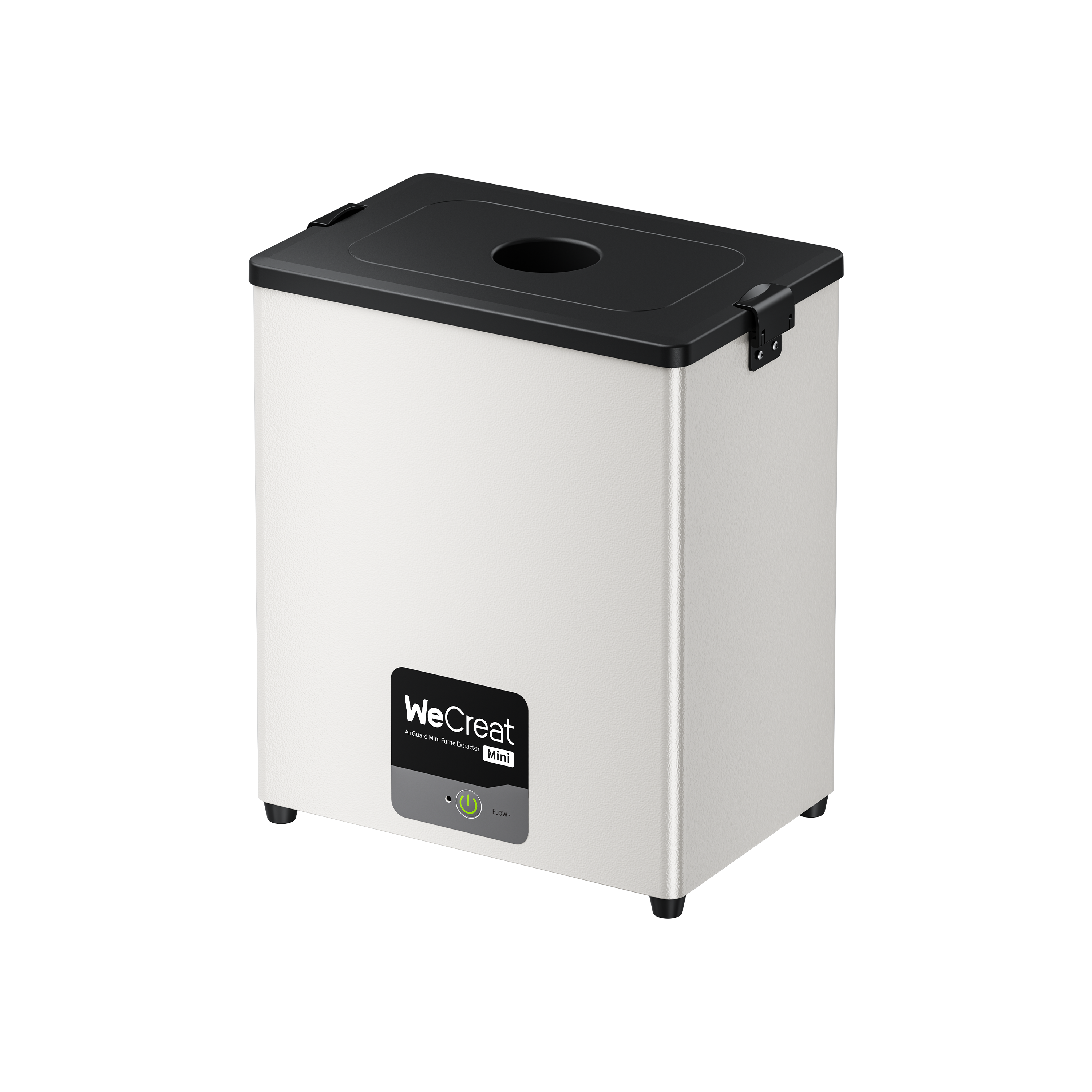
An FDA Class 1 enclosure protects your eyes during normal operation, but proper ventilation and fume extraction still matter — UV processing on plastics in particular can release fumes worth exhausting properly, even though the process itself runs cooler than thermal engraving.
Software setup.
Getting consistent results largely comes down to dialing in the right power and speed settings for each specific material, and saving them once you find a setting that works. Software like WeCreat MakeIt simplifies this by letting you save and reuse material presets rather than re-guessing settings on every new batch.
Ready to Expand Beyond Traditional Laser Engraving?
A UV laser engraver opens up an entire category of materials and finishes that thermal lasers simply can't touch cleanly — subsurface crystal art, frost-etched glassware, and fine detail work that would crack, char, or blur on a standard diode or CO2 machine. For creators and small businesses looking to expand into glass, crystal, and premium gift categories, that capability opens up real product lines that were previously off the table.
With the WeCreat Lumos Ultra , creators can combine UV precision and MOPA metal engraving in one machine — making it easier to move from simple engraving projects into higher-value products.
Frequently Asked Questions
Q1. Can a UV laser engrave glass?
Yes — this is one of UV's core strengths. Its cold-marking process avoids the cracking and unpredictable frosting that thermal lasers often cause on glass, and some UV systems can also achieve genuine subsurface engraving inside the material itself.
Q2. Can a UV laser engrave metal?
Yes, but with a caveat worth knowing before you buy. UV lasers handle fine marking well on thin or delicate metal components, but they're not the tool for vivid, saturated color engraving on stainless steel or titanium — that's a MOPA fiber laser's job. If color metal work matters to you, look at a combined UV + MOPA system rather than a UV-only machine.
Q3. Is a UV laser better than a fiber laser?
Not universally — they're built for different materials. A fiber laser is the stronger, often more affordable choice if metal is your only material. A UV laser pulls ahead the moment glass, crystal, or heat-sensitive plastics enter the picture, since fiber lasers generally can't process those materials well at all.
Q4. Is a UV laser worth buying for an Etsy shop?
If your current product line is limited by what a diode or CO2 laser can safely handle — meaning you're turning down glass, crystal, or delicate plastic requests — a UV laser can open up a genuinely higher-margin product category. If your shop is mostly wood and leather goods, it's likely not necessary yet.