







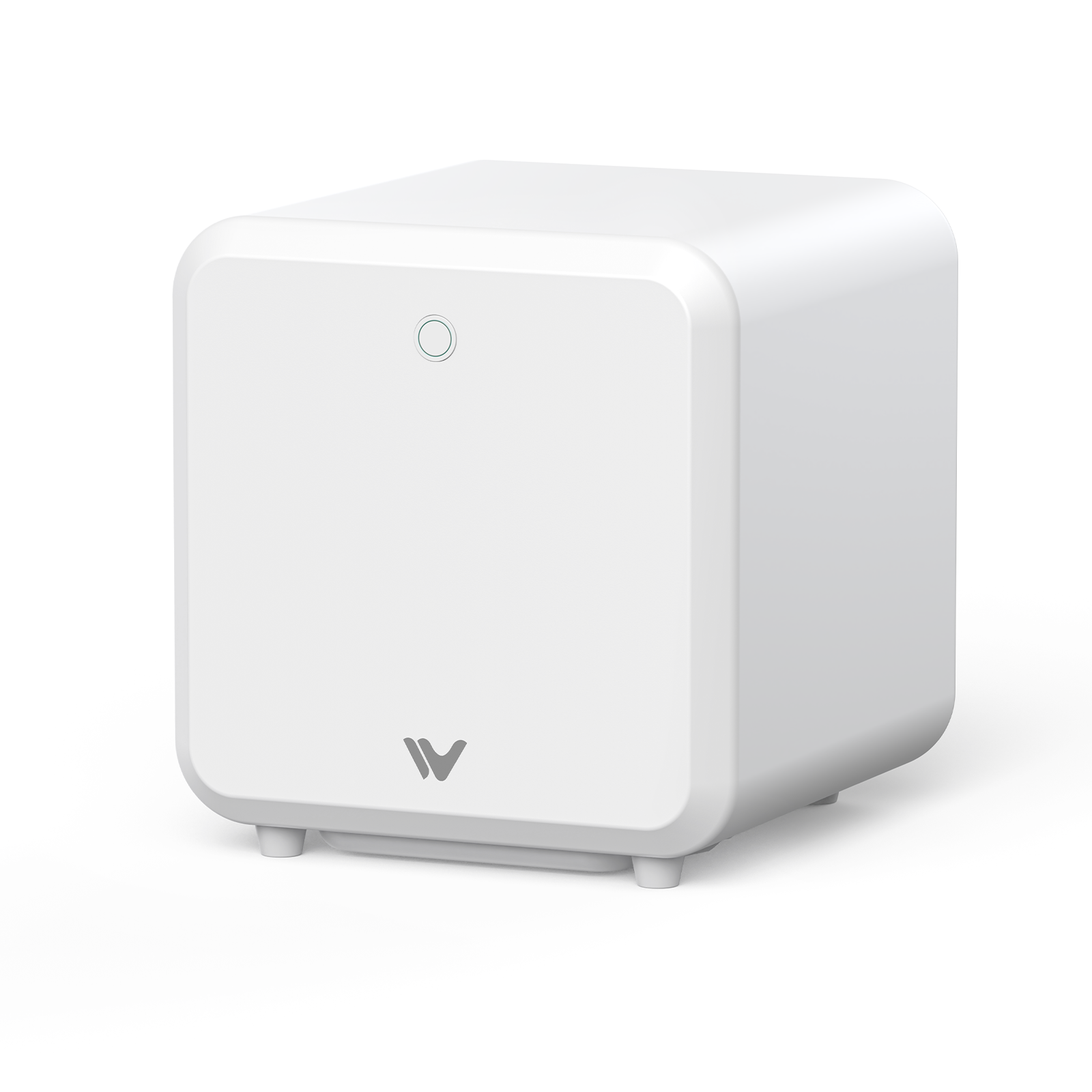
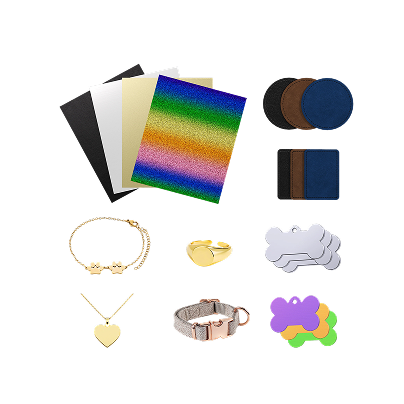
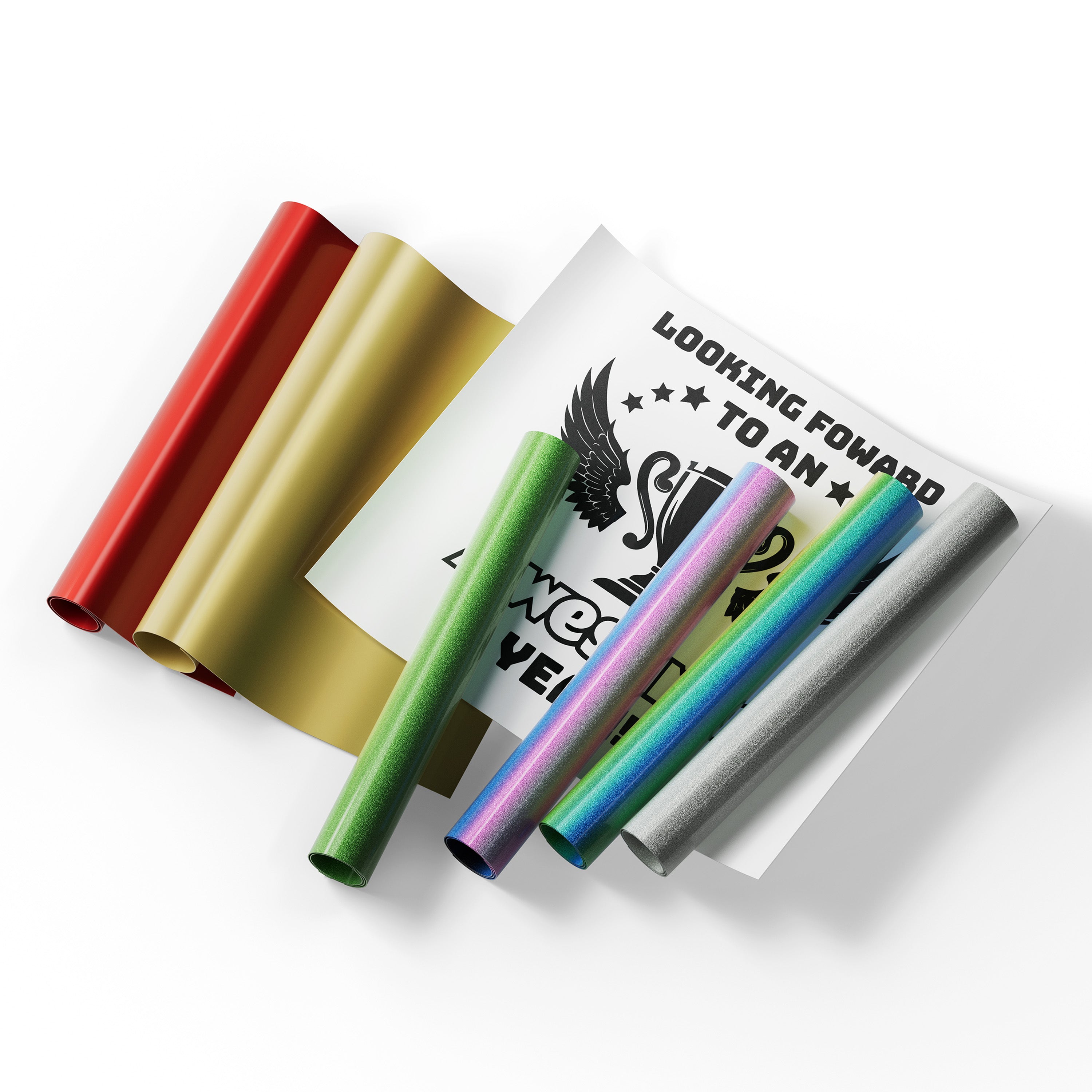
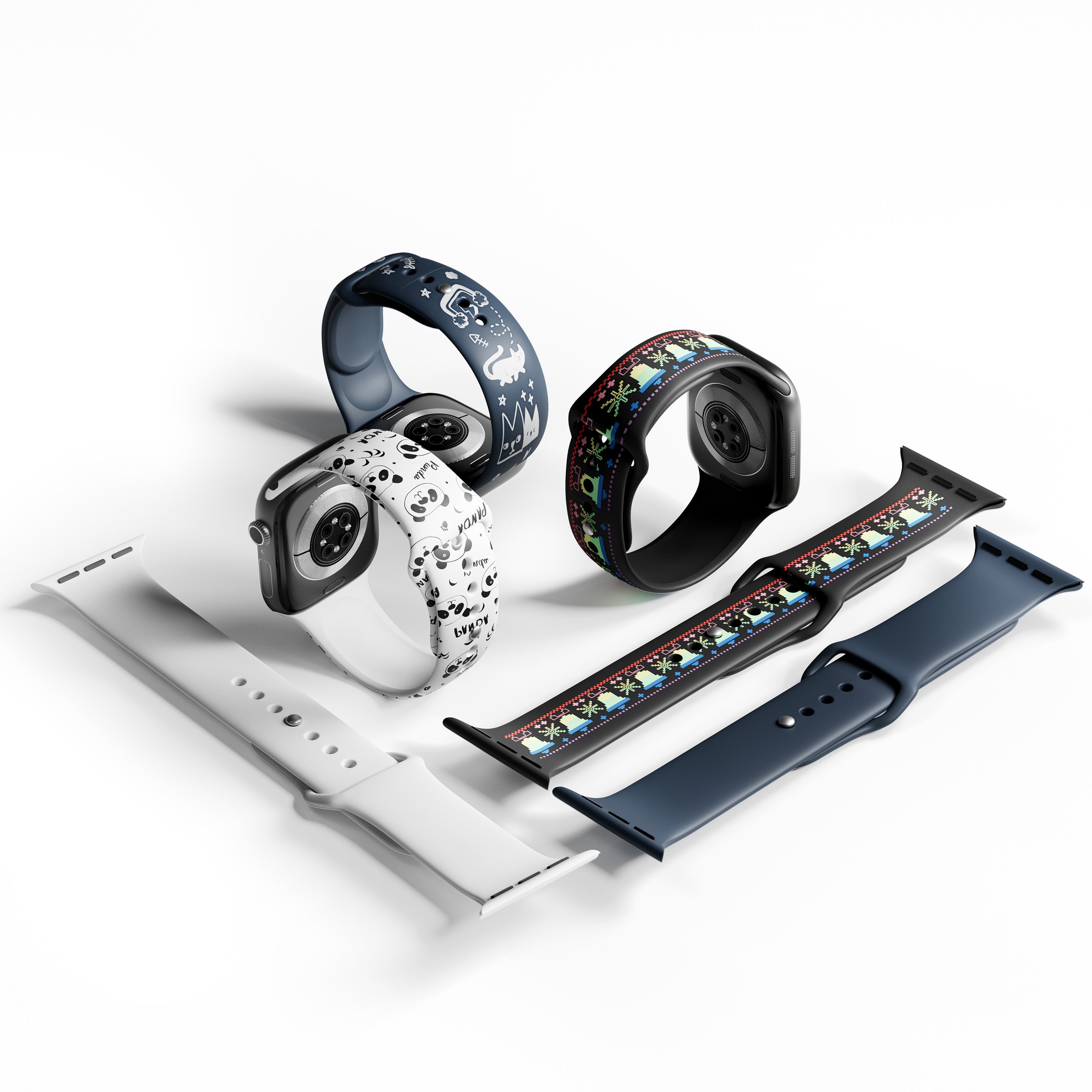



A fiber laser engraver marks and engraves metal fast. It suits jewelry makers, tool brands, small metal shops, and custom gift sellers whose main materials are stainless steel, brass, aluminum, gold, or silver. If most of your work is wood or leather, a diode or CO₂ laser may be a better fit. For clear acrylic, a CO₂ laser is generally the more suitable choice. And if you need to cut sheet metal at production speed, you're shopping for an industrial cutter, not an engraver. This guide helps you pick the right fiber laser engraver, understand what owning one really costs, and know what to check before you buy.
What Is a Fiber Laser Engraver? A Quick Answer
A fiber laser generates light inside an optical fiber doped with a rare-earth element such as ytterbium (RP Photonics explains the basics). Most desktop fiber lasers emit around 1064 nm, a wavelength that metals absorb well. That's why fiber is the usual choice for crisp marks on metal, from serial numbers to light-to-moderate deep carving.
| Quick answer | What to know |
| Main jobs | Surface marking and customization on stainless steel, brass, aluminum, gold, and silver |
| Wattage | 15W to 20W class for fine marking and jewelry. 50W for medium-deep carving and faster batch work |
| How to choose | Define your materials and speed needs first. Then pick the source type: standard (Q-switched) or MOPA |
| Not for | Production sheet-metal cutting, wood, leather, or clear acrylic |
Marking vs. cutting. Fiber engravers are built for marking and engraving. A few models list thin-sheet cutting under specific conditions, but that's model-specific. Our fiber laser cutting thickness guide shows how industrial cutters differ.
Fiber vs. Diode vs. CO₂ vs. UV Lasers: Which Do You Need?
Before you spend money, check that fiber is the right tool. Each laser type works best on a different group of materials. The table shows typical results. Your own results will depend on the material, surface treatment, and settings.
| Laser type | Wavelength | Typically good for | Watch out for |
| Diode | About 450 nm | Wood, leather, opaque acrylic | Plastics and acrylics vary a lot with color and how much light passes through |
| CO₂ | 10,600 nm | Wood, glass surfaces, acrylic, leather | Can't mark bare metal without a marking agent. Doesn't engrave every glass type |
| Fiber | 1064 nm | Metals and some hard plastics | Engineering plastics depend on the formulation and additives. Weak on wood, leather, and clear materials |
| UV | 355 nm | Plastics, glass, heat-sensitive materials | Often called a "cold laser," but that only means much less heat, not none |

Fiber lasers at 1064 nm are the usual choice for metal. Wavelength data follows the Trotec comparison guide.
Wavelength data follows the Trotec comparison guide. Always run a test engraving on any material you haven't used before. For a fuller side-by-side, read our diode vs CO₂ vs fiber vs UV laser engraver comparison. If you're deciding between UV and fiber for metal, our UV laser vs fiber laser breakdown goes deeper.
Fiber Laser Engraver Power and Types: 20W vs. 30W vs. 50W vs. MOPA
More watts doesn't automatically mean finer single-pass engraving. Power sets how much energy reaches the metal per second. That mostly changes how fast you remove material and how few passes a deep relief needs. A 20W and a 50W machine can both mark stainless steel cleanly. The 50W usually gets to a given depth in fewer passes. For a full breakdown, see our 50W fiber laser engraver power guide.
Here's a simple way to think about the choice:
- 20W: routine metal marking, light engraving, and tighter budgets.
- 30W: a middle ground when you want more speed and some relief work without the top-tier price.
- 50W: deep-engraving efficiency, repeat jobs, and batch production.
- MOPA: worth it if you need certain stainless steel colors or a deep black on anodized aluminum.
These are selection guides, not performance promises. Results still depend on the source, the material, and your settings.
MOPA Is Pulse Control, Not a Power Tier
MOPA describes a fiber source with adjustable pulse width. It isn't a wattage level. A standard Q-switched source has a fixed pulse width. It's cost-effective for barcodes, nameplates, and one-color engraving. A MOPA source can produce oxidized color marks on some stainless steel grades and deeper blacks on anodized aluminum. Our MOPA vs standard fiber laser comparison and how MOPA laser technology works cover the details. If you want MOPA on a desktop machine, WeCreat Lumos Ultra offers a 60W or 100W MOPA module.
| Source type | Typical use | Speed | Deep engraving | Color marking | Main trade-off |
| Standard fiber (entry to mid) | Nameplates, light jewelry, serial numbers | Moderate | Moderate, needs several passes | High-contrast, single color | Lowest cost. Limited to one-color marks |
| Standard fiber (50W and up) | Tools, blades, metal coins | Fast | Good for medium-to-deep relief | High-contrast, single color | Higher cost and a dedicated workstation |
| MOPA fiber | Premium jewelry, device casings, color art | Moderate to fast | Moderate to good | Some stainless colors, black on anodized aluminum | Higher cost. Color consistency needs careful tuning |
If you're shopping at the top of the range, our guide to high-power MOPA fiber engravers compares 60W and 100W options.

What Can a Fiber Laser Engraver for Metal Actually Do?

The best way to judge a fiber laser engraving machine is by results. Here's how to think about deep metal work in three layers.
- What it looks like. Multi-level relief, such as brass challenge coins or textured knife blades. Ask any maker for real samples on your alloy.
- How it works. The software converts artwork into depth. The laser then removes material over many passes, using grayscale depth maps and hatching fills.
- What changes the result. Laser power, processing time, the alloy, how detailed the artwork is, and the depth you're after.

When a maker shows you samples, ask for the numbers behind them: power, speed, frequency, number of passes, and total time. A photo without parameters is hard to compare. We haven't published our own test data in this guide, so use these as the questions to ask.
Precious Metals vs. Industrial Metals
Gold and silver suit rings, pendants, and hallmarks. One thing to know about them: a general fume extractor cleans the air. It isn't built to recover precious-metal dust. If you want to reclaim scrap for recycling, you need a system made for that.
Stainless steel, brass, titanium, and anodized aluminum are the everyday jobs for serialization and deep marking. Each one reacts a little differently, so test your exact alloy and finish.
Non-Metals
Fiber can mark some plastics, but it's a secondary use. Slate isn't a core application, and results depend on the mineral content. For wood, leather, or clear materials, a diode or CO₂ laser is the better tool.
Fiber Laser Engraver Price and the Real Cost of Owning One
Prices for fiber laser engravers move with power, laser source, and what's in the box. Promotions change often too, so we don't list numbers here. For current WeCreat pricing, use the product pages linked below. These tiers show how the market breaks down.
| Tier | What you get | Current price |
| Portable fiber and diode | Entry-level fiber marking in a portable, multi-material setup, such as WeCreat Lumos Flex | Lumos Flex |
| Professional desktop 50W | Metal-focused systems with a 50W fiber source, such as WeCreat Lumos 50W | Lumos 50W |
| MOPA and UV desktop | Color marking and fine detail with a MOPA module and a UV laser, such as WeCreat Lumos Ultra | Lumos Ultra |
| Industrial workstations | Larger enclosed setups, usually quoted individually. Cost varies widely by power, brand, and options | Ask the maker for a written quote |
As a rule, price rises with power and with extras such as a MOPA module, a camera, or a bundled extractor. When you compare, confirm what's included and whether a sale or pre-order applies.
An Illustrative Production Model
A sticker price only tells part of the story. Here's a simple example for engraved metal tags. The dollar figures are example assumptions for illustration, not product prices or guaranteed results. Your numbers will differ.
| Assumption | Value |
| Blank metal tag cost | $0.50 |
| Retail price for a custom tag | $10.00 |
| Cycle time, including focus, alignment, and hatch fill | About 45 seconds per piece |
| Labor (assumed) | $20 per hour |
| Packaging, consumables, and filters (assumed) | $0.75 per piece |
At 45 seconds per piece, the machine could finish up to 80 tags per hour. Real shops don't run non-stop, so assume 60% productive time. That's about 48 tags per hour:
| Per hour (48 tags) | Amount |
| Revenue | $480 |
| Blank material | $24 |
| Labor | $20 |
| Packaging and consumables | $36 |
| Contribution before fixed costs | $400 |
Two cautions. First, this only works if you can sell 48 tags every productive hour, and demand is usually the limit, not the machine. Second, contribution isn't net profit. Rent, software, the machine itself, platform fees, and taxes all come out of it. Use the model to compare machines, not to forecast income.
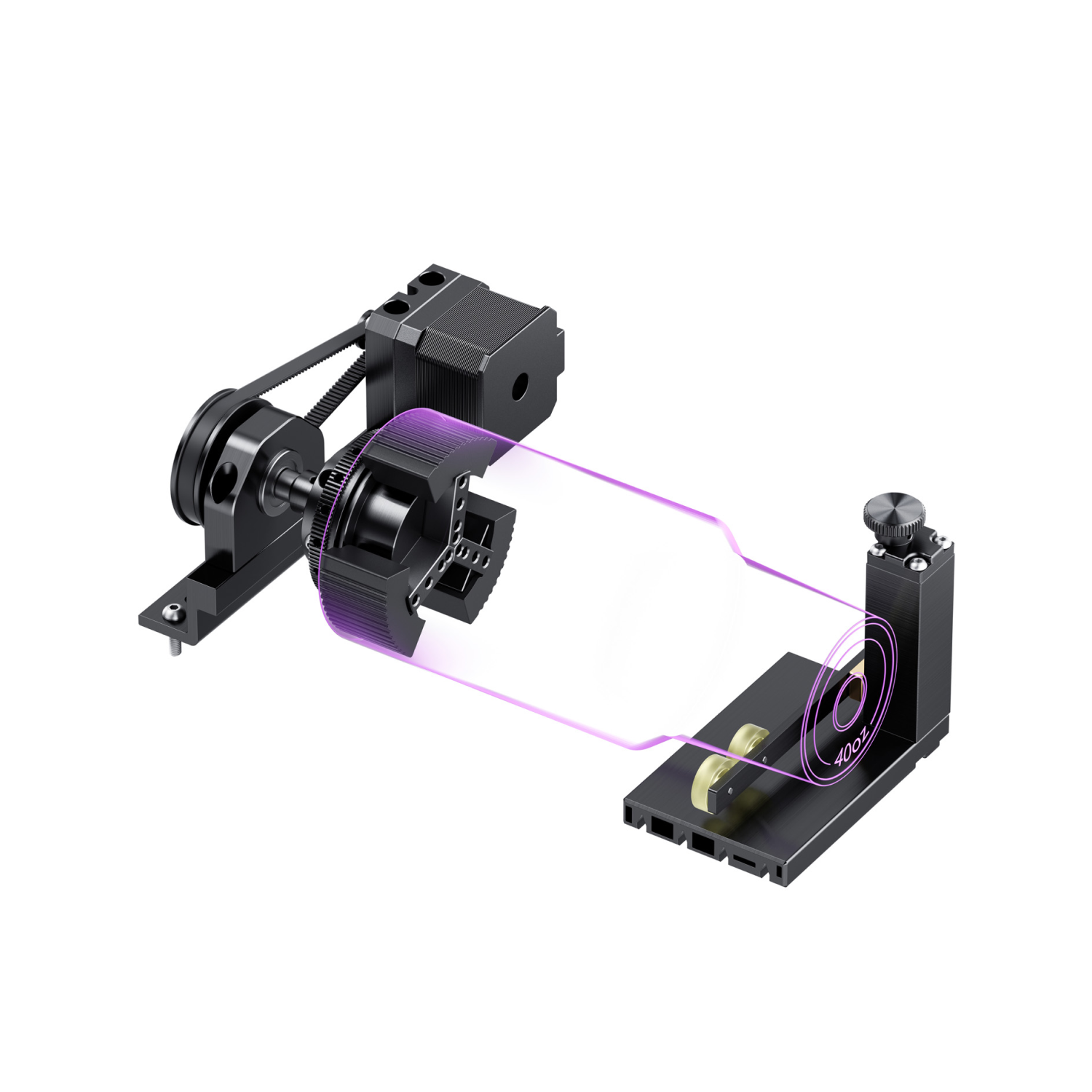
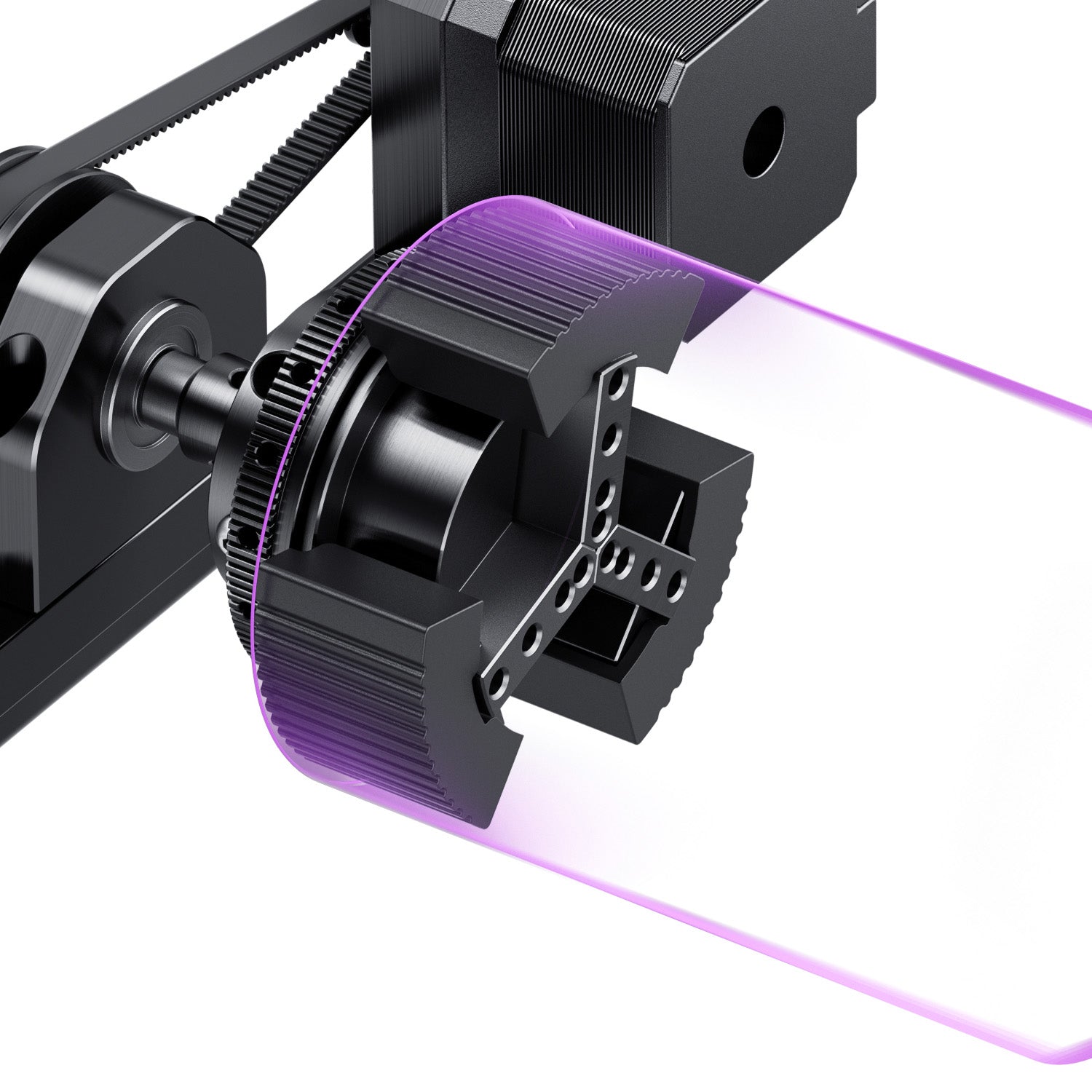
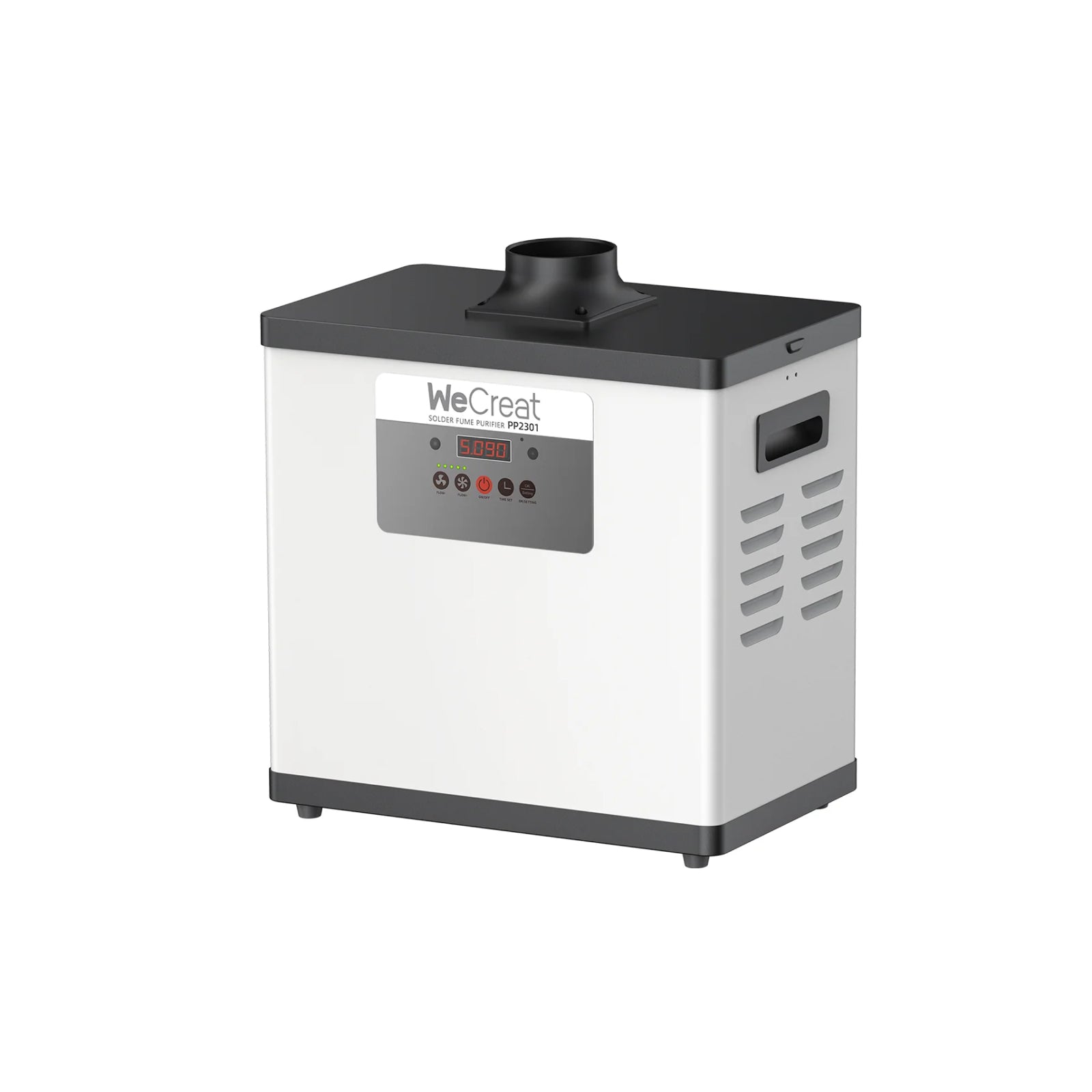
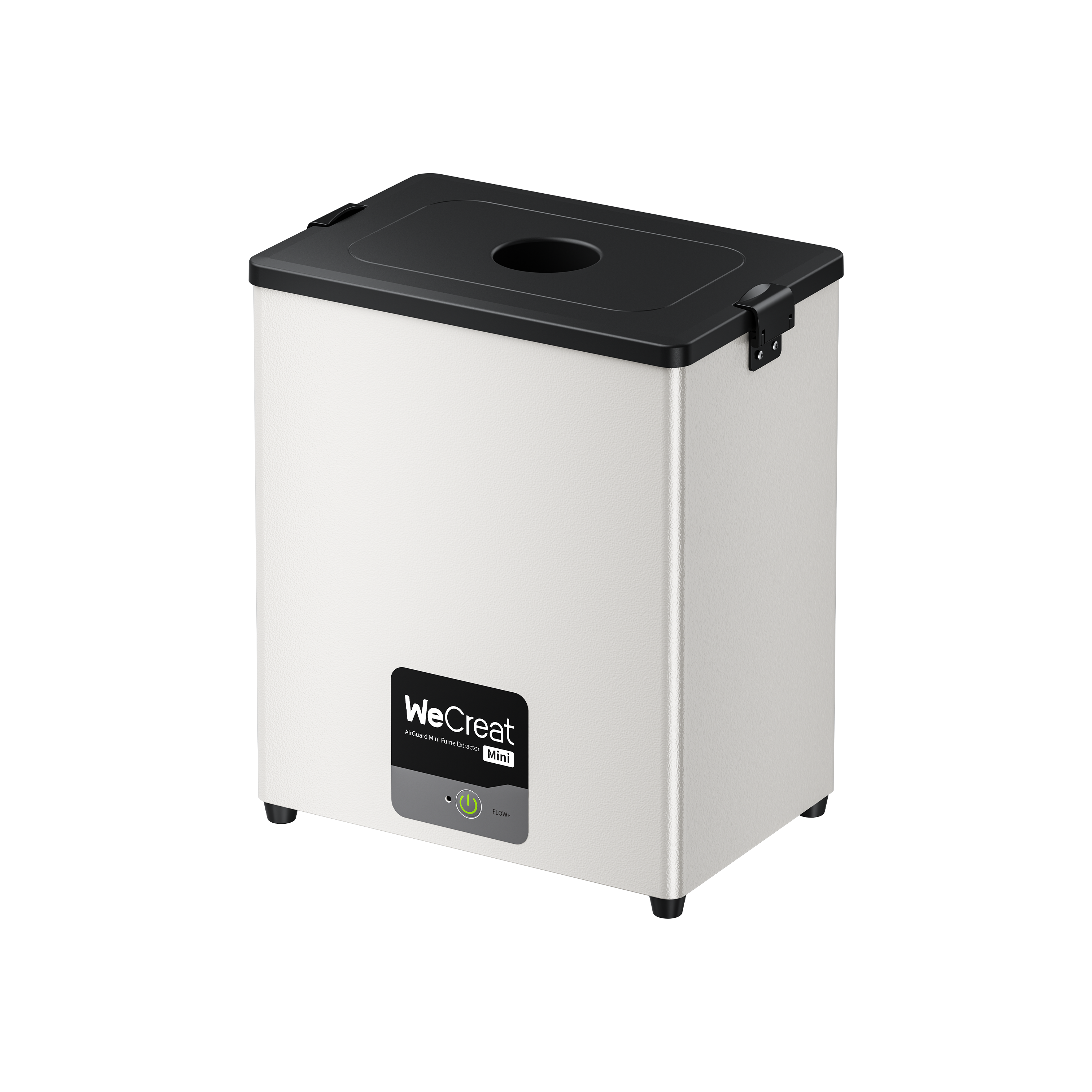
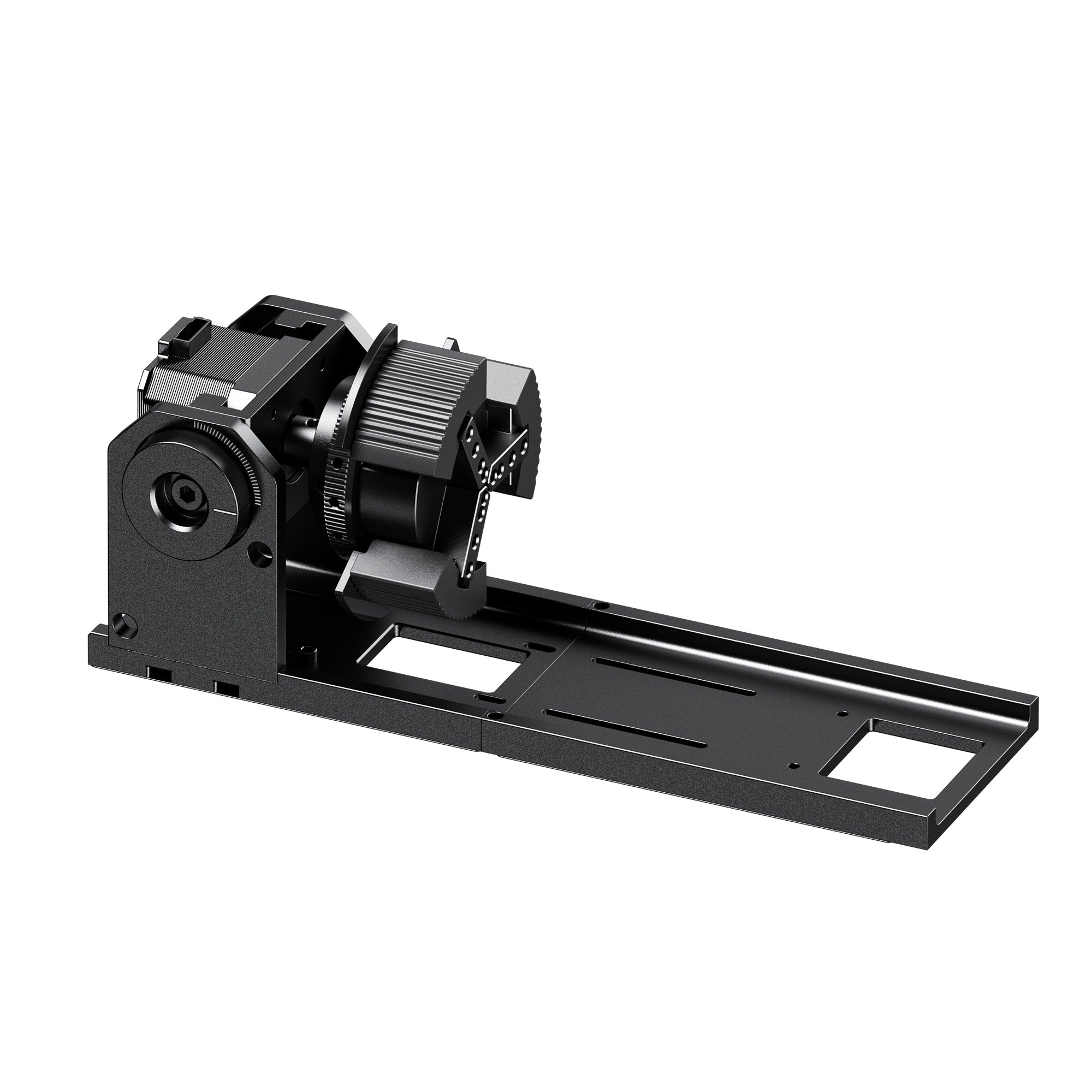
Don't forget the other costs of owning a fiber laser engraver: a fume extractor, laser safety goggles, a rotary for cylinders, spare lenses, and replacement filters.
How to Choose a Fiber Laser Engraver: 7 Buying Factors
When you read fiber laser engraver reviews, check whether the reviewer shows real materials, settings, and timing. Then run through this checklist.
1. Working field size. A standard lens gives you a smaller field with more concentrated energy. An extended slide or a wider lens covers bigger parts. Pick based on your typical piece.
2. Alignment and camera. A built-in HD camera (some machines offer 50MP modules) helps you place artwork on the part and cut down on scrap.
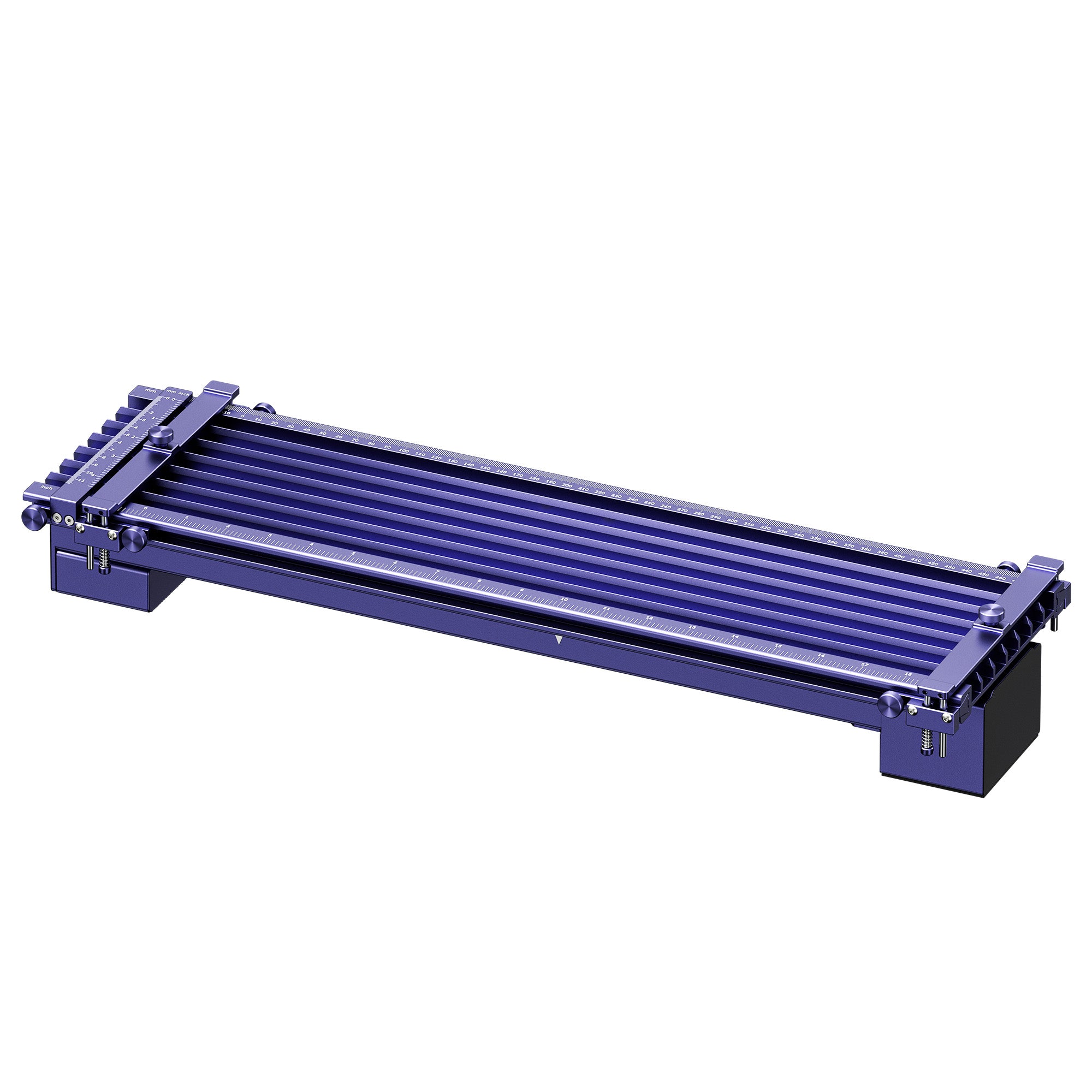
3. Portability and detachable heads. A fixed desktop setup is simpler. A modular head helps with oversized or awkward objects.
4. Software compatibility. If you use LightBurn, ask which version and which operating systems the maker supports for your exact model. Also check how the machine connects, by USB or Wi-Fi.
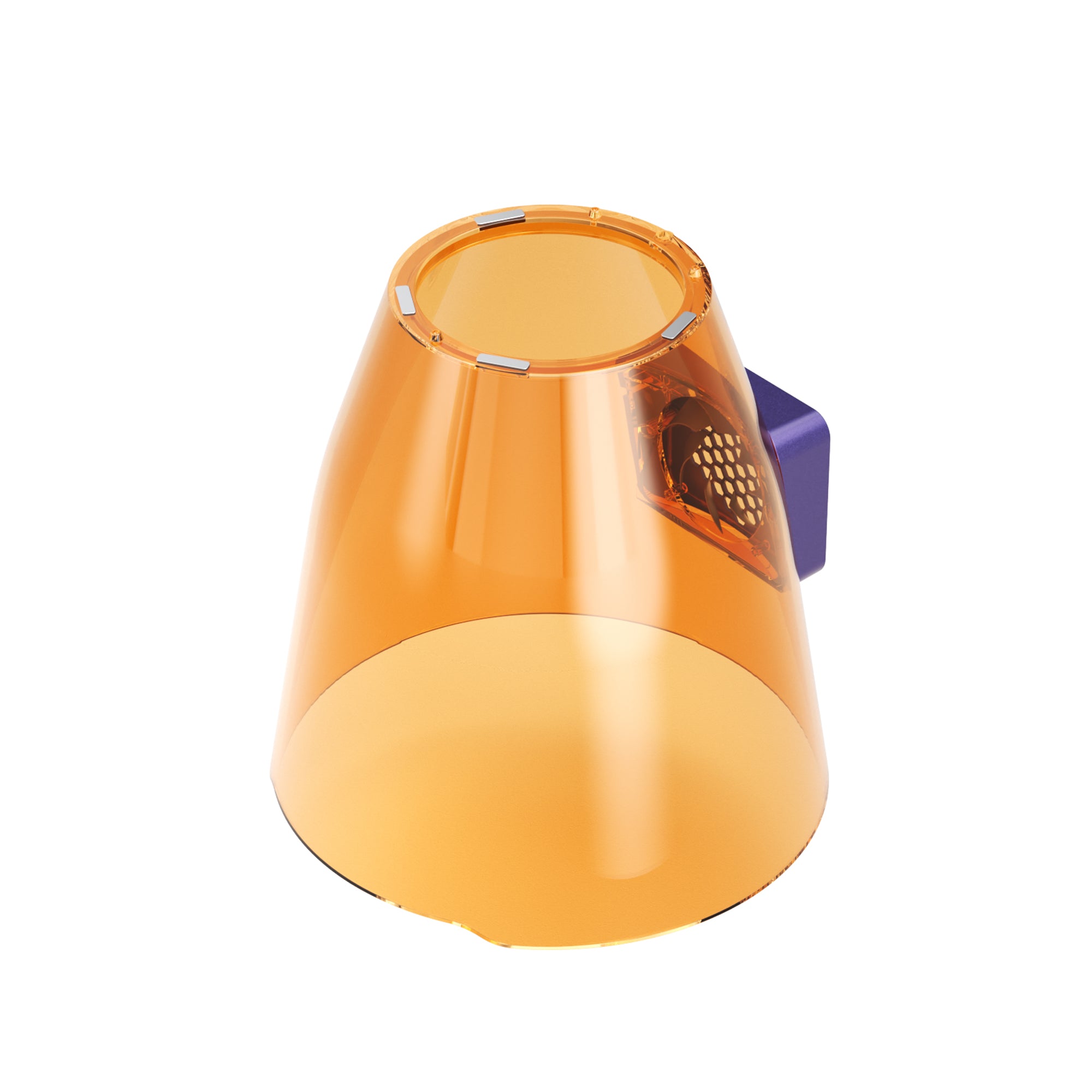
5. Safety enclosure and compliance. Don't assume every enclosed cabinet meets the same laser safety class. Ask for the laser class, how the interlocks work, and the maker's test documents. You'll also need goggles rated for the laser's wavelength. ANSI Z136.1 is the common U.S. reference for laser safety programs.
6. Fume extraction. Vaporized metal, coatings, and plastics release particles you shouldn't breathe. An enclosure keeps the beam in, but it doesn't clean the air. Check the extractor's filter stages and what a replacement filter costs.
7. Source life and maintenance. A stated source lifespan isn't a guarantee for the whole machine. Compare the stated lifespan, warranty length, maintenance needs, and how easy replacement parts are to get.
Which WeCreat Fiber and MOPA Laser Engraver Fits Your Work?
Here's how our own machines line up. Specs come from each official product page.
| Spec | Lumos 50W | Lumos Ultra | Lumos Flex |
| Lasers | 50W fiber + 10W diode + 3W infrared | 6W UV + 60W or 100W MOPA add-on module | 15W fiber + 15W diode |
| Max speed (as listed) | 15,000 mm/s (fiber) | 16,000 mm/s (galvo) | 10,000 mm/s (module and conditions not stated) |
| LightBurn | Listed | Listed. Check supported versions | Listed. Check supported versions |
| Best for | Metal-focused work and batches | Color marking and fine detail | Portable fiber marking |
*Note: The speeds above are galvo scanning speeds, meaning how fast the mirrors can move the beam. They don't tell you how fast a part gets finished. Real throughput also depends on hatching density, fill settings, and acceleration. Don't compare machines on this one figure.
Lumos 50W: Metal-Focused Work and Batches
If metal makes up most of your work, our Lumos 50W is the one to look at. It pairs a 50W fiber source with a 10W diode and a 3W infrared module, so it can also handle some wood and leather jobs. Its page lists full LightBurn compatibility. It's heavier on the desk, so plan a dedicated station.
 |
|
Lumos Ultra: MOPA for Color Marking and Fine Detail
Choose our Lumos Ultra if MOPA's pulse control matters to your work. It combines a 6W UV laser with a 60W or 100W MOPA add-on module. The product page lists vivid color engraving, and it names stainless steel and aluminum among the compatible materials. Color results depend on the material and settings. The UV laser covers heat-sensitive materials. It's a larger machine at about 20 kg, so give it its own bench.
 |
|
Lumos Flex: Fiber Marking in a Portable Workflow
Lumos Flex adds a 15W fiber source to a 15W diode. Pick it if you move between materials and want real fiber marking on metal without stepping up to a 50W machine. It's built for surface marking and versatility. The page lists LightBurn compatibility. Check the current software documentation for supported versions and setup requirements.
 |
|
Ready to compare? Browse WeCreat laser engravers >>
Fiber Laser Engraver FAQs
Q1. Can a fiber laser engraver cut through 3 mm metal?
Usually not as a production job. Desktop fiber engravers are built for marking and fine engraving. A few models list thin-metal cutting under specific conditions. The Lumos 50W comparison table, for example, lists 3 mm brass. That's a manufacturer-stated figure for that metal, so don't apply it to others. Cutting 3 mm sheet in production is normally done on an industrial cutting system with assist gas. Check the official specs for your exact metal.
Q2. Do I need a MOPA laser to mark metal?
No. A standard Q-switched fiber source handles high-contrast one-color marking and regular deep engraving well. Choose MOPA when you want color marks on stainless steel or a deep black on anodized aluminum. It's a pulse-control feature, not a higher power level, and it usually costs more.
Q3. Does LightBurn work with WeCreat galvo machines?
It depends on the model. The Lumos 50W, Lumos Ultra, and Lumos Flex product pages all list LightBurn support. In practice, confirm the LightBurn version, the operating system, and the connection type your exact machine supports. Check its documentation before you buy.
Q4. How much does a fiber laser engraver cost?
Price depends on laser power, source type, and what's in the bundle, and promotions change often. Check the current price on each product page: Lumos 50W, Lumos Ultra, and Lumos Flex. Industrial workstations are usually quoted individually. Add a fume extractor, safety goggles, and accessories to your budget.
Q5. Can a fiber laser engrave wood or acrylic?
It can scorch some surfaces, but it isn't the right tool. A diode or CO₂ laser suits wood better. For clear acrylic, CO₂ is generally the more suitable choice, because 1064 nm light mostly passes through it. If you work with both metal and organic materials, a multi-source machine means you don't need two. Our laser type comparison shows which one suits each material.