










If you sell both engraved wood gifts and metal tags, one laser rarely covers everything. A diode laser handles wood and leather well. A fiber laser handles metal. For some businesses, that means investing in separate machines, managing different workflows, and giving up more workspace.
That's why so many buyers search for a dual laser engraver machine. This guide explains what the term actually means, how fiber, diode, and infrared (IR) modules differ, and when one multi-laser machine beats two separate ones. Every product spec below comes from the manufacturers' official pages at the time of writing.

Short answer: a dual laser engraver puts two laser sources in one machine, usually fiber for metal and diode for wood, leather, and dark acrylic. Some newer machines add a third, low-power IR source for fine detail. It saves space and setup time, but "multi-laser" doesn't mean "cuts everything." Check the materials, thickness limits, and laser class in the official specs before you buy.
What Is a Dual Laser Engraver?
A dual laser engraver is a machine with two laser sources or two laser heads. Sellers use "dual laser engraving machine" for a few different setups, so here's how to read the listings.
- Dual-head: two laser heads of the same type, built to run side by side. The goal is higher throughput, not new materials.
- Dual-source (fiber and diode): two different laser types in one machine, often sold as a dual source laser engraver. A fiber and diode dual laser engraver covers metal plus wood, leather, and dark acrylic. Some of these machines switch between sources and run one at a time, so check how a specific model works.
Why pair fiber with diode? The two wavelengths behave differently. A fiber laser emits near-infrared light, around 1064nm. Metals absorb that wavelength well, so fiber is the usual choice for marking and engraving stainless steel, brass, and aluminum. A blue diode laser, around 450nm, suits wood, leather, and dark opaque acrylic. It isn't suited to clear acrylic, which the light passes through.
From Dual to Tri-Laser: Where IR and "3-in-1" Fit
Some newer multi-laser machines add a third source, a low-power infrared (IR) laser. Fiber lasers already work in the infrared range, so "IR" here means a separate source meant for fine-detail marking and metal color marking.
What "3-in-1" means here. A 3 in 1 laser engraver in this context is three laser sources in one machine. It isn't a 3D printer, laser, and CNC router combo. Those are a different product category, so don't mix the searches up. Three sources also don't mean three beams at once. Most designs group them into modules you swap or run one at a time.
| Laser source | Main materials | Where it fits |
|---|---|---|
| Fiber | Stainless steel, brass, aluminum and other metals | Deep relief, 3D carving, high-speed marking |
| Diode | Wood, leather, dark opaque acrylic | Organic crafts, cutting and engraving thin non-metals |
| IR | Metal surfaces, fine-detail work | Small details and metal color marking, on machines that include it |
Note: These are typical results. Diode lasers can lightly mark some metals but can't engrave them deeply. Fiber lasers are less effective on wood, leather, and clear materials. Sources: Trotec and Thunder Laser.
For more on the fiber side, see our MOPA vs fiber laser guide and the UV laser vs fiber laser comparison. If you're only weighing a budget diode machine, our CO2 vs diode laser engraver guide is a better place to start.
One Multi-Laser Machine vs. Separate Machines: Space, Workflow, and Cost
Space. Two separate machines mean two frames, two power cables, and two spots to keep clear. A multi-laser engraver swaps modules on one base.
Workflow. With one machine you use one software setup. That can cut down file conversions, and you learn one set of focus and positioning steps instead of two.
Running two jobs at once. Some multi-laser systems let you run two modules as separate machines. Check which setups the maker supports and what accessories each one needs before you plan your labor time around it.
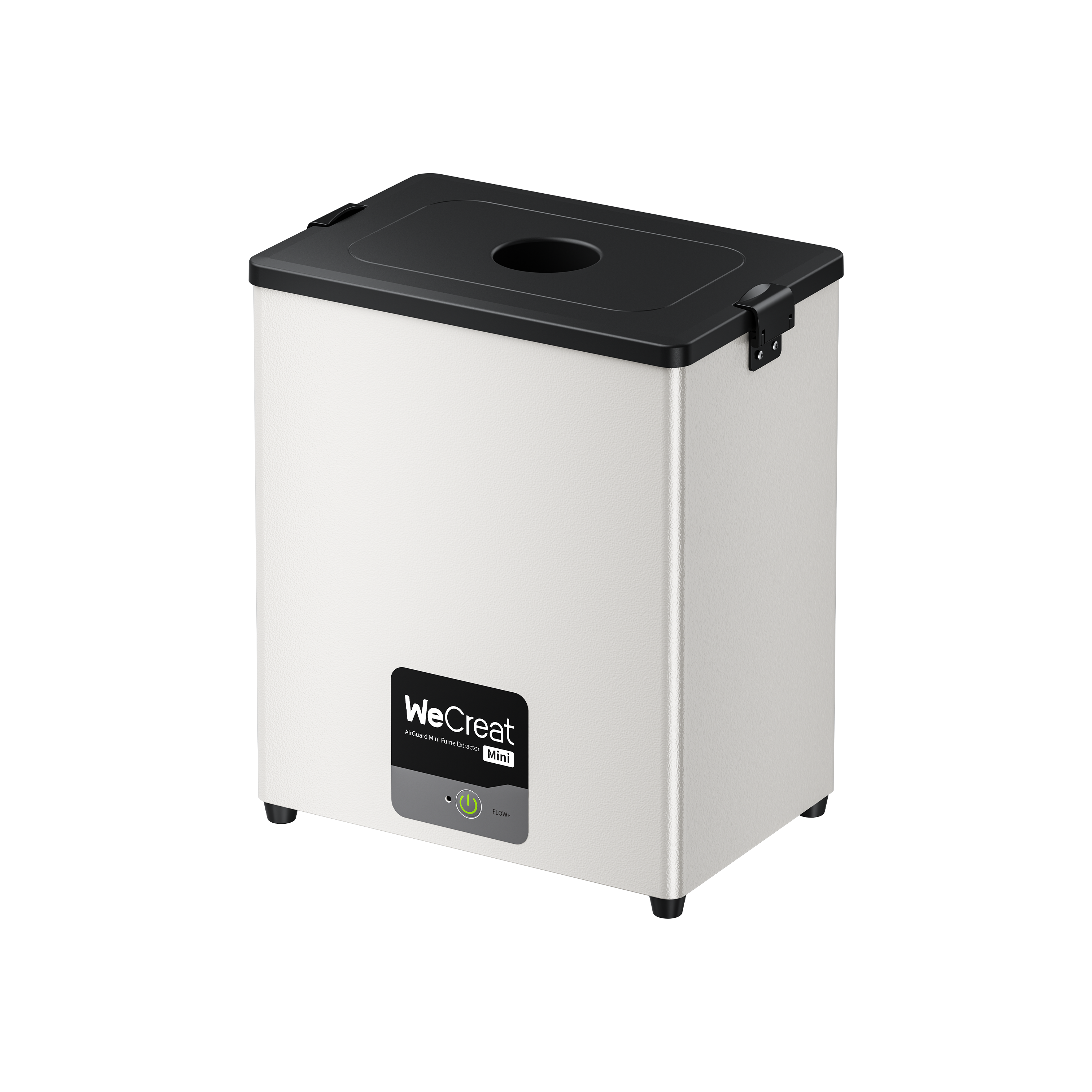
Cost. Prices vary by region and bundle. Compare the machine, the safety gear, and the fume extractor for each setup using current quotes.

Illustrative diagram. Actual machine sizes vary by model.
Materials and Cutting Limits: What to Verify Before Buying
A multi-laser machine isn't a universal cutter. Each module has its own limits.
- Metal cutting is for thin sheet. Published thickness figures depend on the alloy, speed, and number of passes. Cutting through a sheet isn't the same as getting a clean edge for production, so test your own material. Don't read a sheet-cutting figure as a plate-cutting rating.
- Diode cutting has limits too. It handles thin wood and dark acrylic, not thick stock.
- Clear acrylic is usually a CO2 job. Blue diode and typical fiber wavelengths are poorly suited to it. Always confirm compatibility with your specific material and machine.
- Only process laser-safe materials. Never laser PVC, vinyl, or any material that contains chlorine. It releases harmful, corrosive fumes. Check the material's safety data sheet if you're unsure.
Before you buy, send the seller your exact material, thickness, and a sample file. Ask for the laser class and certification documents too, since some pages don't state a class.
What to Look for in the Best Dual Laser Engraver: Power, Speed, Positioning, and Software
There's no single best dual laser engraver for every shop. These are the specs that separate one machine from another.
Power and speed. Higher power generally allows faster material removal and deeper relief in fewer passes. A 50W fiber source has 2.5 times the rated output power of a 20W source. How much faster it is on your job depends on the metal, the depth, and the settings. More power isn't a speed guarantee, so test with your own samples if depth matters.
Also separate galvo speed from finished-part speed. A maximum speed figure is how fast the mirrors move the beam. It isn't how fast a part comes out.
Positioning and accuracy. Camera resolution, positioning precision, ranging precision, and motion accuracy are different measures. They don't guarantee final engraving accuracy on every material or workpiece. Calibration, part shape, and fixturing matter too.
Software. Look for software that handles batch layout. Some machines also include AI tools that turn a flat image into a depth map for relief work. Try them on your own artwork first.
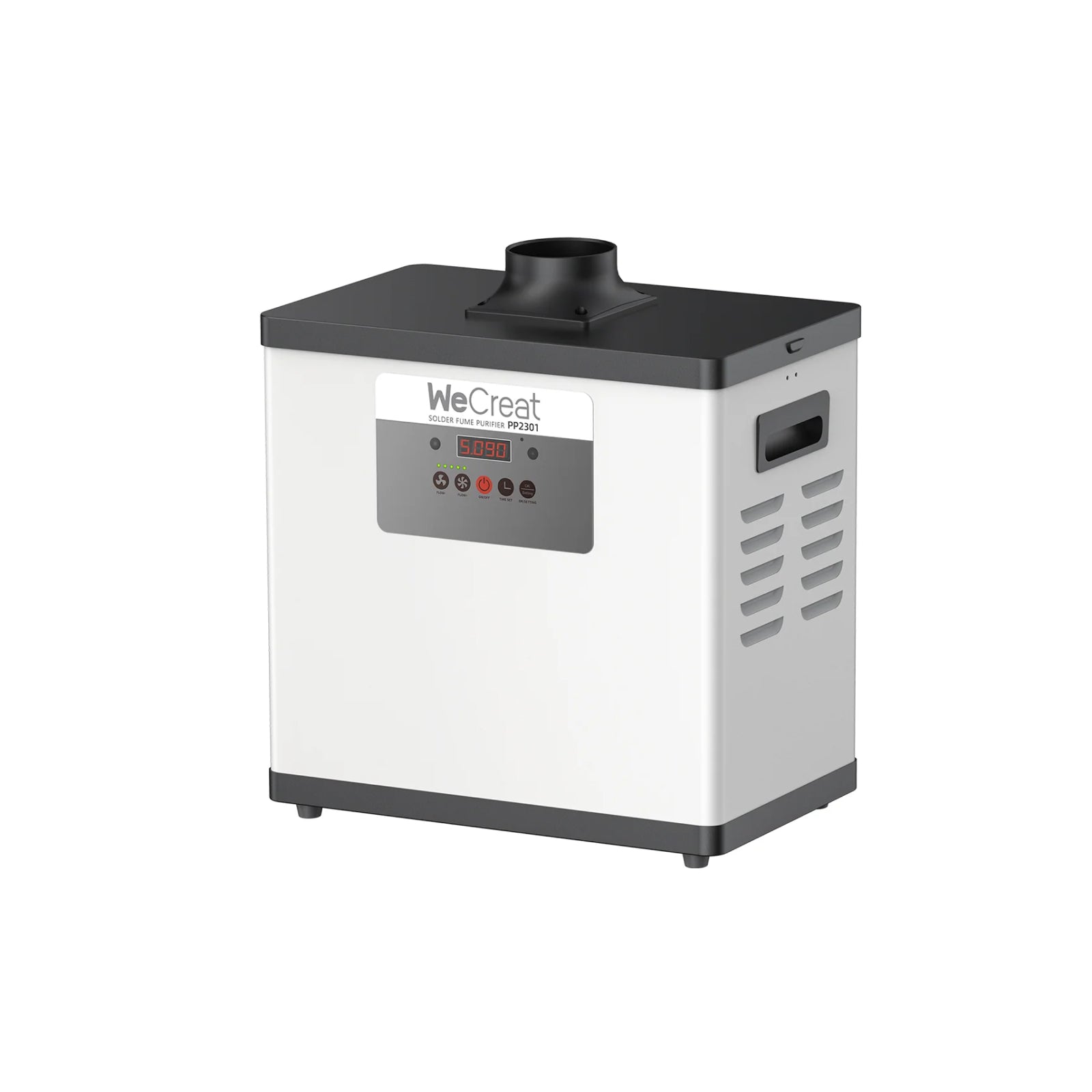
Safety. Before operating any laser engraver, verify its laser classification, enclosure and interlock protections, and the manufacturer's safety instructions. Use appropriate fume extraction for the materials you process, and never assume an enclosure alone makes a laser safe to operate.
WeCreat Lumos 50W Fiber: Three Lasers, One Workflow
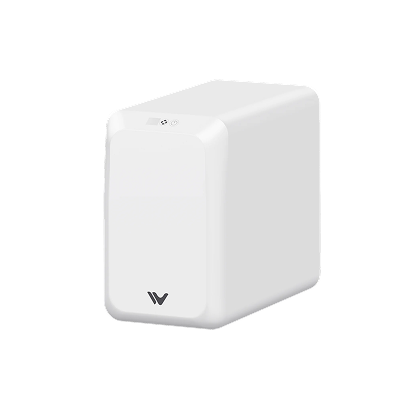
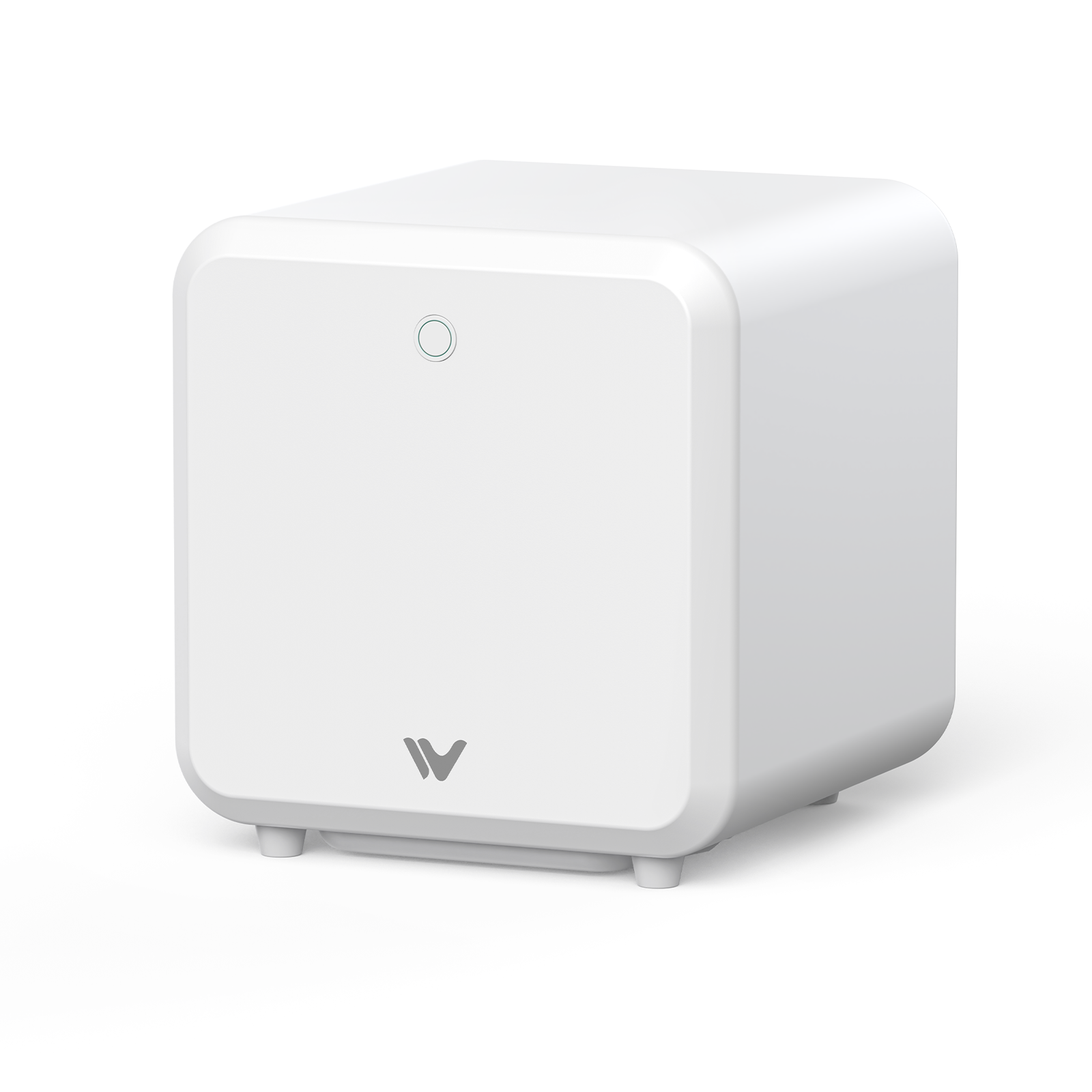
Here's how our Lumos 50W measures against those criteria. It combines a 50W fiber, a 10W diode, and a 3W IR laser across two interchangeable modules.
 |
|
What's in the Lumos 50W
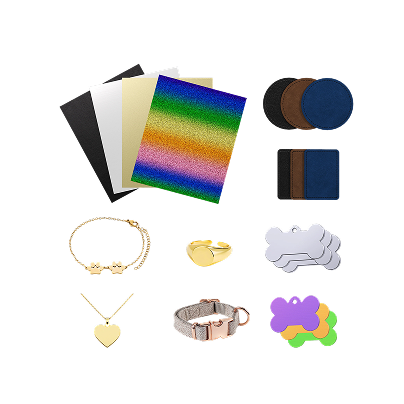
- 50W fiber module: deep metal engraving, relief carving, and custom jewelry and tag production. Our 50W fiber laser engraver guide covers what this power level can and can't do.
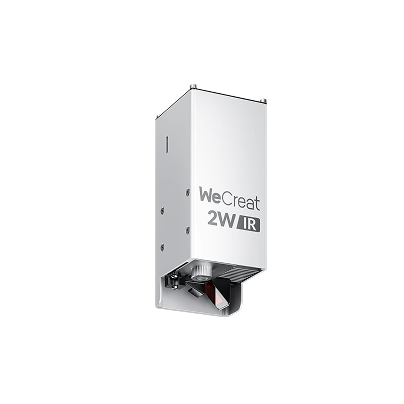
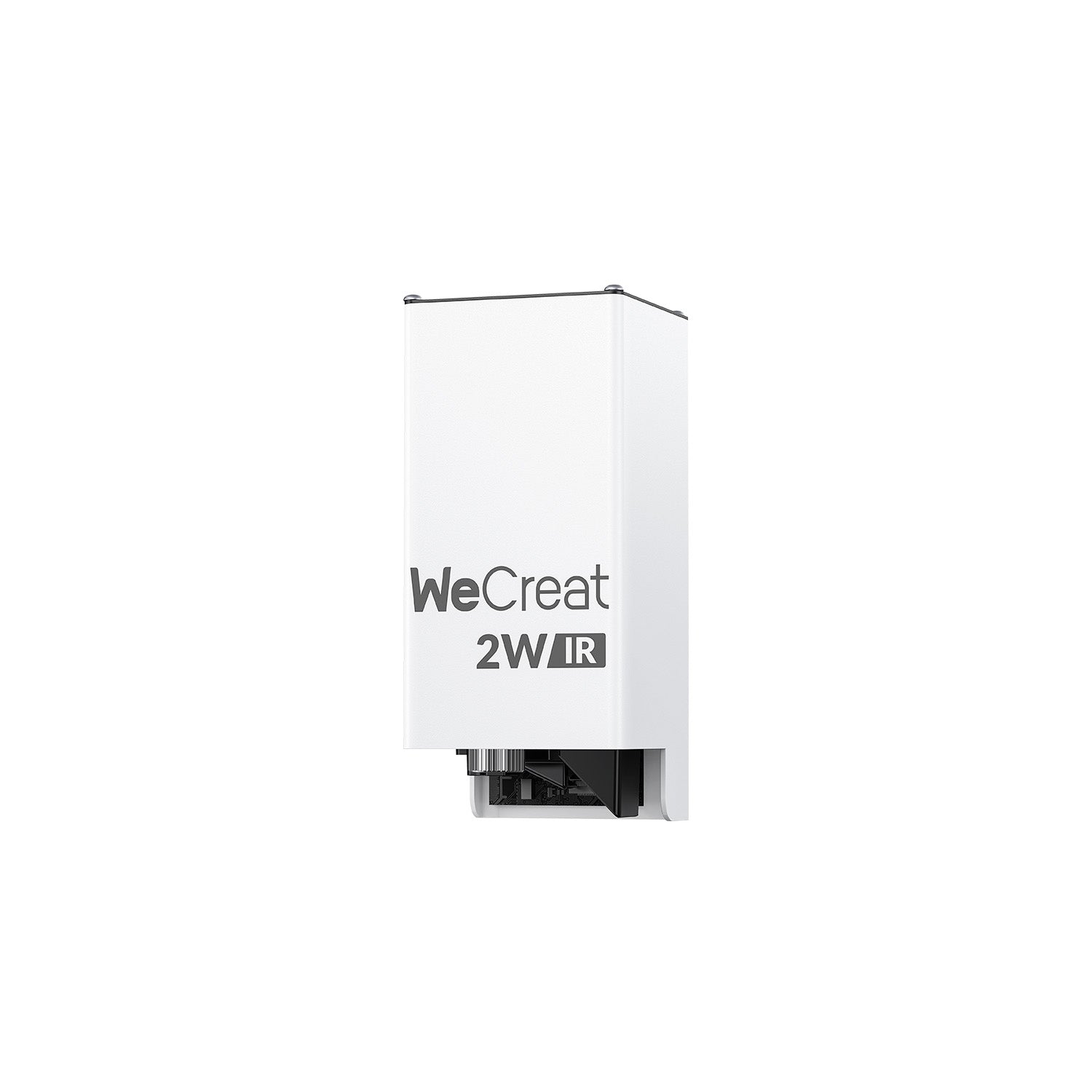
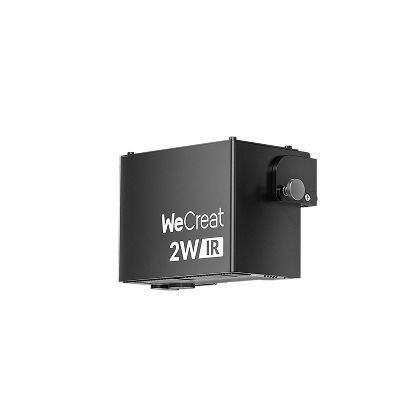
- 10W diode + 3W IR module: adds wood, leather, and dark acrylic, plus fine-detail and metal color marking. The IR laser has a listed spot size of 0.01 × 0.01mm. That means wood and leather orders without a second base machine.
The Lumos 50W is a portable multi-laser built for desktop use, which makes it a fit if you're searching for a portable dual laser engraver. The fiber module measures 242 × 268 × 337mm, which is compact enough for a desk.
Lumos 50W Specs That Matter
Power and speed. The fiber module lists a manufacturer-stated maximum of 15,000 mm/s. That's galvo speed, not finished-part speed.
Positioning. The Lumos 50W lists a 50MP camera, 0.1mm positioning precision, 0.01mm ranging precision, and 0.002mm motion accuracy. The camera previews your artwork on small items like rings, coins, and keys.
Software. It works with WeCreat MakeIt and LightBurn. It also lists an AI feature that turns a flat image into a grayscale depth map for relief work.
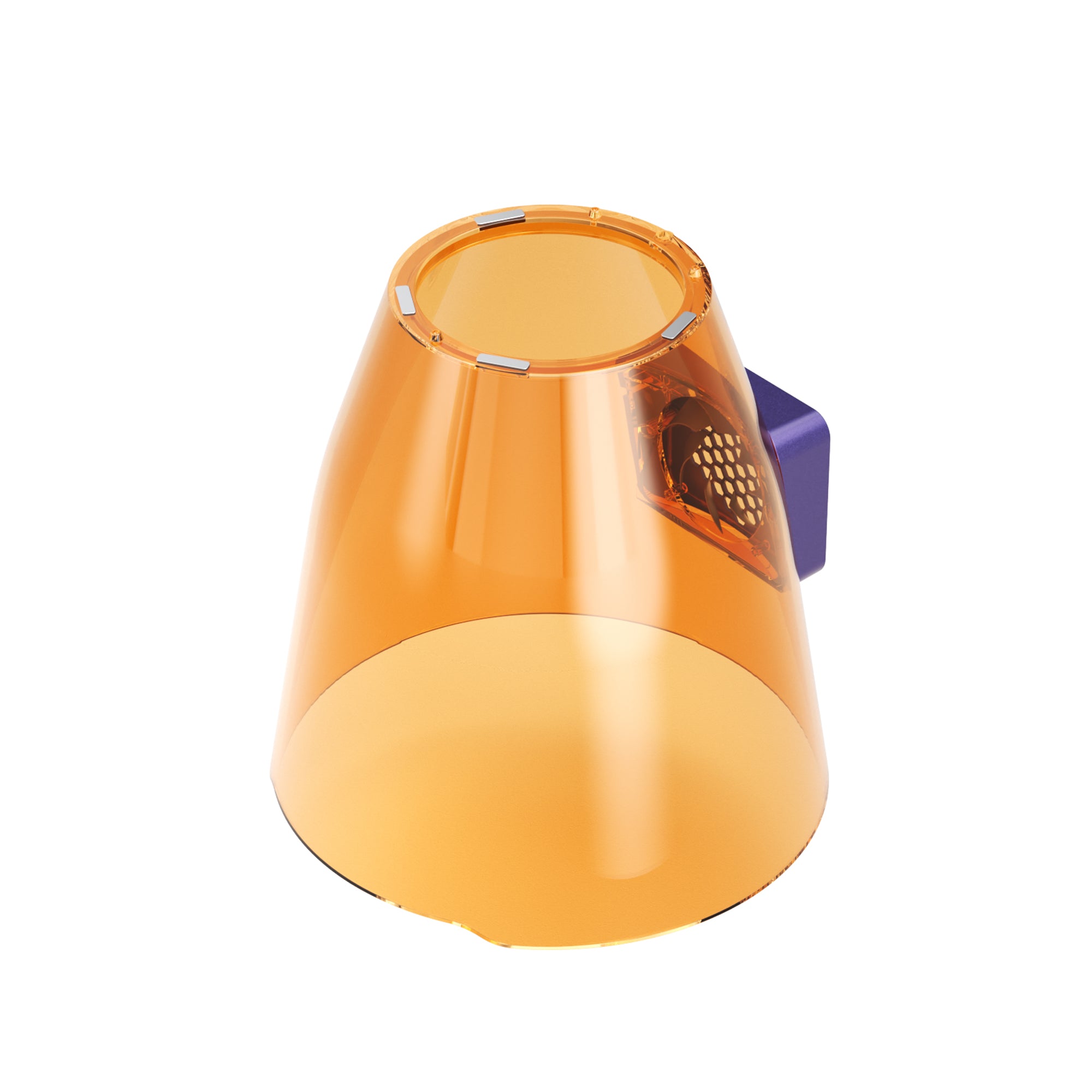
Running two jobs at once. Our Lumos 50W page lists running the desktop fiber unit and the handheld diode and IR module as two machines at once. The magnetic cone used in part of that setup isn't recommended with the 50W fiber module. Check which setup you'd actually use before planning your labor time around it.

Cutting and Material Limits on the Lumos 50W
Our product page lists 3mm for stainless steel and brass. It doesn't spell out the alloy grade, speed, or number of passes behind those figures, so test your own material and don't read it as a plate-cutting rating. The diode module cuts up to 8mm basswood and 6mm black acrylic, per our product page.
WeCreat Lumos 50W Fiber vs. xTool F1 Ultra: Key Differences
The two machines aren't the same kind of "dual laser." The Lumos 50W combines three laser sources across two modules. The F1 Ultra combines two.
| Spec | WeCreat Lumos 50W | xTool F1 Ultra |
|---|---|---|
| Laser sources | 50W fiber + 10W diode + 3W IR | 20W fiber + 20W diode |
| Manufacturer-stated max speed | 15,000 mm/s (fiber) | 10,000 mm/s |
| Working area | 116 × 116mm (520 × 116mm with slide extension) | 220 × 220mm |
| Thin metal cutting (manufacturer-stated) | 3mm stainless steel and 3mm brass; conditions not detailed on the page | 0.3mm stainless steel, 0.4mm brass, 0.2mm aluminum, using high-speed repeat cutting |
| Laser class | Not listed | Class 4 (xTool support center) |
| Best fit | Deeper metal work plus wood and leather in one setup | Larger field, with thin-sheet metal cutting listed at lower thicknesses |
Figures come from our Lumos 50W product page and xTool's official F1 Ultra product and support pages, at the time of writing. "Not listed" means it isn't stated on the page we reviewed, which doesn't mean it's absent. Cutting figures may use different alloys, parameters, and edge-quality standards, so they aren't a like-for-like test. The speeds are manufacturer-stated maximums, not results from a standardized head-to-head production test.
The F1 Ultra has the larger working area. The Lumos offers a higher-power fiber source, while the published cutting figures should be compared under equivalent conditions. Neither is "best" for everyone, so match the numbers to your own jobs.
An Example Workflow
This is an illustrative workflow, not a tested production schedule. Module swaps, positioning, and job times haven't been verified here.
- Morning: use the fiber module to engrave names or logos on metal tags.
- Afternoon: switch to the diode module for personalized work on suitable wood gifts.
- Fine-detail metal pieces: check whether the IR module gives the finish you want on a test piece.
Lumos 50W Accessories

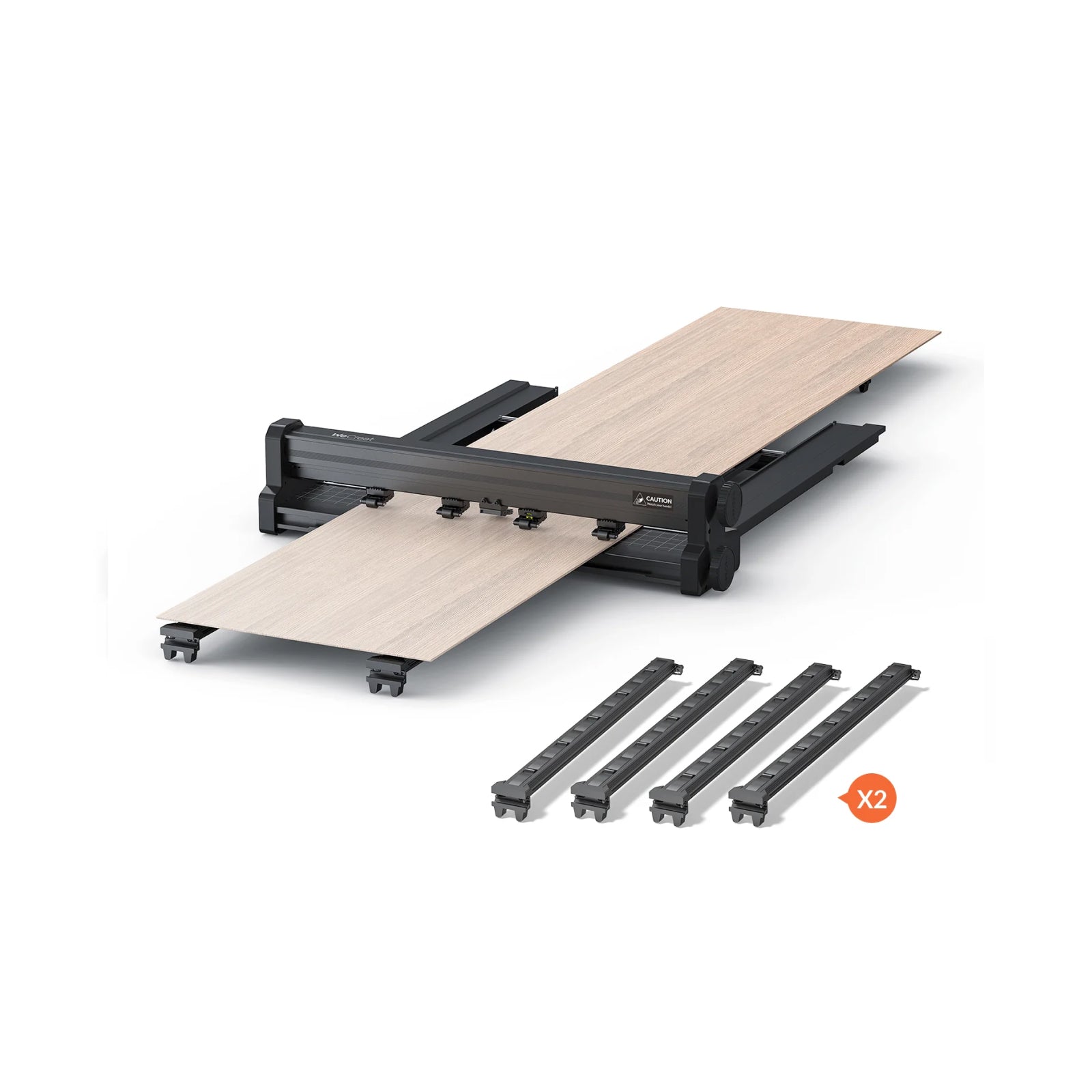
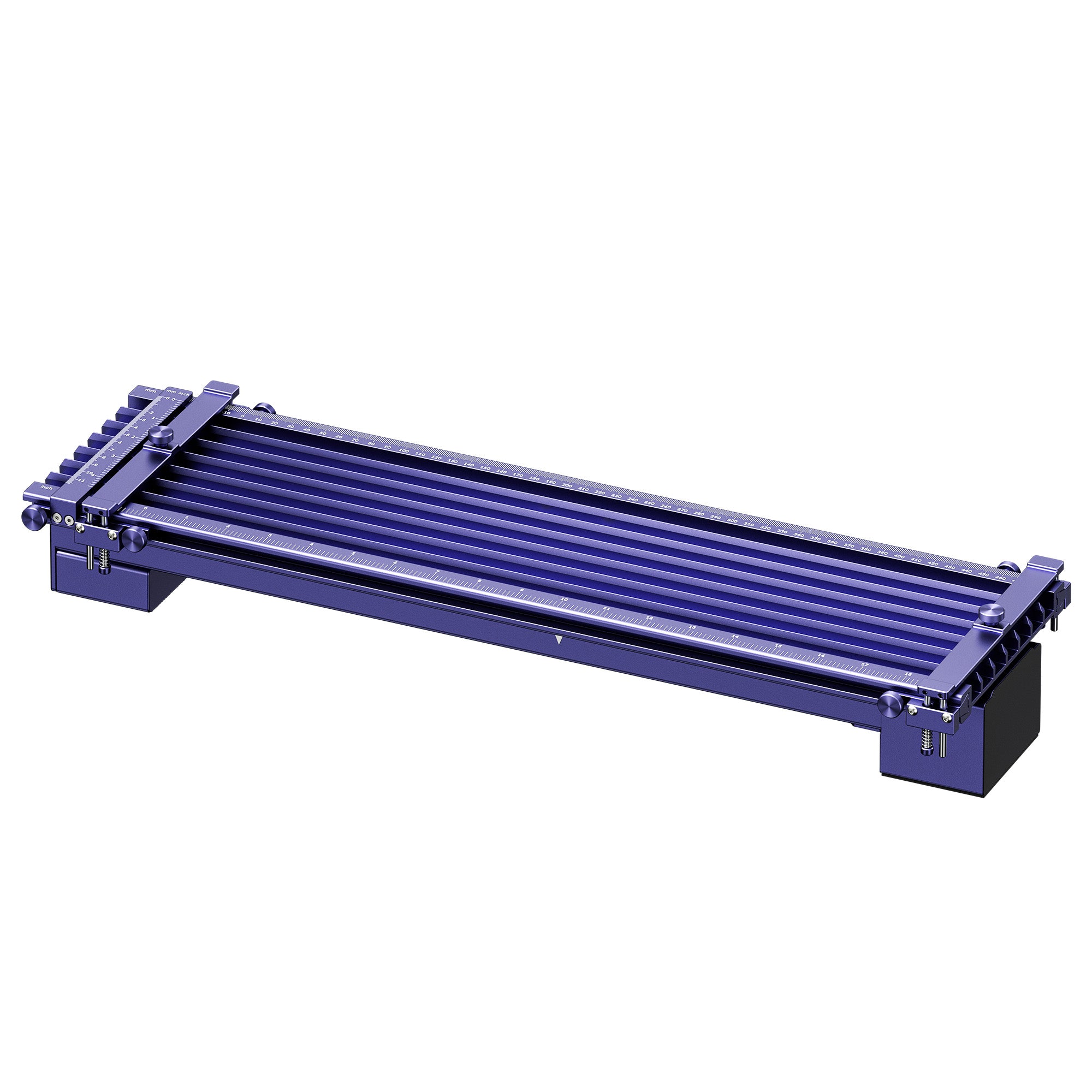
Slide extension. It grows the working area to 520 × 116mm. That suits long metal pieces and batch layouts along one axis.
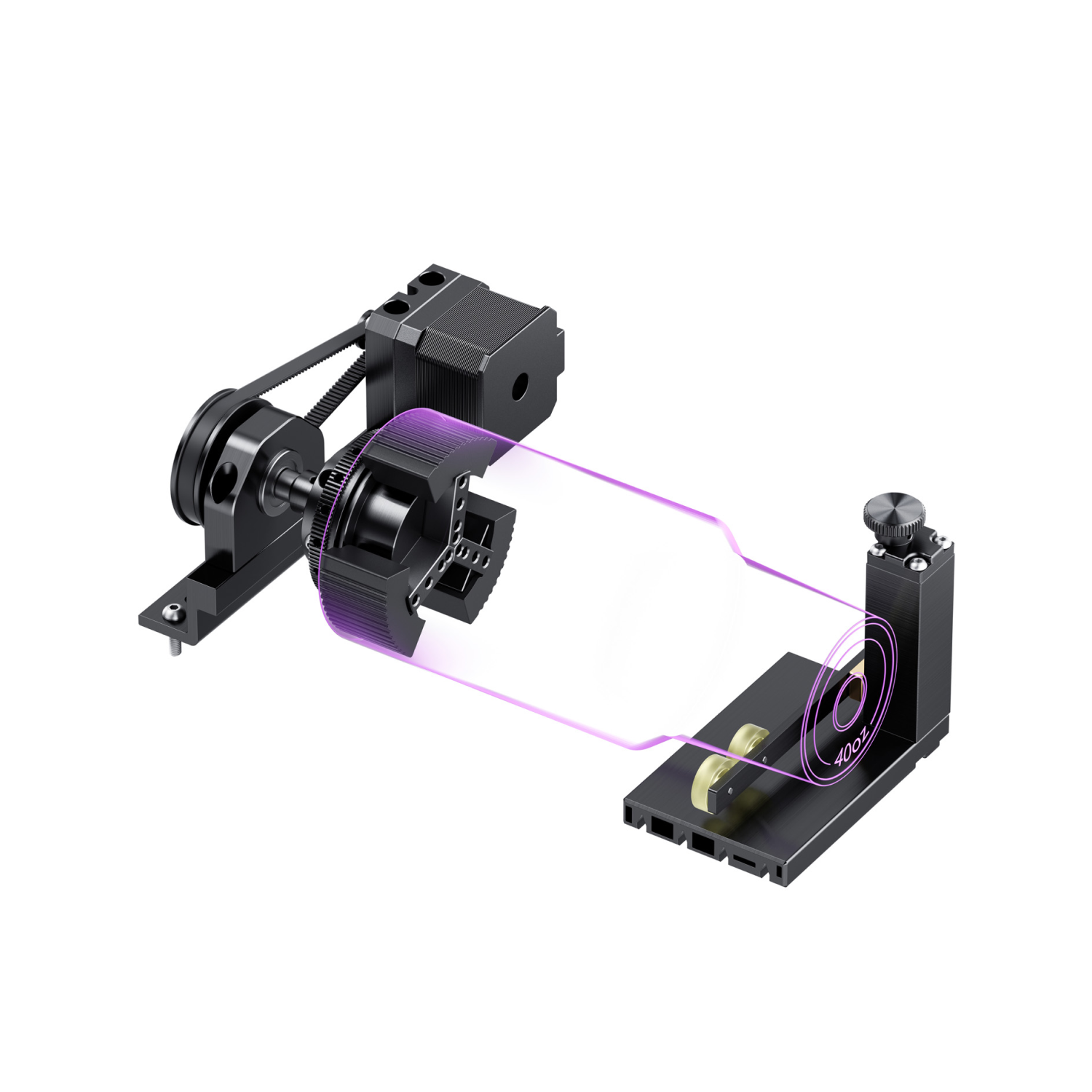
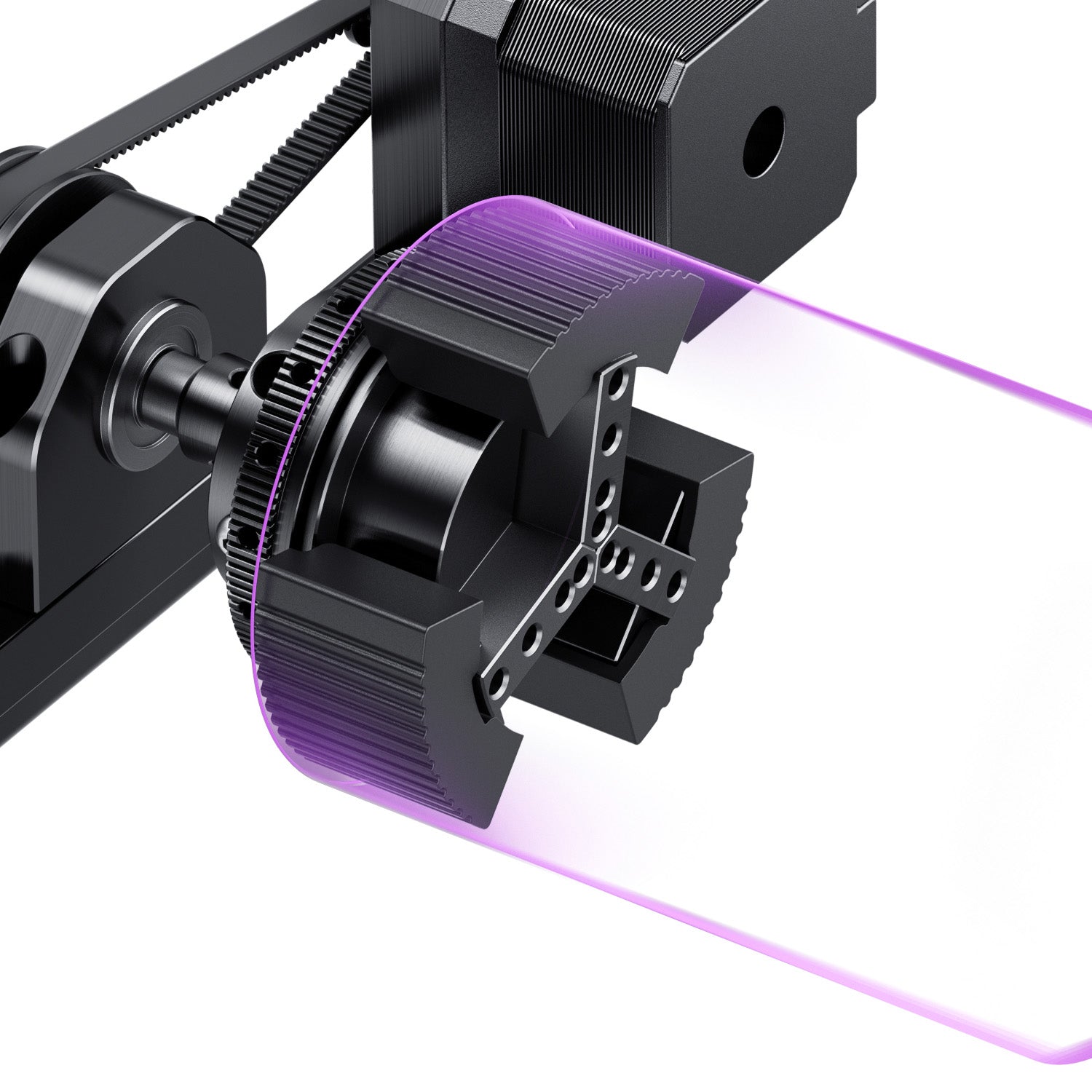
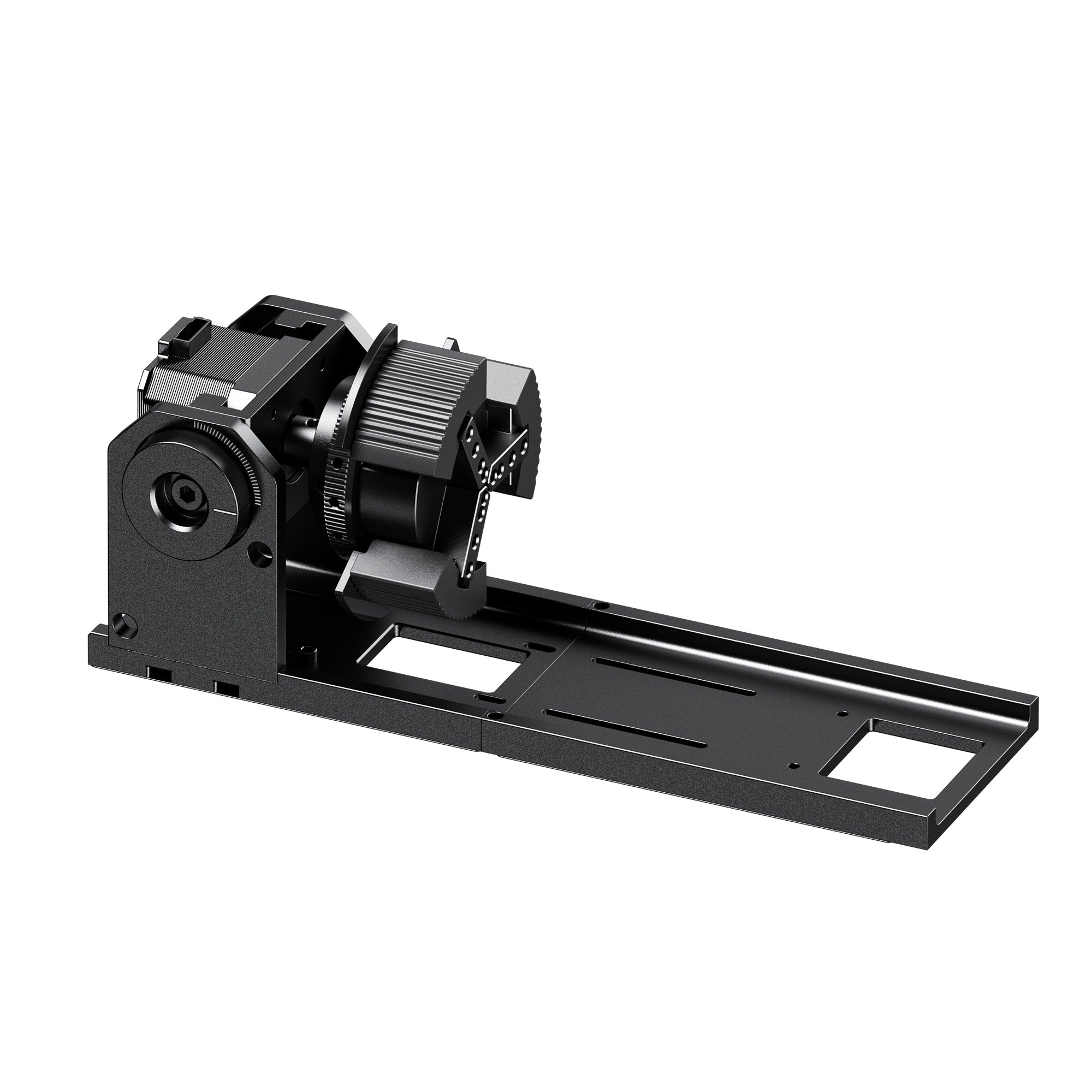
Rotary Pro. It handles cylinders from 3 to 100mm in diameter, with a 40oz tumbler as the usual example. Use it for tumblers, bangles, and other round pieces, and check your piece's diameter first.
Who Should Consider the Lumos 50W
- Your orders mix metal and wood: a multi-laser machine can cut down the bench space two separate machines would take.
- You mostly make large pieces: check the working area and the slide extension first.
- Your core business is high-volume metal work: compare cycle times and dedicated fiber options before you decide.
Conclusion
A dual laser engraver is worth it when your orders mix metal with wood or leather. Before you buy, check three things:
- Your material mix: how much is metal, and how much is wood, leather, or acrylic.
- Your throughput: how many parts per day, and how deep the engraving needs to be.
- Your space: bench room for the machine, the fume extractor, and any rotary.
If metal engraving is a core part of your business and you also want wood and leather, our Lumos 50W is a practical place to start. Check out the Lumos 50W Fiber on the WeCreat store >>
Dual Laser Engraver FAQs
Q1. Is a dual or tri-laser engraver better than buying separate machines?
It depends on your order mix. If you work in metal, wood, and leather, one machine saves space and gives you one workflow. If you only mark metal all day, or need a large field or a dedicated production line, a dedicated fiber unit is usually the better fit.
Q2. What's the benefit of a 50W fiber laser over a 20W fiber laser?
More power generally removes metal faster and reaches depth in fewer passes, which matters for relief work. For shallow marking, a 20W source may be enough. The size of the gain depends on the metal, the depth, and the settings.
Q3. Can the WeCreat Lumos 50W Fiber cut metal?
Thin sheet, yes. Our product page lists 3mm for stainless steel and brass, but not the full test conditions. Results depend on the alloy, thickness, speed, and settings, so it isn't a plate-cutting machine. Test your own material first.
Q4. How does the 50MP camera help with alignment?
It shows your artwork on the part before you start, so you can check placement on small items like rings and keys.
Q5. What does "3-in-1 laser engraver" mean?
It means three laser sources in one machine, such as fiber, diode, and IR. It isn't a 3D printer and CNC router combo.