







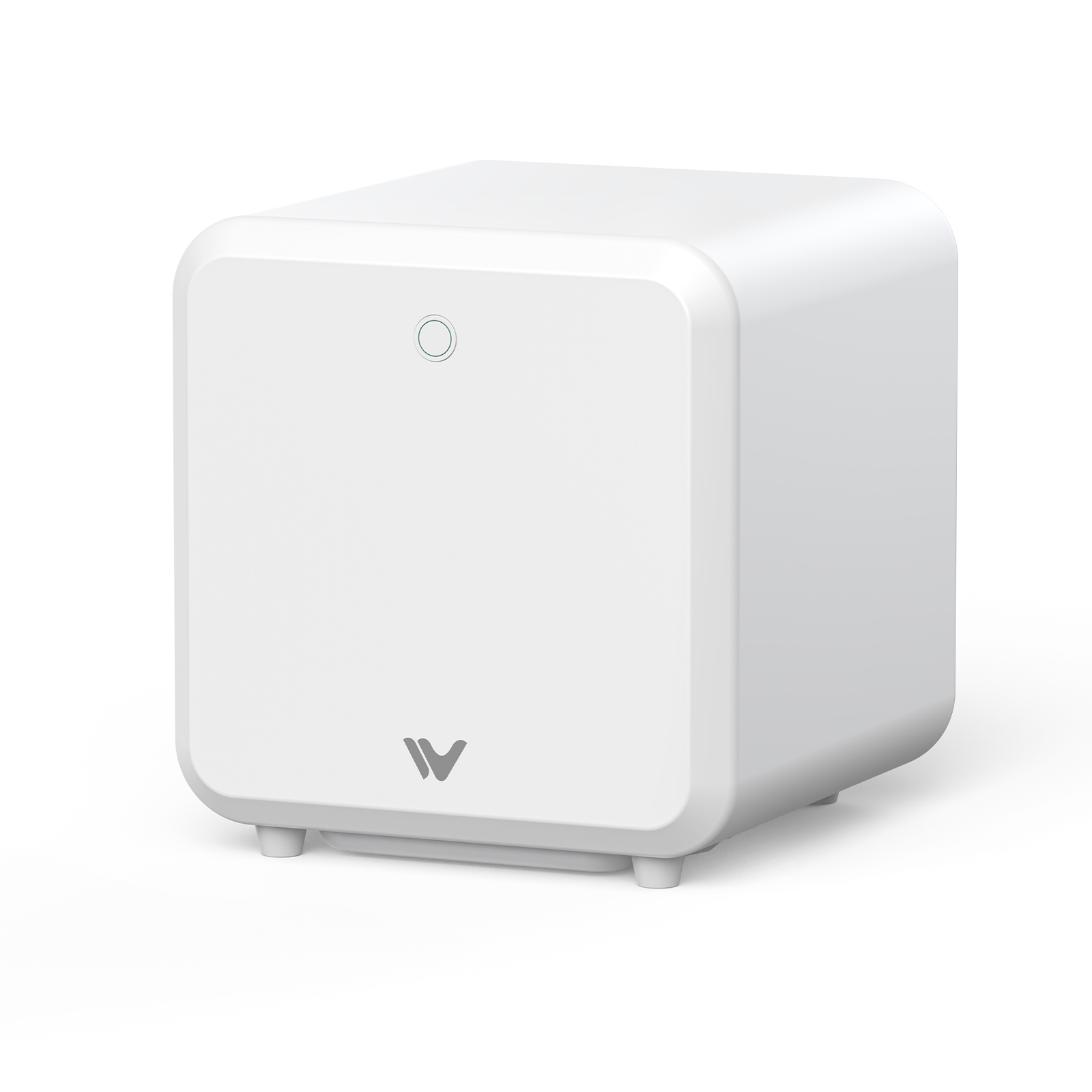
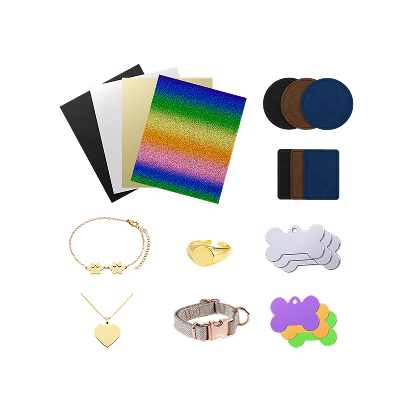
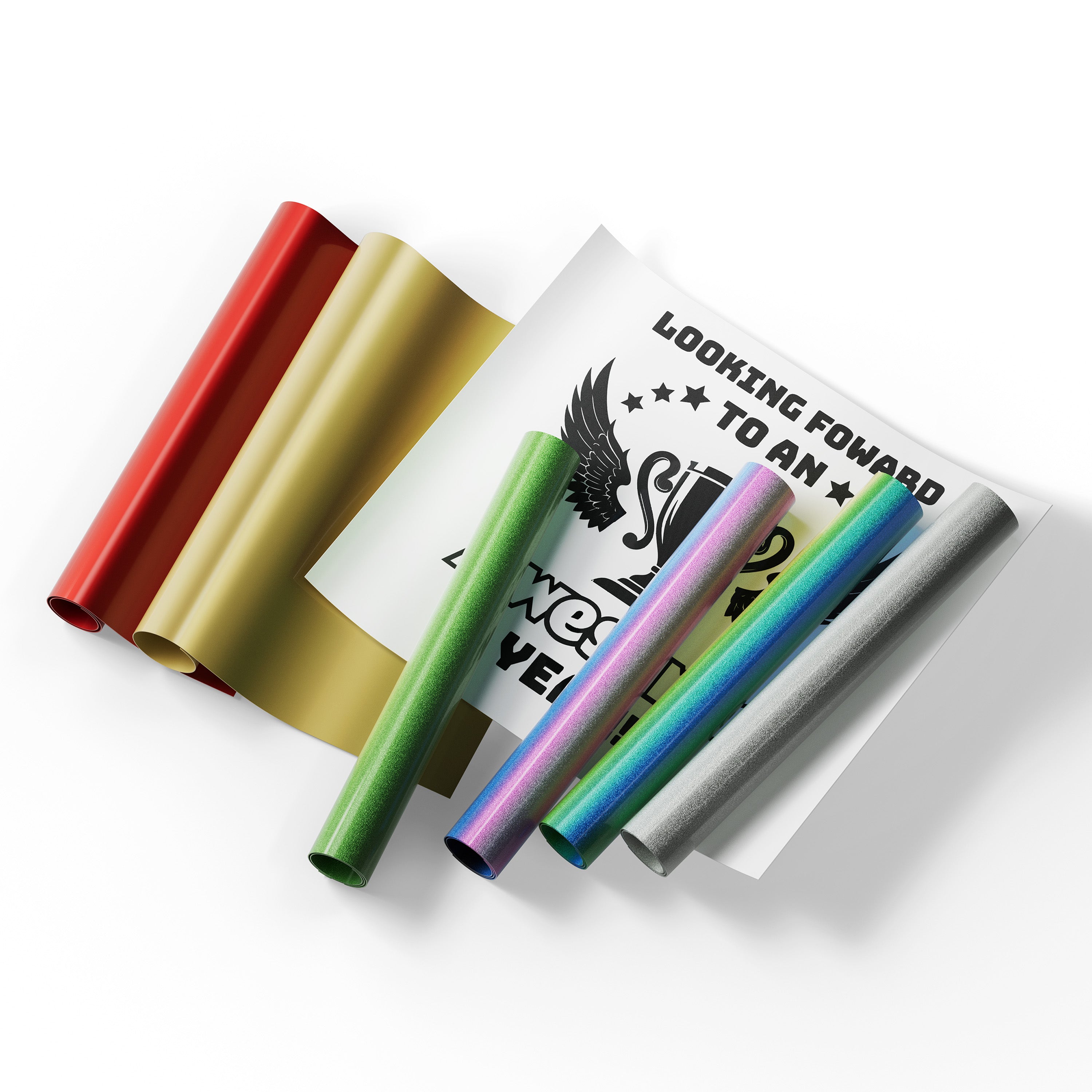
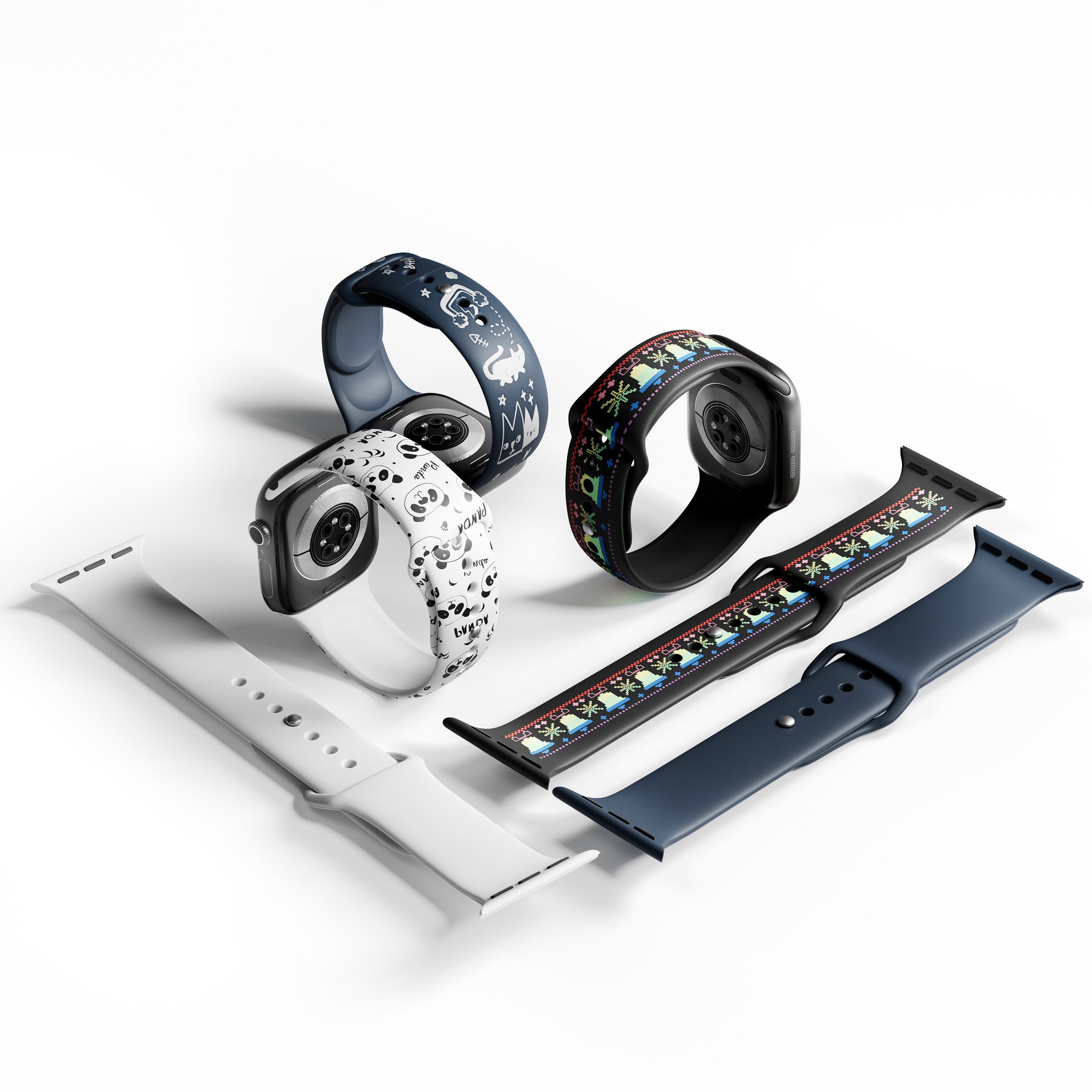



At a $2,000 budget, you have more options than ever, but the right laser depends on what you plan to make. Diode lasers suit wood and many craft projects, CO2 lasers handle clear acrylic well, and fiber lasers are built for direct metal marking. This guide compares the best options by material compatibility, workspace, safety, and total setup cost. Whether you want a home laser engraver, a hobby laser cutter, or a small laser cutter for a studio, you'll see what a desktop laser engraver under 2000 dollars can and can't do.
Quick answer: the best laser engraver under $2,000 depends on your main material. For enclosed wood and dark acrylic work with camera positioning, our WeCreat Vision 20W is a strong option for buyers who prioritize an enclosed design, camera-assisted positioning, and a beginner-friendly workflow. For clear acrylic, a CO2 laser like the FLUX beamo is the better fit. For bare-metal marking, look at a fiber laser. Our Vision Pro 45W and Lumos Flex list above $2,000 at regular price, but current offers may bring them under it.
Best Laser Engravers Under $2,000 at a Glance
| Model | Technology | Laser Power | Work Area (mm) | Base Price* | Primary Strengths | Main Limitation | Best For |
|---|---|---|---|---|---|---|---|
| WeCreat Vision 20W | Diode | 20W | 420 x 290 | $1,190 (Basic Pack) | Auto-lifting Class 1 enclosure, HD camera | Not suited to clear acrylic | Beginners & crafters |
| xTool S1 (20W / 40W) | Diode | 20W / 40W | 498 x 330 (20W) / 498 x 319 (40W) | Varies by bundle; check xTool | Large bed, fully enclosed | Riser base sold separately | Studio safety & scale |
| FLUX beamo 30W | CO2 | 30W | 300 x 210 | $1,690 | Cuts clear acrylic | Small bed; CO2 tube wear | Acrylic & glass |
| Gweike Cloud G2 Pro | Fiber | 30W | 110 x 110 or 150 x 150 | $1,599 (110 x 110) | Fast metal and jewelry marking | Built for marking, not cutting sheet stock | Deep metal marking |
*This guide focuses on machines with a base configuration under $2,000. Prices reflect manufacturer pricing at the time of publication and change with bundles and sales. Where we couldn't confirm a current price, we say so. Ventilation and accessories can push your total past $2,000, so check each product page before you buy.
How We Evaluated These Laser Machines
This is an editorial guide, not a uniform lab test. It draws on published specs, manufacturer information, user feedback, and cost comparison. Three of the six machines here are WeCreat's own, and we hold them to the same criteria as the rest. Labels like "best overall" or "best for metal" reflect the five criteria below, not a measured ranking. Where a figure is a manufacturer rating, we say so.
We scored each machine on five things:
- Rated power and speed: rated laser power, and how it translates to cutting thickness.
- Material range and limits: what it handles well, and what it can't touch.
- Work area and height: bed size, plus whether tall items need a riser or an auto-lifting head.
- Camera and software: how easy it is to line up a design and run a job.
- Total setup cost: the machine plus ventilation, air assist, and accessories.
Detailed Reviews: Top Laser Engravers Under $2,000
1. WeCreat Vision 20W — Best Overall Value for Home & Small Business
 |
|
The Vision pairs a Class 1 enclosure with an auto-lifting head, so you don't hand-measure material height. It handles items up to 140mm tall with the laser bed removed. A top-mounted HD camera shows your material before you cut, and air assist is built in. We rate the Vision 20W for single-pass cutting of wood up to 10mm and black acrylic up to 11mm. Results depend on material, settings, and configuration, so treat these as rated limits, not guarantees. Dense hardwood near that limit may need slower speeds or extra passes. The Vision isn't suited to clear acrylic, because most of a diode laser's light passes straight through it.
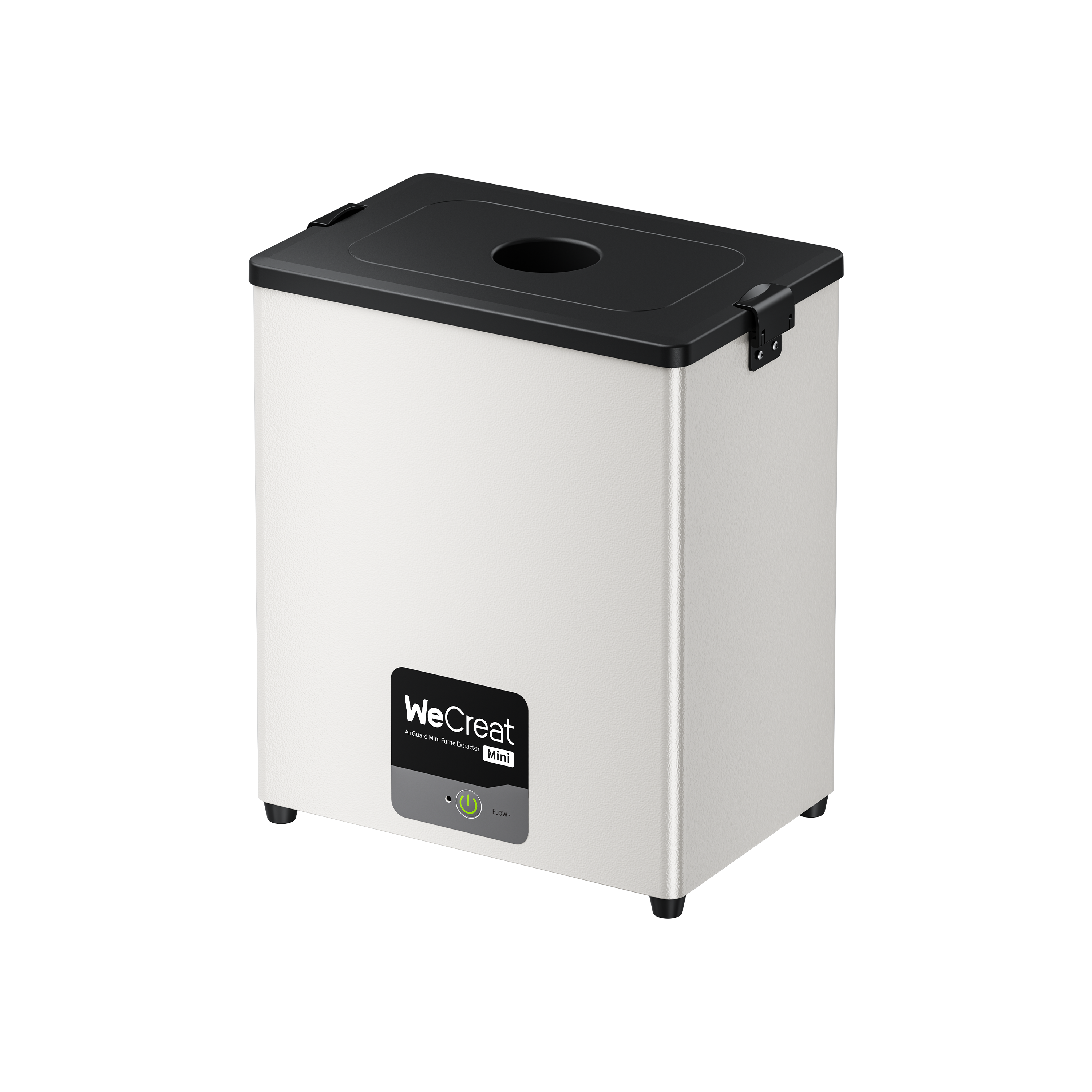
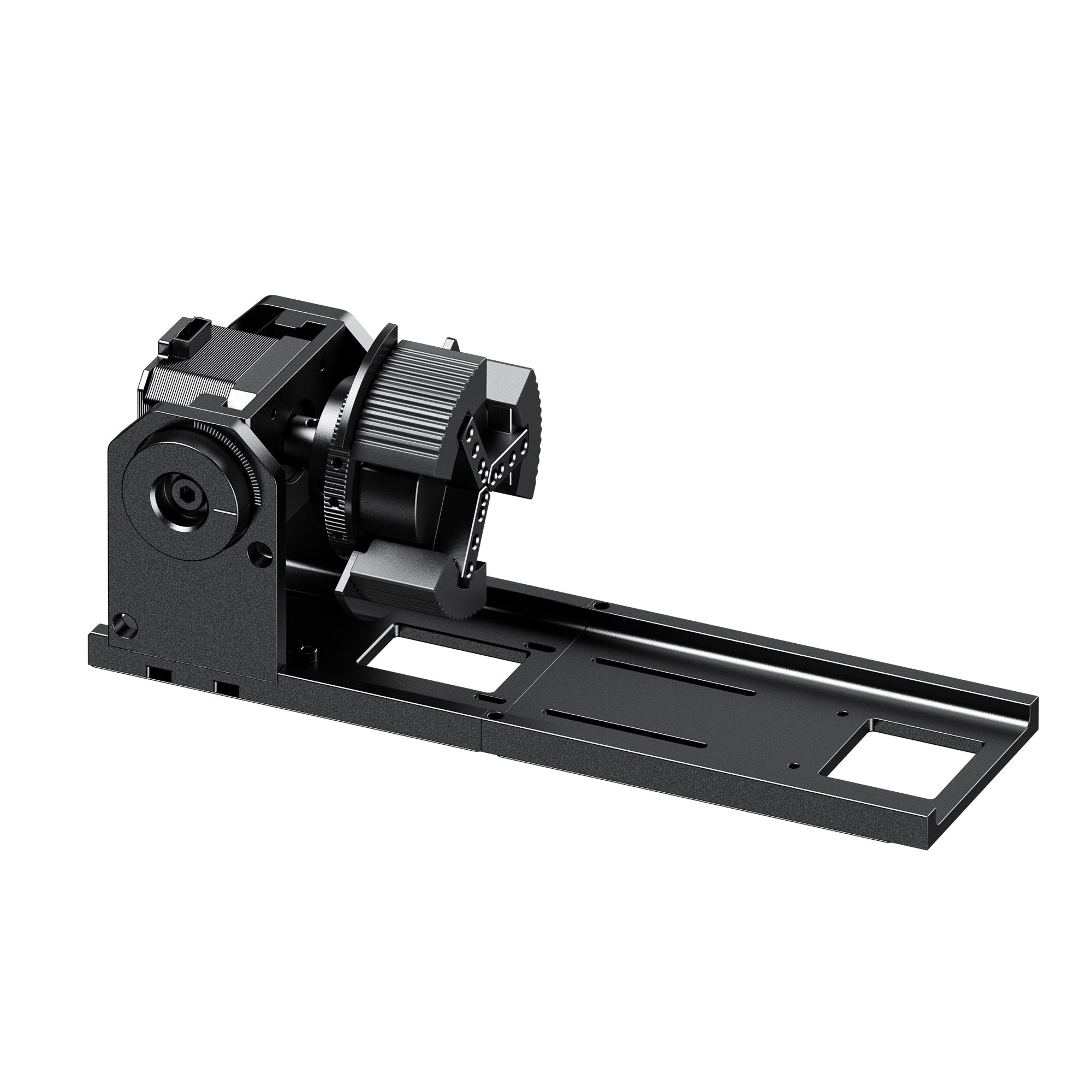
Here's a realistic budget. The Basic Pack is $1,190. The CleanAir Pack is $1,690 and adds fume extraction. The Rotary Pack, at $1,390, adds tumbler engraving. If you work indoors, plan on the CleanAir Pack or your own ventilation.
|
✓ Pros Class 1 enclosure designed to contain laser radiation during normal operation, under the specified operating conditions. Auto-lifting head. HD camera preview. Air assist built in. |
✗ Cons Thick hardwood may take more passes. Not suited to clear acrylic. Fume extraction costs extra. |
A strong choice for beginners who want an enclosed machine, camera-assisted positioning, and a straightforward setup.
2. xTool S1 (20W / 40W) — Best Modular System for Studio Use
 |
|
Among the diode models here, the S1 has the largest working area. The exact size depends on the laser module. It also has a fully enclosed body. Without a riser base, it clears about 42mm of material height. With xTool's Class 1 riser base, that rises to 125mm. The riser is sold separately, so budget for it if you work with tall items.
The 20W and 40W differ mainly in cutting power. xTool rates the 20W for up to 10mm basswood plywood in one pass and the 40W for up to 15mm. The 40W also cuts faster. xTool sells both in Basic, Deluxe, and SafetyPro bundles, and prices change often, so confirm the total on xTool's page.
|
✓ Pros Larger bed than the other diode models here. Fully enclosed. 40W option cuts thicker material faster. |
✗ Cons Riser base is a separate purchase. Bundle pricing varies, so confirm the total. Not suited to clear acrylic. |
The pick if bed size matters more to you than lifting convenience.
3. FLUX beamo 30W — Best for Clear Acrylic & Glass
 |
|
A CO2 laser works at about 10,600nm, a wavelength that clear acrylic absorbs. That makes it well suited to cutting clear and colored acrylic, including transparent sheets that standard blue-diode lasers generally struggle to process. It also etches glass and cuts wood and leather. FLUX lists cutting thickness of up to 7mm, depending on the material. Check supported thicknesses and ventilation needs before you buy.
The trade-offs are the small bed and the consumable tube. CO2 tubes wear out over time, so check the current warranty terms for the laser tube and the machine.
|
✓ Pros Cuts clear and colored acrylic. Etches glass. FLUX lists FDA Class 1 compliance. |
✗ Cons Smaller bed than the diode machines. The CO2 tube is a wear item. Not a metal marker. |
The clear-acrylic specialist in this comparison.
4. Gweike Cloud G2 Pro 30W — Best for Metal Marking & Jewelry
 |
|
A fiber laser's 1064nm light is absorbed well by bare metal, so the G2 Pro marks steel, aluminum, and brass directly. Gweike lists a marking speed of up to 15,000mm/s, which suits small, detailed pieces like jewelry and tags.
Surface marking, deep engraving, and metal cutting are three different jobs. The G2 Pro is built for the first. It can handle shallow to medium engraving, with a listed maximum depth of 3mm on metal, but it isn't designed for cutting sheet metal. Color marking on metal depends on the laser source, pulse settings, and material. MOPA fiber lasers are one common option. The product page describes a fully enclosed shell and a safety shield but states no laser class. Ask Gweike which class applies, and follow its 1064nm eyewear guidance.
|
✓ Pros Direct, fast marking on bare metal. Fine detail. Compact desk footprint. |
✗ Cons Not built for cutting sheet metal. Small bed. Check Gweike's laser class and eyewear guidance for 1064nm. |
A dedicated metal marker, not an all-rounder.
Worth a Look: Two Premium Picks Near the $2,000 Line
Two of our own machines list above $2,000 at regular price. At the time of publication, both entry packs are discounted to under $2,000. Offers change, so check the product pages for current pricing.
WeCreat Vision Pro 45W — Best Step Up for Small Business

|
|
The Vision Pro 45W keeps the Class 1 auto-lifting design of the Vision 20W. It adds a 45W diode with BeamFocus and a larger work area for bigger jobs.
We rate it for up to 25mm basswood and describe its cutting as "60W-like." That compares cutting performance to higher-wattage diodes, not output power. Expect thicker and faster cuts than the 20W. It makes the most sense for production, where saved minutes add up. Our guide on why the Vision Pro suits small business laser engraver work goes deeper.
WeCreat Lumos Flex — Best for Holiday Crafts & Markets

|
|
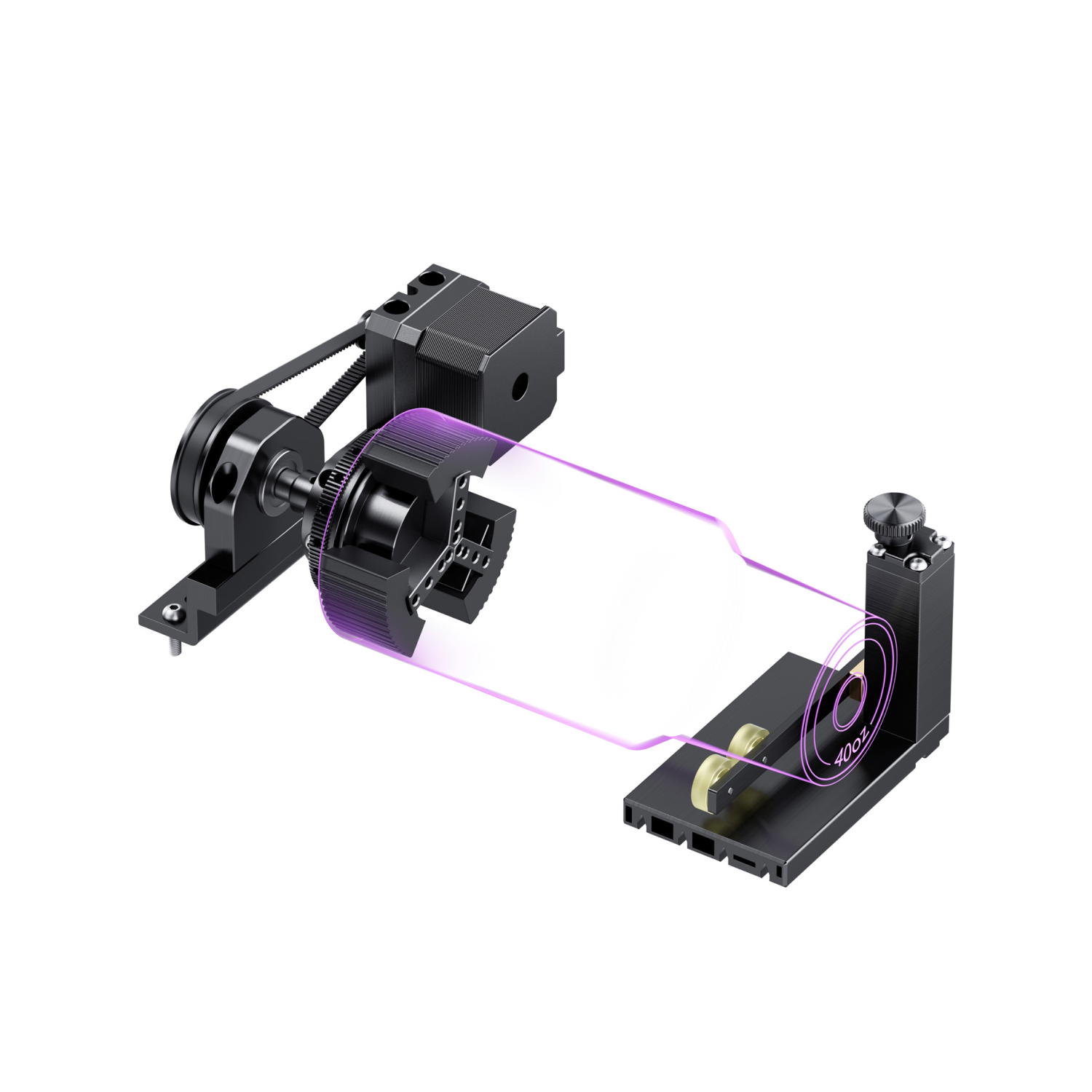
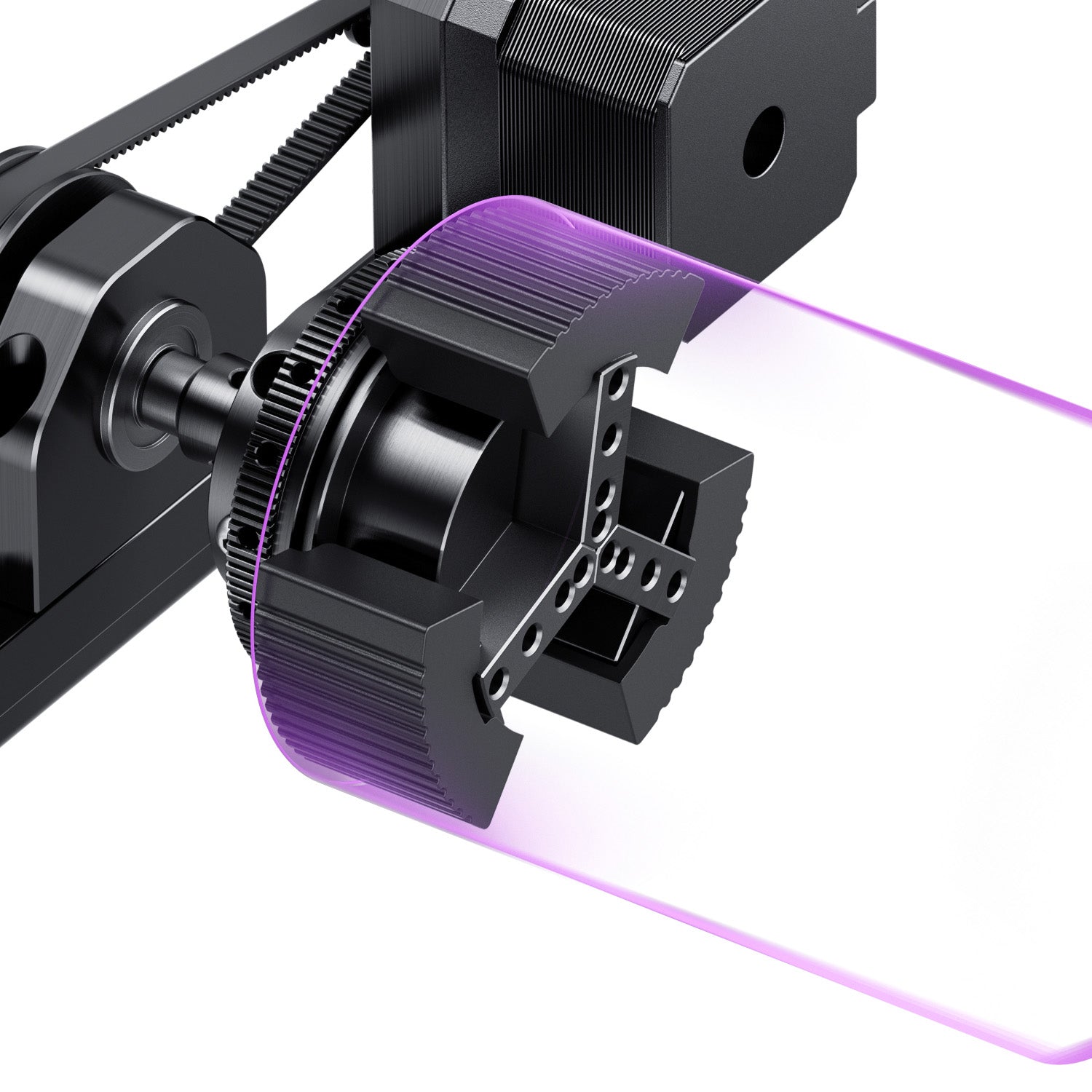
The Lumos Flex combines a 15W fiber laser and a 15W diode in a portable body. That covers bare-metal marking and wood in one machine. We rate it for cutting up to 0.3mm stainless steel and 0.5mm brass. Its Rotary + Extension combo handles tumblers up to 40oz.
Diode vs. CO2 vs. Fiber: Which Technology Do You Need?
| Material | Diode (450nm) | CO2 (10,600nm) | Fiber (1064nm) |
|---|---|---|---|
| Wood & leather | Good value | Excellent | Not a typical use |
| Clear acrylic | Not suited | Yes | Not suited |
| Dark or opaque acrylic | Good | Good | Limited |
| Bare metals | Limited; coated or anodized surfaces work best | Needs a marking spray or coating | Native, direct marking |
| Glass | Limited; usually needs a coating or mask | Surface etching | Not typical |

Treat this as a starting reference, since results vary with material, settings, and machine. For more detail, read our diode vs. CO2 vs. fiber vs. UV laser engraver guide or our CO2 vs. diode laser engraver comparison.
True Cost of Ownership Under $2,000
The sticker price is only part of what you'll spend. Split extras into must-haves and nice-to-haves.
| Item | Tier | Typical Cost | Notes |
|---|---|---|---|
| Fume extraction or venting | Must-have | $150–$500 | Strongly recommended for regular indoor use |
| Air assist | Must-have | $0–$100 | Built in on the Vision 20W; bundled or sold separately elsewhere |
| Laser safety eyewear | Depends on the machine (needed for open or Class 4 setups) | $30–$100 | Match it to your laser's wavelength |
| Rotary attachment | Optional | $150–$400 | For tumblers and mugs |
| Honeycomb bed | Optional | $30–$100 | Often included in bundles |
| Riser base | Optional | Varies | For tall items on machines without auto-lifting |
These are typical ranges, not quotes, and they vary by brand. The practical takeaway: a $1,190 machine with ventilation and a rotary attachment can end up between $1,500 and $2,100. Build that into your budget up front.
Laser Safety Classification, Enclosure & Ventilation
Class 1 vs. Class 4
A Class 1 enclosure contains laser radiation during normal operation, which can make a machine easier to fit into a home or shared space. That holds only in the specified configuration. Opening, bypassing, or modifying safety interlocks changes the risk. It also doesn't remove the need for ventilation, fire precautions, or sensible material choices. An open or Class 4 setup exposes the beam path, so you need wavelength-matched eyewear and tight control of the work area.

Choosing eyewear
- Match the wavelength. Goggles for a 450nm blue diode don't protect against a 1064nm fiber laser, and the reverse is also true.
- Check the OD rating. The optical density and wavelength range are printed on the eyewear. Confirm both before you buy.
- CO2 needs its own eyewear. A 10,600nm CO2 laser is blocked by different materials than the other two.
Managing fumes indoors
- Vent outside when you can. A window or duct venting line moves fumes out of the room.
- Filters help but aren't magic. Multi-stage HEPA and carbon filters catch particles and some odors, not every compound. Follow the manufacturer's guidance.
- Know your materials. Never cut PVC or vinyl. They release corrosive gas that damages the machine and harms you.
Related Guides & Resources
Still comparing? Our WeCreat Vision vs. xTool S1 laser engraver comparison puts the two enclosed diodes side by side. If you plan to sell your work, read how to start a laser engraver business.
Frequently Asked Questions
Q1. Can I run a laser engraver safely in a home office or garage?
Yes, with the right setup. An enclosed Class 1 machine can be easier to integrate into a home workspace, provided the manufacturer's installation, ventilation, and operating requirements are met. You still need fume extraction, fire precautions, and a suitable work area, in a garage as much as an office. Never leave a running laser unattended.
Q2. What is the total cost of a laser engraver setup after accessories?
Depending on the machine, your ventilation setup, and the accessories you choose, plan for several hundred dollars on top of the machine price. A rotary attachment or upgraded filtration can push it higher. Compare final totals.
Q3. Can a diode laser engrave on metal?
Partly. A 450nm diode works best on coated or anodized metals, and bare-metal results vary. For direct, deep marking on stainless steel or brass, a fiber laser is the better tool.
Q4. Why do diode lasers struggle with clear acrylic?
Clear acrylic is transparent to a 450nm blue laser, so most of the light passes through instead of being absorbed. Clear acrylic absorbs a CO2 laser's 10,600nm wavelength, which is why CO2 cuts it cleanly.
Q5. Is a diode or CO2 laser better for a small engraving business?
It depends on your products. A diode laser is the better value for wood, leather, and dark acrylic. A CO2 laser makes more sense if clear acrylic or glass is a big part of your orders. Many small shops start with a diode and add a second machine later.