










Note: WeCreat sells two Lumos tiers — the base Lumos and the Lumos Flex
Portable dual-laser engravers have quietly become one of the most competitive categories in the maker space this year, and WeCreat Lumos vs xTool F2 is one of the comparisons buyers ask about most when shopping for a portable laser engraver. Both promise a compact dual laser engraver setup you can take to craft fairs or run on a small studio desk — but there's a detail worth knowing before you compare specs: WeCreat actually offers two Lumos tiers built for different needs, and each one stacks up against the xTool F2 a little differently. This guide covers both, so you're comparing the right machines for your budget, whether you're hunting for the best laser engraver for small business use or specifically need a laser engraver for metal work.

Quick Answer: Which Machines Are You Actually Comparing?
Before the deep dive, here's the honest short version.
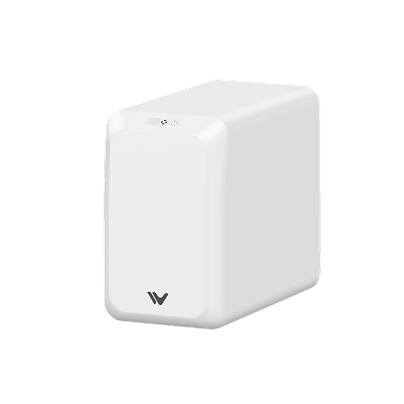
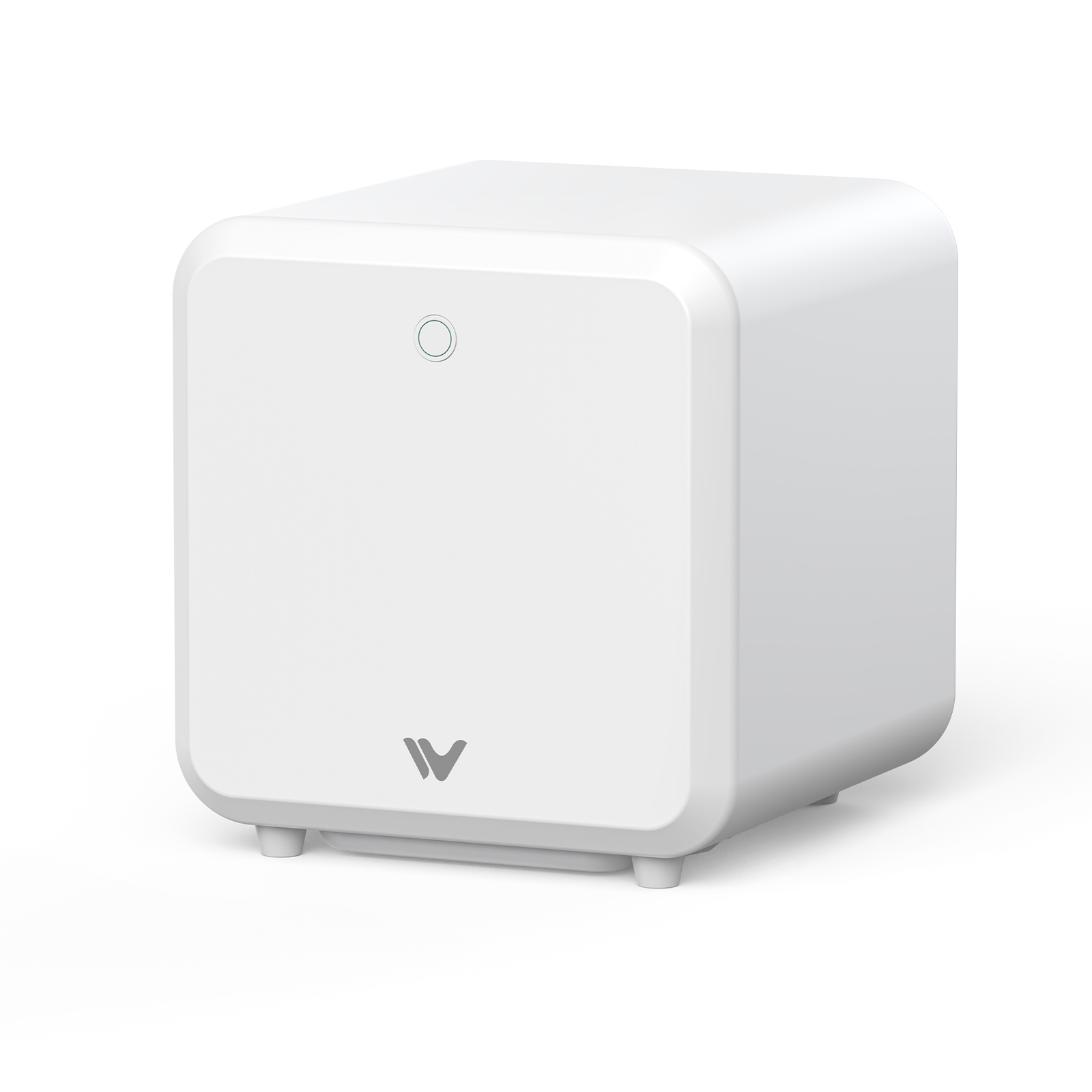
The base WeCreat Lumos (3W IR + 10W Diode) is the lighter, cheaper option of the two Lumos models. It's a genuinely portable machine that undercuts the F2 significantly on price — you just give up some power and speed to get there.

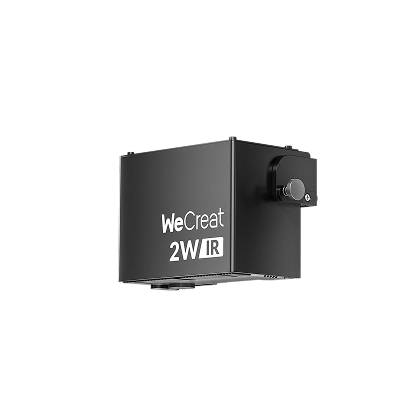
The xTool F2 (5W IR + 15W Diode) sits in between on price, and comes with more raw power and speed than the base Lumos, plus xTool's more mature software ecosystem and accessory catalog.

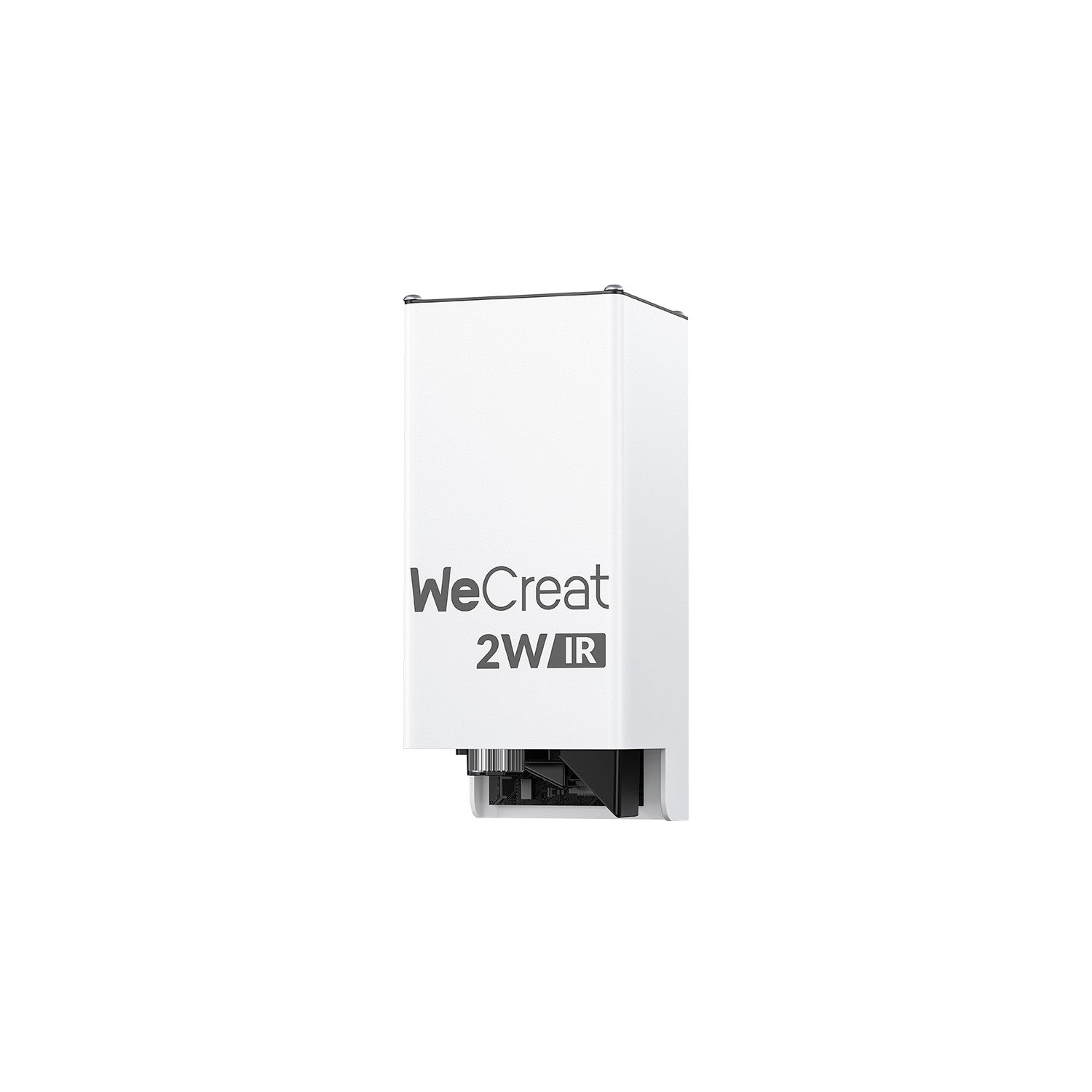
Then there's the WeCreat Lumos Flex (15W Fiber + 15W Diode), which is really the closer, more direct rival to the F2. It swaps infrared for a true fiber laser capable of cutting thin metal, running at roughly 10,000mm/s — though that capability comes with a higher price tag and a bit more weight.

Quick Specs Comparison: WeCreat Lumos vs xTool F2 (2026 Edition)
|
Spec |
WeCreat Lumos |
WeCreat Lumos Flex |
xTool F2 |
|
Laser Sources |
3W IR + 10W Diode |
15W Fiber + 15W Diode |
5W IR + 15W Diode |
|
Max Speed |
4,000 mm/s |
10,000 mm/s |
6,000 mm/s |
|
Camera |
50MP |
50MP, 0.01mm positioning |
50MP |
|
Weight |
~2.3 kg (handheld) |
~2.8 kg (handheld) |
~4.6 kg |
|
Metal Cutting |
No (marking only) |
Yes (thin brass, etc.) |
No (marking only) |
|
Software |
WeCreat MakeIt, LightBurn |
WeCreat MakeIt, LightBurn |
xTool Creative Space, LightBurn |
|
Typical Price |
~$1,090–1,299 |
~$1,990 |
~$1,499 |
(Figures based on published manufacturer specs and current listed pricing as of 2026; prices and promotions change, so confirm current numbers before buying.)
A few things jump out immediately. The base Lumos is meaningfully cheaper and lighter than the F2, but it's also slower and less powerful — it's really competing on portability and price, not raw output. The Lumos Flex, on the other hand, is the one with a genuine edge in capability: its 15W fiber laser can actually cut thin metal, something neither the base Lumos's 3W IR nor the F2's 5W IR can do — those infrared lasers mark and color metal surfaces but don't cut through them.
Deep Dive: Key Differences That Impact Your Daily Workflow
Laser Power & Material Versatility (Metal vs. Non-Metal)
Both the base Lumos and the F2 use an infrared laser for metal work — 3W on the Lumos, 5W on the F2. In practice, this means both machines can mark and color-engrave stainless steel, brass, and similar metals, but neither can cut through solid metal stock. The F2's stronger 5W IR module and 15W diode (versus the Lumos's 10W diode) translate to faster cutting speed and greater depth on wood, leather, and acrylic.
The Lumos Flex changes the equation entirely by swapping infrared for a true 15W fiber laser. Fiber lasers interact with metal differently than infrared modules — the Flex can cut thin brass and deliver more consistent, saturated color marking on stainless steel, plus 3D relief engraving that neither the base Lumos nor the F2 can match.
What real testing shows: Independent hands-on reviews back up the spec-sheet claims. Tom's Hardware's testing of the base Lumos found its diode laser could cleanly cut basswood and opaque acrylic up to 6mm, while the IR module engraved metal "beautifully, with terrific resolution" — though, consistent with the specs above, it couldn't cut through metal. A separate hands-on review of the Lumos Flex confirmed it slicing completely through 0.5mm brass and cutting organic material up to 15mm thick, calling the metal-cutting capability something the reviewer had "never seen" on a home laser before. On the F2 side, third-party testing has recorded clean cuts through 15mm basswood, in line with its higher diode power compared to the base Lumos.
Speed, Accuracy & Camera Alignment
All three machines ship with a 50MP camera, which is a genuine convenience for placement accuracy — you're not eyeballing where a design lands. The Lumos Flex pulls ahead here with a specifically stated 0.01mm positioning accuracy, useful for small, detail-heavy work like jewelry.
On raw speed, the ranking is straightforward: Lumos Flex (10,000mm/s) > xTool F2 (6,000mm/s) > base Lumos (4,000mm/s). For anyone running batch orders regularly, that gap between the base Lumos and either of the other two machines adds up fast over a full day of production.
Portability & Ergonomics
This is where the base Lumos genuinely stands out. At roughly 2.3kg in handheld mode, it's noticeably lighter than the F2's 4.6kg — nearly half the weight. The Lumos Flex splits the difference at around 2.8kg, still meaningfully lighter than the F2 despite packing a fiber laser. If you're hauling a machine to craft fairs or pop-up events regularly, that weight difference is felt by the end of a long day.
Software & User Experience (MakeIt vs. xTool Creative Space)
Both Lumos models run on WeCreat MakeIt, a simpler, more guided interface, with LightBurn compatibility for more advanced workflows. The F2 runs on xTool Creative Space (XCS), which has a larger library of ready-to-use project templates and a more established community, reflecting xTool's longer track record in this category. Neither platform is objectively better — MakeIt tends to favor a shorter learning curve, while XCS offers more built-in project variety for users who want to start from a template rather than a blank canvas.
Beyond the Spec Sheet: Focus, Enclosure, Noise & Add-Ons
A few more practical details matter once you're actually running a machine day to day, not just comparing numbers on a page:
Autofocus and camera alignment — Standard across all three, with each machine's 50MP camera handling live preview and taking most of the guesswork out of placement. The Lumos Flex still edges ahead here, with a specifically stated 0.01mm positioning accuracy that's worth having for small, detail-dense work.
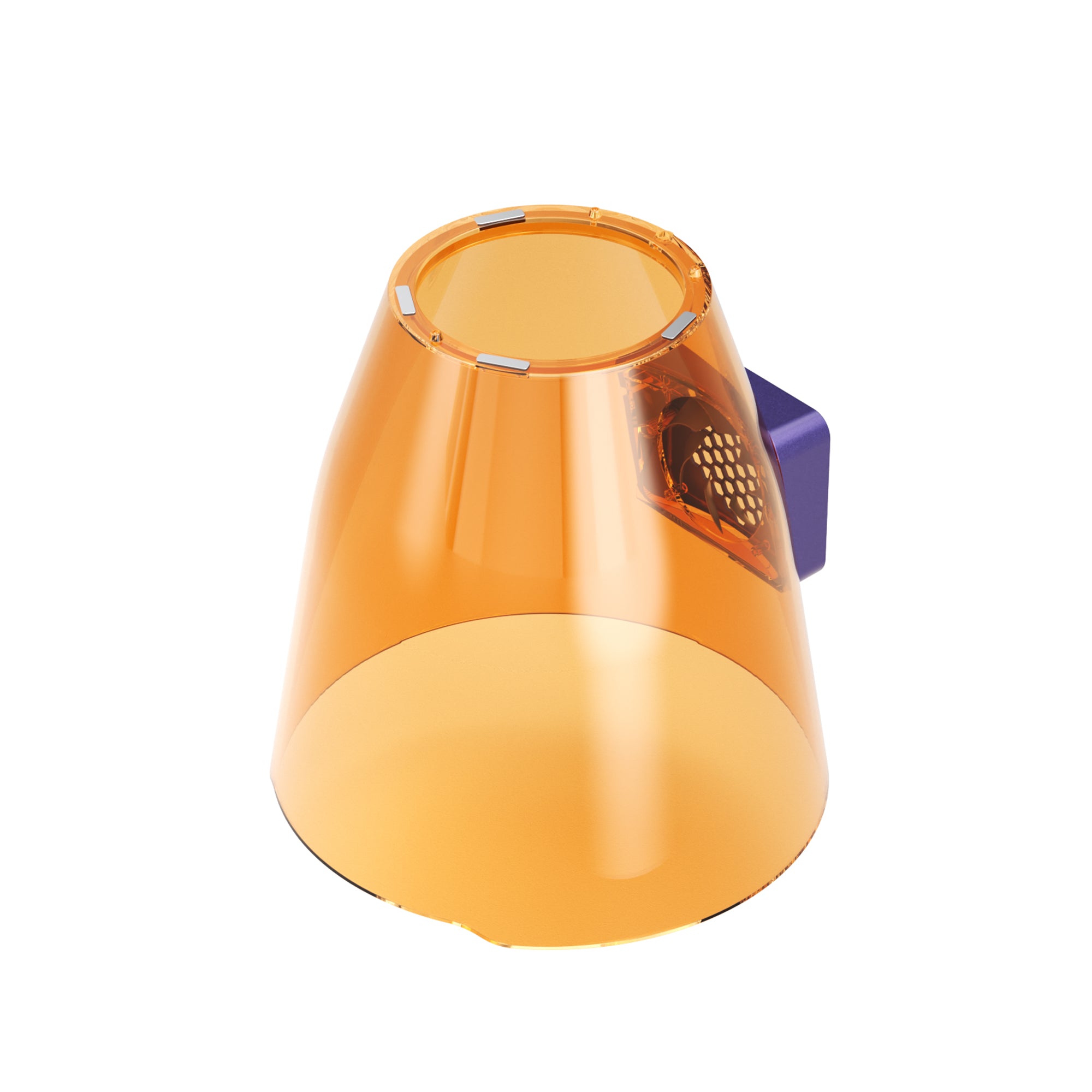
Enclosure and safety — Differ more by design than by brand. All three are portable, semi-open setups rather than fully enclosed desktop units (unlike WeCreat's Vision series or xTool's larger machines), so eye protection and a properly ventilated workspace matter no matter which one ends up on your bench.
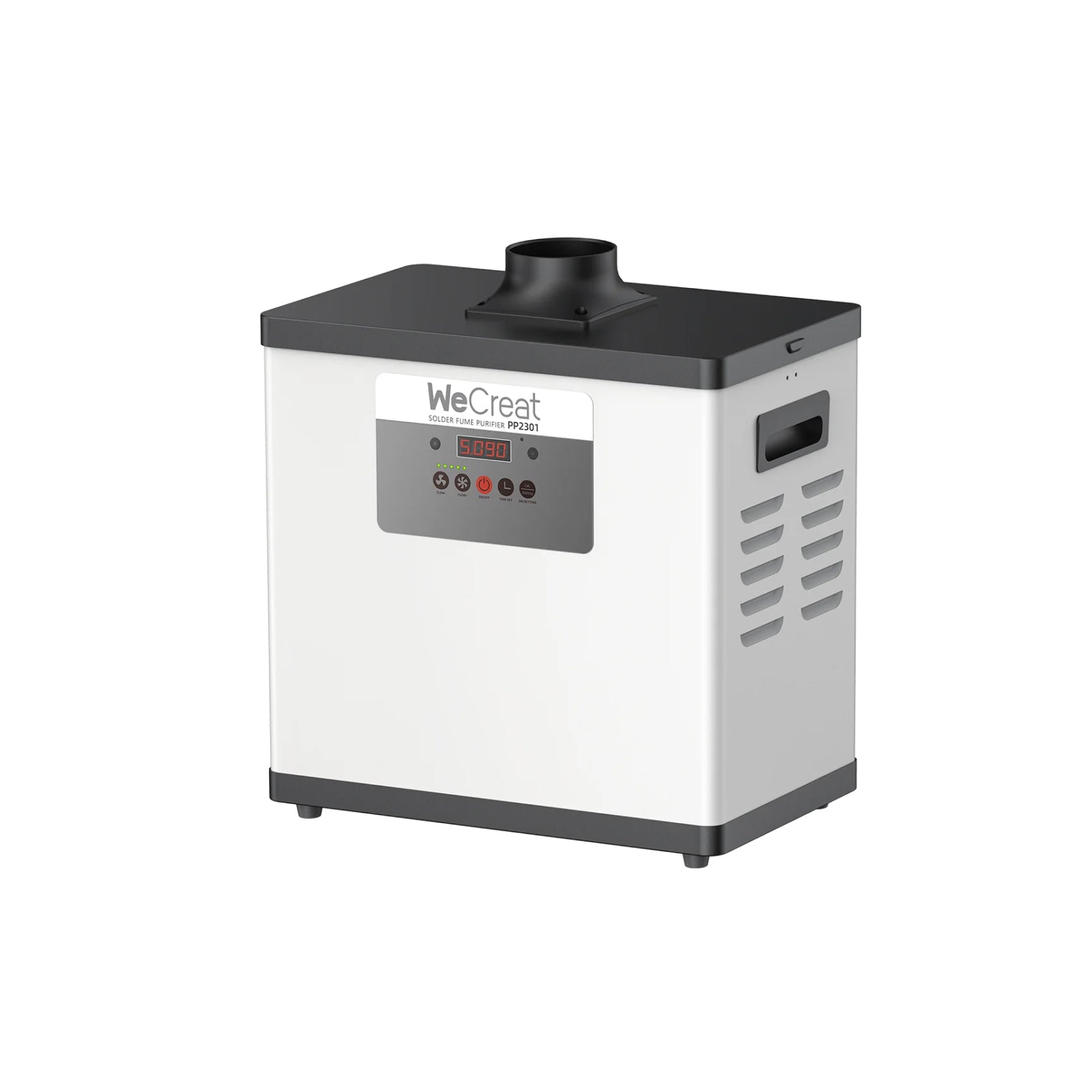
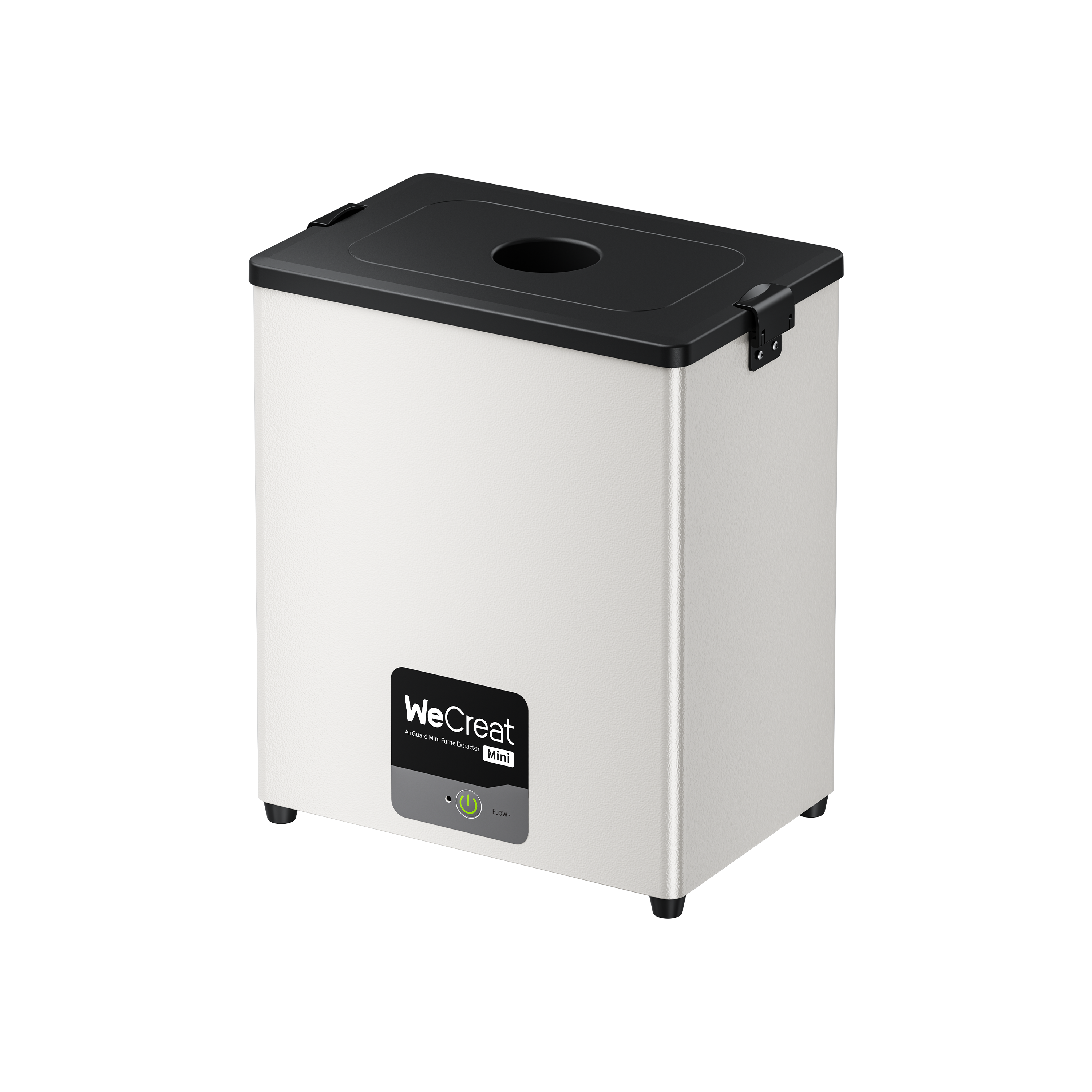
Fume extraction and noise — Worth budgeting for as a separate line item, not something to assume comes built in. Both ecosystems sell compatible fume extractors, and for indoor use with metal or acrylic, treating one as close to mandatory rather than optional is the safer call.
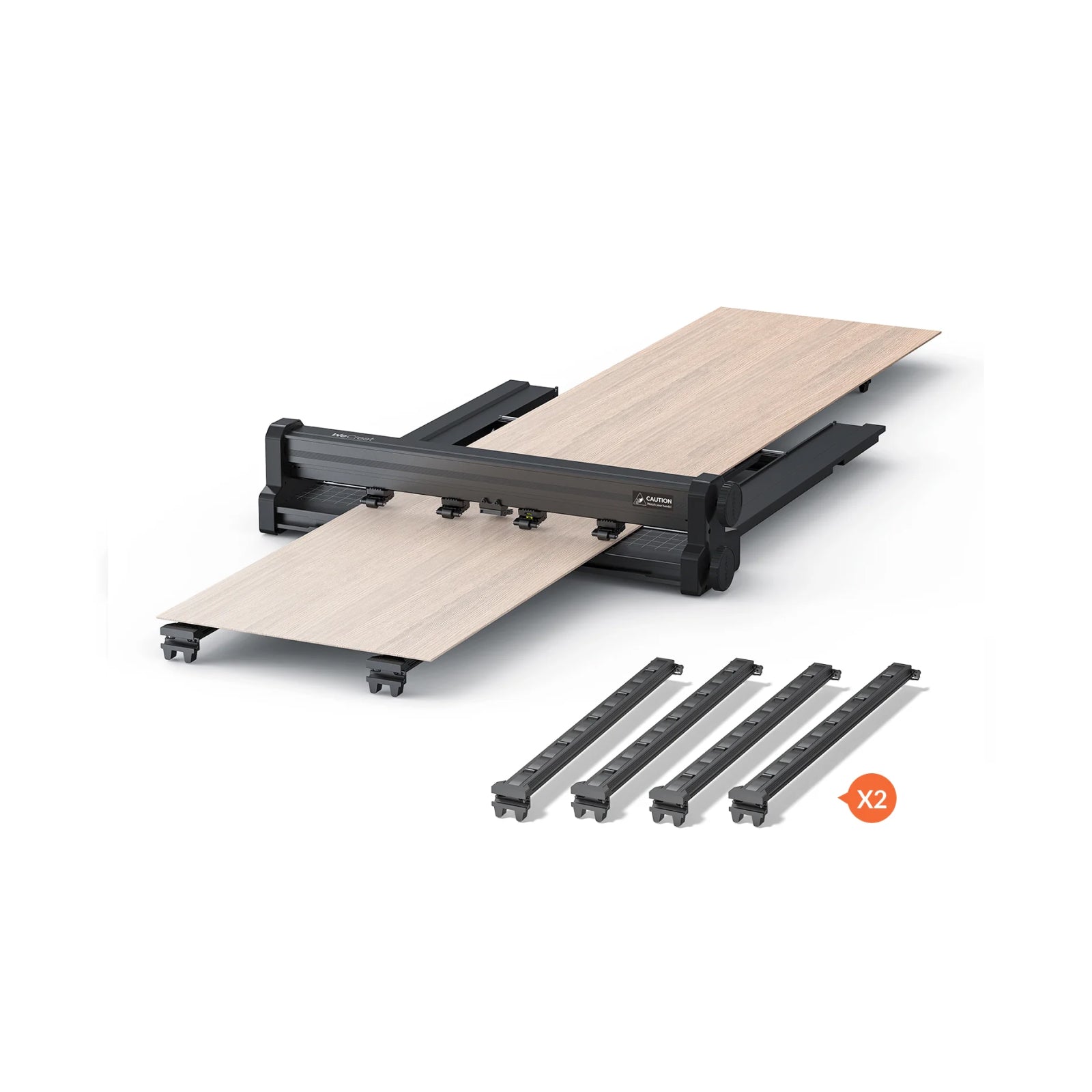
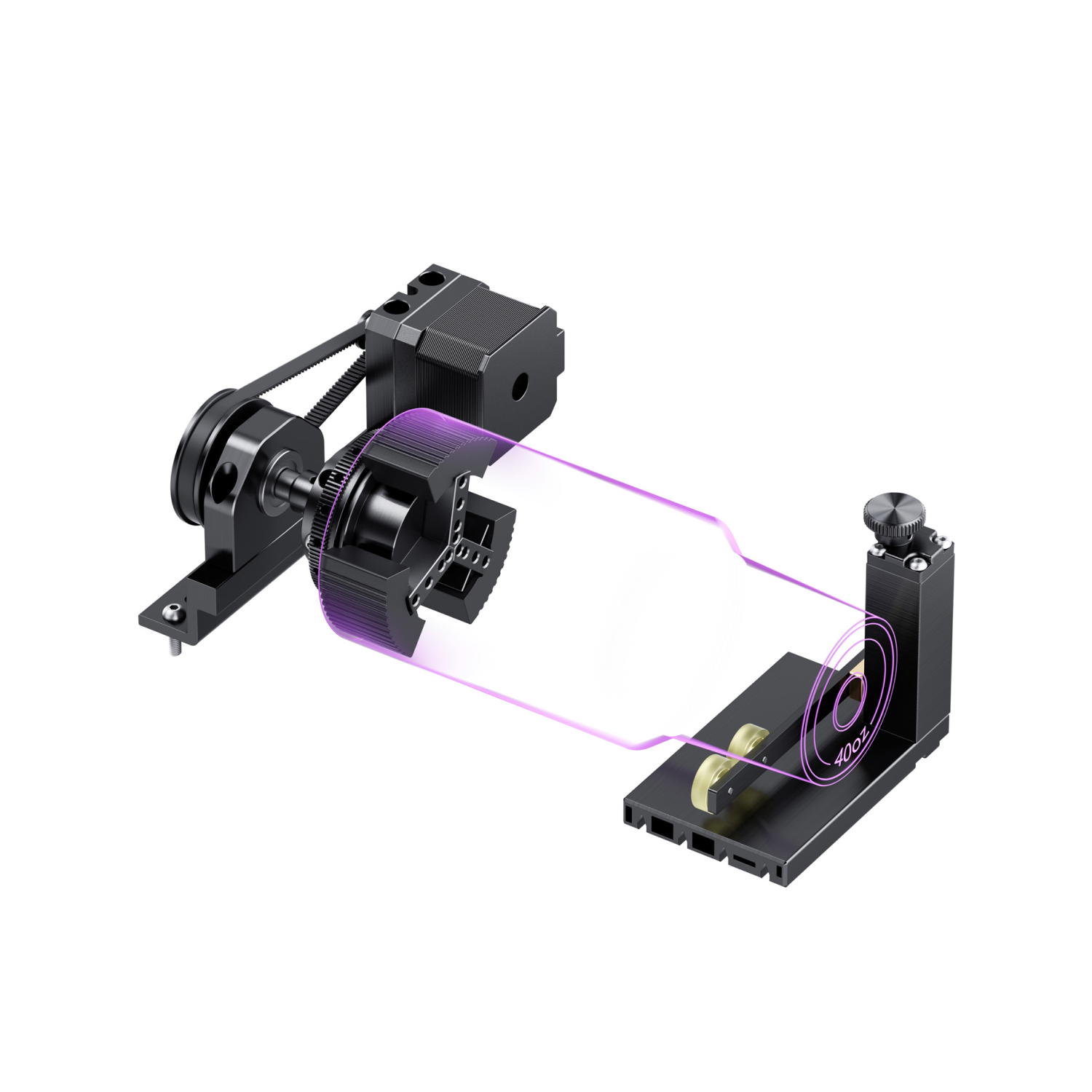
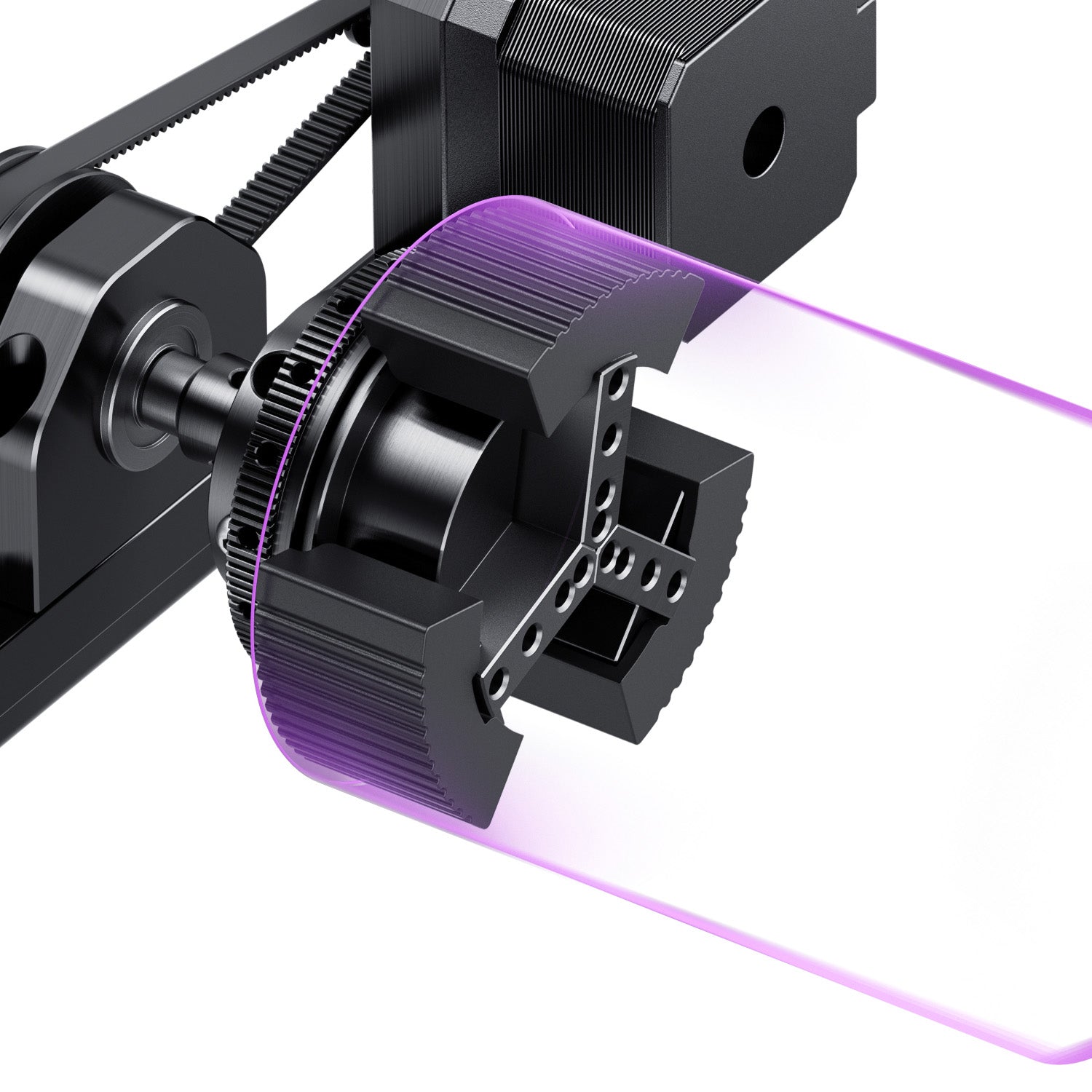
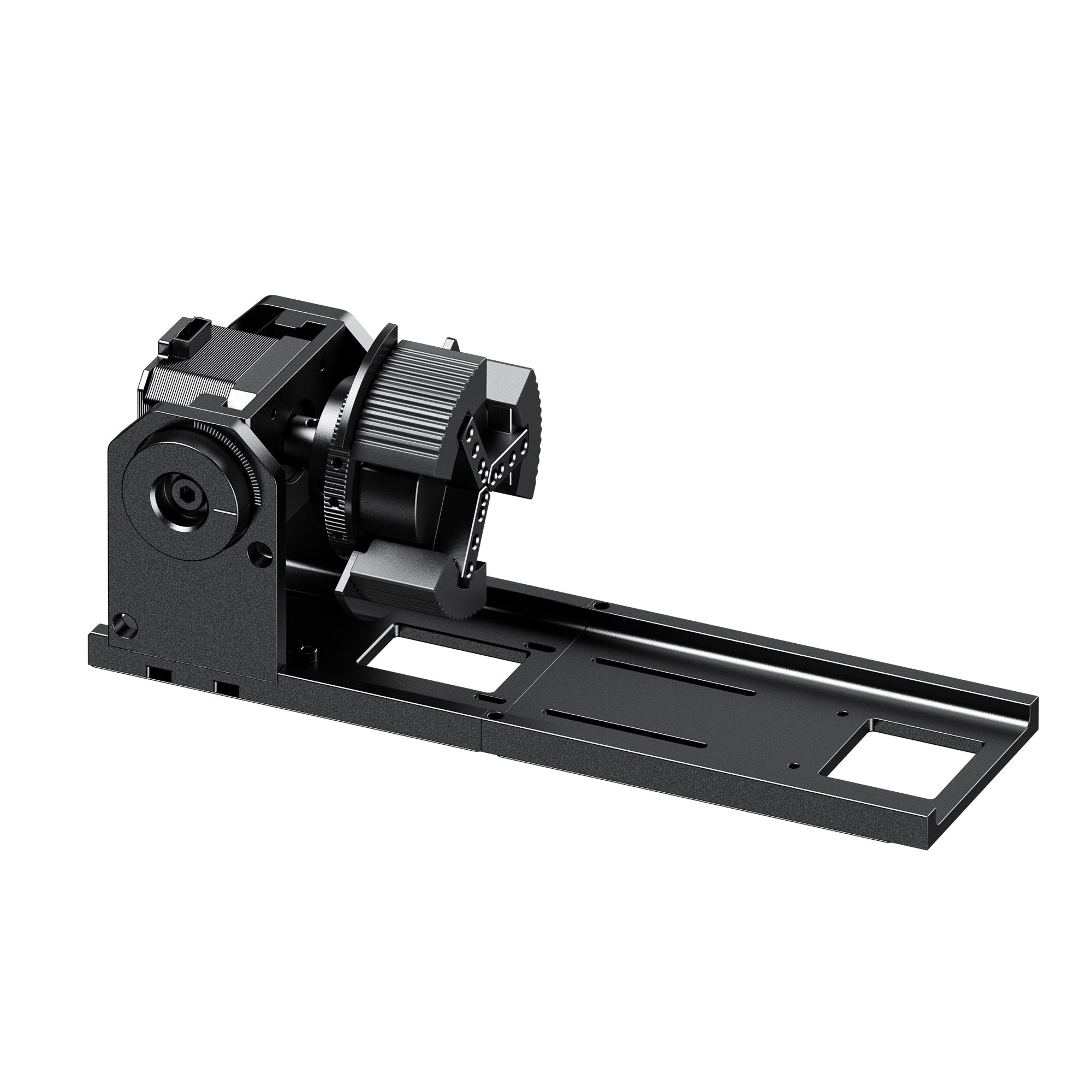
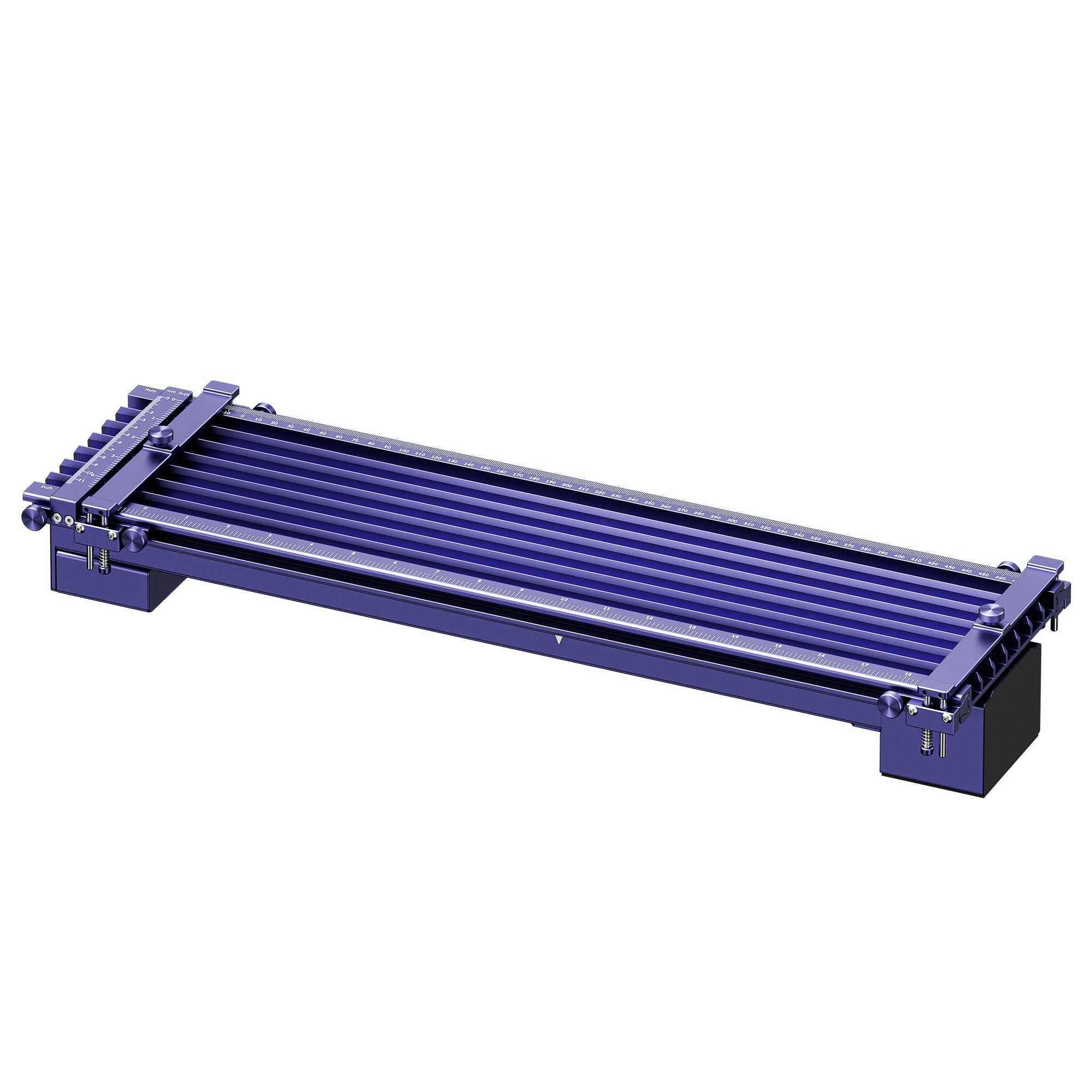
Rotary and Slide Extension support — Available for both brands, letting you engrave cylindrical items like tumblers and mugs or stretch the usable work area for longer, batch-format projects. Worth double-checking compatibility before you commit to a particular bundle.
Who Is Each Machine Actually For?
Specs matter less once you map them to how you'll actually use the machine.
If you're an Etsy seller or small drinkware shop doing tumblers, mugs, and gift items, you generally don't need metal cutting — the base Lumos or the F2 both handle powder-coated metal marking and everyday materials at a lower cost than the Flex, with rotary support covering most drinkware orders. If tumblers are your main product line, our guide to choosing the best laser engraver for tumblers goes deeper into rotary types and handle-clearance issues than either machine's spec sheet will tell you.
Craft fair and pop-up market vendors should weight portability heavily. The base Lumos's roughly 2.3kg handheld weight is the lightest option here by a real margin — and that matters after a full day of hauling and repositioning equipment between customers.
For jewelry makers and studios doing fine metalwork, the Lumos Flex is the clearest fit. The 0.01mm camera positioning and genuine fiber-laser cutting on thin brass aren't available on either IR-based machine, and jewelry is exactly where that precision and material capability earns its keep. Worth a look if this is your focus: our laser engraving for jewelry page covers material considerations and project examples specific to fine metalwork.
And for corporate gifting or bulk customization businesses running frequent batch orders, raw speed tends to matter most — which puts the Lumos Flex (10,000mm/s) and F2 (6,000mm/s) both ahead of the base Lumos for throughput-sensitive work.
Pricing & Value for Money
The price gap here is significant enough to shape the decision on its own. At roughly $1,090–1,299, the base Lumos undercuts the F2's $1,499 by a wide margin — if budget is your primary constraint and you don't need metal cutting or top-tier speed, that's a real saving. The Lumos Flex, at around $1,990, costs more than both, but that premium buys a genuine fiber laser rather than an infrared one, which is a meaningfully different capability rather than just a spec bump.
For accessories, both ecosystems offer rotary attachments, slide extensions for larger work areas, and fume extraction — worth pricing out for your specific project mix before committing to either brand, since accessory costs can close (or widen) the initial price gap.
Buyer's Guide: Which One Fits Your Business or Hobby?
If you want the lightest, most affordable entry point into portable dual-laser engraving and don't need metal cutting or the fastest possible speeds, the base WeCreat Lumos is the easy call.
Need real metal-cutting capability alongside strong color marking and 3D relief work, and speed actually matters for batch production? That's the WeCreat Lumos Flex.
And if you want more power and speed than the base Lumos at a mid-range price — or you're already invested in xTool's software ecosystem and accessory catalog — the xTool F2 makes sense.
Final Verdict: How to Actually Decide Between These Machines
There isn't a single winner here — the honest answer depends on which Lumos you're actually comparing, and what your work actually calls for. Against the base Lumos, the xTool F2 brings more raw power and speed, while the Lumos brings a lower price and a lighter build for anyone who's moving the machine around often. Against the Lumos Flex, the picture shifts: its fiber laser and higher top speed put real distance between it and the F2's IR-based setup, at a correspondingly higher price.
The most useful first question isn't "Lumos or F2" — it's "do I need metal cutting, or just metal marking?" Start there, and the right machine for your budget and workflow becomes a much shorter list.
Frequently Asked Questions
Q1. Can the xTool F2 cut metal?
No. The F2's 5W IR laser marks and color-engraves metal surfaces like stainless steel and brass, but it can't cut through solid metal stock. For actual metal cutting in this comparison, only the WeCreat Lumos Flex's 15W fiber laser can do that, handling brass up to roughly 0.5mm.
Q2. Is a fiber laser better than an IR laser?
For metal work specifically, yes — a fiber laser delivers more power density and better pulse control, which translates to genuine cutting capability, more vibrant and consistent color marking, and deep 3D relief engraving that IR modules can't match. For non-metal materials like wood, leather, and acrylic, the diode laser (not the IR or fiber module) is doing the work on all of these machines, so that distinction matters less there.
Q3. Which is better for tumblers?
For standard powder-coated tumbler engraving, either the base Lumos or the xTool F2 handles the job well, and both support rotary attachments for cylindrical items. You don't need the Lumos Flex's fiber laser unless you're working with bare or specialty metal tumblers rather than the typical powder-coated finish.
Q4. What's the difference between the WeCreat Lumos and Lumos Flex?
The base Lumos uses a 3W infrared laser paired with a 10W diode, running up to 4,000mm/s. The Lumos Flex replaces that IR module with a genuine 15W fiber laser (still paired with a 15W diode), enabling real metal cutting and running up to 10,000mm/s — at a correspondingly higher price.
Q5. Is the WeCreat Lumos or xTool F2 better for a small business just starting out?
If your main products don't require metal cutting, the lower price and lighter weight of the base Lumos make it an easier first machine to justify. If your budget allows for the F2's higher power and speed, or you're drawn to xTool's more mature software ecosystem, that's a reasonable step up — just know that neither machine cuts metal, which matters if that's part of your product plan.