


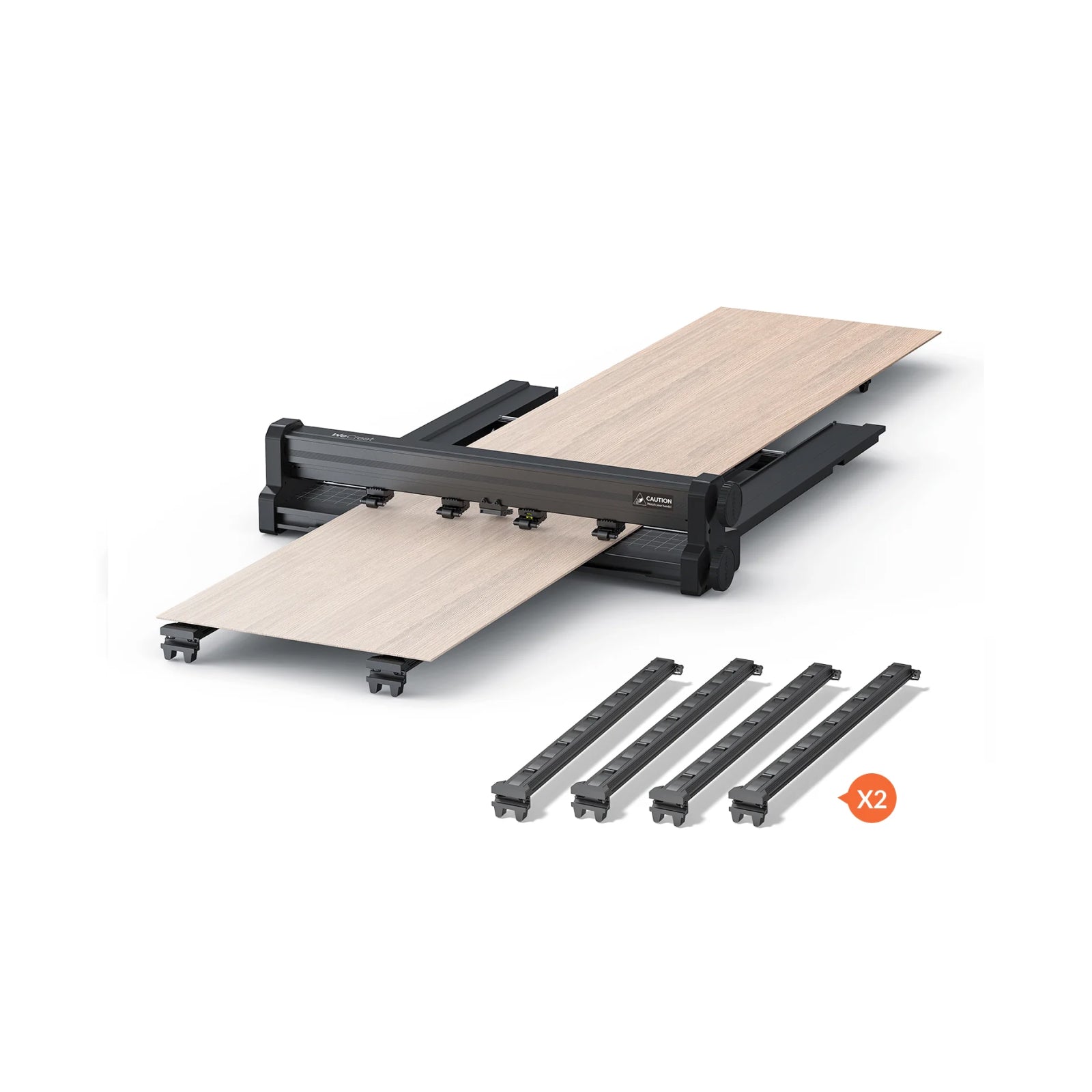









One minute you're engraving a 3 mm plywood sign. The next, you're trying to fit a 100 mm wooden box under the laser head — and suddenly you're hunting for focus blocks, riser bases, or scrap wood just to get the height right.
For many desktop laser users, height adjustment isn't difficult. It's simply repetitive. And when you switch materials several times a day, those extra minutes quickly add up.
That's exactly why auto-lifting laser engravers have become one of the biggest usability upgrades in modern desktop lasers.

By automatically adjusting the height of the laser module, these machines dramatically reduce setup time while improving engraving accuracy. Combined with auto-focus laser engraver technology, they deliver a much smoother experience for beginners, makers, and small businesses alike.
What Is an Auto-Lifting Laser Engraver?
An auto-lifting laser engraver is a desktop laser machine with a motorized Z-axis that automatically raises or lowers the entire laser head to match the height of your material. This greatly reduces the need for manual height adjustment and focus blocks, while allowing many thicker materials to be processed without installing a separate riser base.
Think of it as an electric standing desk — but for your laser module. Just as a standing desk adjusts to your height at the press of a button, an auto-lifting motorized Z-axis laser engraver adjusts itself to your material, instantly and without any manual effort on your part.
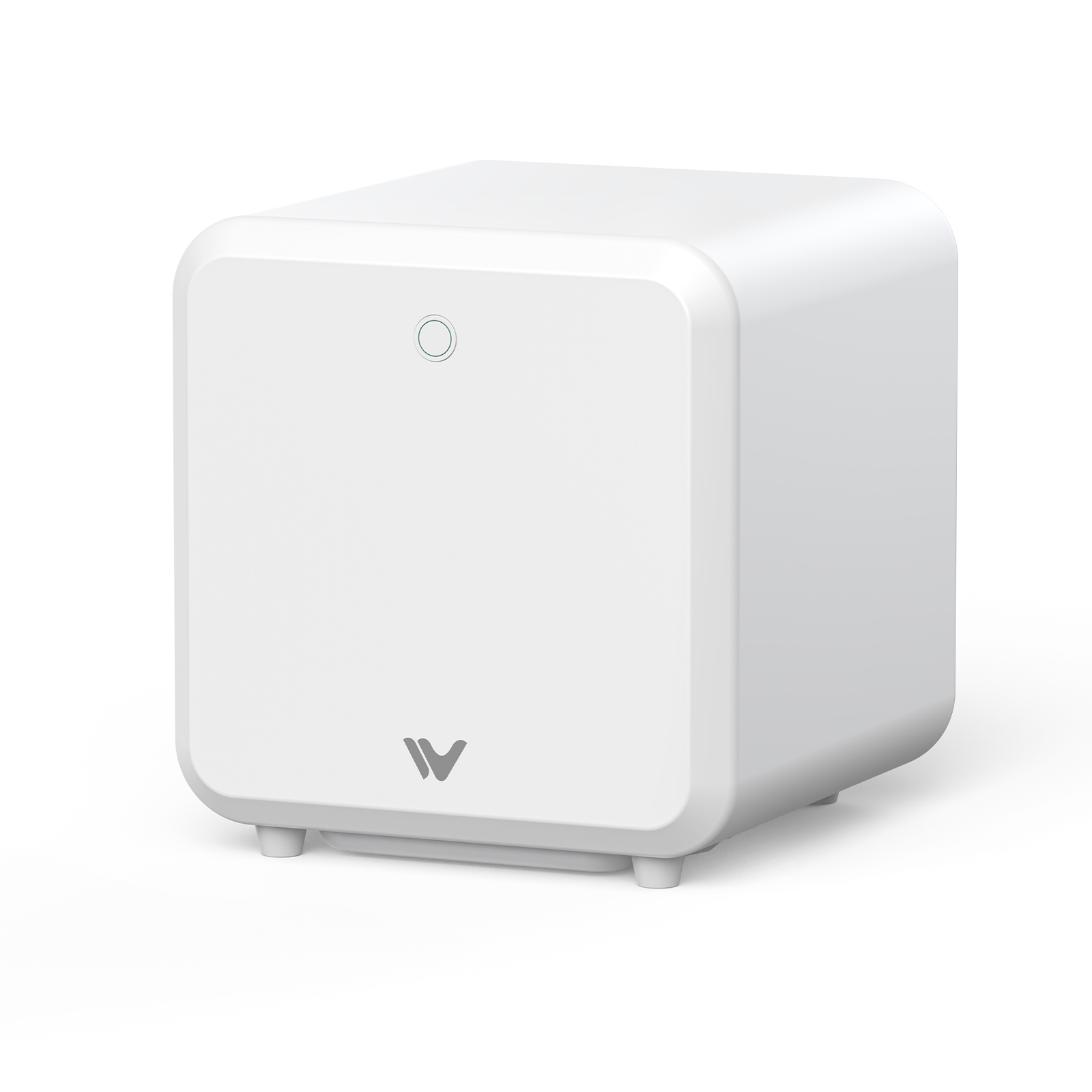
Unlike many desktop lasers that only offer a motorized Z-axis, the WeCreat Vision integrates auto-lifting, auto-focus, an HD camera, and a fully enclosed Class 1 design into a single workflow — a combination that's still rare in this category. The lineup's higher-tier model, the WeCreat Vision Pro, carries the same 0–140 mm auto-lifting chassis and LiDAR-powered auto-focus system, paired with a larger work area and higher-power BeamFocus optics for users who need to cut thicker materials faster.
Auto-Lifting vs. Auto-Focus: What's the Difference?
These two terms get used interchangeably a lot, but they actually describe two different jobs:
| Auto-Lifting | Auto-Focus |
|---|---|
| Motorized Z-axis | Focus adjustment |
| Moves laser head | Optimizes focal distance |
| Handles material height | Handles beam precision |
| Coarse positioning | Fine positioning |
Auto-lifting gets the laser close. Auto-focus makes it perfect.
In other words, auto-lifting determines where the laser head should be, while auto-focus determines exactly where the beam should converge.
In practice, most premium machines — including an enclosed laser engraver with auto focus like the WeCreat Vision — use both systems together. Auto-lifting handles the big movement so your material physically fits and sits at roughly the right height. Auto-focus then fine-tunes the exact focal distance so the beam is sharp before it fires.
Why Auto-Lifting Matters More on an Enclosed Laser Engraver
Auto-lifting isn't exclusive to enclosed laser engravers — but it's arguably far more valuable on one. This difference becomes much more important when you're using an enclosed laser engraver.
With an open-frame laser, users can sometimes compensate for taller materials by lifting the frame, adding spacers, or installing a riser base. While these workarounds take time, they're possible because the machine is open.
Because the working chamber is enclosed, users can't simply lift the frame or slide oversized objects underneath as easily as they can with an open-frame machine. An enclosed laser engraver provides better safety, smoke control, and a cleaner working environment — but it also limits the available workspace. Without an integrated lifting mechanism, engraving thicker materials often means removing panels or adding accessories.
That's why an enclosed diode laser engraver with auto-lifting delivers a noticeably better user experience. It preserves the convenience and safety of a fully enclosed design while automatically creating the clearance needed for thicker workpieces, rotary attachments, and irregular objects.
How Does an Auto-Lifting Laser Work?
The process behind the scenes follows a simple, repeatable sequence:
Detect ↓ Lift ↓ Auto Focus ↓ Start Engraving
The machine first detects the material's height, either through a sensor or user input. The motorized Z-axis then lifts (or lowers) the laser head to the correct working position. Once in place, the auto-focus system fine-tunes the exact focal distance. Only then does engraving or cutting begin — and if you swap materials mid-project, the whole sequence repeats automatically.

5 Reasons Makers Love Auto-Lifting Technology
1. Faster Setup
Instead of manually measuring material thickness and adjusting height by hand, the machine handles it in seconds. What used to be a multi-minute chore before every project becomes a near-instant step, freeing up more time for actual design and production work. A maker switching from acrylic to a thick wooden sign, for example, no longer needs to pause and recalibrate by hand.
2. Better Accuracy
Even a slight change in focal distance can reduce engraving quality. By automatically positioning the laser head before every job, auto-lifting helps maintain a consistent working distance across different materials. That translates into cleaner engraving, sharper details, and more reliable cutting results — the difference between a crisp logo and a slightly blurred one.
3. Easier Rotary Engraving
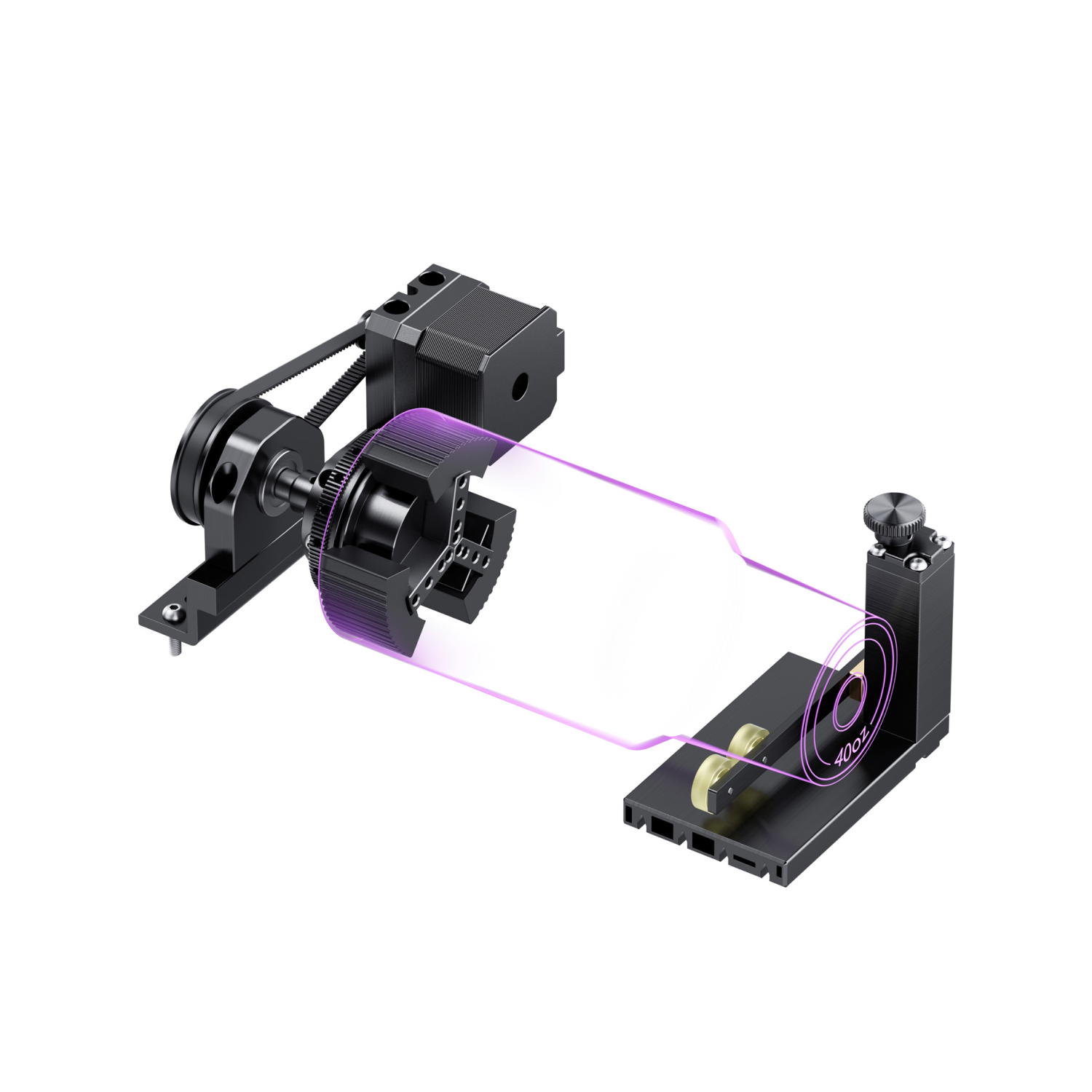
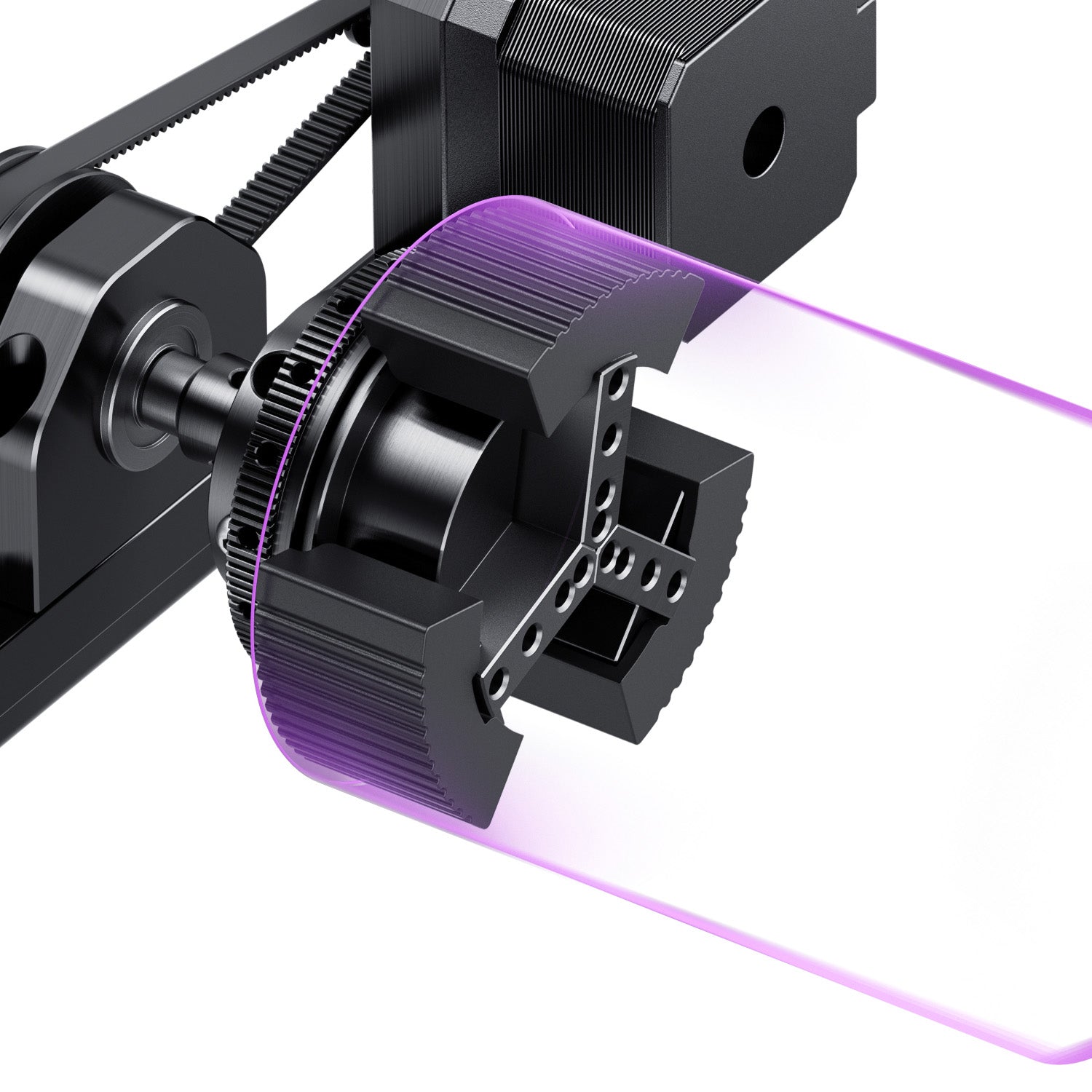
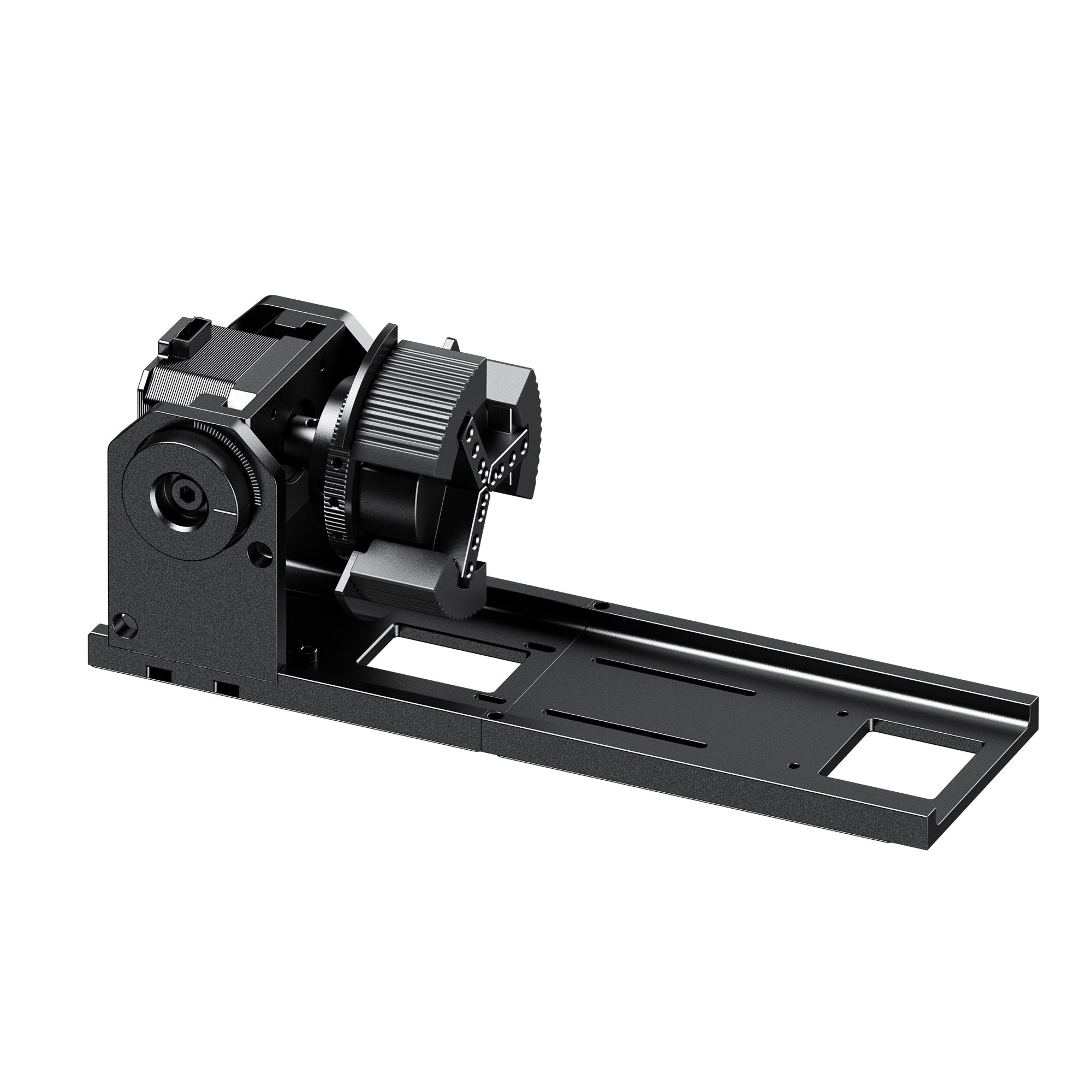
Cylindrical items like tumblers, mugs, and bottles need extra vertical clearance that flat materials don't. Auto-lifting handles that added height automatically, making rotary laser engraver setups far less fiddly than adjusting a manual Z-axis by hand — useful for anyone batch-engraving drinkware.
4. No Riser Required
Many auto-lifting machines can accommodate thicker materials right out of the box. That means one less accessory to buy and one less setup step, which matters a lot if you're specifically searching for a laser engraver without riser base to engrave boxes, blocks, or layered projects.
5. Better for Beginners
New users often make focusing and height-adjustment mistakes that ruin their first several projects. Auto-lifting removes an entire category of possible errors, letting beginners get usable results much sooner in their learning curve — often on their very first project.
Does Auto-Lifting Really Save Time?
Switching materials manually typically takes between 3 and 10 minutes depending on the machine and workpiece — measuring thickness, adjusting height, inserting or removing focus tools, and double-checking clearance before you can safely start.
Multiply that across a batch order of twenty engraved coasters or fifty custom tumblers, and you're looking at hours of pure setup time with zero creative or productive output. Auto-lifting systems compress that step into seconds. For hobbyists, that means more time actually creating. For small businesses, it can be the difference between fulfilling ten orders a day or thirty.
For production environments, setup time is often more expensive than engraving time itself.
Why the WeCreat Vision Stands Out
Several desktop laser engravers now offer motorized Z-axis systems, but very few combine auto-lifting with a fully enclosed Class 1 safety design.
That's where the WeCreat Vision auto-lifting system differentiates itself.

A Fully Enclosed Auto-Lifting Laser What truly sets the Vision apart isn't auto-lifting alone — it's how that technology is integrated into a fully enclosed Class 1 laser system. Rather than an open-frame setup that relies on workarounds for taller materials, the Vision keeps the FDA Class 1 enclosed safety housing intact while still automatically creating clearance for thicker workpieces — something most enclosed machines struggle to do without removing panels.
Beyond the enclosure, the core spec sheet includes:
- 140 mm Auto-Lifting Range — A substantial vertical travel window for the motorized head, covering everything from thin sheet materials to bulky, oversized workpieces. This 0–140 mm range is shared across the entire Vision lineup, including the Vision Pro.
- Auto-Focus — Fine-tunes the exact focal distance once the head is in position, working in tandem with the auto-lifting system.
- HD Camera — The built-in HD camera automatically updates the workspace view after the Z-axis moves, helping maintain accurate positioning without repeated manual alignment.
- LightBurn Compatibility — Native compatibility with both WeCreat MakeIt and LightBurn allows beginners and experienced makers to choose the workflow they're already familiar with.
For anyone comparing tiers within the lineup, the WeCreat Vision Pro builds on this same auto-lifting and auto-focus foundation but is generally positioned for users who want extra power headroom or expanded material capability — a natural next step for small businesses scaling up production.

Vision vs. Vision Pro: Which One Do You Need?
| WeCreat Vision | WeCreat Vision Pro | |
|---|---|---|
| Auto-Lifting Range | 0–140 mm | 0–140 mm |
| Auto-Focus | Yes | Yes (LiDAR-powered) |
| Enclosure | Fully Enclosed, Class 1 | Fully Enclosed, Class 1 |
| Work Area | Standard | Larger |
| Cutting Power | Standard | Higher-power BeamFocus optics |
| Best For | Hobbyists, everyday makers | Small businesses, thicker/faster cutting |
Both models share the same core auto-lifting and enclosed-safety foundation, so the real decision usually comes down to volume and material thickness: if you're mostly engraving flat signs, gifts, or small batches, the standard Vision covers it. If you're regularly cutting thicker stock or running higher daily order volumes, the Vision Pro's larger work area and added cutting power are built for that workload.
Instead of adding accessories to accommodate thicker materials, the Vision adapts itself automatically — while keeping the safety and convenience of a fully enclosed laser system.
Auto-Lifting vs. Traditional Manual Height Adjustment
| Manual | Auto-Lifting |
|---|---|
| Focus Block | Automatic |
| Knob | Motor |
| Slow | Instant |
| Human Error | Consistent |
Is an Auto-Lifting Laser Worth It? (User Recommendation Matrix)
Not everyone needs the same level of automation. Here's how auto-lifting technology tends to fit different types of users:
| User Profile | Recommendation | Key Takeaways & Value Proposition |
|---|---|---|
| Beginners | ⭐⭐⭐⭐⭐ (5/5) | Removes the learning curve of manual height adjustment entirely; drastically minimizes ruined materials while you learn. |
| Hobbyists | ⭐⭐⭐⭐☆ (4/5) | Incredibly convenient if you run a diverse workshop and love experimenting across mixed materials. |
| Small Businesses | ⭐⭐⭐⭐⭐ (5/5) | A major time-saver that speeds up batch production runs and protects consistent quality control. |
| Occasional Users | ⭐⭐⭐☆☆ (3/5) | A genuinely helpful feature, though a traditional manual-adjustment budget machine may suffice for infrequent projects. |
If your laser sits in daily or weekly use — especially for custom orders, rotary work, or mixed-material projects — the return on investment for auto-lifting tech adds up fast. If you're an occasional crafter making the rare gift or sign, it's a nice-to-have rather than a necessity.
Conclusion
Auto-lifting isn't just another premium feature — it's one of the biggest usability improvements the desktop laser industry has seen in recent years.
When combined with intelligent auto-focus and a fully enclosed design, it transforms laser engraving from a machine that constantly needs adjustment into one that's ready to work almost as soon as you place your material inside.
If you frequently switch materials, engrave cylindrical objects, or run a small business producing custom products, an enclosed auto-lifting laser engraver like the WeCreat Vision can save time on every project while delivering more consistent results.
As desktop laser engravers continue to become smarter and easier to use, auto-lifting is quickly shifting from a premium feature to an expected standard. For anyone who regularly works with different materials, an enclosed auto-lifting laser engraver offers one of the most noticeable improvements in both productivity and everyday usability.
Frequently Asked Questions
Q1. Can an auto-lifting laser engraver replace a riser base?
In many cases, yes. Auto-lifting machines with a generous vertical travel range — like the WeCreat Vision's 140 mm — can accommodate materials that would otherwise require a separate riser base, though extremely tall or bulky items may still need additional support.
Q2. Is auto-lifting the same as a motorized Z-axis?
Essentially, yes — auto-lifting is powered by a motorized Z-axis. The term "motorized Z-axis laser engraver" describes the underlying mechanism, while "auto-lifting" describes the automated function it performs: raising or lowering the laser head to match material height.
Q3. Do I still need auto-focus if my laser has auto-lifting?
Yes, if you want the sharpest possible results. Auto-lifting gets the laser head into the correct general position, but auto-focus is what fine-tunes the exact focal distance for precision. The two work best together rather than as substitutes for one another.
Q4. Can auto-lifting lasers cut thick wood without a riser?
Many models can, thanks to an extended vertical travel range. The WeCreat Vision, for example, offers a 140 mm auto-lifting range, which covers a wide span of material thicknesses without needing separate riser bases — making it a strong option if you're specifically looking for a laser engraver for thick materials.
Q5. Does auto-lifting work for rotary engraving on tumblers and mugs?
Yes. The same motorized Z-axis that adjusts for flat material thickness also handles the added vertical clearance needed for cylindrical objects, which simplifies rotary engraving setups considerably compared to manual adjustment.
Q6. Does auto-lifting improve engraving quality?
Indirectly. Auto-lifting itself doesn't control the beam — but by keeping the laser at the proper working distance before every job, it sets up the conditions for consistent focus and, in turn, cleaner, more reliable engraving results.
Q7. Can beginners use an auto-lifting laser engraver?
Yes, and it's arguably one of the best entry points for new users. Since the machine handles height positioning automatically, beginners can skip one of the most error-prone manual steps and get usable results much earlier in their learning curve.