







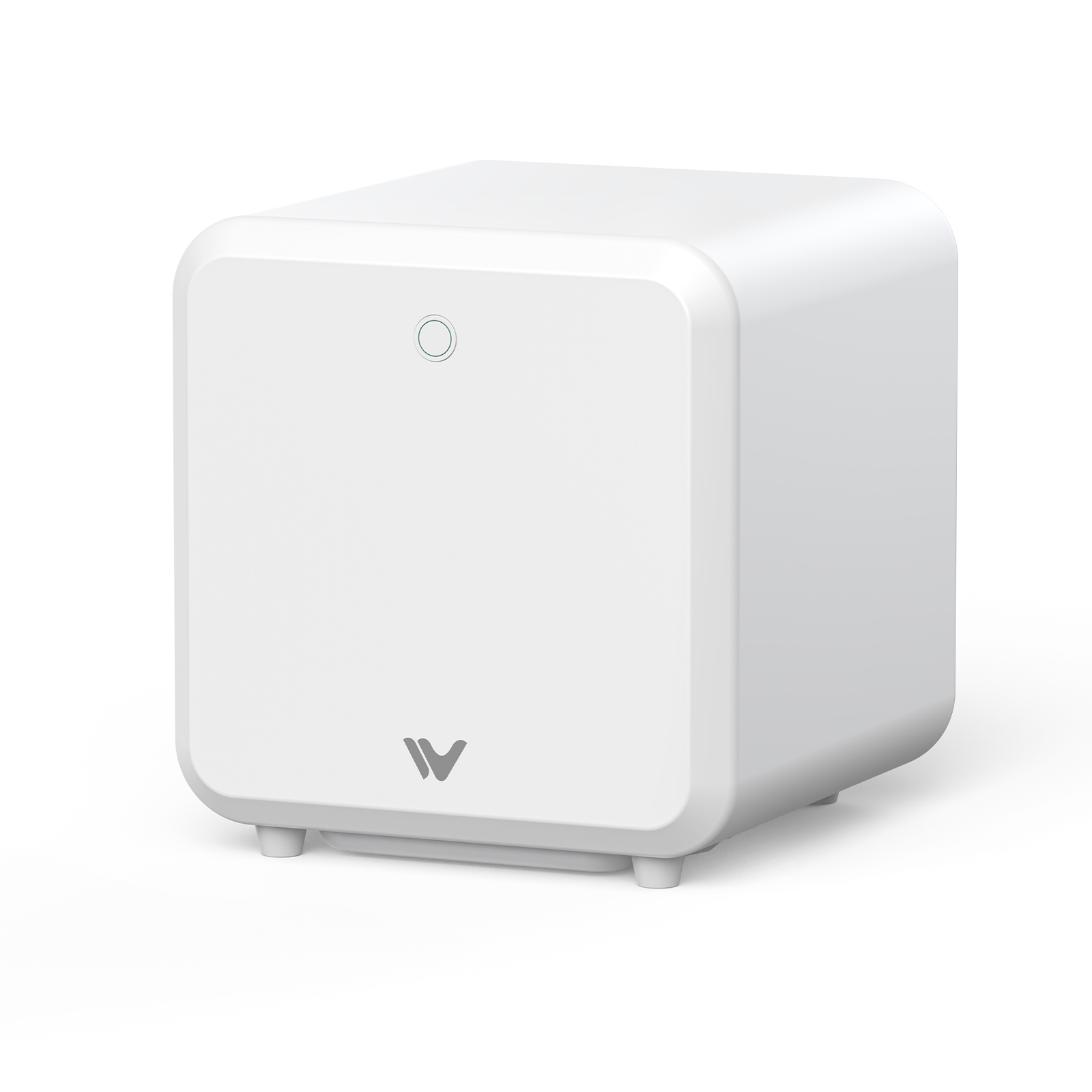
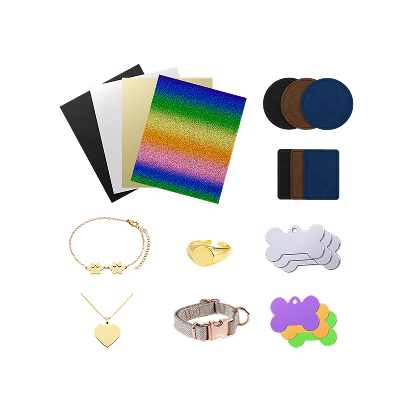
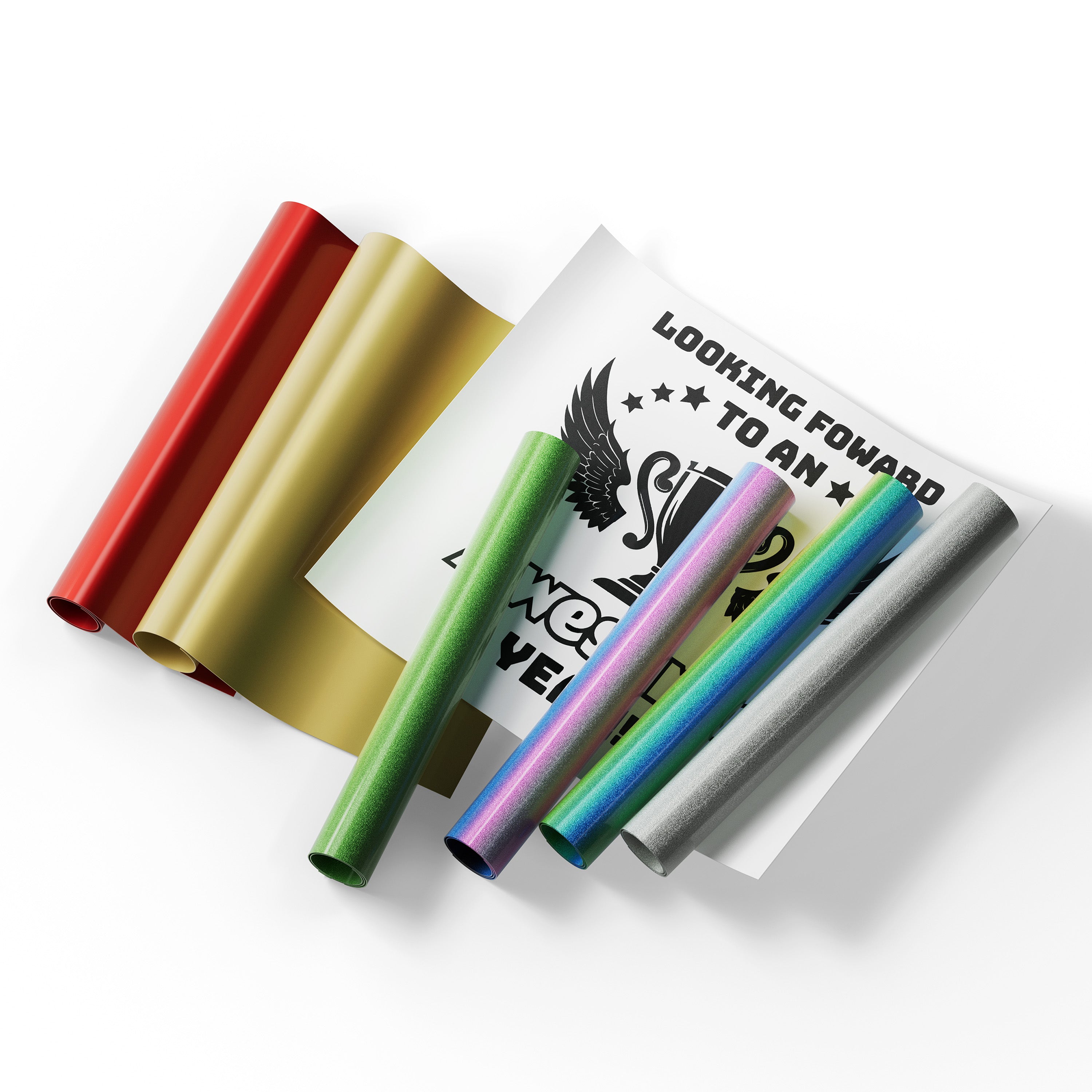
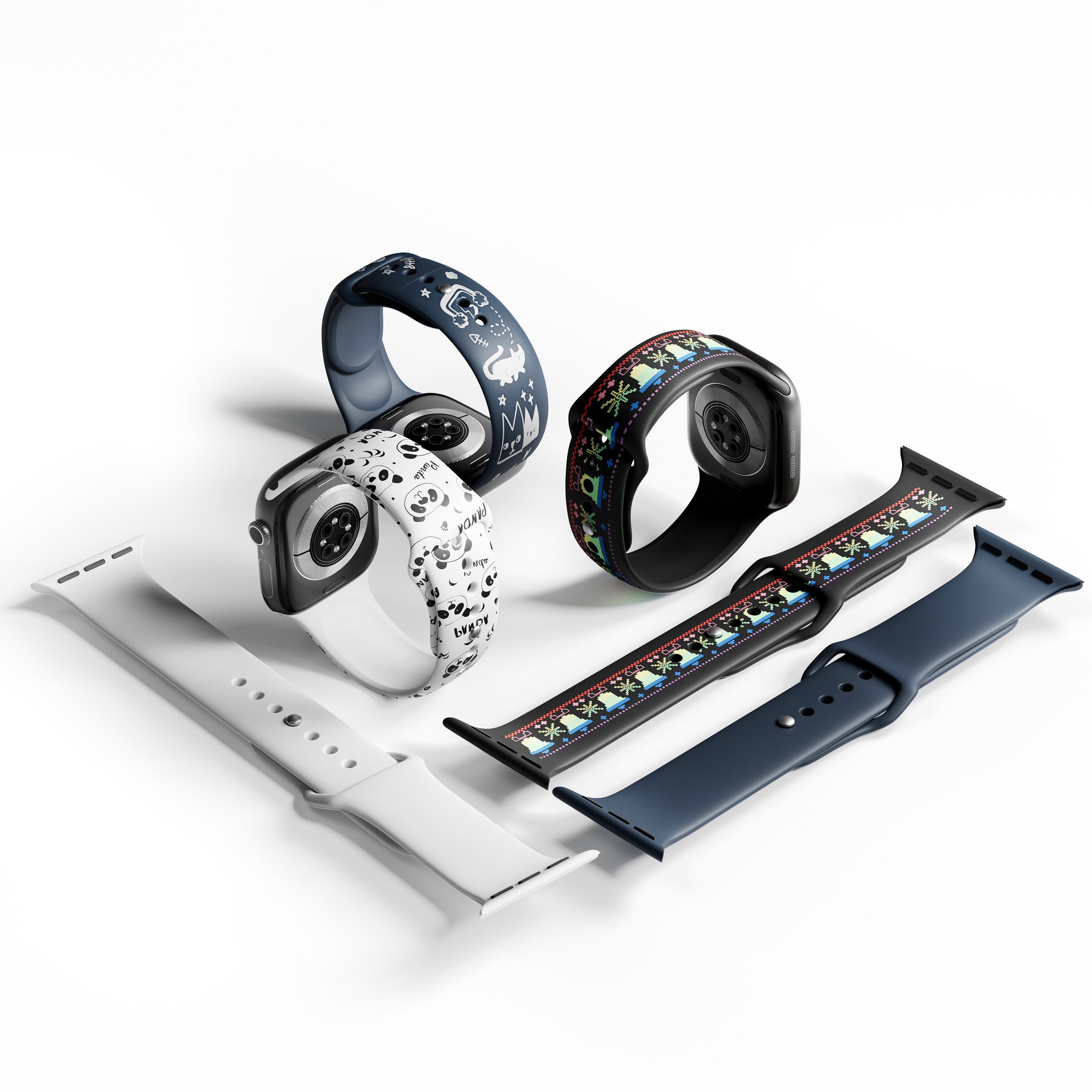



Picking your first enclosed laser engraver is a bigger decision than it looks. Get it wrong, and you're stuck fighting a steep learning curve, buying accessories you didn't budget for, or outgrowing the machine within a few months. That's exactly why the WeCreat Vision vs xTool S1 comparison comes up so often among first-time buyers — both are enclosed, both are beginner-marketed, and both regularly top "best laser engraver" lists. But as two of the most popular Class 1 laser engraver options on the market, they solve the beginner experience in very different ways.

This guide breaks down where each machine actually wins, with real numbers where we can get them, so you're not just comparing marketing copy — you're comparing what your first few weeks with either beginner laser engraver will actually feel like.
The Quick Verdict: WeCreat Vision vs xTool S1 for Beginners
For absolute beginners, the WeCreat Vision is the easier plug-and-play machine overall — mainly because it never requires you to install a riser base to reach full functionality. Independent reviewer unboxing tests show WeCreat Vision owners getting to their first test cut in anywhere from about 10 to 45 minutes depending on the reviewer, while xTool S1 owners report similarly fast setups of around 10 minutes when skipping the optional riser base — but a setup stretching to several hours once the riser base and other accessories are added. In other words, the real time gap isn't in the base unboxing process; it shows up specifically when you need to engrave taller materials, which is where the S1's optional riser base adds both cost and setup time that the Vision's built-in auto-lifting simply doesn't require.
If you'd rather have more manual sensor layers and a wider accessory catalog to grow into, the xTool S1 is worth comparing directly. It trades some of the Vision's day-one convenience for a broader accessory ecosystem and additional safety sensors on top of the same Class 1 enclosed foundation.
Neither answer is universally "better" — it depends on what kind of beginner you are, which is what the rest of this guide will help you figure out.
There is a learning curve. Watch the videos and I suggest doing test arrays and write settings down or create settings in the software! I also love the WeCreat community on Facebook and YouTube. ⭐️⭐️⭐️⭐️⭐️
Quick Specs Comparison
| Feature | WeCreat Vision | xTool S1 |
|---|---|---|
| Working Area | 420 × 290 mm | 498 × 319 mm |
| Max Material Height | 140 mm (auto-lifting) | 50 mm standard bed; taller with optional riser base |
| Auto-Lifting Z-Axis | ✓ | ✗ (manual probe focus) |
| Built-In Camera | ✓ (HD, live preview) | ✗ (TwinPoint manual positioning) |
| Air Assist | ✓ Built-in | ✓ Built-in |
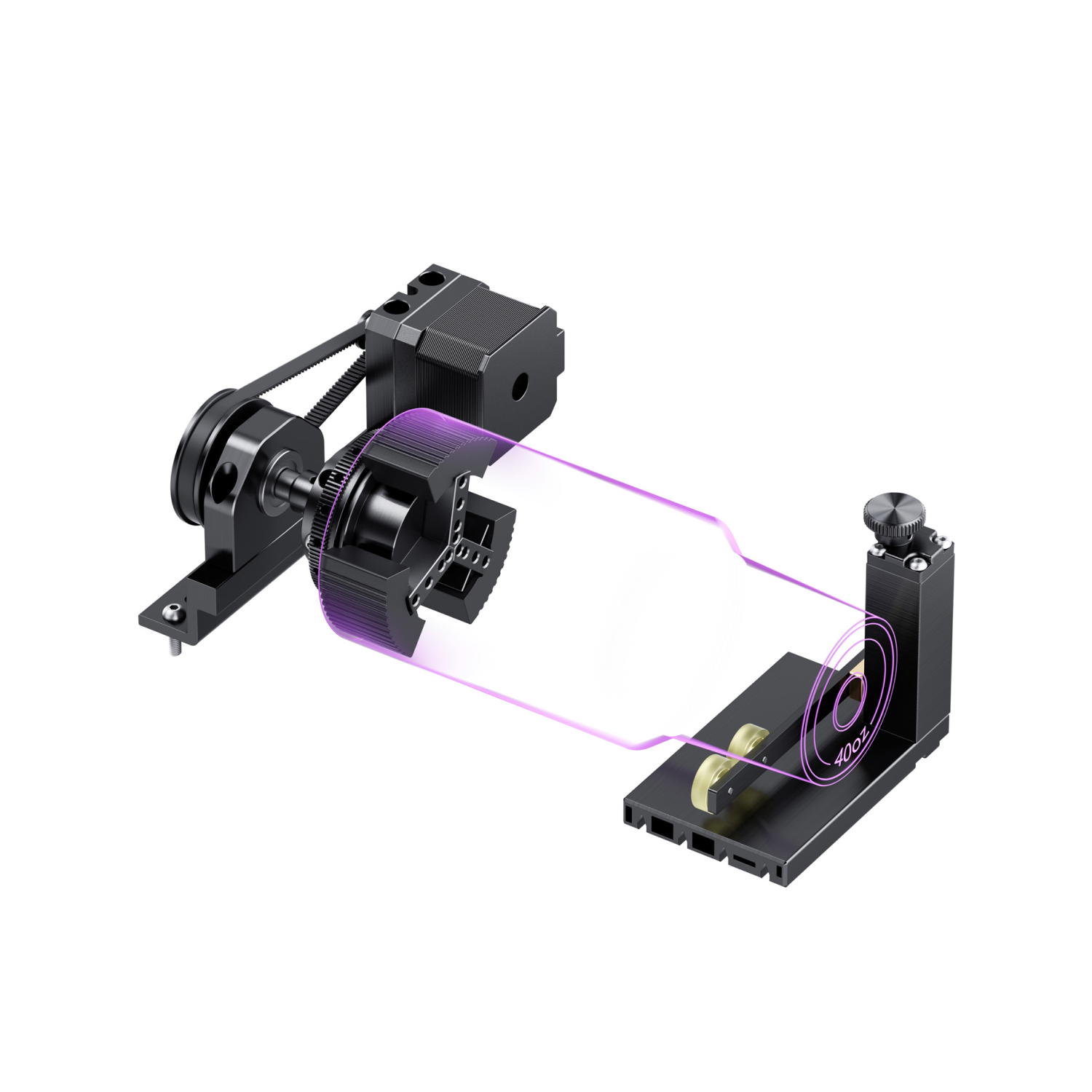
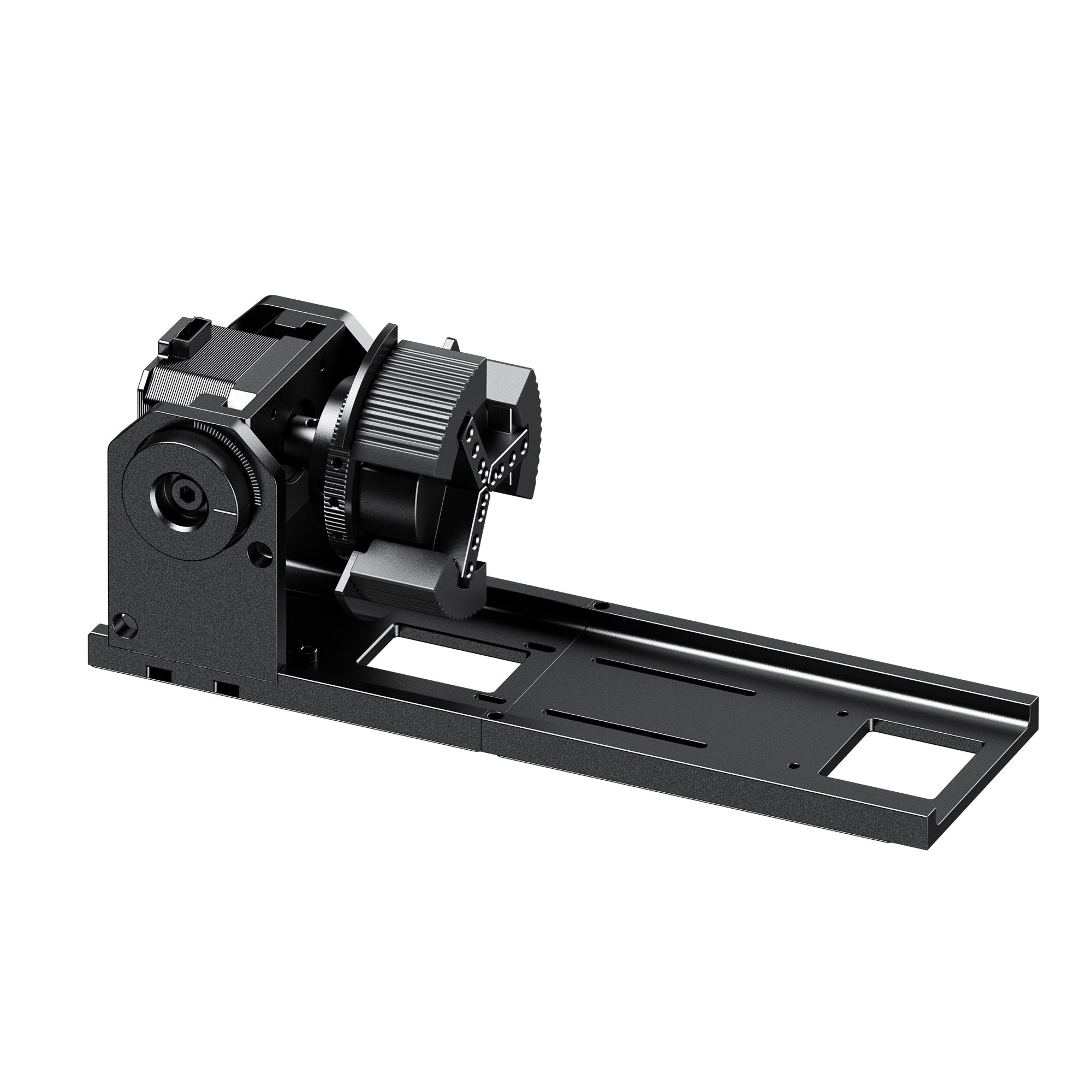
| Rotary Attachment | ✓ Available | ✓ Available |
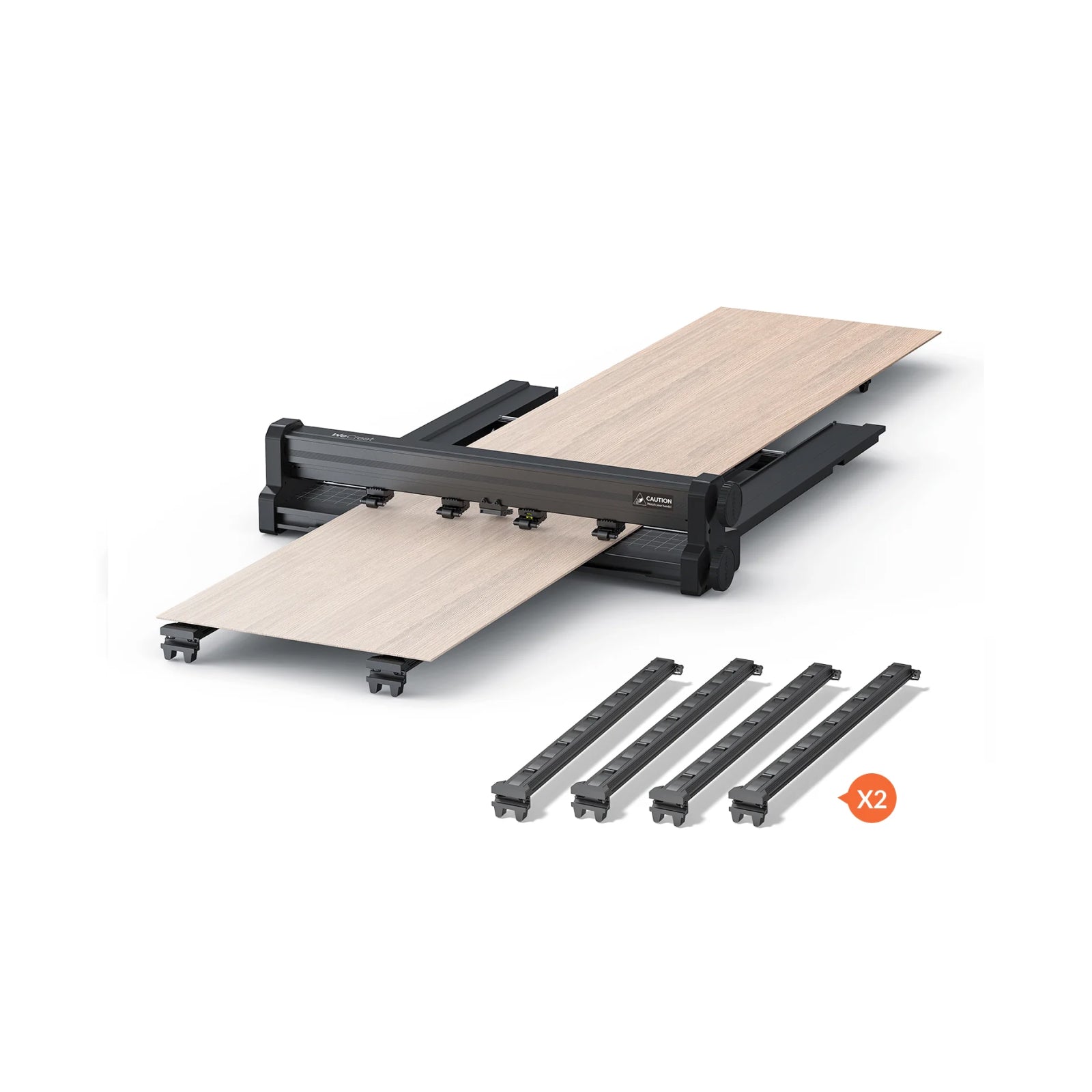
| Auto Pass-Through | ✓ Available on select models | ✗ Not available |
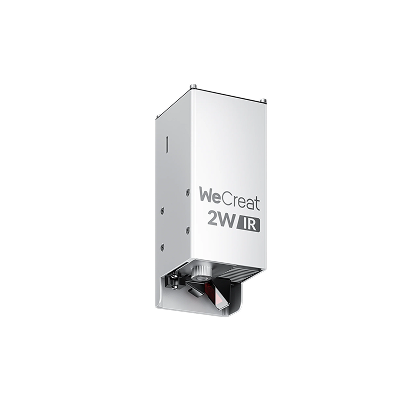
| Laser Power Options | 20W / 40W diode | 20W / 40W diode, plus optional 2W infrared module |
| Enclosure Safety Rating | Class 1, enclosed | Class 1, enclosed |
| Software | WeCreat MakeIt, LightBurn compatible | xTool Creative Space (XCS), LightBurn compatible |
(Figures based on published manufacturer specifications and aggregated independent reviewer testing, including coverage from Tom's Hardware, CNCSourced, and 3DWithUs. Always confirm current specs on the manufacturer's site before purchasing.)
Head-to-Head Comparison: Overcoming the Beginner Learning Curve
Rather than listing dry specs, let's walk through the actual roadblocks a first-time diode laser engraver owner runs into — and how each machine handles them.
1. Setup & Out-of-the-Box Experience
WeCreat Vision: True plug-and-play. It arrives fully assembled, and reviewer unboxing tests report first-cut times ranging from roughly 10 to 45 minutes, with no accessory installation required to reach full auto-lifting functionality.
xTool S1: Also fast when used without extra accessories — one independent review clocked it at around 10 minutes from unboxing to first cut. But that number changes significantly if you install the optional riser base for taller materials, which some reviewers report adding several hours to the initial setup. The upside is that xTool's user manual and video tutorials are exceptionally beginner-friendly throughout the process.
In practice, the workflow difference shows up most clearly at the design-placement step: with the Vision, you drag your design directly onto the live camera preview of your material. With the S1's TwinPoint system, you first jog the laser head to two corners of your material to mark its boundaries in software, then position your design within that marked area. Both approaches work reliably once you're used to them — the Vision's camera workflow just has a shorter initial learning moment for first-timers.
2. Focus & Calibration: Auto-Lifting vs. Mechanical Probe
WeCreat Vision: Features a motorized auto-lifting Z-axis. It automatically measures material thickness and moves the entire machine bed up to 140 mm, making it effectively foolproof to engrave thick objects like tumblers or wooden boxes without buying extra accessories.
xTool S1: Uses a smart mechanical probe that physically touches the material to calculate focus. It's accurate, but the standard bed only accommodates materials up to roughly 50 mm tall — for anything taller, you'll need to purchase an optional riser base separately, which adds both cost and a manual setup step.
If avoiding extra purchases and setup steps matters to you, auto-lifting is a meaningful convenience advantage — particularly for anyone planning to engrave tumblers, mugs, or boxed gifts regularly.
3. Design Placement: HD Camera vs. TwinPoint Positioning
WeCreat Vision: Features a lid-mounted HD camera with a live preview covering the full 420 × 290 mm working area. Beginners can see their material on screen and drag-and-drop their design exactly where they want it — a laser engraver with built-in camera is a genuinely different experience for anyone used to guessing at placement.
xTool S1: Completely camera-less. It uses "TwinPoint Positioning," where you manually move the laser head to two points to mark the boundaries of your material. Comparing xTool S1 TwinPoint positioning vs camera workflows, TwinPoint typically requires moving the laser head twice per project and takes an extra minute or so to learn, but it also sidesteps any potential camera lens distortion, which some advanced users actually prefer for tight-tolerance work.
The Beginner Experience Scorecard
| Beginner Pain Point | WeCreat Vision | xTool S1 | Better Fit For |
|---|---|---|---|
| Time to First Cut (no extra accessories) | ⭐⭐⭐⭐⭐ (~10–45 mins, varies by reviewer) | ⭐⭐⭐⭐☆ (~10 mins, but hours longer with riser base) | WeCreat Vision |
| Visual Framing & Layout | ⭐⭐⭐⭐⭐ (Live HD Camera) | ⭐⭐⭐☆☆ (Manual Pointing) | WeCreat Vision |
| Engraving Thick Tumblers | ⭐⭐⭐⭐⭐ (Built-in Auto-Lift, 140 mm) | ⭐⭐⭐☆☆ (Requires Riser Base) | WeCreat Vision |
| Software Ease of Use | ⭐⭐⭐⭐⭐ (Simple, guided workflow) | ⭐⭐⭐⭐☆ (More manual, feature-rich) | Depends on priority |
| Workspace Safety | ⭐⭐⭐⭐☆ (Class 1 Enclosed, auto lid-stop) | ⭐⭐⭐⭐☆ (Class 1 Enclosed, additional sensors) | Depends on priority |
The pattern here is worth noticing: the Vision's built-in camera and auto-lifting bed handle more of the setup process automatically, while the S1 offers additional manual sensor and software layers for users who want more granular control. Which pattern matters more to you depends on how hands-on you want your first laser experience to be.
Safety First: What to Know Before Choosing Either Machine
Beginners are naturally nervous about laser fires and smoke, and rightly so — this is one area worth understanding clearly regardless of which machine you choose.
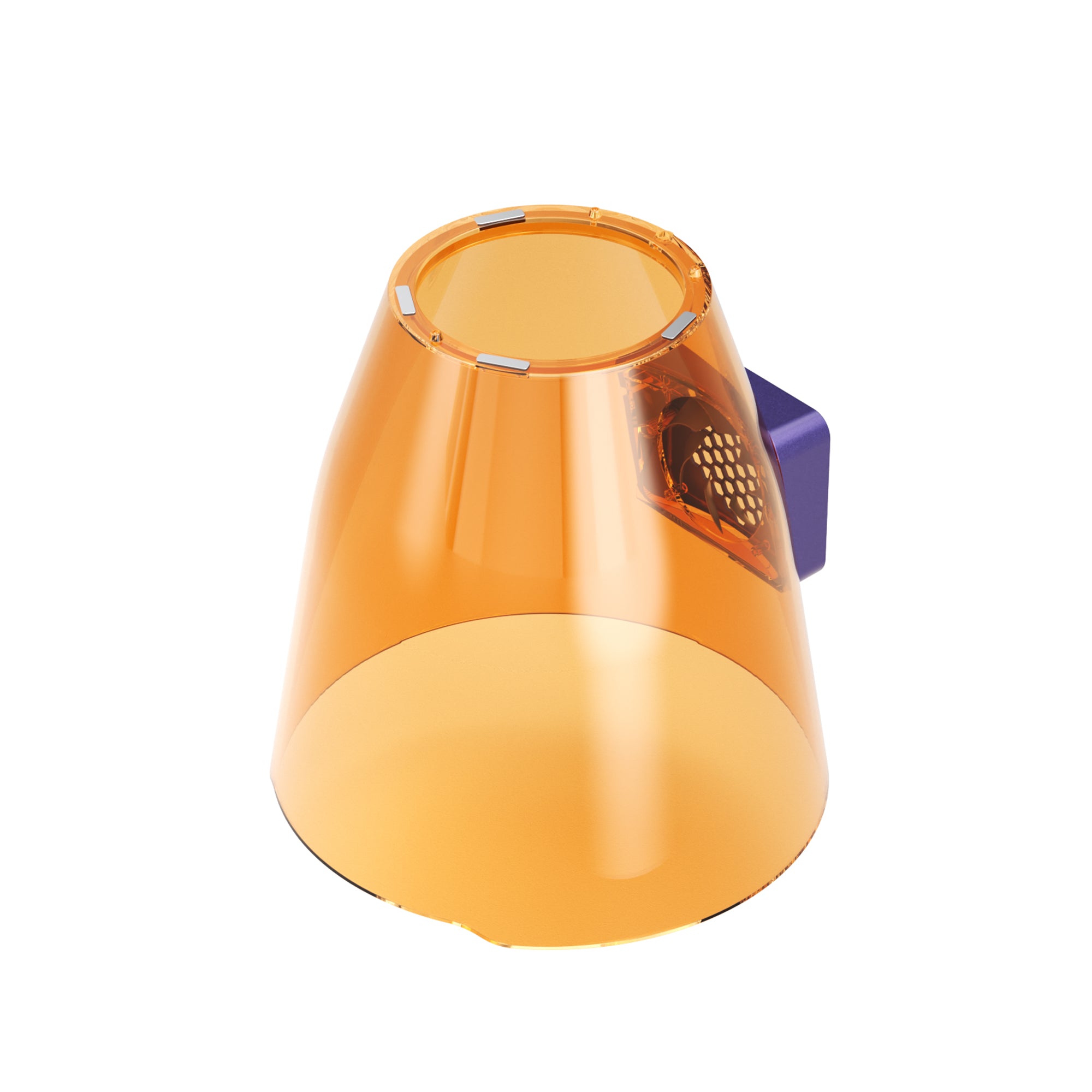
The WeCreat Vision is built around a fully enclosed Class 1 design: a sealed metal housing that blocks direct laser exposure during normal operation, plus an automatic lid-stop that halts the laser the instant the lid is opened. For most home setups, this covers the core safety need — containment, eye protection, and an immediate stop if the enclosure is disturbed.
The xTool S1 starts from a similar enclosed, Class 1 foundation and layers on additional sensors — including flame, tilt, and motion detection — plus an optional add-on fire-extinguisher accessory sold separately.
Both approaches are designed to meet home-safety expectations for enclosed diode lasers. If you're weighing the two, it's worth deciding for yourself how much additional sensor redundancy you personally want versus what a sealed Class 1 enclosure with automatic lid-stop already provides.
Software Showdown: WeCreat MakeIt vs. xTool Creative Space (XCS)
Software shapes your day-to-day experience, and WeCreat MakeIt is built specifically around the Vision's strengths: a simple, guided interface where you import a file, position it using the live camera preview, and press start, with the more advanced settings kept out of the way rather than in front of you by default. It's also LightBurn compatible laser software, so you're never locked out of a more advanced workflow if you want one later.
For readers comparing platforms, xTool's own Creative Space (XCS) software is built around a more manual, settings-forward workflow with a larger built-in project library — a different design philosophy aimed at users who want more hands-on control from day one.
If your priority is the easiest laser software for crafting, MakeIt's guided, camera-first approach is designed to get you to a finished project with the fewest steps.
Ecosystem & Upgrade Path: What Can You Actually Grow Into?
A lot of buyers aren't just buying a machine — they're buying into an accessory and upgrade ecosystem, and this is where the two brands diverge more than the spec sheets suggest.
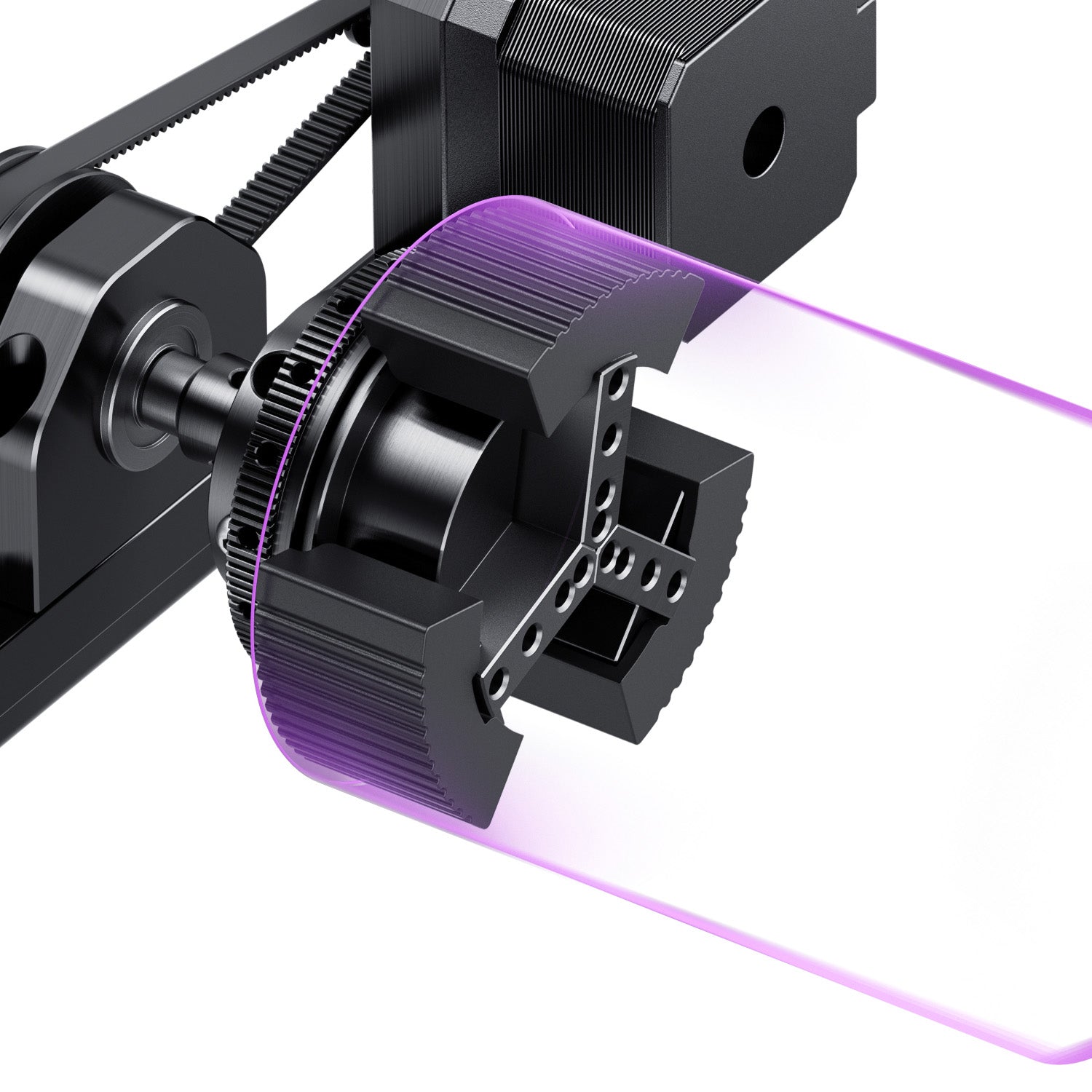
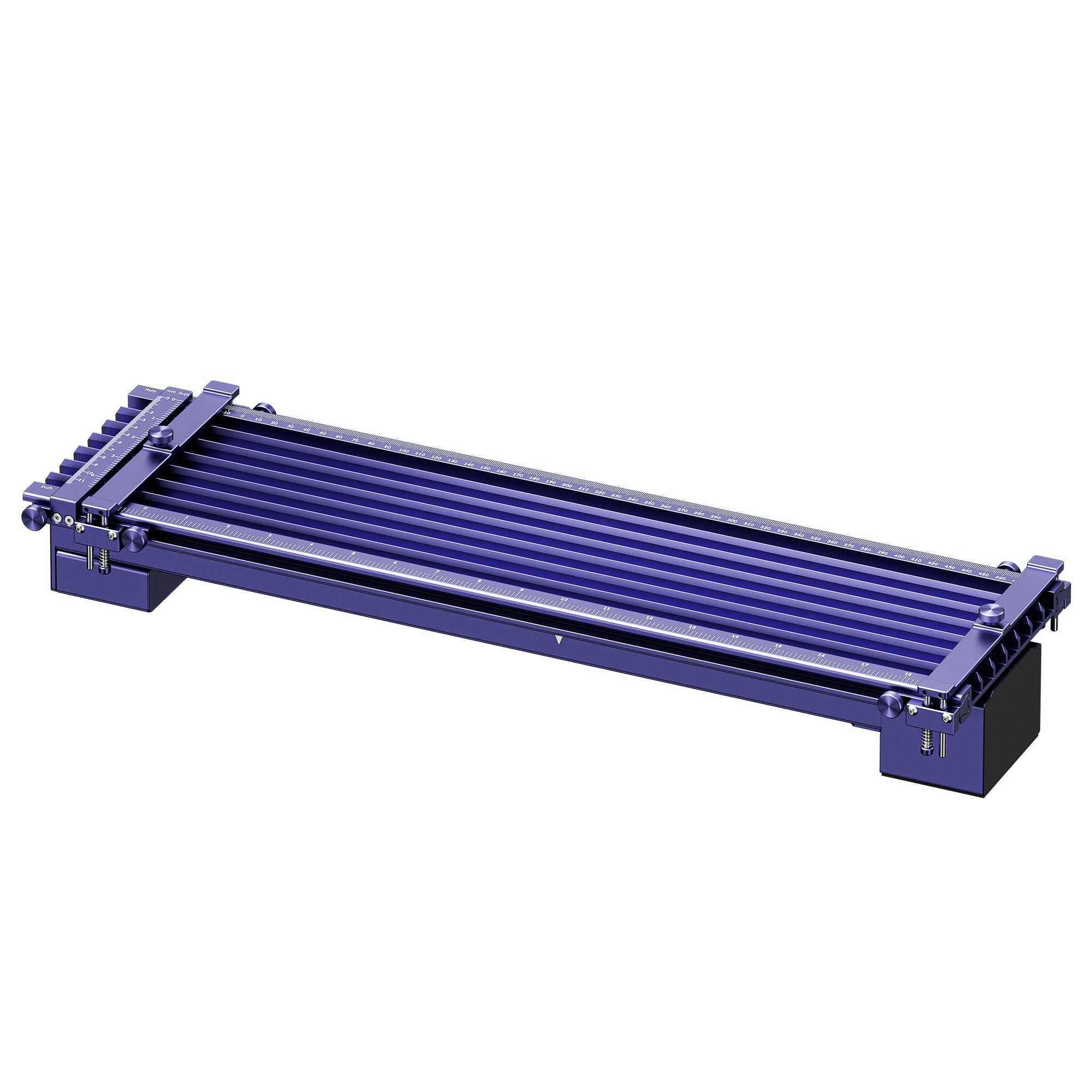
WeCreat Vision ecosystem: Rotary attachment for cylindrical items, an auto pass-through conveyor on select models for oversized or continuous material, and a growing built-in material preset library (100+ presets in the MakeIt software covering common woods, acrylics, and leather). Power upgrades are more limited — you're generally choosing between the 20W and 40W diode variants at purchase time rather than upgrading later.
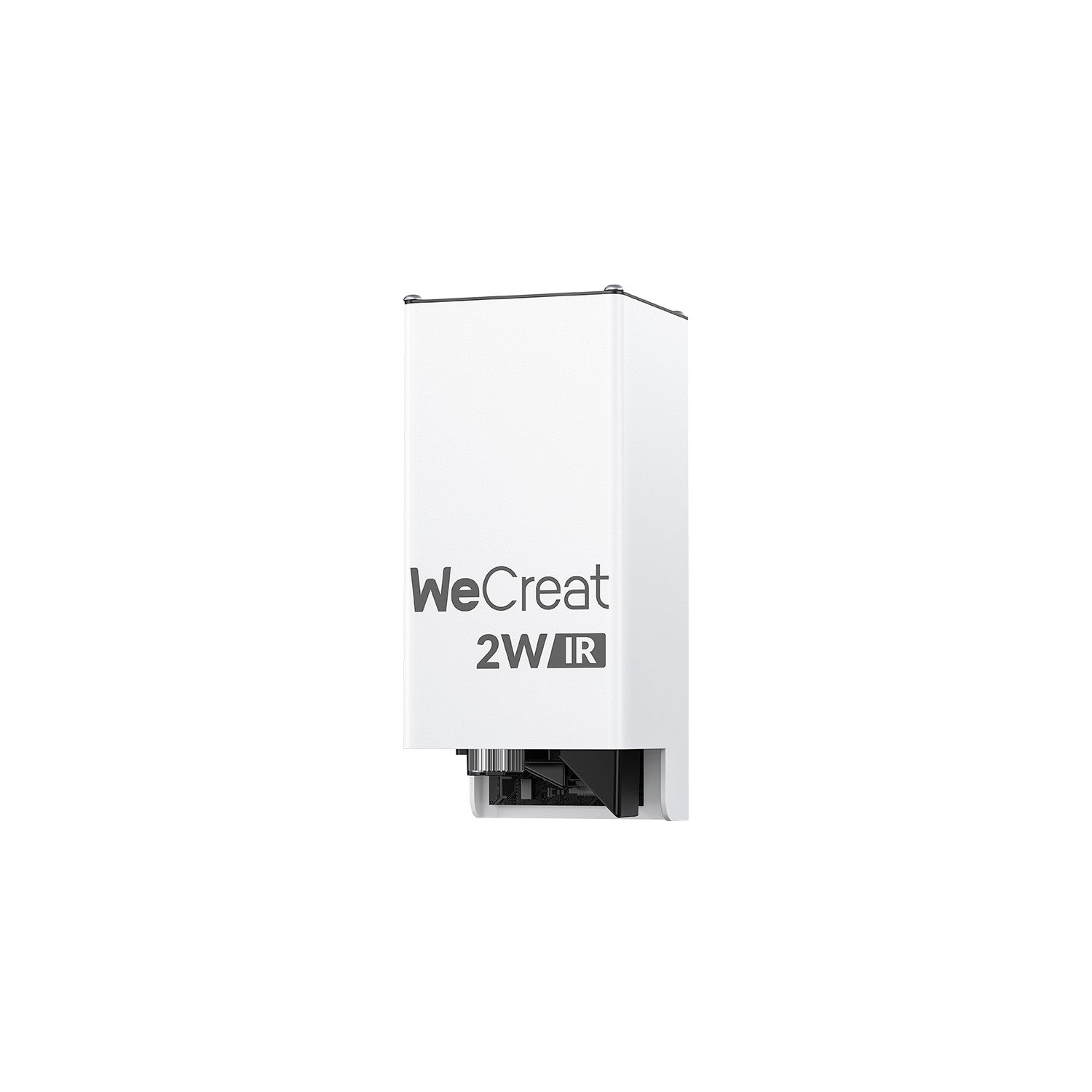
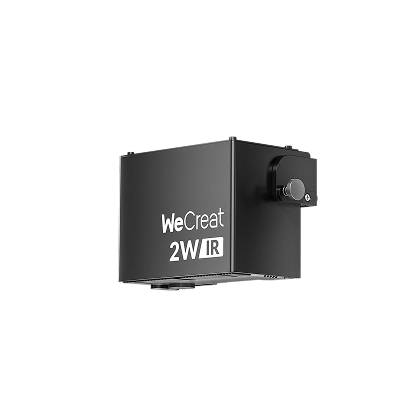
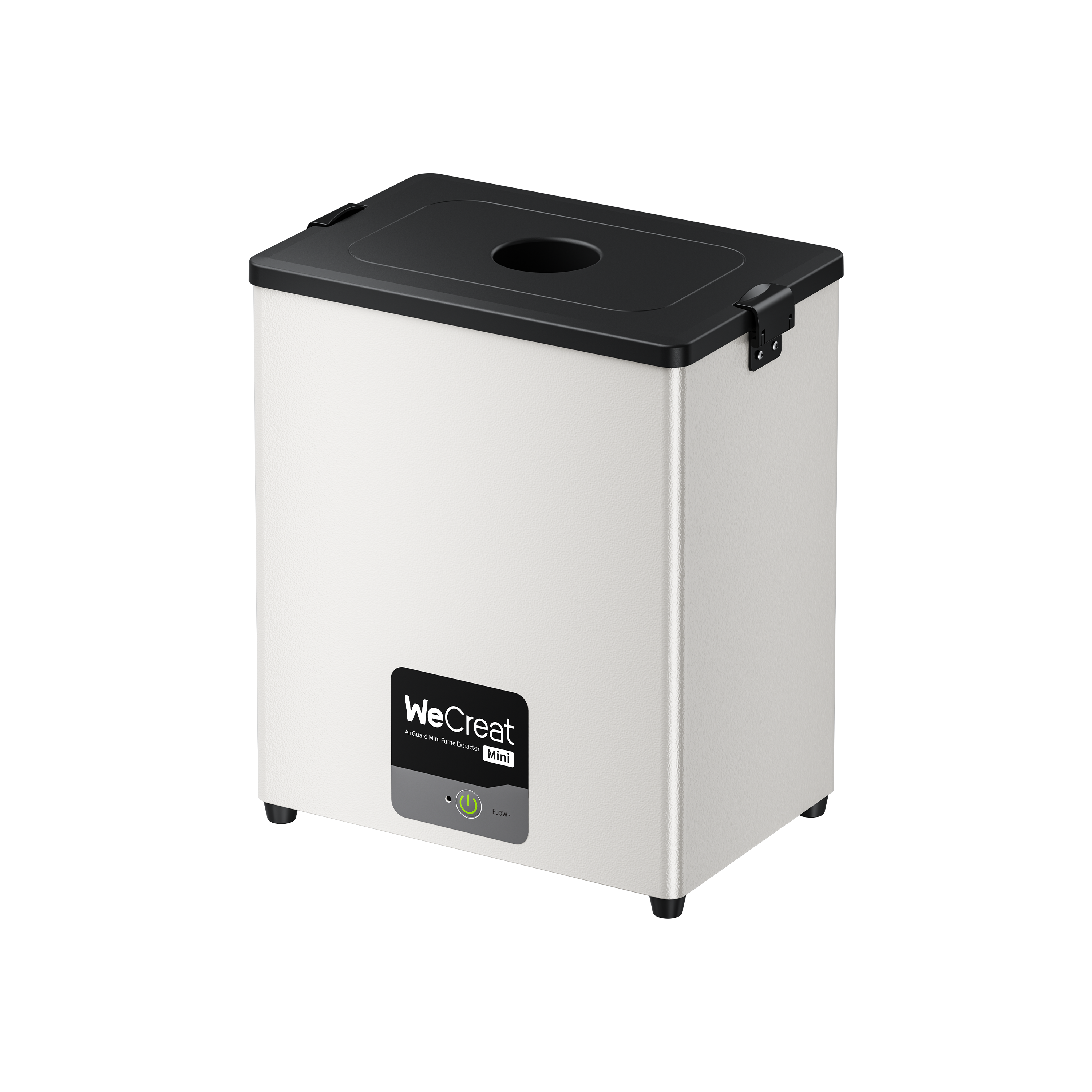
xTool S1 ecosystem: A wider accessory catalog overall, including a rotary attachment, an optional riser base for tall materials, an air purifier for better fume handling in enclosed spaces, and the automated fire-suppression kit mentioned above. Power upgrades are more flexible — many users start with the 20W module and later add the 40W or an optional 2W infrared module for engraving metal and plastics, without replacing the whole machine.
If you expect to keep adding accessories over several years — extra power modules, additional sensors, more attachments — it's worth comparing both brands' full accessory catalogs directly. If you'd rather have your core setup — auto-lifting, camera positioning, and rotary engraving — already built in from day one, the Vision covers that ground without needing to shop for extras.
Understanding the WeCreat Vision Learning Curve
One thing worth calling out directly: the WeCreat Vision learning curve is about as gentle as it gets in this category. Because the camera handles placement and the auto-lifting Z-axis handles height and focus, two of the biggest sources of beginner error are removed before you even start designing. Most new users report getting clean, usable results within their first one or two projects — a meaningfully faster ramp-up than machines relying on manual probing or pointing systems.
That said, a gentle starting curve doesn't mean there's no room to grow. As your projects get more advanced, you can move into LightBurn for deeper manual control while still using the Vision's auto-lifting and camera positioning as your hardware foundation.

Who Should Skip These Machines?
Neither the Vision nor the S1 is the right fit for everyone, and it's worth saying so directly.
If your budget is tight, it's worth checking current pricing on both brands' official sites before ruling either machine out, since pricing and available bundles change over time. If your budget is well below either machine's current price, entry-level or "lite" tier models from either brand (or a simpler open-frame hobby laser engraver) will still cover basic wood and leather projects at a lower price point.
If you're mainly cutting clear or transparent acrylic, neither of these diode-based machines is the ideal tool — diode lasers struggle with truly clear acrylic because the beam passes through it rather than being absorbed. A CO₂ laser engraver is generally the better-suited (though pricier and bulkier) choice for that specific material.
If you're running a high-volume production shop already, you may outgrow both machines' working areas and speeds faster than expected, and should be looking at industrial-grade or larger-format machines from the outset.
Which One Should You Buy as Your First Laser?
Both are genuinely capable desktop laser cutter options and among the strongest enclosed laser engraver choices for beginners on the market right now. The right pick isn't about which machine is "better" in the abstract — it's about which tradeoffs match how you actually plan to use it.
FAQs
Q1. Is WeCreat Vision easier than xTool S1?
For absolute beginners, yes, primarily because of its live camera preview and auto-lifting bed, which remove two of the most common early mistakes. The S1 isn't hard to learn, but it has a slightly steeper first-week curve due to manual boundary-setting and probe-based focusing.
Q2. Does WeCreat Vision support LightBurn?
Yes. Both the WeCreat Vision and xTool S1 are LightBurn compatible, so you're not locked into either manufacturer's proprietary software if you want more advanced design control later.
Q3. Which laser engraver is better for tumblers?
The WeCreat Vision has an edge here thanks to its 140 mm auto-lifting range, which accommodates most tumblers and mugs without a riser base. The xTool S1 can also engrave tumblers with its rotary attachment, but taller pieces may require the optional riser.
Q4. Which is better for a small business or Etsy shop?
It depends on your product mix. For a laser for Etsy business focused on drinkware, gifts, and mixed-thickness materials, the Vision's speed and auto-lifting convenience can mean fewer manual steps per order. Businesses planning to scale laser power or add a wider range of accessories over time may want to compare both brands' upgrade paths directly.
Q5. Which is easier for absolute beginners?
The WeCreat Vision, largely due to its camera-guided placement and hands-off focusing. Most first-time users report a smoother first project with fewer wasted materials.