










Choosing a laser machine by wattage alone is how buyers end up with mismatched equipment: a powerful diode laser that still can't touch bare metal, or a fiber laser that struggles with a simple wood sign. Wattage matters, but it's the third question, not the first.
The first is wavelength: does this laser's light actually get absorbed by the material you want to process?
The second is beam delivery. Diode and CO2 machines commonly use a gantry, moving the beam across a wide, flatbed working area; fiber and UV machines commonly use galvo mirrors instead, scanning the beam fast over a smaller area. That pairing is typical, not a fixed rule, so it's worth confirming on any specific machine.
Only once wavelength and beam delivery are settled does power level decide speed and depth. This guide walks through diode, CO2, fiber, and UV lasers, including where MOPA fits inside the fiber category, so you can match a technology to your materials before comparing specific machines.
Diode vs. CO2 vs. Fiber vs. UV: Quick Comparison
| Feature | Diode Laser | CO2 Laser | Fiber Laser (Q-Switched/MOPA) | UV Laser |
|---|---|---|---|---|
| Primary wavelength | ~450nm (visible blue) | 10,600nm (far infrared) | 1064nm (near infrared) | 355nm (ultraviolet) |
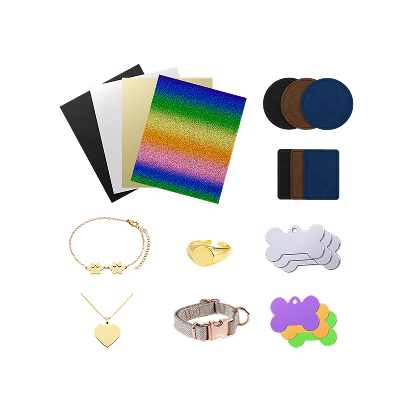
| Core material fit | Wood, leather, opaque acrylic, coated metals | Thick clear/colored acrylic, dense wood, glass (etch) | Bare metals: steel, aluminum, brass. Some laser-marking-grade plastics | Delicate glass, 3D crystal, sensitive plastics |
| Primary strength | Accessible cost, low power draw, versatile | Superior acrylic cutting, fast organic processing | Extreme speed on metal, deep engraving, color marking | High precision, minimal heat-affected zone |
| Key limitation | Cannot cut clear acrylic or bare metal | Larger footprint, higher maintenance | Poor performance on organics like wood or raw leather | Higher cost per watt, shallower depth capacity |
| Typical user | Hobbyists, home crafters, batch gift makers | Signage shops, custom furniture, acrylic fabricators | Jewelry engravers, industrial markers, metal gift makers | Micro-electronics, high-end glassware, luxury crystal engravers |
If your work is mostly non-metal — wood, leather, acrylic, cardboard — the real decision is closer to home: CO2 vs. Diode Laser Engraver: Which Should You Choose on a Budget? breaks that specific choice down further.
Material Capability Matrix: Marking, Engraving & Cutting
"Can this laser process X material" isn't a yes/no question. The real answer depends on which of three operations you need, and how reliably a given technology performs that operation. Marking (M) is a surface color change, oxidation, or fine surface etch with no material removed. Engraving (E) physically removes material to create depth. Cutting (C) penetrates the full thickness to separate material.
The table below also distinguishes how consistently each combination performs. Common means this is a standard, widely-supported capability on typical machines in that category. Conditional means it depends heavily on the specific material formulation, thickness, or machine configuration. Specialized means it requires dedicated, often industrial-grade equipment beyond a typical desktop unit.
| Material | Diode (450nm) | CO2 (10,600nm) | Fiber (1064nm) | UV (355nm) |
|---|---|---|---|---|
| Hardwood & plywood | M / E — Common, C — Conditional (varies with optical power, material thickness, adhesive layers, and cut speed) | M / E / C — Common (cutting depth depends on tube power, material, and settings) | Unsuitable | M / E — Specialized |
| Clear acrylic | Unsuitable | M / E / C — Common | Unsuitable | M / E — Specialized |
| Opaque colored acrylic | M / E — Common, C — Conditional | M / E / C — Common | Unsuitable | M / E — Specialized |
| Bare metals (steel, aluminum, brass) | Unsuitable | Unsuitable | M / E (light marking) — Common, deep engraving / C — Conditional to Specialized* | M / E — Conditional |
| Anodized & coated metals | M — Conditional | M — Conditional | M / E — Common | M / E — Common |
| Glass & quartz | M — Conditional (coated only) | M / E — Conditional | Unsuitable | M / E — Specialized |
| Delicate / heat-sensitive plastics | Limited | Limited | M — Conditional | M / E — Conditional, C — Specialized (specific machine and material combination only)* |
*Fiber metal cutting requires high-wattage industrial configurations and optical assist gases — a desktop fiber marking machine and an industrial cutting system aren't the same tier of equipment. UV cutting of heat-sensitive plastics likewise requires a specific machine/material pairing, not a general capability. For acrylic, cut quality also varies by sheet type (cast vs. extruded), thickness, and settings.
Two rows are worth sitting with. A diode laser passes straight through clear acrylic instead of being absorbed, so "Unsuitable" isn't a power problem: no amount of added wattage fixes a wavelength mismatch. Bare metal, meanwhile, only shows up as workable under fiber and UV in this matrix, and their capabilities differ substantially. Fiber is generally the more suitable choice for production-volume metal marking and deeper engraving; UV is used for more specialized, precision marking applications rather than as a direct substitute.
How Each Laser Technology Works
Diode Laser Engraver: Versatile, Compact, and Craft-Ready

A diode laser emits roughly 450nm blue light through semiconductor diodes, compressed by an optical lens into a working beam. That visible-spectrum wavelength is part of why diode machines are the most affordable per watt. Wood, leather, cardboard, and dark or opaque acrylics absorb it efficiently enough to cut and engrave cleanly. The same wavelength is the limit: it passes straight through clear or lightly tinted materials, and standard blue diode lasers generally can't produce effective, controllable engraving on bare metal. Coated or anodized metal can be marked, but bare steel or aluminum cannot be reliably engraved.
CO2 Laser: The Standard for Acrylic and Organic Processing

A CO2 laser excites a sealed gas tube with a high-voltage discharge, producing a long 10,600nm wavelength strongly absorbed by clear and colored acrylic. That's why CO2 lasers are widely used for acrylic fabrication, wood signage, fabric cutting, and leather processing. The trade-off is upkeep: CO2 systems may require mirror alignment and periodic optical maintenance, and higher-power configurations often need fluid cooling. That same wavelength is largely reflected by raw metal rather than absorbed, so direct bare-metal processing is generally unsuitable for standard CO2 systems.
Fiber Laser Engraver: Industrial Metal Processing and Marking

A fiber laser generates a concentrated 1064nm beam through doped optical fiber. In many desktop marking systems, galvo mirrors scan the beam at high speed rather than moving a gantry, and that combination is what makes fiber lasers fast on metal, well-suited to serializing tools, deep-engraving plaques, marking brass coins, and customizing stainless steel tags.
MOPA vs. standard Q-switched fiber: MOPA (Master Oscillator Power Amplifier) isn't a separate laser category from fiber. It's a fiber laser with independently adjustable pulse duration and frequency, rather than the fixed pulse width a standard Q-switched fiber laser uses. Standard fiber excels at deep metal removal and high-speed marking; MOPA adds fine control over heat input, preventing thin foils from warping and offering more control over color-marking on stainless steel and titanium. For the full breakdown, see MOPA vs. Fiber Laser: What Is the Difference and Which One Do You Need?
UV Laser Engraver: High-Precision Cold Processing

A UV laser reaches its 355nm wavelength through third-harmonic generation, frequency-tripling a longer source wavelength into the ultraviolet range. Photochemical effects can play a significant role in how it interacts with materials, while thermal effects may still occur depending on material and settings. This combination helps limit the heat-affected zone in suitable applications, but it doesn't eliminate heat as a factor. That's the basis for calling UV "cold," but low thermal impact is relative, not zero. Focal alignment, processing parameters, and a material's stress points still need careful management, particularly on glass, where mismanaged settings can cause micro-fracturing. 3D sub-surface crystal etching specifically requires specialized galvo optics and purpose-made crystal substrates, so not every "UV laser" is configured for it. For a deeper look at what that process actually involves, see How to Engrave Glass & Crystal with a UV Laser Engraver, and for where UV's metal-marking ceiling sits relative to fiber, Can a UV Laser Engrave Metal? UV vs. MOPA covers that comparison directly.
How to Choose a Laser Engraver for Your Business
Start with your primary substrate, not your budget: Map roughly 80% of what you expect to produce day to day against the material matrix above. A shop that's mostly engraving wood signs and leather goods has a different answer than one serializing steel tools, even at the same budget.
Weigh production speed against footprint: Galvo-head systems, commonly fiber and UV, deliver very fast marking speeds but over a comparatively small working area. Gantry systems, commonly diode and CO2, cover a wider bed, which matters for large cuts but caps out at a lower marking speed on small, repeated jobs. Confirm the actual motion system on a specific machine rather than assuming it from the laser type alone.
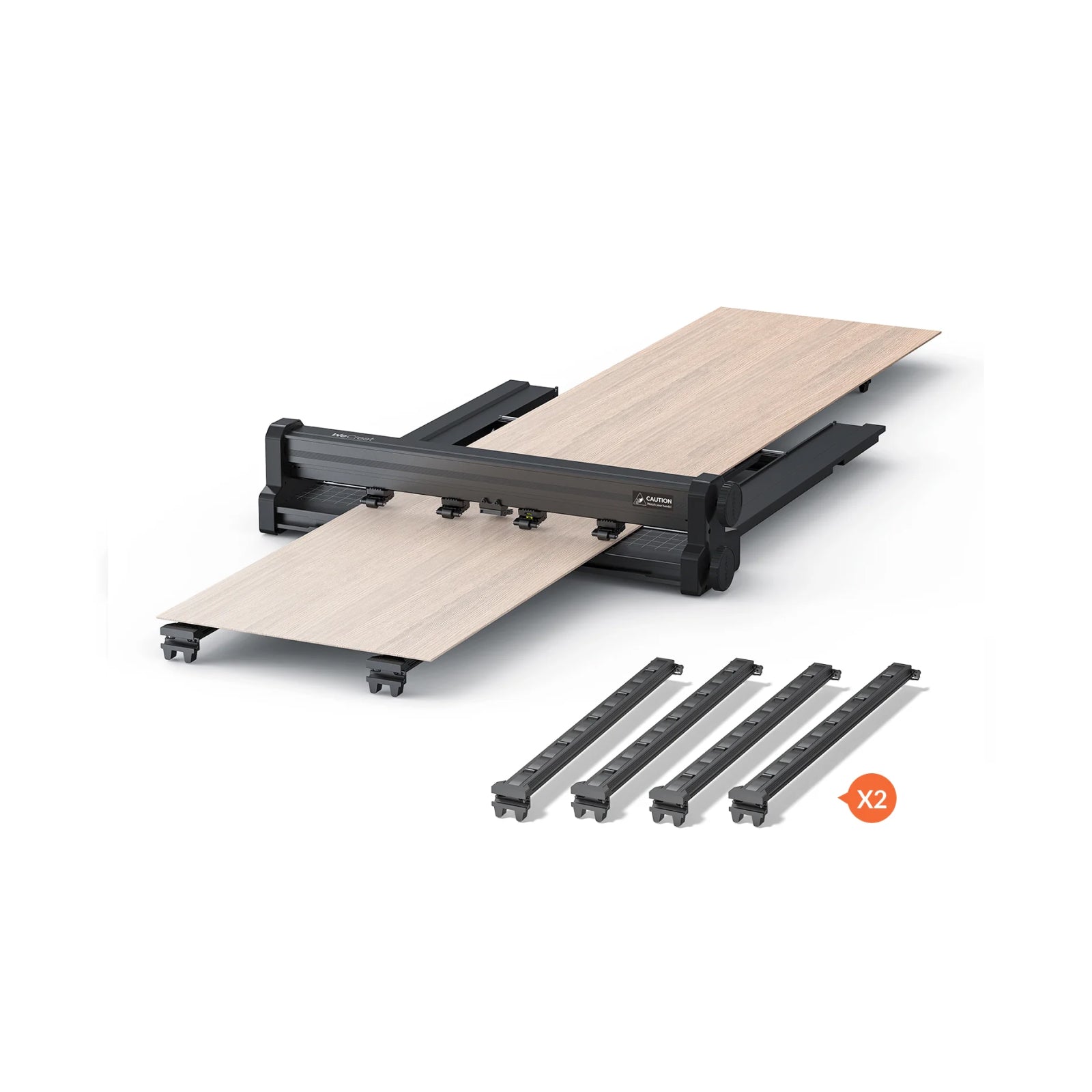
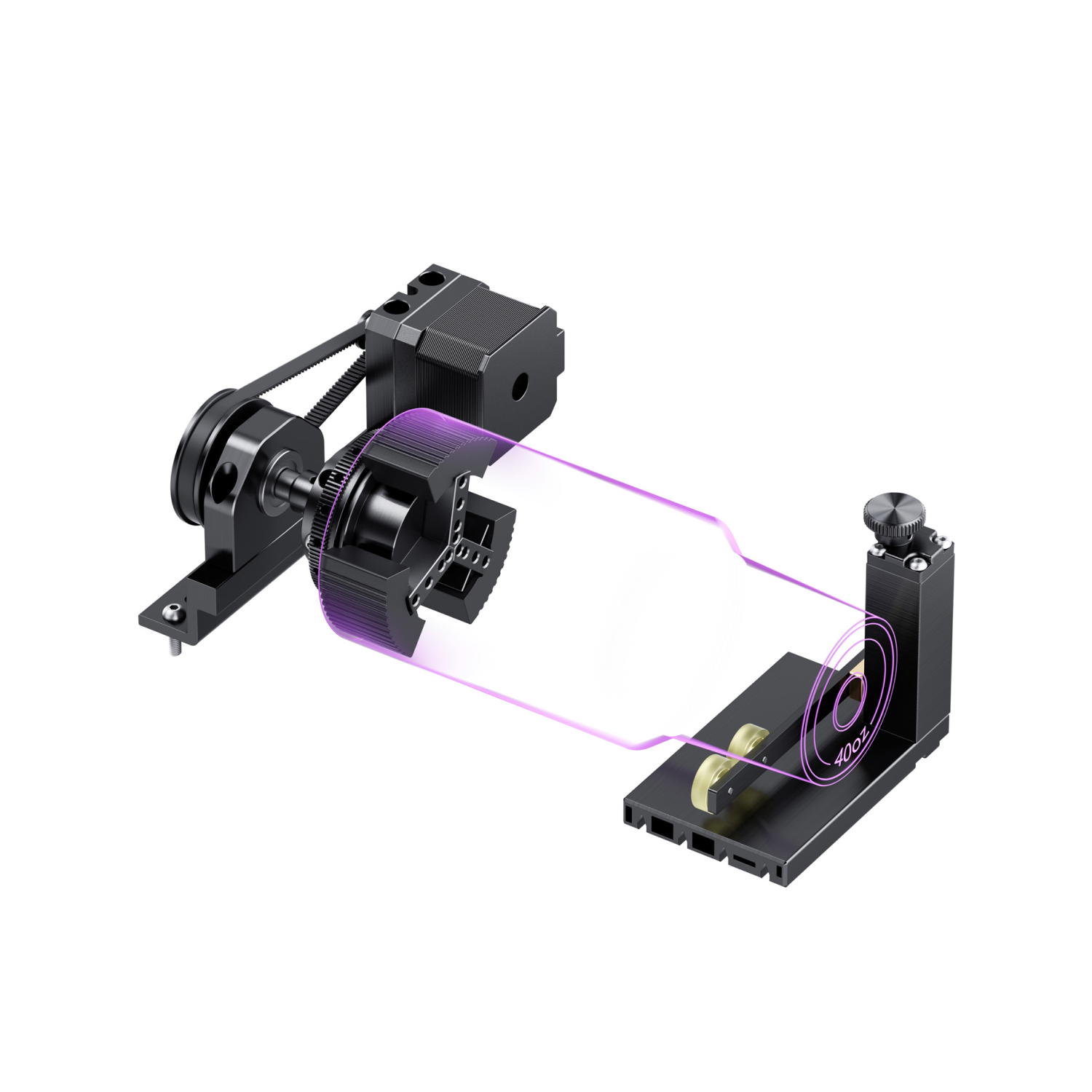
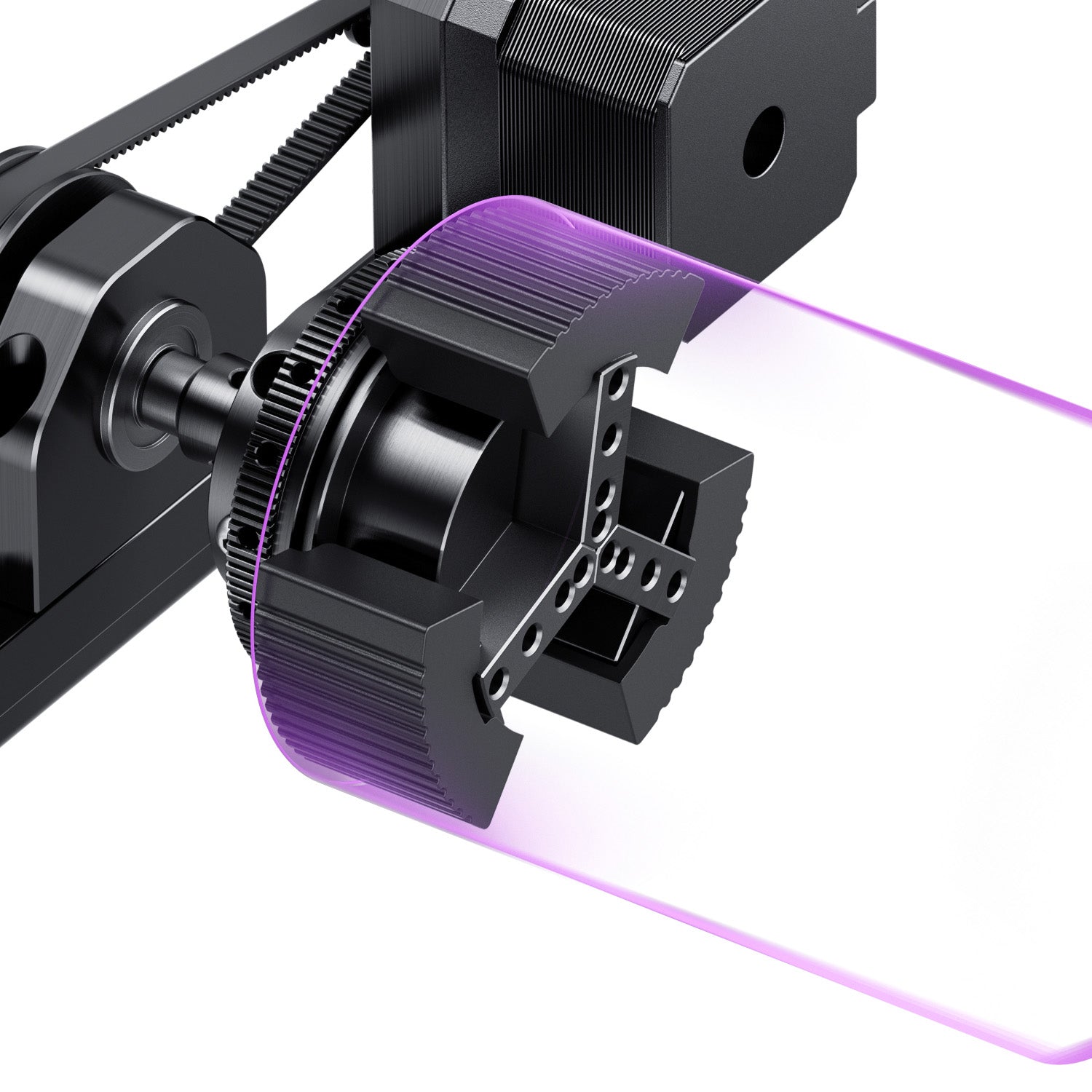
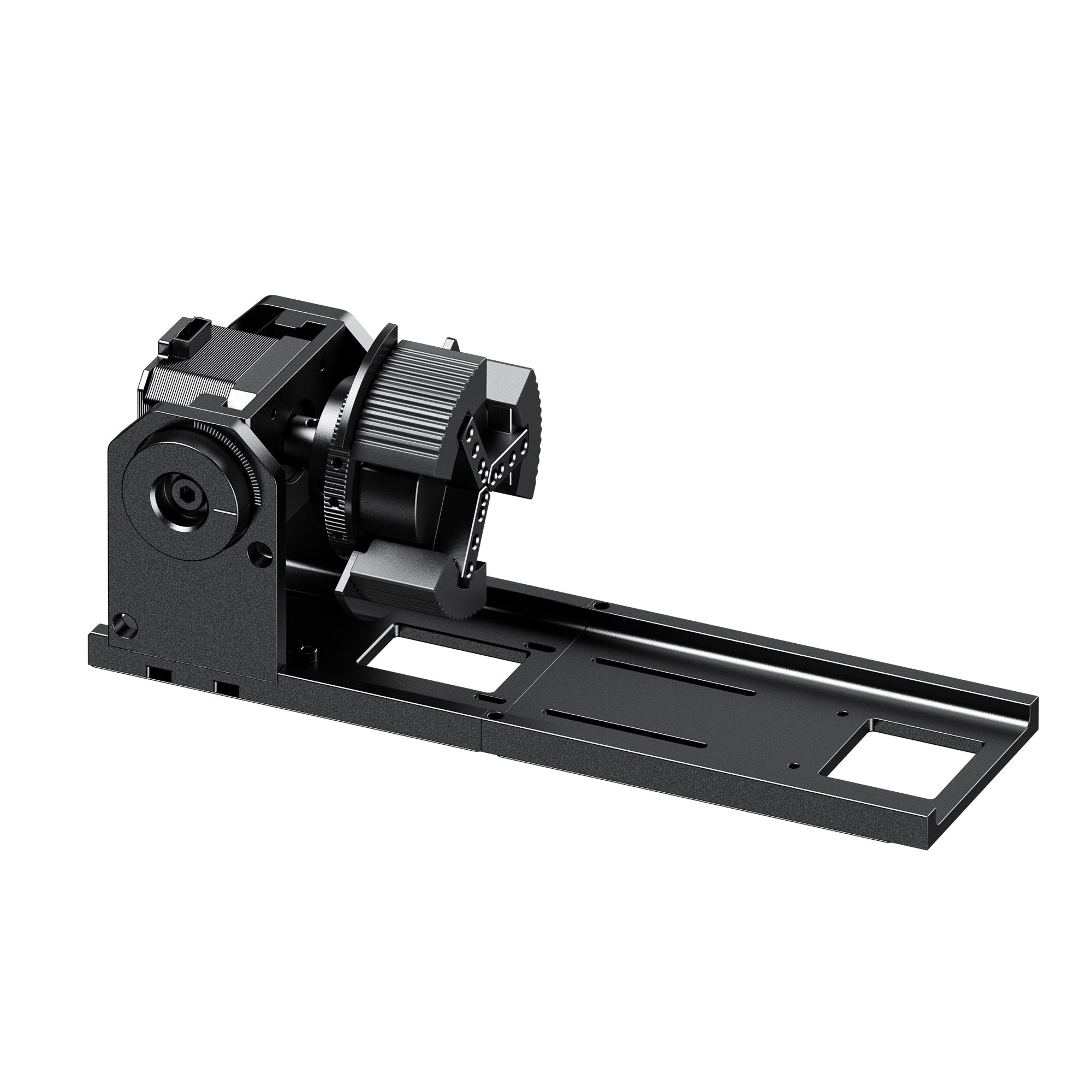
Think about scalability before you need it: A modular system supporting a second light source or a rotary attachment for cylindrical items (tumblers, bottles, rings) extends a machine's useful life, instead of forcing a second purchase once your product line grows past wood and leather.
Budget the whole cost, not just the machine: Factor in consumable cycles and the exhaust/filtration setup each technology actually needs. CO2 tubes are consumables needing periodic replacement; fiber and diode sources generally last longer, but output can still degrade, and lenses, mirrors, and cooling systems may still need upkeep regardless of light source.
If UV and fiber are still the two you're weighing for a metal-adjacent project, revisit the material matrix above and the UV section's note on its metal-marking ceiling. The short version: UV can mark many metals, but fiber remains the faster, deeper option for production-volume metal work.
Which WeCreat Laser Fits Your Workflow?
| WeCreat series | Target workflow & substrates | Configuration focus | Main limitation |
|---|---|---|---|
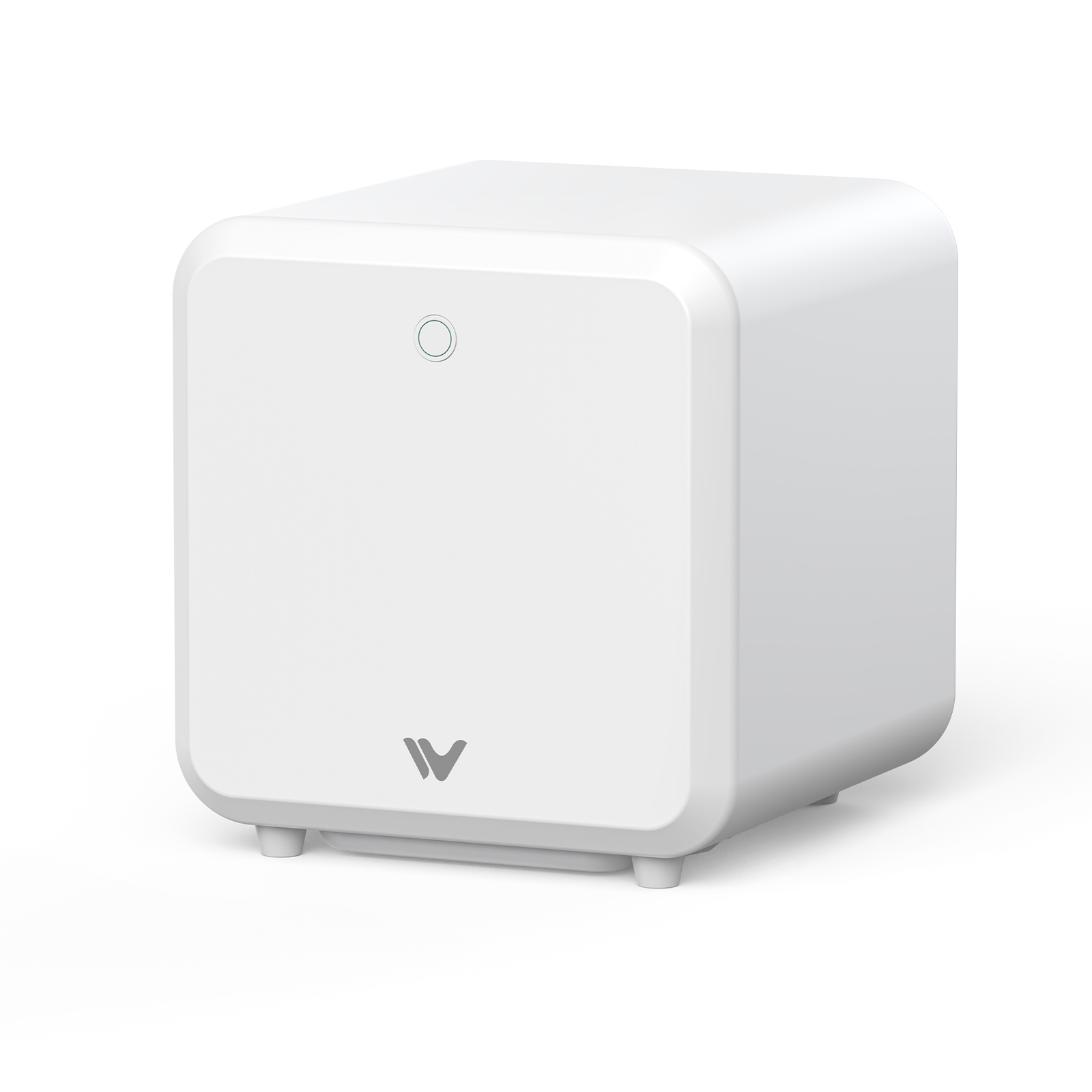
| Vision / Vision Pro | Desktop craft batching — wood, leather, cut acrylic | High-power diode platform, enclosed chassis, integrated camera system | Diode-only: no bare metal engraving, no clear acrylic cutting |
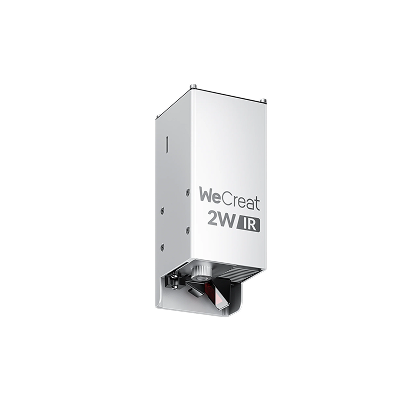
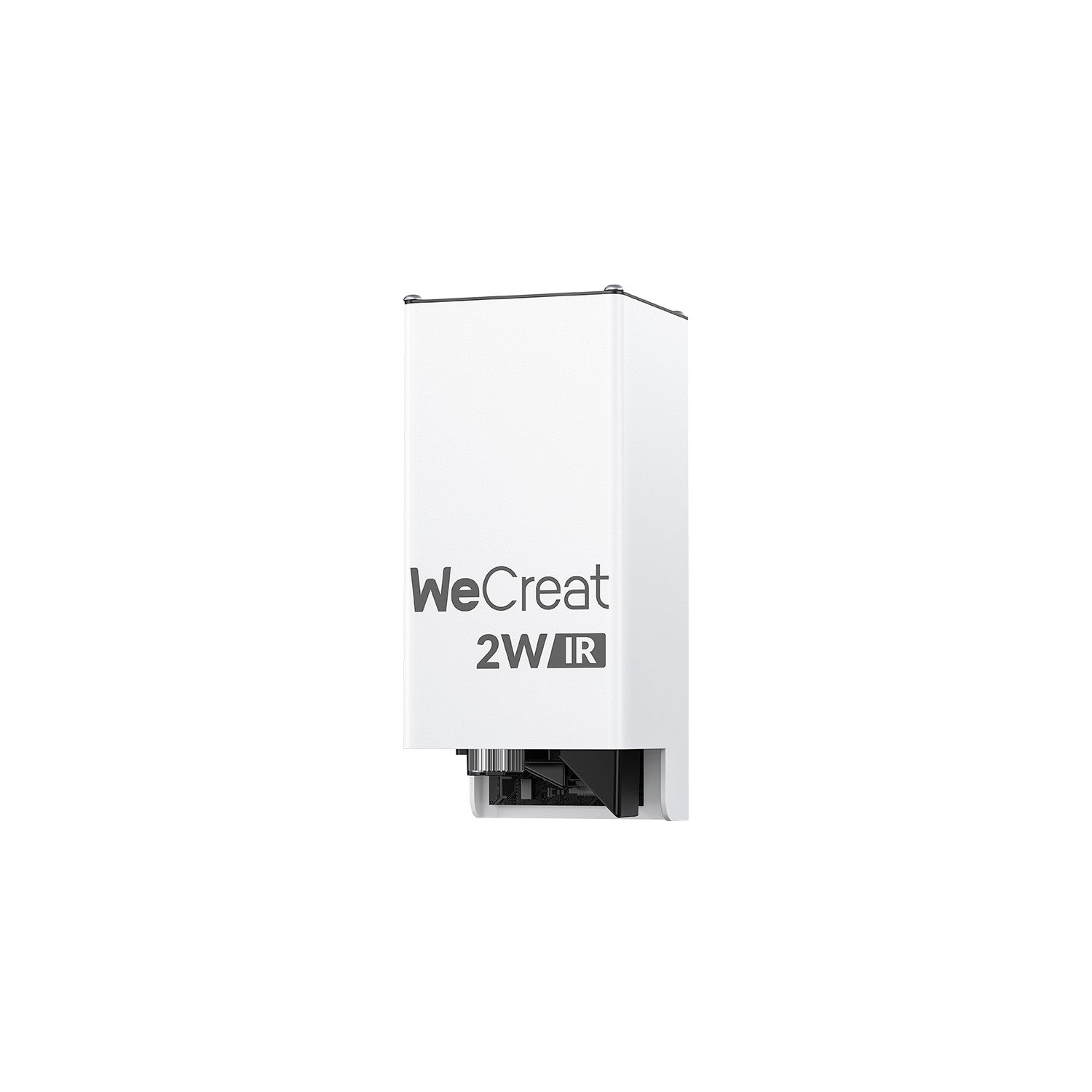
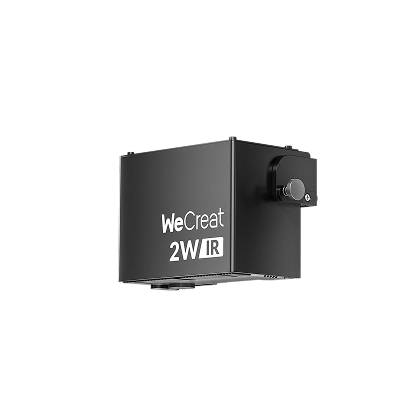
| Lumos | Portable, on-the-go personalized engraving | Compact diode + IR dual-source for mixed craft materials | IR module marks metal; not built for deep metal engraving or cutting |
| Lumos Flex | Mixed non-metal work plus real metal cutting on the go | 15W fiber + 15W diode dual-laser engine in a portable body | Metal cutting depth/thickness depends on material and settings — confirm current specs before assuming a capability |
| Lumos Ultra | Fine glass marking, 3D crystal, multi-color metal work | 6W UV module paired with 60W or 100W MOPA fiber | MOPA module may be a separate configuration/upgrade depending on region — verify what's included |
WeCreat Vision / Vision Pro — Best for: shops running wood, leather, and acrylic in volume. Confirm before buying: "BeamFocus" cutting performance is the manufacturer's positioning relative to a standard diode, not a literal 60W optical output. Check the spec sheet for exact wattage and cutting depth by material.


WeCreat Lumos — Best for: one portable machine for everyday materials plus basic metal marking. Confirm before buying: the 3W IR module suits marking, not deep engraving — for metal cutting, look at Lumos Flex or Lumos Ultra.

WeCreat Lumos Flex — Best for: portable dual-laser work that adds real metal-cutting over the base Lumos. Confirm before buying: the cited ~0.3mm stainless steel cutting thickness reflects specific tested conditions. Results vary with steel grade, thickness, and settings, so verify against your own material.

WeCreat Lumos Ultra — Best for: shops needing both cold glass/crystal engraving and metal color-marking from one platform. Confirm before buying: which MOPA wattage (60W/100W) and which 3D crystal capabilities are standard vs. a separate module or regional configuration.

Buyer's notice: module configurations, upgrade kits, and regional safety ratings change over time — verify the current specification on the product page before purchasing.
Laser Safety, Ventilation, and Material Hazards
- Hazard class and eyewear: an open-frame Class 4 setup requires protective eyewear matched to the machine's actual wavelength and power — a rating like OD5+ is a starting reference, not a universal spec.
- Enclosed systems: a fully enclosed setup meeting the relevant Class 1 standard, with intact interlocks under normal use, generally doesn't require internal-beam-rated eyewear, though this still depends on the equipment's documentation and local requirements.
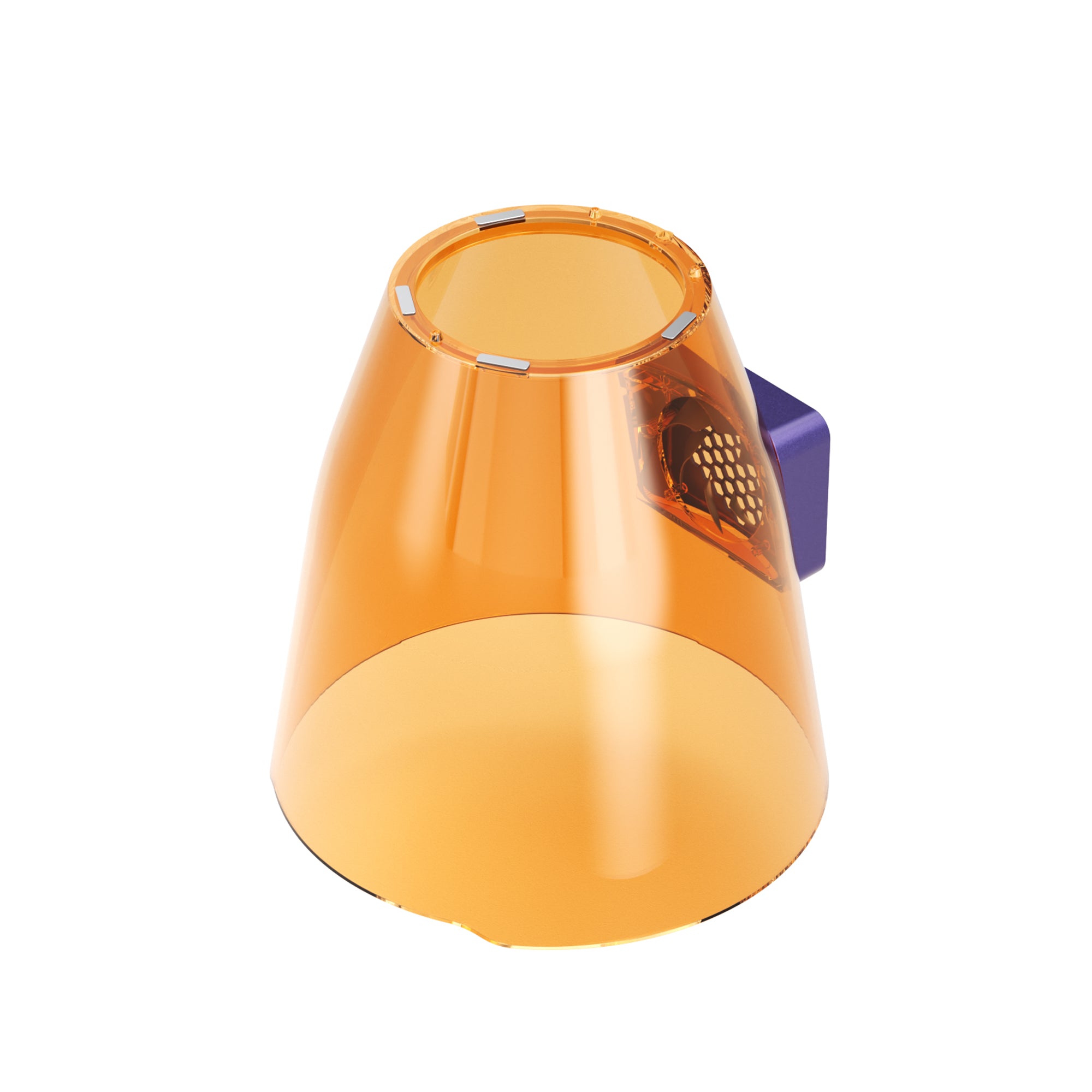
- Viewing windows: the window on an enclosed laser should be rated for the laser's wavelength and designed as part of the machine's overall safety system, not treated as ordinary safety glass.
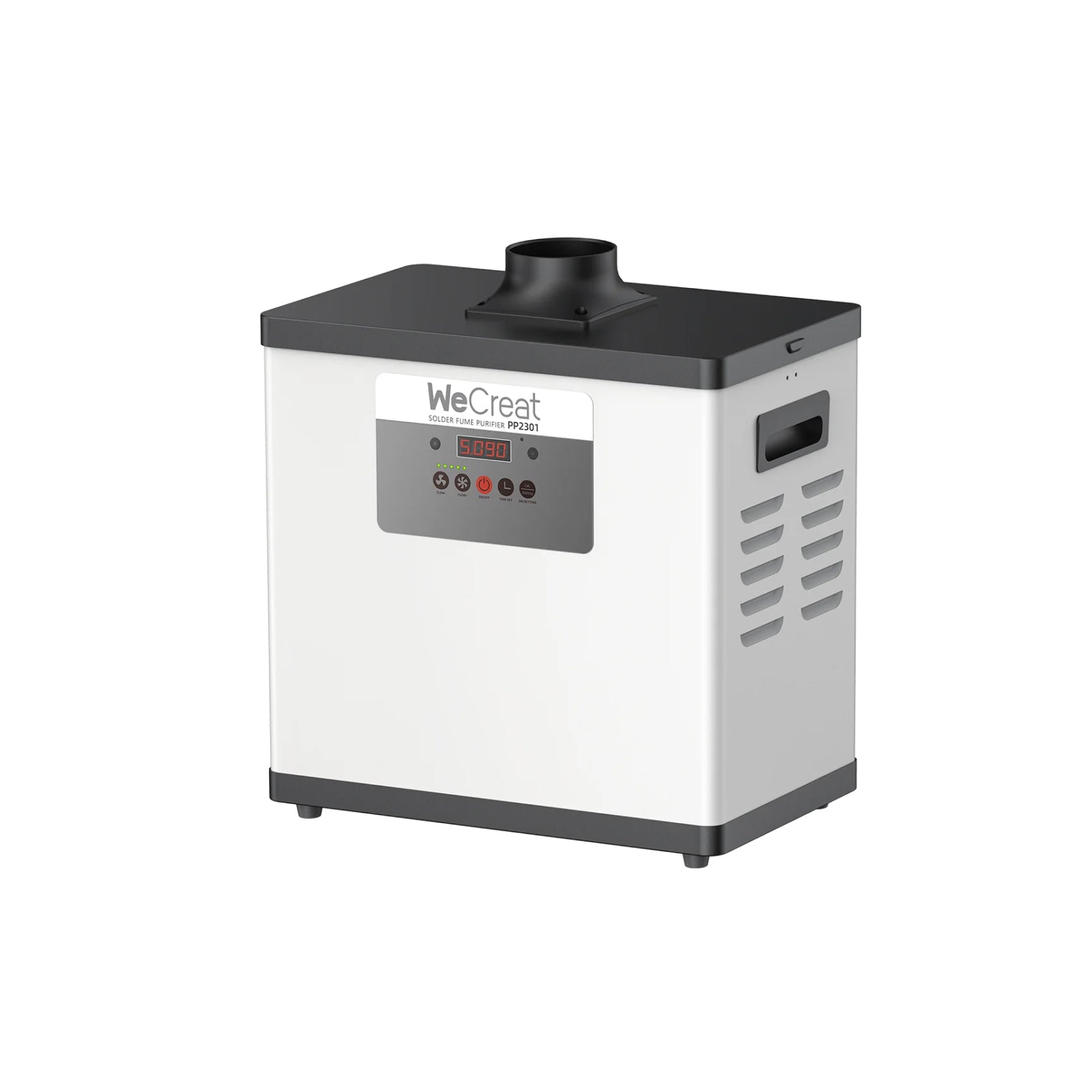
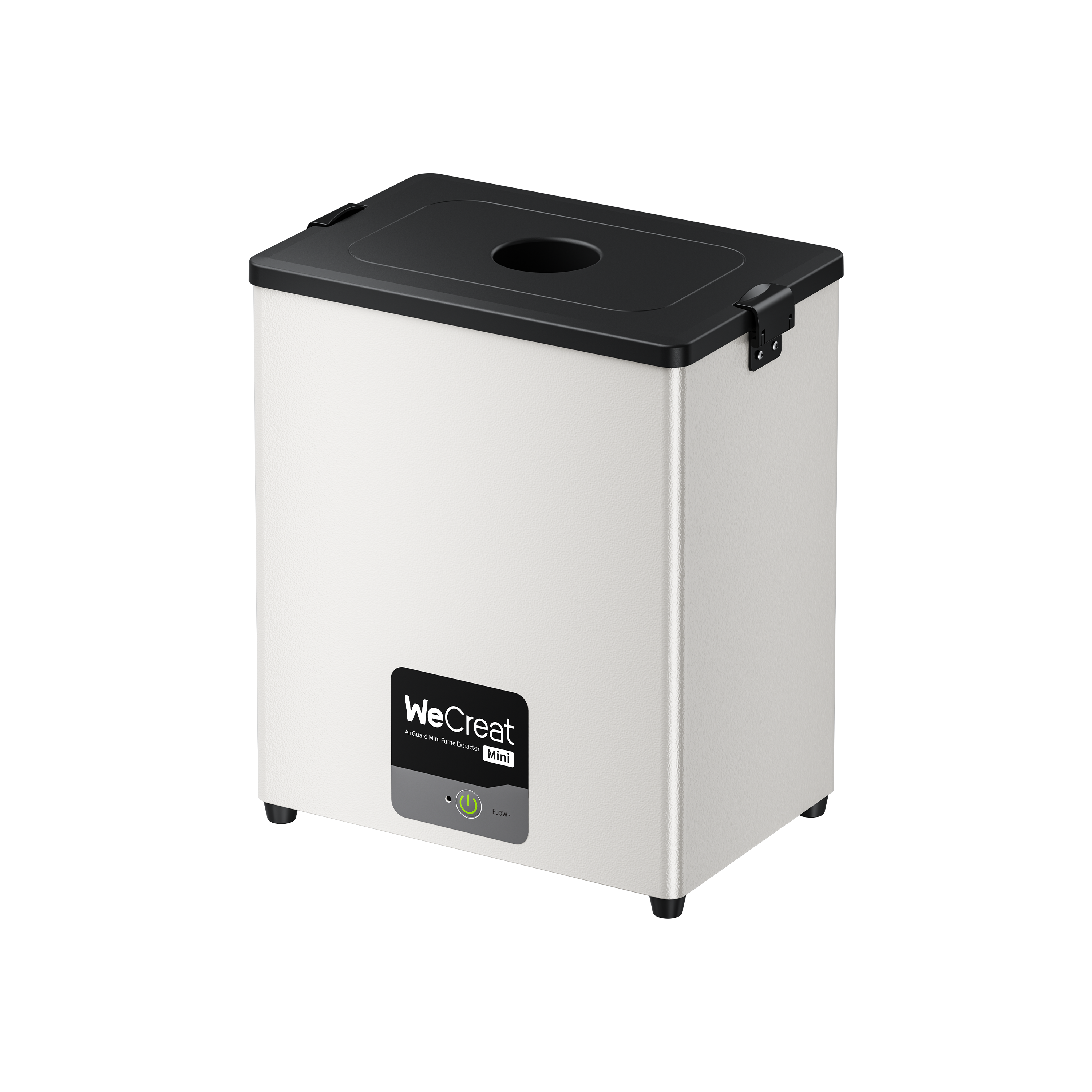
- Fume extraction: essential at any power level. Required airflow and filtration depend on the material, production volume, enclosure design, and manufacturer guidance.
- Filtration limits: HEPA filtration captures particulates; activated carbon can help adsorb certain gaseous pollutants, but effectiveness depends on the filter media, capacity, and maintenance. It isn't a guarantee against every gas a material might release.
- Never process PVC, vinyl, or other chlorine-containing polymers in any laser. Thermal processing can release hazardous corrosive gases, including hydrogen chloride, and may damage a machine's optics and components.
- When in doubt, check the MSDS: if a plastic's composition isn't confirmed, check its Material Safety Data Sheet before running it.
Conclusion
The right laser engraver starts with the materials you work with most, not the biggest wattage number on a spec sheet. Diode suits everyday wood, leather, and opaque-acrylic crafts; CO2 handles acrylic and larger non-metal projects; fiber specializes in metal processing; UV offers precision on delicate materials. Once you know your primary substrate and volume, compare working area, the specific capabilities that apply to your materials, safety requirements, and available configurations. That combination determines whether a machine fits your workflow.
Frequently Asked Questions
Q1. Can a diode laser engraver mark stainless steel or bare metal directly?
A standard 450nm diode laser can't cut or deeply engrave bare metal. The wavelength doesn't carry enough absorbed energy for that. Some higher-power diode lasers can produce visible marks on stainless steel through thermal oxidation under suitable settings; results depend on the specific machine, the metal's surface finish, and processing parameters, so it isn't a guarantee at any particular wattage. Marking sprays can also enable surface marking on compatible metals regardless of power. For true metal engraving without a coating or spray, a fiber laser engraver is generally the appropriate choice.
Q2. What is the primary difference between a fiber laser engraver and a UV laser engraver?
Wavelength and material interaction. Fiber lasers (1064nm) rely primarily on thermal absorption, which suits high-speed metal engraving, annealing, and marking on certain plastics depending on composition. UV lasers (355nm) can interact with materials through both photochemical and thermal mechanisms. In suitable applications, they can help limit the heat-affected zone, which makes them useful for delicate glass, selected plastics, and fine-detail processing.
Q3. Is a CO2 laser better than a diode laser for cutting acrylic?
For clear acrylic specifically, yes — CO2 lasers are widely used for cutting and engraving clear, frosted, translucent, and colored cast or extruded acrylic. Actual results depend on the acrylic formulation, sheet thickness, laser power, and processing settings, so cut quality isn't automatic even on a CO2 machine. A diode laser's blue light passes straight through clear or lightly tinted acrylic instead of being absorbed, which restricts diode cutting to dark, opaque acrylic colors regardless of settings.
Q4. Do I need a riser base or auto-lifting chassis for tall object engraving?
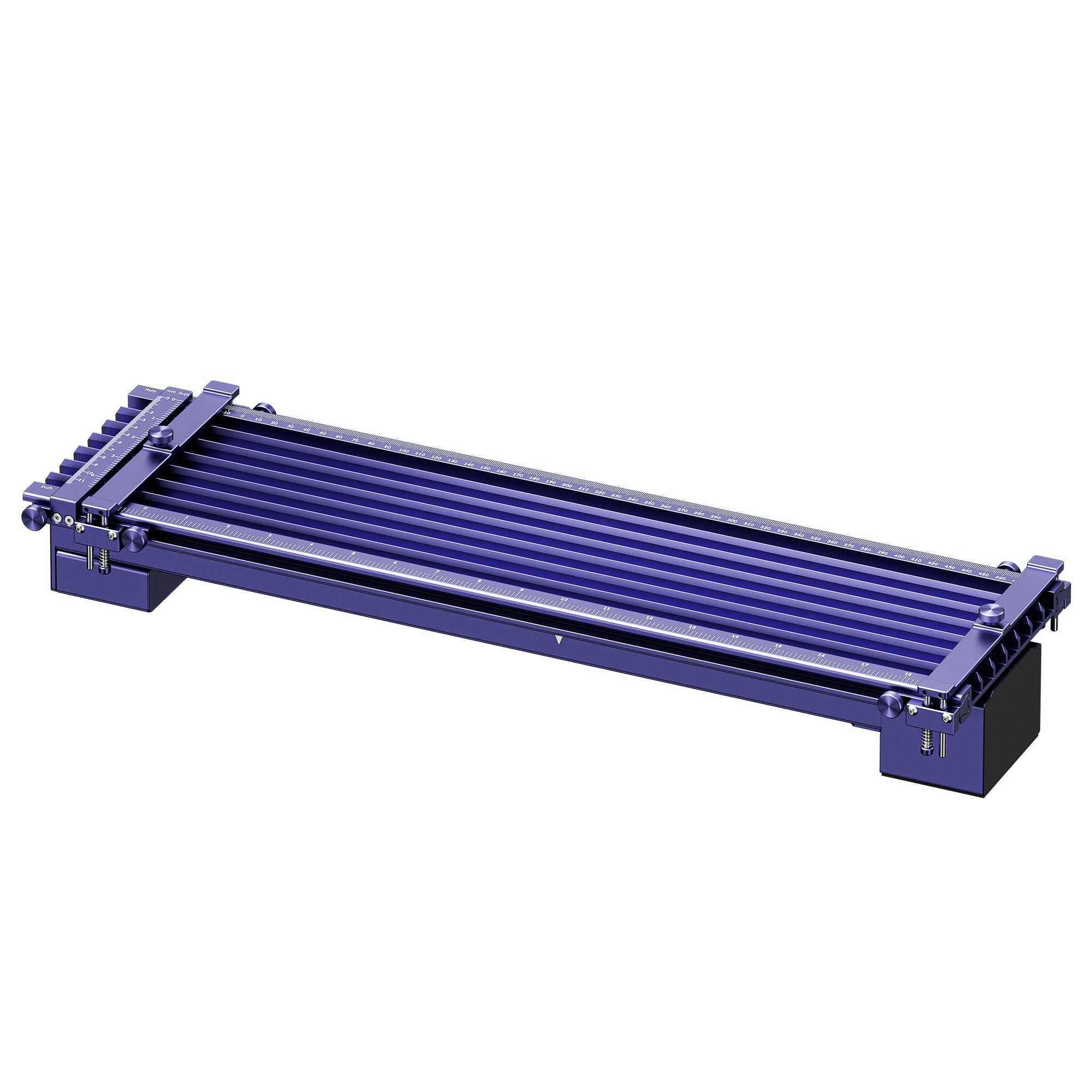
If you're processing thick timber blocks, luggage, custom boxes, or rotary-mounted tumblers, vertical clearance becomes the limiting factor. A machine with an integrated auto-lifting chassis or a modular riser base extends your usable Z-axis height without compromising the enclosure's safety features. Worth checking before you commit to a machine if tall or bulky items are part of your regular workflow.
Q5. Do I need a separate laser for metal and wood, or can one machine do both?
Depends on your material mix. A single diode or CO2 machine covers wood, leather, and acrylic well but can't do real metal engraving. A dual-source machine — diode paired with a fiber or IR module — can cover both in one body, though each source keeps its own material limits; check the matrix above before assuming one machine replaces two.