










The direct beam from a typical fiber laser operating around 1064 nm is invisible to the naked eye. You may see sparks or process smoke during engraving, but you won't see the beam itself. That's what makes fiber laser safety so important: the absence of visible light does not mean the beam is harmless.
Whether you're weighing a new fiber engraver or tightening up your current setup, three areas matter most:
- Eye protection. Shielding your eyes from near-infrared light.
- Fume control. Capturing fine metal particles, vapors, and process smoke.
- Containment and supervision. Keeping the beam, its reflections, and any fire contained.
Quick Fiber Laser Safety Checklist
Run through this before you power on:
1. Eyewear: Wear glasses rated for your laser's wavelength (typically about 1064 nm) and the optical density (OD) your setup needs.
2. Containment: Check that the enclosure, viewing windows, and shields are fitted and undamaged.
3. Air: Switch on local exhaust or a multi-stage fume extractor before the job starts.
4. Fire: Clear loose debris from the bed, know where your extinguisher is, and stay in the room.
Is a Fiber Laser Dangerous? Laser Classes Explained
Safety standards such as ANSI Z136.1 and IEC 60825-1 sort lasers into classes by risk. An unenclosed high-power fiber laser is typically Class 4, the highest hazard class. Four hazards come with it:
- Eyes. A direct beam, or a reflection off shiny metal, can permanently damage your retina.
- Skin. High power density can cause severe burns.
- Fumes and dust. Vaporized metal, paint, and coatings produce fine particles and harmful gases.
- Fire. A hot focal spot, stray reflections, or hot debris can ignite nearby material.
What a Class 1 Enclosure Does and Doesn't Mean
A fully enclosed machine may be classified as a Class 1 laser product when the complete product meets the applicable requirements under its specified operating conditions. An enclosure and working interlocks alone don't establish a Class 1 classification.
That doesn't mean the laser inside is weak. Remove a panel, bypass an interlock, or run the machine during maintenance, and you're exposed to the Class 4 source again. Judge the machine by how you're actually using it, not only by its label.
Which Safety Glasses Do You Need for a Fiber Laser?
Glasses are your last line of defense, behind enclosures and interlocks. Choose fiber laser safety glasses on their rated specs, not their looks.
Optical Density in Plain Terms
Optical density (OD) is a log scale for how much light a lens blocks at a given wavelength. Each step up cuts the light passing through by a factor of ten.
- OD 4: 0.01% passes through, or 1 part in 10,000.
- OD 6: 0.0001% passes through, or 1 part in 1,000,000.
Don't treat OD 6 as the answer for every fiber setup. A wavelength range that covers 1064 nm isn't proof of enough protection on its own, because OD and your operating conditions matter too. The OD you need depends on laser power, focal settings, beam divergence, and how you use the machine. And never judge a lens by how dark it looks. Check the wavelength range and OD printed on the frame or in the documentation.
When you shop for safety glasses for laser engraving, make sure they're built for high-power processing lasers. Fiber optic laser safety glasses made for low-power telecom work aren't the same thing.
WeCreat Laser Safety Goggles
If you'd rather buy everything in one place, WeCreat offers laser safety goggles to go with its machines. They're listed for 190 to 550 nm and 800 to 1100 nm with an OD5+ rating, so the range includes the 1064 nm output of a fiber laser. Match the OD to your own power and setup using the guidance above, and ask WeCreat if you want confirmation for your specific machine.

Fiber Laser Safety Enclosures and Shields
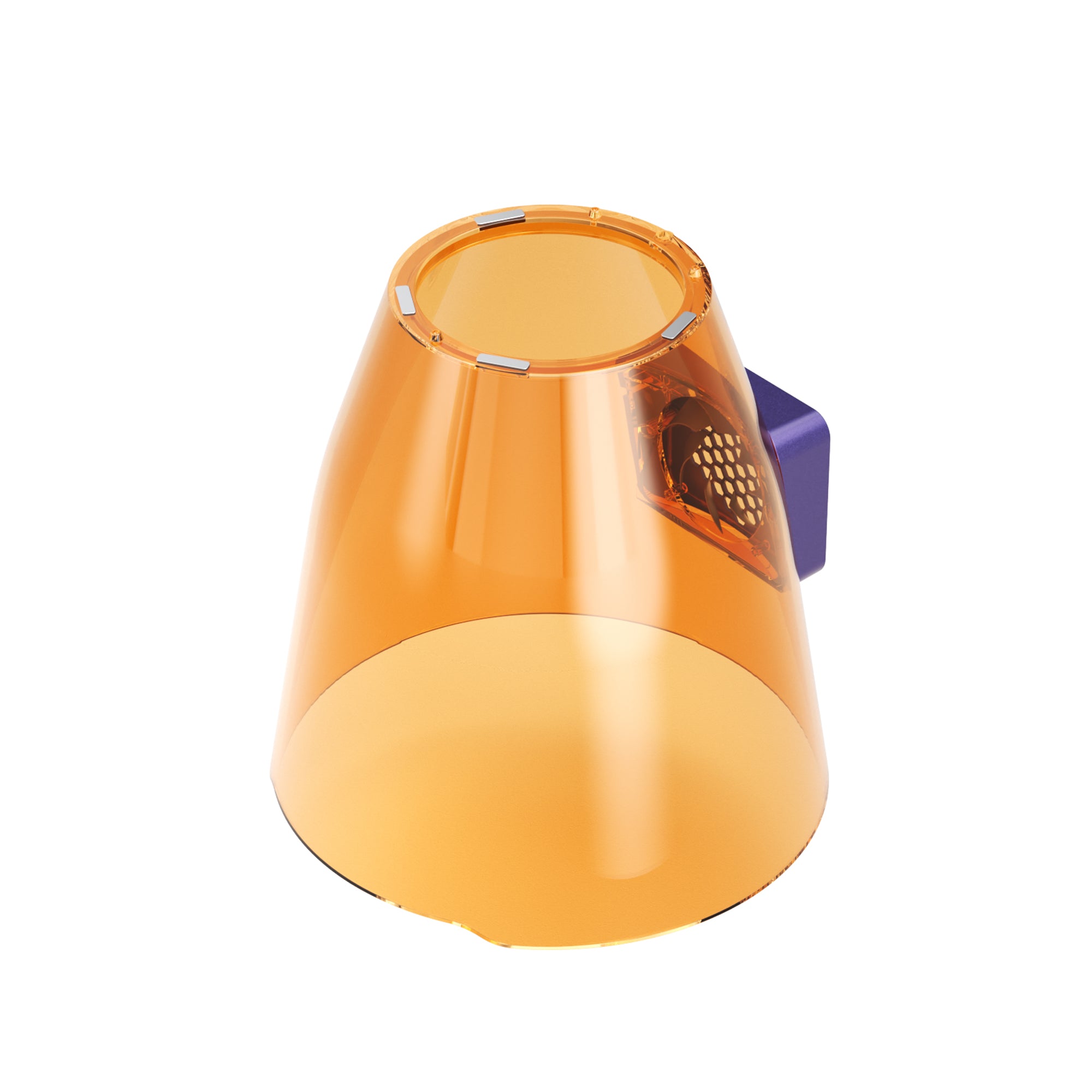
Physical barriers come first. A good fiber laser safety enclosure keeps the beam and its reflections off you, especially when you work with shiny metal.

Look for these three features:
- Laser-rated viewing windows: Use a viewing window specifically rated for the laser's wavelength and relevant operating conditions, and verify its protection suits the complete machine and intended use. Tinted plastic alone is not evidence of laser protection.
- Safety interlocks: Interlocks are designed to prevent hazardous laser emission when an enclosure is opened, according to the machine's safety design. Never bypass or modify them.
- Beam containment: The enclosure should be designed and verified to contain hazardous laser radiation under the machine's specified operating conditions. Don't assume an ordinary wall or panel gives adequate laser protection. On an open-frame setup, add a fiber laser safety shield to stop stray reflections reaching the rest of the room.
If you're buying a machine, ask the maker for its laser class, how the interlocks work, and the test documents. Don't assume every enclosed cabinet meets the same standard.
Fume Extraction and Ventilation for Fiber Laser Engraving
Engraving metal, coated surfaces, and engineered materials releases fine particles, metal fume, and vaporized chemicals. These laser engraving fumes shouldn't be breathed in. Good laser engraver ventilation means local exhaust or multi-stage filtration, set up before you start.

Particles and Gases Need Different Filters
- HEPA filters trap solid particles such as dust and fine metal powder. A true HEPA filter is rated to capture 99.97% of particles at 0.3 micrometers under standard test conditions. It doesn't remove gases or odors.
- Activated carbon adsorbs gases and odors. How long it lasts depends on what you process, how much air passes through it, and the humidity.
- Less visible smoke doesn't mean clean air. Gases can stay behind. Where permitted and properly configured, exhausting air outdoors can help reduce indoor contaminant buildup. Follow applicable requirements for exhaust discharge and the manufacturer's ventilation guidance. If you recirculate air indoors, service the filters on schedule.
Choosing a Fume Extractor for a Laser Engraver
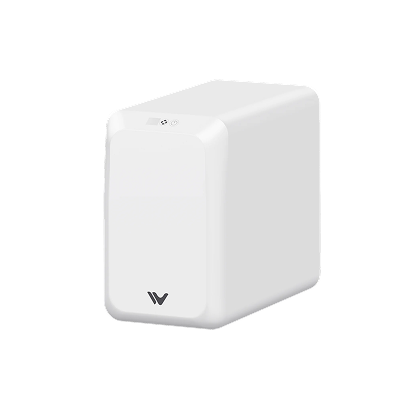
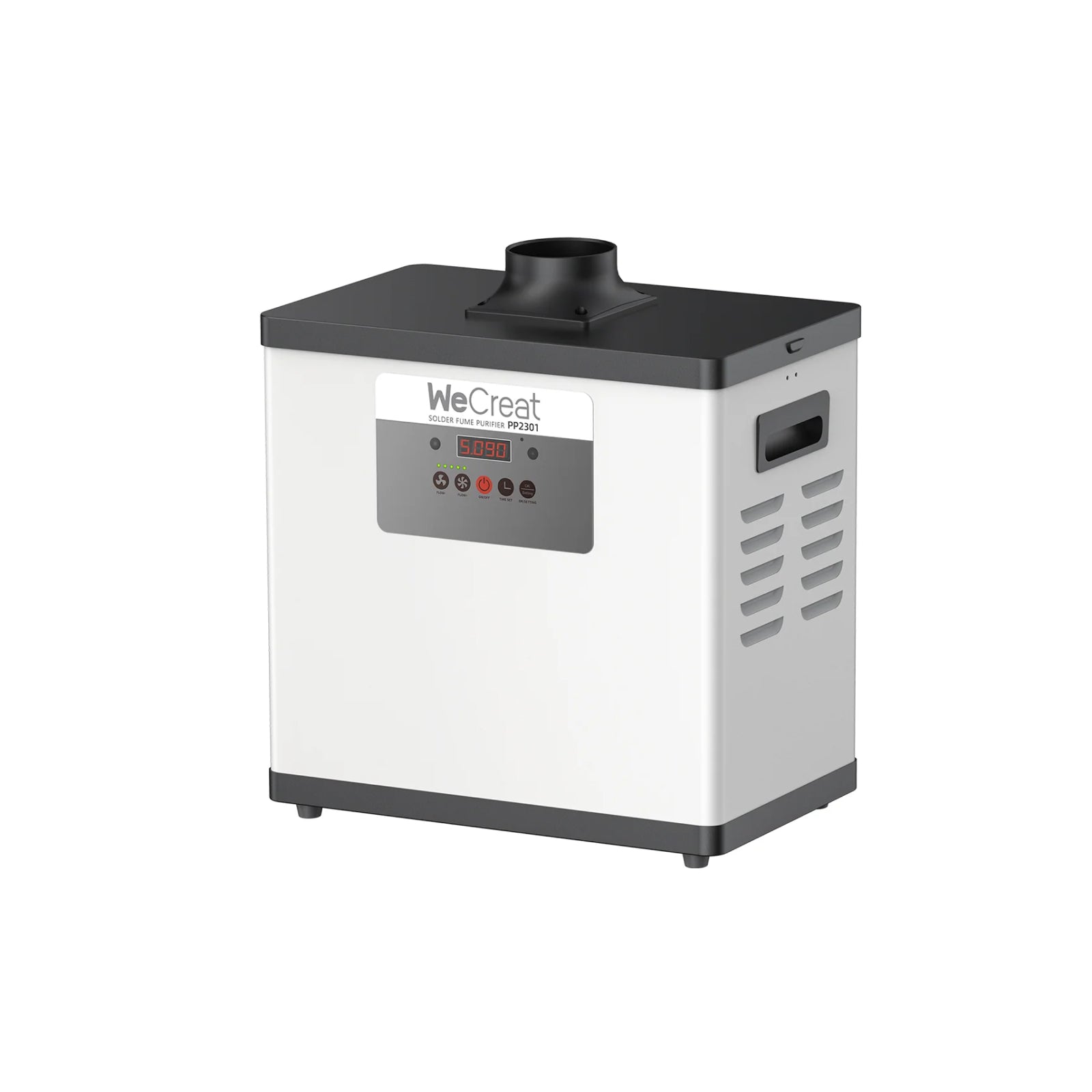
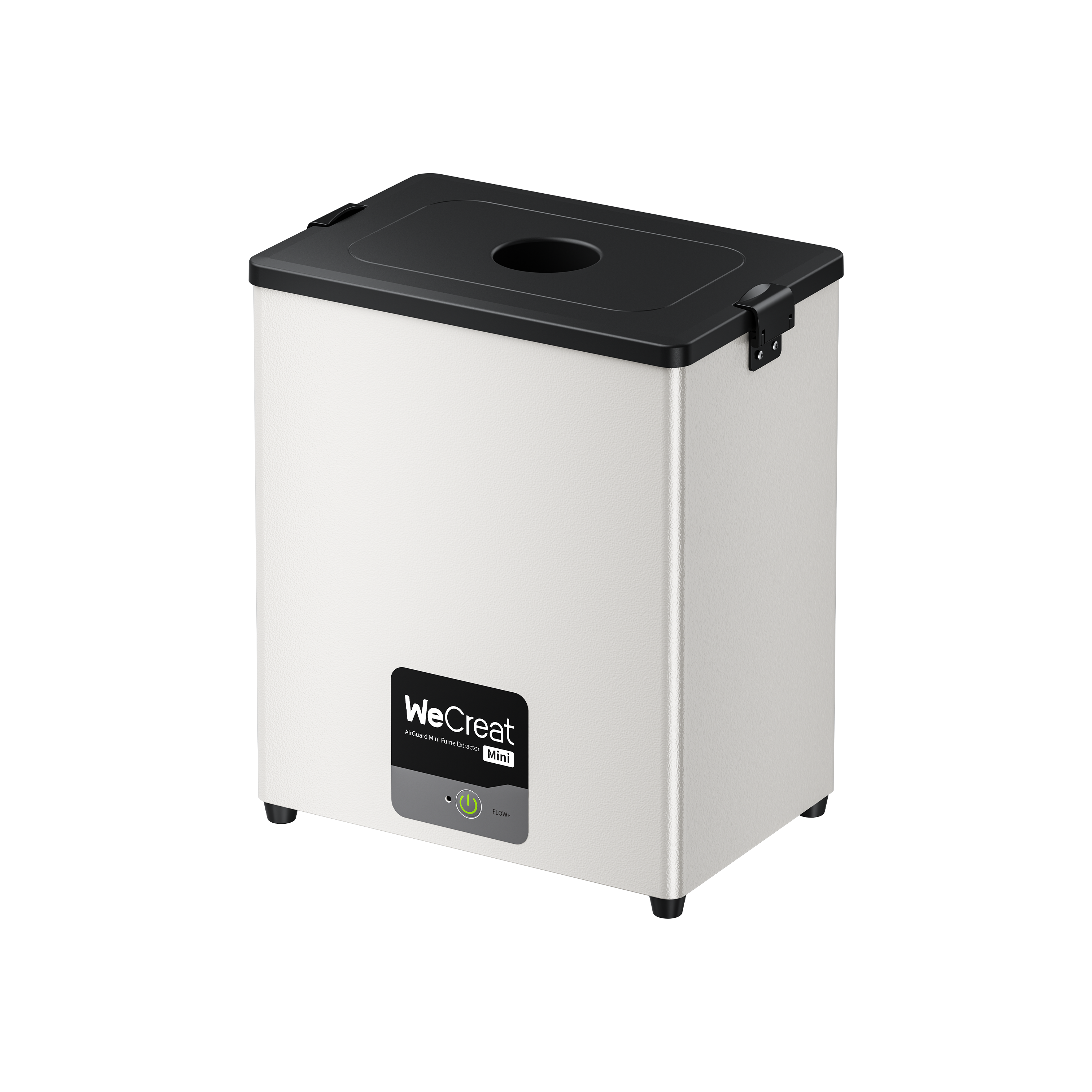
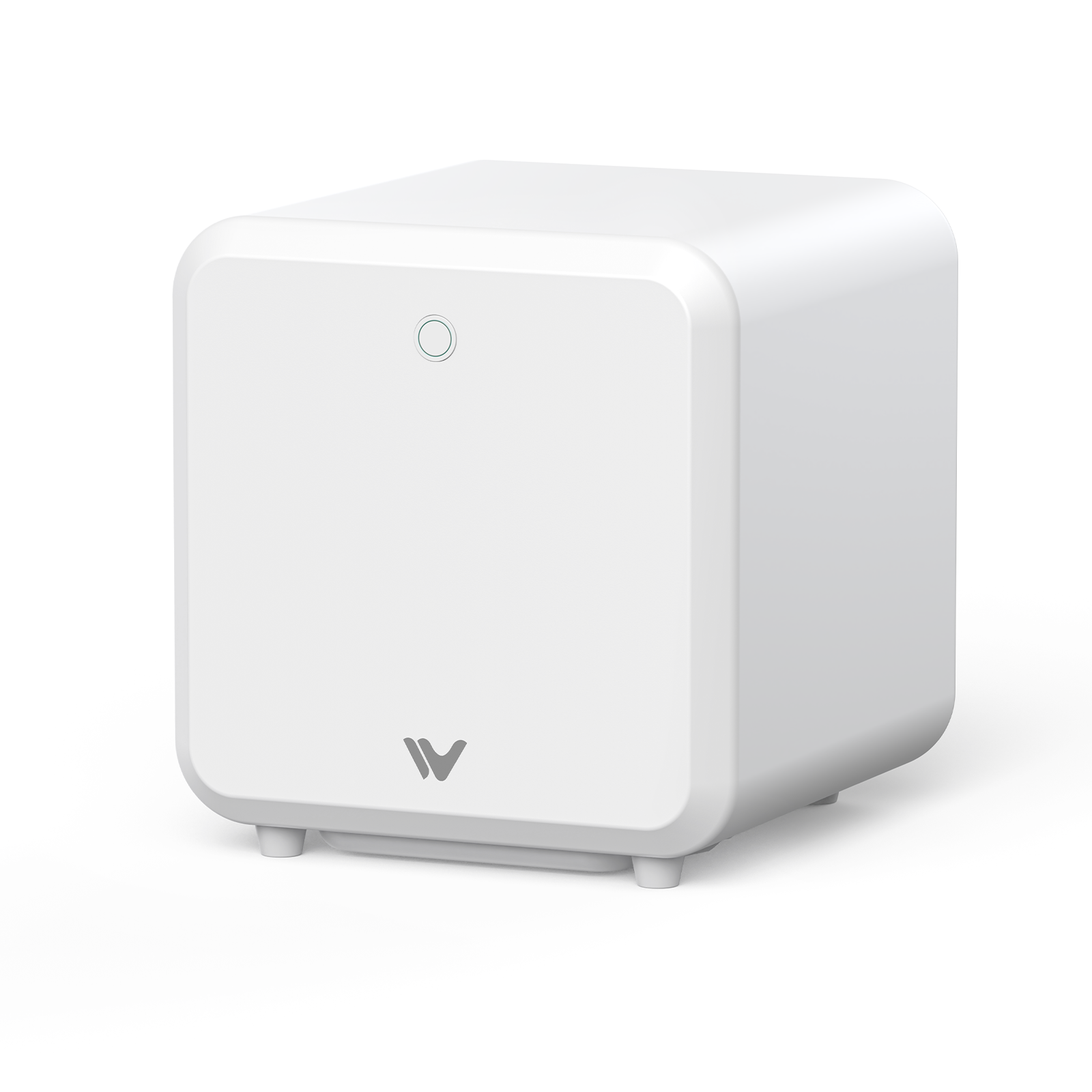
Choosing a fume extractor for a laser engraver depends on your workspace and how much material you process. The two WeCreat models below both list five-stage filtration.
| Model | Listed compatibility | Listed filtration and airflow |
| AirGuard Cube | Lumos and Lumos Flex | Five stages, including True HEPA and a carbon mesh. 180 m³/h |
| AirGuard Ultra | WeCreat laser machines, per the product page | Five stages, including True HEPA and a carbon mesh. 275 m³/h |
These figures come from the product pages. Check airflow, filter life, and replacement filter costs there before you buy, and match the unit to your machine and workload. Filter life varies with the material you process.
Fire Prevention and Material Safety
- Know your material. Identify the base metal and any paint or coating before you run it. Avoid anything with PVC or vinyl, which gives off toxic, corrosive gas when vaporized.
- Watch for reflections. Polished copper, brass, silver, and gold can bounce the beam. Check focus and job position before high-power passes.
- Keep the bed clean. Metal dust, scraps, and oily residue can catch fire under repeated pulses.
- Stay with the machine. Never leave a running laser unattended. Keep a clear view and quick reach of the emergency stop.
Fiber Laser Pre-Operation Safety Checklist
| Check | What to confirm |
| Eyewear | Clean, undamaged, and rated for your wavelength and power |
| Enclosure | Panels fitted, windows intact, interlocks working |
| Air | Extractor or exhaust on, filters in date |
| Material | Metal and coating identified, no PVC or unknown plastics |
| Bed | Debris and residue cleared, workpiece secure |
| Fire | Extinguisher within reach, emergency stop accessible, you're staying put |
This checklist is a general aid. It doesn't replace your manufacturer's manual, a local risk assessment, or legal requirements.
Recommended Safety Equipment
Match your equipment to your machine and how much you process.
| Need | WeCreat option | Check first |
| Eye protection | Laser safety goggles | Wavelength, matching OD, suitability for your laser source, and any test or standard documents |
| Fume extraction | AirGuard Cube | Fit with your exact model, airflow needs, filter life, and replacement cost |
| Fume extraction | AirGuard Ultra | Your actual workload, required airflow, filter media, and maintenance cost |
Setting Up a Lumos 50W
The WeCreat Lumos 50W uses a 50W fiber source, so the guidance above applies. Read the safety section of its manual, and confirm with WeCreat which eyewear, enclosure and interlock protection, and fume extractor suit it. Our 50W fiber laser engraver guide covers what the extra power changes in day-to-day use.
 |
|
Related support articles
Optional background from WeCreat's support centre. Some were written for other WeCreat machine lines, so treat them as general guidance and check your own machine's manual for specifics.
- Laser Safety Program: Class 1 and Class 4 laser products explained (written for the Vision series).
- Safety First: general safety overview for operating WeCreat machines.
- Disclaimer and Safety: safety notes and responsibilities when using the machine.
- How to vent smoke and fumes: venting setup during processing.
- Why a fume extractor doesn't remove all smoke smell: why odour can linger with a filter running.
Final Safety Recommendations
Safe fiber laser use comes in layers. Engineering controls come first: a properly designed enclosure, working interlocks, and local exhaust. Rated eyewear, filter upkeep, and staying with the job back them up.
For more on specs and setup, see our 50W fiber laser engraver guide, the beginner's laser engraver buying guide, and 10 expert laser engraving tips.
Fiber Laser Safety FAQs
Q1. What safety glasses do I need for a fiber laser?
Glasses rated for near-infrared light around 1064 nm, with an OD that suits your laser's power. Check the wavelength range and OD on the frame or in the documents.
Q2. What OD rating is right for fiber laser safety glasses?
It depends on laser power, beam divergence, focal length, and local safety rules. Check your machine's manual or ask a certified laser safety officer instead of relying on one default number.
Q3. Do I need an enclosure for a fiber laser engraver?
In most cases, yes. Use an enclosure with safety interlocks appropriate to the machine. Check the manufacturer's documentation to understand how the interlocks respond when the enclosure is opened, and never bypass them.
Q4. Are fiber laser fumes dangerous?
They can be. Vaporized metal, paint, and coatings release fine particles and gases you shouldn't breathe.
Q5. Is a fume extractor enough for fiber laser engraving?
A fume extractor with particle filtration and suitable gas-phase media can help reduce airborne contaminants. How well it works depends on the material, filter design, airflow, and maintenance. Follow the manufacturer's guidance on ventilation and filter replacement.
Q6. Can I run a fiber laser without its enclosure?
Don't make that your normal way of working. Removing the enclosure or bypassing interlocks exposes the room to Class 4 hazards. Open operation belongs only in professional settings. They need a risk assessment, a controlled area, and proper engineering controls. They also follow the maker's requirements and applicable safety rules.
Q7. What should I check before I use a fiber laser engraver?
Check that your eyewear is clean and correctly rated, the enclosure and interlocks work, the extractor is on, the bed is clear, and the material is safe to process.