







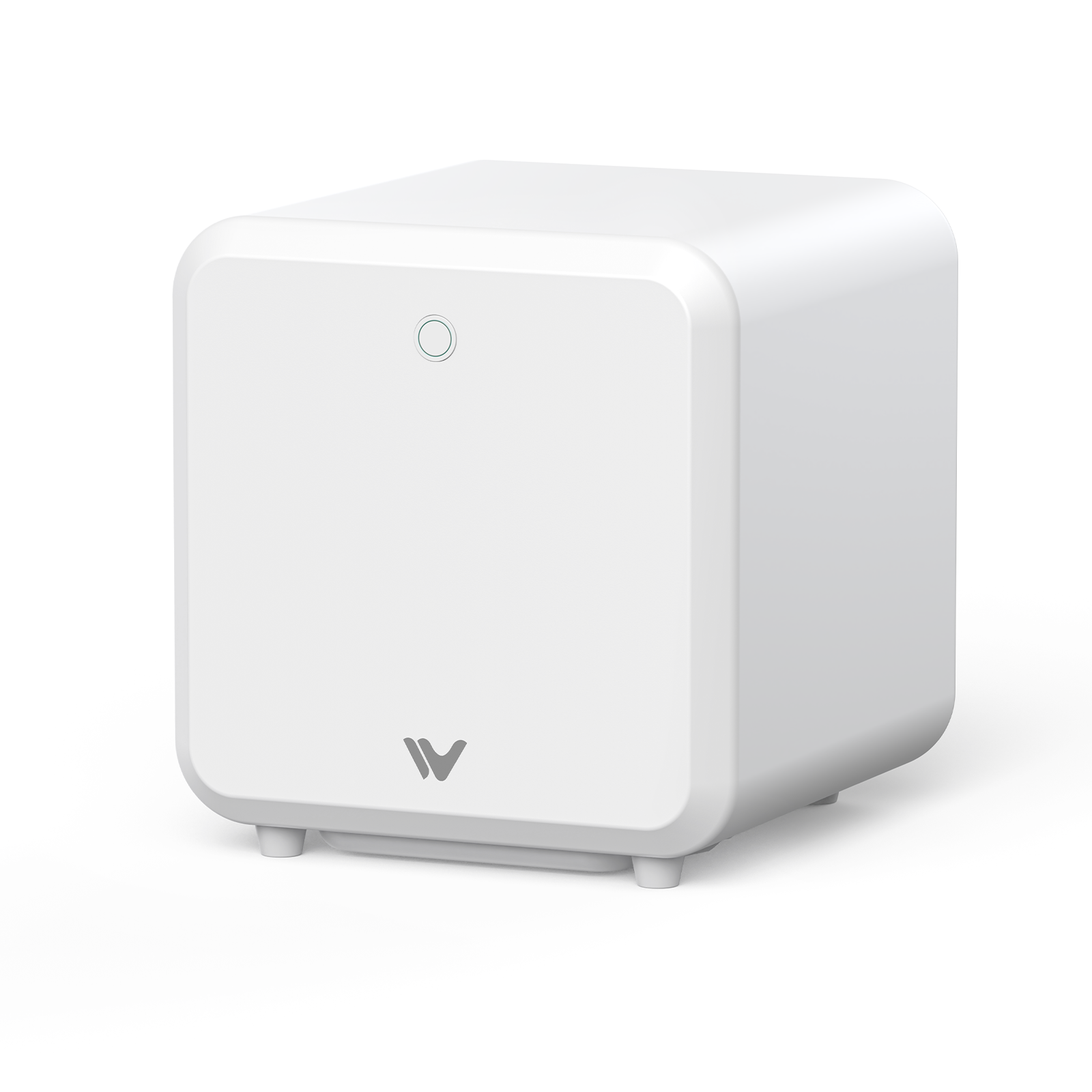
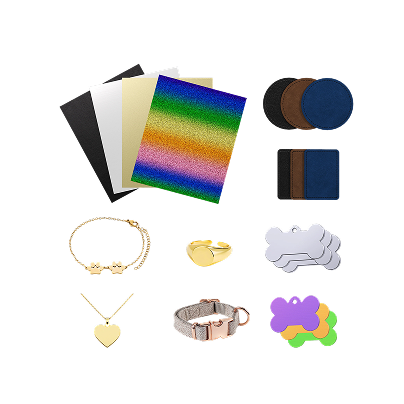



Choosing a laser engraver is harder than it looks. The word "laser" covers diode, infrared, fiber and UV sources, and each one behaves differently on wood, acrylic, metal and glass. A machine that suits engraved coasters can be the wrong tool for stainless steel tags. Budget, workspace and the number of pieces you plan to make each week narrow the field further. This guide goes through those decisions in the order most buyers face them, to help you find the best WeCreat laser engraver for your work.
Quick answer: choose the Vista, Vision or Vision Pro for wood, leather and dark acrylic, in rising order of power and price. Choose the Lumos line for metal and glass. The finder below narrows the list in four questions, and the sections after it explain the reasoning.
Find Your Perfect WeCreat Laser
Four questions shape the result. What you want to create sets the use case. Your main material sets the laser type. How much you make sets the power and production accessories you need. Your budget limits the price range. The finder then suggests a best match, an alternative, the reasons behind each, and the accessories worth considering. Its rules are based on the specifications listed on each product page, not on budget or material names alone.
Pick how much you make, then read across for your material and budget. Each cell shows our best match for that case.
A few projects a week
| Under $1,000 | $1,000 - $2,000 | $2,000 - $4,000 | $4,000 or more | |
|---|---|---|---|---|
| Wood | Vista 10W | Vista 10W | Vista 10W | Vista 10W |
| Acrylic | Vista 10W | Vista 10W | Vista 10W | Vista 10W |
| Metal | Vista 10W with the 2W IR module | Lumos Flex | Lumos 50W Fiber | Lumos 50W Fiber |
| Leather | Vista 10W | Vista 10W | Vista 10W | Vista 10W |
| Glass or crystal | Vista 10W (dark glass only) | Vision 20W (dark glass only) | Lumos Ultra | Lumos Ultra |
| A mix of materials | Vista 10W | Vista 10W | Vista 10W | Vista 10W |
Dozens of custom orders a week
| Under $1,000 | $1,000 - $2,000 | $2,000 - $4,000 | $4,000 or more | |
|---|---|---|---|---|
| Wood | Vista 10W | Vision 20W | Vision 20W | Vision 20W |
| Acrylic | Vista 10W | Vision 20W | Vision 20W | Vision 20W |
| Metal | Vista 10W with the 2W IR module | Lumos Flex | Lumos 50W Fiber | Lumos 50W Fiber |
| Leather | Vista 10W | Vision 20W | Vision 20W | Vision 20W |
| Glass or crystal | Vista 10W (dark glass only) | Vision 20W (dark glass only) | Lumos Ultra | Lumos Ultra |
| A mix of materials | Vista 10W | Vision 20W | Vision 20W | Vision 20W |
Daily batch production
| Under $1,000 | $1,000 - $2,000 | $2,000 - $4,000 | $4,000 or more | |
|---|---|---|---|---|
| Wood | Vista 10W | Vision Pro 45W | Vision Pro 45W | Vision Pro 45W |
| Acrylic | Vista 10W | Vision Pro 45W | Vision Pro 45W | Vision Pro 45W |
| Metal | Vista 10W with the 2W IR module | Lumos Flex | Lumos 50W Fiber | Lumos 50W Fiber |
| Leather | Vista 10W | Vision Pro 45W | Vision Pro 45W | Vision Pro 45W |
| Glass or crystal | Vista 10W (dark glass only) | Vision 20W (dark glass only) | Lumos Ultra | Lumos Ultra |
| A mix of materials | Vista 10W | Vision Pro 45W | Vision Pro 45W | Vision Pro 45W |
These picks follow the same rules as the interactive finder, based on the specifications on each product page. Metal and glass choices only apply where WeCreat lists the material for that machine, so check the product page before you buy.
Start With What You Want to Create
Start with the projects, not the spec sheet. What you plan to make decides the laser type, and the laser type decides most of the shortlist.

Beginners and DIY enthusiasts: Typical projects are engraved coasters, wood signs, ornaments and leather keychains. What matters most is a camera for positioning artwork, an enclosed body and software that doesn't assume design experience. The WeCreat Vista is the entry point, listed from $490 for the 10W Basic Pack. It is an enclosed diode machine with a top-mounted camera. The trade-off is power. Its page lists up to 6 mm of basswood, so thick stock is a stretch.
Crafters and side hustle owners: Personalized gifts, tumblers and signs for Etsy or craft fairs need repeatable results and room to work. The WeCreat Vision 20W has a 420 × 290 mm work area and lists basswood cutting up to 10 mm. Auto-lift handles objects from 1 to 140 mm tall. The catch is weight: it's 25 kg and needs a dedicated bench.
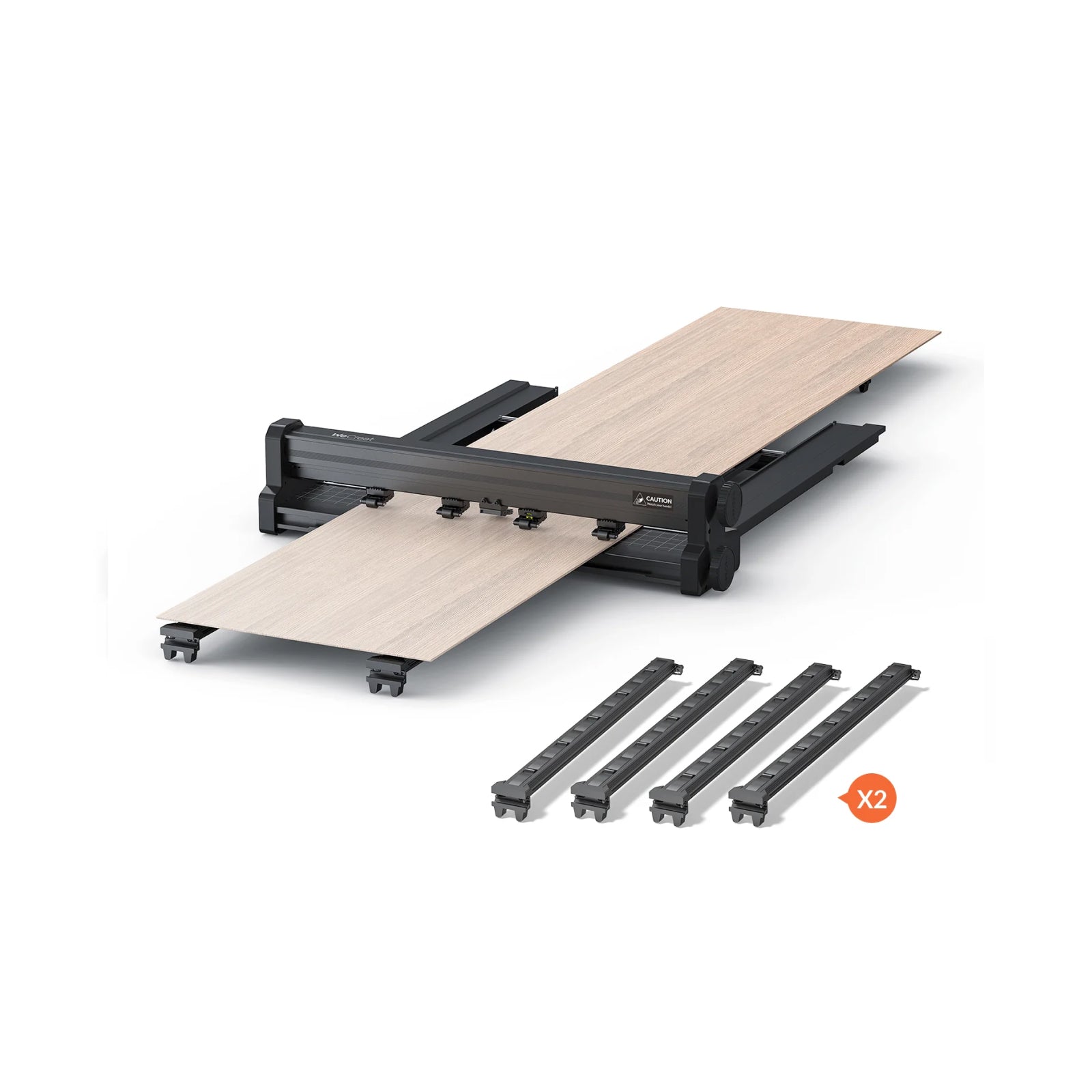
Small business owners. Production work means batches, thicker stock and consistent output. The WeCreat Vision Pro 45W has a 19.7 × 12.6 in work area, LiDAR autofocus and 0-140 mm auto-lift. The optional Auto Pass Through Feeder extends the working length to 137 in. If your products also include metal tags or jewelry, pair it with the 2W IR module or add a Lumos 50W Fiber. The trade-off is footprint (680 × 530 mm, 21 kg). The extra power also won't pay off for occasional hobby use.
Metalworking and professional creators. The WeCreat Lumos 50W Fiber, Lumos Flex and Lumos Ultra are precision tools for small parts such as tags, jewelry, tools and glassware. The limit is work area. The Lumos 50W Fiber and Lumos Flex start at 116 × 116 mm, and the Lumos Ultra at 210 × 210 mm. Large signs are better handled by a Vision.
Understand Different Laser Types Before Buying
A laser engraves a material only if the material absorbs its light. So the laser source comes before the wattage printed on the box. Wattage changes speed and cutting depth. The source decides what the machine can mark at all.

Diode laser: Blue-light diodes, typically around 450 nm, are absorbed well by wood, leather and dark or black opaque acrylic. They power the Vista, Vision and Vision Pro, and the diode heads on the Lumos 50W Fiber and Lumos Flex. Diodes are the most affordable source and the usual choice for cutting wood. They struggle with clear materials, which let the light pass through, and with bare metal, which reflects it.
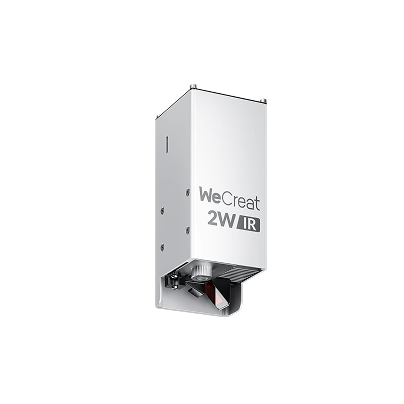
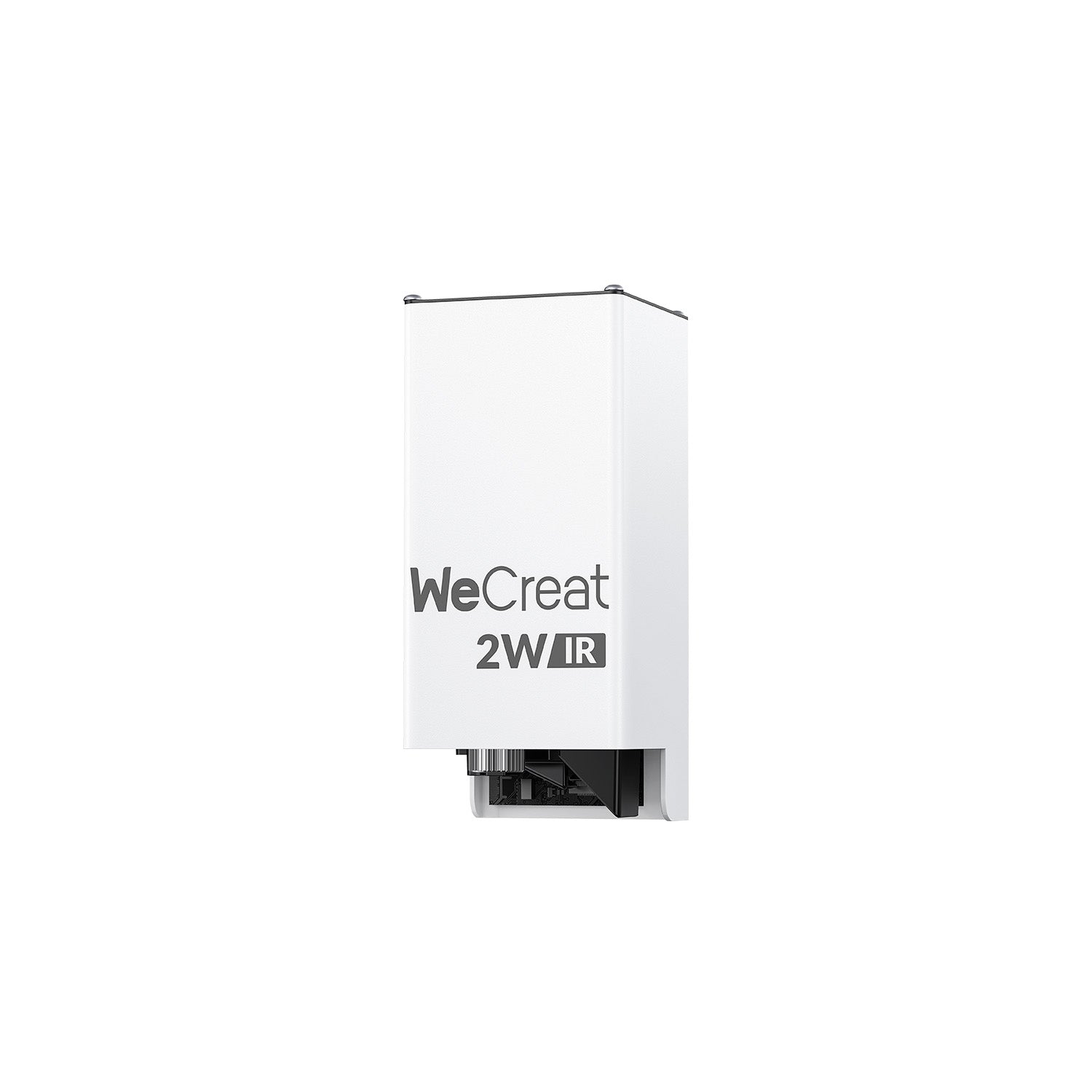
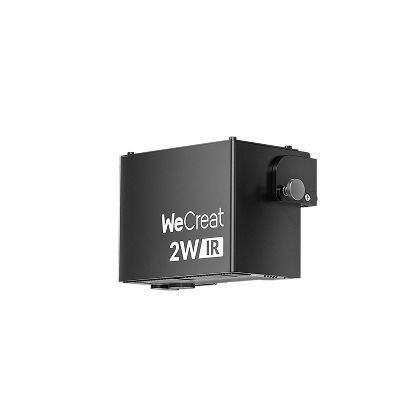
Infrared (IR) laser: WeCreat sells a 2W 1064 nm IR module for the Vista, Vision and Vision Pro, and the Lumos 50W Fiber includes a 3W IR source. IR marks metal, plastic and black acrylic, and the Vista page lists cutting of black plastic up to 1.5 mm. Its power is low, so it's a marking tool rather than a cutting tool.
Fiber laser: The Lumos Flex has a 15W fiber laser, and the Lumos 50W Fiber carries a 50W fiber laser. Fiber is the standard source for engraving and marking metal. The Lumos 50W Fiber page lists stainless steel, brass, aluminum, gold, silver, and plated or anodized surfaces, and the Flex page lists color marking on stainless steel. Fiber is not designed for wood or leather, which is why both machines pair it with a diode head.
UV laser and MOPA: The Lumos Ultra uses a 6W UV laser for glass, crystal and fine marking with minimal heat. Optional 60W or 100W MOPA modules add color engraving and deeper metal work. It is also the most expensive single machine in the lineup. Inner 3D engraving is specified for K9 crystal.
Power versus detail: Detail depends mostly on spot size, not watts. Spot sizes on the product pages: 0.08 × 0.08 mm for the Vision Pro, 0.03 mm for the Lumos 50W Fiber and 0.0019 mm for the Lumos Ultra UV laser. A smaller spot resolves finer lines and small text.
Engraving, marking and cutting: Engraving removes material to create depth. Marking changes the color or finish of a surface without removing much. Cutting goes all the way through. A machine can be strong at one and weak at another, so check each against your material.
| Diode | IR (2W / 3W) | Fiber | UV / MOPA | |
|---|---|---|---|---|
| Wood and leather | Strong fit | Not the intended use | Not designed for | Possible with UV (Lumos Ultra lists wood and leather) |
| Dark or black acrylic | Strong fit | Marks black acrylic | Not designed for | Possible with UV (Lumos Ultra lists acrylic) |
| Bare metal | Coated or painted metal only | Marks metal | Strong fit | Some metals; MOPA adds color and deeper work |
| Glass and crystal | Dark glass | Not the intended use | Not the intended use | Strong fit (UV) |
| WeCreat machines | Vista, Vision, Vision Pro, Lumos 50W Fiber, Lumos Flex | IR module for Vista, Vision, Vision Pro; Lumos 50W Fiber | Lumos 50W Fiber, Lumos Flex | Lumos Ultra |
Two points are easy to get wrong. The first is clear acrylic. Diode light passes through it, so a diode machine can't cut or engrave clear sheets in the usual way. CO2 lasers are the common choice for clear acrylic, and none of the WeCreat machines in this guide is a CO2 laser. The second is bare metal. A diode can mark coated or painted metal, and some product pages list stainless steel. But IR, fiber and MOPA sources are the ones built for metal.
For a deeper comparison of the four sources, see our guide to diode, CO2, fiber and UV laser engravers.
Diode Machines: Vista, Vision and Vision Pro
| Vista 10W | Vision 20W | Vision Pro 45W | |
|---|---|---|---|
| Laser | 10W diode | 20W diode | 45W diode |
| Work area | 16.3 × 11.4 in | 420 × 290 mm (16.5 × 11.4 in) | 19.7 × 12.6 in |
| Cutting (as listed) | Basswood up to 6 mm | Basswood 10 mm; black acrylic 11 mm | WeCreat lists thicker, faster cuts than a 40W diode |
| Camera and focus | HD camera (top-mounted) | HD camera, autofocus, auto-lift 1-140 mm | HD camera, LiDAR autofocus, auto-lift 0-140 mm |
| Metal option | 2W IR module | 2W IR module | 2W IR module |
| Weight | 14.5 kg | 25 kg | 21 kg |
| Starting price | $490 | $1,290 | $1,790 |
| Best fit | First machine, light crafts | Gifts, signs, side hustles | Production, thicker stock |
Multi-Laser Machines: Lumos 50W Fiber, Lumos Flex and Lumos Ultra
| Lumos 50W Fiber | Lumos Flex | Lumos Ultra | |
|---|---|---|---|
| Laser | 50W fiber + 10W diode + 3W IR | 15W fiber + 15W diode | 6W UV; optional 60W/100W MOPA |
| Work area | 116 × 116 mm (520 × 116 mm with Slide Extension) | 116 × 116 mm (520 × 116 mm with Slide Extension) | 210 × 210 mm |
| Camera | 50MP | 50MP | HD camera, 16K image |
| Best for | Small metal work, plus wood and leather | Metal marking plus wood and acrylic | Glass, crystal, fine marking, color on metal |
| Starting price | See pack prices | $1,840 | $3,699 (6W UV base) |
Key Differences Between the Lineups
1. WeCreat Vista vs Vision
The Vision adds power, a larger area and auto-lift. The Vista page lists objects up to 40 mm tall without the tray, while the Vision lists up to 140 mm. If you mostly make flat items under 6 mm thick, the Vista is enough. If you plan to engrave thick blanks or cut 10 mm stock, the Vision is the more practical choice.
2. WeCreat Vision vs Vision Pro.
The Vision Pro is a higher-power diode with a larger area and LiDAR autofocus. It's worth the price difference if you cut thick wood often or run batches. For moderate volume and mostly engraving, the Vision is often enough.
3. Diode machines vs the Lumos line.
The diode machines generally have the edge on work area and wood cutting. The Lumos line has the edge on metal and fine detail. If you need both, add the 2W IR module to a Vision-series machine. Or look at the Vision Pro + Lumos Ultimate Combo.

Choose Your Laser Engraver Based on Materials
Select a material to see how WeCreat laser engravers handle it, which machines suit it, and what to check first.
Wood
What works: engraving and cutting on every diode machine. The Lumos Ultra's UV laser also cuts wood.
Listed basswood cutting limits: Vista 6 mm, Vision 10 mm, Lumos 50W Fiber 8 mm, Lumos Flex 15 mm, Lumos Ultra 15 mm.
Before you start: compare the limit with your thickest stock, and expect more passes as thickness goes up. Fiber heads are not for wood.
Acrylic
What works: dark or black opaque acrylic on diode machines. Listed black acrylic cutting: Vision 11 mm, Lumos 50W Fiber 6 mm, Lumos Flex 12 mm, Lumos Ultra 12 mm. The IR modules also engrave black acrylic.
Before you start: clear acrylic is not a good fit for diode light, and no machine in this guide is a CO2 laser. If clear acrylic is your main material, another laser type suits you better.
Metal
What works: bare metal marking and engraving with fiber (Lumos 50W Fiber, Lumos Flex), IR (3W on the Lumos 50W Fiber, 2W module on Vista, Vision and Vision Pro) and MOPA (Lumos Ultra). Diode machines engrave coated, painted and plated metal.
Before you start: metal cutting is limited to thin sheet, so check the figures on the product page. Very reflective metals such as bare copper need test pieces before you quote a job. For more, see our guide to the best laser engravers for metal.
Leather
What works: leather and leatherette, including patches and keychains, on all the diode machines.
Before you start: avoid PVC-based faux leather, which releases harmful fumes under a laser, and check the label on any synthetic.
Glass and crystal
What works: dark glass on diode machines. The Lumos Ultra's UV laser handles glass and crystal, including inner 3D engraving in K9 crystal.
Before you start: clear glass does not absorb diode light, so a diode machine is not the right tool for it.
Ceramic
What works: the Vista, Vision and Vision Pro pages list ceramic among engravable materials, and the Lumos 50W Fiber page lists ceramics.
Before you start: results vary with the glaze, so test on a spare tile before a customer order.
Paper
What works: cutting and engraving on the Vista, Vision and Vision Pro.
Before you start: paper scorches easily, so use low power and higher speed. Never leave a running laser unattended.
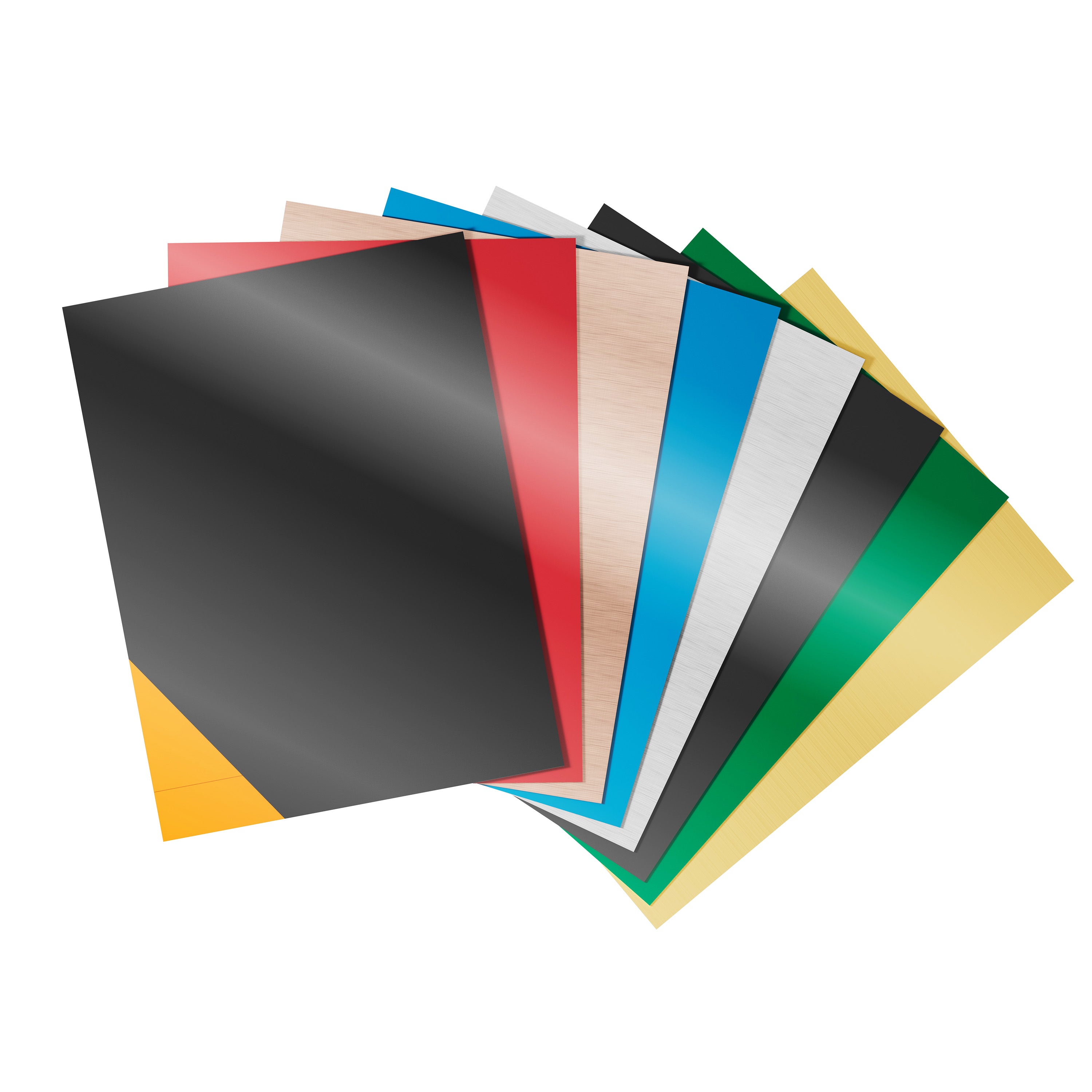
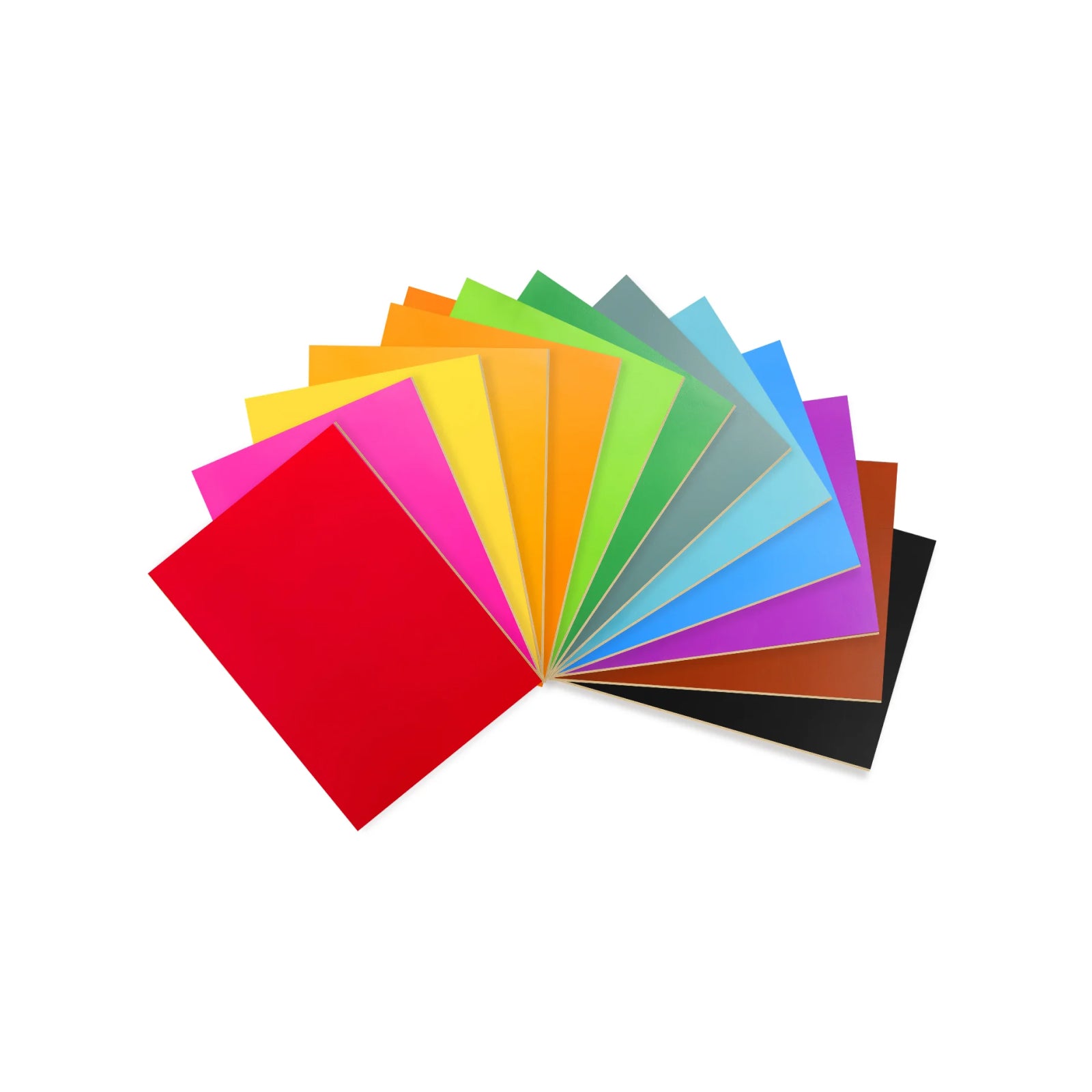
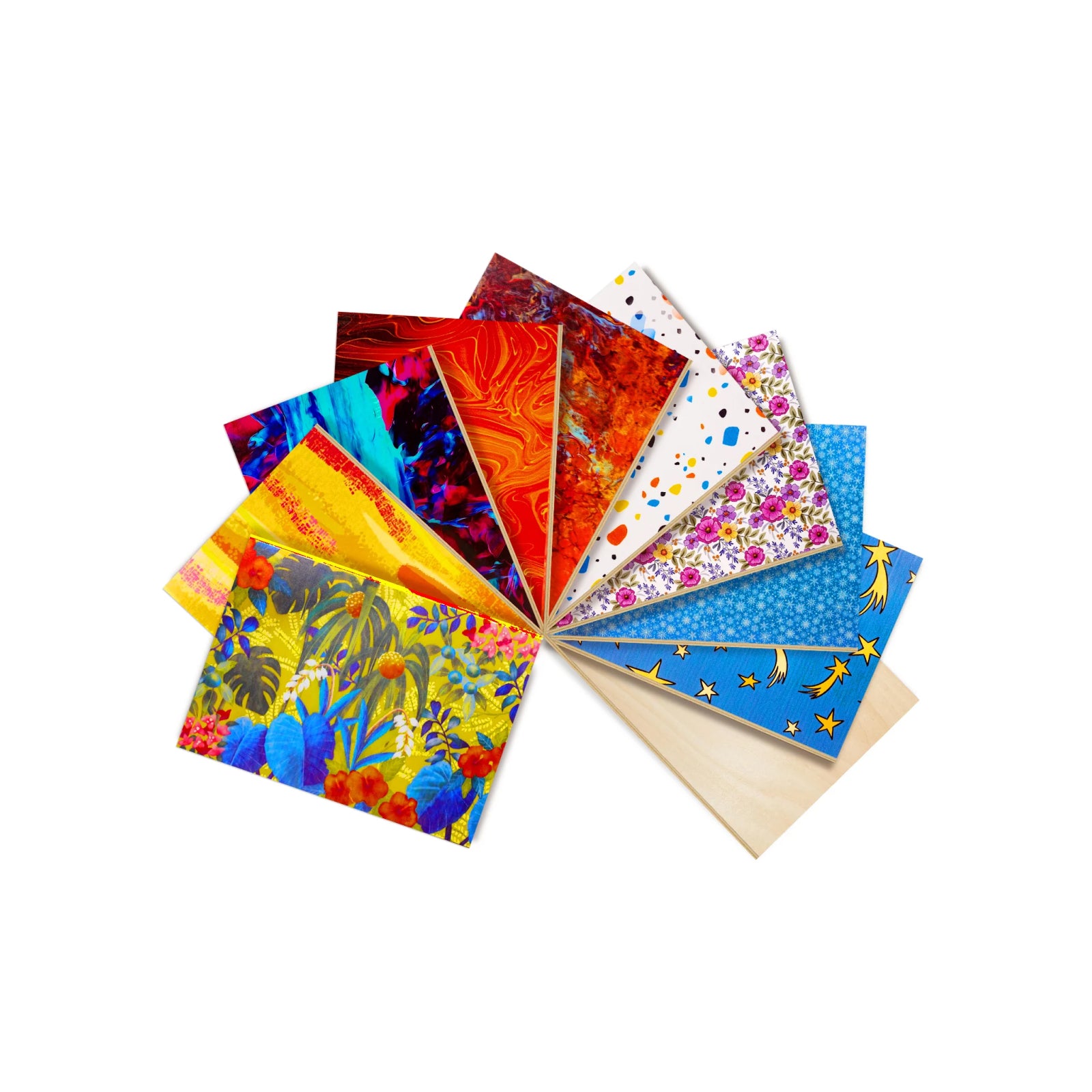
WeCreat also sells materials for its machines: dual-layered scratchable acrylic, three-layered scratchable leather, UV-ink printed plywood and a K9 crystal engraving pack. The collection page doesn't list which machines each material suits, so check compatibility on the product page before you buy.

What Accessories Do You Actually Need?
WeCreat laser engraver accessories can add up, so buy them against specific projects rather than as a bundle. Here are five categories to consider.

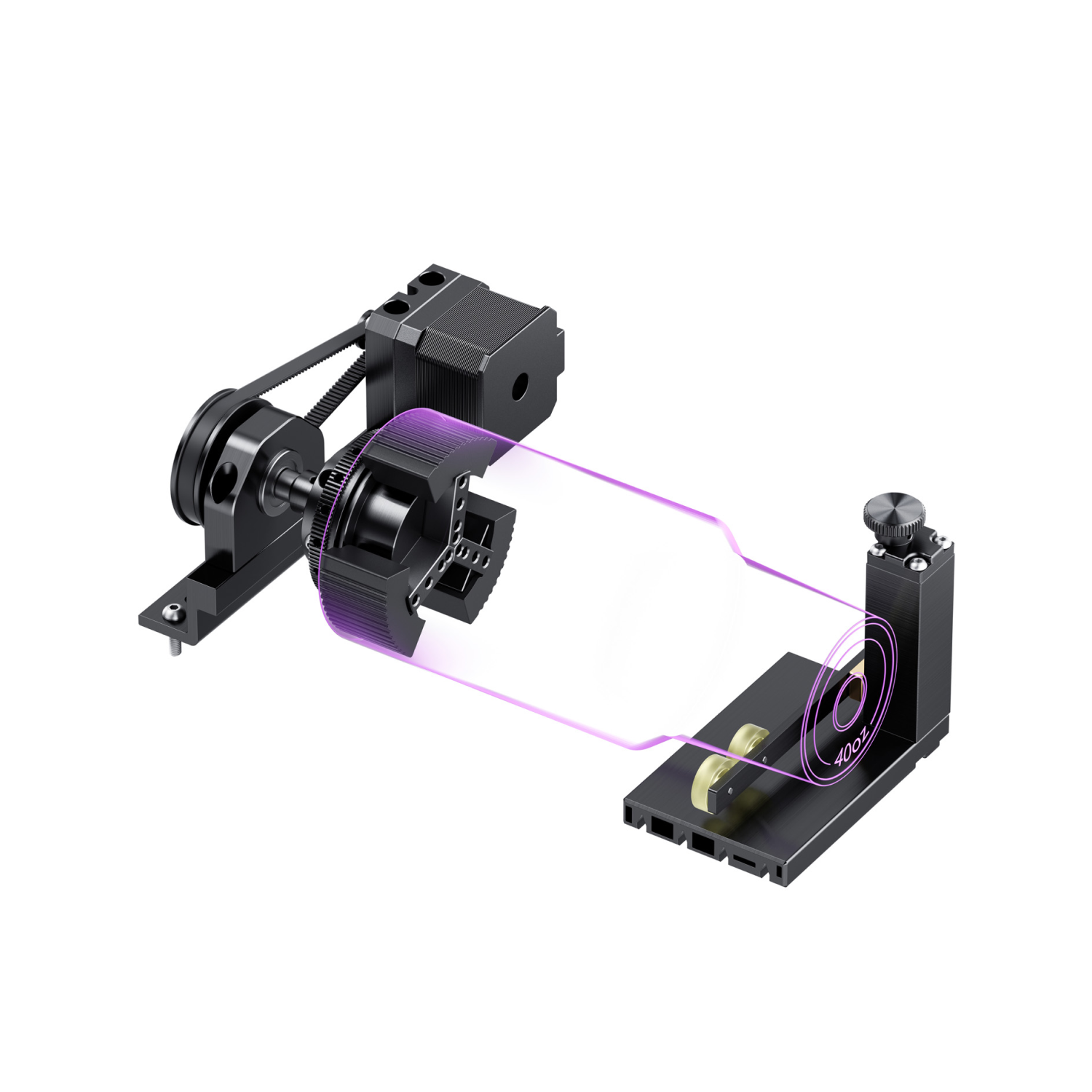
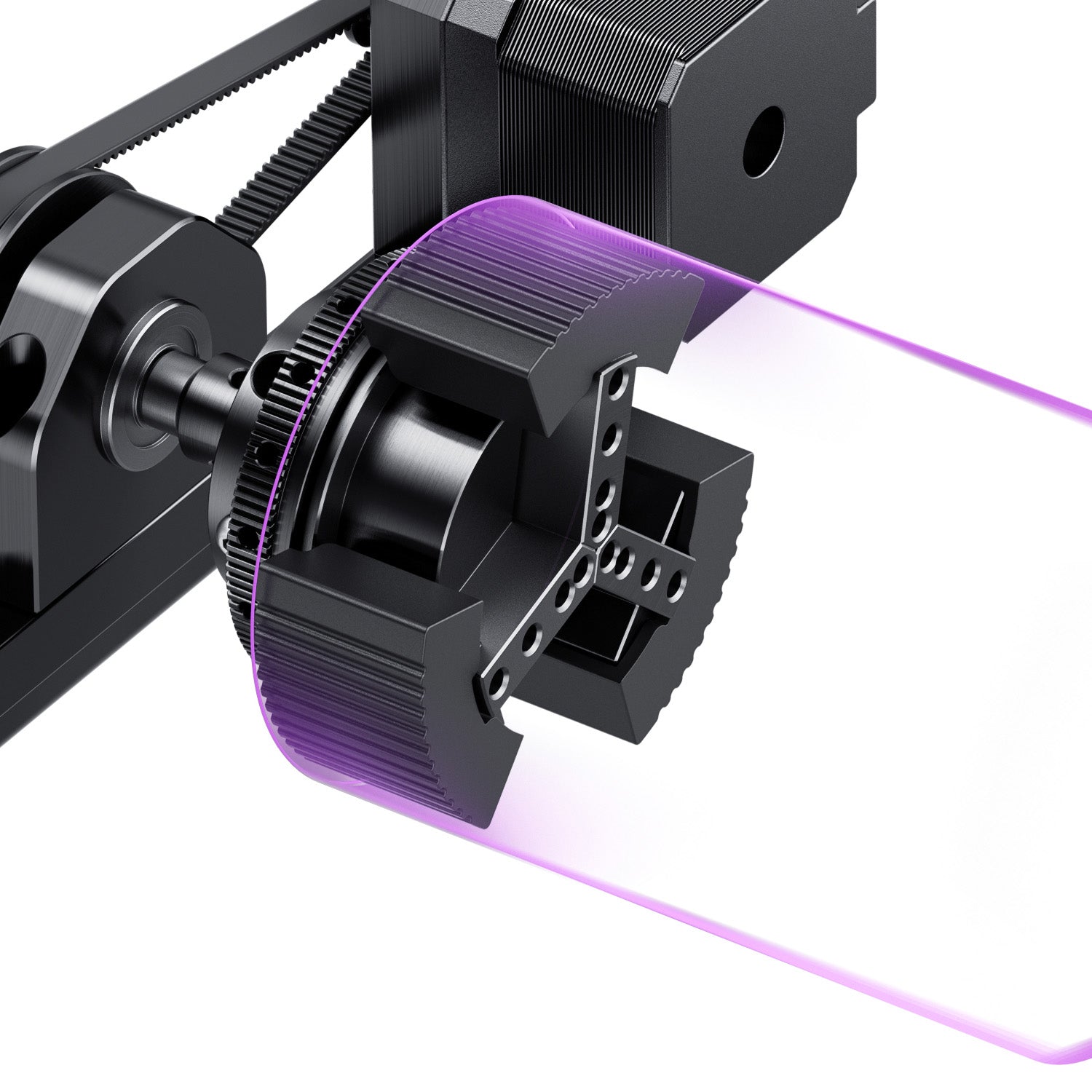
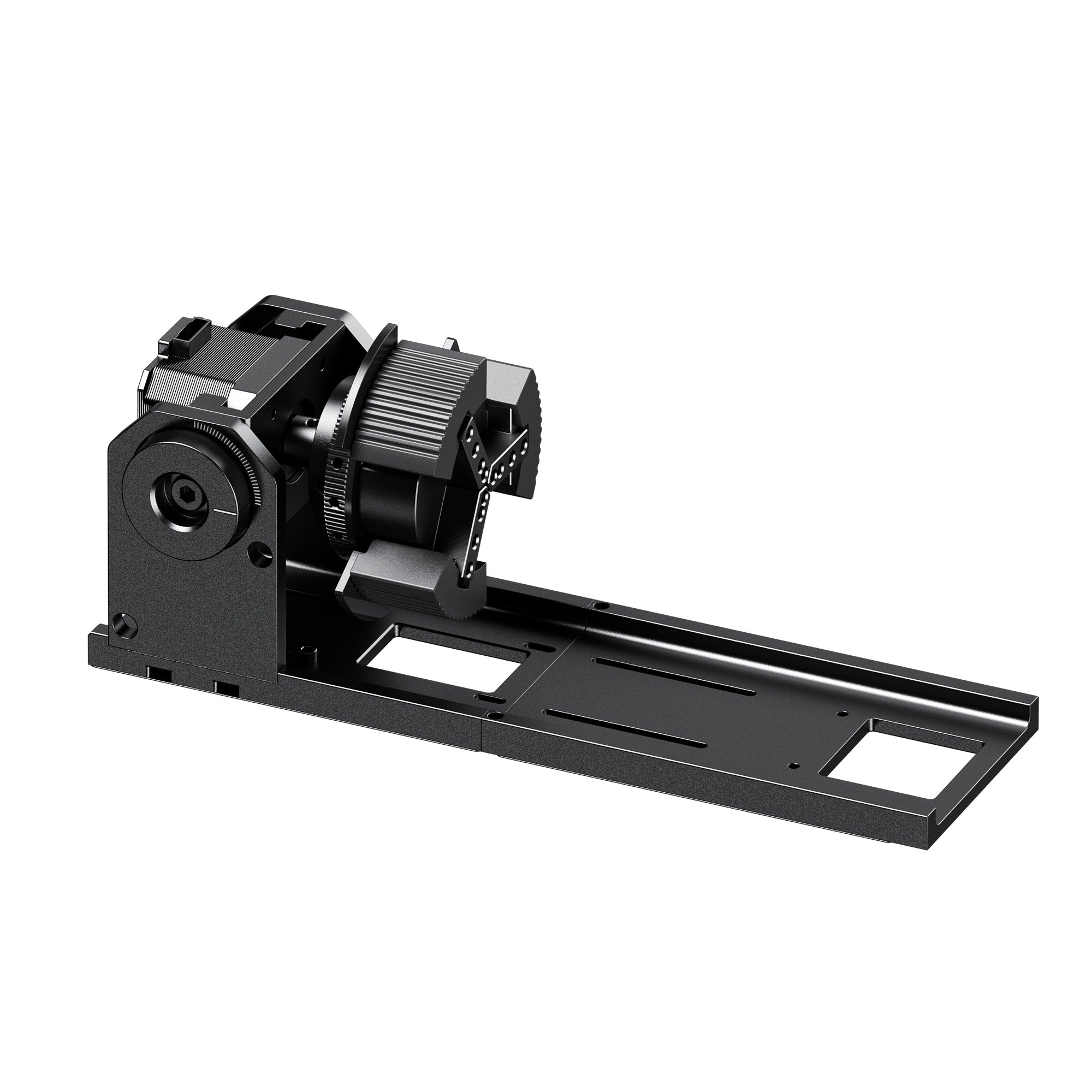
Rotary: A rotary attachment spins cylindrical items such as tumblers and mugs. The Vista rotary set handles tumblers up to 40 oz, and the Lumos Flex lists a 40 oz maximum. Buy it if tumblers are on your product list, and skip it if they aren't.
Air assist: Air assist blows smoke and debris away from the cut, which helps cutting quality. The Vision lists a built-in air assist. For the Lumos Ultra, FreeFlow Air Assist is a separate accessory. For the other machines, check the product page.
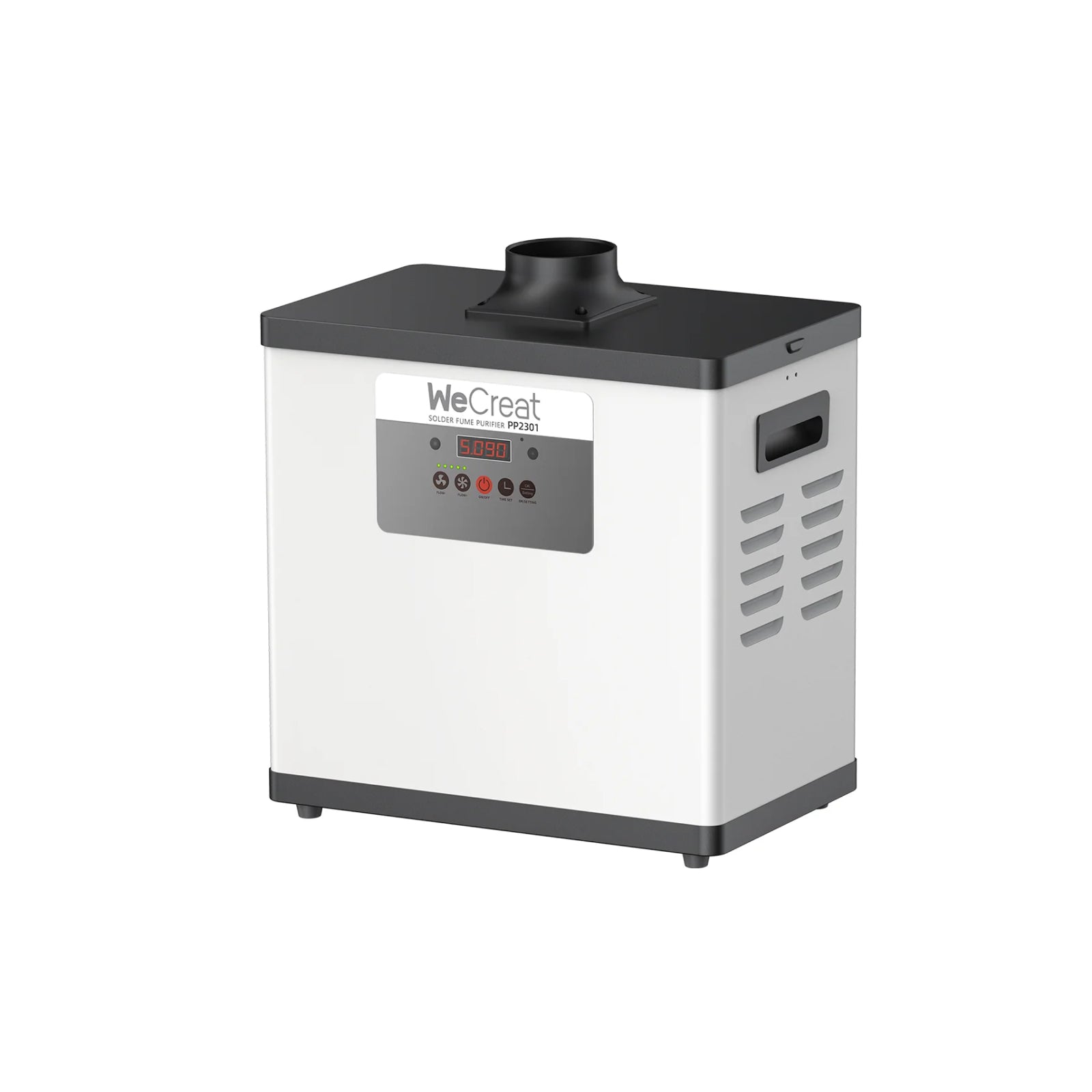
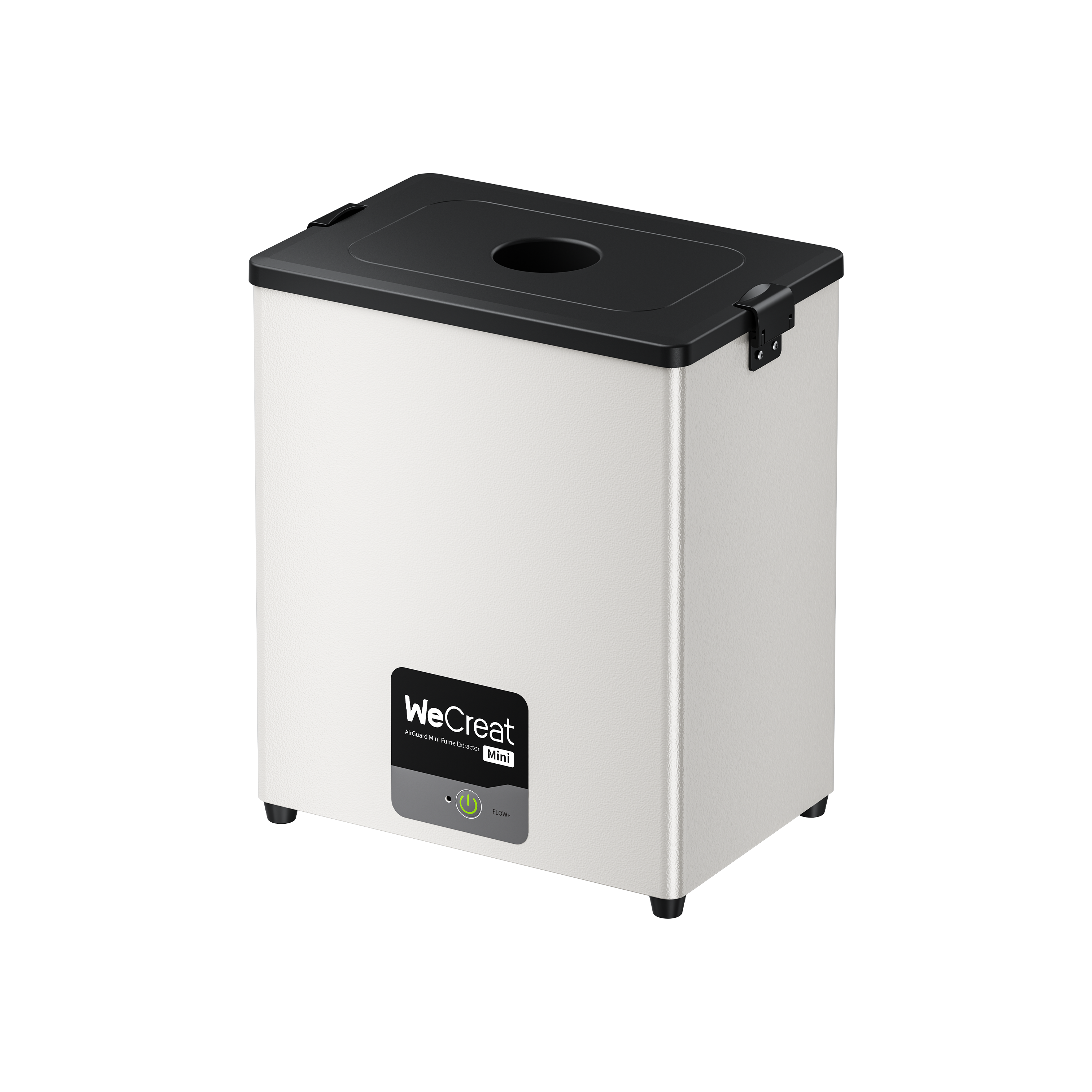
Fume extraction: An enclosure keeps the beam contained but does not remove smoke and odor. Plan to vent outdoors or use an extractor. WeCreat matches an extractor to each machine: AirGuard Mini (Vista), Fume Extractor for Vision & Vista, AirGuard Ultra (Vision Pro, Lumos Ultra) and AirGuard Cube (Lumos 50W Fiber, Lumos Flex).
Honeycomb panel: A honeycomb panel holds material above the bed during cutting. It is listed for the Vision, Vision Pro and Vista.
Auto Pass Through Feeder: The feeder moves material through the machine for pieces longer than the work area. It extends the Vision Pro's length to 137 in. It is listed for the Vista, Vision and Vision Pro. Skip it unless you make long signs or banners.
- Starter setup: the machine plus a plan for ventilation or an extractor.
- DIY creator setup: add a rotary and a honeycomb panel, and an extractor if you work indoors.
- Small-business setup: add the feeder or conveyor, an extractor and, if metal is in the range, an IR or fiber module.
The builder below only shows accessories that are listed as compatible with the machine you select.
Open your machine to see the accessories WeCreat lists as compatible with it.
Vista 10W
- Rotary for Vista >> – Engraves tumblers, mugs and other round items.
- 2W Infrared Laser Module >> – Adds metal, plastic and black acrylic marking to a diode machine.
- Auto Pass Through Feeder >> – Feeds long or oversized pieces through the machine (up to 137 in).
- Honeycomb Panel >> – Supports material while cutting, so the bed does not mark the underside.
- AirGuard Mini Fume Extractor >> – Filters smoke and odor when you cannot vent outdoors.
Vision 20W
- Rotary Pro >> – Engraves tumblers, mugs and other round items.
- 2W Infrared Laser Module >> – Adds metal, plastic and black acrylic marking to a diode machine.
- Auto Pass Through Feeder >> – Feeds long or oversized pieces through the machine (up to 137 in).
- Honeycomb Panel >> – Supports material while cutting, so the bed does not mark the underside.
- Fume Extractor for Vision & Vista >> – Filters smoke and odor when you cannot vent outdoors.
Vision Pro 45W
- Rotary Pro >> – Engraves tumblers, mugs and other round items.
- 2W Infrared Laser Module >> – Adds metal, plastic and black acrylic marking to a diode machine.
- Auto Pass Through Feeder >> – Feeds long or oversized pieces through the machine (up to 137 in).
- Honeycomb Panel >> – Supports material while cutting, so the bed does not mark the underside.
- AirGuard Ultra Fume Extractor >> – Filters smoke and odor when you cannot vent outdoors.
Lumos 50W Fiber
- Rotary Pro >> – Engraves tumblers, mugs and other round items.
- Slide Extension >> – Extends the work area for longer pieces.
- AirGuard Cube Fume Extractor >> – Filters smoke and odor when you cannot vent outdoors.
- Laser safety goggles (190-550 nm and 800-1100 nm) >> – Eye protection for the Lumos family.
Lumos Flex 15W Fiber + 15W Diode
- Rotary Pro >> – Engraves tumblers, mugs and other round items.
- Lumos 50W Fiber bundle >> – Swap-in fiber head for stronger, faster metal work.
- Slide Extension >> – Extends the work area for longer pieces.
- AirGuard Cube Fume Extractor >> – Filters smoke and odor when you cannot vent outdoors.
- Laser safety goggles (190-550 nm and 800-1100 nm) >> – Eye protection for the Lumos family.
Lumos Ultra 6W UV + MOPA
- Rotary Pro >> – Engraves tumblers, mugs and other round items.
- 60/100W MOPA Laser Module >> – Adds color engraving and deeper metal work.
- Slide Extension >> – Extends the work area for longer pieces.
- AutoFlow Conveyor >> – Feeds small parts for batch runs.
- FreeFlow Air Assist >> – Blows smoke and debris away from the cut.
- AirGuard Ultra Fume Extractor >> – Filters smoke and odor when you cannot vent outdoors.
- Laser safety goggles (190-550 nm and 800-1100 nm) >> – Eye protection for the Lumos family.
An enclosure does not replace ventilation, so plan for venting or a fume extractor either way. Check each product page for current prices.
Consider Software, Ease of Use and Learning Curve
WeCreat machines work with WeCreat MakeIt and LightBurn. The Vista, Vision, Vision Pro, Lumos 50W Fiber and Lumos Ultra pages list both. The Lumos Flex page says LightBurn support depends on version and configuration, so confirm before you buy if you rely on it.
WeCreat MakeIt: MakeIt includes a material parameter library (QuickView) so you don't start from blank settings, plus project templates and AI image generation. The Vision Pro page lists batch processing. MakeIt works offline over USB. An internet connection is needed only for the material library, AI images and firmware updates.
Camera positioning: A built-in camera shows your artwork on the real material before you run the job. That lowers the chance of wasting a blank. The Lumos 50W Fiber and Lumos Flex use a 50MP camera, and the Lumos Ultra lists a 16K image.
Autofocus and lift: The Vision Pro lists LiDAR autofocus and 0-140 mm auto-lift, and the Vision lists autofocus with 1-140 mm lift. You don't need to measure and set the height by hand each time you change material.
Files and connection: The pages list SVG, DXF, JPG and PNG, and the Lumos Ultra also lists STL and OBJ. The Vision, Lumos 50W Fiber and Lumos Ultra connect by USB or Wi-Fi. The Vision Pro page lists USB. The Vision, Lumos 50W Fiber and Lumos Ultra pages list Windows and macOS.
The first engraving: Plan your first sessions around test pieces. Cut a small grid of settings on scrap, note which one looks best, and save it. The camera and parameter library shorten that process but don't remove it.
Understand the Total Cost of Ownership
The machine price is only the first line. Plan for the items below.
| Cost | What to plan for |
|---|---|
| Machine | Starting prices from $490 (Vista) to $3,699 (Lumos Ultra). Packs with rotaries or extra modules cost more. |
| Accessories | Listed prices vary widely: a honeycomb panel is about $100, the Auto Pass Through Feeder $699 and the AirGuard Ultra about $1,000. |
| Materials | Wood, leatherette and blanks are recurring costs. Test pieces add to the first month's spending. |
| Fume extraction and filters | Extractors use replaceable filters. Check the replacement cost on the extractor's product page. |
| Workspace | The Vista weighs 14.5 kg, the Vision Pro 21 kg and the Vision 25 kg. You need a stable bench and a way to vent. |
| Maintenance | Keep lenses and rails clean. The Vision page lists laser module lifespan up to 10,000 hours. |
A worked example shows how it stacks up. Take a Vision Pro at $1,790 with the feeder ($699), the AirGuard Ultra (about $1,000) and a honeycomb panel (about $100). The total is roughly $3,600, about twice the machine alone. Prices change with promotions, so treat it as an estimate.
Safety Considerations Before Buying
Safety shapes what you buy and where you put it. These points apply to any laser, WeCreat or not.
Smoke and fumes. Cutting and engraving wood, leather and acrylic all produce smoke and odor, and the mix changes with the material. Plan ventilation before the machine arrives, not after the first job.
Materials you must not process. Never laser PVC or other chlorine-containing materials. They release harmful gas and can damage the machine. A material on a compatibility list doesn't mean every product sold under that name is safe. Check the composition of each sheet. Vinyl is fine only when it is labeled laser-safe.
Venting versus filtration. Venting outdoors removes fumes from the room. A fume extractor filters them, and its filters wear out. An enclosure keeps the beam contained but does not clean the air.
Eye protection and safety rating. The Vista, Vision and Vision Pro pages list an FDA Class 1 enclosure, and the Vision and Vision Pro list auto-stop when the lid opens. WeCreat lists laser safety goggles (190-550 nm and 800-1100 nm) for the Lumos 50W Fiber, Lumos Flex and Lumos Ultra. Check each machine's manual for when eye protection is required.
Space and fire. Allow a stable bench and clear space around the machine, and keep flammable materials away from it. Don't leave a running laser unattended, and keep a suitable fire extinguisher nearby.
Before your first job. Read the official safety guide that comes with your machine, and check the composition of any material you haven't used before.
Conclusion
The right WeCreat comes down to three questions: which materials you work with, how large your pieces are, and how many you make. Wood, leather and dark acrylic point to the Vista, Vision or Vision Pro, in rising order of power and price. Metal and glass point to the Lumos line. Mixed work usually means a diode machine with an IR module, or both lines together. Whichever you choose, budget for ventilation, and test every new material on scrap first.
WeCreat Laser Engraver Buying Guide FAQs
Q1. Which WeCreat laser engraver is best for beginners?
The Vista 10W is the lowest-cost entry, with an enclosed body and a top-mounted camera. If you expect to cut thicker wood or engrave tumblers, the Vision 20W gives you more room to grow, with a larger work area and auto-lift.
Q2. What is the difference between Vista and Vision?
The Vision has more power (20W versus 10W) and a larger work area (420 × 290 mm versus 16.3 × 11.4 in). It also lists auto-lift for objects up to 140 mm. Listed basswood cutting is 6 mm on the Vista and 10 mm on the Vision. The Vista weighs less and costs less.
Q3. Is Vision Pro worth the upgrade?
It depends on how you use the machine. The 45W diode, 19.7 × 12.6 in area and LiDAR autofocus help if you cut thick stock or run batches. For moderate volume and mostly engraving, the Vision 20W is often enough.
Q4. Which WeCreat laser can engrave metal?
The Lumos family (fiber, IR or MOPA sources) is the dedicated route. The Vista, Vision and Vision Pro can add a 2W IR module for metal marking. Diode lasers alone mark only coated or painted metal reliably.
Q5. Can WeCreat lasers cut clear acrylic?
No machine in this guide is built for it. Diode light passes through clear acrylic, and CO2 lasers are the usual tool for that job. WeCreat's diode machines cut dark or black opaque acrylic.
Q6. Do I need a fume extractor?
You need a way to handle smoke and odor. An enclosed machine contains the beam but doesn't clean the air. If you can't vent outdoors, an extractor is the practical option. WeCreat lists a matching extractor for each machine.
Q7. Is WeCreat compatible with LightBurn?
The Vista, Vision, Vision Pro, Lumos 50W Fiber and Lumos Ultra pages list LightBurn alongside WeCreat MakeIt. The Lumos Flex page says support depends on version and configuration, so confirm that if LightBurn is essential to you.
Q8. Is WeCreat suitable for a small business?
Yes, for many small shops. The Vision Pro suits production work on wood, leather and dark acrylic. The Lumos 50W Fiber suits small metal parts such as tags and tools. The Lumos Ultra suits glass, crystal and fine marking, and its optional MOPA modules add color engraving on metal. For batch runs of small parts, the Lumos Ultra also lists an AutoFlow Conveyor. Check each machine's work area and cutting limits against your largest and thickest product. Budget for a fume extractor, and for a feeder if your pieces are long.