







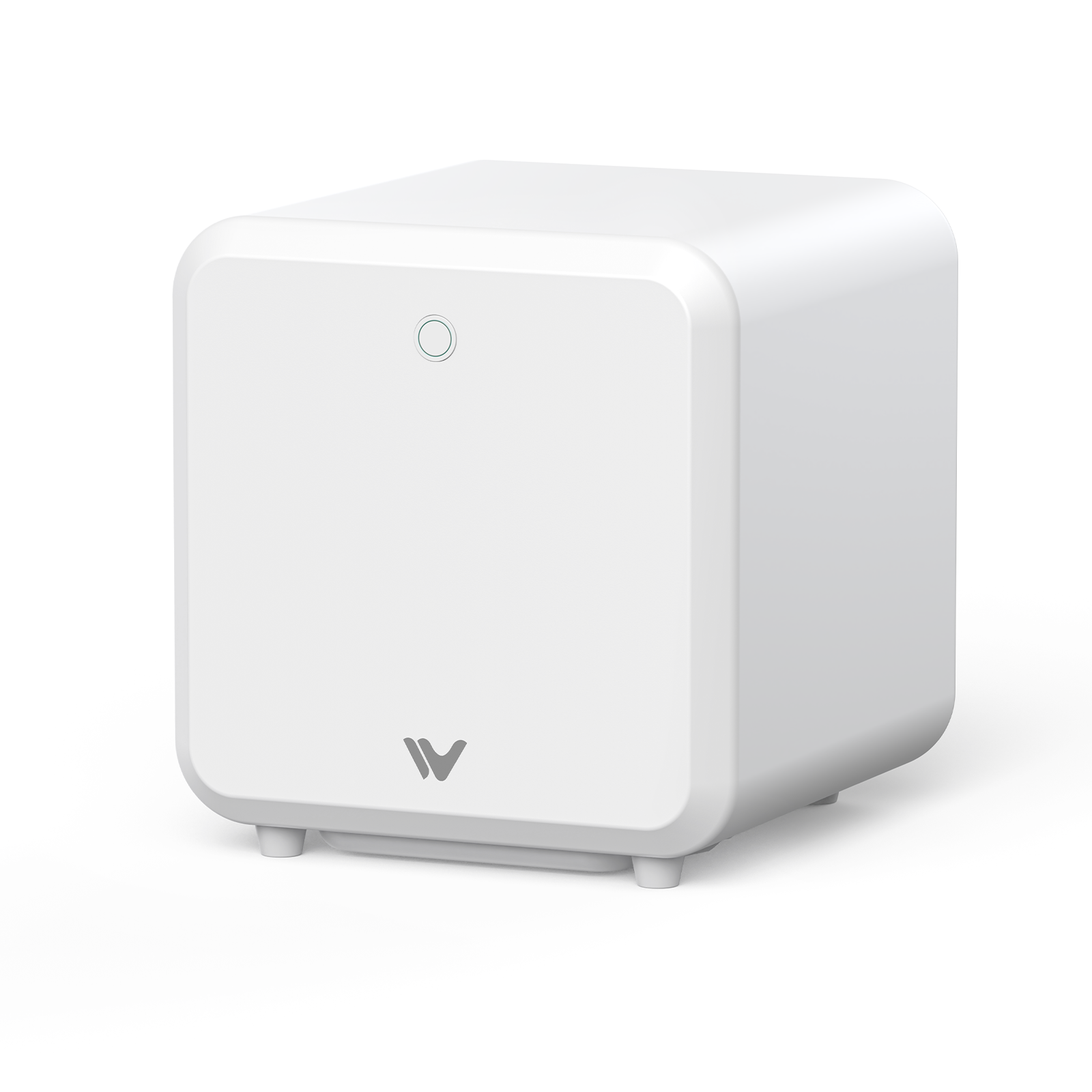
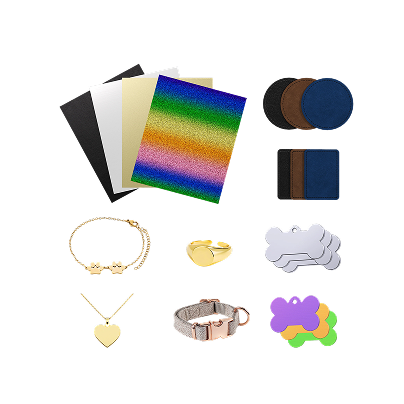
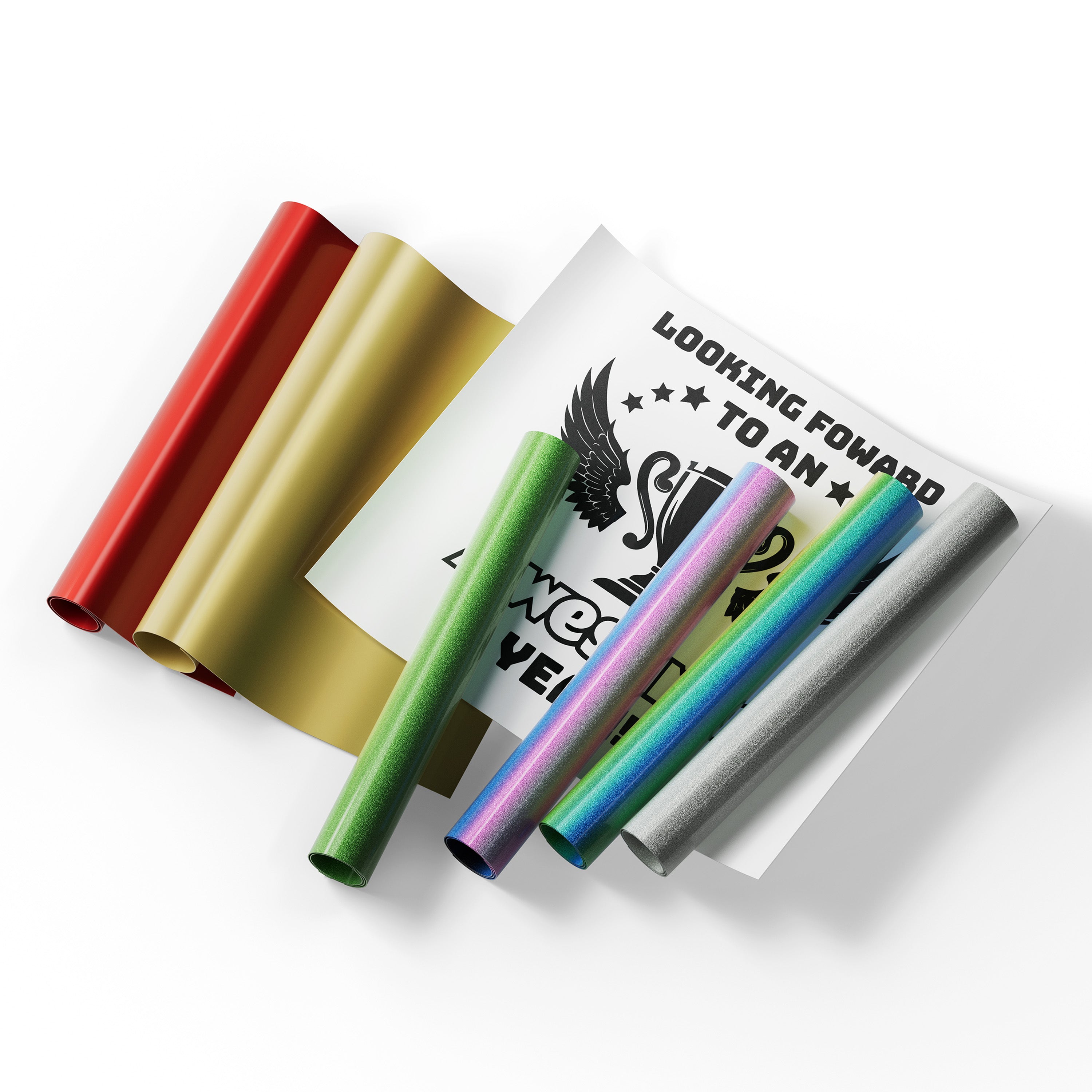
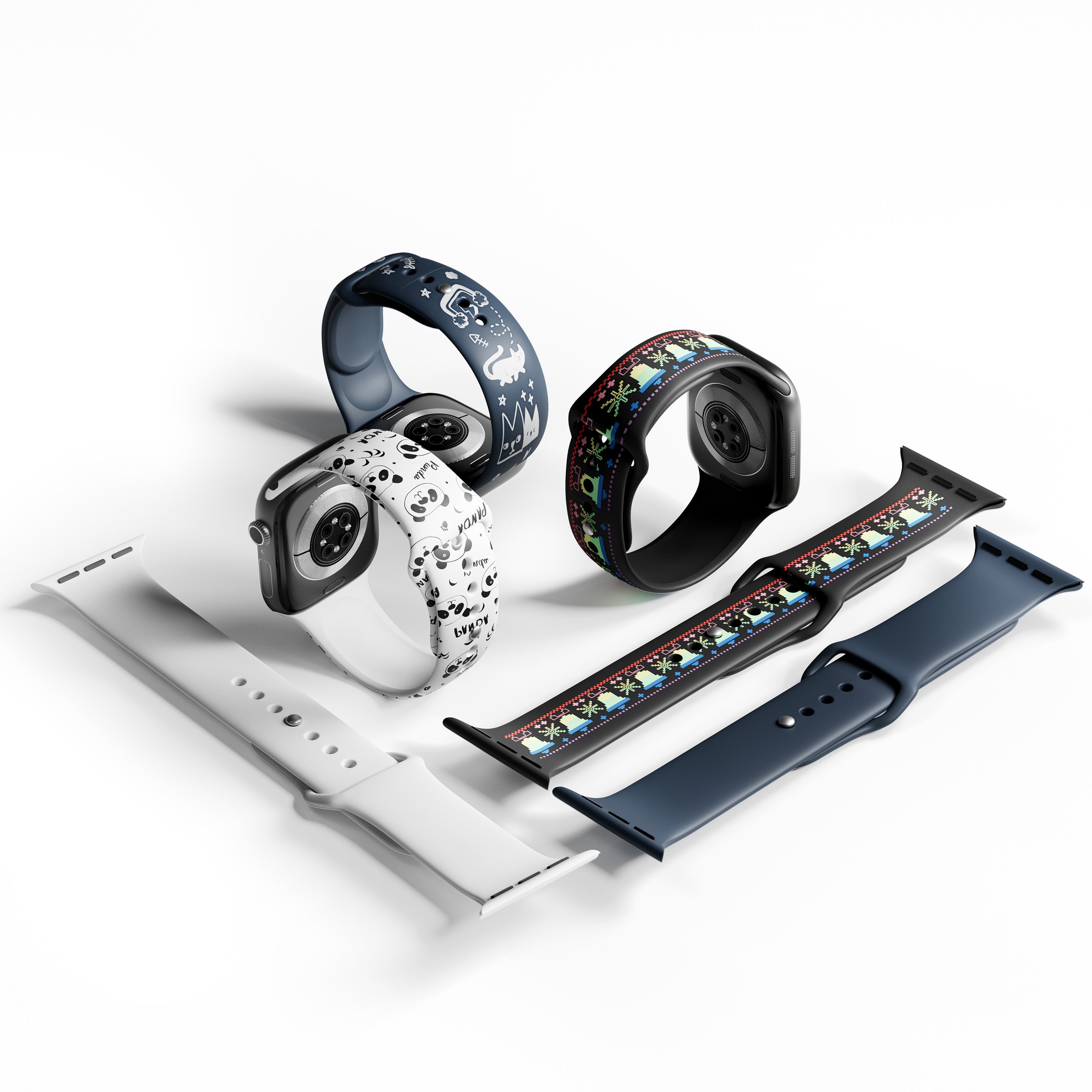



Maybe a customer has asked for a portrait in crystal. Or you’ve had enough orders for acrylic displays to bring the cutting in-house. Both are good reasons to buy a laser. Start with the jobs you expect to do regularly. That’s where the WeCreat Lumos Ultra and xTool X1 take different paths.
A sign shop might use a cutter all week for signs and displays. A gift shop might already have a cutter and need a way to engrave crystal or metal. Look at what you sell, how much work goes into each order, and what your current machine can handle.
WeCreat Lumos Ultra vs. xTool X1 at a Glance
Start with Lumos Ultra for fine glass engraving or K9 crystal portraits. It comes with 6 W UV. For metal work, compare the optional 60 W and 100 W MOPA modules on the finish you want to sell. Include the 100 W option if you regularly engrave deep designs or relief. Start with xTool X1 if you cut wood and clear acrylic sheets regularly. It comes with 55 W CO₂. You can add other laser sources as your orders change.


| What matters | WeCreat Lumos Ultra | xTool X1 |
|---|---|---|
| Core approach | Specialized engraving | Cutting and engraving across a wider mix of jobs |
| Starting laser | 6 W UV | 55 W CO₂ |
| Expansion | Optional 60 W or 100 W MOPA | Add the 20 W diode galvo module for diode engraving. It is also required for the separately purchased 5 W UV, 60 W MOPA, and 30 W fiber sources. |
| Typical products | K9 crystal portraits and branded glass with UV. Metal personalization with optional MOPA. | Wood signs and acrylic displays with CO₂. Other materials depend on the source. |
| Best starting point | A focused engraving line or an addition to a working cutter | A shop that cuts sheets regularly and wants room to expand |
| Growth opportunity | Add specialized finishes and services | Cover more product categories and order types |
Configuration sources include the WeCreat Lumos Ultra specifications and the xTool X1 laser-source and module guide.
Two Ways to Grow a Laser Business
Look at the requests you already get. A shop that keeps turning down crystal portraits or engraved metal may have enough demand for a new service. If the same customer asks for a sign, menu holders, and display stands, a cutter can help you fill more of that order.
Growth Through Depth · WeCreat Lumos Ultra
- Find an order you can’t take today. Offer a portrait inside crystal or a custom relief medallion.
- Make the result repeatable. Use the same blank and fixture for repeat jobs. Keep an approved sample so you know what finish to aim for.
- Price the customization. Check what customers will pay. Include the time you spend on proofs and on each finished piece.
Growth Through Breadth · xTool X1
- Start with a process you’ll use often. CO₂ cutting can serve signs, displays, and event orders.
- Build a catalog around it. Offer multiple products to the same customer. Add laser sources as those jobs become recurring.
- Keep the cutter busy. Look at how often you get orders for each product. A few steady lines can make better use of the machine than a long list of occasional jobs.
Check which source works on your material first. Then time a sample and estimate how often you’ll sell it. That tells you which modules to include in the quote.
What You Can Create and Sell
Build a line around specialized engraving
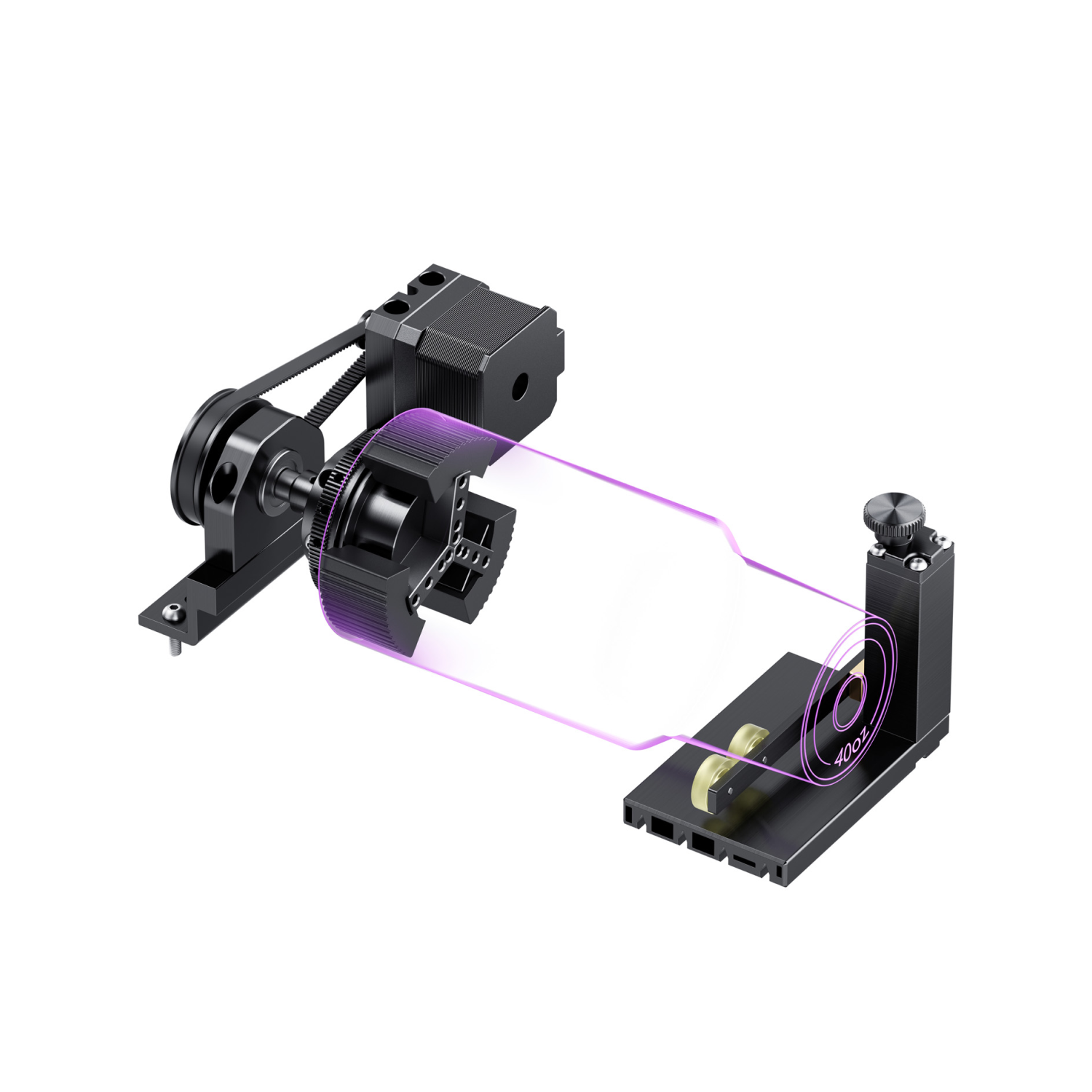
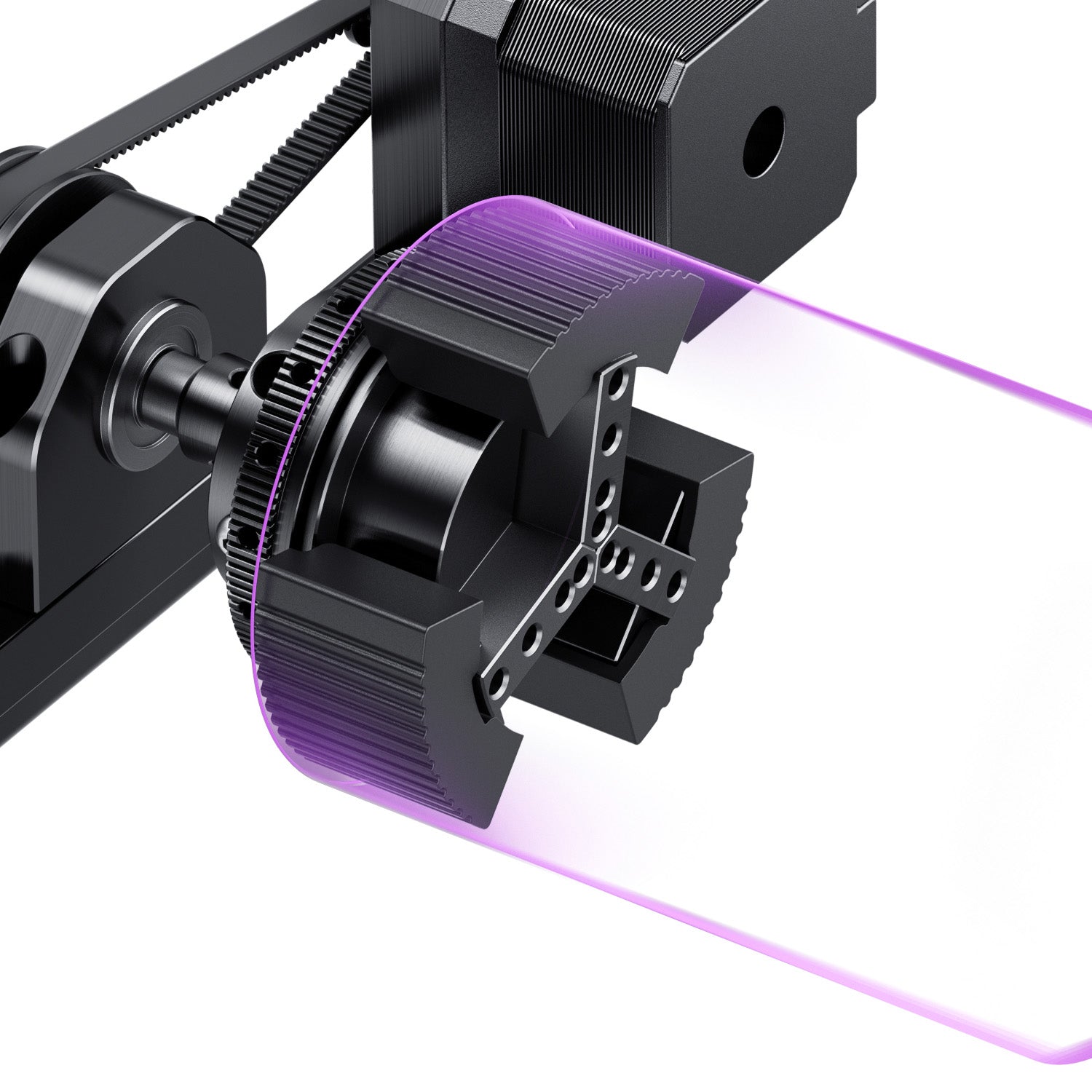
Use the Lumos Ultra’s UV source for surface engraving on compatible glass. For inner engraving, WeCreat lists K9 crystal. Optional MOPA adds metal marking and relief engraving on suitable blanks. X1 offers a 5 W UV source for specialist glass work and a 60 W MOPA source for metal. Both add-ons require the 20 W diode galvo module.

A scorpion design engraved inside a clear crystal block and displayed on a wooden base. Custom designs like this can be sold as keepsakes or desk décor.

A glass bottle with a personalized holiday message. Names, dates, and short messages work well for glass gifts.

A metal pendant with a colorful Santa design, shown as a holiday gift idea.
Take on a wider mix of cut products
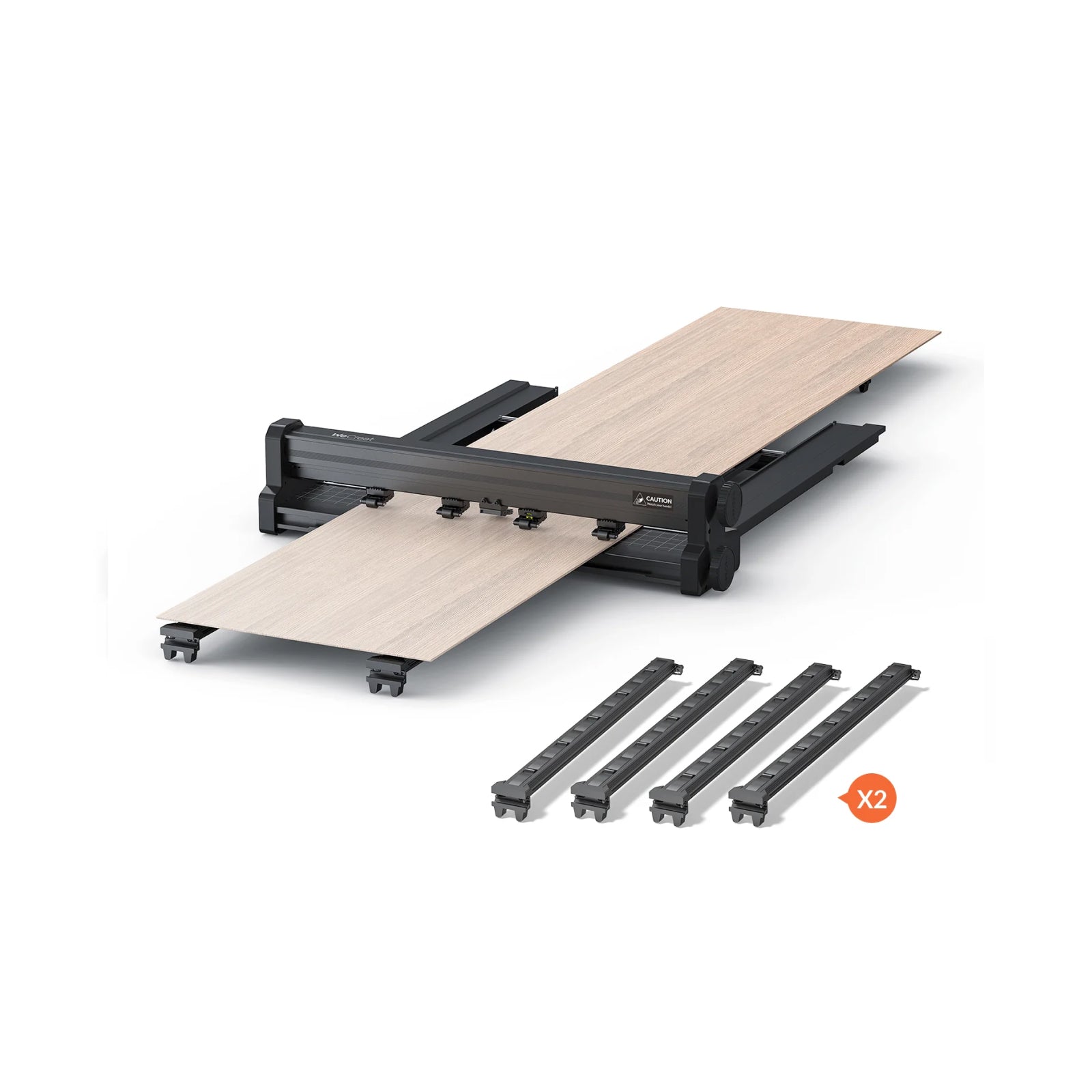
A café might order a wood sign, clear acrylic menu holders, and engraved gifts. If signs and displays are your weekly work, the X1’s CO₂ source is the place to start. Add a specialist source when the gift orders come in regularly. See our CO₂ vs. diode guide for more about cutting applications.

A wooden welcome sign personalized with the couple’s names, wedding date, and venue city. Use the same design on table numbers and seating signs to offer a matching set.

Colorful plant markers with crop names and matching illustrations. Sell them in sets for herb gardens, vegetable beds, or seed-starting kits.
For reference only. The gallery shows finished-product examples for engraving and sheet cutting. This guide has no matched machine tests or customer sales figures.
See WeCreat glass and crystal examples, WeCreat MOPA options, and xTool’s laser-source guide.
Profit Potential Beyond the Price Tag
A crystal keepsake might leave more money after each sale. A display that sells more often could leave more at the end of the month. Start with your selling price. Subtract the costs that rise with each order, such as blanks, packaging, fees, and direct labor. Multiply what’s left per item by the number you sell to get monthly contribution. The figures below are made-up examples of how that math works.
Time the whole job
If you regularly sell deep metal engraving, ask for a sample from both Lumos Ultra MOPA configurations. Use the same blank, design, and target depth. Time the engraving. Separately log the time you spend on files, setup, loading, cleanup, and rework. Count only the pieces you’d ship. A faster engraving run matters to your business if it frees up time you can use on other paid work or helps you fill more orders.
Check what you’ll use each month
Pull up a month of orders. Mark the jobs each source would handle. Include work you paid someone else to do or had to turn down. Then ask for a quote that includes the modules, fixtures, and accessories those jobs need. Leave occasional jobs out of the first purchase if outsourcing them still makes sense.
Buying Your First Laser or Upgrading?
Buying your first laser
- Pick the product line you expect to sell regularly.
- Price X1 CO₂ for regular wood and clear acrylic cutting. Look at UV for crystal portraits or fine glass engraving. Price the MOPA module if metal personalization is your main product.
- Approve a saleable sample before buying extra modules.
Adding to a working CO₂ shop
- Keep your cutter on the wood and acrylic orders it already handles.
- List the work you turn down. If it’s crystal, fine glass details, or engraved metal, quote a Lumos Ultra configuration for those jobs.
- If you need to replace your cutter or add sheet-cutting capacity, price the X1 and include the modules you expect to use.
Find Your Fit
Pick the job you want the new machine to handle. If you’re buying your first laser, start with the orders you expect to get again.
FAQs & Sources
What is the main difference between Lumos Ultra and xTool X1?
Lumos Ultra starts with 6 W UV and offers optional 60 W or 100 W MOPA. X1 comes with 55 W CO₂. Its optional 20 W diode galvo module is required for adding UV, MOPA, or fiber.
Is a specialized or a versatile laser better for a small business?
Start with the jobs you get regularly. If most are sheet cuts, put the budget toward cutting. If customers ask for a specific glass or metal finish, test the source that can produce it.
Which laser has more profit potential for personalized products?
Start with the products you can actually sell. Compare how much you keep after each sale and how often the orders come in. Use a sample run to see how much time it takes to fill them.
Is Lumos Ultra a good alternative to xTool X1?
Yes, if you’re buying mainly for fine engraving or adding UV or MOPA to a shop that already cuts sheets. If you’re buying for regular wood and clear acrylic cutting, start by pricing the X1.
Which laser suits crystal engraving and metal personalization?
The Lumos Ultra’s UV source handles inner engraving in K9 crystal. Add MOPA for suitable metal jobs. For X1, use the optional 5 W UV source for inner engraving or the optional 60 W MOPA source for metal work. Both require the 20 W diode galvo module.
Is 100 W MOPA worth the extra investment?
Compare 60 W and 100 W if deep engraving or relief comes up often. If a 60 W sample already meets your finish and turnaround requirements, use that quote as your starting point.
What should I add if I already own a CO₂ laser?
Keep the cutter if it handles your current orders. Add UV for new glass or crystal work, or MOPA for suitable metal jobs. Price the X1 if you also need more sheet-cutting capacity.
Where can I check the full specifications?
Use the WeCreat Lumos Ultra product specifications and official xTool X1 specifications to confirm the laser sources, accessories, and exact configuration you need.
By WeCreat Team. We used manufacturer documentation for configurations and applications. Order and contribution examples are hypothetical.