







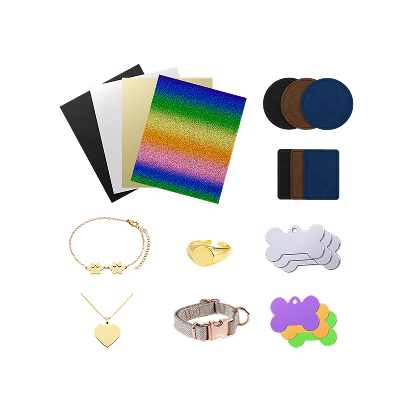
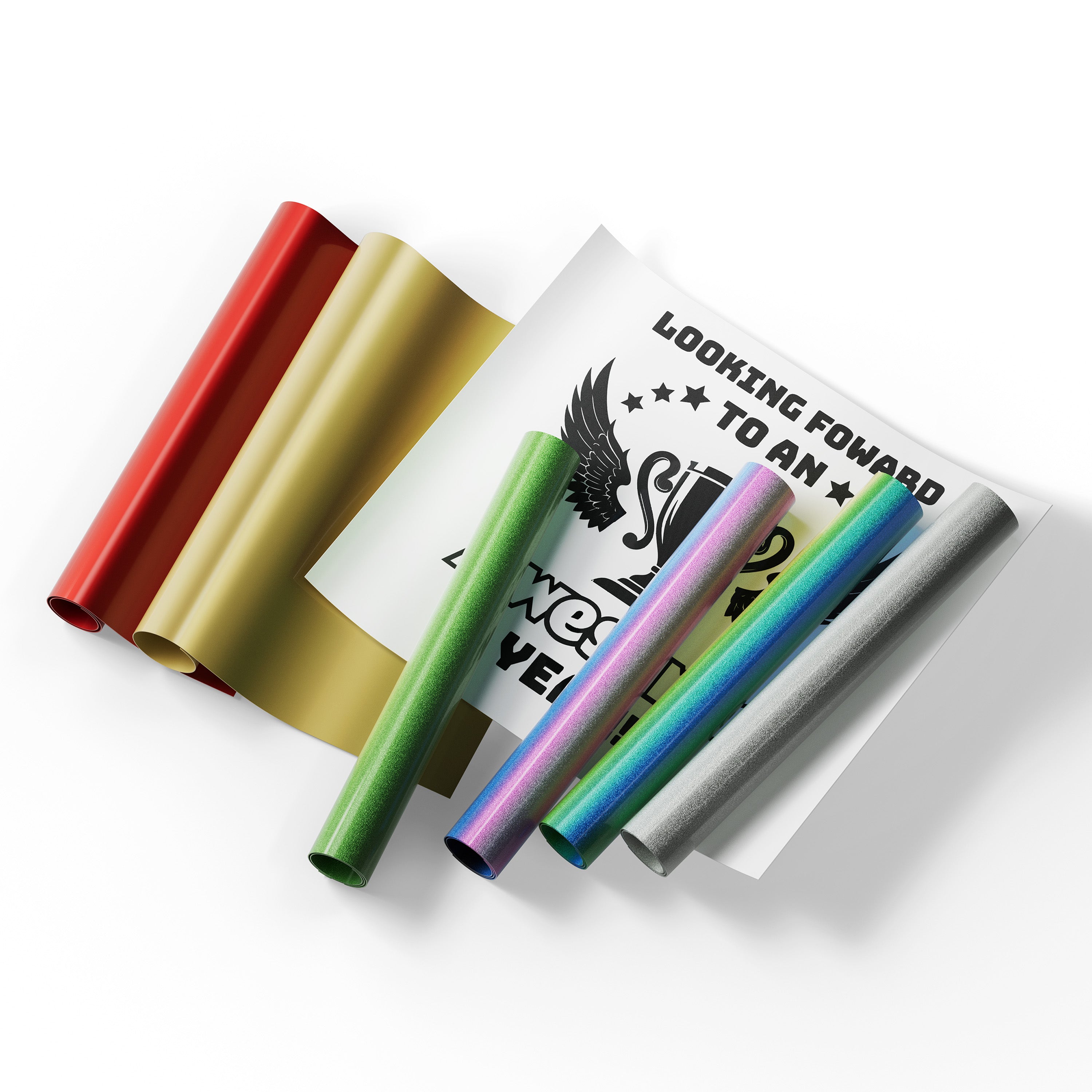
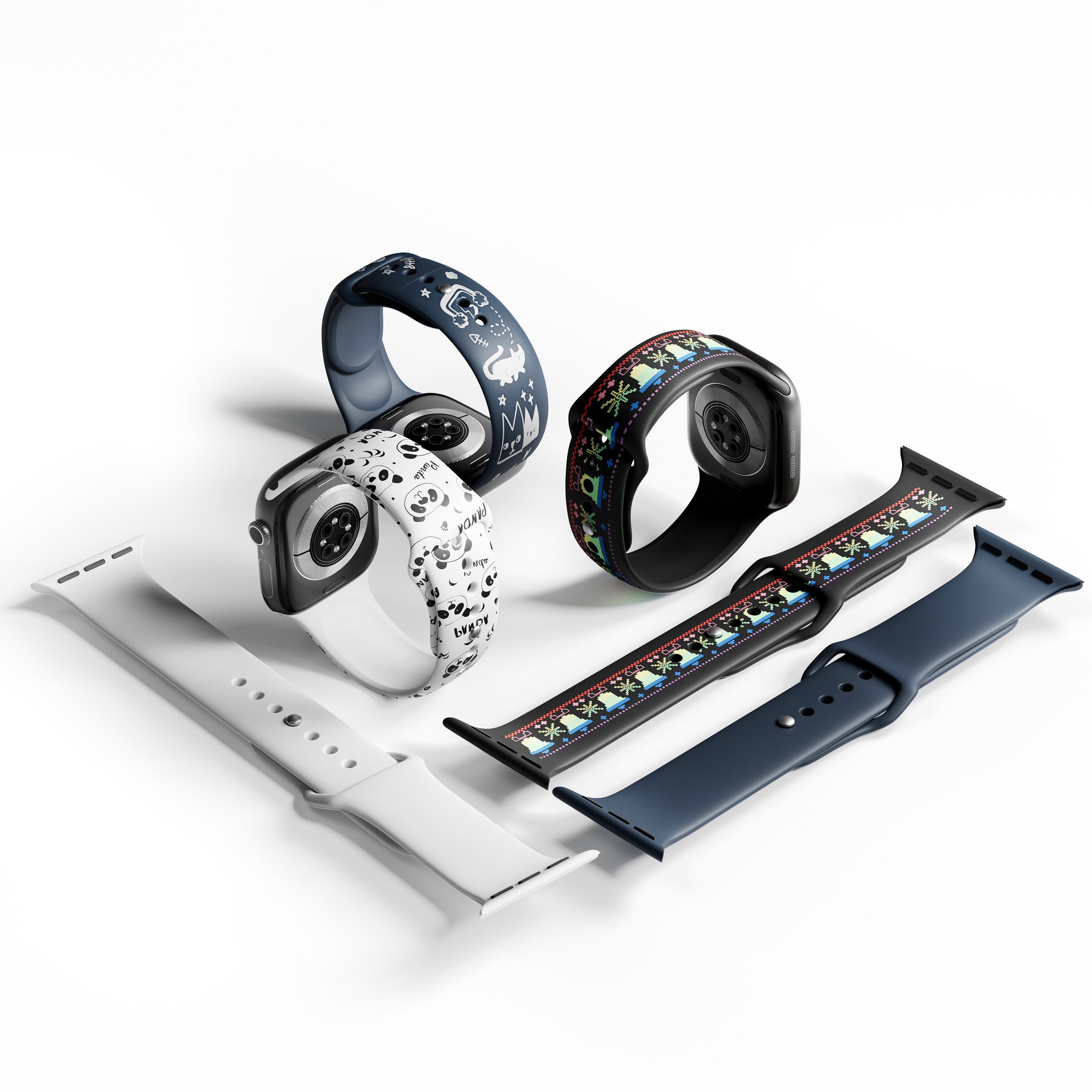
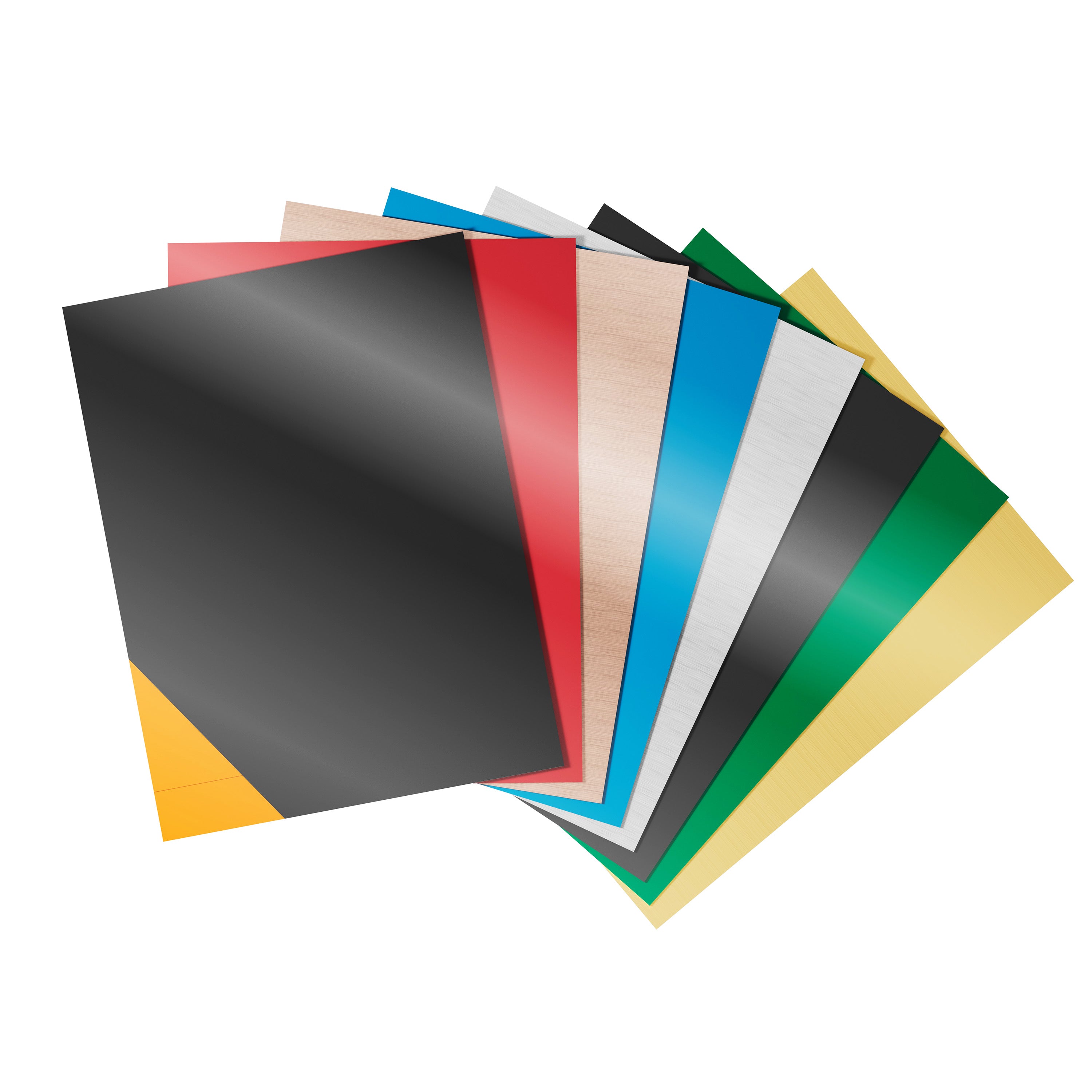

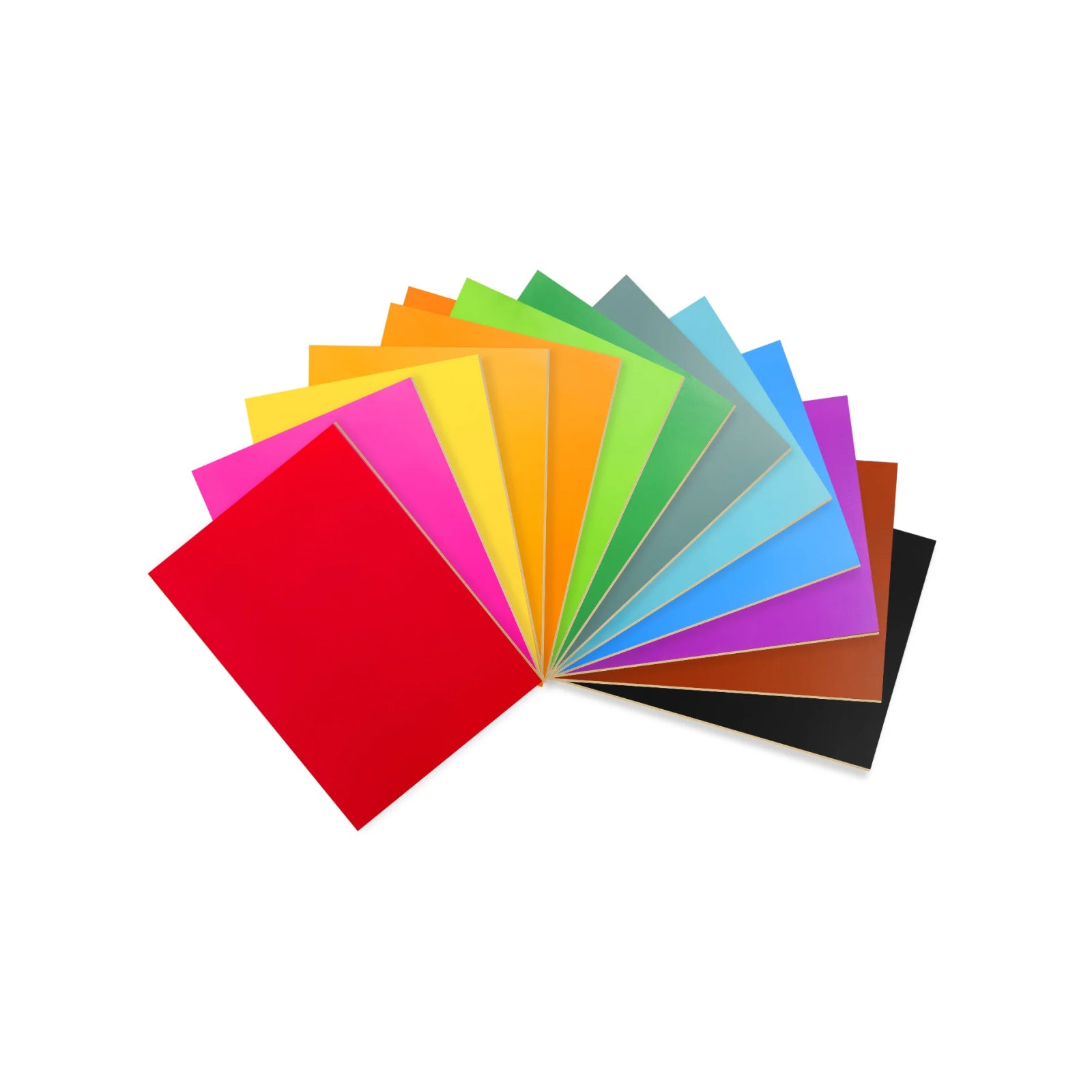
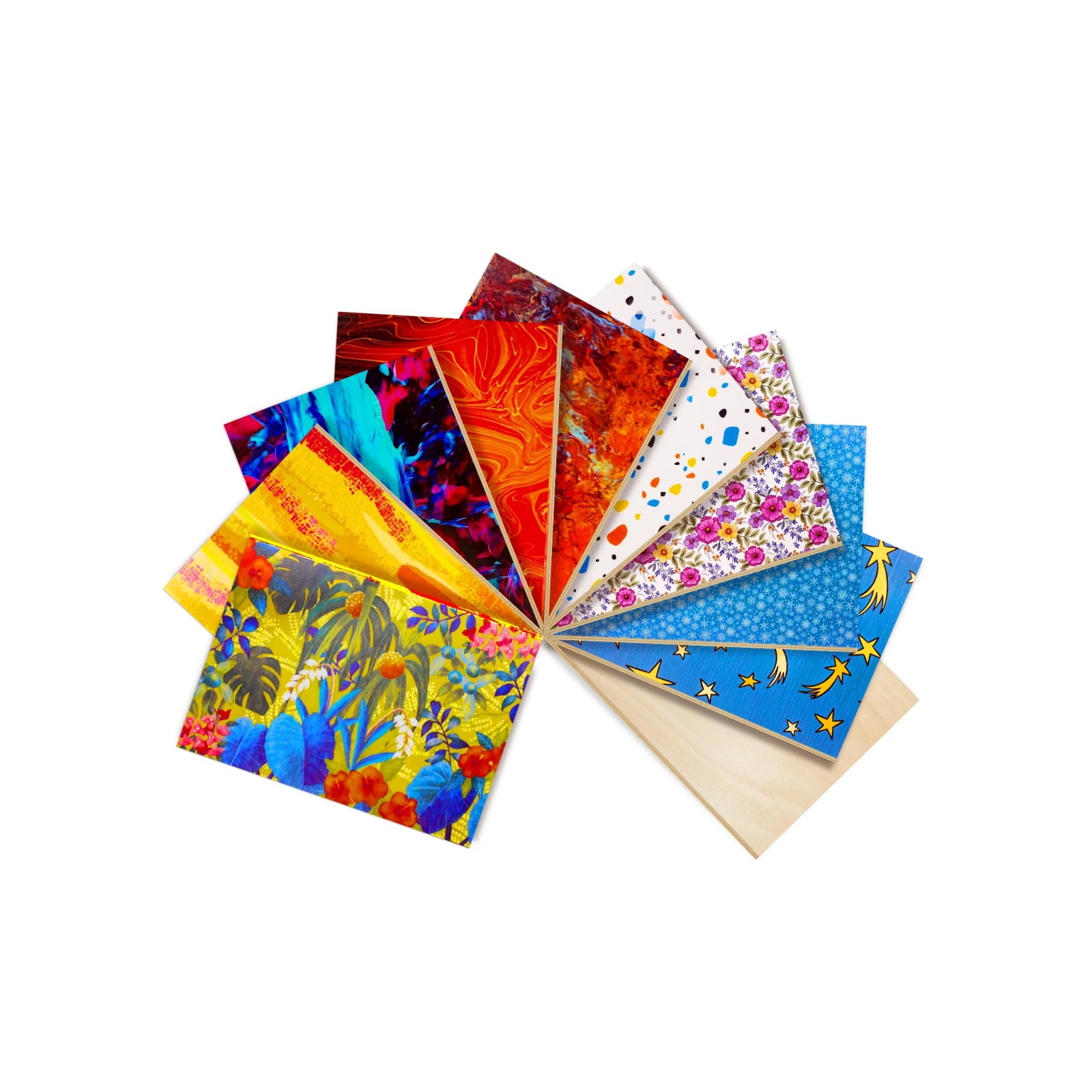


Metal engraving isn't one job. Marking a serial number, engraving a deep logo, adding color to stainless steel, and running hundreds of parts a day all put different demands on a laser. The source determines which metals you can work with; power and pulse control determine what you can do to them. This guide compares seven metal-capable laser engravers and helps you match one to your material and project. Short version: don't choose a laser based on the word "metal" alone — choose it based on what you actually want to do to the metal.

7 Best Laser Engravers for Metal — At a Glance
| Model | Laser Type | Bare Metal | Color Marking | Best For |
|---|---|---|---|---|
| WeCreat Lumos Ultra | 6W UV + 60W/100W MOPA | Excellent | Yes | Metal + glass/crystal |
| WeCreat Lumos Flex | 15W Fiber + 15W Diode | Excellent | Yes | Metal + wood/leather |
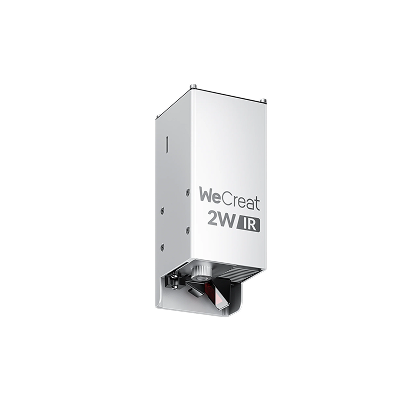
| WeCreat Lumos | 3W IR + 10W Diode | Very good | Limited | Entry-level metal + mixed materials |
| xTool F2 Ultra | 60W MOPA (diode optional) | Excellent | Yes | High-volume metal |
| ComMarker B6 | 60W MOPA | Excellent | Yes | Production color marking |
| OMTech 20W MOPA | 20W MOPA Fiber | Excellent | Yes | Affordable MOPA |
| GWEIKE G2 Pro | 30W Standard Fiber | Excellent | No | Budget bare-metal engraving |
Specs reflect publicly listed configurations as of this writing. Check each product's page for current cost and configuration before you buy.
Here's a closer look at each pick, starting with the most versatile option.
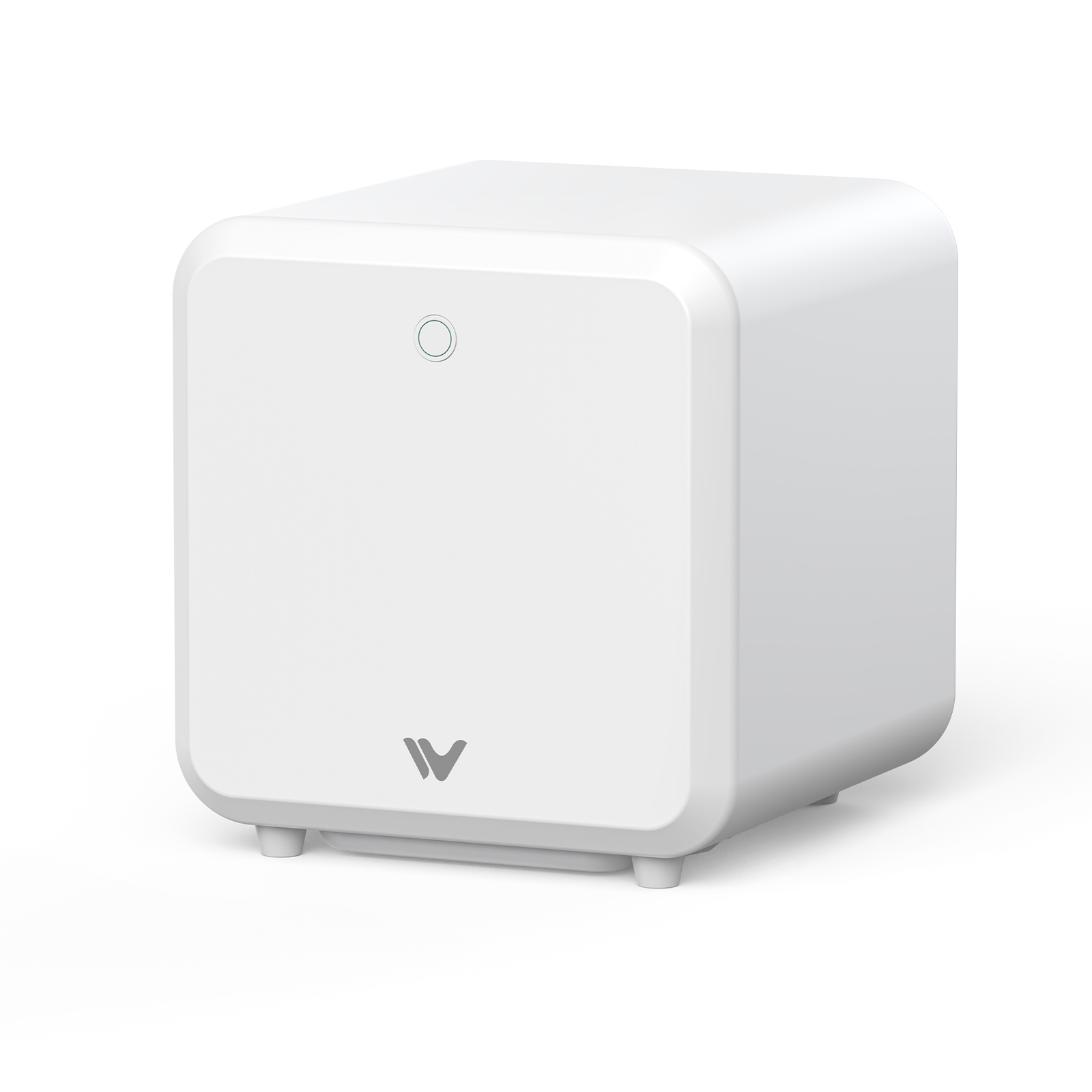
1. WeCreat Lumos Ultra 6W UV & MOPA Dual Laser Engraver — Best for Metal + Glass/Crystal
 |
|
Built for shops that are already serious about metal and also want glass or crystal work without a second machine. The MOPA module handles the metal side; the UV source covers materials a hot beam would crack. It's currently pre-order, estimated to ship mid-October 2026.
|
✓ Pros
Only pick here combining UV and MOPA in one platform. MOPA handles bare-metal marking, deep engraving, and color marking. UV opens up glass and crystal, which none of the other picks touch. |
✗ Cons
Base UV configuration doesn't include MOPA metal capability — confirm what a given configuration includes. Pre-order as of this writing. More machine than needed if glass or crystal isn't in your catalog. |
The only machine on this list built for metal and glass/crystal in one platform.
2. WeCreat Lumos Flex 15W Fiber & 15W Diode Dual Laser Engraver — Best for Metal + Wood/Leather
 |
|
The pick for a catalog that genuinely spans metal and organic materials — the fiber source handles bare-metal marking, the diode covers wood and leather. Bigger than the entry Lumos, so skip it if metal is only occasional.
|
✓ Pros
Genuine dual-wavelength machine, no add-on module needed. Rated up to 10,000mm/s. Can cut thin metal foil under roughly 0.05mm — rare at this tier. |
✗ Cons
Larger than the entry Lumos. No UV source. WeCreat's own materials don't specify MOPA technology for the color-marking feature — confirm with WeCreat if calibrated color output is a hard requirement. |
The most complete metal-plus-wood machine here, with no add-on module needed for bare metal.
3. WeCreat Lumos 3W IR & 10W Diode Laser Engraver — Best Entry-Level Hybrid
 |
|
The machine for testing metal work for the first time, or a catalog that's mostly jewelry and tags rather than production runs. Its IR source is built in from day one, not bolted on later.
|
✓ Pros
Handheld-capable at roughly 2.3kg. Built-in 50MP camera. Lowest-power way into real bare-metal marking on this list. |
✗ Cons
3W of IR is built for marking and light engraving, not deep or high-volume work. Not a production machine. |
The easiest, most portable way into real bare-metal marking — not built for production volume.
4. xTool F2 Ultra 60W MOPA & 40W Diode Dual Laser Engraver — Best Dedicated High-Power Metal
 |
|
A metal-first machine, not a hybrid — built for shops that need serious fiber power and don't need glass or crystal capability.
|
✓ Pros
Highest metal-only power on this list. Dual 48MP cameras for placement. Diode add-on available if organic materials come up later. |
✗ Cons
No UV source. Base Single configuration has no organic-material laser at all. Diode module is a separate purchase. |
The highest metal-only power here, for shops that don't need anything beyond metal.
5. ComMarker B6 MOPA Fiber Laser Engraver — Best for Production Color Marking
 |
|
A production tool, not a hobbyist machine — the MOPA source and LightBurn support point at shops running repeatable color-marking jobs at volume.
|
✓ Pros
LightBurn compatible out of the box. Built for repeat, high-volume production. Multiple power tiers on the same platform. |
✗ Cons
Fiber-only — no organic-material laser. Poor fit if wood or leather is part of your catalog. |
A production-grade color-marking machine for metal-only shops running repeat jobs.
6. OMTech 20W MOPA Autofocus Fiber Laser Marking Machine — Best Affordable MOPA
 |
|
The entry point into color marking rather than the production end of it — a reasonable trade if volume doesn't yet justify a 60W machine.
|
✓ Pros
Real MOPA pulse control at a lower power tier than the other MOPA machines here. Built-in autofocus. |
✗ Cons
20W won't match a 60W machine on deep or fast production work. No diode or IR option for wood or leather. |
Real MOPA color marking without stepping up to a 60W machine.
7. GWEIKE G2 Pro 30W Fiber Laser Engraver — Best Budget Bare-Metal Engraving
 |
|
Marks bare metal cleanly and quickly for its price tier, but it's a straightforward marking tool, not color-capable or multi-material. Skip it if color marking is part of your plan.
|
✓ Pros
15,000mm/s scan speed. Built-in camera and autofocus. Compact and portable at roughly 6.5kg. |
✗ Cons
Standard fiber, not MOPA — no color-marking effect. No wood- or leather-capable laser. |
Clean, fast bare-metal marking at the lowest entry cost here — without color marking.
What Does "Metal Engraving" Actually Mean?
The phrase covers several processes, and the best machine for one isn't automatically best for the others: surface marking (visible contrast with little material removed), annealing/surface color (heat changes the oxide layer — the mechanism behind stainless-steel color marking), etching (a thin removed layer for texture), engraving (a visible, touchable groove), deep engraving (multiple passes for a near-3D relief), and cutting (full penetration — a different job requiring far more power). A machine that's excellent at surface marking isn't necessarily the best choice for deep engraving or cutting.
Are You Engraving the Metal — or Just the Coating?
Plenty of searches for a metal laser engraver are really about a coated surface — a powder-coated tumbler, anodized aluminum, painted sheet metal. If you're marking or removing a coating, a diode laser is often enough, since the coating absorbs the light, not the metal. Bare stainless steel, brass, or titanium generally needs a 1064nm IR or fiber source instead.
Essential Buying Criteria for a Metal Laser Engraver
1. Wavelength: Diode vs. IR/Fiber
Diode lasers run at roughly 450nm, absorbed well by organic materials but mostly reflected by bare metal — so a diode only marks metal that's anodized or coated. Fiber and IR lasers run at 1064nm, which bare metal absorbs directly, the standard reference point for stainless steel, brass, gold, copper, and titanium.
2. Standard Fiber vs. MOPA Pulse Control
Standard fiber fires at a fixed pulse width. MOPA (Master Oscillator Power Amplifier) adjusts pulse width and frequency independently — the mechanism behind oxide-color marking on stainless steel. Standard fiber marks and engraves well; it just can't produce that color effect.
3. Power Tiers: What Wattage Actually Buys You
Wattage is a starting point, not a guarantee — beam quality, spot size, and pass strategy affect results as much as the spec sheet. Roughly: 2–3W IR suits light marking and jewelry detail; 15–20W fiber covers most small-business work, MOPA in that range if color matters; 30W+ suits deeper engraving; 60–100W MOPA is built for production. Higher wattage doesn't scale speed in a straight line — the advantage is usually fewer passes, not a proportional speed multiplier.
4. UV as a Complementary Process
UV lasers use a shorter wavelength and concentrate energy into a small zone, reducing heat-affected areas on glass, crystal, and heat-sensitive plastics when properly tuned. It isn't a substitute for fiber or MOPA on bare metal — a combined UV + MOPA platform covers both.
5. Work Area, Optics, and Rotary
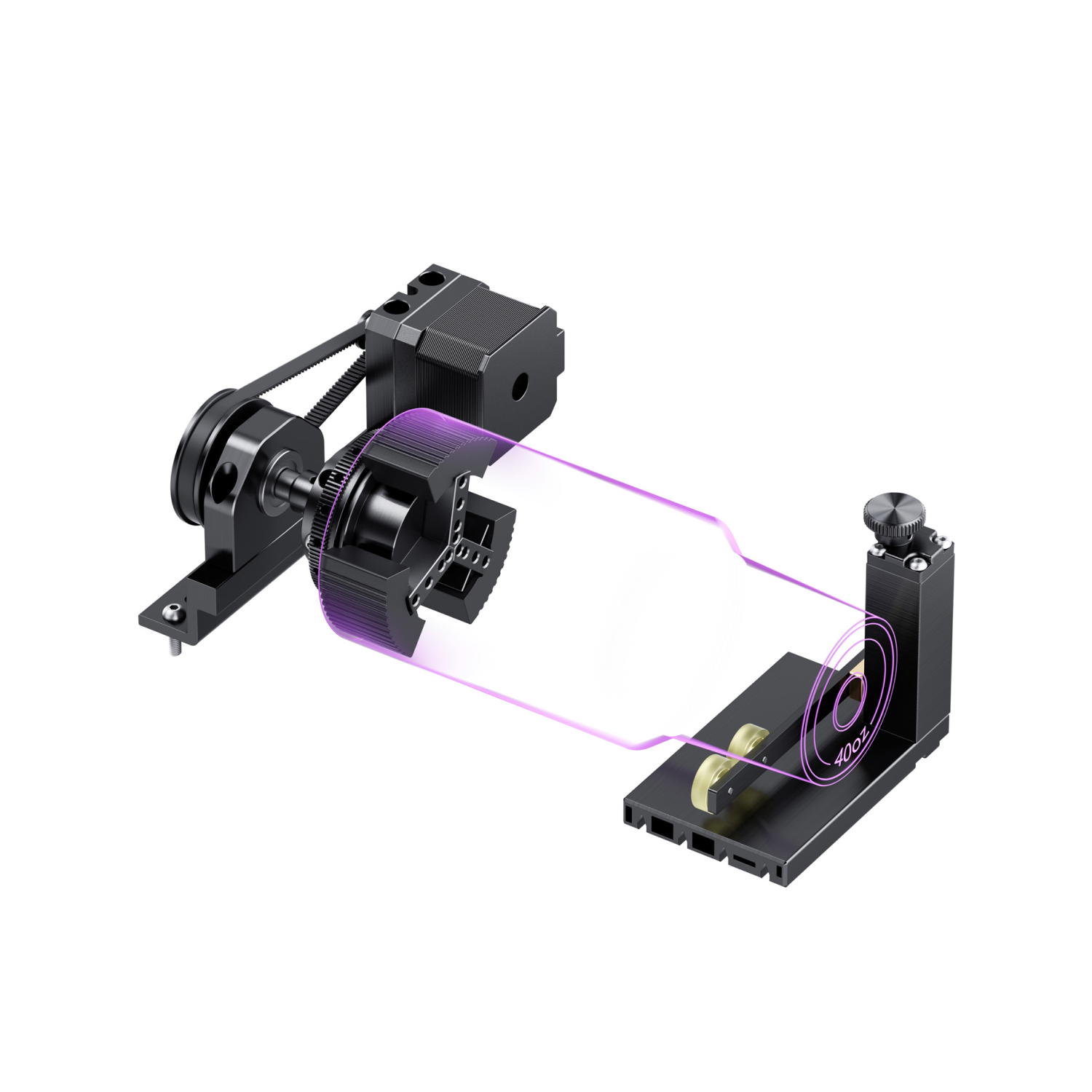
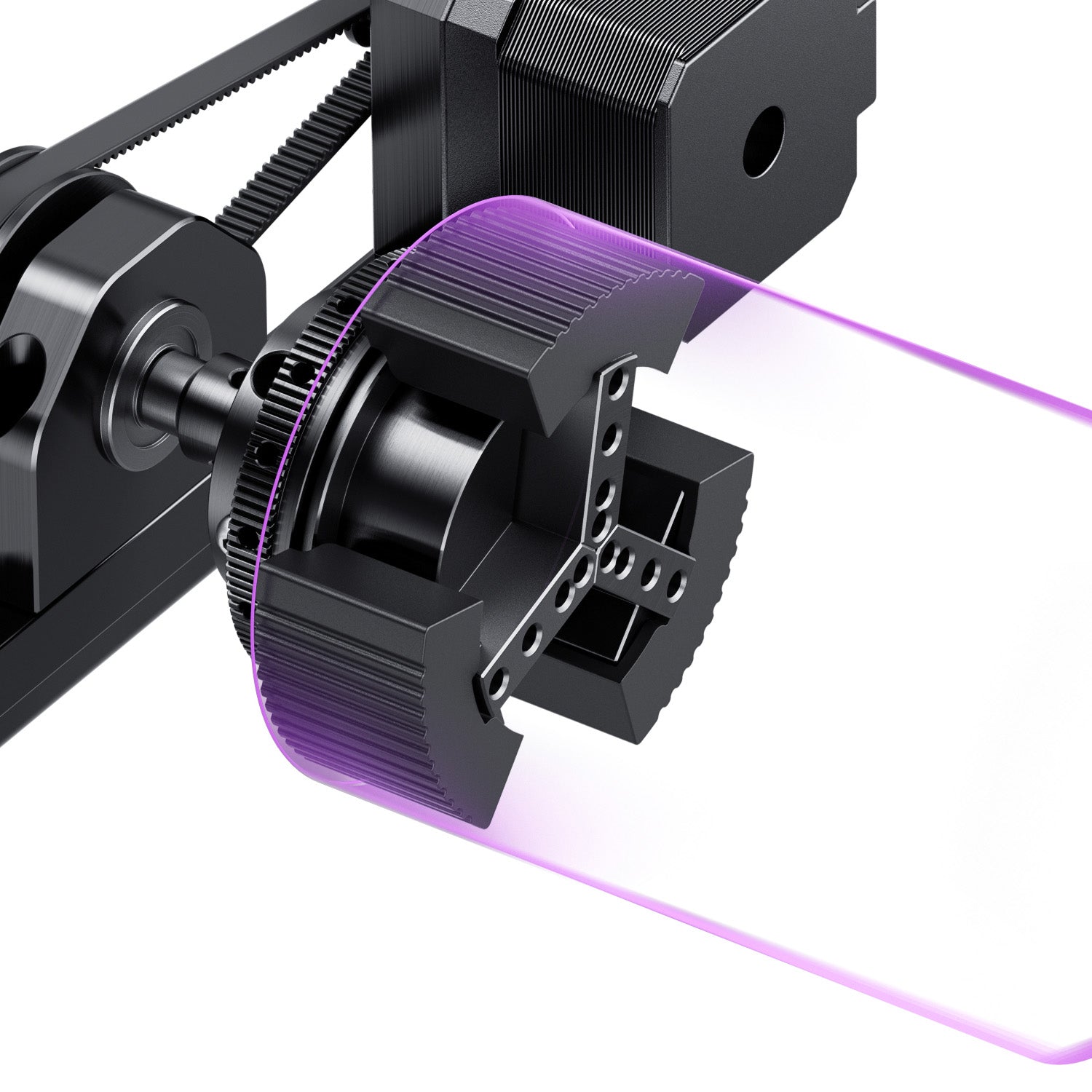
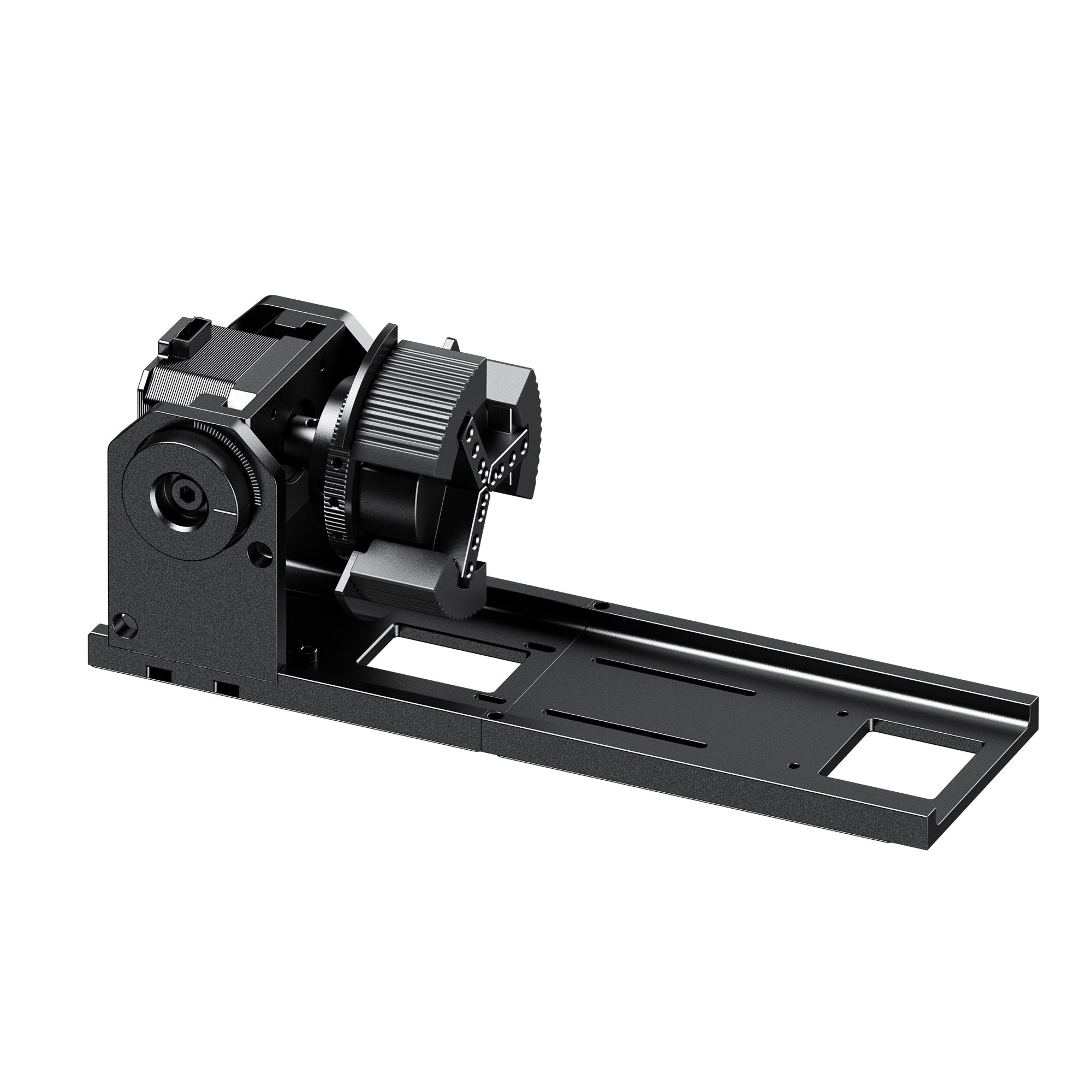
Check work area against your largest realistic project; spot size and lens quality affect fine detail more than wattage. A rotary attachment is close to mandatory for tumblers, rings, and other cylindrical pieces.
6. Safety and Fume Extraction
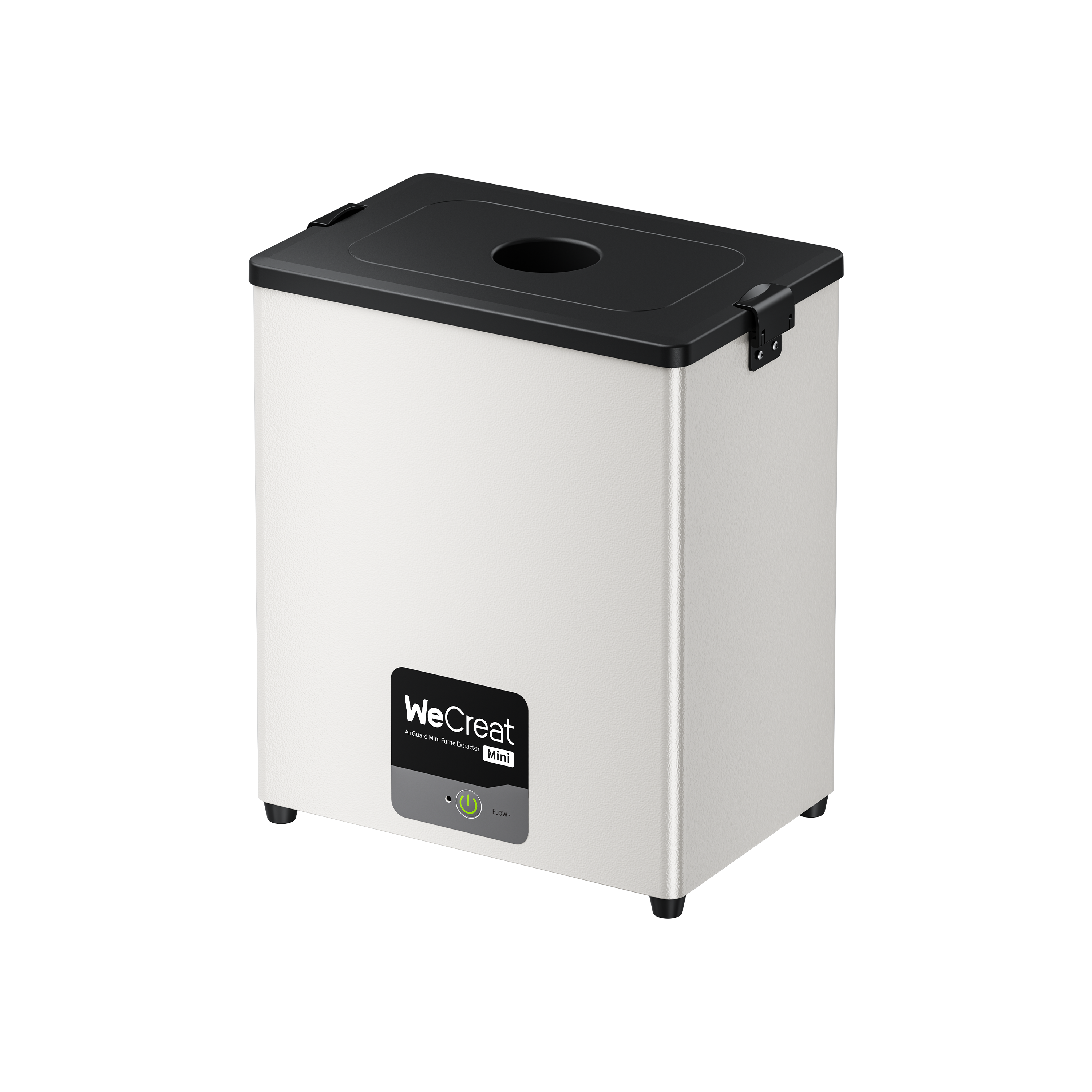
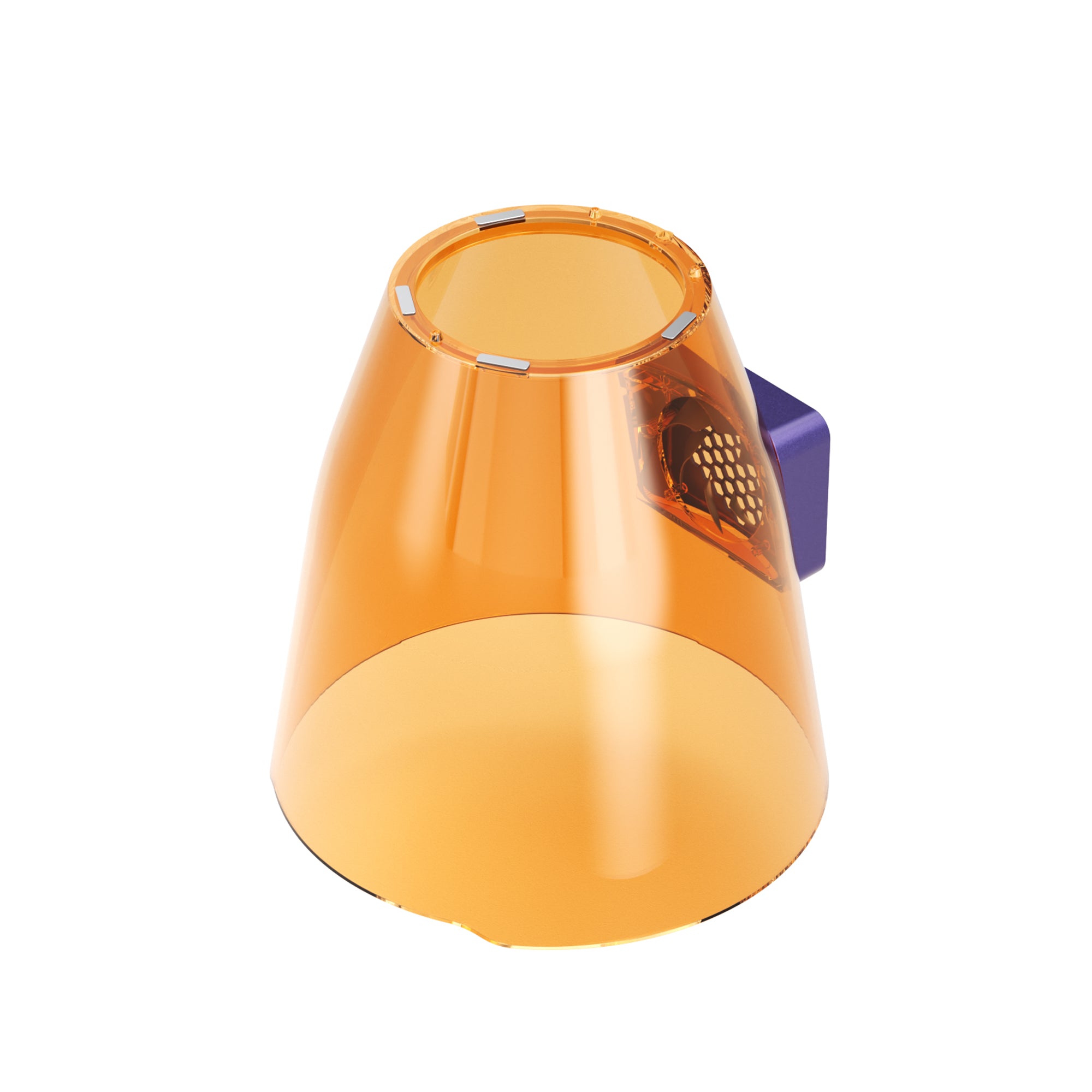
A fully enclosed Class 1 machine is safer than an open Class 4 unit — IR and fiber reflect more aggressively off bare metal than diode lasers do off wood. Fume extraction is essential for coated materials and many metal workflows, not an afterthought.
What Metals Can a Fiber Laser Engrave?
Reflectivity and surface composition both affect how cleanly a mark forms.
| Metal | Fiber/IR Marking | Key Consideration |
|---|---|---|
| Stainless steel | Excellent | MOPA needed for color marking |
| Titanium | Excellent | Also anodizes well for color effects |
| Mild/carbon steel | Excellent | Straightforward for deep engraving |
| Gold | Excellent | Fine detail holds up well |
| Silver | Excellent | Benefits from some power headroom |
| Brass | Good | More reflective than steel |
| Aluminum (bare) | Good | Anodized aluminum marks more easily, even on diode |
| Copper | More demanding | High reflectivity can scatter the beam at lower power |
Metal Project & Material Compatibility Guide
Stainless steel tumblers: Choose 15W+ fiber; prioritize a rotary attachment, and MOPA if color matters.
Aluminum: Choose fiber for bare aluminum, diode for anodized; bare aluminum is more reflective and harder to mark than steel.
Jewelry and fine detail: Choose low-power IR or fiber; prioritize spot size over raw wattage.
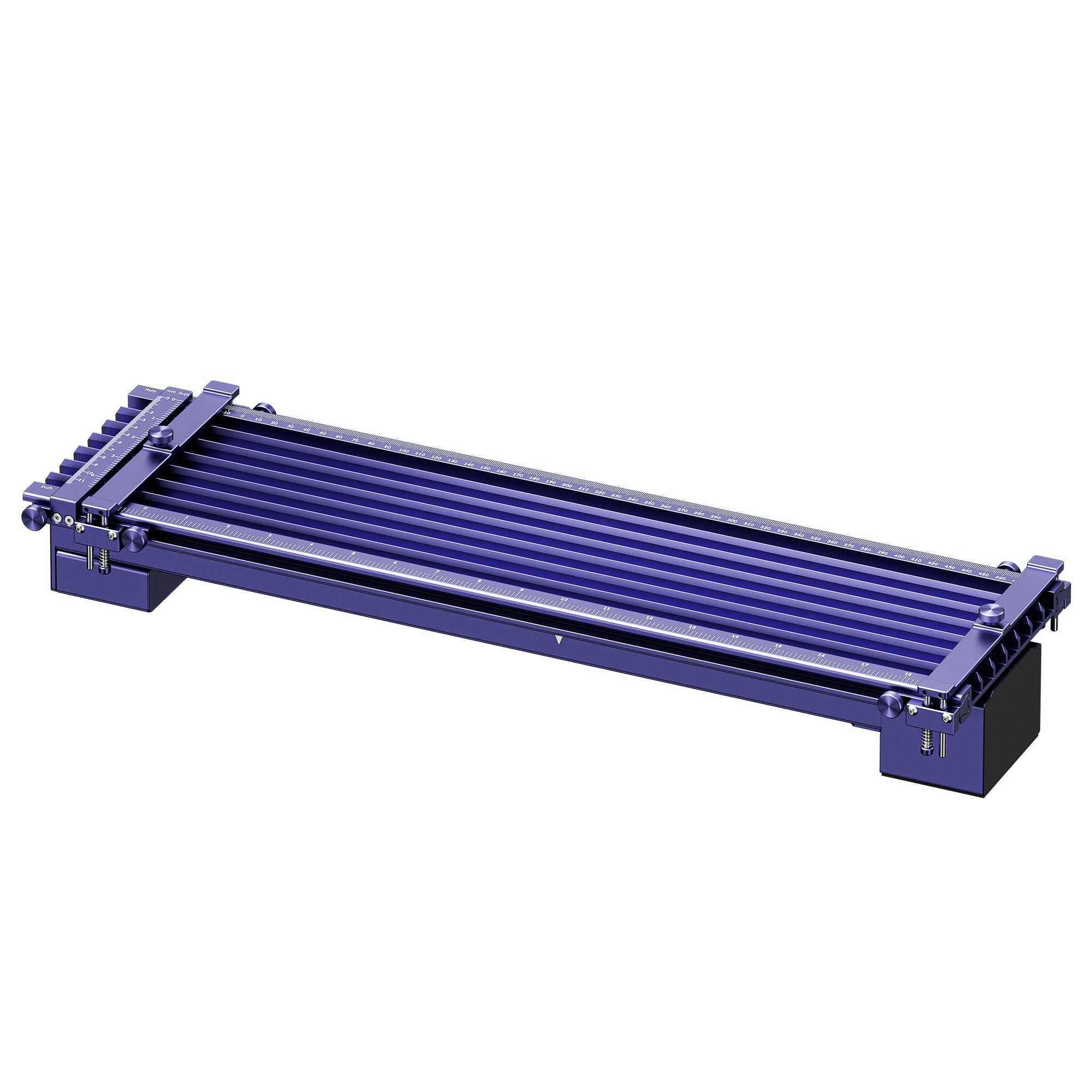
Metal tags and keychains: Choose mid-power fiber; prioritize speed, repeatability, and a rotary or jig.
Deep metal engraving. Choose 30W and up, fiber or MOPA; prioritize power and pass efficiency.
Color metal engraving: Choose MOPA fiber for adjustable pulse-width control.
Metal plus wood or leather: Choose a dual fiber/diode hybrid like the Lumos or Lumos Flex.
Metal plus glass or crystal: Choose a UV + MOPA platform like the Lumos Ultra.
Production runs: Choose 60–100W fiber or MOPA; prioritize throughput and cycle time.
Buyer's Guide: Standard Fiber vs. MOPA Fiber
Standard fiber suits black-and-white marking, logos, or serial numbers where cost matters more than color — a machine like the GWEIKE G2 Pro covers this well. MOPA fiber earns its cost when stainless-steel color marking is part of your catalog, or finer control across finishes gets genuinely used. Don't buy MOPA because it's the more advanced spec — buy it when pulse control solves a problem standard fiber can't.
Which Metal Laser Engraver Should You Buy?
- WeCreat Lumos Ultra if: you need serious metal processing plus glass, crystal, or other UV-only materials.
- WeCreat Lumos Flex if: metal and wood or leather are both regular parts of your catalog.
- WeCreat Lumos if: you're starting out, projects lean toward jewelry and tags, and portability matters.
- xTool F2 Ultra if: metal is your whole business and you need the highest fiber power here.
- ComMarker B6 if: you're running repeat production jobs needing color marking and LightBurn.
- OMTech 20W MOPA if: you want real color marking without committing to a 60W machine.
- GWEIKE G2 Pro if: your priority is fast, clean bare-metal marking at the lowest entry cost.
Before you buy, confirm the exact configuration and current pricing on the manufacturer's own product page.
Conclusion
Don't choose a laser based on the word "metal" alone — choose it based on what you actually want to do to the metal. Occasional marking needs only a low-power IR or entry-level fiber source; a real part of your business means 20–30W fiber and up. Add MOPA when color marking genuinely matters, not because it's the more advanced spec. A fiber/diode hybrid like the Lumos Flex covers wood or leather alongside metal; the Lumos Ultra adds glass and crystal to that mix with UV and MOPA in one platform.
Metal Laser Engraving FAQs
Q1. What's the difference between metal marking and metal engraving?
Marking changes surface color with little material removed, often via annealing. Engraving physically removes material for a visible groove.
Q2. Can a diode laser engrave bare metal?
Not without help — a diode marks anodized or coated metal well since the coating absorbs the light, not the metal. Bare metal needs fiber or IR instead.
Q3. What's the difference between fiber and MOPA fiber lasers?
Standard fiber fires at a fixed pulse width and handles marking and engraving well. MOPA adds adjustable pulse and frequency control — what unlocks color marking on stainless steel.
Q4. Can one machine handle both metal and wood?
Yes — dual-laser hybrids pair a fiber or IR source for metal with a diode source for wood and leather.
Q5. Can a laser engraver cut metal, or only mark it?
Mostly mark — desktop engravers work a surface layer, not sheet metal, which is generally an industrial job. A few high-power fiber units can slice thin foil as an exception.
Q6. Do I need a rotary attachment for tumblers?
Yes, for anything cylindrical — it turns the piece in sync with the laser so the design wraps evenly instead of flat, choppy passes.
Q7. Is UV the same thing as MOPA?
No. MOPA is a fiber laser tuned for metal, including color marking; UV suits glass, crystal, and other heat-sensitive materials. A combined platform covers both.