










If you've narrowed your search down to these two, you're probably not asking "which UV laser is better." On paper, they're close — 6W vs 5W, 16,000 mm/s vs 15,000 mm/s, both genuinely capable of clean glass and crystal work. For most buyers, though, those UV specification differences matter much less than a bigger question:
“Do I need a path into metal, or is UV-only enough for what I'm building?”

The Short Answer
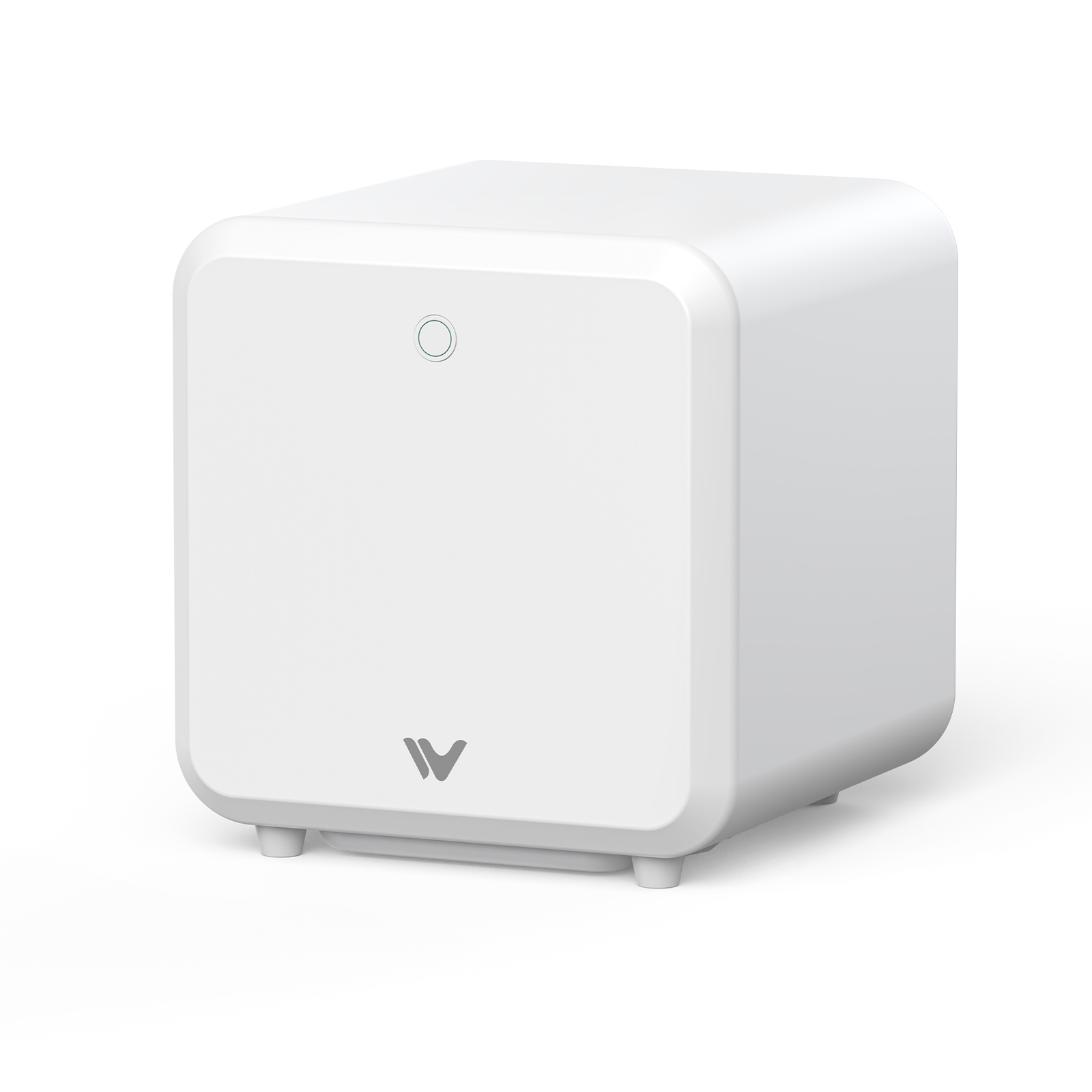
The xTool F2 Ultra UV is a dedicated UV laser. It doesn't offer a fiber or MOPA upgrade path, so it isn't built for the deep metal engraving, metal cutting, or MOPA-style color marking that the WeCreat Lumos Ultra can address through its optional MOPA module. If your work is glass, crystal, plastics, and acrylic, and you're confident it's staying that way, the F2 Ultra UV is a solid, focused tool for exactly that.
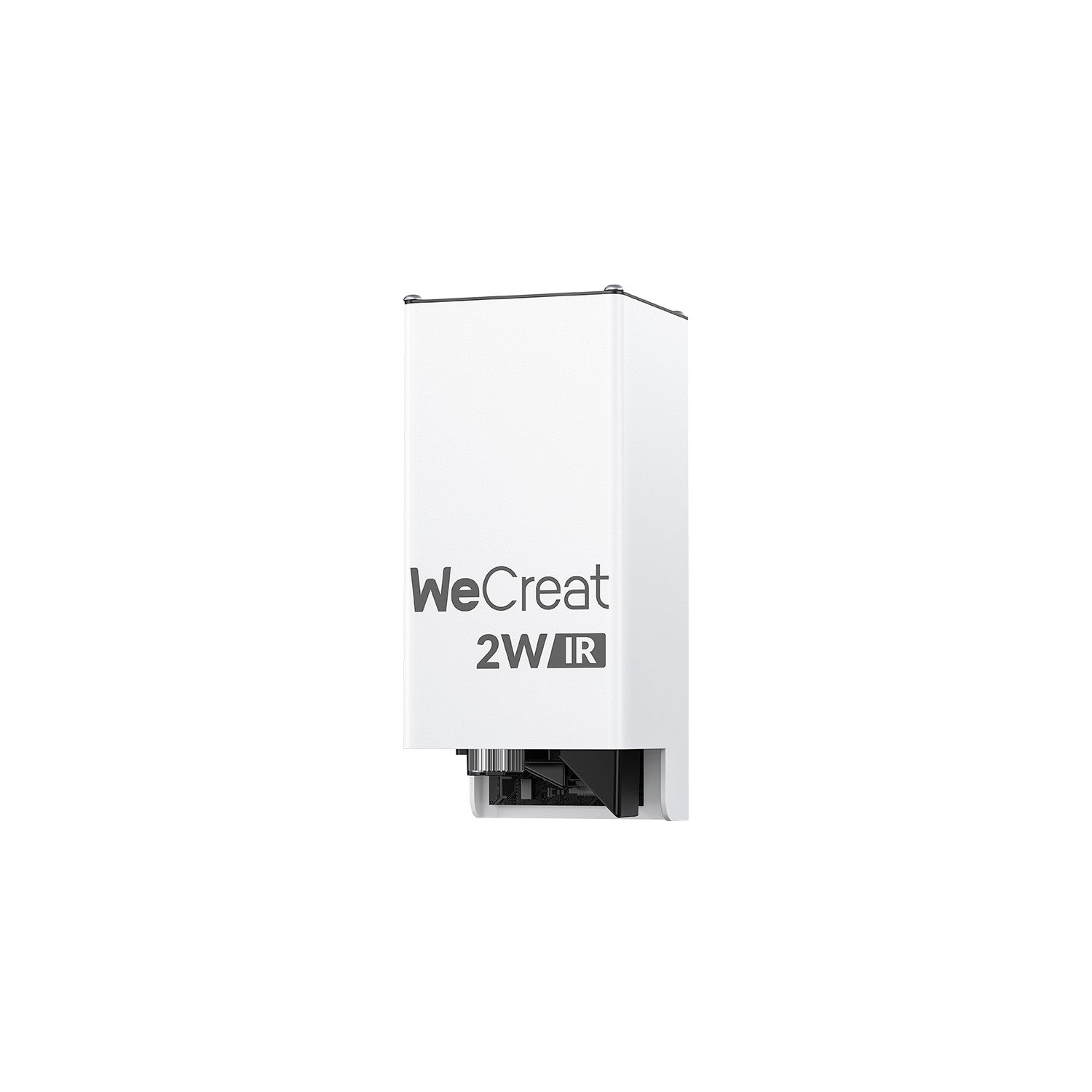
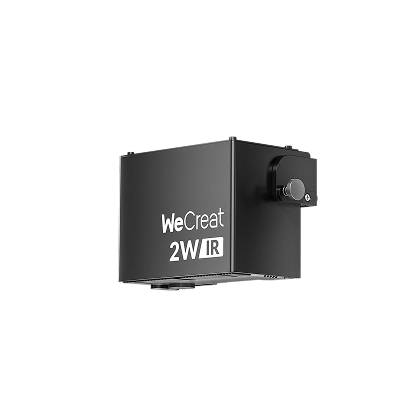
The WeCreat Lumos Ultra covers the same core UV applications, with slightly higher rated UV power and maximum speed, a slightly larger standard work area, and a lower UV-only entry price. But it adds an optional 60W or 100W MOPA fiber module that bolts onto the same machine later. If a customer ever asks for a color-anodized metal tumbler, an engraved stainless steel plaque, or a deep metal relief piece, the Lumos Ultra can grow into that job without replacing the platform. The F2 Ultra UV can't; that work would need a second, separate machine.
WeCreat Lumos Ultra vs xTool F2 Ultra UV: Key Specs
| Feature | WeCreat Lumos Ultra | xTool F2 Ultra UV |
|---|---|---|
| UV Laser | 6W, 355nm | 5W, 355 ± 5nm |
| MOPA / Fiber Support | Optional 60W / 100W MOPA | Not available |
| Max Engraving Speed | 16,000 mm/s | 15,000 mm/s |
| Standard Work Area (Surface) | 210 × 210mm | 200 × 200mm |
| Inner / Crystal Engraving Area | 70 × 70mm | 70 × 70mm |
| UV Laser Spot Size | 0.0019mm (laser spot size) | 0.001mm (marketed as "vector resolution," not a laser spot size) |
| Positioning / Focus | Camera positioning + manual positioning; 0.01mm ranging precision | Dual 48MP cameras; 0.2mm accuracy |
| Software | WeCreat MakeIt + LightBurn | xTool Studio |
A couple of notes on reading this table. The 210 × 210mm vs 200 × 200mm work area is a real, verifiable difference — modest, not dramatic, but it's there. Both machines share the same 70 × 70mm inner engraving area per their respective official specifications, which is worth calling out since crystal/glass inner engraving is often the reason people shop this category in the first place.
Specs in this table are drawn from each manufacturer's own published materials as of this writing. Manufacturers update pricing, configurations, and specifications regularly — confirm current figures directly with WeCreat or xTool before making a purchase decision.
What Actually Changes If You Add MOPA?
Without a dedicated fiber/MOPA source, the F2 Ultra UV isn't positioned as a high-power metal-processing machine. Its 5W UV laser can mark certain metal surfaces, but it isn't designed for deep engraving, production metal cutting, or the broad color-marking range that the Lumos Ultra's optional MOPA module enables.
Add the Lumos Ultra's 60W or 100W MOPA module, and the application range expands substantially:
- Deep metal engraving and relief work
- WeCreat rates the 100W MOPA configuration for up to 3mm stainless-steel cutting (0.6mm on UV alone, 2mm at 60W MOPA)
- WeCreat says the MOPA configuration can produce 100+ repeatable colors through controlled oxide-layer marking on suitable metals, including stainless steel and titanium

That's the difference between buying for today's workload and buying for your production roadmap. If you only need UV today, the Lumos Ultra can simply stay a UV machine — nothing forces you to buy the MOPA module up front. If metal becomes part of your product catalog later, the MOPA option gives you a way to expand without replacing the core platform.
UV Performance: Where the Difference Matters — and Where It Doesn't
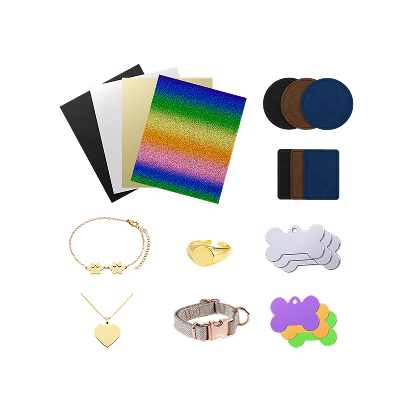
6W vs 5W and 16,000 vs 15,000 mm/s are real numbers, but neither machine has a UV weakness worth building a purchase decision around. Both are capable UV lasers for applications such as glass, crystal, acrylic, heat-sensitive plastics, and other materials where low-heat processing is valuable. Both can also mark certain metal surfaces, although the Lumos Ultra's optional MOPA module is the more relevant tool once the job moves into deep metal engraving, cutting, or advanced color marking.
Glass, Crystal, and 3D Inner Engraving
This is arguably the reason most people end up shopping UV lasers in the first place, and both machines are genuinely capable here. WeCreat's platform runs five distinct glass engraving modes, from surface marking through 3D subsurface engraving, currently validated for K9 crystal specifically per WeCreat's own FAQ. xTool markets 3D subsurface (inner) engraving as a signature feature of the F2 Ultra UV too, backed by a fast model-import workflow and the same 70 × 70mm inner engraving footprint. Neither machine clearly beats the other in this category.
Software and Workflow
The Lumos Ultra runs on WeCreat MakeIt (guided, preset-driven) or LightBurn. The F2 Ultra UV runs on xTool Studio. If you're already using LightBurn across other machines, the Lumos Ultra has the more flexible software path. If you're already invested in xTool equipment, staying within xTool Studio's consistent workflow may actually be an advantage rather than a limitation — it depends entirely on what else is already in your shop.
Where the xTool F2 Ultra UV Has the Advantage
It's worth stating plainly: this isn't a one-sided comparison. A few things work in the F2 Ultra UV's favor —
- A dedicated UV workflow. The whole machine is built around one job. There's no MOPA module, no field-lens swap for a second laser type — for a buyer who only wants UV, that focus can simplify setup and reduce what there is to learn.
- Camera-guided autofocus. xTool's published materials describe an intelligent focusing system combining dual cameras with laser rangefinding, aimed at consistent, hands-off positioning across batch jobs.
- Existing xTool users. If you already own xTool equipment, staying inside the xTool Studio ecosystem keeps your workflow consistent across machines — that consistency has real value on its own.
For a buyer who is certain they only need UV processing, these advantages may matter more than the Lumos Ultra's MOPA upgrade path.
Is the MOPA Upgrade Worth It?
This is the question the title asks, so here's a direct answer.
If you only sell UV-suited products — glass, crystal, acrylic, plastic, heat-sensitive materials — the 6W UV alone is likely enough, and the MOPA module isn't something you need to pay for up front.
If metal is part of your roadmap, even as a "someday" item, the calculation changes. You're not just buying a stronger laser — you're buying UV capability plus the option of future metal capability in the same footprint. As of this writing, WeCreat lists the 6W UV-only configuration at $3,799, with 60W MOPA + UV at $6,490 and 100W MOPA + UV at $7,690 (currently on pre-order, with shipping expected around September 2026). Prices and shipping dates can change, so confirm the current offer before ordering.

That price gap is the real cost of optionality. For a UV-only business, that premium may be difficult to justify. For a business that would otherwise need to purchase a separate fiber laser later, though, the comparison changes from "extra cost" to "cost of adding a second production capability" — and whether that's worth it depends entirely on how likely metal work is to show up in your catalog.
Which One Should You Buy?
Choose the xTool F2 Ultra UV if: you're confident your work stays UV-only, you value a dedicated UV workflow, or you're already invested in xTool's ecosystem.
Choose the WeCreat Lumos Ultra if: you want the option to add metal capability later without buying a second machine, you'd benefit from LightBurn compatibility, or the slightly larger work area and lower UV-only entry price matter to you even before MOPA enters the conversation.
Conclusion
If your business is going to stay UV-only, the F2 Ultra UV and Lumos Ultra are much closer competitors than their broader feature lists might suggest — both handle glass, crystal, acrylic, and heat-sensitive plastics well, and the spec gaps between them are real but modest. But if metal is even a realistic future addition to your catalog, the Lumos Ultra's MOPA upgrade path changes the equation. You're not just choosing between two UV lasers — you're choosing whether you want your machine to have a second production path later.
Explore the WeCreat Lumos Ultra >>
Frequently Asked Questions
Q1. What is the main difference between WeCreat Lumos Ultra and xTool F2 Ultra UV?
Metal capability. Both are strong UV lasers for glass, crystal, and heat-sensitive materials, but only the Lumos Ultra offers an optional MOPA fiber module for deep metal engraving, cutting, and color marking.
Q2. Can the WeCreat Lumos Ultra do 3D inner engraving on glass and crystal?
Yes — five glass engraving modes, from surface marking through 3D subsurface engraving, currently validated for K9 crystal per WeCreat's own FAQ.
Q3. Why is MOPA fiber laser support important for metal engraving?
MOPA sources allow independent control over pulse width and frequency, which is what enables deep engraving, metal cutting, and repeatable multi-color oxide marking on stainless steel or titanium. A UV-only laser can mark some metal surfaces but isn't built for that depth or color range.
Q4. Does the WeCreat Lumos Ultra work with LightBurn software?
Yes, alongside WeCreat's own MakeIt software, depending on version compatibility and configuration.
Q5. Do I need the 60W or 100W MOPA version?
Choose 60W if you mainly need metal engraving, color marking, and moderate production work. Choose 100W if faster material removal, deeper engraving, or thicker metal cutting is a priority. WeCreat rates the 60W MOPA for up to 2mm stainless-steel cutting and the 100W version for up to 3mm.