



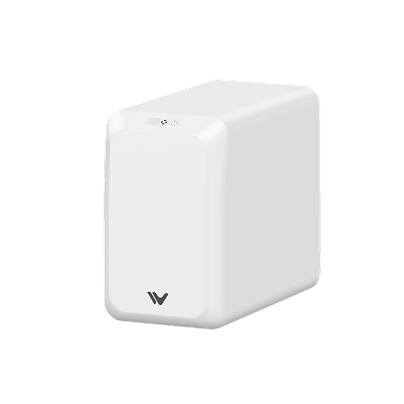




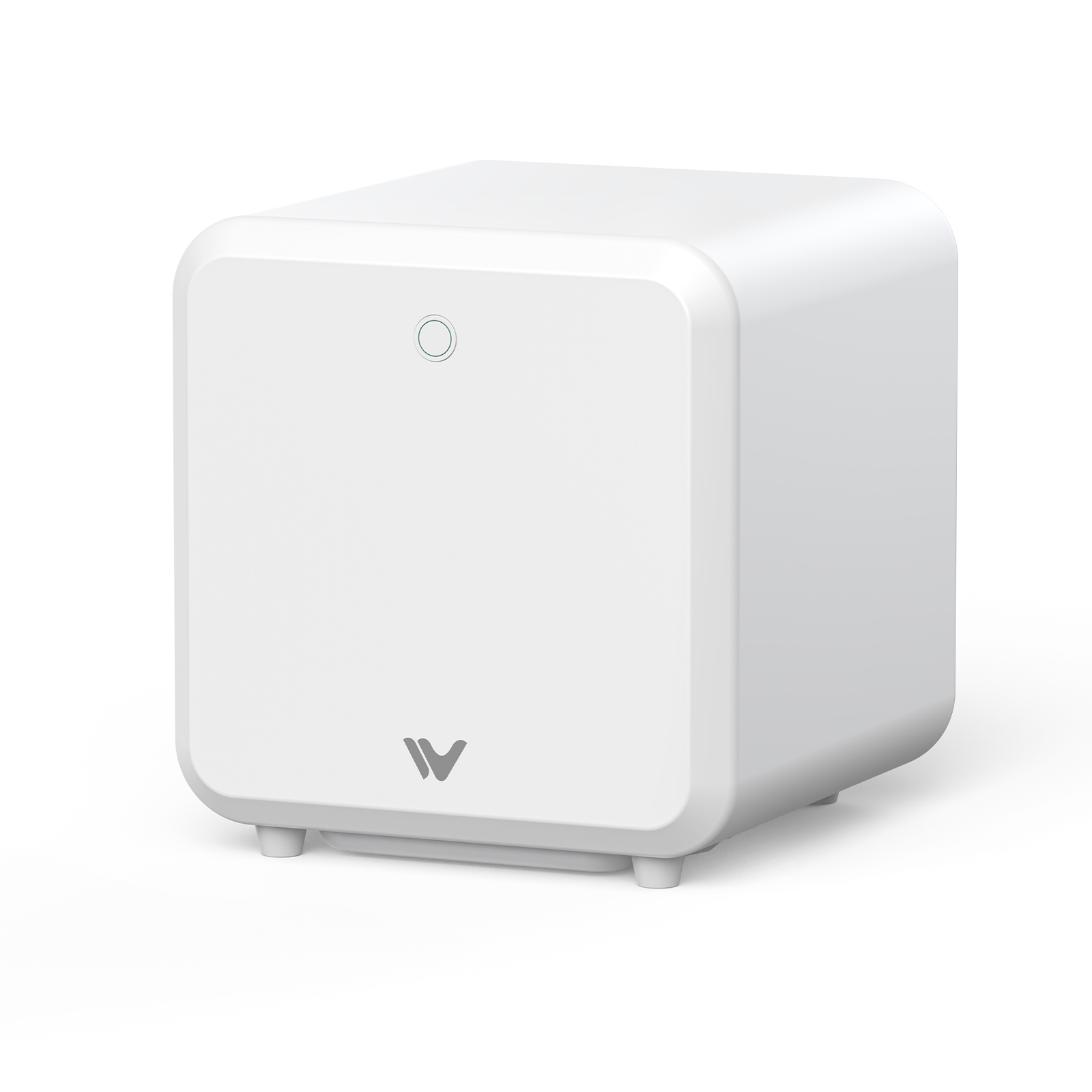
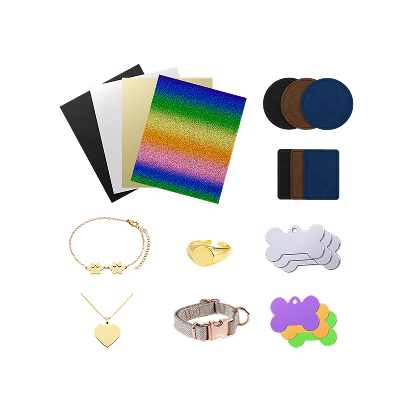
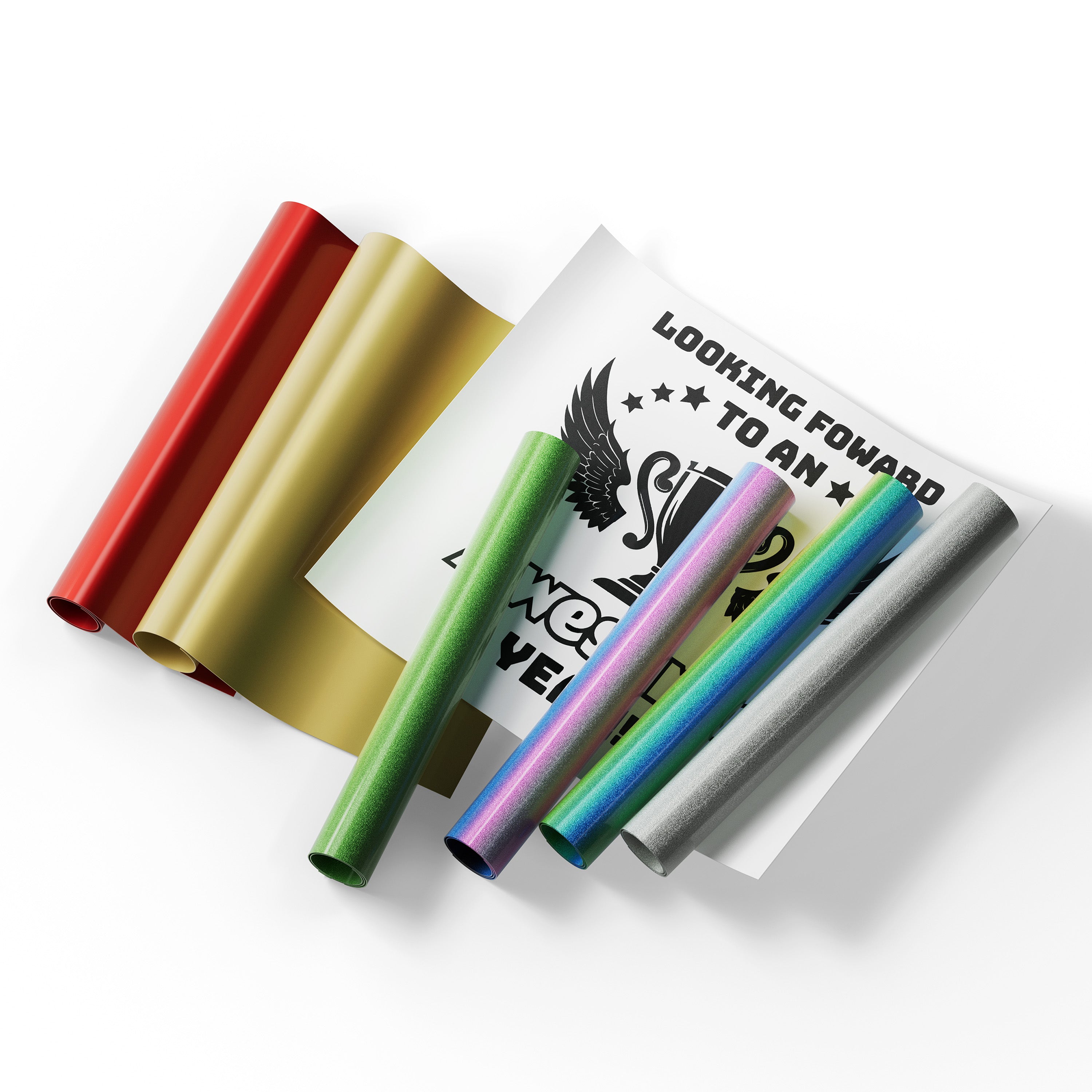
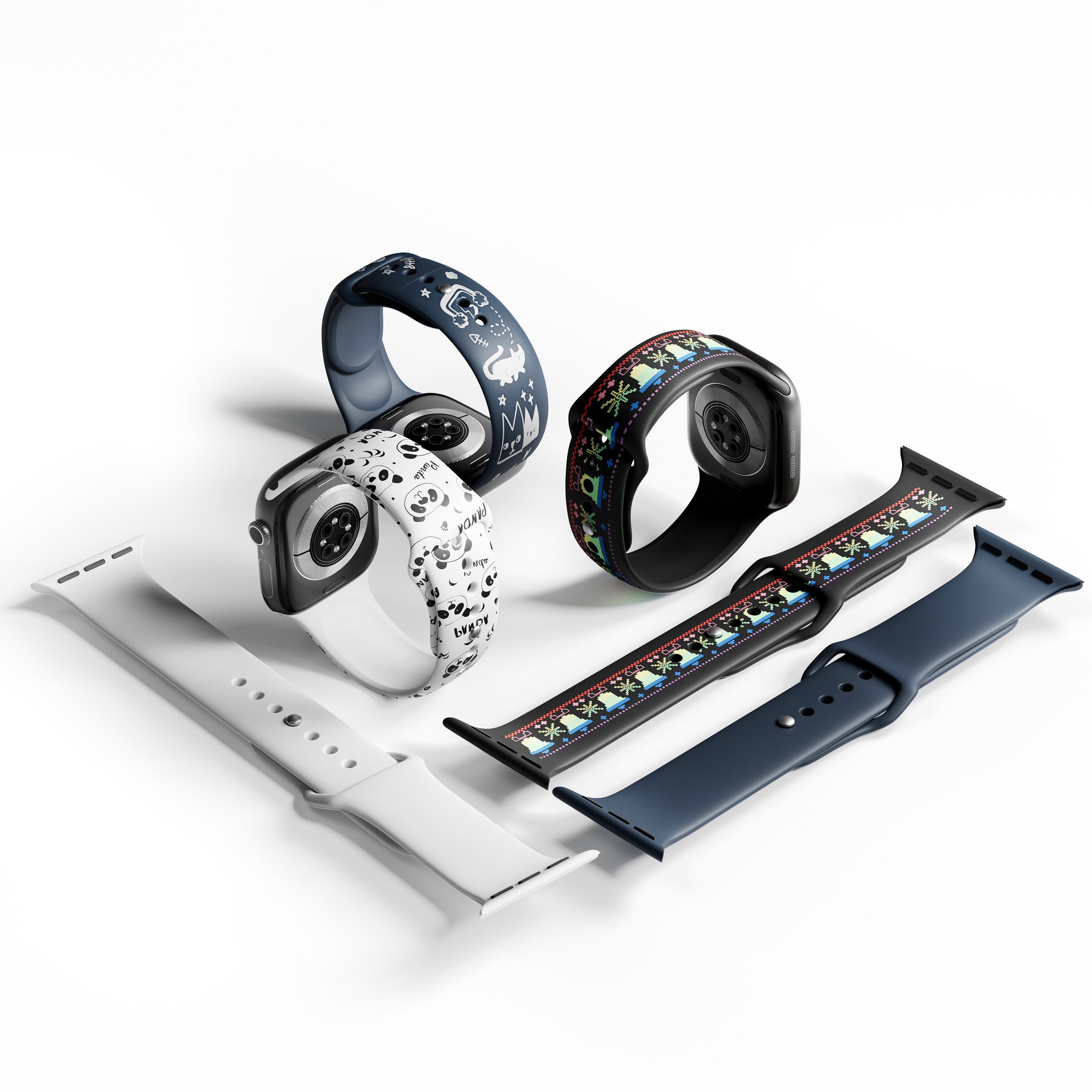
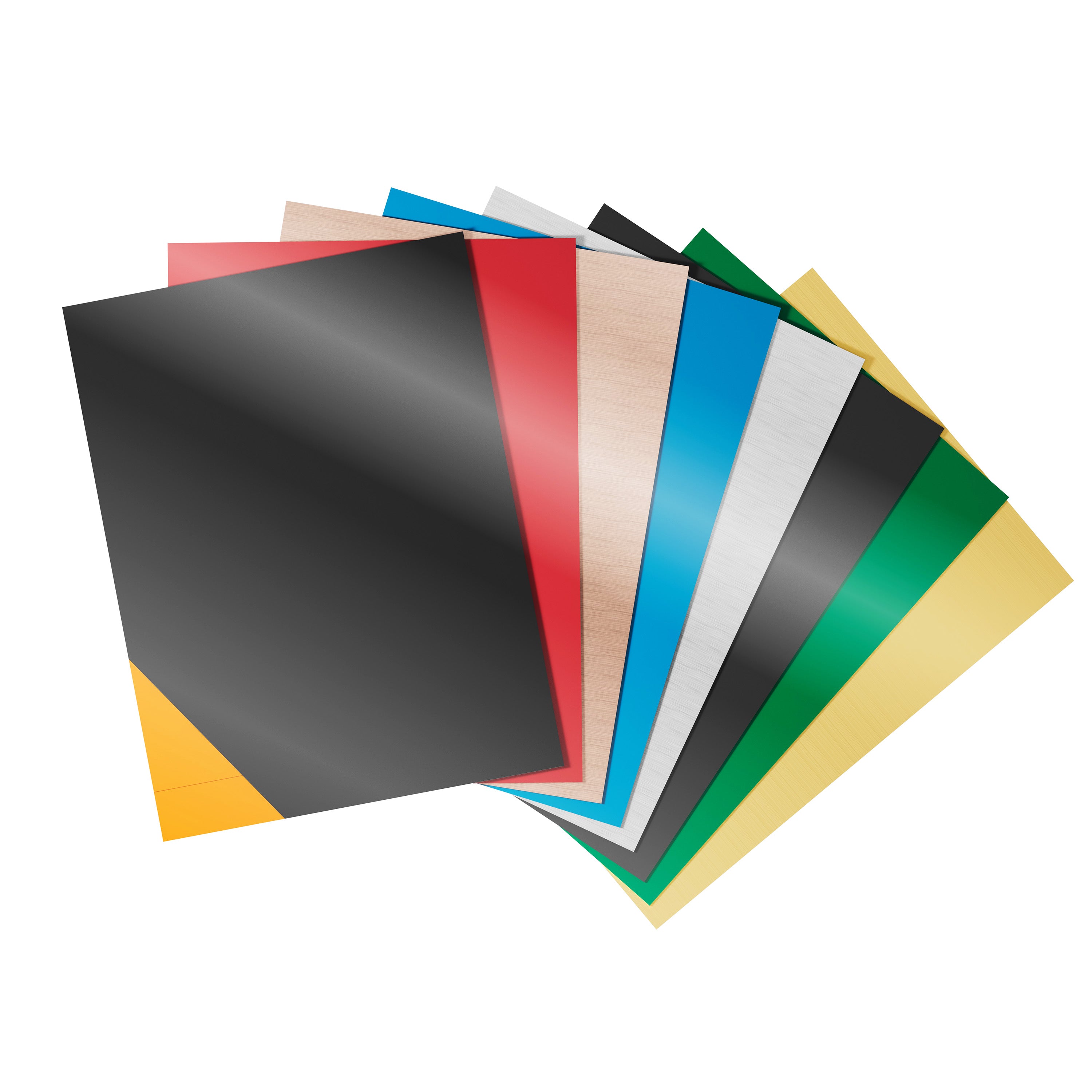

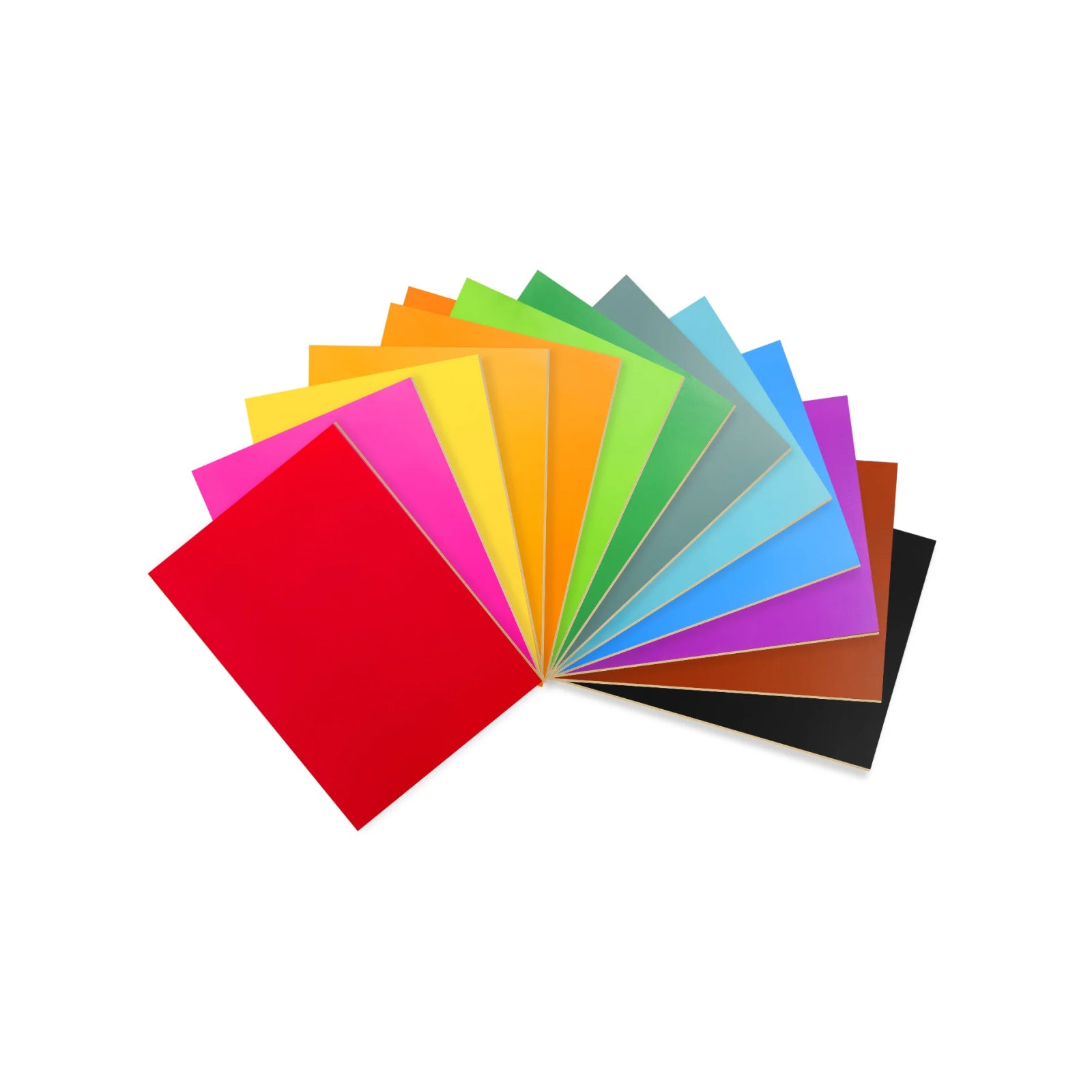
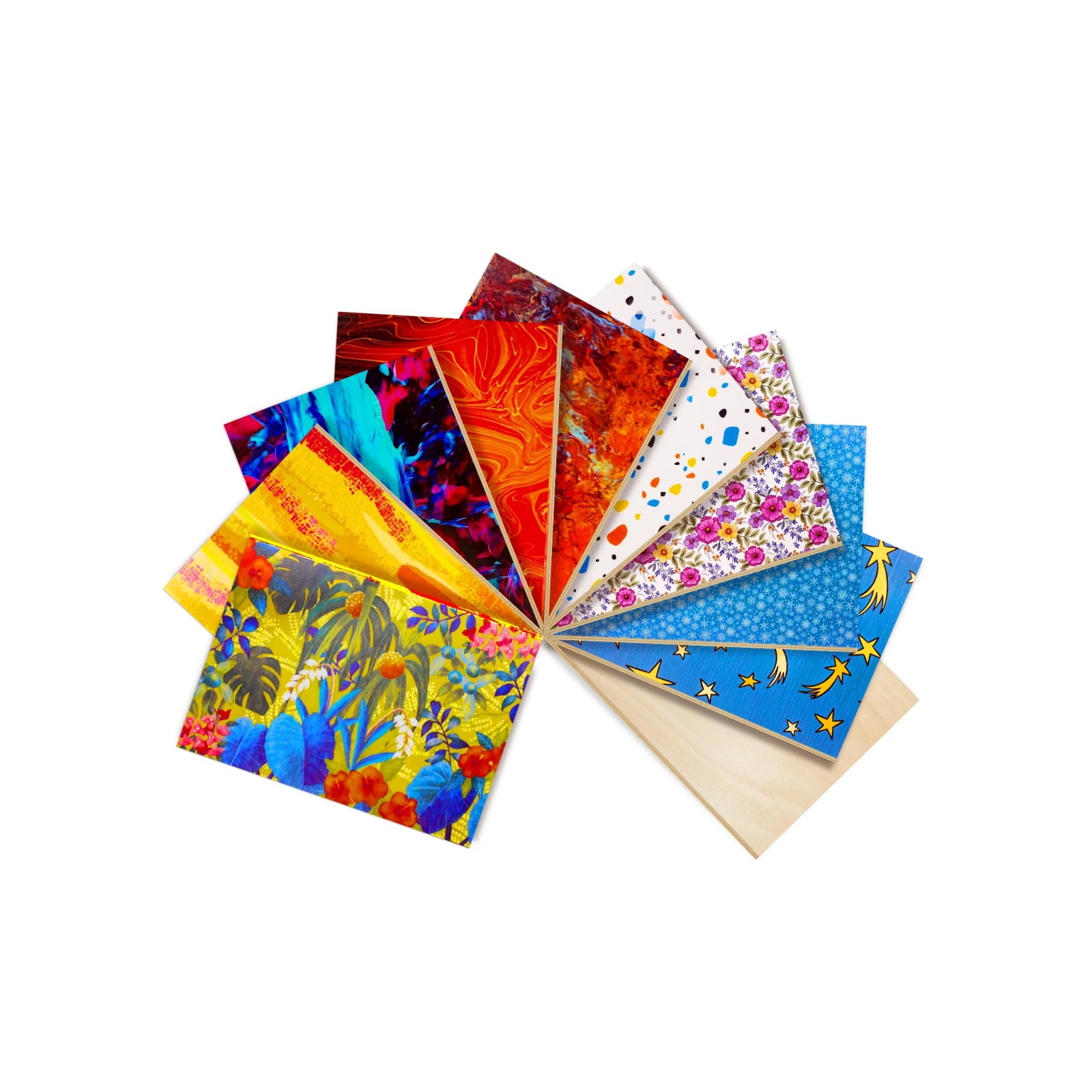


Quick answer: the best laser engraver under $1,000 depends on what you plan to make and where you will use it. For most people, the WeCreat Vista 10W (currently $690, MSRP $1,090) is the best overall pick: it is enclosed, Class 1, and easy to set up. If you need to mark metal and want to take the machine with you, the WeCreat Lumos (10W diode + 3W IR, $990) pairs a diode laser with an infrared one in a portable body. Below, we compare the top models by use case, power, safety, and price.
Best Laser Engravers Under $1,000 at a Glance
| Model | Laser Wavelength & Power | Working Area | Safety & Enclosure | Best For | Current Price (MSRP) |
|---|---|---|---|---|---|
| WeCreat Vista | 10W blue diode (optional 2W IR) | 16.3" x 11.4" | Enclosed, FDA Class 1 | Best overall & crafting | $690 ($1,090) |
| WeCreat Lumos | 10W diode + 3W 1064nm IR | 116 x 116mm | Compact; laser goggles recommended | Best dual-laser & metal marking | $990 ($1,690) |
| Creality Falcon2 Pro S 22W | 22W blue diode | 13.98" x 15.35" (355 x 390mm) | Enclosed, Class 1 | Best higher-power enclosed option | $899 ($1,099) |
| SCULPFUN SF-A9 | 40W blue diode | 400 x 400mm | Open-frame | Best high-power cutting value | $799.99 |
| AtomStack A20 Pro V2 (All-in-1 Bundle) | 20W blue diode | 400 x 365mm | Open-frame (enclosure sold as add-on) | Best open-frame value | $729 |
| VEVOR 45W CO2 | 45W CO2 tube | 300 x 200mm | Desktop CO2 system | Best for clear acrylic | $759.90 |
Note: Prices and availability were verified at the time of publication. Where applicable, current promotional prices are listed alongside MSRP — check each product page before buying, since laser engraver pricing moves fast.
If your work is mostly wood, leather, and acrylic rather than metal, our CO2 vs. Diode Laser Engraver comparison goes deeper into that specific trade-off than the table above.
How Much Does a Laser Engraver Really Cost?
There is no single answer to "how much is a laser engraver," but prices fall into a few clear tiers:
- $500–$700: entry-level enclosed diode lasers and high-value open-frame units.
- $700–$1,000: higher-wattage diodes (20W–40W), entry CO2 machines, and dual-laser portable units.
- $1,000+: professional production CO2, MOPA fiber, or industrial galvo systems.
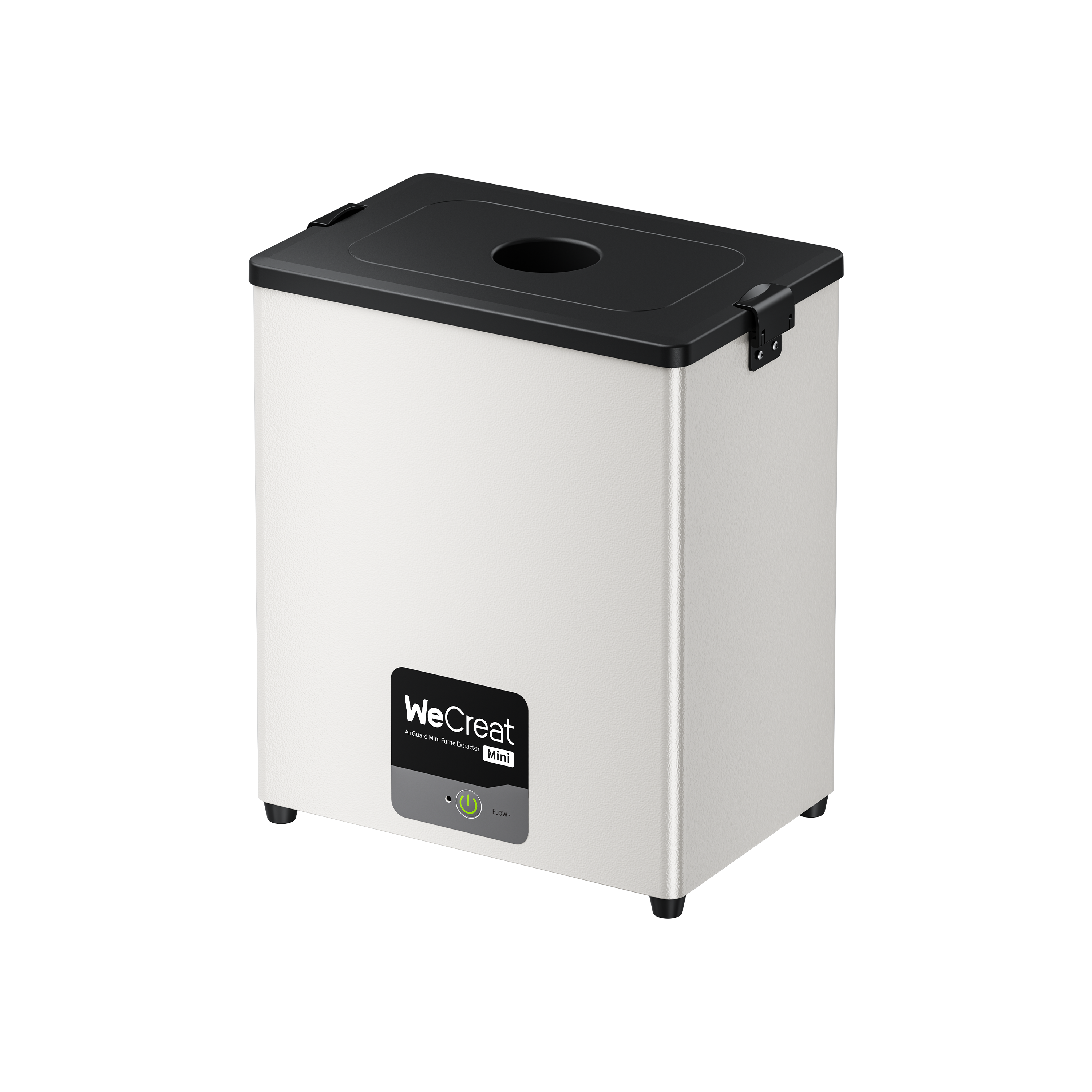
The machine price is rarely the whole budget. A $690 enclosed diode laser still needs somewhere to vent fumes. Most buyers also add a rotary attachment and some test materials. Plan for the workspace around the machine, not just the machine. We break down typical add-on costs below.
Key Factors to Consider When Buying Under $1,000
Wavelength Guide: Diode vs. CO2 vs. 1064nm Infrared
| Material | 10–20W Diode (450nm) | 40W Diode (450nm) | 45W CO2 (10,600nm) | 1064nm Infrared |
|---|---|---|---|---|
| Wood & plywood | Engrave/cut up to ~6mm | Good for thicker wood; often faster than 10–20W models | Fast cutting | Not a typical use |
| Leather & fabric | Good | Good | Good | Limited |
| Opaque/dark acrylic | Good | Good | Good | Limited |
| Clear/transparent acrylic | Unsuitable — wavelength passes through | Unsuitable — wavelength passes through | Clean cut, well suited | Not suitable |
| Stainless steel / bare metals | Limited; best results are usually on coated/anodized metals, with bare-metal capability varying by machine and settings | Limited; best results are usually on coated/anodized metals, with bare-metal capability varying by machine and settings | Requires coating | Direct, deeper engraving |
| Jewelry / precious metals | Not recommended | Not recommended | Not recommended | Well suited for fine detail |
Results above vary with material thickness, laser settings, and the specific machine — manufacturers test under different conditions, so figures from different brands shouldn't be treated as directly equivalent. Treat this as a starting reference, not a guarantee.
Laser Power vs. Real-World Cutting Performance
Optical output power is what matters. That is the power that reaches the material, not what the machine draws from the wall, and marketing copy doesn't always make the difference clear. Higher wattage generally means faster cutting. But spot size, focal distance, and air assist affect detail quality just as much as the number on the box.
Safety Standards: Enclosed Class 1 vs. Open-Frame Class 4
FDA laser classes are based on risk, not just power. A Class 1 enclosure greatly reduces your exposure to laser radiation during normal operation, which makes it a much easier fit for home and shared spaces. It doesn't remove the need for ventilation, sensible material choices, fire precautions, or the maker's operating guidelines.
Many open-frame diode engravers are sold as Class 4 laser products with an exposed beam path. Using one safely takes wavelength-matched goggles, ventilation, eye and skin protection, and fire precautions. They aren't unsafe when used correctly. The safety burden just falls on your setup instead of the machine's housing.
In-Depth Reviews: Best Laser Engravers Under $1,000
1. WeCreat Vista 10W — Best Overall for Crafters & Beginners
 |
|
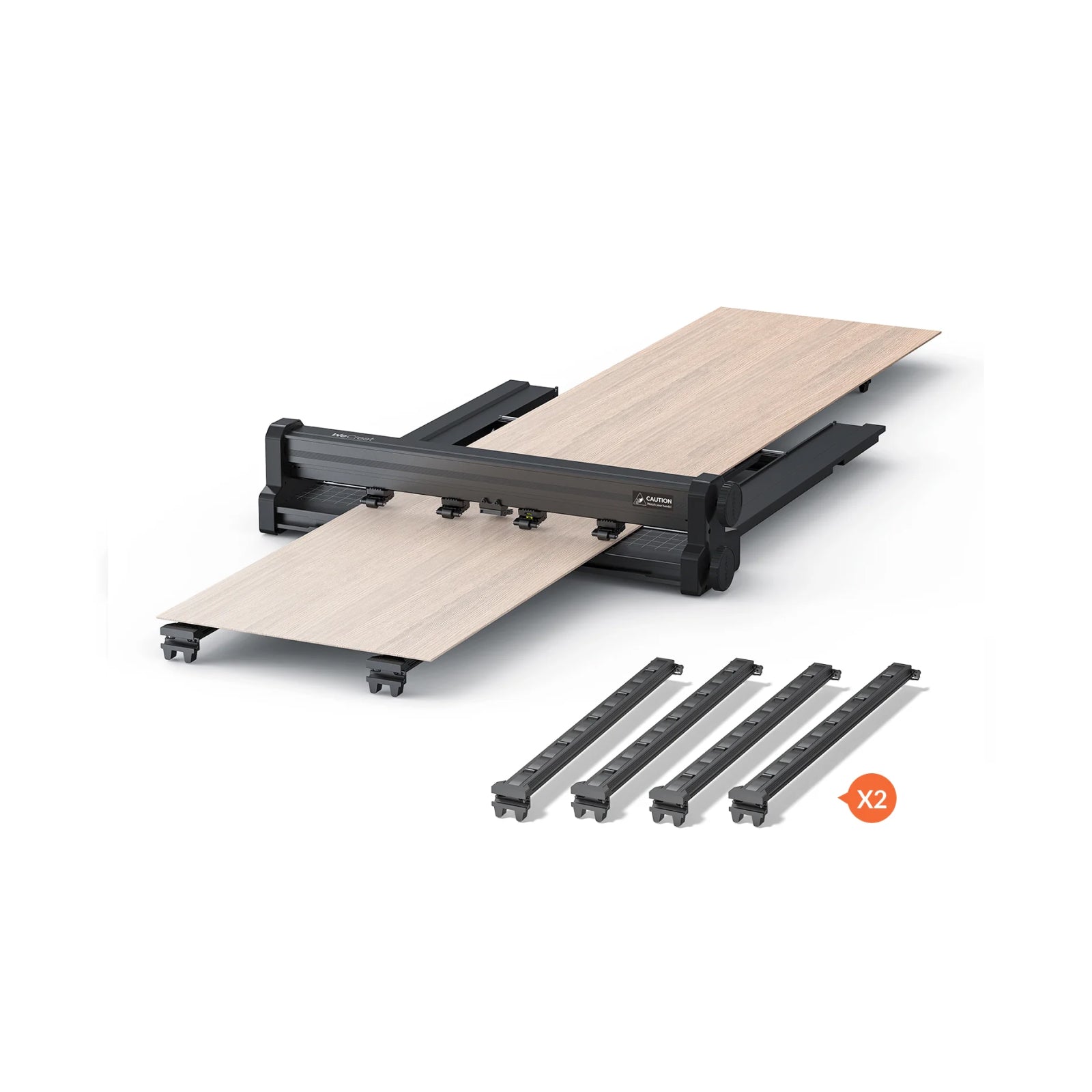
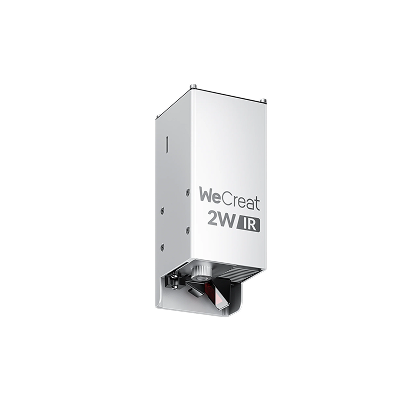
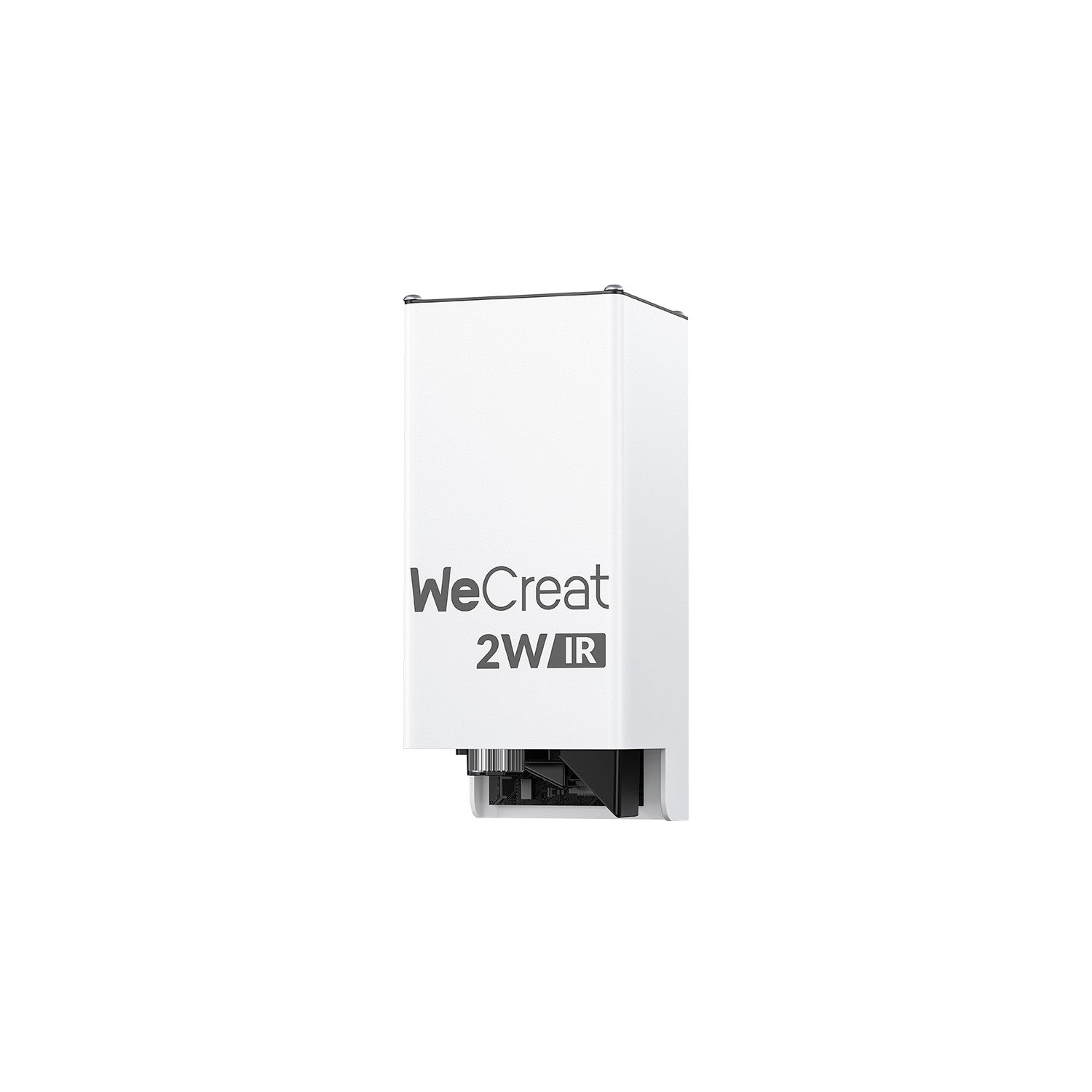
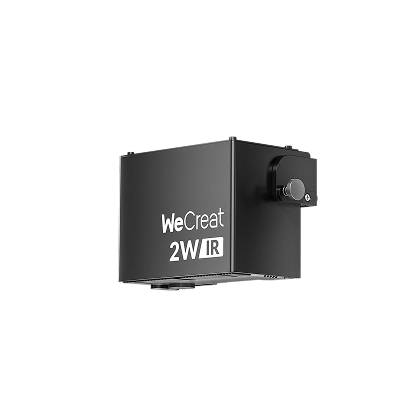
It pairs Class 1 safety with a flip-up laser head for rotary work on tumblers and bottles. The built-in camera helps you place designs without measuring by hand. An optional 2W infrared module adds metal engraving. The IR Creative Pack bundles it (currently $990), while the standalone module costs $599, so check the bundle price before you buy.
|
✓ Pros Fully enclosed Class 1 safety. HD camera for fast, accurate placement. Flip-up head for rotary work. Clear upgrade path to IR metal marking. |
✗ Cons 10W diode power means thicker cuts take more passes than higher-wattage open-frame machines. Buying the IR module on its own can push the total past $1,000. |
The safest, easiest machine on this list to set up and run indoors — our top pick for a first laser engraver.
2. WeCreat Lumos — Best Portable Dual-Laser for Metal & Wood

|
|
Its 3W 1064nm IR source is designed for direct metal engraving and fine-detail personalization, so you don't need a separate fiber laser. It is also light enough to carry. That suits market vendors and on-site custom orders.
|
✓ Pros Diode and IR lasers in one portable body. Galvo-driven speed. Direct metal marking, including stainless steel and aluminum. Handheld mode for on-site work. |
✗ Cons Small 116 x 116mm working area limits larger projects. Highest price on this list. Laser goggles are a separate purchase. |
The only machine here built for both metal marking and portability in one platform.
3. Creality Falcon2 Pro S 22W — Best Higher-Power Enclosed Diode
 |
|
It cuts thicker wood in fewer passes than the lower-wattage options here. You also keep Class 1 enclosed safety. The trade-off is a larger footprint and a heavier setup than the WeCreat machines.
|
✓ Pros Highest-wattage enclosed diode on this list. Class 1 safety despite the power jump. Large working area. |
✗ Cons Larger footprint and heavier than the WeCreat machines. No built-in IR option for metal marking. |
The pick if you want more raw diode power without giving up an enclosure.
4. SCULPFUN SF-A9 40W — Best Open-Frame Value
 |
|
It cuts fast on large projects and has the highest diode wattage on this list. It is an open-frame machine, so budget for an enclosure and strict Class 4 eye protection. Those are part of the real cost, not optional extras. If 40W is more than you need, look at the AtomStack A20 Pro V2, a 20W open-frame alternative with a 400 x 365mm working area. The machine alone is $369. The $729 All-in-1 Bundle adds a rotary roller set, honeycomb panel, and air assist, but not an enclosure (sold separately at $119). It suits buyers who want rotary work and air assist in one purchase.
|
✓ Pros Largest working area and highest wattage on this list. Fast cutting on big projects. |
✗ Cons Open-frame Class 4. Eyewear, ventilation, and an enclosure are your responsibility and an added cost. |
Most cutting area and power per dollar here — if you're set up to handle an open-frame machine safely.
5. VEVOR 45W CO2 — Best Budget Pick for Clear Acrylic
 |
|
It cuts clear and light-colored acrylic cleanly, which no diode machine on this list can do. The catch is upkeep. CO2 systems need cooling, occasional mirror alignment, and a watch on the gas tube's service life.
|
✓ Pros The only machine here that cuts clear acrylic cleanly. Fast on wood, leather, and acrylic. |
✗ Cons Smaller working area than the large-format diode machines. More ongoing maintenance than diode machines — cooling, mirror alignment, tube life. |
The only machine on this list built specifically for transparent-acrylic work.
What If You Want to Spend Less? ACMER P1 S Pro as an Ultra-Budget Alternative
Not everyone needs an enclosed laser, or a machine that costs close to $1,000. If you want a large cutting area and as much diode power as possible for the lowest upfront price, the ACMER P1 S Pro is worth a look as an ultra-budget alternative.
ACMER sells the P1 S Pro in several power options, from 6W up to 48W, with a working area of up to 380 × 370mm. It also offers Basic, Camera, Rotary, Enclosure, and All-in-One packages, so you choose how much to add. Promotional pricing starts at about $199. The final price depends on laser power and package.
That low entry price is its biggest advantage. If you already have a workshop, understand laser safety, and are comfortable adding accessories, you get a large-format diode laser without paying for an enclosed system. It engraves at up to 10,000mm/min and works with optional accessories such as a camera and enclosure.
The trade-off is safety. The base open-frame setup puts more responsibility on you. ACMER lists the P1 S Pro as a Class 4 laser product and calls for protective eyewear, ventilation, fire precautions, and supervised operation. An enclosed Class 1 machine like the Vista is a different experience, because the enclosure is part of the design.
So we wouldn't treat the P1 S Pro as a direct replacement for the Vista. They suit different buyers:
| WeCreat Vista | ACMER P1 S Pro | |
|---|---|---|
| Primary appeal | Ease of use + enclosure | Low price + cutting area |
| Typical buyer | Beginner / home crafter | Budget-focused maker |
| Base design | Fully enclosed | Open-frame |
| Safety approach | FDA Class 1 enclosure | Class 4 system; operator controls are critical |
| Camera | Built in | Optional |
| Enclosure | Built in | Optional |
| Upgrade path | Optional 2W IR module | Multiple power/accessory configurations |
| Best reason to buy | Easier, more controlled first machine | Maximum capability per initial dollar |
Our take: the P1 S Pro makes sense when price and work area come first. The Vista makes more sense when safety and simplicity matter more than specs.
What Is the Best Laser Engraver Under $1,000 for Beginners?
For beginners, the WeCreat Vista 10W is the best laser engraver under $1,000 because it combines a fully enclosed Class 1 design, camera-assisted positioning, simple setup, and enough power for common wood, leather, and craft projects. The best first machine is not necessarily the one with the highest wattage — it's the one that removes setup and safety friction.
- A safer starting point: the Vista is fully enclosed and rated FDA Class 1. The built-in TopView camera makes it easier to place and align designs.
- Enough room for real projects: the 16.3 × 11.4-inch working area and WeCreat's rating for cutting up to 6mm basswood cover signs, ornaments, gifts, and leather projects.
- An upgrade path: start with the 10W blue diode for wood and crafts. Add WeCreat's optional 2W infrared module later if you want to mark metal.
- Software that grows with you: the Vista works with LightBurn, including camera support, so you can move to more advanced control as your skills improve.
- Who it's for: first-timers who want an enclosed machine for a home craft room, Etsy shop, or gift business. It's less compelling if you need maximum cutting thickness or speed. A 20W–40W diode or a CO2 machine gives you more cutting power for the money.
Not every beginner has the same priorities, though. Some want the easiest and safest entry point. Others just want the most laser for the least money.
How Much Should You Budget Beyond the Machine?
These are typical street-price ranges and will vary by brand and setup:
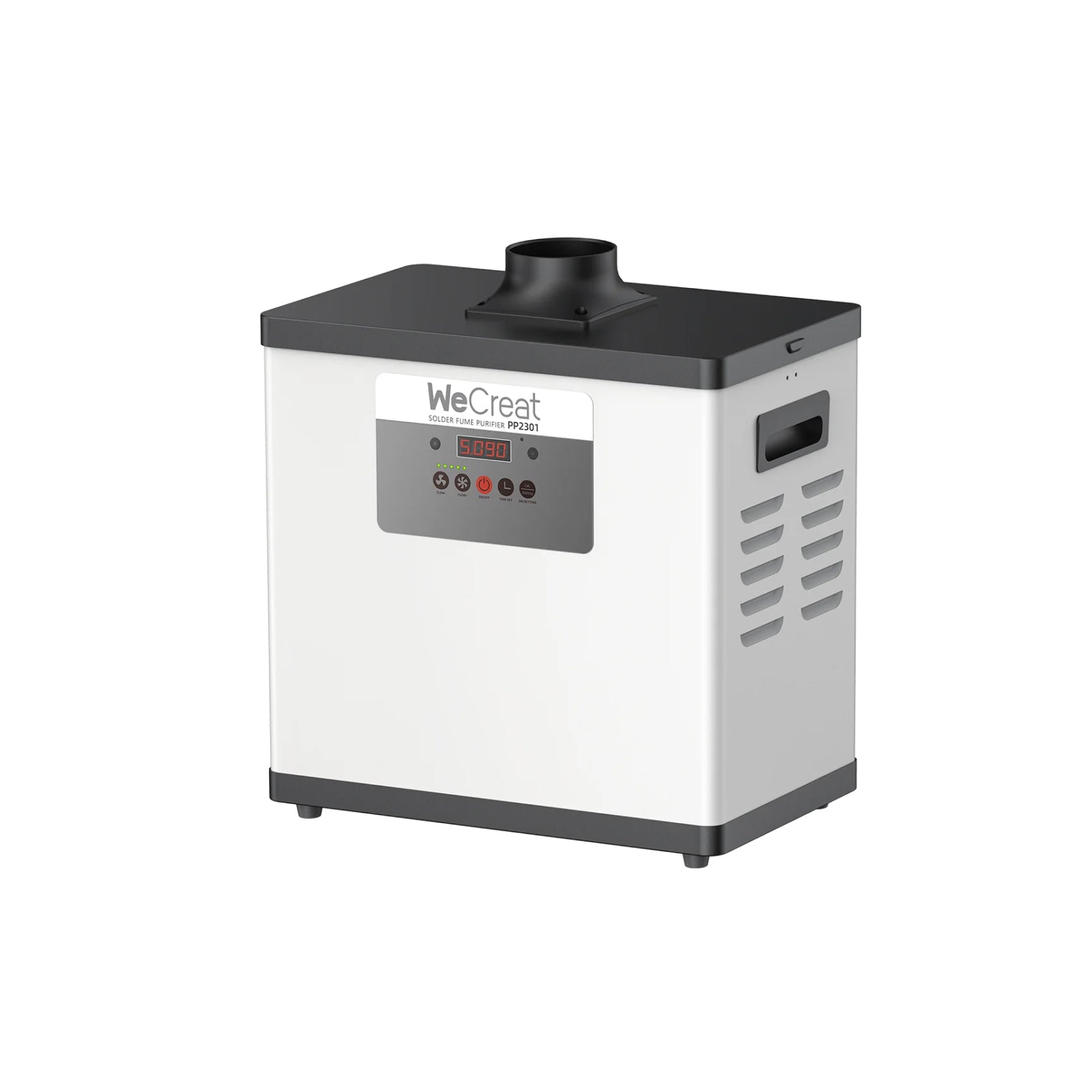
- Air extraction & fume filtration ($150–$350): an exhaust filter or window venting kit. You need one for regular indoor use, whatever the machine class.
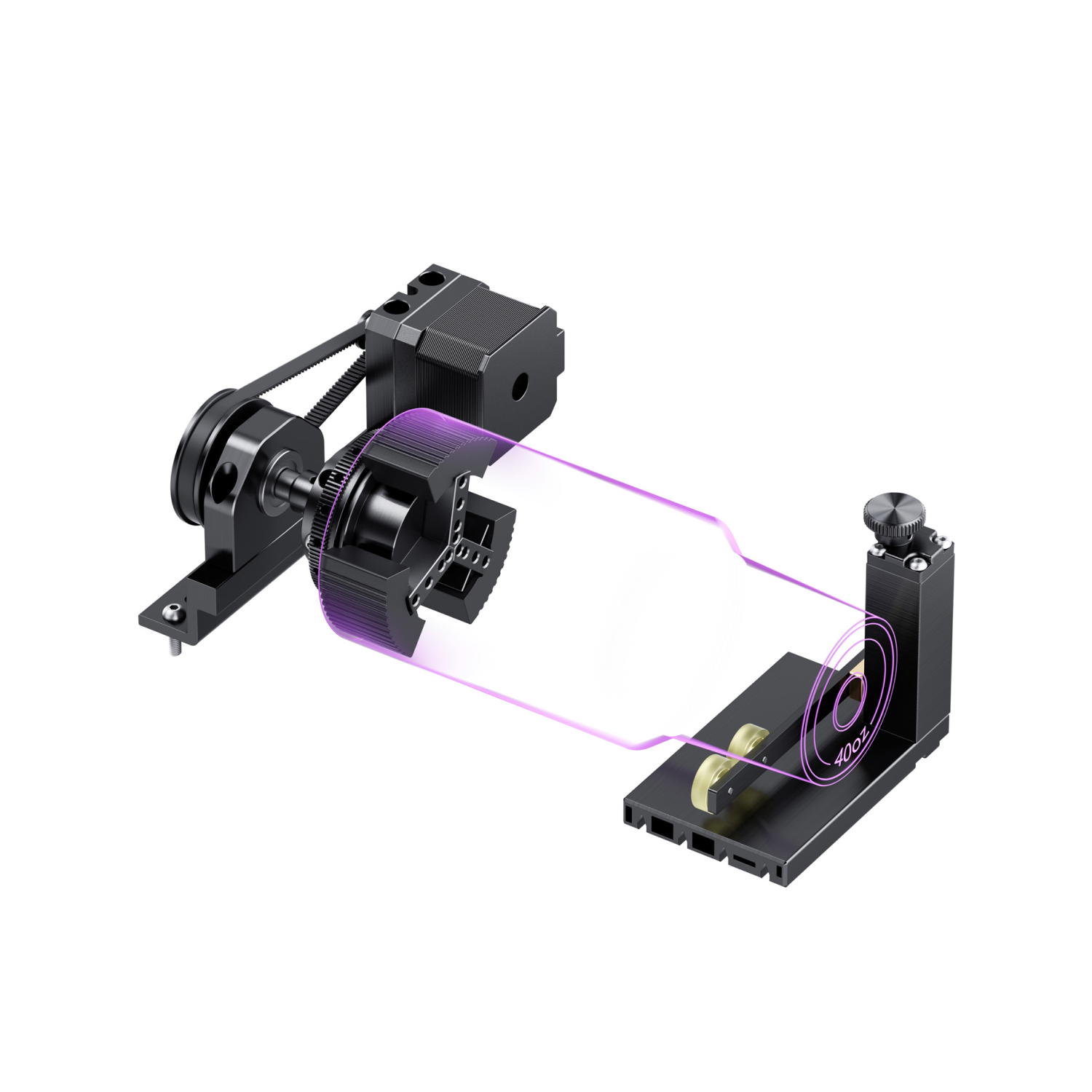
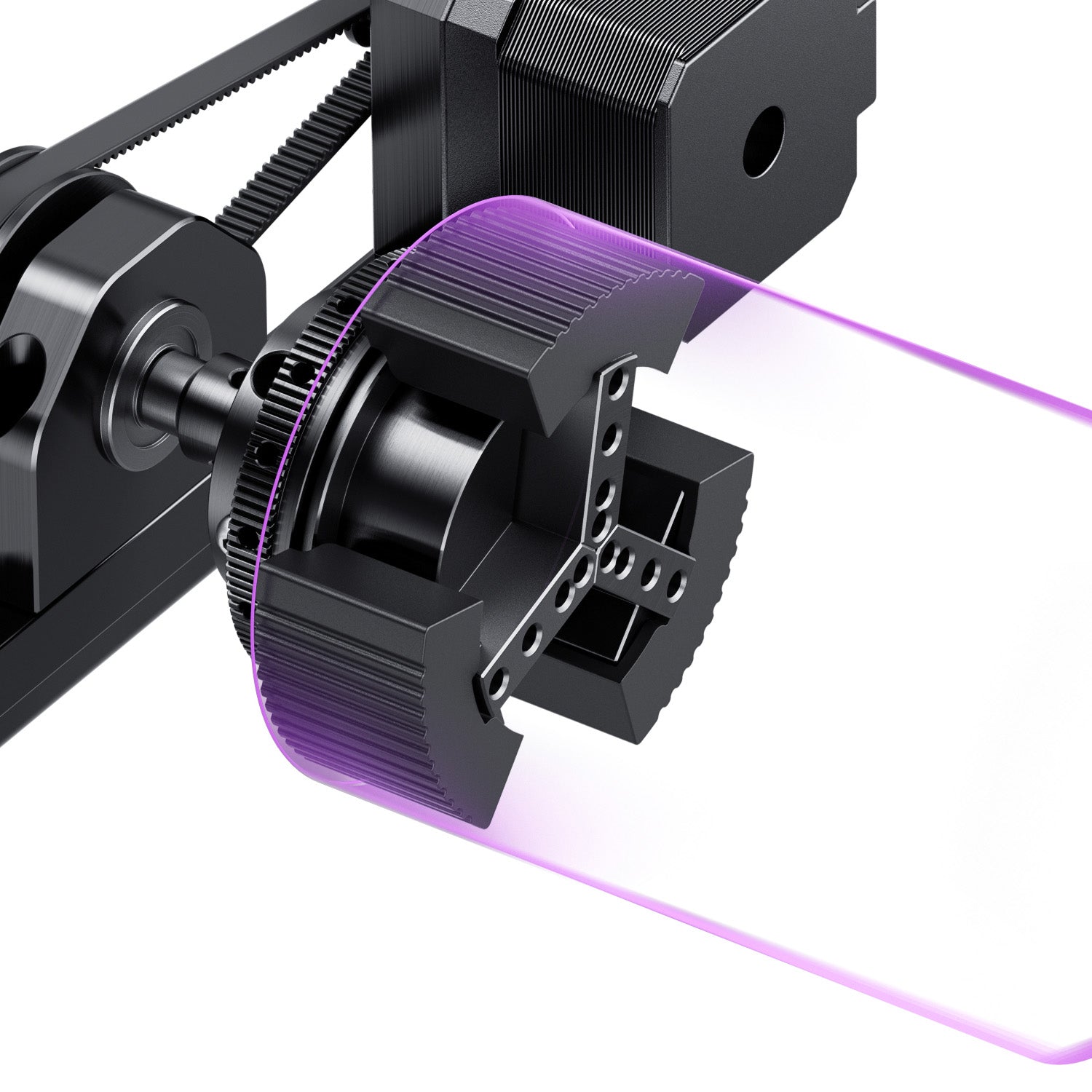
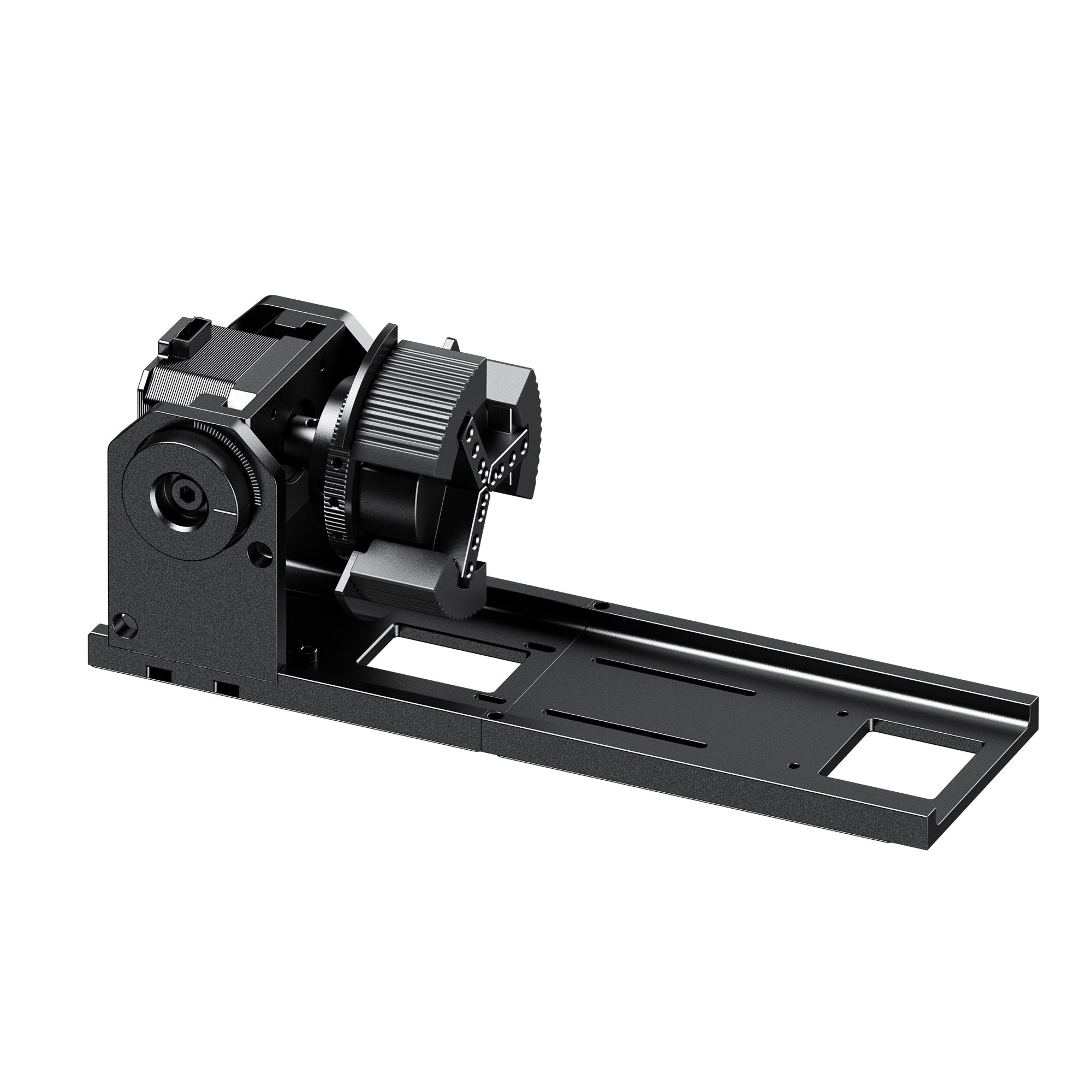
- Rotary attachments ($100–$200): lets you engrave tumblers and mugs, which a flat bed can't hold on its own.
- Air assist pump ($50–$100): helps prevent charring on deeper wood cuts. Some machines and bundles include it; others sell it separately.
- Starter materials ($50–$100): test sheets of basswood, leather, anodized aluminum tags, and acrylic, so you can dial in settings before you cut material you plan to sell.
Final Verdict: Which Laser Engraver Should You Buy?
Choose the WeCreat Vista 10W if: you want an enclosed, beginner-friendly crafting laser with camera positioning and an option to add IR metal marking later.
Choose the WeCreat Lumos if: you need portable, high-speed engraving for custom metal pieces, tumblers, or live events.
Choose the Creality Falcon2 Pro S or SCULPFUN SF-A9 if: you want faster, heavier wood cutting and have the workshop space for a larger or open-frame machine.
Choose the VEVOR 45W CO2 if: your work depends on clear acrylic, which diode lasers can't cut cleanly.
By budget:
- Under $500: the ACMER P1 S Pro or the AtomStack A20 Pro V2 machine-only unit ($369) give you the most cutting area and diode power per dollar, with more setup and safety work on your side.
- $500–$1,000: the WeCreat Vista, WeCreat Lumos, Creality Falcon2 Pro S, and SCULPFUN SF-A9 lead this range. Each trades off enclosure, portability, and raw power differently.
- Need clear acrylic: choose a CO2 laser like the VEVOR 45W. A diode laser won't cut clear acrylic cleanly at any wattage.
For more on getting started before you buy, see our beginner's buying guide to first laser engravers. If portability matters as much as price, our guide to small and handheld laser engravers covers that angle in more depth. And if you plan to sell what you make, our guide to the best laser engraver for Etsy sellers covers what to look for.
Frequently Asked Questions
Q1. What is the best laser engraver under $1000?
For most buyers, the WeCreat Vista 10W (currently $690) is the best laser engraver under $1,000. It is enclosed, Class 1, easy to set up, and handles wood, leather, and acrylic well.
Q2. Can a diode laser engraver under $1,000 engrave metal or cut clear acrylic?
Only partly. A 450nm diode laser passes through clear acrylic instead of cutting it. On metal, it usually works best on coated or anodized surfaces, and results on bare metal vary by machine and settings. For direct metal engraving, a 1064nm infrared laser is the better fit. You can add one to the Vista or choose a dual-laser machine like the WeCreat Lumos. For clear acrylic, use a CO2 laser like the VEVOR 45W.
Q3. How much is a laser engraving machine for a home business?
Entry-level desktop machines for a small craft business typically cost $500–$1,000. Larger or higher-power systems cost more, so decide which materials and order volume you need first.
Q4. Are open-frame laser engravers safe for home use?
Many open-frame diode engravers are sold as Class 4 laser products. You can use one safely with the right controls: wavelength-matched eyewear, a controlled work area, ventilation, and fire precautions. More of the safety burden falls on you than with an enclosed Class 1 machine.