










- “Can you laser engrave stainless steel at home?”
Yes — and it's more accessible than most people expect. Modern diode and fiber lasers have made it possible to permanently mark and color-engrave stainless steel from a home studio or small workshop. Whether you're personalizing tumblers, making jewelry, or creating branded business items, this guide covers everything you need to get started: laser types, settings, a step-by-step process, and answers to the most common questions.

Which Laser Can Engrave Stainless Steel?
Not all lasers work equally well on stainless steel. Here's a quick breakdown before diving into the how-to:
| Laser Type | Engrave | Color Engrave | Cut (full sheet) | Notes |
|---|---|---|---|---|
| Diode (10W–45W) | ✅ | ✅ (with IR module) | ❌ | Best for home and small business use |
| Fiber (15W–50W+) | ✅ | ✅ | ⚠️ thin sheet only, industrial power needed for clean cuts | Higher-power fiber systems needed for real cutting |
| CO₂ | ❌ (bare metal) | ❌ | ❌ | Requires a marking-spray workaround |
Diode lasers are the most practical choice for most makers — they handle everyday stainless steel marking and color engraving without the cost and complexity of a full fiber system. A high-power diode like the WeCreat Vision Pro (45W) can achieve deep, dark contrast marks in 1–2 passes.
CO₂ lasers reflect off bare stainless steel and can't engrave it directly. If CO₂ is all you have, Cermark or laser marking spray creates an engraveable coating — but it adds cost and prep time, and results are limited to black marks only.
A note on cutting: fully cutting through stainless steel sheet is a different challenge from marking or engraving it. It requires an industrial-grade, high-power fiber laser cutting system — well beyond what desktop diode or prosumer fiber machines (including WeCreat's full lineup) are built for. If your project needs the metal fully separated or shaped, that's a job for dedicated cutting equipment, not a desktop laser engraver.
Choosing the Right Material
The two most common stainless steel grades for engraving:
- 304 stainless steel: Best for most projects. Excellent corrosion resistance, easy to engrave, widely available.
- 316 stainless steel: Better for marine or high-moisture environments. Slightly harder to engrave, but more durable under exposure.
Tip: For most personalization projects — drinkware, jewelry, keychains, dog tags — 304 is the right choice.
How to Laser Engrave Stainless Steel: Step by Step
Step 1 — Clean the surface
Wipe the metal with isopropyl alcohol and a soft cloth before engraving. Any oil, dust, or fingerprints will cause uneven color and inconsistent results.
Step 2 — Set up and focus your laser
Place your material in the engraving area. All WeCreat lasers include Auto-Focus — it detects material thickness automatically and adjusts the focal distance to 0.001" accuracy, no manual tuning required. Trigger Auto-Focus before every session.
Step 3 — Set your parameters
Use these as starting points, and always run a test patch before engraving your final piece:
| Laser | Mode | Speed (mm/s) | Power (%) | Passes | Result |
|---|---|---|---|---|---|
| 20W Diode | Engrave | 1200 | 95 | 1 | Light surface mark |
| 40W Diode | Engrave | 900 | 90 | 2 | Deep, dark contrast |
| 45W Diode | Engrave | 400 | 90 | 2–3 | Deep, high-contrast surface mark |
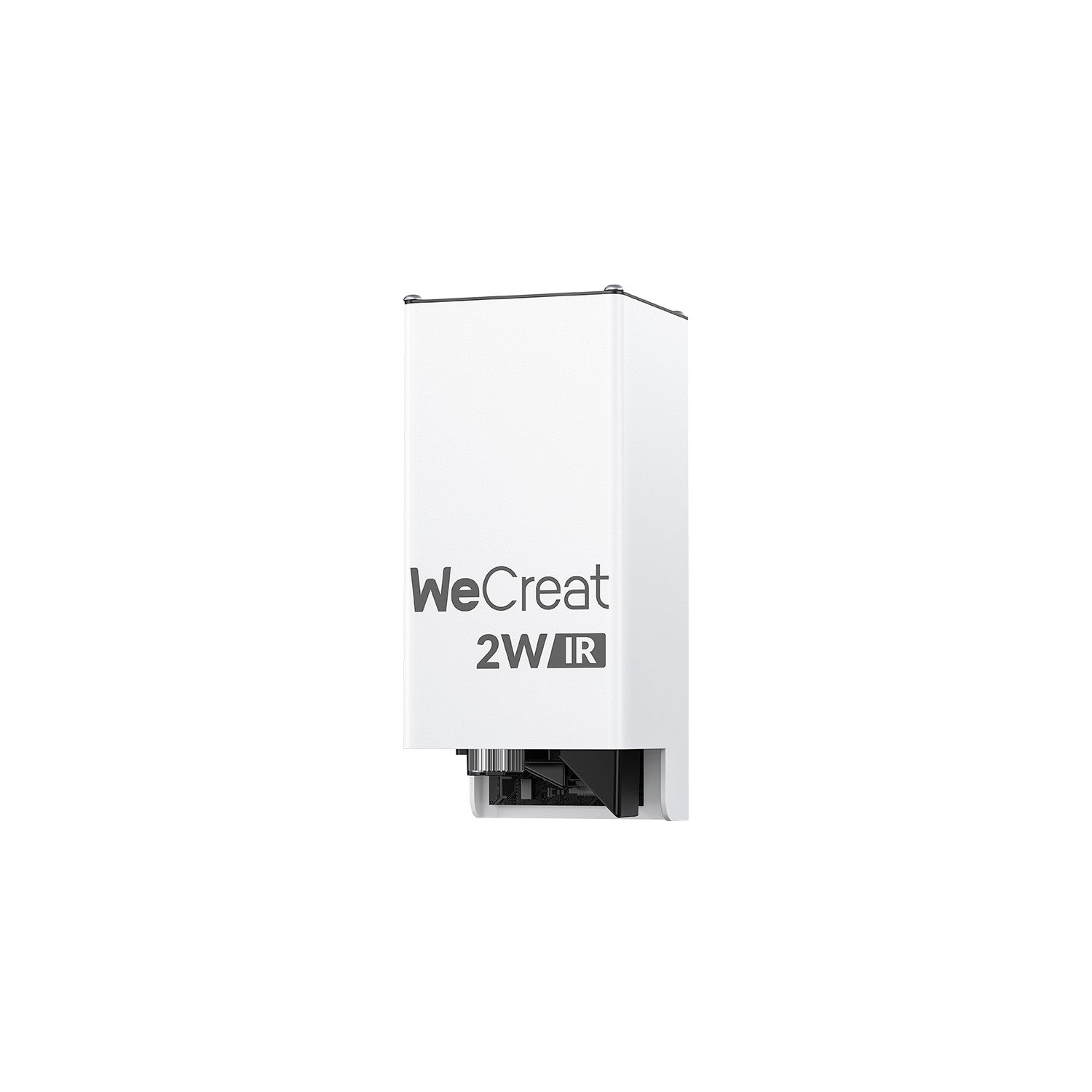
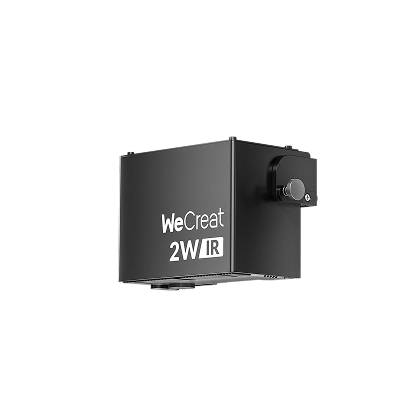
| 3W IR | Color engrave | 600 | 85 | 2–3 | Oxidation color tones |
⚠️ Each batch of stainless steel reacts slightly differently. Keep a scrap piece for test calibration before every project.
Step 4 — Run a test patch
Before engraving your final piece, run a 10×10mm test on scrap material. Check contrast, sharpness, and color (if applicable). Adjust speed or power as needed.
Step 5 — Engrave your design
Run your full design once the test patch looks right. For color engraving, maintain a consistent speed — variations in speed cause color inconsistency.
Step 6 — Clean the finished piece
Wipe down with isopropyl alcohol to remove any residue, metal dust, or smoke marks left by the engraving process.
Recommended Lasers for Stainless Steel
WeCreat Vision Pro (45W)
Best for: deep marking, high-contrast engraving, and high-volume small-business output — no color engraving. With BeamFocus™ technology, Vision Pro cuts wood and acrylic like a 60W machine and engraves with 20W-level precision. Auto-Lifting handles material thickness automatically, so there's no manual focus adjustment between jobs. It's backed by 336+ customer reviews, the large majority 5-star.

WeCreat Lumos (3W IR + 10W Diode)
Best for: color engraving on metal, portable use, craft markets, curved surfaces. A portable dual-laser engraver that produces oxidation-based color tones — blue, gold, purple — on stainless steel without a traditional MOPA fiber system. The 3W infrared laser enables precise pulse modulation for color control, and handheld mode lets you engrave tumblers, rings, and oversized objects on the go.

WeCreat Lumos Flex (15W Fiber + 15W Diode)
Best for: more vivid, production-ready color engraving at higher volume. A true fiber laser (rather than a diode emulating MOPA-style pulses) delivers more vibrant, higher-contrast color on stainless steel, faster and more consistently than Lumos — worth the step up once color engraving becomes a core part of your product line rather than an occasional project.

Troubleshooting Common Issues
| Problem | Likely Cause | Fix |
|---|---|---|
| Brown or yellow discoloration | Power too high or speed too low | Increase speed or reduce power |
| Blurry or uneven lines | Out of focus or dirty lens | Clean lens and re-run Auto-Focus |
| Inconsistent color results | Uneven surface or residue | Clean surface thoroughly before engraving |
| Faint or shallow marks | Insufficient power or passes | Add passes or increase power gradually |
Safety Tips
- Eye protection: Wear laser safety glasses rated for your wavelength — 450nm for diode lasers, 1064nm for IR or fiber.
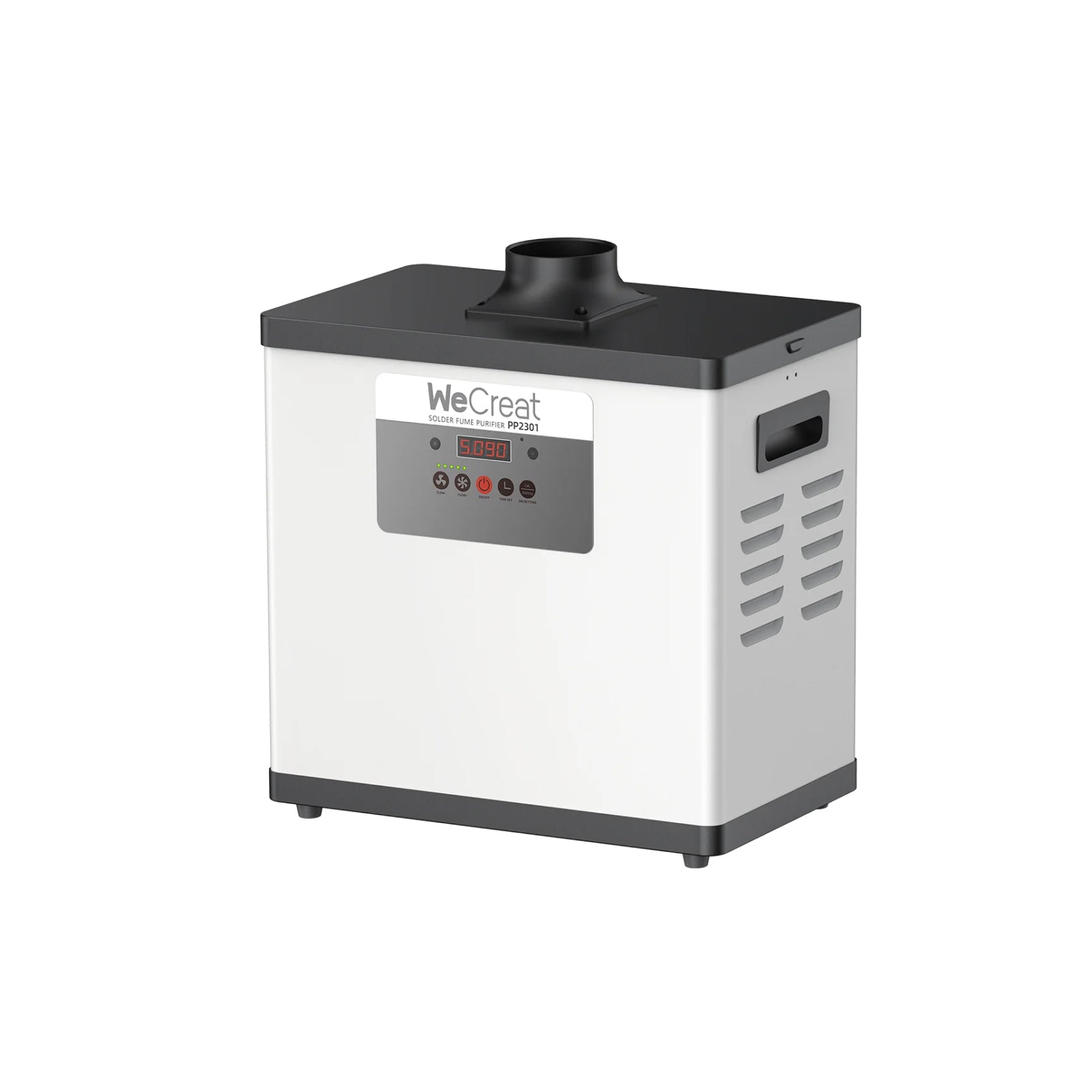
- Ventilation: Metal engraving releases fine particles. Use an air purifier or exhaust system.
- Supervision: Never leave the machine unattended during metal engraving — sparks can occur on deep marking passes.
- Workspace: Keep flammable materials away from the engraving area at all times.
Creative Projects to Try
- Personalized stainless steel tumblers

- Engraved cutlery sets

- Laser-engraved stainless steel spoons

- Customized dog tags

- Engraved stainless steel keychains

- Engraved rings

- Personalized necklace pendants

- Photo Engraving on Steel

From personalized jewelry to small business stainless steel engraving and custom signage, WeCreat’s Lumos and Vision Series make high-quality metal engraving easy for every creator.
FAQs
Q1. Can you engrave stainless steel with a diode laser?
Yes. A diode laser (10W–45W) can permanently mark and darken stainless steel for logos, text, and detailed artwork. For color engraving — blue, gold, or purple oxidation tones — you'll need a laser with an infrared or fiber module, such as WeCreat Lumos or Lumos Flex, which produce color results without requiring a traditional fiber MOPA system.
Q2. Can a CO₂ laser engrave stainless steel?
Not directly. CO₂ lasers operate at a 10,600nm wavelength that stainless steel reflects rather than absorbs, so the beam passes over bare metal without leaving a mark. The common workaround is applying Cermark or laser marking spray — a chemical coating that bonds to the steel when hit by the CO₂ beam, leaving a permanent black mark. Results are limited to black only, and the added cost and prep steps make it less practical than using a diode or fiber laser if stainless steel is a regular part of your work.
Q3. Can you laser cut stainless steel?
Not with consumer or prosumer desktop laser engravers. Fully cutting through stainless steel sheet requires an industrial-grade, high-power fiber laser cutting system — well beyond the range of diode lasers or compact fiber machines like WeCreat's Vision Pro, Lumos, or Lumos Flex. These machines are built to engrave and mark stainless steel with excellent detail and color, but none of them are designed to fully cut through metal stock the way dedicated industrial equipment does.